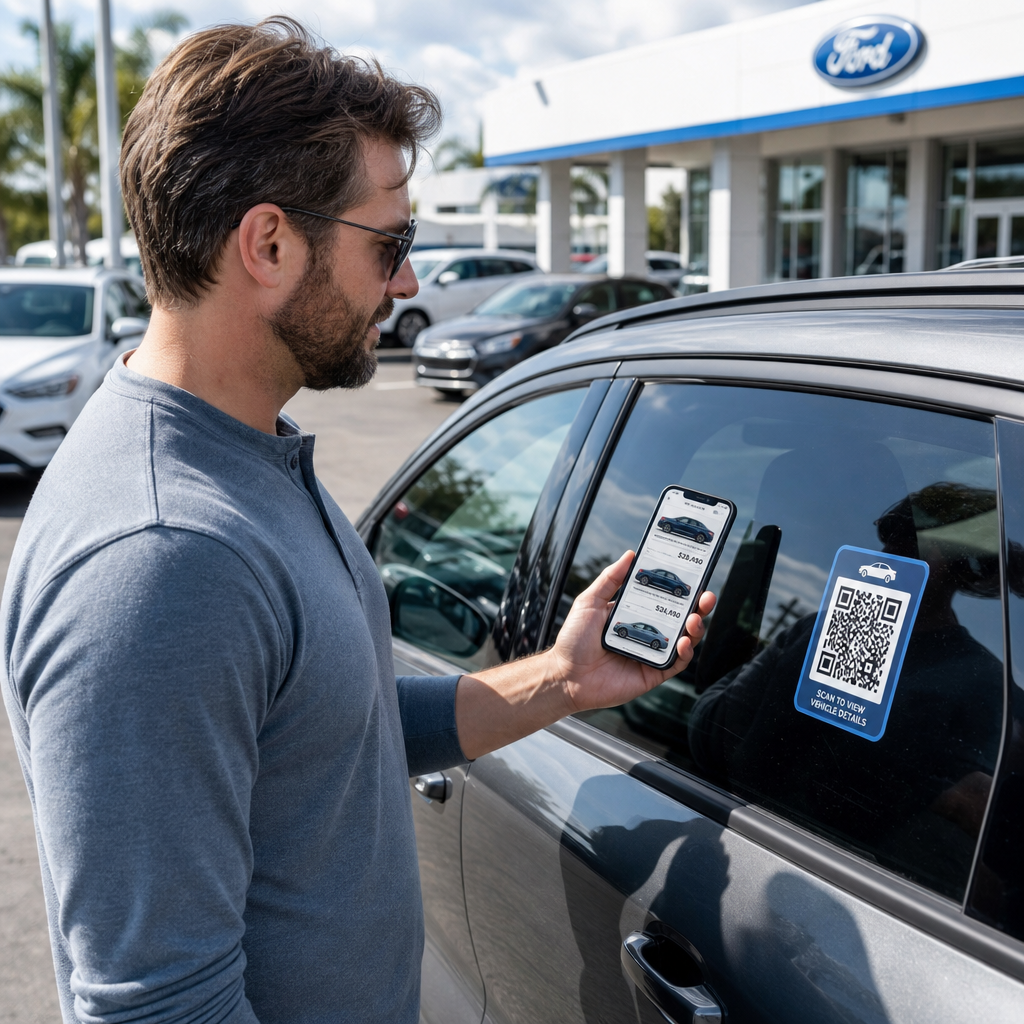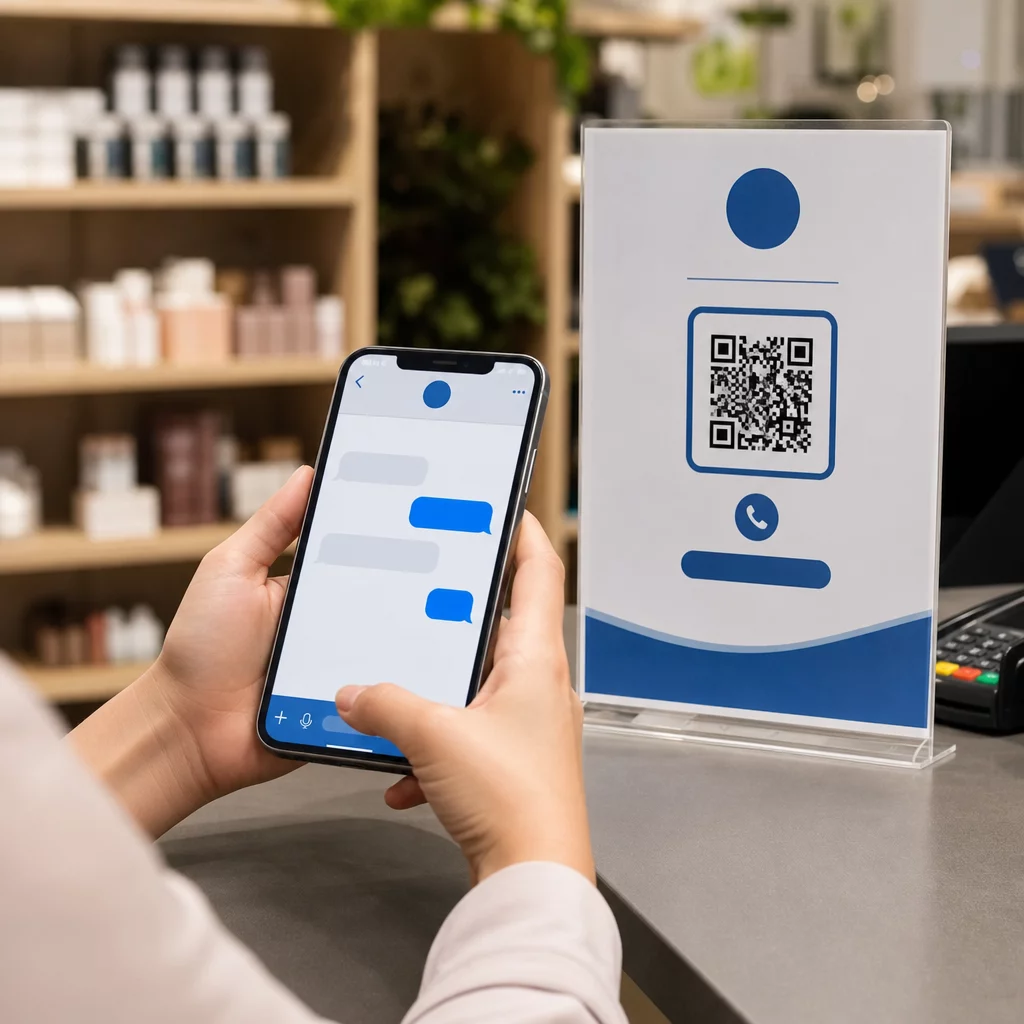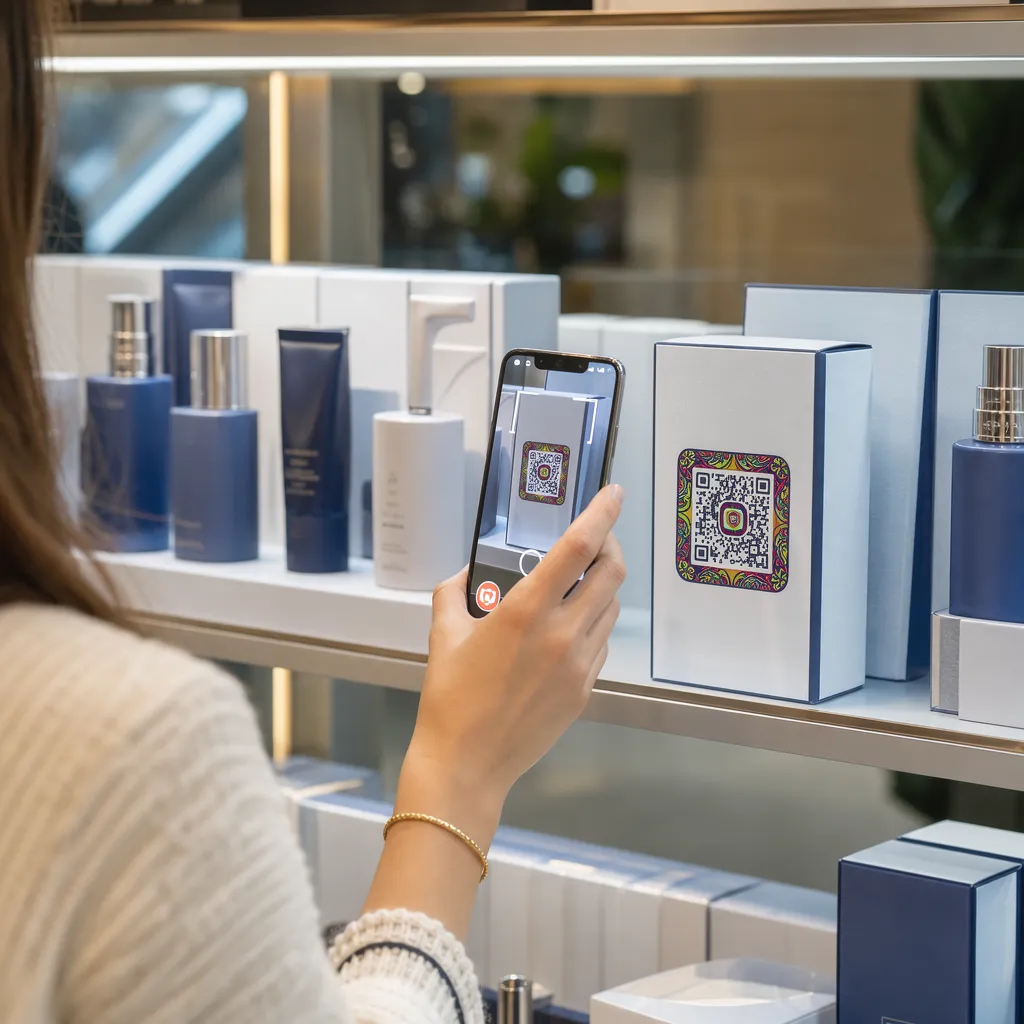

Vai jūsu produktu iepakojumi nespēj piesaistīt pircējus, tiklīdz tie atstāj veikalu plauktus? Ierobežotā virsmas platība uz fiziskajām etiķetēm liek zīmoliem izlaist svarīgas instrukcijas, sastāvdaļas un reklāmas piedāvājumus. Dinamisku QR kodu pievienošana produktu iepakojumam savieno fiziskas preces ar digitālu pieredzi, vienlaikus veicinot izsekojamu klientu iesaisti.
Kas ir interaktīvais iepakojums un kāpēc tas ir svarīgs?
Interaktīvais iepakojums izmanto digitālus ieejas punktus, lai savienotu fiziskus produktu konteinerus, kastes vai iesaiņojumus ar tiešsaistes saturu. Tā vietā, lai paļautos tikai uz statisku drukātu tekstu, zīmoli var pārvērst katru iepakojumu par aktīvu digitālās komunikācijas kanālu.
Mūsdienu patērētāji sagaida tūlītēju pārredzamību un ērtības. Neatkarīgi no tā, vai pircēji vēlas pārbaudīt izcelsmes avotus, noskatīties produktu iestatīšanas pamācības vai pievienoties lojalitātes programmai, fiziskās etiķetes reti nodrošina pietiekami daudz vietas visaptverošai informācijai. Digitālo saskares punktu pievienošana atrisina vietas ierobežojumus fiziskajiem iepakojumiem, vienlaikus sniedzot tirgotājiem izsekojamu veidu, kā izmērīt patērētāju mijiedarbību pēc pirkuma.
Arī mazumtirdzniecības standarti attīstās 2D svītrkodu virzienā. Globālās nozares standartu organizācijas virzās uz 2D kodiem, kas apstrādā gan mazumtirdzniecības kases skenēšanu, gan bagātīgu patērētāju iesaisti. QR kodus uz produktu iepakojuma pielāgo jūsu fiziskos produktus mūsdienu mazumtirdzniecības prasībām, vienlaikus izveidojot tiešus digitālus savienojumus ar jūsu klientu bāzi.
5 veidi, kā piesaistīt klientus ar iepakojuma QR kodiem
Interaktīvais iepakojums darbojas vislabāk, ja tas sniedz skaidru vērtību klientam tūlīt pēc skenēšanas. Jūs varat izmantot QR kodus uz produktu iepakojuma, lai veicinātu iesaisti piecos praktiskos veidos:
- Demonstrējiet produktus ar paplašināto realitāti (AR): Ļaujiet klientiem skatīt 3D produktu modeļus vai interaktīvas demonstrācijas tieši viedtālruņu ekrānos. Novietojot AR QR kods uz primārā iepakojuma ļauj pircējiem vizualizēt produktus savās mājas vidēs vai apskatīt iekšējās funkcijas pirms izpakošanas.
- Sniedziet receptes, pamācības un lietotāja rokasgrāmatas: Savienojiet kosmētiku, ierīces vai pārtikas traukus ar video pamācībām un soli pa solim sniegtām instrukcijām. QR kodu izvietošana pārtikas iepakojumam var sniegt mājas pavāriem ieteikumus un ēdienu idejas, palīdzot patērētājiem nekavējoties gūt labumu no pirkuma.
- Kopīgot sastāvdaļu pārredzamības un atbilstības datus: Sniedziet veselību apzinīgiem pircējiem tūlītēju piekļuvi uztura sadalījumam, ētiskas iepirkšanas ierakstiem vai alergēnu informācijai. Digitālās galvenās lapas ļauj sniegt pilnīgu atbilstības informāciju, nepārblīvējot fizisku etiķešu grafiku.
- Veiciniet lojalitātes programmas reģistrāciju un atkārtotu pirkumu skaitu: Piedāvājiet tūlītējas atlaides, abonementu reģistrēšanu vai ātras atkārtotas pasūtīšanas saites. Iekļaujot mērķtiecīgus digitālos piedāvājumus uz sekundārā iepakojuma vai piegādes kastēm, jūs mudināsiet pircējus atkārtoti apmeklēt jūsu veikalu, kas palīdz. palielināt klientu iesaisti un klienta dzīves cikla vērtība.
- Apkopojiet klientu atsauksmes reāllaikā: Tūlīt pēc iepakojuma izpakošanas novirziet patērētājus uz īsām atsauksmju aptaujām vai atsauksmju platformām. Tiešu klientu viedokļu apkopošana palīdz laikus identificēt produktu problēmas un veidot autentiskas klientu atsauksmes par jūsu zīmolu.
Iesaistiet savus e-komercijas klientus izpakošanas procesā Vai vēlaties palielināt veikalu apmeklējumu skaitu un atkārtotu pirkumu skaitu tieši no piegādes kastēm? Uzziniet, kā to izdarīt QR kodi e-komercijai palīdzēs jums izveidot automatizētas lojalitātes kampaņas un veicināt pārdošanas apjomus.
Iepakojuma kodu galvenās dizaina un drukāšanas vadlīnijas
Iepakojuma QR kods veicina klientu iesaisti tikai tad, ja tas uzticami noskenē jau pirmajā mēģinājumā. Kodu drukāšanai uz dažādiem materiāliem, piemēram, gofrētā kartona, caurspīdīgas plastmasas vai alumīnija, ir nepieciešami precīzi dizaina standarti, lai novērstu skenēšanas kļūdas.
Drukas izmēra un attāluma attiecības
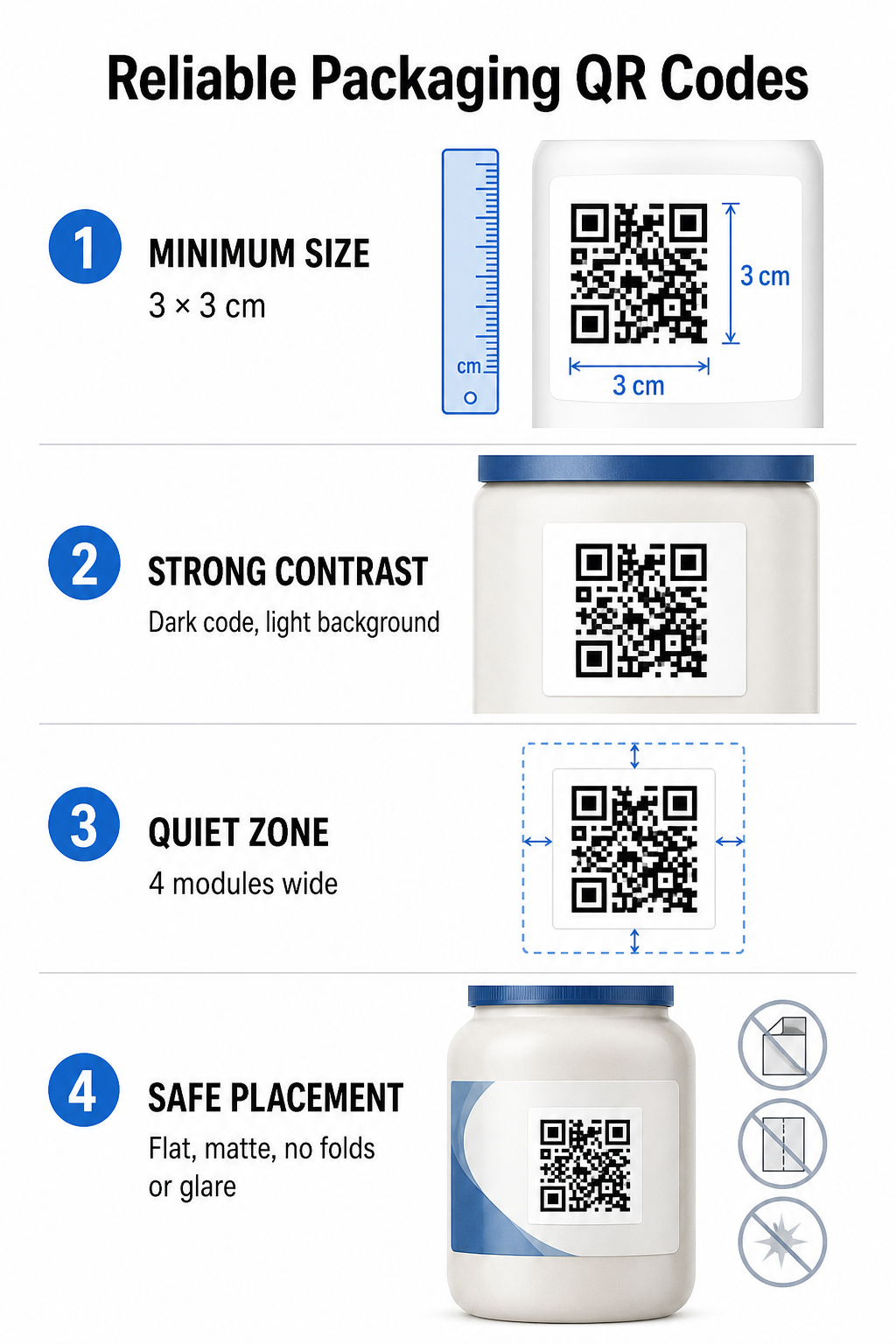
Lai garantētu uzticamu skenējamību, drukājiet QR kodus ar minimālo fizisko izmēru 3 x 3 cm (1,2 x 1,2 collas) uz patērētāju iepakojuma. Ja kods tiks skenēts no attāluma, izmantojiet attāluma un izmēra skenēšanas attiecību 10:1: koda platumam jābūt vismaz vienai desmitdaļai no paredzētā skenēšanas attāluma. Piemēram, kodam, kas paredzēts skenēšanai no 20 collu attāluma, jābūt vismaz 2 collu kvadrātveida izmēram.
Krāsu kontrasts un vizuālā skaidrība
Optiskie kameras sensori nosaka QR kodus, identificējot augsta kontrasta moduļu rakstus. Vienmēr izmantojiet tumšu priekšplāna rakstu (piemēram, melnu vai tumši zilu), kas novietots uz gaiša fona (piemēram, vienkrāsaina balta vai gaiši neitrālu toņu). Izvairieties no sarkanām, oranžām vai pasteļkrāsām priekšplāna krāsām, jo sarkanā spektra sensoriem ir grūtības tās noteikt. Saglabājiet rakstu krāsas vienkrāsainas un vienmērīgas, izvairoties no gradientiem, ēnām vai košas fona grafikas.
Klusās zonas robežas
Saglabājiet tukšu, sakārtotu rezervi ap visu koda modeļa ārējo robežu, kas pazīstama kā klusā zona. Šīs rezerves izmēram jābūt vismaz četras reizes lielāks par viena QR moduļa platumu. QR koda pārpildīšana ar zīmolu logotipiem, grafiskām apmalēm vai pamattekstu neļauj mobilo kameru programmatūrai noteikt, kur sākas un beidzas koda raksts.
Materiāla virsma un izvietojums
Fiziskā izvietošana ir ļoti atkarīga no iepakojuma struktūras un materiāla apdares:
- Primārie iepakojumi (pudeles, kannas, burkas): Novietojiet kodus uz līdzenām virsmām, kad vien iespējams. Drukājot uz izliektiem konteineriem, nedaudz palieliniet kopējo koda izmēru, lai kompensētu vizuālo malu kropļojumu.
- Pabeigums un pārdomas: Izvairieties no spīdīgiem laminātiem, atstarojošām plēvēm vai caurspīdīgiem materiāliem, kas atstaro apkārtējo apgaismojumu mazumtirdzniecībā. Izvēlieties matētas lakas vai matētus pārklājumus, lai samazinātu gaismas atspīdumu.
- Krokas un šuves: Lai izvairītos no fiziskas plīšanas vai deformācijas, kodus turiet tālāk no kastes locījumiem, perforētām plēšanas sloksnēm, iepakojuma šuvēm un konteinera malām.
Pirms lielu ražošanas apjomu uzsākšanas pārskatiet detalizētu informāciju QR koda lasāmības noteikumi un pārbaudiet drukātus fiziskos korektūras paraugus, izmantojot vairākas tālruņu kameras dažādos apgaismojuma iestatījumos.
Dinamiskie un statiskie QR kodi iepakojumam
Pareizas QR koda struktūras izvēle ir kritisks stratēģisks lēmums, veidojot interaktīvu iepakojumu.
| FUNKCIJA | Statiskie QR kodi | Dinamiskie QR kodi |
|---|---|---|
| Satura rediģēšana | Pastāvīgi fiksēts izveides laikā; pēc drukāšanas nevar mainīt. | Galamērķa saiti informācijas panelī var atjaunināt jebkurā laikā, to neizdrukājot atkārtoti. |
| Skenēšanas analītika | Nav pieejami izsekošanas dati vai veiktspējas rādītāji. | Izseko kopējo skenējumu skaitu, unikālos apmeklētājus, skenēšanas laikus, atrašanās vietas un ierīču veidus. |
| Koda modeļa blīvums | Kodējot garus galamērķa URL, raksts kļūst blīvs un grūti skenējams. | Izmanto īsu pāradresācijas URL, tādējādi saglabājot moduļa modeli tīru un viegli skenējamu. |
| Izmaksu efektivitāte | Ģenerēšana ir bez maksas, taču pastāv risks, ka mainīsies galamērķa URL un būs nepieciešama dārga iepakojuma atkārtota drukāšana. | Nepieciešams maksas abonements, bet tas novērš iepakojuma atkārtotas drukāšanas izmaksas. |
Statisko kodu drukāšana lielā apjomā rada ievērojamus darbības riskus zīmoliem. Ja reklāmas lapas URL tiek atjaunināts, beidzas sezonas kampaņa vai saite pārstāj darboties, statiskie iepakojuma kodi kļūst nefunkcionāli, piespiežot jūsu uzņēmumu izvēlēties starp dārgu iepakojuma atkārtotu drukāšanu vai klientu uzticības zaudēšanu.
Izmantojot Dinamisks QR kodu ģenerators atdala fizisko drukāto koda modeli no tā tiešsaistes galamērķa. Ja mainās jūsu galamērķa saite vai piedāvājums, jūs vienkārši atjaunināt galamērķa URL savā pārvaldības panelī, nemainot savu fizisko noformējumu.
Dinamiskie kodi nodrošina arī visaptverošu kampaņas analīzi. Varat uzraudzīt skenēšanas apjomu, maksimālās aktivitātes stundas, ģeogrāfiskās atrašanās vietas un lietotāju ierīču veidus, lai novērtētu, kā klienti mijiedarbojas ar jūsu fizisko iepakojumu. Lai uzturētu optimālu veiktspēju, veiciet aktīvo dinamisko kodu auditus ik pēc 1 līdz 3 mēnešiem, lai pārliecinātos, ka visas mērķa lapas ielādējas ātri un tiek parādīts aktīvs saturs.
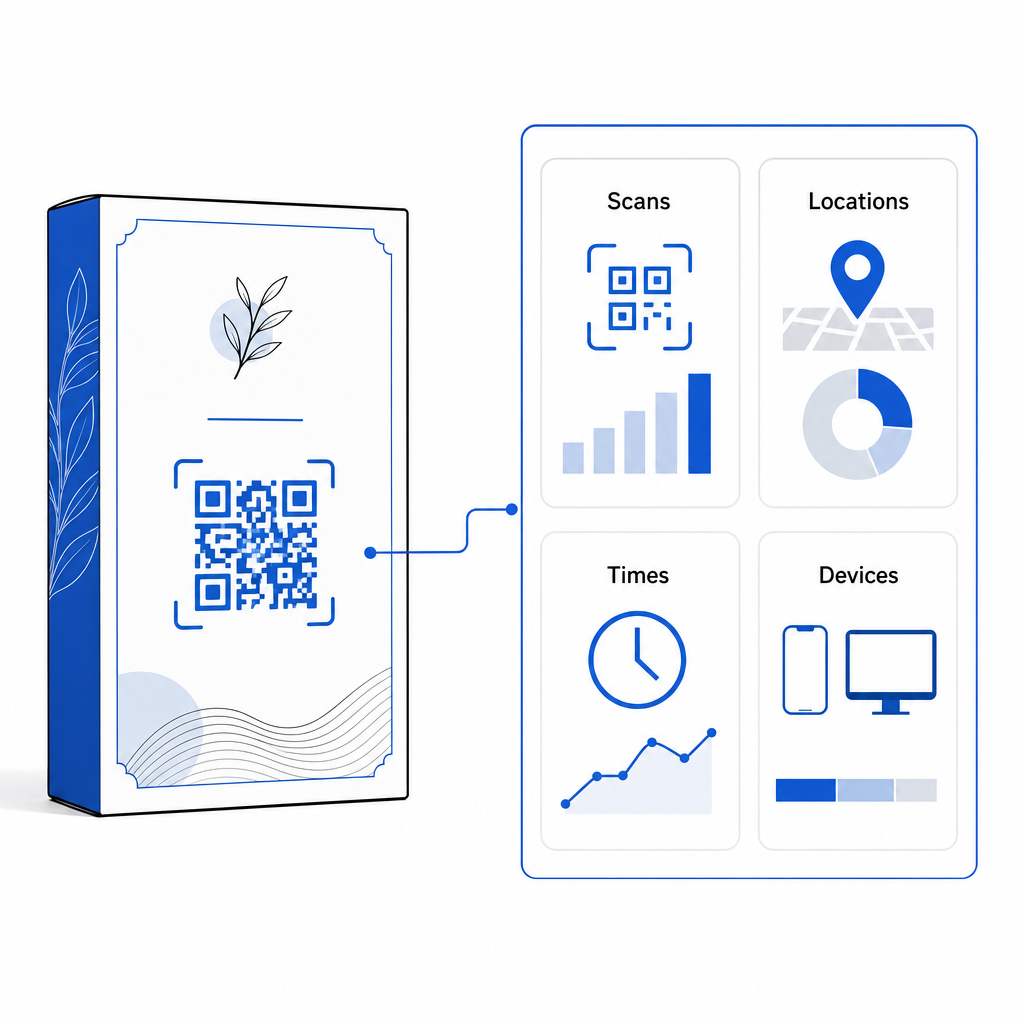
Pārvaldiet savas iepakojuma kampaņas no viena informācijas paneļa Izvairieties no dārgiem atkārtotas drukāšanas riskiem, izveidojot rediģējamus dinamiskos kodus ar reāllaika analīzi. Sāciet veidot izsekojamu iepakojumu ar Pageloot dinamiskā QR koda rīks šodien.
Kā ievietot interaktīvus QR kodus uz iepakojuma
- Definējiet kampaņas mērķi: Nosakiet konkrēto klientu mijiedarbību, kuru vēlaties veicināt, piemēram, parādiet video pamācību, apkopojiet atsauksmes pēc pirkuma vai piedāvājiet lojalitātes atlaidi.
- Izvēlieties dinamisko QR koda ģeneratoru: Iestatiet rediģējamus pāradresācijas URL, lai saglabātu pilnīgu kontroli pār mērķa saturu, vienlaikus apkopojot skenēšanas rādītājus reāllaikā.
- Pielāgojiet atbilstoši zīmola vadlīnijām: Izmantojiet kontrastējošas zīmola krāsas un ieguldiet tajā sava uzņēmuma logotipu. 25% koda apgabalā, nodrošinot, ka kritiskie pozicionēšanas marķieri paliek skaidri.
- Iekļaujiet pārliecinošu aicinājumu uz darbību: Blakus koda šablonam ievietojiet skaidru, skaidru tekstu, piemēram, “Skenējiet, lai noskatītos pamācību” vai “Skenējiet, lai saņemtu 20% atlaidi nākamajam pasūtījumam”.”
- Testēšana dažādos fiziskajos substrātos un ierīcēs: Izdrukājiet fiziskos testa paraugus uz galīgajiem iepakojuma materiāliem un pārbaudiet skenējamību iOS un Android ierīcēs dažādos apgaismojuma apstākļos.
- Uzraugiet un optimizējiet kampaņas analītiku: Pārskatiet skenēšanas atrašanās vietas, ierīces un laika datus savā pārvaldības informācijas panelī, lai pilnveidotu mārketinga stratēģijas pēc pirkuma.
QR kodu integrēšana produktu iepakojumā pārvērš tradicionālos konteinerus par dinamiskiem digitāliem saskares punktiem, kas veicina pastāvīgu klientu iesaisti. Apvienojot spēcīgu krāsu kontrastu un skaidras klusās zonas ar rediģējamām dinamiskām saitēm, jūs aizsargājat savas poligrāfijas investīcijas, vienlaikus iegūstot vērtīgu informāciju par auditoriju reāllaikā.
Vai esat gatavs uzlabot savu iepakojumu par interaktīvu digitālu pieredzi? Izveidojiet izsekojamus, pilnībā pielāgojamus QR kodus savu produktu iepakojumiem jau šodien, izmantojot Pageloot dinamisko QR kodu ģenerators.
Biežāk uzdotie jautājumi
Ieteicamais minimālais QR kodu drukāšanas izmērs iepakojumam ir 3 x 3 cm (1,2 x 1,2 collas). Izliektām virsmām vai kodiem, kas skenēti no tālāka attāluma, ievērojiet attāluma un izmēra attiecību 10:1, lai nodrošinātu uzticamu skenēšanu.
Jā, ja izmantojat dinamiskos QR kodus. Dinamiskie kodi novirza datplūsmu caur rediģējamu īsu URL, ļaujot jebkurā laikā atjaunināt mērķa tīmekļa lapas, videoklipus vai digitālos failus, nedrukājot fizisko iepakojumu atkārtoti.
Novietojiet QR kodu uz līdzenas, gludas virsmas, prom no iepakojuma šuvēm, krokām un atspīduma virsmām. Vienmēr novietojiet kodu blakus skaidram aicinājumam uz darbību, lai pircēji zinātu, kādu saturu sagaidīt skenējot.