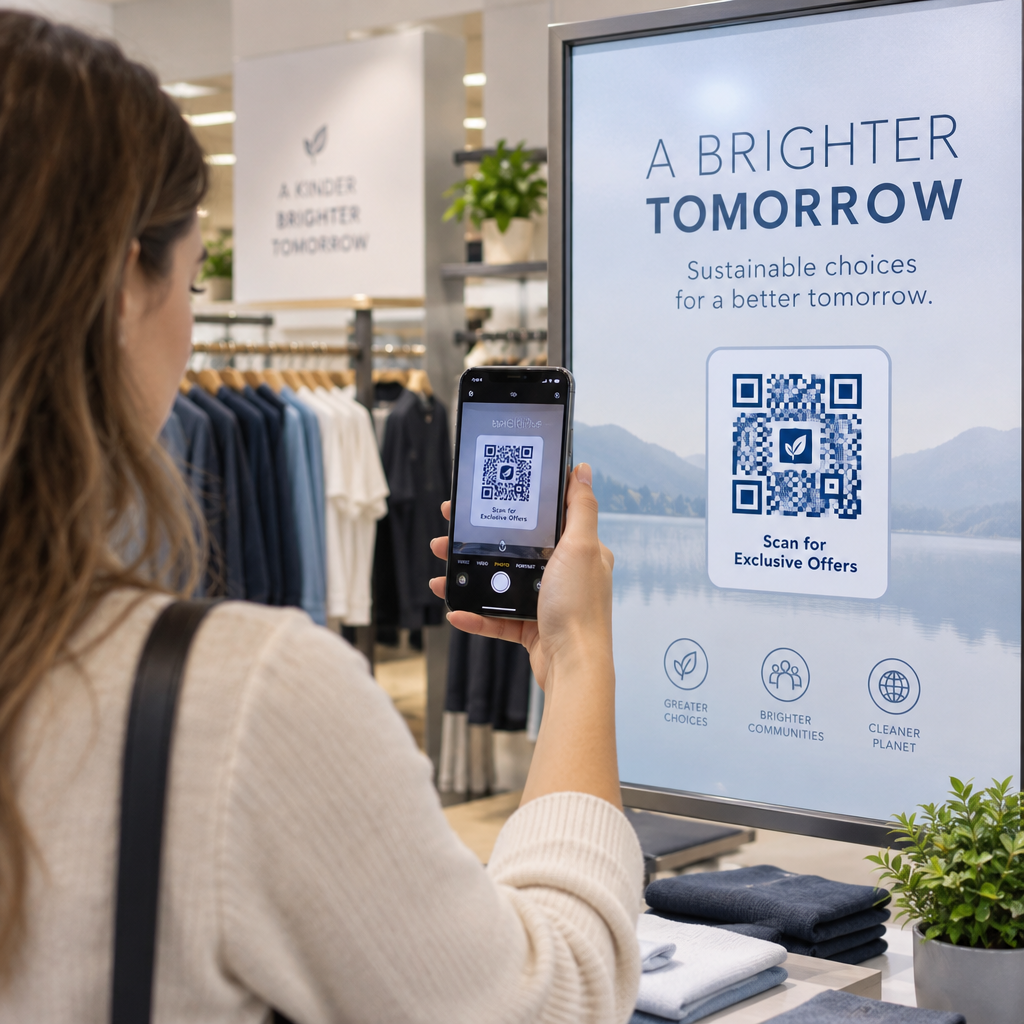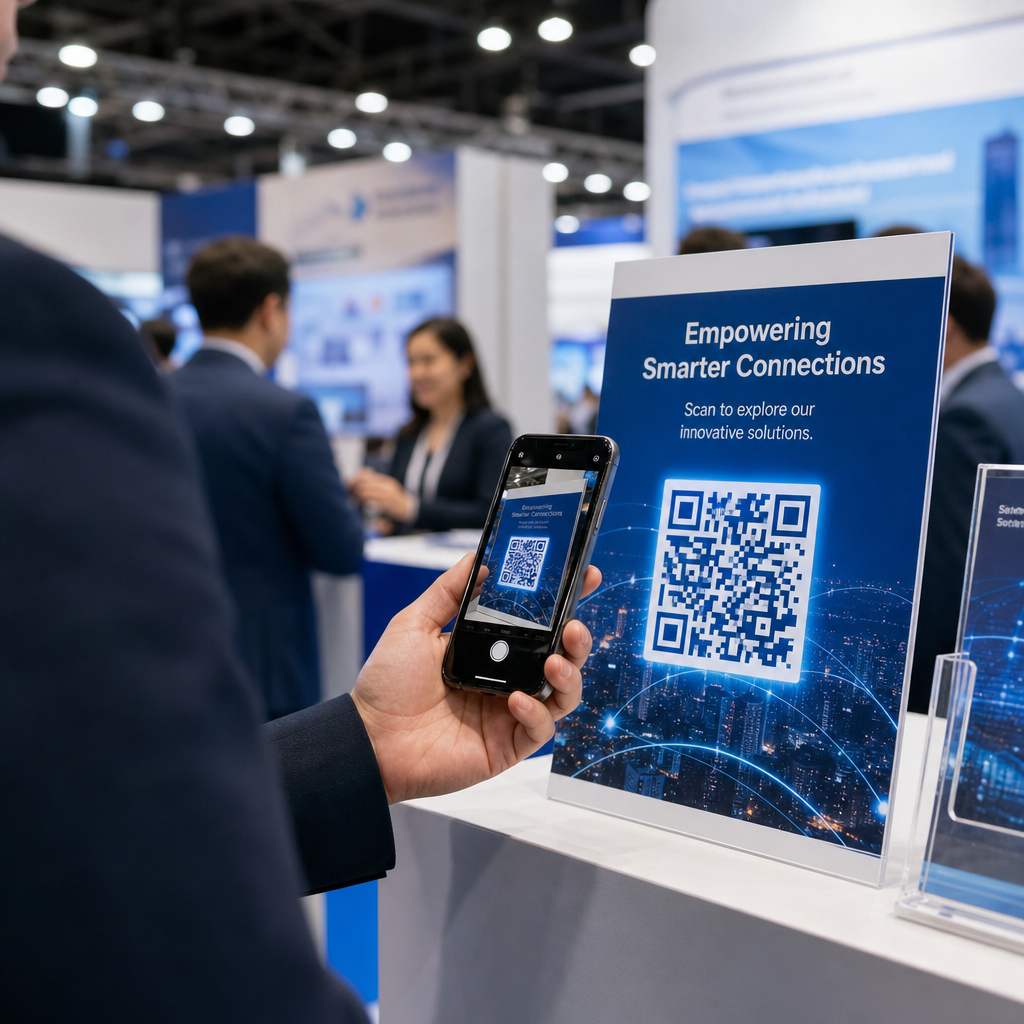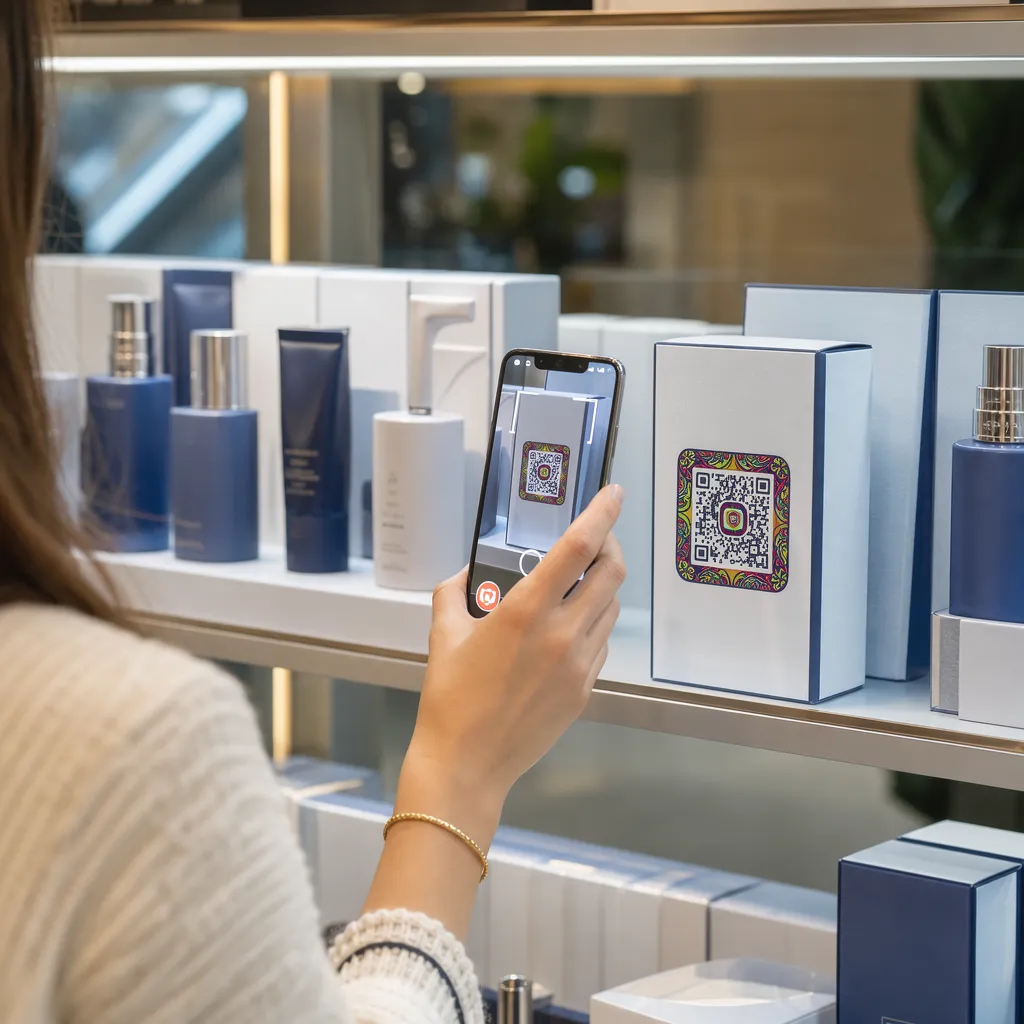

Ali vaši paketi izdelkov ne pritegnejo kupcev, ko zapustijo polico? Omejena površina fizičnih etiket sili blagovne znamke, da izpustijo bistvena navodila, sestavine in promocijske ponudbe. Dodajanje dinamičnih QR kod na embalažo izdelkov povezuje fizične izdelke z digitalnimi izkušnjami, hkrati pa spodbuja sledljivo angažiranost strank.
Kaj je interaktivna embalaža in zakaj je pomembna?
Interaktivna embalaža uporablja digitalne vstopne točke za povezovanje fizičnih posod, škatel ali ovitkov izdelkov s spletno vsebino. Namesto da se zanašajo zgolj na statično tiskano besedilo, lahko blagovne znamke vsako embalažo spremenijo v aktiven digitalni komunikacijski kanal.
Sodobni potrošniki pričakujejo takojšnjo preglednost in udobje. Ne glede na to, ali želijo kupci preveriti vir, si ogledati vadnice za nastavitev izdelka ali se pridružiti programu zvestobe, fizične etikete le redko ponujajo dovolj prostora za celovite informacije. Dodajanje digitalnih stičnih točk rešuje prostorske omejitve na fizičnih ovojnicah, hkrati pa tržnikom omogoča sledljiv način merjenja interakcije potrošnikov po nakupu.
Tudi standardi v trgovini na drobno se razvijajo proti dvodimenzionalnim črtnim kodam. Svetovne organizacije za industrijske standarde se preusmerjajo k dvodimenzionalnim kodam, ki omogočajo tako skeniranje na prodajnih mestih kot tudi bogato interakcijo s potrošniki. QR kode na embalaži izdelkov uskladi vaše fizične izdelke s sodobnimi maloprodajnimi zahtevami, hkrati pa vzpostavlja neposredne digitalne povezave z vašo bazo strank.
5 načinov za pritegnitev strank s QR kodami za embalažo
Interaktivna embalaža deluje najbolje, ko stranki takoj po skeniranju ponudi jasno vrednost. QR kode na embalaži izdelka lahko uporabite za spodbujanje angažiranosti na pet praktičnih načinov:
- Predstavitev izdelkov z obogateno resničnostjo (AR): Omogočite strankam ogled 3D-modelov izdelkov ali interaktivnih predstavitev neposredno na zaslonih svojih pametnih telefonov. Postavitev AR koda QR na primarni embalaži kupcem omogoča, da si izdelke predstavljajo v domačem okolju ali si ogledajo notranje lastnosti, preden jih odprejo.
- Zagotovite recepte, vadnice in uporabniške priročnike: Povežite kozmetiko, aparate ali posode za hrano z video vodniki in navodili po korakih. Namestitev QR kod na embalažo živil lahko domače kuharje usmeri k priporočilom kuharjev in idejam za obroke, s čimer potrošnikom pomaga takoj izkoristiti njihov nakup.
- Delite podatke o preglednosti sestavin in skladnosti s predpisi: Kupcem, ki se zavedajo zdravja, omogočite takojšen dostop do razčlenitev hranilnih vrednosti, evidenc o etičnem pridobivanju ali razkritij alergenov. Digitalne ciljne strani vam omogočajo, da zagotovite popolne podrobnosti o skladnosti, ne da bi pri tem prenatrpali fizične etikete.
- Spodbujanje prijav v programe zvestobe in ponovnih nakupov: Ponudite takojšnje popuste, naročnine ali povezave za hitro ponovno naročilo. Vključitev ciljno usmerjenih digitalnih ponudb na sekundarni embalaži ali škatlah za pošiljanje spodbuja kupce, da ponovno obiščejo vašo trgovino, kar pomaga poveča angažiranost strank in vrednost stranke v celotni življenjski dobi.
- Zbirajte povratne informacije strank v realnem času: Takoj po odprtju embalaže usmerite potrošnike na kratke ankete o povratnih informacijah ali platforme za ocene. Zbiranje neposrednih mnenj strank vam pomaga zgodaj prepoznati težave z izdelkom in ustvariti pristne povratne informacije strank za vašo blagovno znamko.
Pritegnite svoje stranke e-trgovine ob odpakiranju Želite povečati obiske trgovin in ponovne nakupe neposredno iz vaših paketov? Raziščite, kako QR kode za e-trgovino vam pomagajo ustvariti avtomatizirane kampanje zvestobe in povečati prodajo.
Ključne smernice za oblikovanje in tiskanje kod za embalažo
QR koda na embalaži poveča angažiranost strank le, če jo je mogoče zanesljivo skenirati že v prvem poskusu. Tiskanje kod na različne podlage – kot so valovita lepenka, prozorna plastika ali aluminij – zahteva natančne standarde oblikovanja, da se preprečijo napake pri skeniranju.
Razmerja velikosti in razdalje tiska
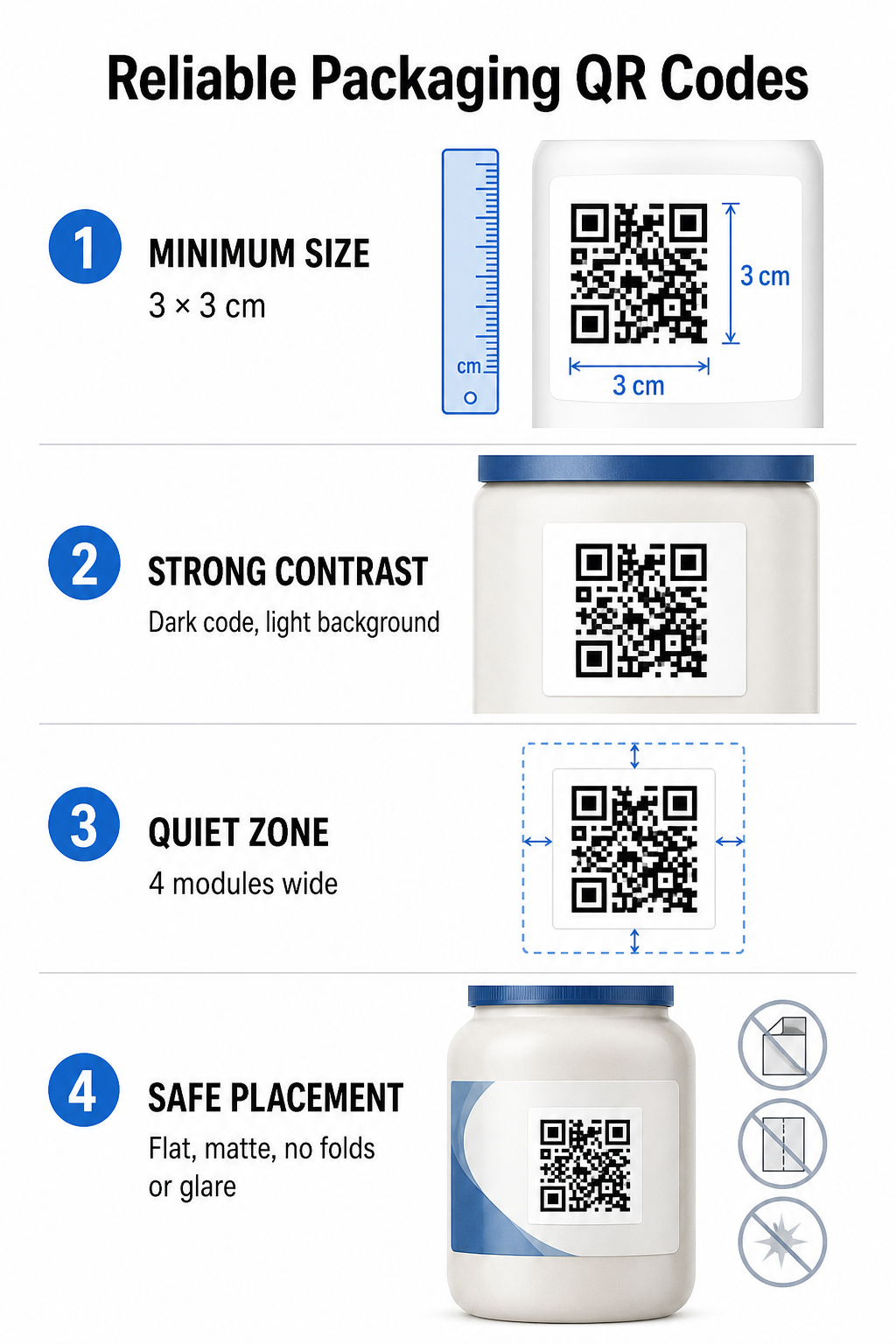
Za zagotovitev zanesljive preglednosti natisnite QR kode v minimalni fizični velikosti 3 x 3 cm (1,2 x 1,2 palca) na potrošniški embalaži. Če bo koda skenirana z razdalje, uporabite razmerje med razdaljo in velikostjo skeniranja 10:1: širina kode mora biti enaka vsaj eni desetini pričakovane razdalje skeniranja. Na primer, koda, ki naj bi bila skenirana z razdalje 20 palcev (50 cm), mora meriti vsaj 2 kvadratna palca (5 cm).
Barvni kontrast in vizualna jasnost
Optični senzorji kamere zaznavajo QR kode z identifikacijo vzorcev modulov z visokim kontrastom. Vedno uporabite temen vzorec v ospredju (kot je črna ali mornarsko modra) na svetlem ozadju (kot je enobarvna bela ali svetli nevtralni toni). Izogibajte se rdečim, oranžnim ali pastelnim barvam v ospredju, ker jih senzorji rdečega spektra težko zaznajo. Barve vzorcev naj bodo enolične in enotne, izogibajte se prelivom, sencam ali živahni grafiki v ozadju.
Robovi mirne cone
Okoli celotne zunanje meje vzorca kode vzdržujte prazen, neurejen rob, znan kot tiho območje. Ta rob mora meriti vsaj štirikrat večja od širine enega samega QR modula. Prenatrpanost QR kode z logotipi blagovnih znamk, grafičnimi obrobami ali besedilom preprečuje, da bi programska oprema mobilne kamere prepoznala, kje se vzorec kode začne in konča.
Površina in namestitev materiala
Fizična namestitev je močno odvisna od strukture in materiala vaše embalaže:
- Primarne posode (steklenice, pločevinke, kozarci): Kadar koli je mogoče, kode namestite na ravne površine. Če tiskate na ukrivljene posode, nekoliko povečajte skupno velikost kode, da kompenzirate vizualno popačenje robov.
- Zaključek in refleksija: Izogibajte se sijajnim laminatom, odsevnim folijam ali prozornim podlagam, ki odbijajo ambientalno svetlobo v trgovini. Izberite mat lake ali mat premaze, da zmanjšate bleščanje svetlobe.
- Pregibi in šivi: Kode naj ne bodo na pregibih škatel, perforiranih trakovih za trganje, šivih embalaže in robovih posode, da se izognete fizičnemu trganju ali popačenju.
Preden začnete z veliko proizvodnjo, preglejte podrobne Pravila berljivosti QR kode in preizkusite natisnjene fizične odtise z uporabo več telefonskih kamer pri različnih svetlobnih nastavitvah.
Dinamične in statične QR kode za embalažo
Izbira pravilne strukture QR kode je ključna strateška odločitev pri oblikovanju interaktivne embalaže.
| FUNKCIJA | Statične QR kode | Dinamične kode QR |
|---|---|---|
| Urejanje vsebine | Trajno določeno ob izdelavi; po tiskanju ni mogoče spreminjati. | Ciljno povezavo je mogoče kadar koli posodobiti na nadzorni plošči brez ponovnega tiskanja. |
| Analitika skeniranj | Podatki o sledenju ali meritve uspešnosti niso na voljo. | Spremlja skupno število pregledov, edinstvene obiskovalce, čase pregledov, lokacije in vrste naprav. |
| Gostota vzorca kode | Vzorec postane gost in ga je težko pregledovati pri kodiranju dolgih ciljnih URL-jev. | Uporablja kratek URL za preusmeritev, kar ohranja vzorec modula čist in enostaven za pregledovanje. |
| Stroškovna učinkovitost | Brezplačno za ustvarjanje, vendar obstaja tveganje dragih ponovnih natisov embalaže, če se ciljni URL-ji spremenijo. | Zahteva plačljivo naročnino, vendar odpravlja stroške ponovnega tiska embalaže. |
Tiskanje statičnih kod v velikih količinah ustvarja znatna operativna tveganja za blagovne znamke. Če se URL promocijske strani posodobi, se sezonska kampanja konča ali povezava prekine, statične kode za embalažo postanejo nefunkcionalne, zaradi česar se vaše podjetje mora odločati med dragim ponatisom embalaže ali izgubo zaupanja strank.
Uporaba QR generator za dinamične QR kode ločuje fizični natisnjeni vzorec kode od njegovega spletnega cilja. Če se vaša ciljna povezava ali ponudba spremeni, preprosto posodobite ciljni URL v nadzorni plošči za upravljanje, ne da bi spremenili fizično grafiko.
Dinamične kode zagotavljajo tudi celovito analitiko kampanj. Spremljate lahko obseg skeniranja, ure največje aktivnosti, geografske lokacije in vrste uporabniških naprav, da ocenite, kako stranke komunicirajo z vašo fizično embalažo. Za ohranjanje optimalne učinkovitosti izvajajte revizije aktivnih dinamičnih kod vsakih 1 do 3 mesece, da potrdite, da se vse ciljne strani hitro nalagajo in prikazujejo aktivno vsebino.
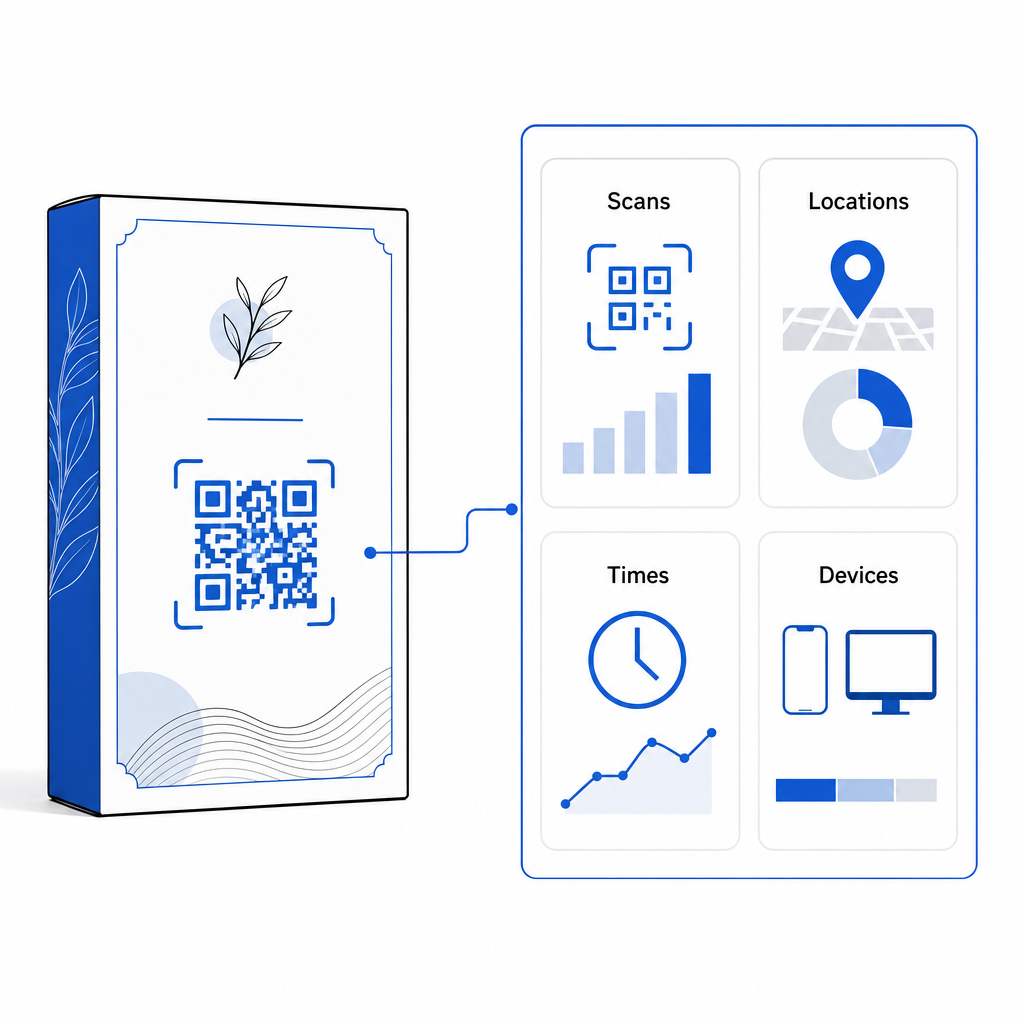
Upravljajte svoje kampanje za pakiranje z ene nadzorne plošče Izognite se dragim tveganjem ponovnega tiska z ustvarjanjem dinamičnih kod, ki jih je mogoče urejati, z analitiko v realnem času. Začnite graditi sledljivo embalažo z Orodje za dinamične QR kode Pageloot danes.
Kako implementirati interaktivne QR kode na embalažo
- Določite cilj kampanje: Določite specifično interakcijo s stranko, ki jo želite spodbuditi, na primer prikazovanje video vadnice, zbiranje ocen po nakupu ali ponujanje popusta za zvestobo.
- Izberite generator dinamičnih QR kod: Nastavite URL-je za preusmeritev, ki jih je mogoče urejati, da ohranite popoln nadzor nad vsebino ciljne strani, hkrati pa zajamete meritve skeniranja v realnem času.
- Prilagodite v skladu s smernicami blagovne znamke: Uporabite visokokontrastne barve blagovne znamke in vdelajte logotip svojega podjetja 25% območja kode, s čimer se zagotovi, da kritični označevalci položaja ostanejo jasni.
- Vključite prepričljiv poziv k dejanju: Zraven vzorca kode postavite jasno in eksplicitno besedilo, na primer “Skenirajte za ogled vadnice” ali “Skenirajte za popust pri naslednjem naročilu 20%”.”
- Testiranje na fizičnih podlagah in napravah: Natisnite fizične testne vzorce na končne embalažne materiale in preizkusite skeniranje v napravah iOS in Android v različnih svetlobnih pogojih.
- Spremljajte in optimizirajte analitiko kampanj: V nadzorni plošči za upravljanje preglejte podatke o lokaciji, napravi in času skeniranja, da izboljšate strategije trženja po nakupu.
Integracija QR kod na embalažo izdelkov spremeni tradicionalne posode v dinamične digitalne stične točke, ki spodbujajo nenehno interakcijo s strankami. Z združevanjem močnega barvnega kontrasta in jasnih mirnih con z dinamičnimi povezavami, ki jih je mogoče urejati, zaščitite svojo naložbo v tisk, hkrati pa zajamete dragocene vpoglede v občinstvo v realnem času.
Ste pripravljeni nadgraditi svojo embalažo v interaktivno digitalno izkušnjo? Ustvarite sledljive, popolnoma prilagodljive QR kode za svoje pakete izdelkov še danes z Pagelootov generator dinamičnih QR kod.
Pogosta vprašanja
Priporočena najmanjša velikost tiska za QR kode na embalaži je 3 x 3 cm (1,2 x 1,2 palca). Za ukrivljene površine ali kode, ki se skenirajo z večje razdalje, upoštevajte razmerje med razdaljo in velikostjo 10:1, da zagotovite zanesljivo skeniranje.
Da, če uporabljate dinamične QR kode. Dinamične kode usmerjajo promet prek urejevalnega kratkega URL-ja, kar vam omogoča, da kadar koli posodobite ciljne spletne strani, videoposnetke ali digitalne datoteke, ne da bi morali ponovno natisniti fizično embalažo.
Kodo QR namestite na ravno, gladko površino, stran od šivov embalaže, pregibov in močno bleščečih površin. Kodo vedno namestite poleg jasnega poziva k dejanju, da bodo kupci vedeli, katero vsebino lahko pričakujejo pri skeniranju.