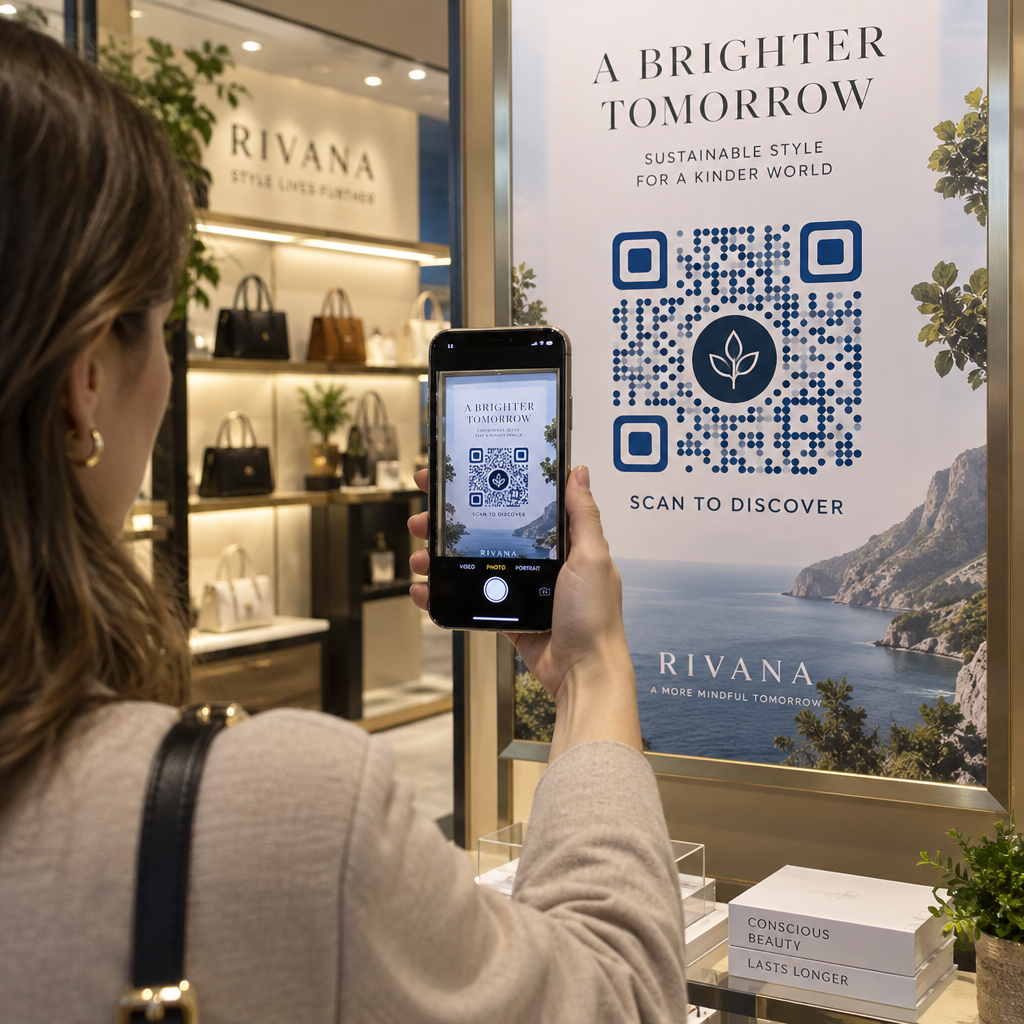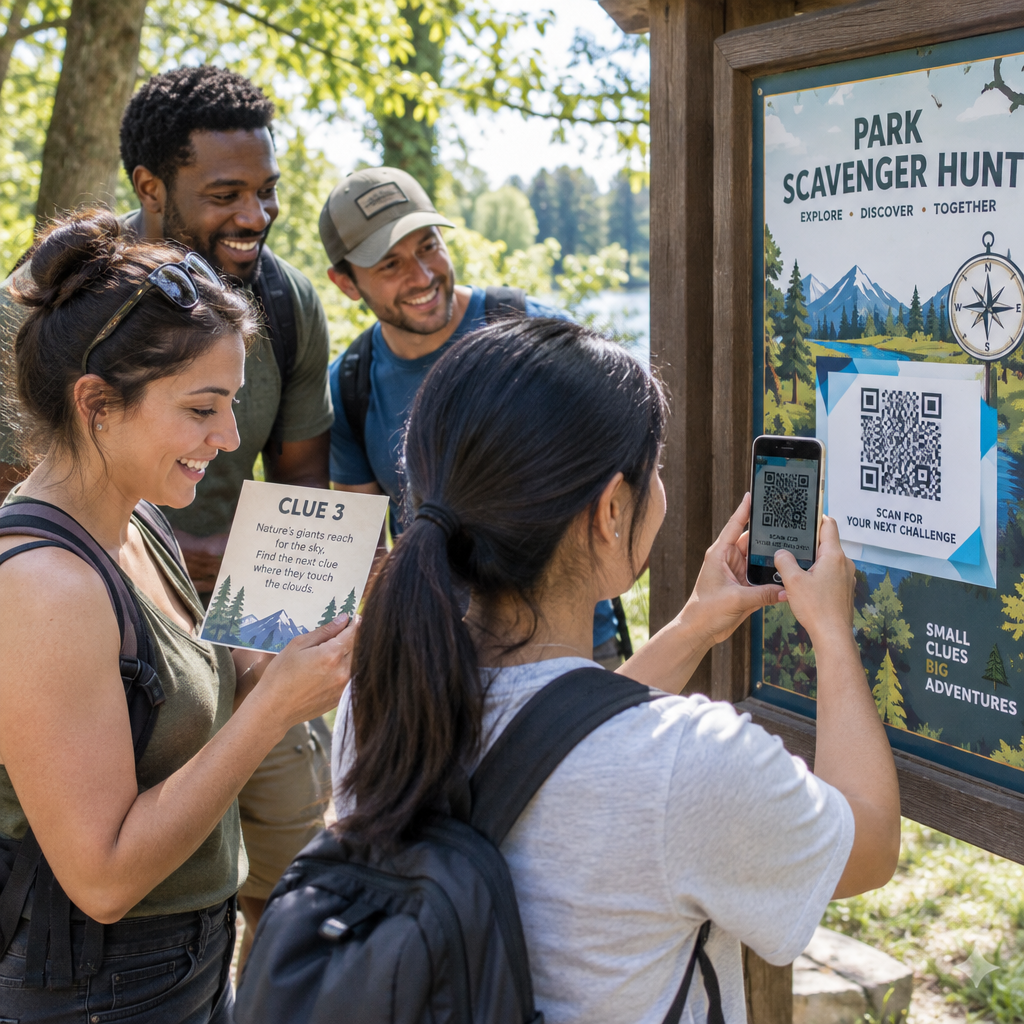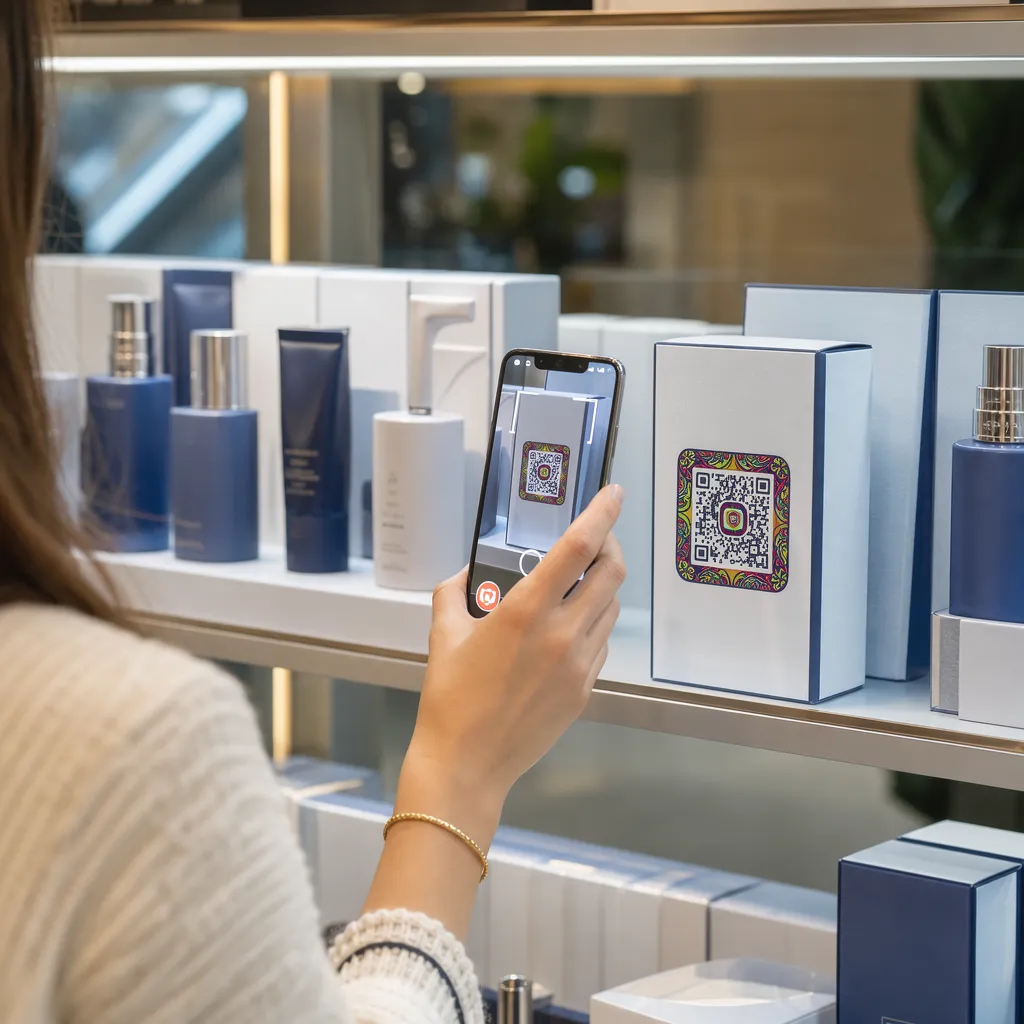

Erreichen Ihre Produktverpackungen die Kunden nicht, sobald sie das Regal verlassen haben? Der begrenzte Platz auf physischen Etiketten zwingt Marken dazu, wichtige Anweisungen, Inhaltsstoffe und Werbeangebote wegzulassen. Dynamische QR-Codes auf Produktverpackungen verbinden physische Produkte mit digitalen Erlebnissen und fördern gleichzeitig die messbare Kundenbindung.
Was ist interaktive Verpackung und warum ist sie wichtig?
Interaktive Verpackungen nutzen digitale Zugänge, um physische Produktbehälter, Kartons oder Umhüllungen mit Online-Inhalten zu verknüpfen. Anstatt sich ausschließlich auf statische gedruckte Texte zu verlassen, können Marken jede Verpackung in einen aktiven digitalen Kommunikationskanal verwandeln.
Moderne Konsumenten erwarten sofortige Transparenz und Komfort. Ob Käufer die Herkunft überprüfen, Anleitungen zur Produktinstallation ansehen oder einem Treueprogramm beitreten möchten – physische Etiketten bieten selten genügend Platz für umfassende Informationen. Digitale Kontaktpunkte lösen das Platzproblem auf physischen Verpackungen und ermöglichen es Marketingfachleuten, die Interaktion der Konsumenten nach dem Kauf nachvollziehbar zu messen.
Auch die Standards im Einzelhandel entwickeln sich hin zu 2D-Barcodes. Globale Branchenverbände setzen auf 2D-Codes, die sowohl das Scannen an der Kasse als auch eine intensive Kundeninteraktion ermöglichen. QR-Codes auf Produktverpackungen Sie bringen Ihre physischen Produkte mit den Anforderungen des modernen Einzelhandels in Einklang und stellen gleichzeitig direkte digitale Verbindungen zu Ihrer Kundschaft her.
5 Möglichkeiten, Kunden mit Verpackungs-QR-Codes anzusprechen
Interaktive Verpackungen sind dann am effektivsten, wenn sie dem Kunden unmittelbar nach dem Scannen einen klaren Mehrwert bieten. Sie können QR-Codes auf Produktverpackungen auf fünf praktische Arten nutzen, um die Kundenbindung zu fördern:
- Produkte mit Augmented Reality (AR) demonstrieren: Ermöglichen Sie Ihren Kunden, 3D-Produktmodelle oder interaktive Demonstrationen direkt auf ihren Smartphone-Bildschirmen anzusehen. AR-QR-Code Die Gestaltung der Primärverpackung ermöglicht es den Käufern, sich die Produkte in ihrer häuslichen Umgebung vorzustellen oder die inneren Merkmale vor dem Auspacken zu sehen.
- Rezepte, Anleitungen und Benutzerhandbücher bereitstellen: Verknüpfen Sie Kosmetikartikel, Haushaltsgeräte oder Lebensmittelbehälter mit Video-Anleitungen und Schritt-für-Schritt-Anweisungen. Platzieren Sie QR-Codes auf Lebensmittelverpackungen kann Hobbyköche zu Empfehlungen von Küchenchefs und Rezeptideen führen und den Verbrauchern so einen unmittelbaren Nutzen aus ihrem Kauf ermöglichen.
- Teilen Sie Daten zur Transparenz und Einhaltung der Inhaltsstoffe: Bieten Sie gesundheitsbewussten Käufern sofortigen Zugriff auf Nährwertangaben, Nachweise über ethische Herkunft und Allergeninformationen. Digitale Landingpages ermöglichen es Ihnen, alle relevanten Informationen bereitzustellen, ohne die Gestaltung physischer Etiketten zu überladen.
- Kundenbindungsprogramme und wiederholte Käufe fördern: Bieten Sie sofortige Rabatte, Abonnements oder Links zur schnellen Nachbestellung an. Gezielte digitale Angebote auf Umverpackungen oder Versandkartons animieren Kunden zu einem erneuten Besuch in Ihrem Shop und helfen so, den Umsatz zu steigern. Kundenbindung erheblich steigern und Kundenlebenszeitwert.
- Sammeln Sie Kundenfeedback in Echtzeit: Leiten Sie Konsumenten direkt nach dem Auspacken zu kurzen Feedback-Umfragen oder Bewertungsplattformen weiter. Das direkte Einholen von Kundenmeinungen hilft Ihnen, Produktprobleme frühzeitig zu erkennen und authentisches Kundenfeedback für Ihre Marke zu gewinnen.
Binden Sie Ihre E-Commerce-Kunden beim Auspacken ein Möchten Sie die Besucherzahlen in Ihren Geschäften und die Wiederkäufe direkt aus Ihren Versandkartons steigern? Erfahren Sie, wie das geht. QR-Codes für E-Commerce Wir helfen Ihnen beim Aufbau automatisierter Kundenbindungskampagnen und der Umsatzsteigerung.
Wichtige Gestaltungs- und Druckrichtlinien für Verpackungscodes
Ein QR-Code auf einer Verpackung fördert die Kundenbindung nur dann, wenn er beim ersten Versuch zuverlässig gescannt werden kann. Das Drucken von Codes auf unterschiedlichen Materialien – wie Wellpappe, transparentem Kunststoff oder Aluminium – erfordert präzise Designstandards, um Scanfehler zu vermeiden.
Druckgröße und Abstandsverhältnisse
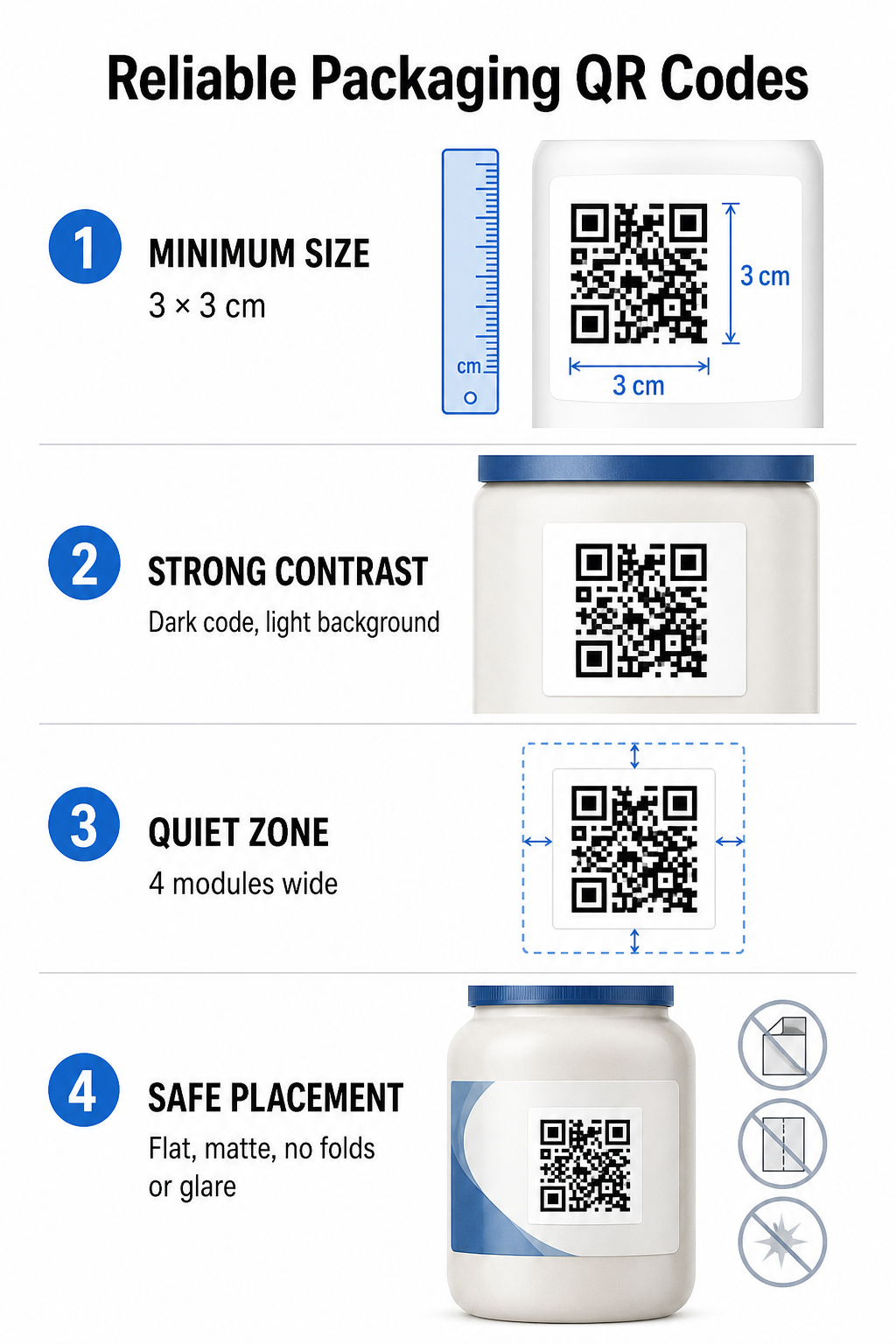
Um eine zuverlässige Scanbarkeit zu gewährleisten, sollten QR-Codes eine Mindestgröße von … haben. 3 x 3 cm (1,2 x 1,2 Zoll) Auf Verbraucherverpackungen. Wenn ein Code aus der Ferne gescannt werden soll, ist das Scan-Entfernungs-zu-Größe-Verhältnis 10:1 zu beachten: Die Breite des Codes muss mindestens einem Zehntel der erwarteten Scanentfernung entsprechen. Beispielsweise sollte ein Code, der aus 50 cm Entfernung gescannt werden soll, mindestens 5 cm im Quadrat groß sein.
Farbkontrast und visuelle Klarheit
Optische Kamerasensoren erkennen QR-Codes durch die Identifizierung kontrastreicher Modulmuster. Verwenden Sie stets ein dunkles Vordergrundmuster (z. B. Schwarz oder Dunkelblau) vor einem hellen Hintergrund (z. B. Weiß oder helle, neutrale Töne). Vermeiden Sie rote, orange oder pastellfarbene Vordergrundfarben, da Sensoren im roten Farbspektrum diese nur schwer erkennen. Achten Sie auf einheitliche, einfarbige Musterfarben und vermeiden Sie Farbverläufe, Schatten oder unruhige Hintergrundgrafiken.
Ränder der Ruhezone
Um den gesamten äußeren Rand des Codemusters herum sollte ein freier, übersichtlicher Rand, die sogenannte Ruhezone, eingehalten werden. Dieser Rand muss mindestens [Wert fehlt] betragen. viermal so breit wie ein einzelnes QR-Modul. Wenn der QR-Code mit Markenlogos, grafischen Rahmen oder Fließtext überladen wird, kann die Kamera-Software des Mobiltelefons nicht erkennen, wo das Codemuster beginnt und endet.
Materialoberfläche und Platzierung
Die physische Platzierung hängt stark von der Struktur und der Materialbeschaffenheit Ihrer Verpackung ab:
- Primärbehälter (Flaschen, Dosen, Gläser): Platzieren Sie die Codes nach Möglichkeit auf flachen Oberflächen. Beim Bedrucken von gewölbten Behältern vergrößern Sie die Codegröße etwas, um optische Verzerrungen an den Rändern auszugleichen.
- Abschluss und Reflexion: Vermeiden Sie glänzende Laminate, reflektierende Folien oder transparente Trägermaterialien, die die Umgebungsbeleuchtung im Einzelhandel reflektieren. Wählen Sie matte Lacke oder matte Beschichtungen, um Lichtreflexionen zu minimieren.
- Falten und Nähte: Um Beschädigungen oder Verformungen zu vermeiden, sollten die Codes nicht mit Faltstellen, Perforationsstreifen, Verpackungsnähten oder Behälterrändern in Berührung kommen.
Vor Beginn der Serienproduktion sollten Sie die detaillierten Details prüfen. Regeln zur Lesbarkeit von QR-Codes und Testen Sie gedruckte physische Probeexemplare mit verschiedenen Handykameras unter unterschiedlichen Lichtverhältnissen.
Dynamische vs. statische QR-Codes für Verpackungen
Die Wahl der richtigen QR-Code-Struktur ist eine entscheidende strategische Frage bei der Gestaltung interaktiver Verpackungen.
| FUNKTION | Statische QR-Codes | Dynamische QR-Codes |
|---|---|---|
| Inhaltsbearbeitung | Bei der Erstellung dauerhaft festgelegt; kann nach dem Drucken nicht mehr geändert werden. | Der Ziellink kann jederzeit im Dashboard aktualisiert werden, ohne dass ein erneuter Ausdruck erforderlich ist. |
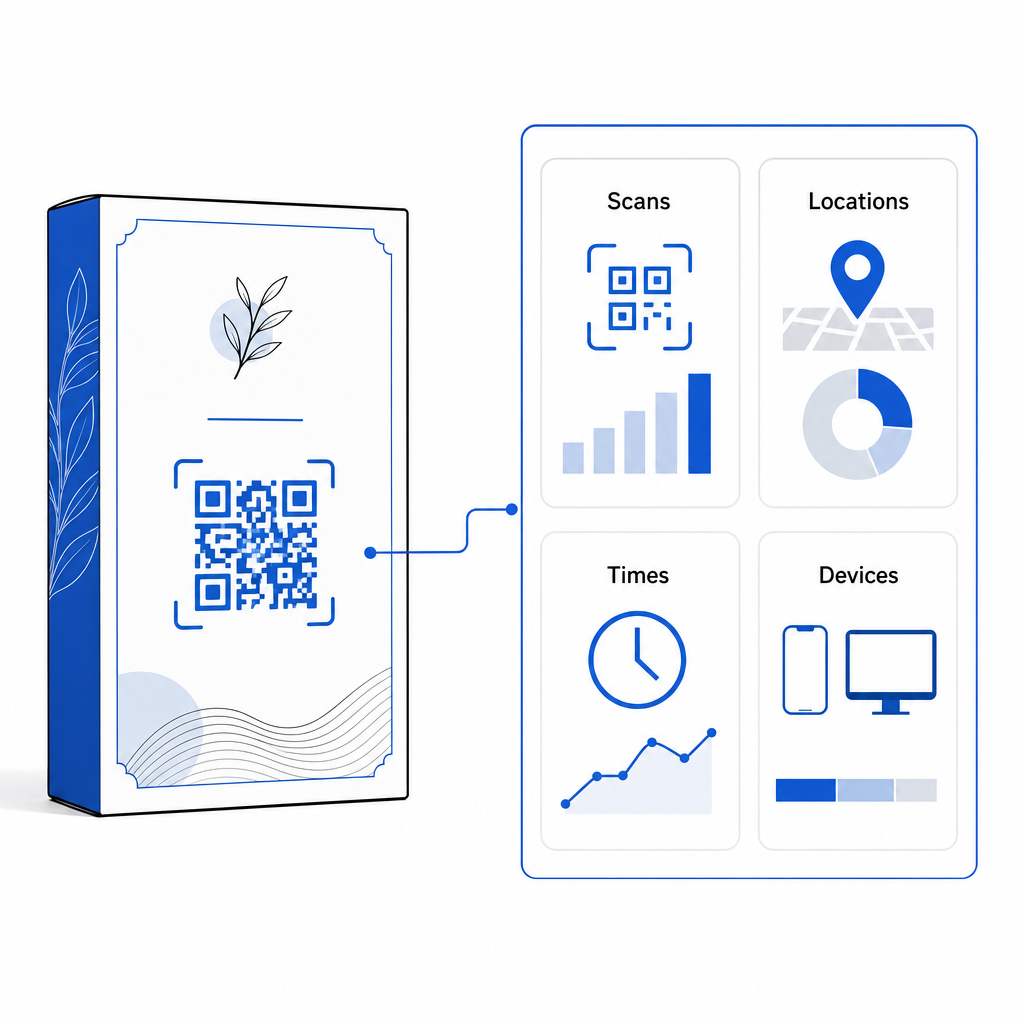
| Scan-Analysen | Es sind keine Tracking-Daten oder Leistungskennzahlen verfügbar. | Erfasst die Gesamtzahl der Scans, die Anzahl der einzelnen Besucher, die Scanzeiten, die Standorte und die Gerätetypen. |
| Codemusterdichte | Beim Codieren langer Ziel-URLs wird das Muster dicht und schwer zu scannen. | Verwendet eine kurze Weiterleitungs-URL, wodurch das Modulmuster übersichtlich und leicht zu scannen bleibt. |
| Kosteneffizienz | Die Generierung ist kostenlos, birgt aber das Risiko kostspieliger Nachdrucke, wenn sich die Ziel-URLs ändern. | Erfordert ein kostenpflichtiges Abonnement, eliminiert aber die Kosten für den Nachdruck von Verpackungen. |
Das Drucken statischer Codes in großen Mengen birgt erhebliche operative Risiken für Marken. Wenn sich die URL einer Aktionsseite ändert, eine Saisonkampagne endet oder ein Link nicht mehr funktioniert, werden die statischen Verpackungscodes funktionsunfähig. Ihr Unternehmen steht dann vor der Wahl: teure Nachdrucke der Verpackungen oder ein Vertrauensverlust bei den Kunden.
Mit einer Dynamischer QR-Code Generator Dadurch wird das physisch gedruckte Codemuster von seinem Online-Ziel getrennt. Wenn sich Ihr Ziellink oder Ihr Angebot ändert, aktualisieren Sie einfach die Ziel-URL in Ihrem Management-Dashboard, ohne Ihre physischen Grafiken verändern zu müssen.
Dynamische Codes ermöglichen zudem umfassende Kampagnenanalysen. Sie können Scanvolumen, Spitzenzeiten, geografische Standorte und Gerätetypen der Nutzer überwachen, um zu analysieren, wie Kunden mit Ihrer physischen Verpackung interagieren. Um eine optimale Performance zu gewährleisten, sollten Sie Ihre aktiven dynamischen Codes alle ein bis drei Monate überprüfen, um sicherzustellen, dass alle Zielseiten schnell geladen werden und die relevanten Inhalte korrekt angezeigt werden.
Verwalten Sie Ihre Verpackungskampagnen über ein einziges Dashboard Vermeiden Sie kostspielige Nachdrucke durch die Erstellung bearbeitbarer dynamischer Codes mit Echtzeitanalysen. Beginnen Sie jetzt mit der Entwicklung nachverfolgbarer Verpackungen. Pageloot – das dynamische QR-Code-Tool heute verfügbar sind.
Wie man interaktive QR-Codes auf Verpackungen implementiert
- Kampagnenziel definieren: Identifizieren Sie die konkrete Kundeninteraktion, die Sie fördern möchten, z. B. das Anzeigen eines Video-Tutorials, das Sammeln von Bewertungen nach dem Kauf oder das Anbieten eines Treuerabatts.
- Wählen Sie einen dynamischen QR-Code-Generator aus: Richten Sie bearbeitbare Weiterleitungs-URLs ein, um die volle Kontrolle über die Zielinhalte zu behalten und gleichzeitig Scan-Metriken in Echtzeit zu erfassen.
- Anpassung im Rahmen der Markenrichtlinien: Verwenden Sie kontrastreiche Markenfarben und betten Sie Ihr Firmenlogo ein. 25% des Codebereichs, wodurch sichergestellt wird, dass wichtige Positionierungsmarkierungen deutlich erkennbar bleiben.
- Fügen Sie einen überzeugenden Handlungsaufruf hinzu: Platzieren Sie neben dem Codemuster einen eindeutigen, gut lesbaren Text, z. B. “Scannen Sie, um das Tutorial anzusehen” oder “Scannen Sie den Code 20% für Ihre nächste Bestellung”.”
- Tests auf verschiedenen physikalischen Substraten und Geräten: Drucken Sie physische Testmuster auf die endgültigen Verpackungsmaterialien und testen Sie die Scanbarkeit auf iOS- und Android-Geräten unter verschiedenen Lichtverhältnissen.
- Kampagnenanalysen überwachen und optimieren: Überprüfen Sie die Scan-Standort-, Geräte- und Zeitdaten in Ihrem Management-Dashboard, um die Marketingstrategien nach dem Kauf zu optimieren.
Durch die Integration von QR-Codes auf Produktverpackungen werden herkömmliche Behälter in dynamische digitale Touchpoints verwandelt, die die Kundenbindung nachhaltig fördern. Die Kombination aus starkem Farbkontrast, klar definierten Ruhezonen und editierbaren dynamischen Links schützt Ihre Investition in Printprodukte und liefert gleichzeitig wertvolle Echtzeit-Einblicke in die Zielgruppe.
Bereit, Ihre Verpackungen in ein interaktives digitales Erlebnis zu verwandeln? Erstellen Sie noch heute nachverfolgbare, vollständig individualisierbare QR-Codes für Ihre Produktverpackungen mit [Name der Software/des Tools]. Pageloot dynamischer QR-Code-Generator.
Häufig gestellte Fragen
Die empfohlene Mindestgröße für QR-Codes auf Verpackungen beträgt 3 x 3 cm (1,2 x 1,2 Zoll). Bei gekrümmten Oberflächen oder Codes, die aus größerer Entfernung gescannt werden, sollte das Verhältnis von Entfernung zu Größe 10:1 eingehalten werden, um ein zuverlässiges Scannen zu gewährleisten.
Ja, wenn Sie dynamische QR-Codes verwenden. Dynamische Codes leiten den Datenverkehr über eine bearbeitbare Kurz-URL um, sodass Sie Zielwebseiten, Videos oder digitale Dateien jederzeit aktualisieren können, ohne die physische Verpackung neu drucken zu müssen.
Platzieren Sie den QR-Code auf einer flachen, glatten Oberfläche, fern von Verpackungsnähten, Falten und stark spiegelnden Oberflächen. Platzieren Sie den Code immer neben einem klaren Handlungsaufruf, damit Kunden wissen, welche Inhalte sie beim Scannen erwarten können.