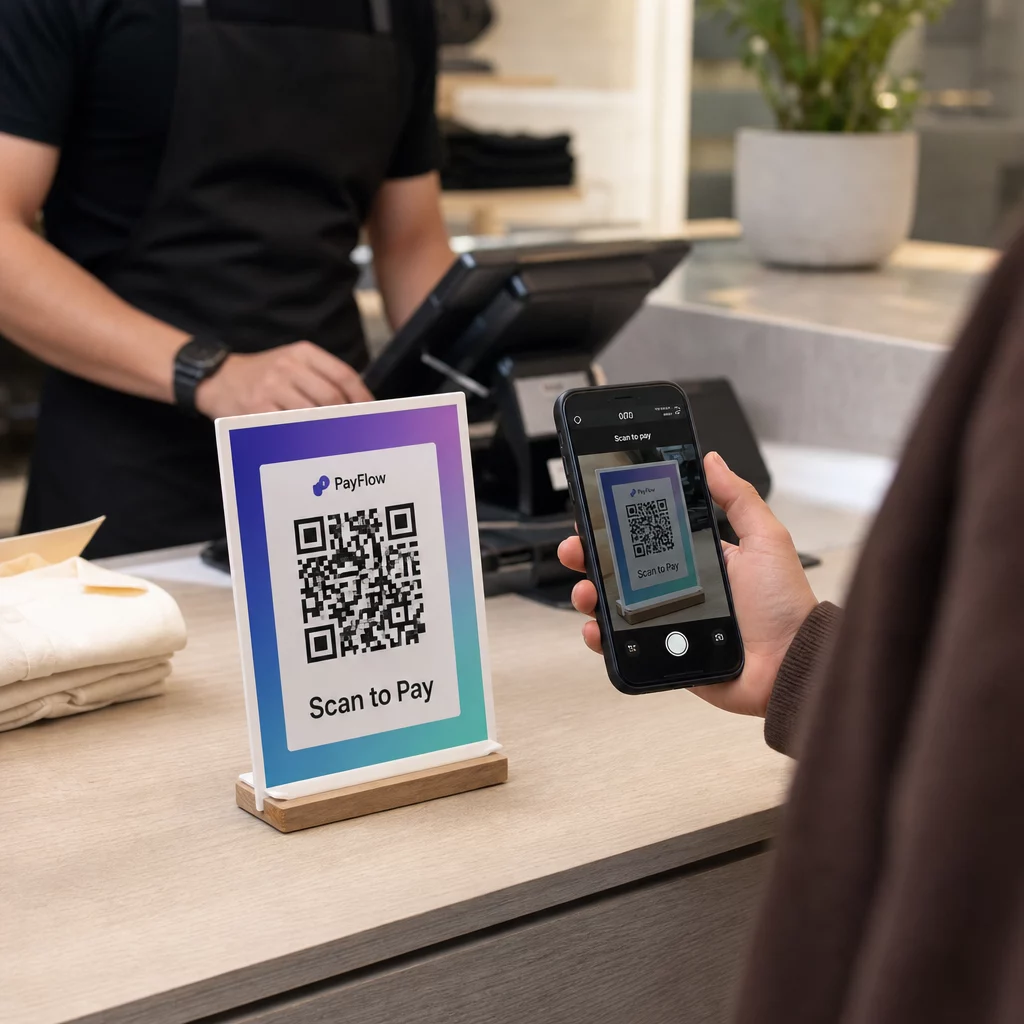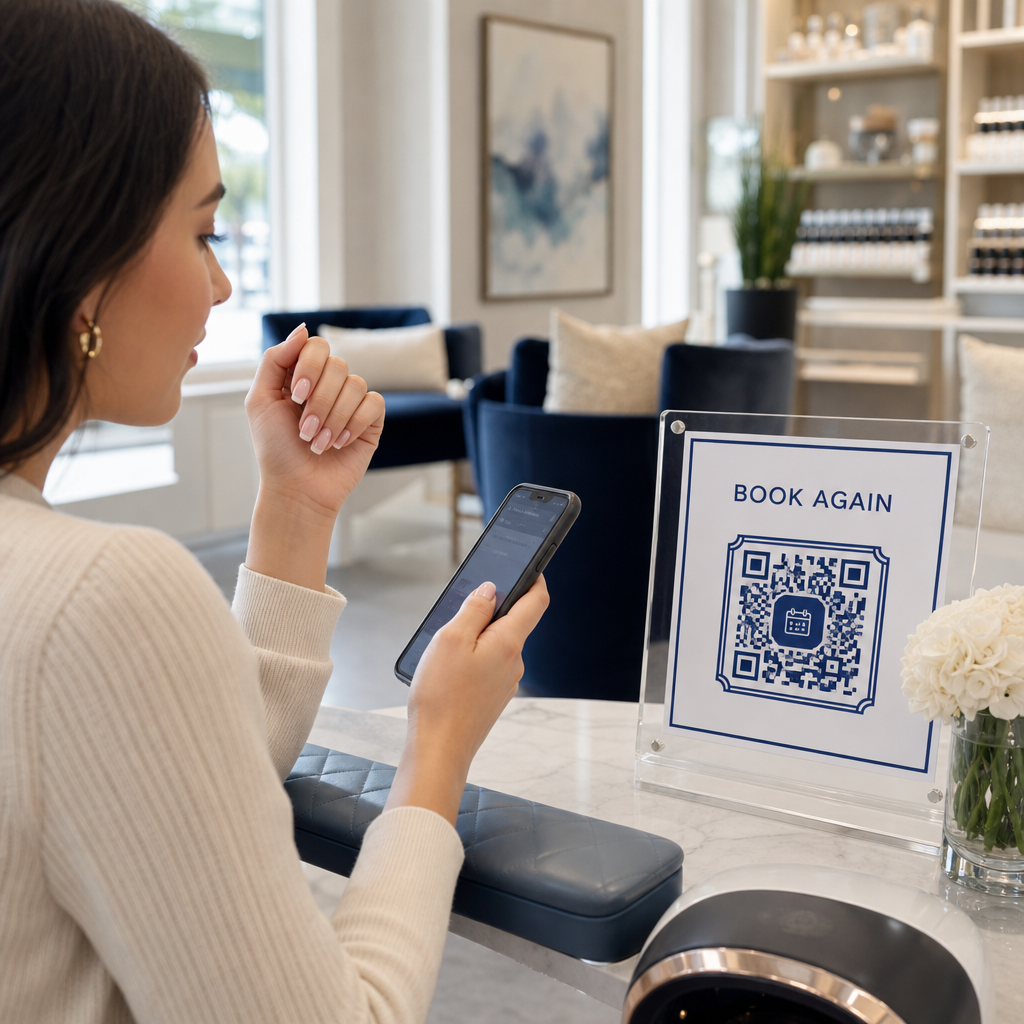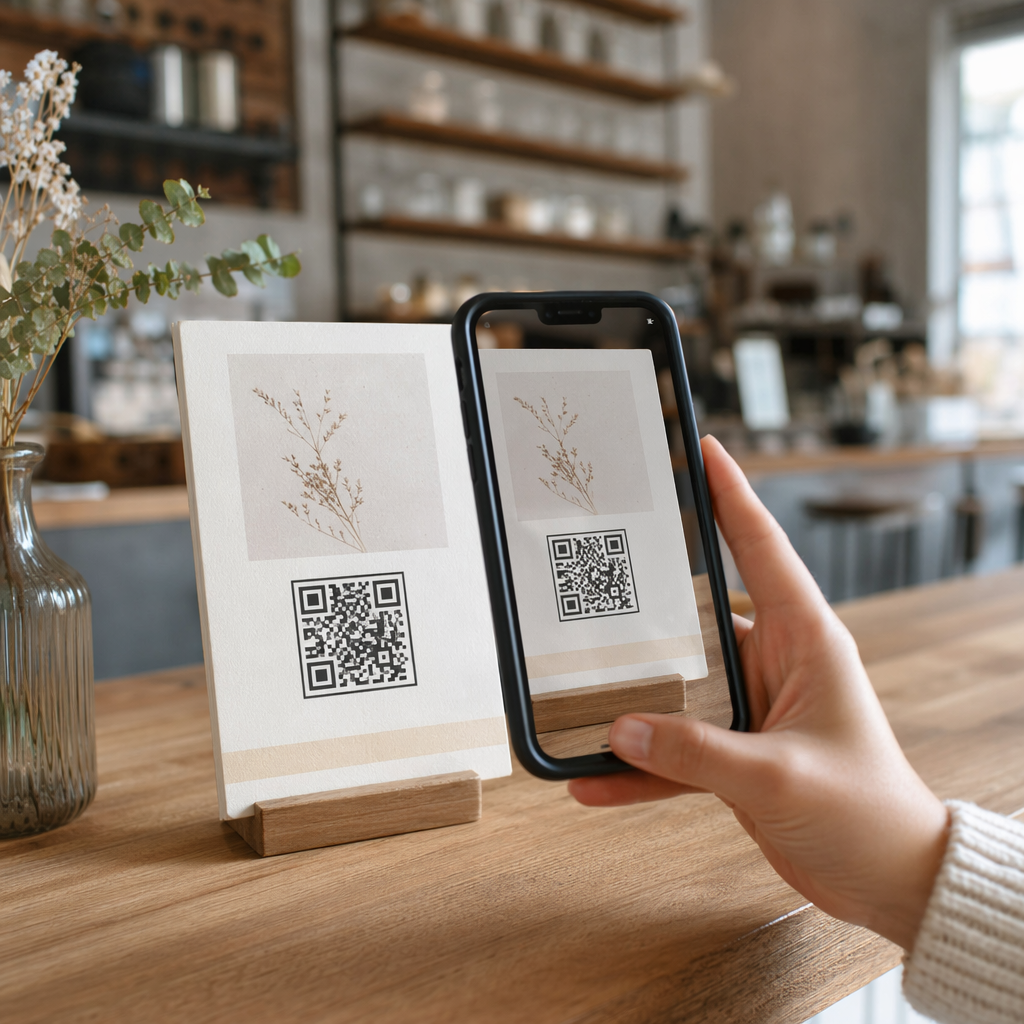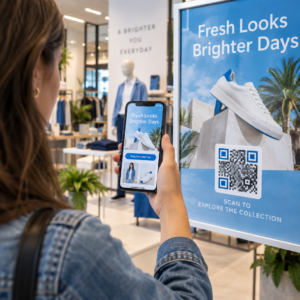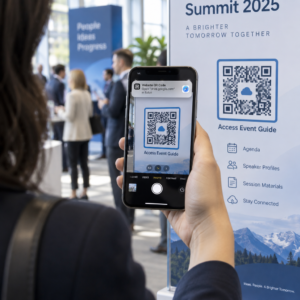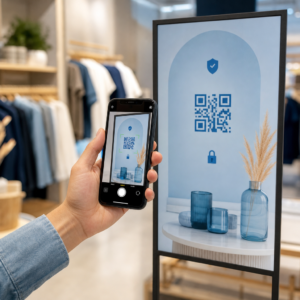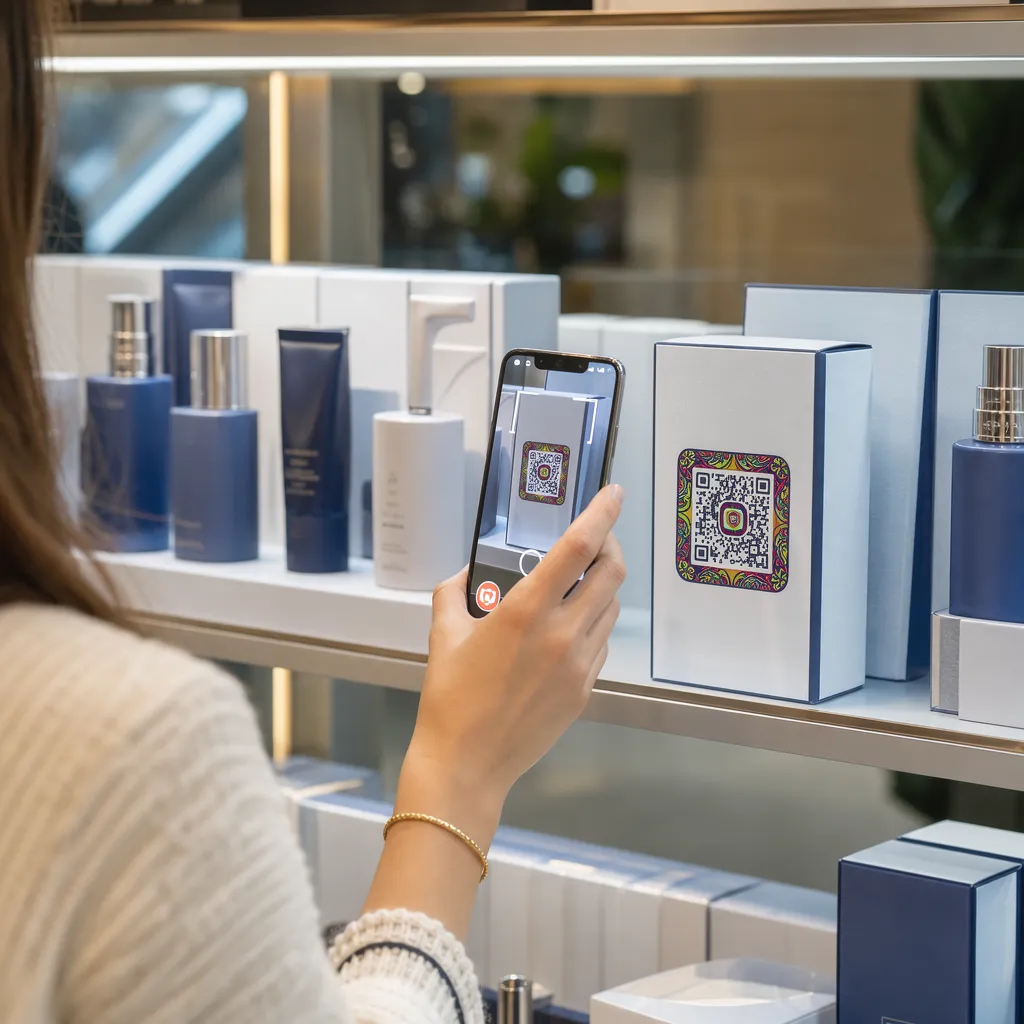

Ürün ambalajlarınız, raflardan ayrıldıktan sonra müşterilerin ilgisini çekmekte başarısız mı oluyor? Fiziksel etiketlerdeki sınırlı yüzey alanı, markaları önemli talimatları, içerikleri ve promosyon tekliflerini atlamaya zorluyor. Ürün ambalajlarına dinamik QR kodları eklemek, fiziksel ürünleri dijital deneyimlerle birleştirirken, izlenebilir müşteri etkileşimini de artırıyor.
İnteraktif Ambalaj Nedir ve Neden Önemlidir?
İnteraktif ambalajlama, fiziksel ürün kaplarını, kutularını veya ambalajlarını çevrimiçi içerikle bağlamak için dijital giriş noktaları kullanır. Markalar, yalnızca statik basılı metne güvenmek yerine, her ambalajı aktif bir dijital iletişim kanalına dönüştürebilir.
Modern tüketiciler anında şeffaflık ve kolaylık bekliyor. Alıcılar ister ürünün kaynağını doğrulamak, ister ürün kurulum eğitimlerini izlemek veya bir sadakat programına katılmak istesinler, fiziksel etiketler nadiren kapsamlı bilgi için yeterli alan sunar. Dijital temas noktaları eklemek, fiziksel ambalajlardaki alan kısıtlamalarını çözerken, pazarlamacılara satın alma sonrası tüketici etkileşimini ölçmek için izlenebilir bir yol sağlar.
Perakende standartları da 2 boyutlu barkodlara doğru evriliyor. Küresel endüstri standartları kuruluşları, hem perakende satış noktası taramasını hem de zengin tüketici etkileşimini yöneten 2 boyutlu kodlara doğru ilerliyor. Uygulama ürün ambalajlarındaki QR kodlarını tarar Fiziksel ürünlerinizi modern perakende gereksinimleriyle uyumlu hale getirirken, müşteri tabanınızla doğrudan dijital bağlantılar kurmanızı sağlar.
Ambalaj QR Kodlarıyla Müşterilerle Etkileşim Kurmanın 5 Yolu
Etkileşimli ambalajlar, tarama işleminden hemen sonra müşteriye net bir değer sunduğunda en iyi sonucu verir. Ürün ambalajlarında QR kodları kullanarak etkileşimi beş pratik şekilde artırabilirsiniz:
- Artırılmış gerçeklik (AR) kullanarak ürünleri tanıtın: Müşterilerin 3 boyutlu ürün modellerini veya etkileşimli gösterimleri doğrudan akıllı telefon ekranlarında görüntülemelerine olanak tanıyın. AR QR kodu Birincil ambalaj üzerindeki bilgiler, alıcıların ürünleri ev ortamlarında görselleştirmelerine veya kutuyu açmadan önce iç özelliklerini görmelerine olanak tanır.
- Tarifler, eğitim videoları ve kullanım kılavuzları sağlayın: Kozmetik ürünleri, ev aletleri veya gıda kaplarını video rehberlerine ve adım adım talimatlara bağlayın. QR kodlarını yerleştirerek gıda ambalajı Bu sayede ev aşçıları şef önerilerine ve yemek fikirlerine yönlendirilebilir, tüketicilerin satın alımlarından anında fayda sağlamaları sağlanabilir.
- İçerik şeffaflığı ve uyumluluk verilerini paylaşın: Sağlığına dikkat eden alıcılara besin değerleri dökümlerine, etik kaynak kullanım kayıtlarına veya alerjen açıklamalarına anında erişim sağlayın. Dijital açılış sayfaları, fiziksel etiket tasarımını kalabalıklaştırmadan eksiksiz uyumluluk ayrıntıları sunmanıza olanak tanır.
- Sadakat üyeliğini ve tekrar satın alımları artırın: Anında indirimler, abonelik kayıtları veya hızlı yeniden sipariş bağlantıları sunun. İkincil ambalajlarda veya kargo kutularında hedefli dijital teklifler sunmak, alışveriş yapanların mağazanızı tekrar ziyaret etmesini teşvik eder ve bu da satışlarınızı artırmaya yardımcı olur. müşteri etkileşimini artırabilir ve müşteri ömrü değeri.
- Gerçek zamanlı müşteri geri bildirimlerini toplayın: Ürünü kutusundan çıkardıktan hemen sonra tüketicileri kısa geri bildirim anketlerine veya değerlendirme platformlarına yönlendirin. Doğrudan müşteri görüşlerini toplamak, ürün sorunlarını erken tespit etmenize ve markanız için gerçek müşteri geri bildirimleri oluşturmanıza yardımcı olur.
E-ticaret Müşterilerinizle Ürün Kutusu Açma Sürecinde Etkileşim Kurun Kargolarınızdan doğrudan mağaza ziyaretlerini ve tekrarlanan satın alımları artırmak mı istiyorsunuz? Nasıl yapacağınızı keşfedin. E-ticaret için QR kodlar Otomatik sadakat kampanyaları oluşturmanıza ve satışları artırmanıza yardımcı olur.
Ambalaj Kodları için Temel Tasarım ve Baskı Yönergeleri
Bir ambalaj QR kodunun müşteri etkileşimini artırmasının tek yolu, ilk denemede güvenilir bir şekilde taranmasıdır. Oluklu mukavva, şeffaf plastik veya alüminyum gibi çeşitli malzemeler üzerine kod basmak, tarama hatalarını önlemek için hassas tasarım standartları gerektirir.
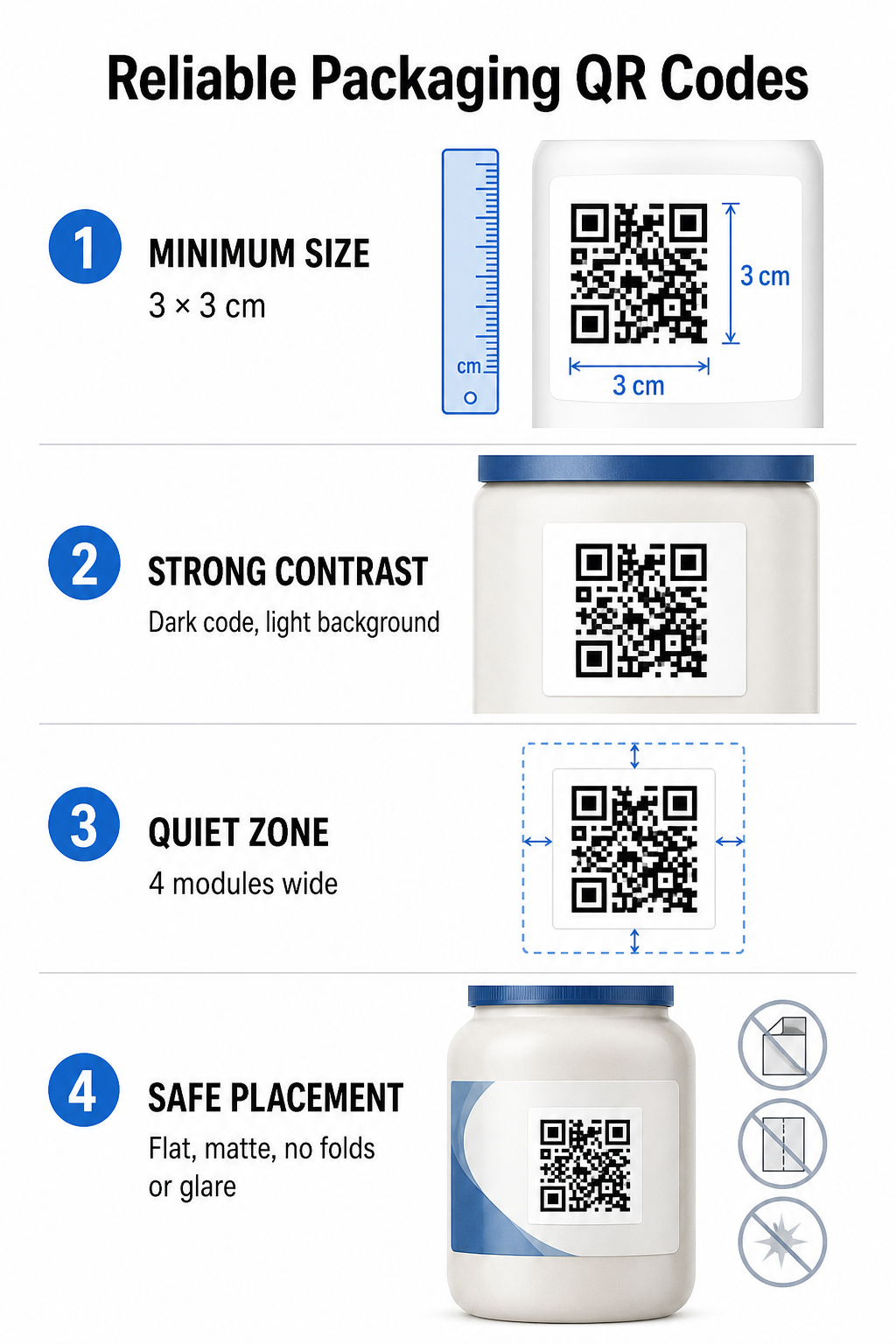
Baskı Boyutu ve Mesafe Oranları
Güvenilir tarama özelliğini garanti etmek için QR kodlarını minimum fiziksel boyutta yazdırın. 3 x 3 cm (1,2 x 1,2 inç) Tüketici ambalajlarında. Bir kod uzaktan taranacaksa, 10:1 mesafe-boyut tarama oranını uygulayın: kodun genişliği, beklenen tarama mesafesinin en az onda birine eşit olmalıdır. Örneğin, 20 inç uzaktan taranması amaçlanan bir kod en az 2 inç kare ölçülerinde olmalıdır.
Renk Kontrastı ve Görsel Netlik
Optik kamera sensörleri, yüksek kontrastlı modül desenlerini tanımlayarak QR kodlarını algılar. Her zaman açık bir arka plana (örneğin düz beyaz veya açık nötr tonlar) karşı koyu bir ön plan deseni (örneğin siyah veya lacivert) kullanın. Kırmızı, turuncu veya pastel ön plan renklerinden kaçının çünkü kırmızı spektrum sensörleri bunları algılamakta zorlanır. Desen renklerini düz ve tekdüze tutun, gradyanlardan, gölgelerden veya karmaşık arka plan grafiklerinden kaçının.
Sessiz Bölge Sınırları
Kod deseninin tüm dış sınırının etrafında, sessiz bölge olarak bilinen, boş ve düzenli bir kenar boşluğu bırakın. Bu kenar boşluğunun ölçüsü en az şu kadar olmalıdır: tek bir QR modülünün genişliğinin dört katı. QR kodunu marka logoları, grafik çerçeveler veya metinlerle doldurmak, mobil kamera yazılımının kod deseninin nerede başlayıp nerede bittiğini belirlemesini engeller.
Malzeme Yüzeyi ve Yerleşimi
Paketinizin fiziksel yerleşimi, yapısına ve malzeme kalitesine büyük ölçüde bağlıdır:
- Başlıca kaplar (şişeler, teneke kutular, kavanozlar): Kodları mümkün olduğunca düz yüzeylere yerleştirin. Kavisli kaplara baskı yapıyorsanız, görsel kenar bozulmasını telafi etmek için genel kod boyutunu biraz artırın.
- Sonuç ve değerlendirme: Ortam aydınlatmasını yansıtan parlak laminatlar, yansıtıcı folyolar veya şeffaf alt tabakalardan kaçının. Işık parlamasını en aza indirmek için mat vernikler veya mat kaplamalar tercih edin.
- Katlanmalar ve dikişler: Kodların fiziksel yırtılma veya bozulmasını önlemek için, kodları kutu katlama yerlerinden, delikli yırtma şeritlerinden, paket dikişlerinden ve konteyner kenarlarından uzak tutun.
Büyük ölçekli üretime başlamadan önce, ayrıntılı incelemeyi yapın. QR kod okunabilirlik kuralları ve çeşitli ışık koşullarında birden fazla telefon kamerası kullanarak fiziksel test örnekleri ürettik.
Ambalajlar için Dinamik ve Statik QR Kodları
Etkileşimli ambalaj tasarımı yapılırken doğru QR kod yapısını seçmek kritik bir stratejik karardır.
| ÖZELLİK | Statik QR Kodları | Dinamik QR Kodları |
|---|---|---|
| İçerik Düzenleme | Oluşturulduktan sonra kalıcı olarak sabitlenir; yazdırıldıktan sonra değiştirilemez. | Hedef bağlantısı, yeniden yazdırmaya gerek kalmadan kontrol panelinden her zaman güncellenebilir. |
| Tarama Analizleri | Herhangi bir izleme verisi veya performans ölçütü mevcut değil. | Toplam tarama sayısını, benzersiz ziyaretçileri, tarama sürelerini, konumları ve cihaz türlerini takip eder. |
| Kod Kalıbı Yoğunluğu | Uzun hedef URL'leri kodlarken, desen yoğunlaşır ve taranması zorlaşır. | Kısa bir yönlendirme URL'si kullanarak modül yapısını temiz ve taranması kolay tutar. |
| Maliyet Verimliliği | Oluşturması ücretsizdir, ancak hedef URL'ler değişirse maliyetli ambalaj yeniden baskıları riski taşır. | Ücretli abonelik gerektirir, ancak ambalaj yeniden basım maliyetlerini ortadan kaldırır. |
Statik kodların yüksek hacimde basılması, markalar için önemli operasyonel riskler oluşturur. Bir promosyon sayfasının URL'si güncellenirse, mevsimlik bir kampanya sona ererse veya bir bağlantı bozulursa, statik ambalaj kodları işlevsiz hale gelir ve işletmenizi maliyetli ambalaj yeniden baskıları veya müşteri güveninin kaybı arasında seçim yapmaya zorlar.
Kullanmak Dinamik QR Kod Oluşturucu Bu özellik, fiziksel olarak basılmış kod şablonunu çevrimiçi hedefinden ayırır. Hedef bağlantınız veya teklifiniz değişirse, fiziksel tasarımınızı değiştirmeden yönetim panelinizdeki hedef URL'yi güncellemeniz yeterlidir.
Dinamik kodlar ayrıca kapsamlı kampanya analizleri de sağlar. Müşterilerin fiziksel ambalajlarınızla nasıl etkileşim kurduğunu değerlendirmek için tarama hacmini, en yoğun aktivite saatlerini, coğrafi konumları ve kullanıcı cihaz türlerini izleyebilirsiniz. Optimum performansı korumak için, tüm hedef sayfaların hızlı yüklendiğini ve aktif içeriği gösterdiğini doğrulamak amacıyla aktif dinamik kodlarınızın denetimini 1 ila 3 ayda bir gerçekleştirin.
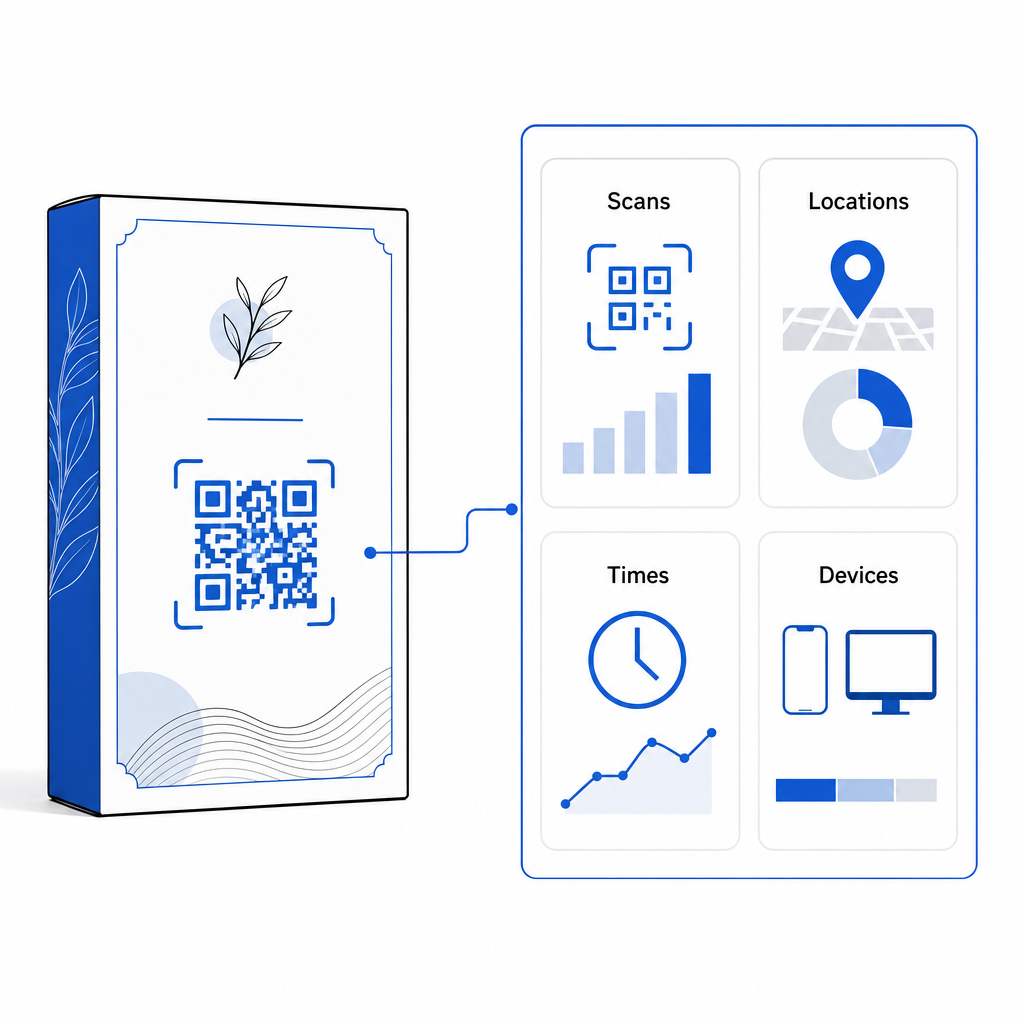
Ambalaj kampanyalarınızı tek bir kontrol panelinden yönetin. Gerçek zamanlı analizlerle düzenlenebilir dinamik kodlar oluşturarak maliyetli yeniden baskı risklerinden kaçının. İzlenebilir ambalajlar oluşturmaya başlayın. Pageloot dinamik QR kod aracı bugün.
Ambalajlarda Etkileşimli QR Kodları Nasıl Uygulanır?
- Kampanya hedefini tanımlayın: Video eğitim gösterimi, satın alma sonrası yorum toplama veya sadakat indirimi sunma gibi, teşvik etmek istediğiniz belirli müşteri etkileşimini belirleyin.
- Dinamik bir QR kod oluşturucu seçin: Gerçek zamanlı tarama ölçümlerini yakalarken hedef içerik üzerinde tam kontrol sağlamak için düzenlenebilir yönlendirme URL'leri ayarlayın.
- Marka yönergeleri doğrultusunda özelleştirin: Yüksek kontrastlı marka renkleri kullanın ve şirket logonuzu içine yerleştirin. kod alanının 25%'si, Bu sayede kritik konumlandırma işaretlerinin net bir şekilde görülebilmesi sağlanır.
- Etkileyici bir harekete geçirici mesaj ekleyin: Kod kalıbının yanına açık ve net bir metin ekleyin; örneğin, "Eğitim videosunu izlemek için tarayın" veya "Bir sonraki siparişinizde 20% kodundan indirim kazanın."“
- Fiziksel yüzeyler ve cihazlar genelinde test edin: Son ambalaj malzemelerine fiziksel test örnekleri yazdırın ve farklı aydınlatma koşulları altında iOS ve Android cihazlarda taranabilirliği test edin.
- Kampanya analizlerini izleyin ve optimize edin: Satış sonrası pazarlama stratejilerinizi iyileştirmek için yönetim panelinizde tarama konumu, cihaz ve zamanlama verilerini inceleyin.
QR kodlarını ürün ambalajlarına entegre etmek, geleneksel kapları sürekli müşteri etkileşimini sağlayan dinamik dijital temas noktalarına dönüştürür. Güçlü renk kontrastını ve net sessiz alanları düzenlenebilir dinamik bağlantılarla birleştirerek, baskı yatırımınızı korurken değerli gerçek zamanlı hedef kitle içgörüleri elde edersiniz.
Ambalajlarınızı etkileşimli bir dijital deneyime dönüştürmeye hazır mısınız? Ürün ambalajlarınız için izlenebilir, tamamen özelleştirilebilir QR kodları oluşturmak için bugün bizimle iletişime geçin. Pageloot dinamik QR kod oluşturucu.
Sıkça sorulan sorular
Ambalaj QR kodları için önerilen minimum baskı boyutu 3 x 3 cm'dir (1,2 x 1,2 inç). Kavisli yüzeyler veya daha uzaktan taranan kodlar için, güvenilir tarama sağlamak amacıyla 10:1 mesafe-boyut oranını takip edin.
Evet, dinamik QR kodları kullanıyorsanız. Dinamik kodlar, trafiği düzenlenebilir kısa bir URL üzerinden yönlendirir ve bu sayede fiziksel ambalajı yeniden basmaya gerek kalmadan hedef web sayfalarını, videoları veya dijital dosyaları istediğiniz zaman güncelleyebilirsiniz.
QR kodunu, ambalajın dikiş yerlerinden, katlanma yerlerinden ve parlak yüzeylerden uzakta, düz ve pürüzsüz bir yüzeye yerleştirin. Alışveriş yapanların tarama yaptıklarında hangi içeriği bekleyeceklerini bilmeleri için kodu her zaman net bir harekete geçirici mesajın yanına koyun.