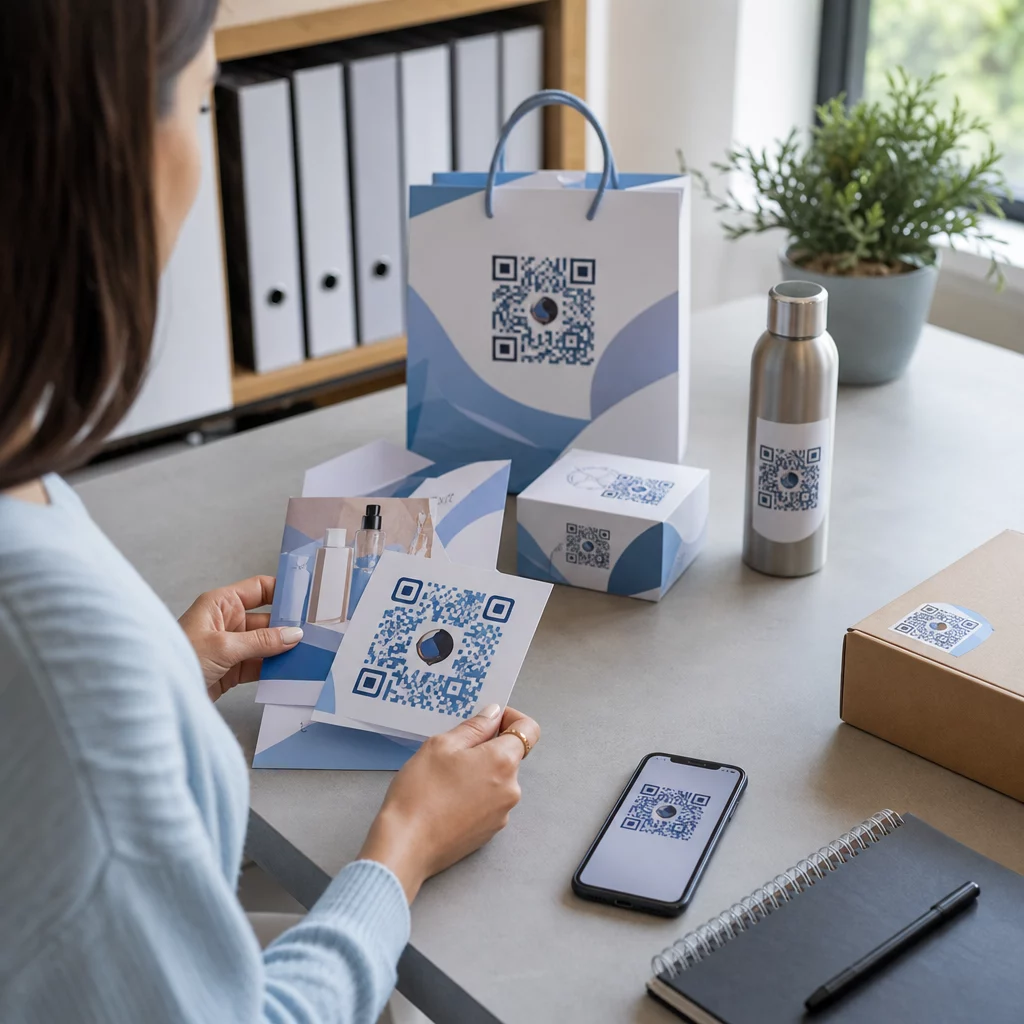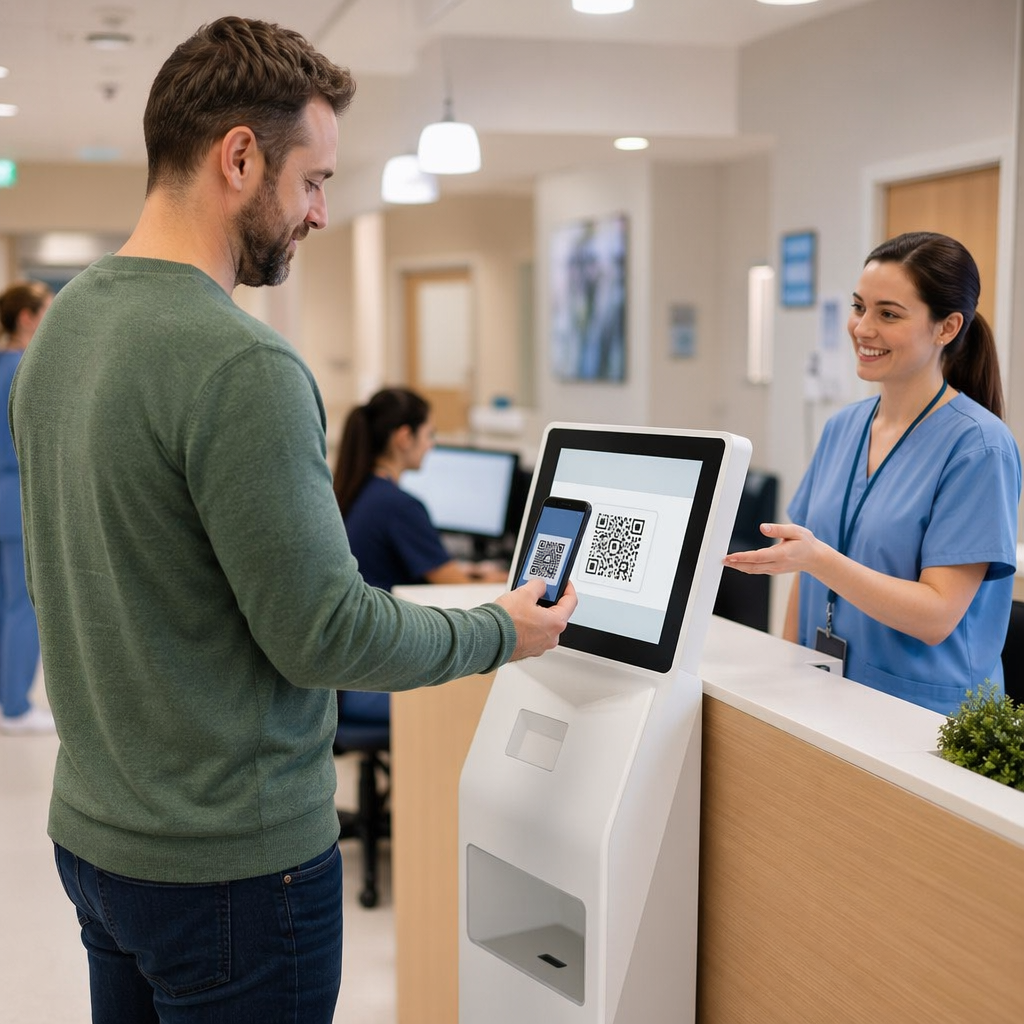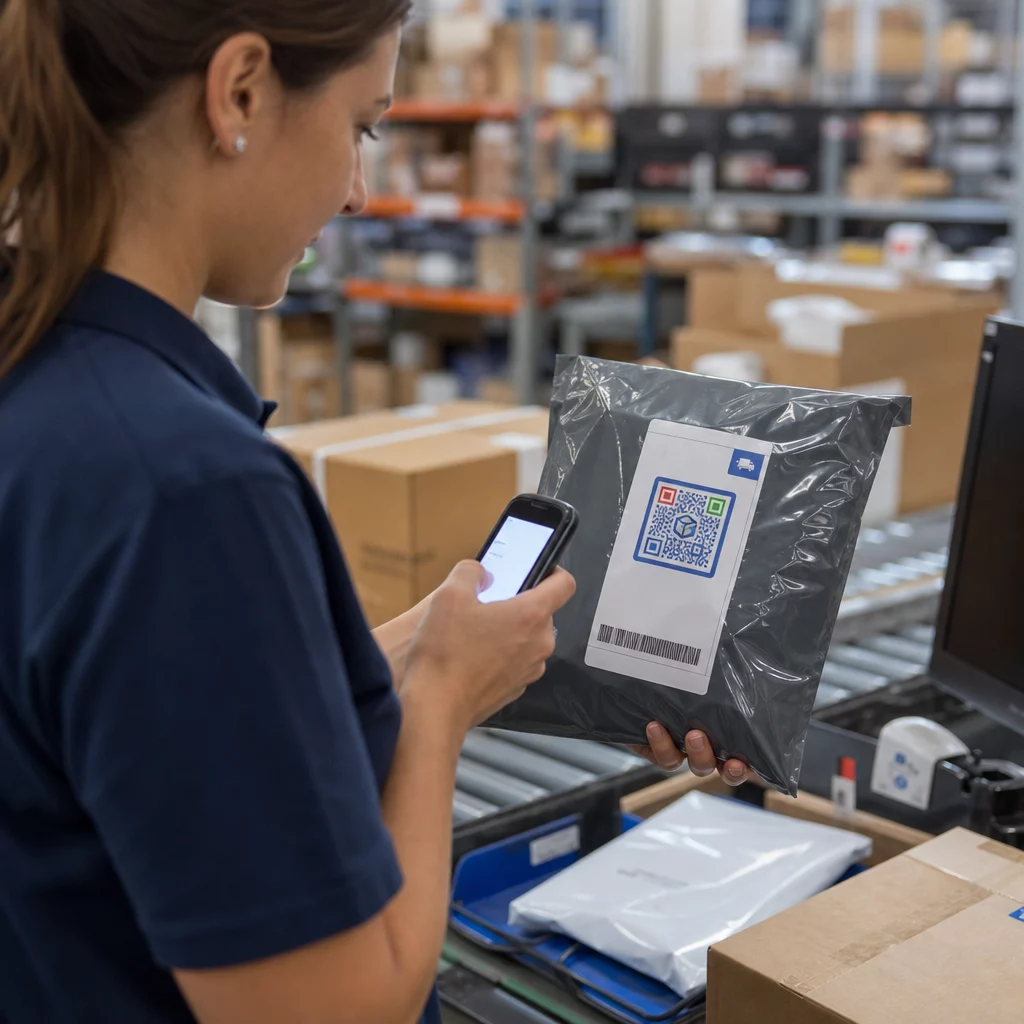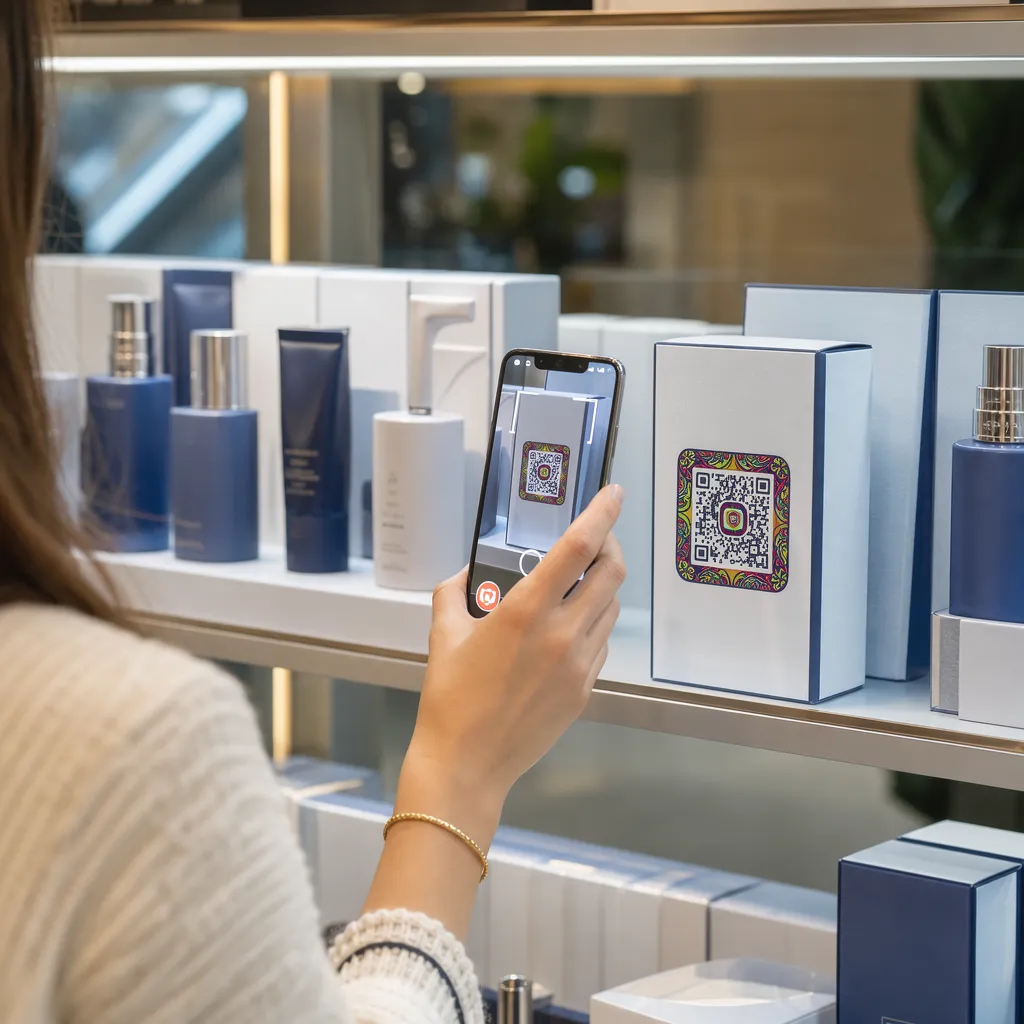

האם אריזות המוצרים שלכם לא מצליחות למשוך את הקונים לאחר שהם עוזבים את המדף? שטח פנים מוגבל על תוויות פיזיות מאלץ מותגים להשמיט הוראות חיוניות, רכיבים ומבצעים. הוספת קודי QR דינמיים לאריזות מוצרים מחברת פריטים פיזיים עם חוויות דיגיטליות תוך הגברת מעורבות הלקוחות הניתנת למעקב.
מהי אריזה אינטראקטיבית ולמה זה חשוב?
אריזות אינטראקטיביות משתמשות בנקודות כניסה דיגיטליות כדי לחבר מיכלי מוצרים פיזיים, קופסאות או עטיפות עם תוכן מקוון. במקום להסתמך אך ורק על טקסט מודפס סטטי, מותגים יכולים להפוך כל אריזה לערוץ תקשורת דיגיטלי פעיל.
צרכנים מודרניים מצפים לשקיפות ונוחות מיידיות. בין אם קונים רוצים לאמת מקור, לצפות במדריכי התקנת מוצרים או להצטרף לתוכנית נאמנות, תוויות פיזיות לעיתים רחוקות מספקות מספיק מקום למידע מקיף. הוספת נקודות מגע דיגיטליות פותרת אילוצי מקום על עטיפות פיזיות תוך מתן דרך ניתנת למעקב למדידת אינטראקציה עם הצרכן לאחר הרכישה.
גם תקני קמעונאות מתפתחים לכיוון ברקודים דו-ממדיים. ארגוני תקינה גלובליים בתעשייה נעים לכיוון קודים דו-ממדיים המטפלים הן בסריקת נקודות מכירה קמעונאיות והן במעורבות עשירה של הצרכנים. קודי QR על אריזות מוצרים מתאים את המוצרים הפיזיים שלך לדרישות הקמעונאות המודרניות תוך יצירת קשרים דיגיטליים ישירים עם בסיס הלקוחות שלך.
5 דרכים ליצור קשר עם לקוחות באמצעות קודי QR לאריזות
אריזות אינטראקטיביות פועלות בצורה הטובה ביותר כאשר הן מספקות ערך ברור ללקוח מיד לאחר הסריקה. ניתן להשתמש בקודי QR על אריזות מוצרים כדי להגביר מעורבות בחמש דרכים מעשיות:
- הדגמת מוצרים באמצעות מציאות רבודה (AR): לאפשר ללקוחות לצפות בדגמי מוצרים תלת-ממדיים או בהדגמות אינטראקטיביות ישירות על מסכי הסמארטפונים שלהם. הצבת קוד QR של AR על האריזה הראשית מאפשר לקונים לדמיין מוצרים בסביבת הבית שלהם או לראות מאפיינים פנימיים לפני פתיחת הקופסה.
- לספק מתכונים, הדרכות ומדריכים למשתמש: חברו מוצרי קוסמטיקה, מכשירי חשמל או מיכלי מזון להדרכות וידאו והוראות שלב אחר שלב. הצבת קודי QR על אריזות מזון יכול להפנות טבחים ביתיים להמלצות שפים ורעיונות לארוחות, ולעזור לצרכנים להפיק תועלת מיידית מהרכישה שלהם.
- שתף נתוני שקיפות ותאימות של רכיבים: תנו לקונים בעלי מודעות בריאותית גישה מיידית לפירוט תזונתי, רישומי מקורות אתיים או גילויים על אלרגנים. דפי נחיתה דיגיטליים מאפשרים לכם לספק פרטי תאימות מלאים מבלי להעמיס על גרפיקה פיזית של תוויות.
- הגברת הרשמות לקהל לקוחות ורכישות חוזרות: הציעו הנחות מיידיות, הרשמות למנויים או קישורים מהירים להזמנה חוזרת. הכללת מבצעים דיגיטליים ממוקדים על אריזות משניות או קופסאות משלוח מעודדת קונים לבקר שוב בחנות שלכם, מה שעוזר להגביר את מעורבות הלקוחות וערך לכל החיים של הלקוח.
- איסוף משוב לקוחות בזמן אמת: הפנו צרכנים לסקרי משוב קצרים או פלטפורמות ביקורות מיד לאחר פתיחת האריזה. איסוף תגובות ישירות של לקוחות עוזר לכם לזהות בעיות במוצר מוקדם ולבנות משוב אותנטי עבור המותג שלכם.
עורר מעורבות בקרב לקוחות המסחר האלקטרוני שלך בפתיחת הקופסה רוצים להגדיל את מספר הביקורים בחנויות ולקנות חוזרות ישירות מקופסאות המשלוח שלכם? גלו כיצד קודי QR למסחר אלקטרוני לעזור לך לבנות קמפיינים אוטומטיים של נאמנות ולהניע מכירות.
הנחיות מפתח לעיצוב והדפסה עבור קודי אריזה
קוד QR לאריזה מגביר מעורבות לקוחות רק אם הוא נסרק בצורה אמינה בניסיון הראשון. הדפסת קודים על גבי מצעים מגוונים - כגון קרטון גלי, פלסטיק שקוף או אלומיניום - דורשת סטנדרטים עיצוביים מדויקים כדי למנוע שגיאות סריקה.
יחסי גודל הדפסה ומרחק
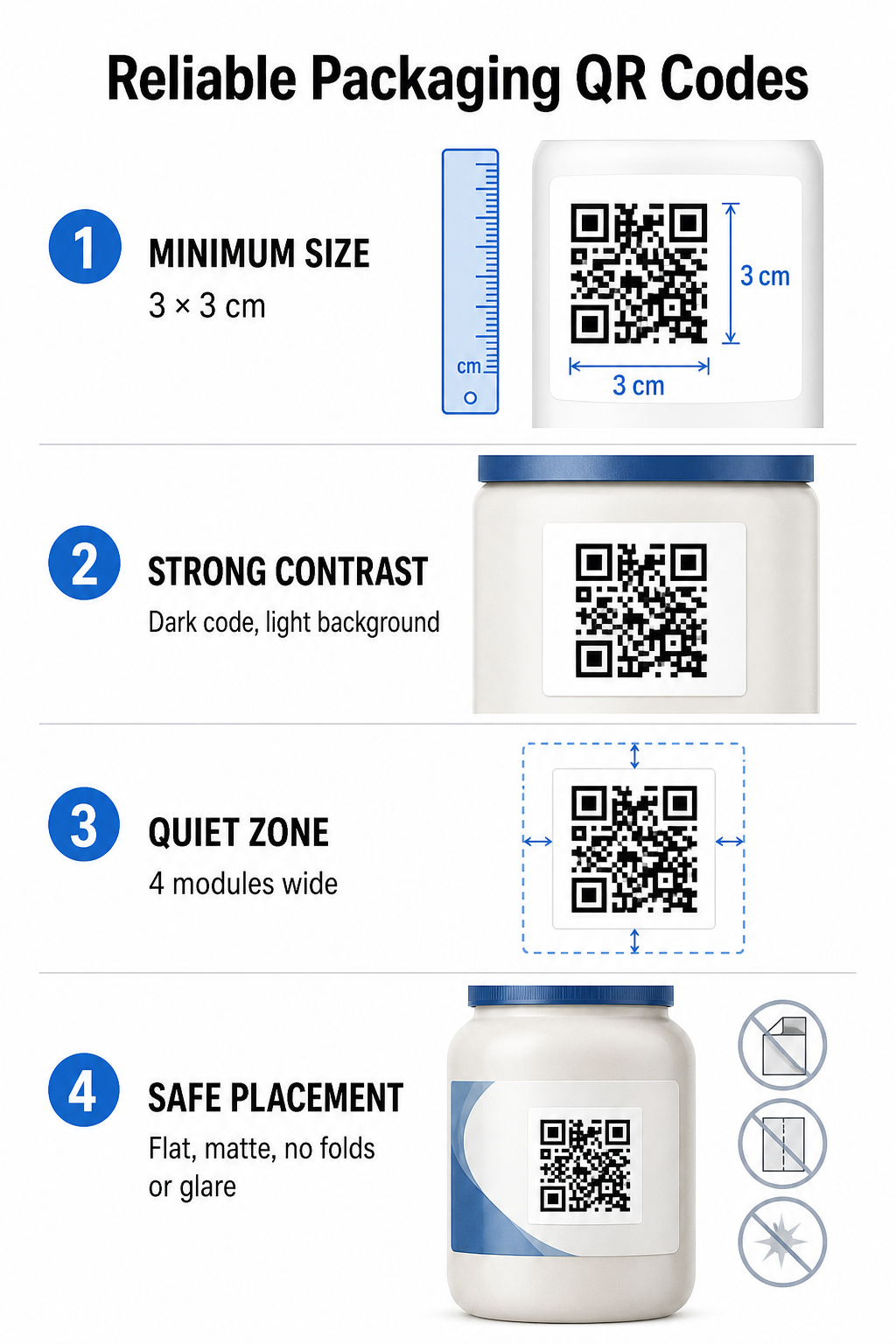
כדי להבטיח סריקה אמינה, הדפיסו קודי QR בגודל פיזי מינימלי של 3 x 3 ס"מ (1.2 x 1.2 אינץ') על אריזות צרכניות. אם קוד ייסרק ממרחק, יש להחיל יחס סריקה של 10:1 בין מרחק לגודל: רוחב הקוד חייב להיות שווה לפחות עשירית ממרחק הסריקה הצפוי. לדוגמה, קוד המיועד לסריקה ממרחק של 20 אינץ' צריך להיות בגודל של לפחות 2 אינץ' מרובע.
ניגודיות צבע ובהירות חזותית
חיישני מצלמה אופטיים מזהים קודי QR על ידי זיהוי תבניות מודול בעלות ניגודיות גבוהה. יש להשתמש תמיד בתבנית חזית כהה (כגון שחור או כחול נייבל) הממוקמת על רקע בהיר (כגון לבן אחיד או גוונים ניטרליים בהירים). יש להימנע מצבעי חזית אדומים, כתומים או פסטליים מכיוון שחיישני ספקטרום אדום מתקשים לזהות אותם. יש לשמור על צבעי תבניות אחידים, ולהימנע ממעברי צבע, צללים או גרפיקה עמוסה ברקע.
שולי אזור שקט
שמרו על שוליים ריקים ומסודרים מסביב לכל הגבול החיצוני של תבנית הקוד, המכונה אזור שקט. שוליים אלה חייבים להיות בגודל של לפחות פי ארבעה מרוחב מודול QR יחיד. צפיפות קוד ה-QR בלוגואים של מותגים, גבולות גרפיים או טקסט גוף המונעת מתוכנת מצלמה ניידת לזהות היכן מתחיל ומסתיים דפוס הקוד.
משטח חומר ומיקום
המיקום הפיזי תלוי במידה רבה במבנה ובחומר הגימור של החבילה שלך:
- מיכלים ראשוניים (בקבוקים, פחיות, צנצנות): מקמו קודים על משטחים ישרים ככל האפשר. אם מדפיסים על מיכלים מעוקלים, הגדילו מעט את גודל הקוד הכולל כדי לפצות על עיוות חזותי בקצוות.
- סיום והשתקפות: הימנעו מלמינציות מבריקות, יריעות מחזירות אור או מצעים שקופים המחזירים תאורת סביבה קמעונאית. בחרו לכות מט או ציפויים עמומים כדי למזער סנוור אור.
- קיפולים ותפרים: יש להרחיק את הקודים מקיפולי הקופסאות, רצועות קרעים מחוררות, תפרי האריזה ושולי המיכל כדי למנוע קריעה פיזית או עיוות.
לפני תחילת ייצור גדול, יש לבדוק את הפרטים המפורטים כללי קריאות קוד QR ולבדוק הגהות פיזיות מודפסות באמצעות מספר מצלמות טלפון תחת הגדרות תאורה מגוונות.
קודי QR דינמיים לעומת סטטיים לאריזות
בחירת מבנה קוד ה-QR הנכון היא החלטה אסטרטגית קריטית בעת עיצוב אריזות אינטראקטיביות.
| תכונה | קודי QR סטטיים | קודי QR דינמיים |
|---|---|---|
| עריכת תוכן | תוקן לצמיתות בעת היצירה; לא ניתן לשנות לאחר ההדפסה. | ניתן לעדכן את קישור היעד בכל עת בלוח המחוונים ללא צורך בהדפסה חוזרת. |
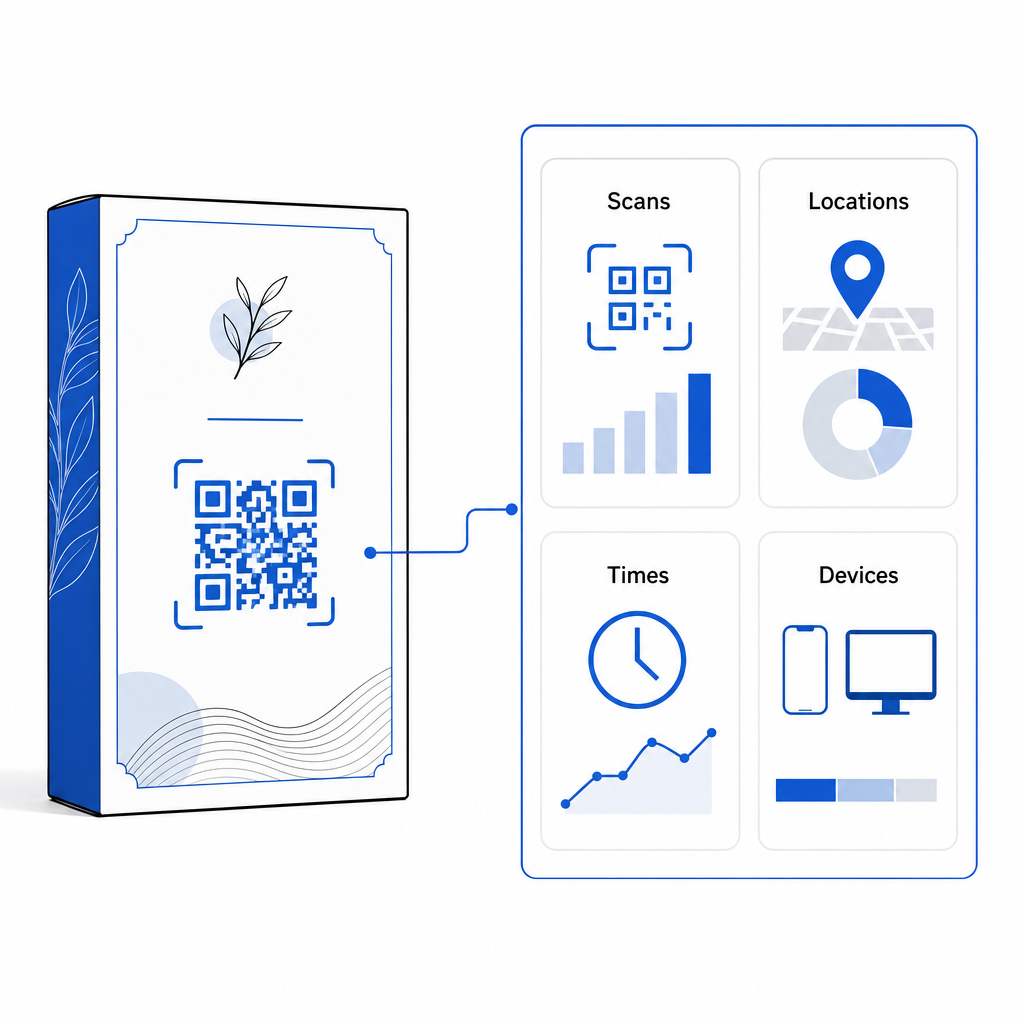
| ניתוח סריקות | אין נתוני מעקב או מדדי ביצועים זמינים. | עוקב אחר סך הסריקות, מבקרים ייחודיים, זמני סריקה, מיקומים וסוגי מכשירים. |
| צפיפות תבנית הקוד | התבנית הופכת צפופה וקשה לסריקה בעת קידוד כתובות URL יעד ארוכות. | משתמש בכתובת URL קצרה להפניה, תוך שמירה על תבנית המודול נקייה וקלה לסריקה. |
| יעילות עלות | יצירה חינמית, אך סכנה של אריזה יקרה עם הדפסה חוזרת אם כתובות URL היעד משתנות. | דורש מנוי בתשלום, אך מבטל את עלויות הדפסה חוזרת של האריזה. |
הדפסת קודים סטטיים בכמויות גדולות יוצרת סיכונים תפעוליים משמעותיים עבור מותגים. אם כתובת URL של דף קידום מכירות מתעדכנת, קמפיין עונתי מסתיים או קישור נשבר, קודי אריזה סטטיים הופכים ללא פונקציונליים, מה שמאלץ את העסק שלך לבחור בין הדפסות מחדש יקרות של אריזה או אובדן אמון הלקוחות.
באמצעות א מחולל QR דינמי מפריד בין תבנית הקוד המודפסת הפיזית ליעדה המקוון. אם קישור היעד או ההצעה משתנים, פשוט מעדכנים את כתובת האתר בלוח המחוונים של הניהול מבלי לשנות את הגרפיקה הפיזית.
קודים דינמיים מספקים גם ניתוח מקיף של קמפיינים. ניתן לנטר את נפח הסריקה, שעות הפעילות השיא, מיקומים גיאוגרפיים וסוגי מכשירי משתמשים כדי להעריך כיצד לקוחות מקיימים אינטראקציה עם האריזה הפיזית שלכם. כדי לשמור על ביצועים אופטימליים, בצעו ביקורות של הקודים הדינמיים הפעילים שלכם כל חודש עד שלושה חודשים כדי לוודא שכל דפי היעד נטענים במהירות ומציגים תוכן פעיל.
נהל את קמפייני האריזה שלך מלוח מחוונים אחד הימנעו מסיכוני הדפסה חוזרת יקרים על ידי יצירת קודים דינמיים הניתנים לעריכה באמצעות ניתוח נתונים בזמן אמת. התחילו לבנות אריזות ניתנות למעקב בעזרת כלי קוד QR דינמי של Pageloot היום.
כיצד ליישם קודי QR אינטראקטיביים על אריזות
- הגדירו את מטרת הקמפיין: זהה את האינטראקציה הספציפית עם הלקוח שברצונך לעודד, כגון הצגת סרטון הדרכה, איסוף ביקורות לאחר הרכישה או הצעת הנחת מועדון לקוחות.
- בחר מחולל קוד QR דינמי: הגדר כתובות URL להפניה ניתנות לעריכה כדי לשמור על שליטה מלאה על תוכן היעד תוך לכידת מדדי סריקה בזמן אמת.
- התאם אישית את הנחיות המותג: החל צבעי מותג בעלי ניגודיות גבוהה והטמע את לוגו החברה שלך בתוכם 25% של אזור הקוד, תוך הבטחת שסמני מיקום קריטיים יישארו ברורים.
- כלול קריאה לפעולה משכנעת: הציבו טקסט מפורש וברור ליד תבנית הקוד, כגון "סרוק כדי לצפות במדריך" או "סרוק לקבלת הנחה של 20% בהזמנה הבאה שלך".“
- בדיקה על פני מצעים פיזיים ומכשירים: הדפיסו דוגמאות בדיקה פיזיות על חומרי אריזה סופיים ובדקו את יכולת הסריקה במכשירי iOS ואנדרואיד בתנאי תאורה מגוונים.
- ניטור וביצוע אופטימיזציה של ניתוחי קמפיינים: סקור את נתוני מיקום הסריקה, המכשיר ותזמון בלוח המחוונים לניהול שלך כדי לחדד את אסטרטגיות השיווק לאחר הרכישה.
שילוב קודי QR באריזות מוצרים הופך מיכלים מסורתיים לנקודות מגע דיגיטליות דינמיות המניעות מעורבות מתמשכת של הלקוחות. על ידי שילוב ניגודיות צבעים חזקה ואזורי שקט ברורים עם קישורים דינמיים הניתנים לעריכה, אתם מגינים על השקעתכם בדפוס תוך לכידת תובנות יקרות ערך בזמן אמת מהקהל.
מוכנים לשדרג את האריזה שלכם לחוויה דיגיטלית אינטראקטיבית? צרו קודי QR הניתנים למעקב וניתנים להתאמה אישית מלאה עבור חבילות המוצרים שלכם עוד היום בעזרת מחולל קודי QR דינמיים של Pageloot.
שאלות נפוצות
גודל ההדפסה המינימלי המומלץ לאריזת קודי QR הוא 3 x 3 ס"מ (1.2 x 1.2 אינץ'). עבור משטחים מעוקלים או קודים שנסרקים ממרחק רב יותר, יש להקפיד על יחס מרחק-גודל של 10:1 כדי לשמור על סריקה אמינה.
כן, אם אתם משתמשים בקודי QR דינמיים. קודים דינמיים מנתבים תנועה דרך כתובת URL קצרה הניתנת לעריכה, ומאפשרים לכם לעדכן דפי אינטרנט, סרטונים או קבצים דיגיטליים בכל עת מבלי להדפיס מחדש את האריזה הפיזית.
מקמו את קוד ה-QR על משטח ישר וחלק, הרחק מתפרים, קיפולים וגימורים בוהקים. מקמו תמיד את הקוד ליד קריאה לפעולה ברורה, כך שהקונים ידעו לאיזה תוכן לצפות בעת הסריקה.