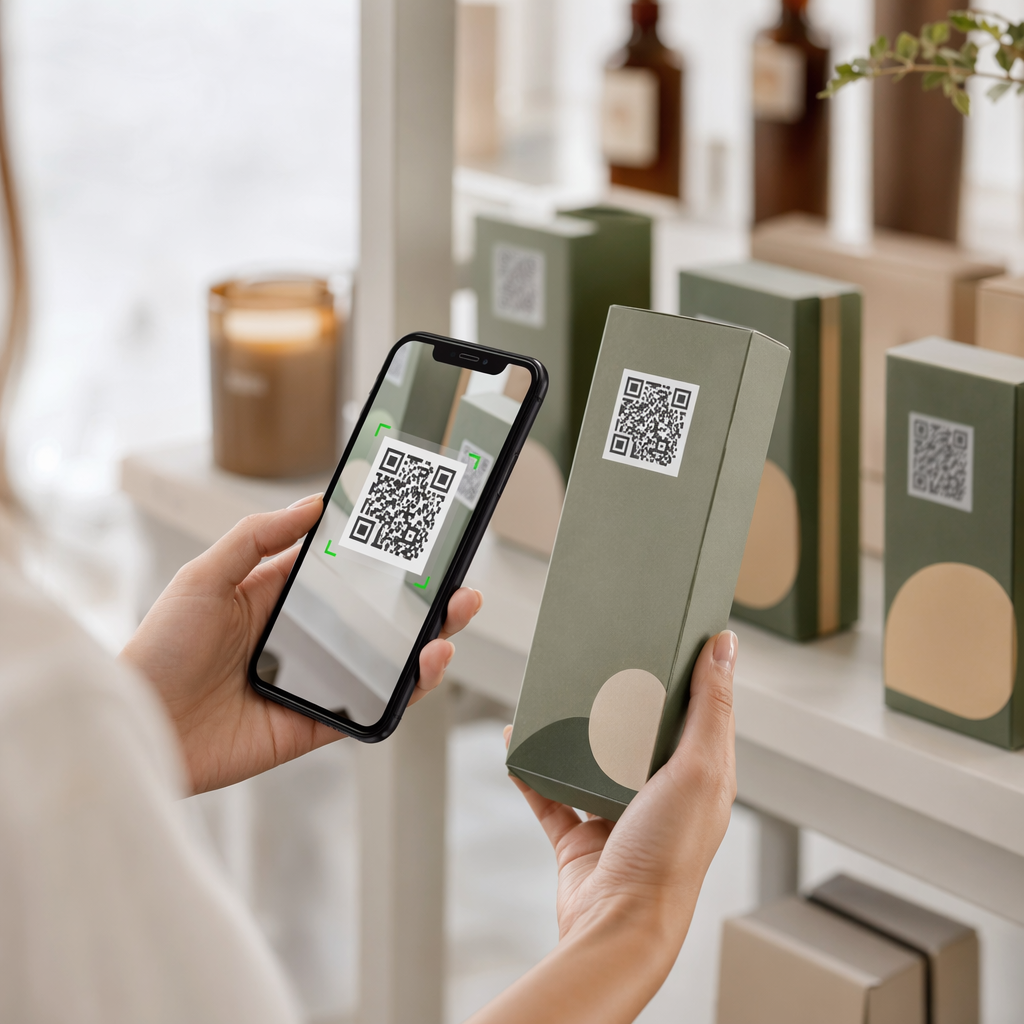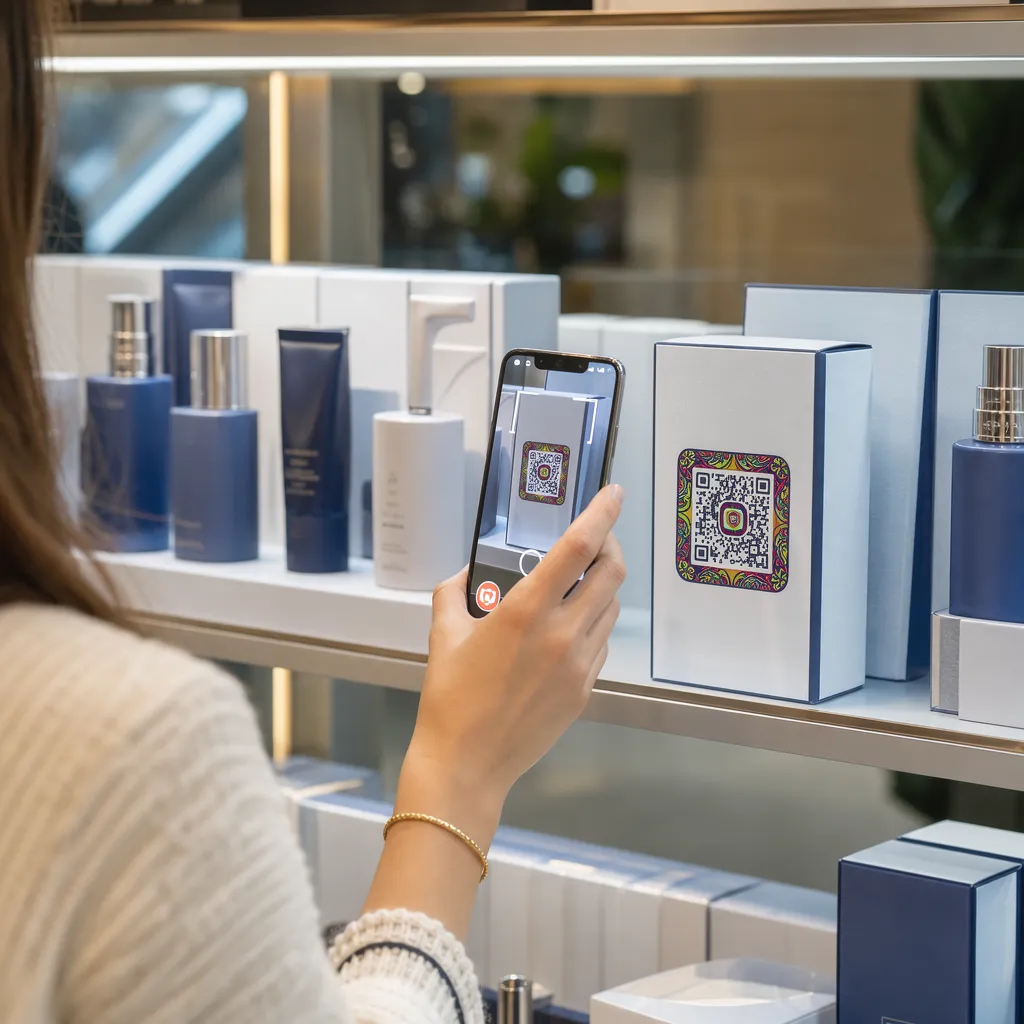

Nem tudják a termékeid csomagolásai lekötni a vásárlókat, miután leveszik a polcról? A fizikai címkék korlátozott felülete arra kényszeríti a márkákat, hogy kihagyják a lényeges utasításokat, összetevőket és promóciós ajánlatokat. A dinamikus QR-kódok hozzáadása a termékcsomagoláshoz összekapcsolja a fizikai termékeket a digitális élményekkel, miközben nyomon követhető vásárlói elköteleződést eredményez.
Mi az interaktív csomagolás és miért fontos?
Az interaktív csomagolás digitális belépési pontokat használ a fizikai terméktárolók, dobozok vagy csomagolóanyagok online tartalommal való összekapcsolására. Ahelyett, hogy kizárólag a statikus nyomtatott szövegre hagyatkoznának, a márkák minden csomagolást aktív digitális kommunikációs csatornává alakíthatnak.
A modern fogyasztók azonnali átláthatóságot és kényelmet várnak el. Akár a beszerzési forrást szeretnék ellenőrizni, akár termékbeállítási útmutatókat nézni, akár hűségprogramhoz csatlakozni, a fizikai címkék ritkán biztosítanak elegendő helyet az átfogó információknak. A digitális érintkezési pontok hozzáadása megoldja a fizikai csomagolások helyhiányát, miközben nyomon követhető módot biztosít a marketingszakembereknek a vásárlás utáni fogyasztói interakció mérésére.
A kiskereskedelmi szabványok is a 2D vonalkódok felé fejlődnek. A globális iparági szabványügyi szervezetek a 2D kódok felé haladnak, amelyek mind a kiskereskedelmi értékesítési ponton történő szkennelést, mind a gazdag fogyasztói interakciót kezelik. QR-kódokat a termékcsomagoláson összehangolja fizikai termékeit a modern kiskereskedelmi követelményekkel, miközben közvetlen digitális kapcsolatot alakít ki ügyfélkörével.
5 módszer az ügyfelek bevonására a csomagoláson található QR-kódokkal
Az interaktív csomagolás akkor működik a leghatékonyabban, ha a beolvasás után azonnal egyértelmű értéket nyújt a vásárlónak. A QR-kódok használatával a termékcsomagoláson öt praktikus módon növelheti az elköteleződést:
- Kiterjesztett valósággal (AR) rendelkező termékek bemutatása: Lehetővé teszi az ügyfelek számára, hogy 3D-s termékmodelleket vagy interaktív bemutatókat tekintsenek meg közvetlenül okostelefonjuk képernyőjén. Egy AR QR-kód az elsődleges csomagoláson található információk lehetővé teszik a vásárlók számára, hogy otthoni környezetükben vizualizálják a termékeket, vagy a kicsomagolás előtt megtekintsék a belső jellemzőket.
- Receptek, oktatóanyagok és felhasználói útmutatók biztosítása: Csatlakoztasson kozmetikumokat, háztartási gépeket vagy élelmiszer-tárolóedényeket videós útmutatókhoz és lépésről lépésre szóló utasításokhoz. QR-kódok elhelyezése élelmiszer-csomagolás az otthoni szakácsokat a szakácsok ajánlásaihoz és étkezési ötleteihez irányíthatja, segítve a fogyasztókat abban, hogy azonnal hasznosítsák vásárlásaikat.
- Összetevők átláthatósági és megfelelőségi adatainak megosztása: Azonnali hozzáférést biztosíthat az egészségtudatos vásárlóknak a tápanyag-összetételhez, az etikus beszerzési nyilvántartásokhoz vagy az allergénekre vonatkozó információkhoz. A digitális landing page-ek lehetővé teszik a teljes körű megfelelőségi részletek megadását anélkül, hogy túlzsúfolt fizikai címkékkel kellene ellátni.
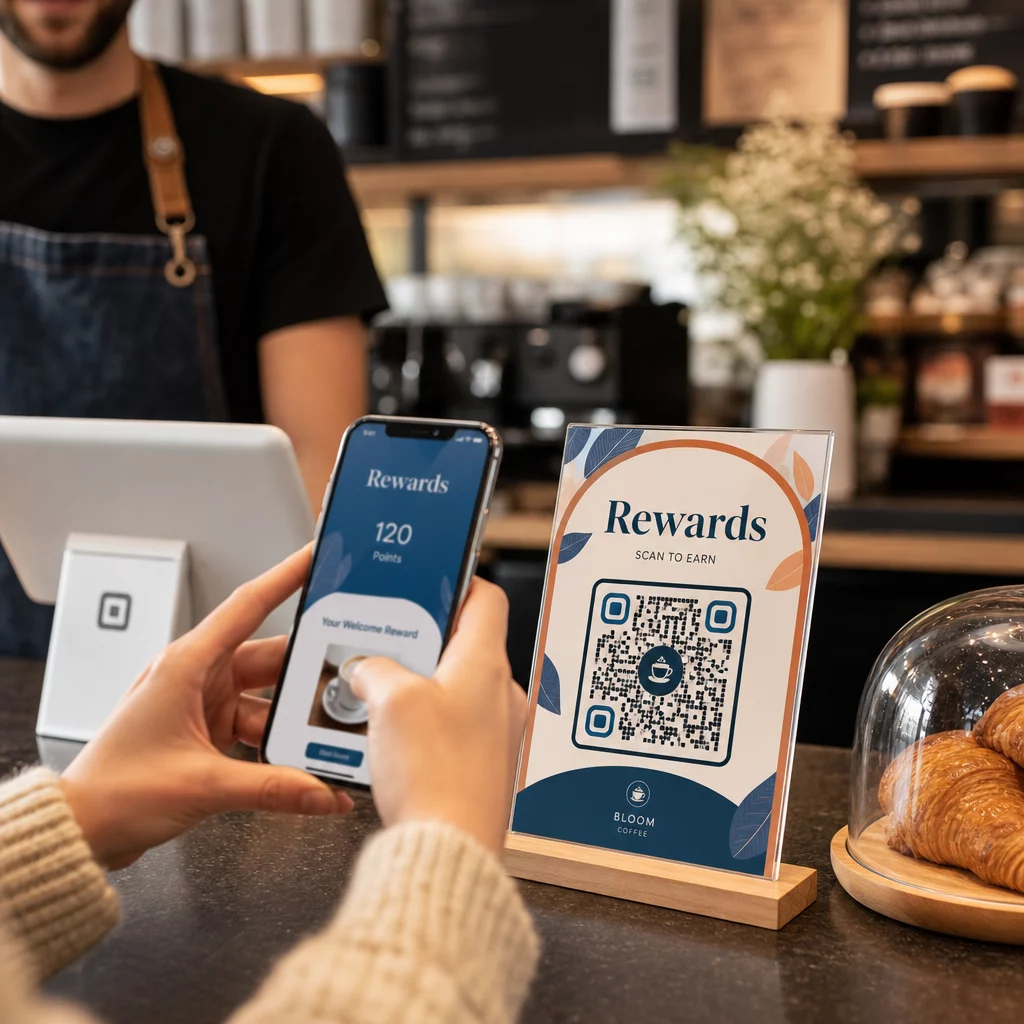
- Növeld a hűségprogramra való feliratkozások és az ismételt vásárlások számát: Azonnali kedvezményeket, előfizetéseket vagy gyors újrarendelési linkeket kínáljon. A másodlagos csomagoláson vagy a szállítódobozokon elhelyezett célzott digitális ajánlatok arra ösztönzik a vásárlókat, hogy újra ellátogassanak az üzletbe, ami segít. növelheti az ügyfél elkötelezettséget és az ügyfél élettartamra vetített értéke.
- Valós idejű ügyfél-visszajelzések gyűjtése: Irányítsd a fogyasztókat rövid visszajelzési kérdőívekhez vagy értékelő platformokhoz közvetlenül a kicsomagolás után. A közvetlen vásárlói vélemények gyűjtése segít a termékkel kapcsolatos problémák korai azonosításában és a márkáddal kapcsolatos hiteles vásárlói visszajelzések kialakításában.
Vond be e-kereskedelmi ügyfeleidet a kicsomagolás folyamatába Szeretnéd növelni az üzletlátogatások és az ismételt vásárlások számát közvetlenül a szállítódobozokból? Fedezd fel, hogyan QR-kódok az e-kereskedelemhez segít automatizált hűségkampányok létrehozásában és az értékesítés fellendítésében.
Csomagolási kódexek fő tervezési és nyomtatási irányelvei
Egy csomagoláson használt QR-kód csak akkor növeli az ügyfél-elköteleződést, ha elsőre megbízhatóan beolvassa. A kódok különböző felületekre – például hullámkartonra, átlátszó műanyagra vagy alumíniumra – történő nyomtatása pontos tervezési szabványokat igényel a beolvasási hibák elkerülése érdekében.
Nyomtatási méret és távolságarányok
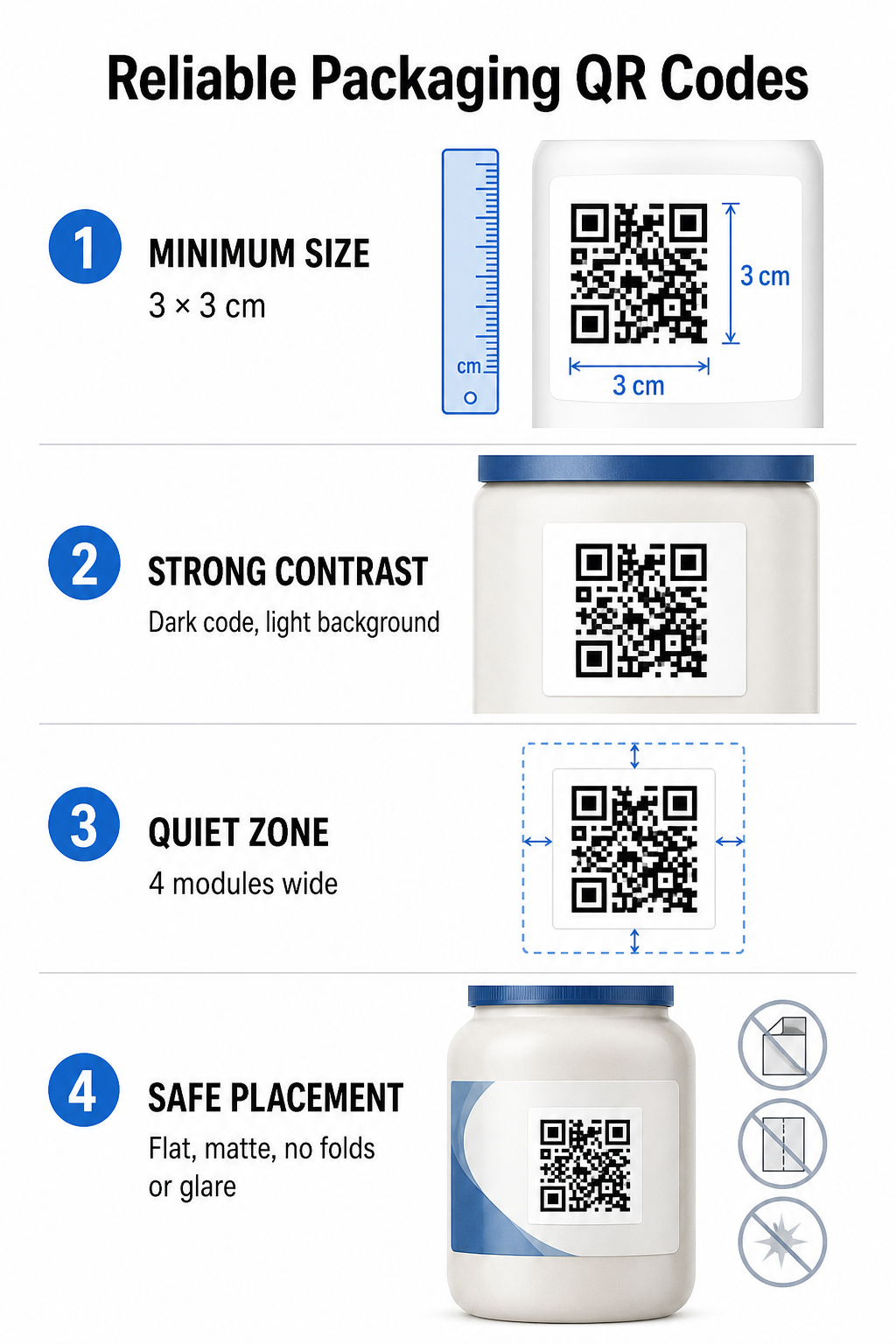
A megbízható szkennelhetőség garantálása érdekében a QR-kódokat legalább a következő fizikai méretben nyomtassa ki: 3 x 3 cm (1,2 x 1,2 hüvelyk) a fogyasztói csomagoláson. Ha egy kódot távolról kell beolvasni, alkalmazza a 10:1 távolság-méret szkennelési arányt: a kód szélességének legalább a várható szkennelési távolság tizedével kell megegyeznie. Például egy 20 hüvelyk távolságból beolvasandó kódnak legalább 2 hüvelyk négyzetméretűnek kell lennie.
Színkontraszt és vizuális tisztaság
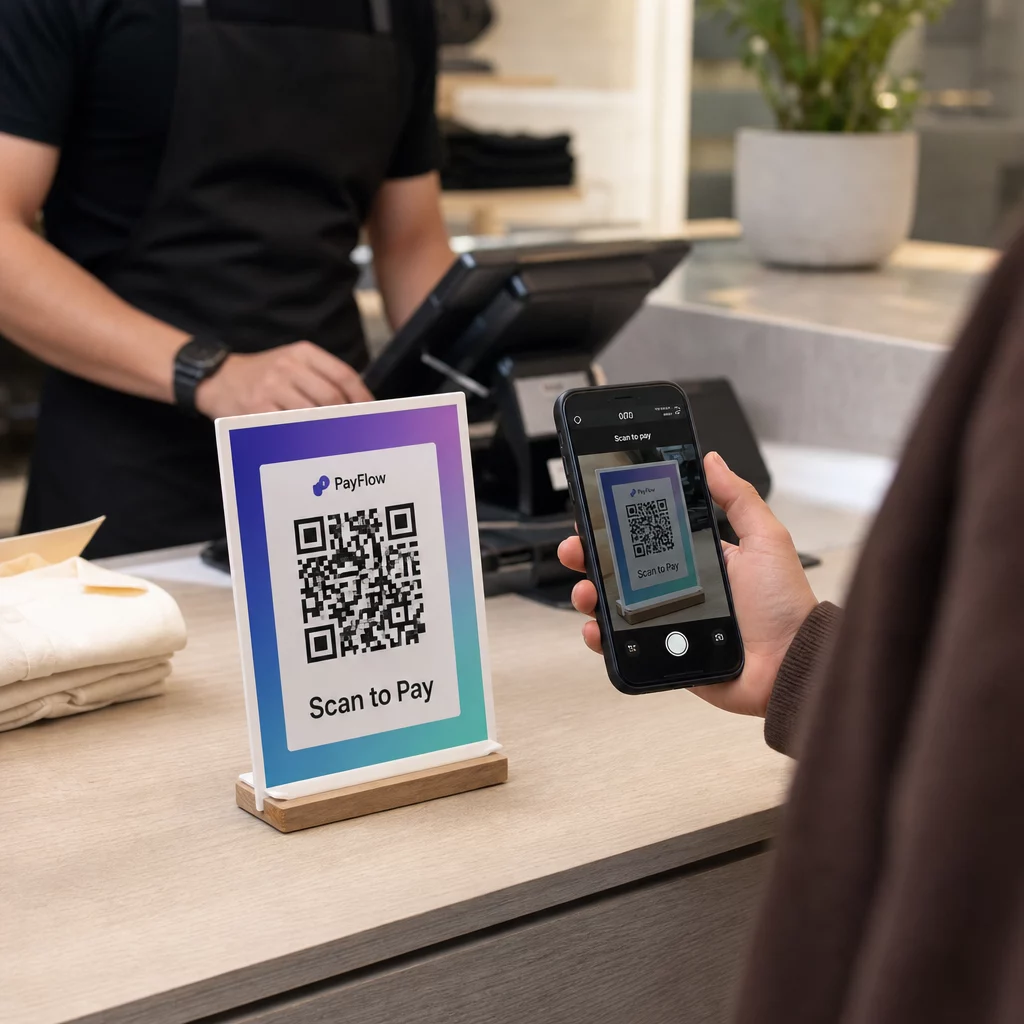
Az optikai kameraérzékelők a QR-kódok érzékelése során nagy kontrasztú modulmintákra hivatkoznak. Mindig sötét előtérmintát (például feketét vagy sötétkéket) használjon világos háttér előtt (például egyszínű fehér vagy világos semleges tónusok). Kerülje a vörös, narancssárga vagy pasztell előtérszíneket, mert a vörös spektrumú érzékelők nehezen tudják ezeket érzékelni. A minták színei legyenek egyszínűek és egyenletesek, kerülje a színátmeneteket, árnyékokat vagy zsúfolt háttérgrafikákat.
Csendes zóna margói
Tartson fenn egy üres, rendezett margót a kódminta teljes külső határa mentén, amelyet csendes zónának nevezünk. Ennek a margónak legalább a következő méretűnek kell lennie: négyszer akkora szélességű, mint egyetlen QR-modul. A QR-kód márkalogókkal, grafikus szegélyekkel vagy szövegtörzzsel való zsúfoltsága megakadályozza, hogy a mobilkamera-szoftver azonosítsa a kódminta kezdetét és végét.
Anyagfelület és elhelyezés
A fizikai elhelyezés nagymértékben függ a csomag szerkezetétől és anyagától:
- Elsődleges tartályok (palackok, konzervdobozok, befőttesüvegek): A kódokat lehetőség szerint sík felületekre helyezze. Ívelt tartályokra nyomtatás esetén a vizuális éltorzulás kompenzálása érdekében kissé növelje a kód teljes méretét.
- Befejezés és elmélkedés: Kerülje a fényes laminátumokat, fényvisszaverő fóliákat vagy átlátszó felületeket, amelyek visszaverik a környezeti üzletvilágítást. Válasszon matt lakkokat vagy matt bevonatokat a fény tükröződésének minimalizálása érdekében.
- Hajtások és varratok: A kódokat tartsa távol a dobozok hajtásaitól, perforált tépőcsíkoktól, csomagolási varratoktól és a tartályok peremétől, hogy elkerülje a fizikai szakadást vagy torzulást.
Nagyobb sorozatú gyártás megkezdése előtt tekintse át a részletes QR-kód olvashatósági szabályok és teszteljen nyomtatott fizikai próbanyomatokat több telefonkamerával, eltérő fényviszonyok mellett.
Dinamikus vs. statikus QR-kódok csomagoláshoz
A megfelelő QR-kód struktúra kiválasztása kritikus stratégiai döntés az interaktív csomagolás tervezésekor.
| FUNKCIÓ | Statikus QR-kódok | Dinamikus QR-kódok |
|---|---|---|
| Tartalomszerkesztés | Létrehozáskor véglegesen rögzítve; nyomtatás után nem módosítható. | A célhivatkozás bármikor frissíthető az irányítópulton újranyomtatás nélkül. |
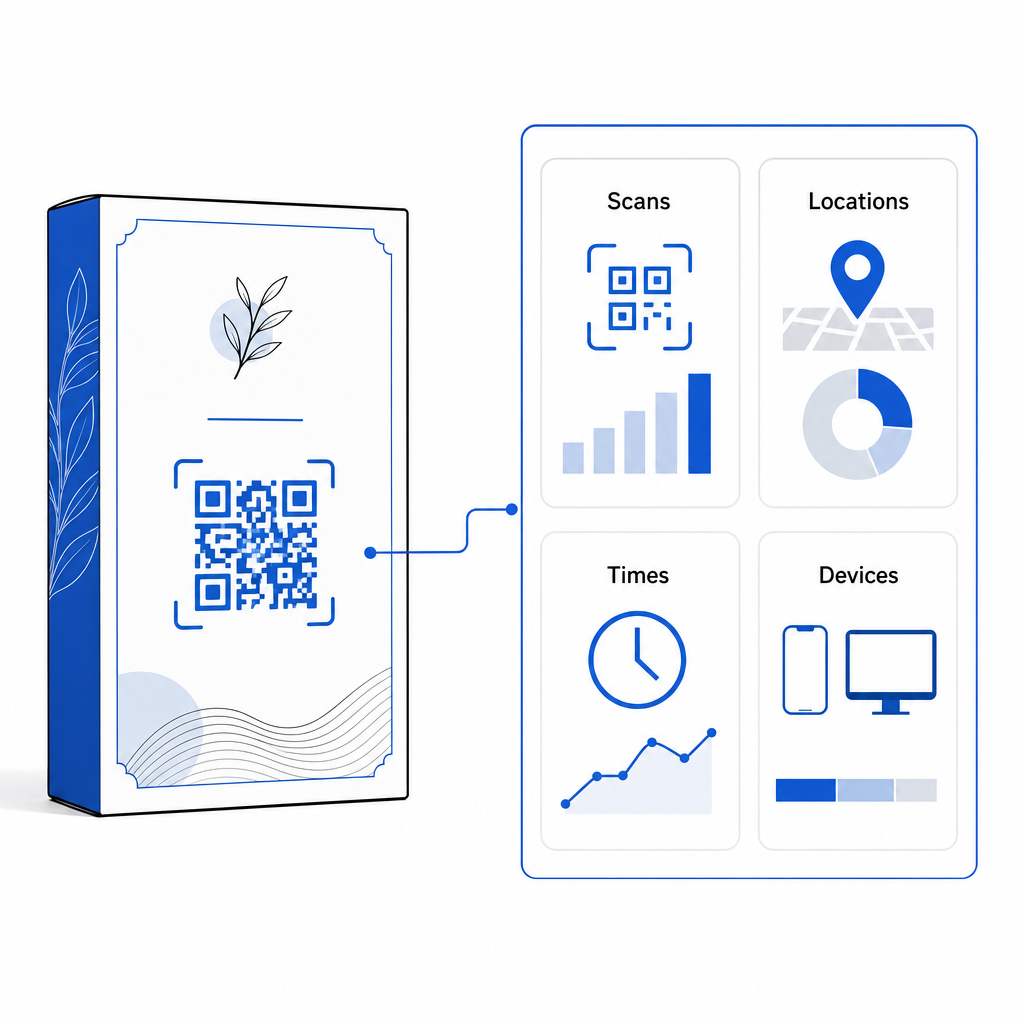
| Szkennelési analitika | Nincsenek elérhető követési adatok vagy teljesítménymutatók. | Nyomon követi az összes szkennelést, az egyedi látogatókat, a szkennelési időpontokat, a helyszíneket és az eszköztípusokat. |
| Kódminta sűrűsége | A minta sűrűvé és nehezen beolvashatóvá válik hosszú cél URL-ek kódolásakor. | Rövid átirányítási URL-t használ, így a modulminta tiszta és könnyen áttekinthető marad. |
| Költséghatékonyság | Ingyenesen generálható, de költséges csomagolás-újranyomtatás kockázatával jár, ha a cél URL-ek megváltoznak. | Fizetős előfizetést igényel, de kiküszöböli a csomagolás újranyomtatásának költségeit. |
A statikus kódok nagy mennyiségű nyomtatása jelentős működési kockázatot jelent a márkák számára. Ha egy promóciós oldal URL-címe frissül, egy szezonális kampány véget ér, vagy egy link megszakad, a statikus csomagolási kódok működésképtelenné válnak, így a vállalkozásnak választania kell a költséges csomagolás-újranyomtatás és az ügyfelek bizalmának elvesztése között.
Egy Dinamikus QR-kód generátor elválasztja a fizikai nyomtatott kódmintát az online célhelyétől. Ha a céllink vagy ajánlat megváltozik, egyszerűen frissítheti a cél URL-t az irányítópulton a fizikai grafika módosítása nélkül.
A dinamikus kódok átfogó kampányelemzést is biztosítanak. Figyelemmel kísérheti a beolvasások mennyiségét, a csúcsidőszakokat, a földrajzi helyeket és a felhasználói eszköztípusokat, hogy felmérje, hogyan lépnek interakcióba az ügyfelek a fizikai csomagolással. Az optimális teljesítmény fenntartása érdekében 1-3 havonta végezzen auditokat az aktív dinamikus kódokon, hogy megbizonyosodjon arról, hogy minden céloldal gyorsan betöltődik és aktív tartalmat jelenít meg.
Csomagolási kampányainak kezelése egyetlen irányítópultról Kerülje el a költséges újranyomtatási kockázatokat szerkeszthető dinamikus kódok létrehozásával valós idejű elemzéssel. Kezdje el a nyomon követhető csomagolások építését a Pageloot dinamikus QR-kód eszköz még ma.
Hogyan helyezzünk el interaktív QR-kódokat a csomagoláson?
- Határozza meg a kampány célját: Határozza meg, hogy milyen konkrét ügyfél-interakciót szeretne előmozdítani, például videós oktatóanyag megjelenítésével, vásárlás utáni vélemények gyűjtésével vagy hűségkedvezmény felajánlásával.
- Válasszon egy dinamikus QR-kód generátort: Szerkeszthető átirányítási URL-ek beállítása a céltartalom feletti teljes ellenőrzés fenntartásához, miközben valós idejű vizsgálati metrikák rögzítésére is lehetőség van.
- Testreszabás a márka irányelvein belül: Használjon nagy kontrasztú márkaszíneket, és ágyazza be cége logóját A kódterület 25% része, biztosítva, hogy a kritikus pozicionáló jelölők tiszták maradjanak.
- Tartalmazzon egy meggyőző cselekvésre ösztönzést: Helyezzen el egyértelmű, egyértelmű szöveget a kódminta mellett, például: “Szkennelje be az oktatóanyag megtekintéséhez” vagy “Szkennelje be, és kapjon 20% kedvezményt a következő rendeléséből”.”
- Fizikai felületeken és eszközökön végzett tesztek: Nyomtasson fizikai tesztmintákat a végleges csomagolóanyagokra, és tesztelje a szkennelhetőséget iOS és Android eszközökön változó fényviszonyok mellett.
- Kampányanalitika monitorozása és optimalizálása: Tekintse át a szkennelési helyszínre, eszközre és időre vonatkozó adatokat az irányítópulton a vásárlás utáni marketingstratégiák finomítása érdekében.
A QR-kódok termékcsomagolásra való integrálása a hagyományos dobozokat dinamikus digitális kapcsolódási pontokká alakítja, amelyek folyamatos ügyfél-elköteleződést ösztönöznek. Az erős színkontraszt és a tiszta, csendes zónák szerkeszthető dinamikus linkekkel való párosításával megvédi nyomtatott befektetését, miközben értékes, valós idejű közönséginformációkat gyűjt.
Készen állsz arra, hogy csomagolásodat interaktív digitális élménnyé fejlesszd? Hozz létre nyomon követhető, teljesen testreszabható QR-kódokat termékeid csomagolásához még ma a Pageloot dinamikus QR-kód generátor.
Gyakori kérdések
A csomagoláshoz használt QR-kódok ajánlott minimális nyomtatási mérete 3 x 3 cm (1,2 x 1,2 hüvelyk). Ívelt felületek vagy távolabbról beolvasott kódok esetén a megbízható beolvasás érdekében kövesse a 10:1 távolság-méret arányt.
Igen, ha dinamikus QR-kódokat használ. A dinamikus kódok egy szerkeszthető rövid URL-címen keresztül irányítják a forgalmat, lehetővé téve a cél weboldalak, videók vagy digitális fájlok bármikori frissítését a fizikai csomagolás újranyomtatása nélkül.
Helyezze a QR-kódot sík, sima felületre, távol a csomagolás varrataitól, hajtásaitól és a tükröződésmentes felületektől. A kódot mindig egy egyértelmű cselekvésre ösztönzés mellé helyezze, hogy a vásárlók tudják, milyen tartalomra számíthatnak a beolvasás során.