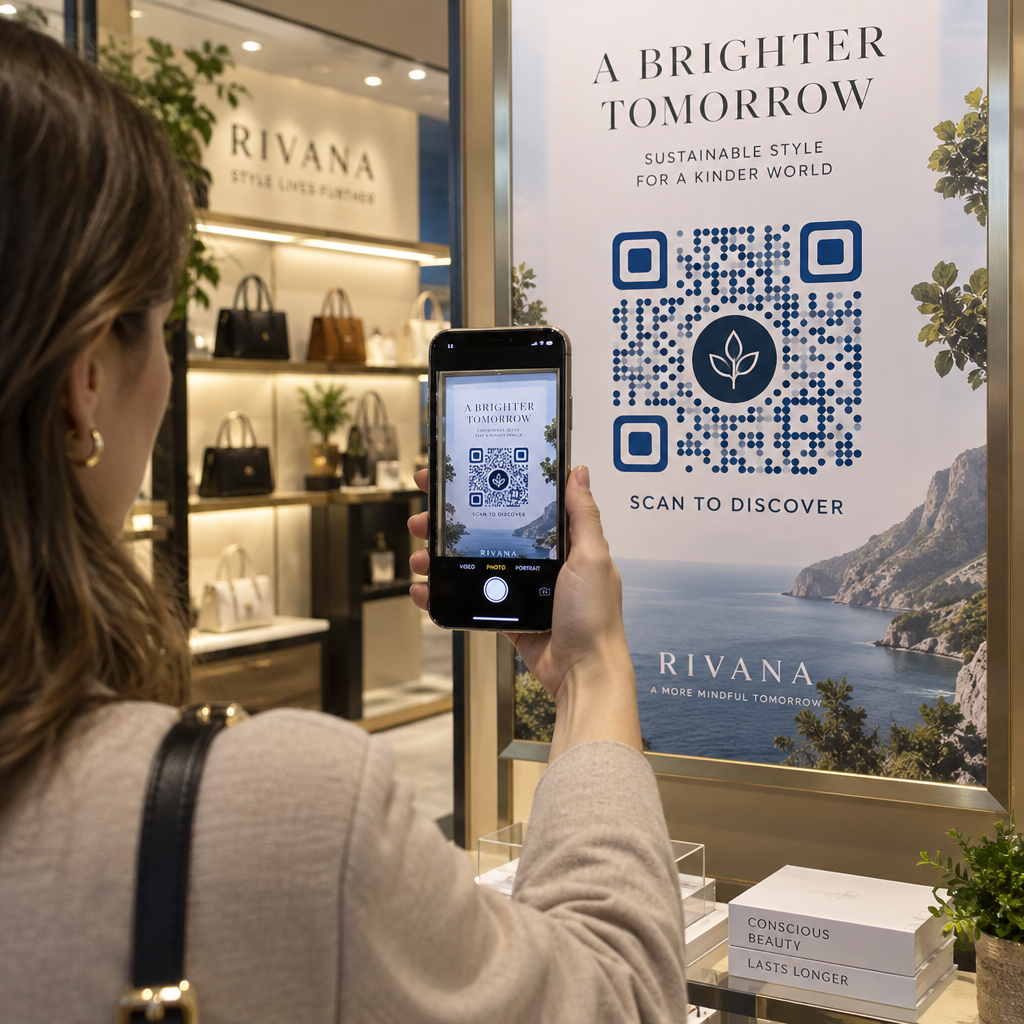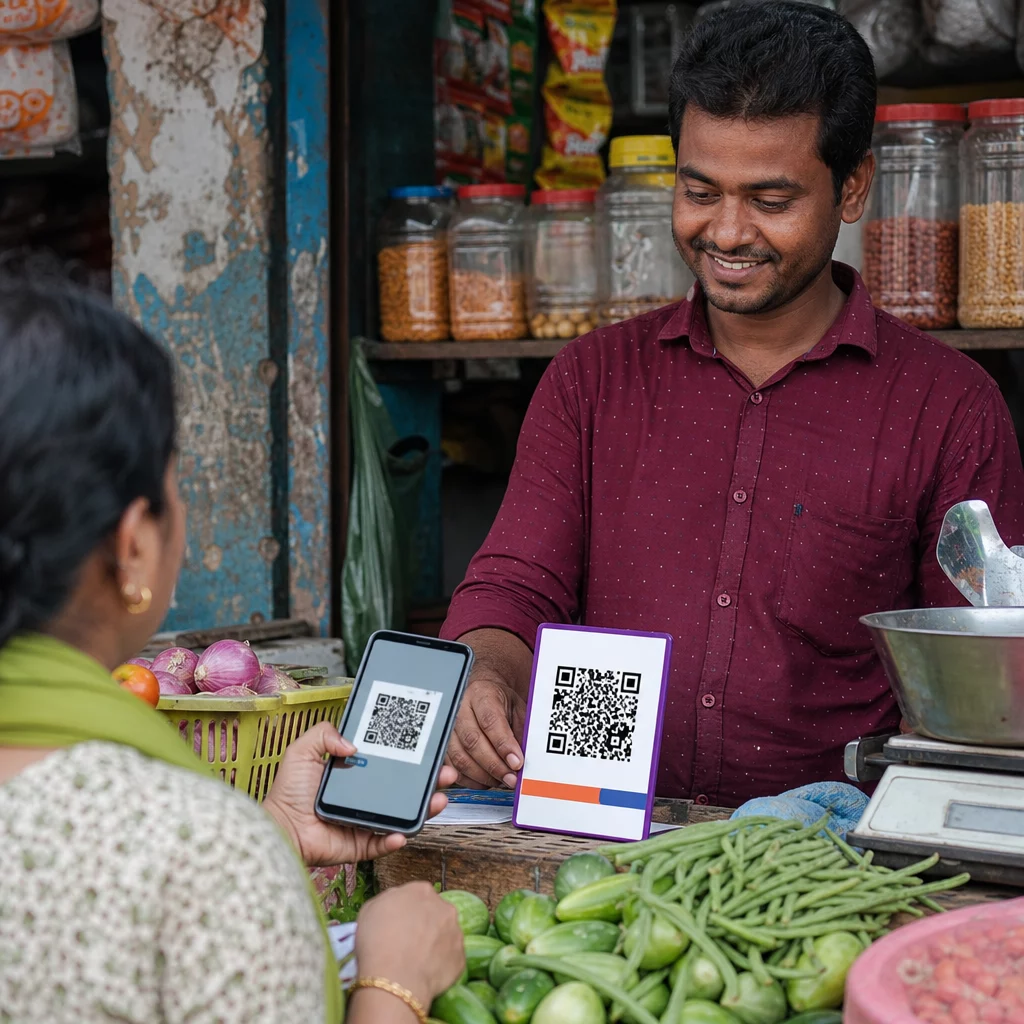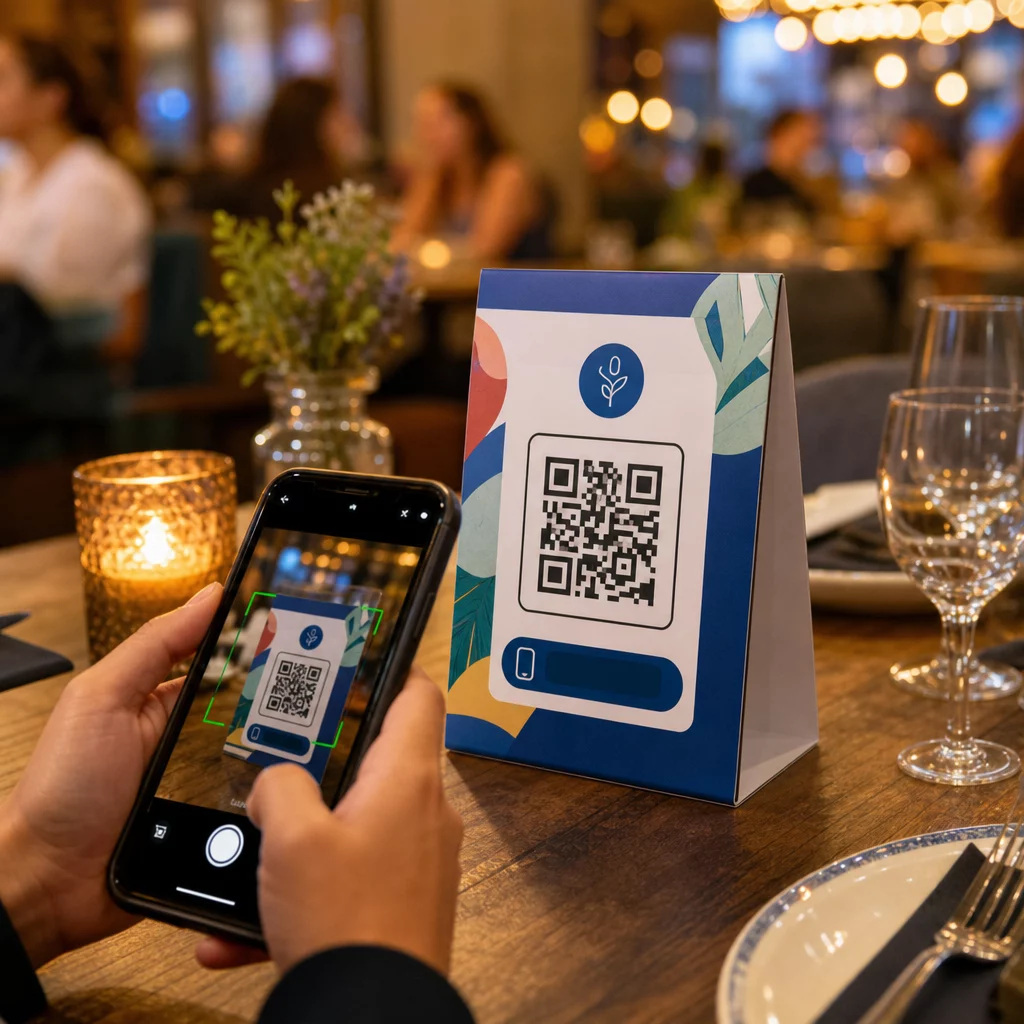
Ar jūsų stalo palapinės daro ką nors daugiau, nei laiko žvakę ar renka dulkes tarp aptarnavimų? Statinės spausdintos kortelės palieka pinigus ant stalo – tiesiogine prasme. Pridėjus QR kodą, kiekviena stalo palapinė virsta interaktyviu prisilietimo tašku, kuris per kelias sekundes sujungia sėdinčius klientus su jūsų skaitmeniniu turiniu.
Kodėl verta naudoti stalo palapinių QR kodus
Stalo palapinė yra tiesiai priešais klientą didžiausio įsitraukimo metu: kai jie sėdi ir laukia. Tas buvimo laikas yra tikra galimybė, o nuskaitomas QR kodas užpildo jį kažkuo naudingu.
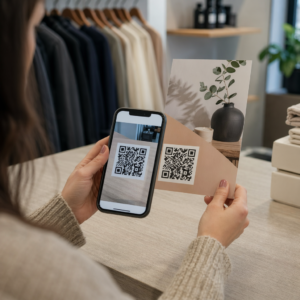
Dėl restoranai ir svetingumo verslai, QR kodai ant stalo palapinių supaprastina operacijas taip, kad tai būtų naudinga tiek personalui, tiek svečiams. Klientai gali naršyti skaitmeninį meniu, pateikti užsakymą ar apmokėti sąskaitą nelaukdami padavėjo. Dėl mažmenininkai, ant prekystalio pastatytos stalo palapinės su QR kodais gali rodyti akcijas, lojalumo programų registracijas ar produkto detales tiksliai tuo metu, kai priimamas pirkimo sprendimas.
Skaičiai tai patvirtina. Restoranai ir svetingumo verslai pirmauja QR kodų diegime (75%), o tyrimai rodo, kad 60% visų restoranų QR nuskaitymų įvyksta, kai kodai yra tiesiogiai ant stalo – ant lipdukų ar stalo palapinių. Formatas veikia, nes jis pasiekia klientus ten, kur jie jau yra.
Tinkamo QR kodo tipo pasirinkimas jūsų stalo palapinei
Ne kiekvienas QR kodas atlieka tą patį darbą. Kodo tipo suderinimas su jūsų tikslu yra svarbiausias sprendimas, kurį priimsite prieš spausdindami.
Meniu prieiga yra dažniausiai naudojamas atvejis. A meniu QR kodą leidžia įkelti PDF failą arba sukurti mobiliesiems įrenginiams optimizuotą nukreipimo puslapį, kurį svečiai gali naršyti iš savo išmaniųjų telefonų. Kadangi šie kodai yra dinaminiai, galite atnaujinti patiekalus, kainas ar dienos specialius pasiūlymus neliesdami atspausdintos stalo palapinės. Vien tai pašalina pasikartojančias meniu perspausdinimo išlaidas kiekvieną kartą, kai kas nors pasikeičia.
Bekontaktis mokėjimas yra antras didelės vertės naudojimo atvejis. A PayPal QR kodas leidžia klientams nuskaityti ir apmokėti tiesiai nuo savo stalo, sutrumpinant laukimo laiką ir sumažinant jūsų aptarnaujančio personalo krūvį. Konkrečiai restoranams, QR kodo mokėjimai pagreitina stalų apyvartą ir sumažina kortelių apdorojimo trintį.
Akcijos ir kuponai puikiai tinka ant mažmeninės prekybos prekystalių ekranų. A kupono QR kodas nukreipia į nukreipimo puslapį, kuriame klientai gali pasinaudoti nuolaidomis, lojalumo apdovanojimais arba riboto laiko pasiūlymais, kol jie vis dar yra pirkimo akimirką.
PDF dokumentai tinka vietoms, kurioms reikia dalintis išsamiu turiniu – alergenų informacija, vyno sąrašais, renginių programomis ar produktų katalogais. A PDF QR kodas akimirkai pristato failą į bet kurį išmanųjį telefoną, nereikalaujant programėlės.
Tiesioginės nuorodos suteikia jums daugiausiai lankstumo. A nuorodos QR kodui gali nukreipti į bet ką: rezervavimo sistemą, socialinės žiniasklaidos profilį, Google atsiliepimų puslapį arba lojalumo registracijos formą.
Pasiruošę nustatyti stalo palapinių QR kodus? Kurkite pritaikomus, sekamus QR kodus savo meniu, mokėjimams ir akcijoms naudodami „Pageloot“ QR kodų generatorius. Pradėkite nemokamą 14 dienų bandomąjį laikotarpį – kreditinė kortelė nereikalinga.
Kaip nustatyti QR kodo užsakymo sistemą ant stalo palapinių
Jei jūsų tikslas yra visas užsakymo prie stalo srautas, nustatymas yra paprastas. The QR kodo užsakymo sistemos vadovas išsamiai aprašo procesą, tačiau pagrindiniai žingsniai yra:
- Sukurkite arba įkelkite savo skaitmeninį meniu kaip PDF arba mobiliesiems pritaikytą puslapį
- Sugeneruokite dinaminį QR kodą, susietą su tuo meniu
- Pritaikykite kodą su savo prekės ženklo spalvomis, logotipu ir raginimo veikti rėmeliu
- Atspausdinkite ir padėkite kodą ant kiekvienos stalo kortelės
- Išbandykite kiekvieną kodą nuskaitydami iš išmaniojo telefono prieš diegimą
Dinaminiai kodai yra labai pageidautini šiam darbo procesui. Jie leidžia atnaujinti susietą meniu, keisti sezoninį turinį arba nukreipti į naują URL neperspausdinant nė vienos stalo kortelės. Tai ypač naudinga restoranams, valdantiems dienos specialius pasiūlymus arba besikeičiančius meniu.
Dizaino ir spausdinimo specifikacijos, kurios iš tiesų svarbios
QR kodas, kurio nepavyksta nuskaityti, sugadina kliento patirtį. Teisingai nustačius technines detales prieš spausdinant, išvengiama viso tiražo perspausdinimo.
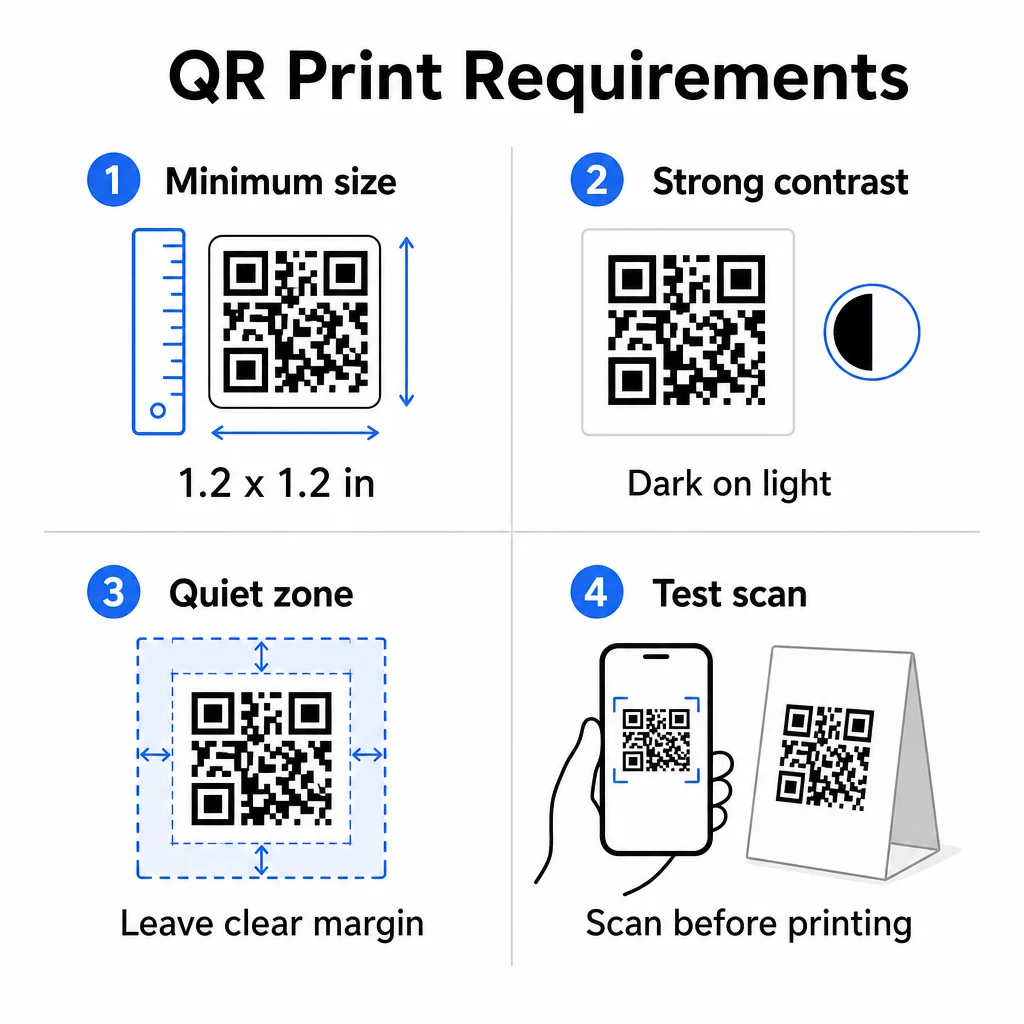
Dydis: Stalo kortelėms, naudojamoms iš arti, minimalus patikimas dydis yra 1,2 × 1,2 colio (3 × 3 cm). Naudinga nykščio taisyklė yra 10:1 santykis – kodo plotis turėtų būti maždaug viena dešimtoji numatomo nuskaitymo atstumo. Prie įprasto stalo 1,2 colio kodą patogiai nuskaito dauguma išmaniųjų telefonų kamerų. Išsamesnių nurodymų ieškokite QR kodo dydžio nustatymas skirtingoms spausdinimo medžiagoms.
Kontrastas: Tamsūs moduliai šviesiame fone yra patikimiausias derinys. Juoda ant balto išlieka aukso standartu. Mažo kontrasto arba apverstos spalvų schemos (šviesios ant tamsaus) sukelia nuskaitymo gedimus kai kuriuose įrenginiuose. Siekite bent 4,5:1 kontrasto santykio. Šis QR kodo spalvų kontrasto vadovas paaiškina, kokios spalvų kombinacijos veikia ir kokių reikėtų vengti.
Tylioji zona: Palikite aiškų baltą bent keturių modulių kraštą aplink visą kodą – maždaug 0,25 colio. Be šios buferinės zonos skaitytuvams sunku nustatyti kodo ribą, ypač kai jis yra šalia teksto ar grafikos.
Spausdinimo kokybė: Naudokite vektorinius eksporto formatus (SVG, EPS arba PDF), o ne mažos raiškos PNG. Neryškūs arba pikseliuoti moduliai yra pagrindinė nuskaitymo gedimų priežastis ant spausdintų medžiagų.
Testavimas: Visada nuskaitykite fizinį pavyzdį prieš spausdindami visą tiražą. Išbandykite su keliais įrenginiais, esant realioms jūsų vietos apšvietimo sąlygoms ir iš atstumo, kuriuo sėdintis svečias realiai laikytų savo telefoną. Šis QR kodo skaitomumo geriausios praktikos vadovas apima, ką patikrinti ir kaip išspręsti dažnas problemas.
Prie ko susieti savo stalo palapinės QR kodą
Paskirties vieta yra tokia pat svarbi kaip ir pats kodas. Štai efektyviausi naudojimo būdai įvairiose svetingumo ir mažmeninės prekybos pramonės šakose:
- Skaitmeninis meniu – suteikite svečiams tiesioginę prieigą prie viso jūsų meniu, įskaitant nuotraukas, aprašymus, informaciją apie alergenus ir dienos specialius pasiūlymus
- Užsakymas internetu – leiskite klientams pateikti užsakymus tiesiai iš savo vietos nelaukiant padavėjo
- Mokėjimo puslapis – leiskite klientams apmokėti sąskaitą nuskaitydami, sumažinant atsiskaitymo trintį
- Lojalumo programos registracija – rinkti klientų el. pašto adresus ir kurti tiesioginės rinkodaros sąrašą
- Akcijos ir kuponai – pateikti laiko atžvilgiu ribotas nuolaidas būtent tada, kai pirkimo ketinimai yra didžiausi
- Socialinės medijos profilis – didinti savo sekėjų skaičių nukreipiant patenkintus klientus į savo Instagram arba Google atsiliepimų puslapį
- Vietos bendrinimas – susieti su jūsų Google Maps įrašu, kad svečiai galėtų pasidalinti jūsų vieta su draugais pakeliui
Našumo stebėjimas naudojant dinaminius QR kodus
Vienas iš labiausiai nepanaudotų stalo palapinių QR kodų privalumų yra analizė. Naudodami dinaminį QR kodą, galite stebėti, kiek kartų kiekvienas kodas buvo nuskaitytas, kokiu paros metu, kokio tipo įrenginiu ir iš kokios vietos. Šie duomenys parodo, kurie stalai sulaukia daugiausiai įsitraukimo, kurios akcijos generuoja daugiausiai paspaudimų ir ar meniu atnaujinimas paveikė klientų sąveiką.
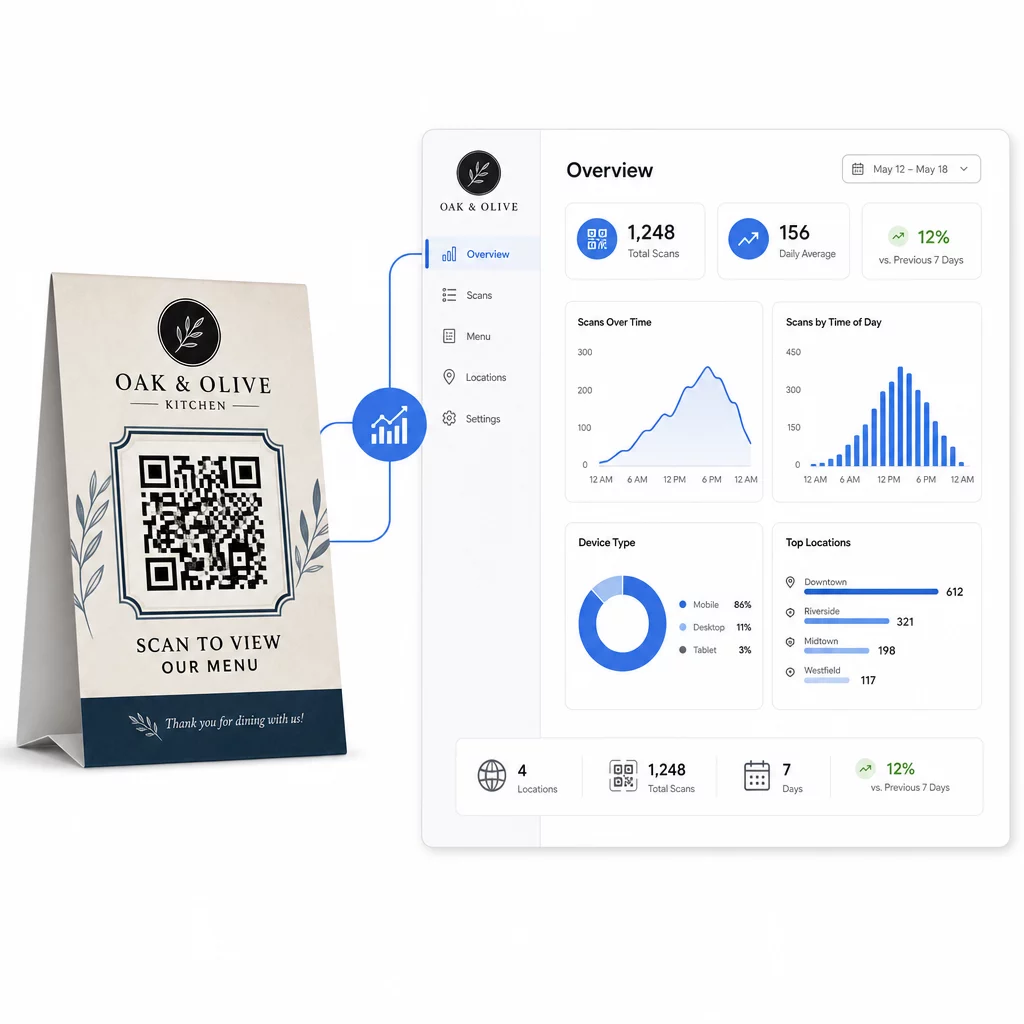
Pagelooto Dinaminis QR kodo generatorius suteikia centralizuotą prietaisų skydelį, kuriame galite visa tai stebėti realiuoju laiku, vienu metu atnaujinti susietą turinį visose stalo palapinėse ir atlikti dizaino pakeitimus neliesdami spausdintų medžiagų.
Įmonėms, turinčioms kelias vietas, toks kontrolės lygis paverčia stalo palapines iš statinės spausdintos medžiagos į išmatuojamą rinkodaros kanalą.
Stebėkite kiekvieną nuskaitymą prie kiekvieno stalo Naudokite Pageloot dinaminis QR kodo generatorius norėdami atnaujinti turinį, stebėti nuskaitymo analizę ir valdyti visus savo stalo palapinių kodus iš vieno prietaisų skydelio.
Dažniausiai užduodami klausimai
Skenavimui prie stalo, QR kodas turėtų būti bent 1,2 × 1,2 colio (3 × 3 cm). Tai užtikrina patikimą skenavimą artimais atstumais, būdingais sėdinčiam svečiui. Jei jūsų dizaine yra logotipo perdanga arba sudėtinga spalvų schema, padidinkite dydį 20–30%, kad būtų galima nuskaityti.
Dinaminiai QR kodai yra labai rekomenduojami stalo palapinėms. Jie leidžia atnaujinti susietą turinį – pvz., meniu, akciją ar mokėjimo puslapį – be pakartotinio spausdinimo. Jie taip pat teikia nuskaitymo analizę, kad galėtumėte stebėti įsitraukimą laikui bėgant. Statiniai kodai tinka tik tuo atveju, jei paskirties turinys niekada nesikeis.
Stalo palapinės QR kodas gali nukreipti į skaitmeninį meniu, internetinio užsakymo puslapį, mokėjimo portalą, kuponų ar lojalumo programos nukreipimo puslapį, socialinės medijos profilį, PDF dokumentą arba bet kokį URL. Geriausia paskirties vieta priklauso nuo jūsų verslo tipo ir nuo to, ką norite, kad klientas darytų tuo apsilankymo metu.