Pernahkah Anda memindai kode QR pada mobil sewaan dan bertanya-tanya untuk apa sebenarnya kode itu – atau apakah itu aman? Perusahaan penyewaan semakin banyak menggunakan kode QR untuk mengganti dokumen, mempercepat pengambilan kendaraan, dan memberikan pengalaman nirsentuh sepenuhnya. Halaman ini menjelaskan setiap kasus penggunaan umum, cara membedakan kode yang sah dari yang palsu, dan bagaimana bisnis penyewaan dapat mengatur alur kerja kode QR mereka sendiri.
Mengapa Perusahaan Penyewaan Mobil Mengadopsi Kode QR
Pergeseran menuju penyewaan mobil yang mengutamakan digital telah meningkat secara signifikan. Pemesanan online menyumbang lebih dari 71% dari pendapatan penyewaan mobil global pada tahun 2024, dan pelanggan yang memesan secara digital secara alami mengharapkan proses pengambilan dan pengembalian sesuai dengan kenyamanan yang sama. Sementara itu, 48 juta orang Amerika menyewa mobil pada tahun 2023 – peningkatan 19,4% dibandingkan tahun sebelumnya – memberikan tekanan pada lokasi penyewaan untuk melayani pelanggan lebih cepat tanpa menambah staf.
Kode QR sangat cocok untuk mengisi celah itu. Satu kode yang dicetak atau ditampilkan dapat menggantikan perjanjian sewa tercetak, kunjungan ke konter, penjelasan lisan tentang fitur kendaraan, dan kartu umpan balik – semuanya sekaligus. Bagi pelanggan, hasilnya adalah waktu menunggu yang lebih sedikit dan waktu berkendara yang lebih banyak.
Untuk Apa Sebenarnya Kode QR Digunakan dalam Penyewaan Mobil
Perusahaan penyewaan menerapkan kode QR di beberapa titik berbeda dalam perjalanan pelanggan. Berikut adalah apa yang paling mungkin Anda temui.

Pengambilan Kendaraan Nirsentuh
Ini adalah penggunaan yang paling umum. Setelah menyelesaikan check-in digital secara online atau melalui aplikasi seluler, pelanggan menerima kode QR yang berfungsi sebagai otorisasi mereka untuk mengambil kendaraan tertentu. Di lokasi, mereka memindai kode – baik di kios, di kotak kunci, atau langsung melalui aplikasi – dan sistem memverifikasi pemesanan mereka serta melepaskan kunci atau membuka akses tanpa kunci.
Merek penyewaan besar sudah mempromosikan kemampuan untuk melewati konter sepenuhnya, dengan pelanggan memilih mobil mereka dan memverifikasi detail mereka di smartphone bahkan sebelum mereka tiba. Kode QR adalah langkah terakhir yang menutup lingkaran antara pemesanan digital yang selesai dan akses kendaraan fisik.
Akses Perjanjian Sewa dan Dokumentasi
Alih-alih menyerahkan kontrak sewa multi-halaman yang dicetak, perusahaan menggunakan kode QR yang ditempatkan pada email konfirmasi, paket kunci, atau dasbor mobil untuk menghubungkan pelanggan langsung ke perjanjian sewa digital mereka. Memindai akan membuka PDF kontrak, ketentuan asuransi, atau kebijakan kerusakan – dapat dibaca di smartphone mana pun tanpa mengunduh aplikasi terpisah.
Pendekatan ini juga memudahkan pembaruan dokumen. Dengan sebuah kode QR PDF dinamis, dokumen yang mendasari dapat diubah – ketentuan yang diperbarui, redaksi asuransi yang direvisi, catatan kendaraan baru – tanpa mencetak ulang materi fisik apa pun. Kode itu sendiri tetap sama.
Bagikan Dokumen Sewa Tanpa Dokumen Fisik Perlu memberikan pelanggan akses instan ke perjanjian sewa, manual kendaraan, atau ketentuan asuransi? Gunakan Ubah PDF ke QR Code untuk menautkan dokumen apa pun ke kode yang dapat dipindai – dan memperbaruinya kapan saja tanpa mencetak ulang.
Orientasi Kendaraan dan Panduan Fitur
Kontrol kendaraan yang tidak dikenal menyebabkan frustrasi, terutama bagi pelanggan yang mengambil mobil terburu-buru. Kode QR di dasbor, pelindung matahari, atau kotak sarung tangan dapat menautkan langsung ke panduan instruksional singkat, panduan video, atau PDF menjelaskan cara memasangkan ponsel melalui Bluetooth, menyesuaikan sensor parkir, atau mengoperasikan tutup bahan bakar.
Ini mengurangi panggilan ke layanan pelanggan dan meningkatkan pengalaman bagi penyewa pertama kali dari model kendaraan tertentu. Sebuah QR code link berfungsi dengan baik di sini – jika model kendaraan berubah dalam rotasi armada, URL tujuan dapat diperbarui tanpa mengganti stiker fisik di mobil.
Bantuan Navigasi dan Lokasi
Kode QR di kendaraan atau pada kontrak sewa dapat menautkan langsung ke lokasi Google Maps – berguna untuk mengarahkan pelanggan ke tempat pengembalian, stasiun bahan bakar dekat bandara, atau zona penurunan tertentu. Kode Generator QR Code Google Maps menghasilkan kode yang membuka lokasi yang tepat di aplikasi Peta dengan satu pemindaian, menghilangkan ambiguitas tentang ke mana harus pergi.
Umpan Balik Pelanggan dan Survei Pasca-Sewa
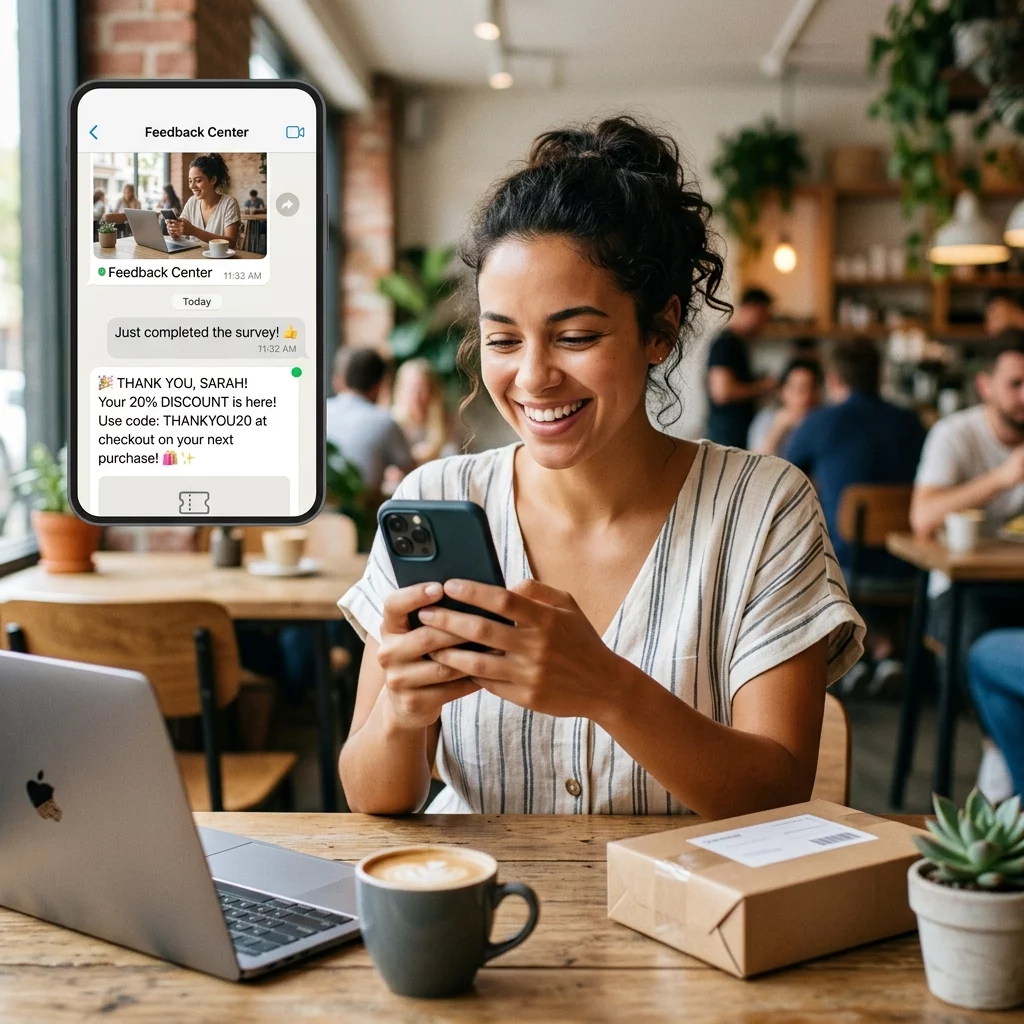
Mengumpulkan umpan balik segera setelah penyewaan – saat pengalaman masih segar – menghasilkan data yang lebih andal daripada email tindak lanjut yang dikirim beberapa hari kemudian. Kode QR pada tanda terima pengembalian, kotak penurunan kunci, atau rambu keluar dapat menautkan langsung ke formulir survei singkat. Kode Ubah Link Google Form ke QR Code membuatnya mudah untuk menghubungkan kode tercetak ke formulir umpan balik, dan pelacakan pemindaian memungkinkan Anda melihat berapa banyak pelanggan yang benar-benar berinteraksi dengannya.
Untuk bisnis yang ingin membangun profil ulasan publik mereka, sebuah QR code Google review ditempatkan pada tanda terima atau dasbor mendorong pelanggan yang puas untuk meninggalkan umpan balik langsung di Google – tanpa hambatan apa pun.
Pendaftaran Program Loyalitas dan Promosi
Kode QR di konter, pada dompet kunci, atau di email konfirmasi dapat menautkan ke halaman pendaftaran loyalitas, penawaran rujukan, atau diskon promosi untuk pemesanan di masa mendatang. Karena tautan ini sering berubah dengan kampanye musiman, menggunakan dinamis QR code link berarti tujuan dapat diperbarui tanpa mencetak ulang materi di seluruh armada lokasi.
Apakah Aman Memindai Kode QR di Mobil Sewa?
Ini adalah pertanyaan yang wajar, dan jawaban jujurnya adalah: itu tergantung pada sumbernya. Kode QR yang sah yang ditempatkan oleh perusahaan penyewaan – pada stiker dasbor, paket kunci, atau email konfirmasi resmi – aman dan menautkan ke konten milik perusahaan.

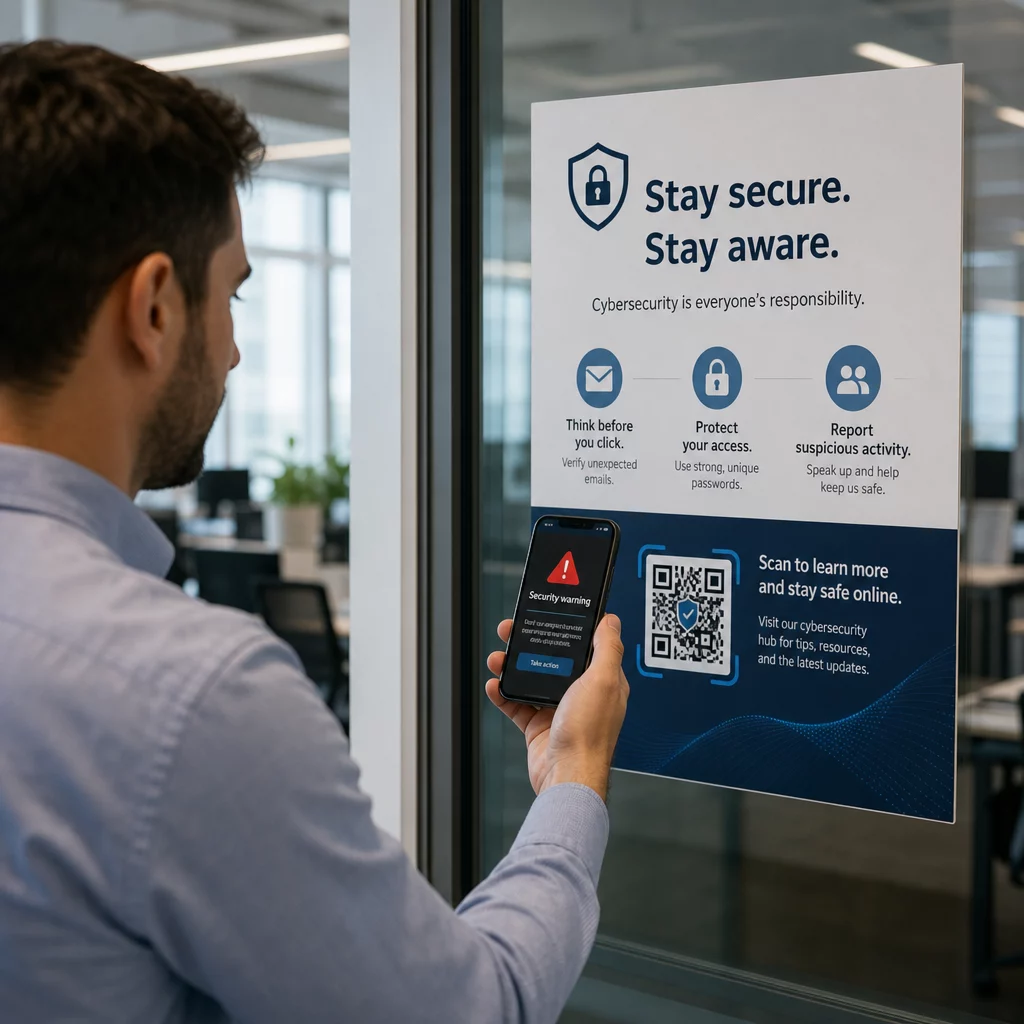
Risiko berasal dari kode yang dirusak. Seperti yang didokumentasikan dalam penipuan QR terkait parkir, penjahat terkadang menempatkan stiker kode QR palsu di atas yang sah untuk mengarahkan pengguna yang tidak curiga ke halaman pembayaran palsu. Sebelum memindai kode apa pun pada kendaraan sewaan atau di kios penyewaan, periksa:
- Perusakan fisik: Stiker yang ditempatkan di atas stiker lain adalah tanda peringatan.
- Pratinjau URL: Sebagian besar kamera ponsel cerdas modern menampilkan pratinjau URL sebelum membukanya. Verifikasi domain cocok dengan situs web resmi perusahaan penyewaan.
- Permintaan pembayaran tak terduga: Kode QR penyewaan yang sah seharusnya tidak meminta Anda untuk memasukkan kembali detail pembayaran yang sudah Anda berikan saat pemesanan.
Jika ada yang terlihat tidak beres, hubungi meja penyewaan secara langsung daripada memindai.
Bagaimana Bisnis Penyewaan Harus Menyiapkan Kode QR
Untuk operator penyewaan yang membangun atau meningkatkan sistem kode QR, praktik-praktik berikut membuat perbedaan yang berarti dalam keandalan dan pengalaman pelanggan.
Gunakan Kode Dinamis untuk Apa Pun yang Mungkin Berubah
Panduan kendaraan armada, lokasi tempat pengembalian, dan penawaran promosi semuanya berubah secara teratur. Kode QR statis mengkodekan tujuan tetap – jika tujuan itu berubah, kode lama menjadi tidak berguna. Kode QR dinamis menunjuk ke URL pengalihan yang dikelola melalui platform seperti Pageloot, sehingga tujuan dapat diperbarui secara instan tanpa menyentuh kode fisik. Ini sangat berharga untuk kode yang dicetak pada gantungan kunci, stiker dasbor, atau papan nama.
Ukuran dan Penempatan Penting untuk Pemindaian yang Andal
Kode QR yang tidak dapat dipindai mengalahkan tujuannya. Ikuti standar dasar ini saat merancang penempatan fisik:
- Ukuran minimum: 2 cm × 2 cm (0,8 inci × 0,8 inci) untuk kode apa pun yang akan dipindai pelanggan dari dekat. Gunakan aturan jarak pemindaian 10:1 untuk papan nama – kode selebar 10 cm dapat dibaca dengan andal dari jarak sekitar 100 cm.
- Kontras: Modul gelap pada latar belakang terang. Hindari mencetak kode gelap pada permukaan gelap atau menggunakan kombinasi warna dengan kontras rendah.
- Zona tenang: Sisakan batas ruang kosong yang jelas di sekitar setiap kode – tidak ada teks, pola, atau pernis yang merembes ke tepi.
- Tinggi penempatan: Untuk penempatan yang dipasang di kios atau di dalam kendaraan, bidik 3–5 kaki dari tanah untuk menjaga kode tetap dapat diakses oleh semua pengguna, termasuk mereka yang menggunakan kursi roda.
Selalu Sertakan Alternatif Teks
Tidak setiap pelanggan dapat atau ingin memindai kode QR. Tempatkan URL pendek, nomor telepon, atau instruksi tertulis di samping setiap kode QR agar pelanggan memiliki cadangan. Ini adalah praktik aksesibilitas yang baik dan mencegah satu titik kegagalan jika kamera pelanggan tidak berfungsi atau tidak ada sinyal jaringan di struktur parkir.
Labeli Setiap Kode dengan Jelas
Beritahu pelanggan apa yang mereka pindai sebelum mereka memindainya. Label sederhana – “Pindai untuk perjanjian sewa Anda” atau “Pindai untuk menemukan tempat pengembalian” – mengurangi keraguan dan meningkatkan tingkat pemindaian. Ini juga membantu pelanggan membedakan kode perusahaan yang sah dari sesuatu yang tidak seharusnya ada di sana.
Lacak Kinerja Melalui Analitik
Kode QR dinamis yang dibangun di atas platform dengan analitik memungkinkan bisnis penyewaan melihat kode mana yang dipindai, kapan, dan dari lokasi mana. Data ini membantu mengidentifikasi apakah pelanggan benar-benar membaca panduan orientasi kendaraan, terlibat dengan penawaran loyalitas, atau berhenti sebelum mengisi formulir umpan balik. Gunakan wawasan itu untuk menyesuaikan penempatan, meningkatkan salinan, atau mendesain ulang kode yang berkinerja buruk.
Lihat Kode QR Mana yang Sebenarnya Digunakan Pelanggan Anda Dengan kode QR dinamis dari Pageloot, Anda dapat melacak setiap pemindaian berdasarkan waktu, lokasi, dan perangkat – dan memperbarui tujuan tanpa mencetak ulang satu stiker pun.
Uji Sebelum Menyebarkan di Seluruh Armada
Sebelum menempatkan kode pada lusinan dasbor kendaraan, ujilah pada beberapa perangkat – model iPhone yang berbeda, model Android yang berbeda – pada jarak pemindaian yang diharapkan dan dalam kondisi pencahayaan aktual kendaraan Anda. Verifikasi bahwa halaman yang ditautkan memuat dengan benar di perangkat seluler, bukan hanya desktop. Halaman yang rusak atau lambat dimuat setelah pemindaian yang berhasil menciptakan kesan yang lebih buruk daripada tidak ada kode QR sama sekali.
Kode QR dan Pengalaman Penyewaan Tanpa Kontak yang Lebih Luas
Kode QR berfungsi paling baik sebagai salah satu komponen alur kerja yang terhubung, bukan fitur mandiri. Perusahaan penyewaan yang melihat hasil terkuat adalah mereka yang menggabungkan pemesanan digital, check-in seluler, akses dokumen berbasis QR, dan pengembalian digital menjadi satu pengalaman yang koheren. Pelanggan yang menyelesaikan seluruh penyewaan tanpa mengunjungi konter – memesan secara online, memilih kendaraan mereka, memindai untuk mengambilnya kembali, dan menjatuhkan kunci di kotak saat keluar – secara konsisten melaporkan pengalaman yang lebih cepat dan tidak terlalu menegangkan.
Ini penting karena Adopsi kode QR berkembang di hampir setiap industri jasa, dan ekspektasi pelanggan meningkat bersamanya. Sebuah perusahaan penyewaan yang masih menyerahkan kontrak kertas dan peta cetak semakin tidak sesuai dengan apa yang diharapkan pelanggan dari interaksi layanan modern.
Untuk bisnis penyewaan yang menjelajahi kode QR untuk pertama kalinya, atau ingin memperluas melampaui alur kerja pengambilan dasar, Pembuat Kode QR Pageloot mencakup berbagai kasus penggunaan – mulai dari dokumen PDF dan Google Forms hingga tautan lokasi dan pengumpulan ulasan – dengan pengeditan dinamis dan analitik yang terpasang di dalamnya. Anda juga dapat menjelajahi solusi kode QR di berbagai industri lain untuk melihat bagaimana bisnis serupa menggunakan alat yang sama.
Pertanyaan yang sering diajukan
Perusahaan penyewaan menggunakan kode QR dalam kendaraan untuk beberapa tujuan: menautkan ke salinan digital perjanjian sewa, menyediakan panduan orientasi kendaraan (cara menyambungkan Bluetooth, menggunakan sensor parkir, dan sebagainya), mengarahkan pelanggan ke lokasi pengembalian bahan bakar, atau mengumpulkan umpan balik pasca-penyewaan. Jika kode tersebut ada di stiker resmi dari perusahaan penyewaan, aman untuk dipindai – tetapi selalu periksa pratinjau URL sebelum membuka tujuan.
Ya, di banyak perusahaan penyewaan. Proses penyewaan tanpa kontak biasanya melibatkan pemesanan online, memverifikasi identitas Anda secara digital, menerima kode QR atau kunci digital di ponsel Anda, memindai di lokasi untuk mengakses kendaraan, dan mengembalikannya melalui kotak kunci tanpa interaksi konter. Persyaratan verifikasi identitas – termasuk menunjukkan SIM fisik yang valid – mungkin masih berlaku tergantung pada perusahaan dan lokasi.
Dengan menggunakan kode QR dinamis daripada yang statis. Kode QR dinamis mengarah ke URL pengalihan yang dikelola melalui platform seperti Pageloot. Jika tujuan berubah – misalnya, URL panduan kendaraan, peta lokasi pengembalian, atau promosi musiman – Anda memperbarui tujuan di dasbor platform dan kode tercetak yang ada secara otomatis mengarah ke konten baru. Tidak perlu mencetak ulang.