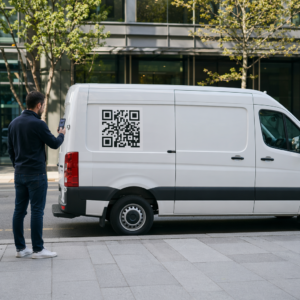
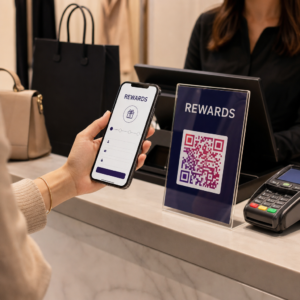
Har du noen gang skannet en QR-kode på en leiebil og lurt på hva den egentlig er til for – eller om den er trygg? Utleiefirmaer bruker i økende grad QR-koder for å erstatte papirarbeid, fremskynde henting av kjøretøy og levere en fullstendig kontaktløs opplevelse. Denne siden forklarer alle vanlige bruksområder, hvordan du skiller en legitim kode fra en svindelkode, og hvordan utleiebedrifter kan sette opp sine egne QR-kode-arbeidsflyter.
Hvorfor bilutleiefirmaer tar i bruk QR-koder
Skiftet mot digital-først bilutleie har akselerert betydelig. Online bestillinger utgjorde over 71% av den globale bilutleieinntekten i 2024, og kunder som bestiller digitalt forventer naturligvis at hente- og returprosessen samsvarer med den samme bekvemmeligheten. I mellomtiden leide 48 millioner amerikanere biler i 2023 – en økning på 19.4% fra året før – noe som legger press på utleiesteder for å flytte kunder raskere uten å legge til ansatte.
QR-koder passer direkte inn i dette gapet. En enkelt trykt eller vist kode kan erstatte en trykt leieavtale, et besøk ved skranken, en muntlig orientering om kjøretøyets funksjoner og et tilbakemeldingskort – alt på en gang. For kundene er resultatet mindre ventetid og mer kjøretid.
Hva QR-koder faktisk brukes til i bilutleie
Utleiefirmaer distribuerer QR-koder på flere forskjellige punkter i kundereisen. Her er hva du mest sannsynlig vil møte.

Kontaktløs kjøretøyhenting
Dette er den vanligste bruken. Etter å ha fullført digital innsjekking online eller via en mobilapp, mottar kundene en QR-kode som fungerer som deres autorisasjon til å hente et spesifikt kjøretøy. På parkeringsplassen skanner de koden – enten ved en kiosk, på en nøkkelboks eller direkte via appen – og systemet bekrefter bestillingen deres og frigjør nøkkelen eller låser opp nøkkelfri tilgang.
Store utleiemerker promoterer allerede muligheten til å hoppe over skranken helt, der kundene velger bil og bekrefter detaljene sine på en smarttelefon før de i det hele tatt lander. QR-koden er det siste trinnet som lukker sløyfen mellom en fullført digital bestilling og fysisk kjøretøytilgang.
Tilgang til leieavtale og dokumentasjon
I stedet for å overlevere en trykt flersidig leiekontrakt, bruker selskaper en QR-kode plassert på en bekreftelses-e-post, nøkkelpakke eller bilens dashbord for å koble kunder direkte til deres digitale leieavtale. Skanning åpner en PDF av kontrakten, forsikringsvilkårene eller skadepolicyen – lesbar på hvilken som helst smarttelefon uten å laste ned en egen app.
Denne tilnærmingen gjør det også enklere å oppdatere dokumenter. Med en dynamisk PDF QR-kode, kan det underliggende dokumentet endres – oppdaterte vilkår, revidert forsikringstekst, nye kjøretøynotater – uten å trykke nye fysiske materialer. Koden selv forblir den samme.
Del leiedokumenter uten papirarbeid Trenger du å gi kunder umiddelbar tilgang til leieavtaler, kjøretøyhåndbøker eller forsikringsvilkår? Bruk Lag QR-kode for PDF for å koble ethvert dokument til en skannbar kode – og oppdater det når som helst uten å trykke på nytt.
Kjøretøyorientering og funksjonsguider
Ukjente kjøretøykontroller forårsaker frustrasjon, spesielt for kunder som henter en bil i all hast. En QR-kode på dashbordet, solskjermen eller hanskerommet kan lenke direkte til en kort instruksjonsguide, video-gjennomgang eller PDF som forklarer hvordan man parer en telefon via Bluetooth, justerer parkeringssensorene eller betjener drivstofflokket.
Dette reduserer antall samtaler til kundeservice og forbedrer opplevelsen for førstegangsleiere av en bestemt kjøretøymodell. En lenke-QR-kode fungerer bra her – hvis kjøretøymodellen endres i en flåterotasjon, kan destinasjons-URL-en oppdateres uten å erstatte det fysiske klistremerket i bilen.
Navigasjon og stedshjelp
En QR-kode i kjøretøyet eller på leiekontrakten kan lenke direkte til en Google Maps-lokasjon – nyttig for å dirigere kunder til en returparkering, en bensinstasjon nær flyplassen eller en spesifikk avleveringssone. Den Google Maps QR-kode generator genererer en kode som åpner en presis lokasjon i Maps-appen med en enkelt skanning, og fjerner all tvetydighet om hvor man skal dra.
Kundetilbakemeldinger og undersøkelser etter leie
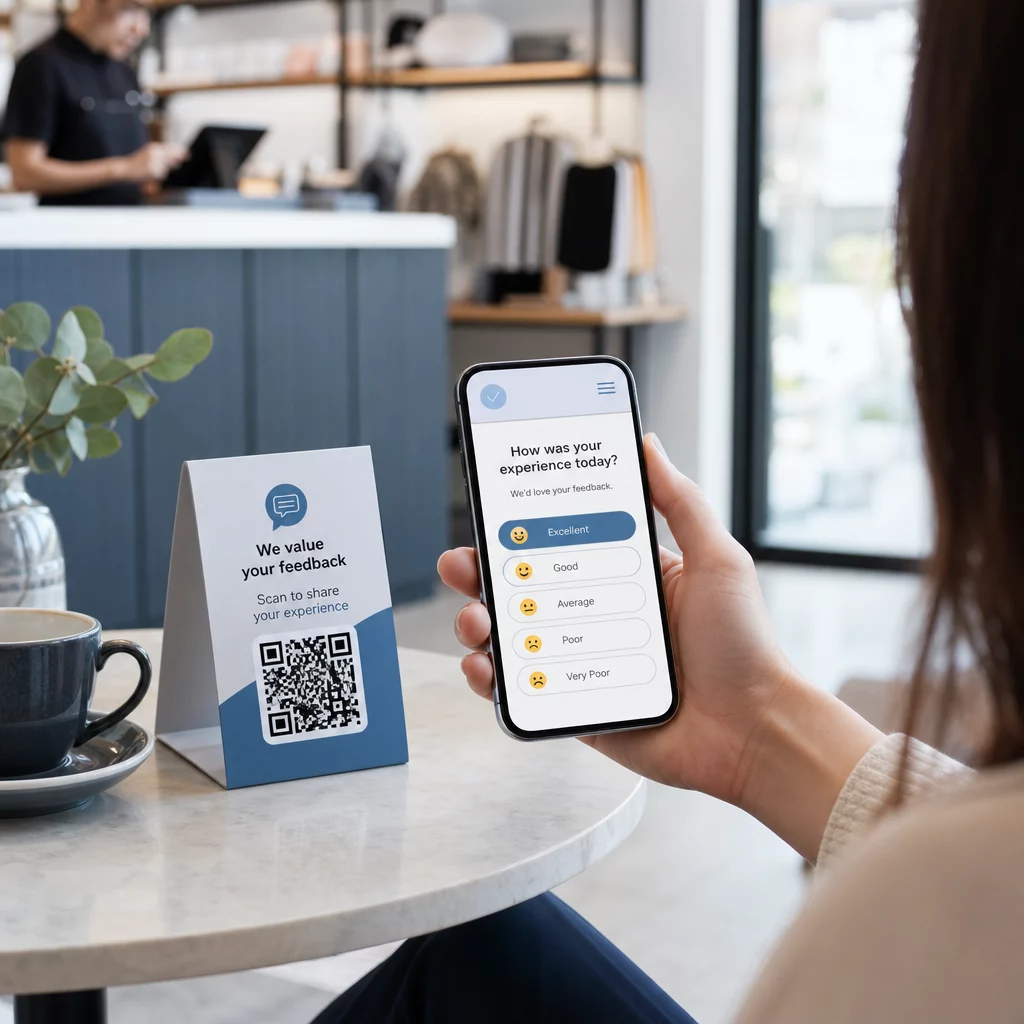
Å samle inn tilbakemeldinger umiddelbart etter en leie – mens opplevelsen er fersk – produserer mer pålitelige data enn en oppfølgings-e-post sendt dager senere. En QR-kode på returkvitteringen, nøkkelboksen eller utgangsskiltet kan lenke direkte til et kort spørreskjema. Den Google Form QR-kode generator gjør det enkelt å koble en trykt kode til et tilbakemeldingsskjema, og skanningssporing lar deg se hvor mange kunder som faktisk engasjerer seg med den.
For bedrifter som ønsker å bygge sin offentlige anmeldelsesprofil, en Google Anmeldelse QR-kode plassert på kvitteringen eller dashbordet oppfordrer fornøyde kunder til å gi tilbakemelding direkte på Google – uten friksjon.
Påmelding til lojalitetsprogram og kampanjer
En QR-kode ved disken, på en nøkkelmappe eller i en bekreftelses-e-post kan lenke til en påmeldingsside for lojalitetsprogram, et henvisningstilbud eller en kampanjerabatt for en fremtidig bestilling. Fordi disse lenkene ofte endres med sesongbaserte kampanjer, betyr bruk av en dynamisk lenke-QR-kode at destinasjonen kan oppdateres uten å måtte trykke opp nytt materiell på tvers av en rekke lokasjoner.
Er det trygt å skanne en QR-kode i en leiebil?
Dette er et rimelig spørsmål, og det ærlige svaret er: det avhenger av kilden. Legitime QR-koder plassert av et utleiefirma – på dashbordklistremerker, nøkkelmapper eller offisielle bekreftelses-e-poster – er trygge og lenker til firmaets eget innhold.

Risikoen kommer fra manipulerte koder. Som dokumentert i parkeringsrelaterte QR-svindler, plasserer kriminelle noen ganger falske QR-kodeklistremerker over legitime for å omdirigere intetanende brukere til svindelaktige betalingssider. Før du skanner en kode på et leiebilkjøretøy eller ved en utleiekiosk, sjekk etter:
- Fysisk tukling: Et klistremerke plassert over et annet klistremerke er et advarselstegn.
- URL-forhåndsvisning: De fleste moderne smarttelefonkameraer viser en URL-forhåndsvisning før den åpnes. Verifiser at domenet samsvarer med utleiefirmaets offisielle nettside.
- Uventede betalingsforespørsler: En legitim QR-kode for utleie skal ikke be deg om å legge inn betalingsdetaljer på nytt som du allerede har oppgitt ved bestilling.
Hvis noe virker mistenkelig, kontakt utleieskranken direkte i stedet for å skanne.
Hvordan utleiebedrifter bør sette opp QR-koder
For utleieoperatører som bygger eller forbedrer et QR-kodesystem, gjør følgende praksis en betydelig forskjell både når det gjelder pålitelighet og kundeopplevelse.
Bruk dynamiske koder for alt som kan endres
Veiledninger for bilpark, lokasjoner for innleveringssteder og kampanjetilbud endres alle regelmessig. Statiske QR-koder koder en fast destinasjon – hvis den destinasjonen endres, blir den gamle koden ubrukelig. Dynamiske QR-koder peker til en omdirigerings-URL som administreres via en plattform som Pageloot, slik at destinasjonen kan oppdateres umiddelbart uten å røre den fysiske koden. Dette er spesielt verdifullt for koder trykt på nøkkelringer, dashbordklistremerker eller skilting.
Størrelse og plassering er viktig for pålitelig skanning
En QR-kode som ikke skanner, mister sin hensikt. Følg disse grunnleggende standardene når du designer for fysisk plassering:
- Minimumsstørrelse: 2 cm × 2 cm (0,8 tommer × 0,8 tommer) for enhver kode kunder vil skanne på nært hold. Bruk 10:1 skanneavstandsregel for skilting – en kode som er 10 cm bred, er pålitelig lesbar fra omtrent 100 cm unna.
- Kontrast: Mørke moduler på lys bakgrunn. Unngå å trykke mørke koder på mørke overflater eller bruke fargekombinasjoner med lav kontrast.
- Stille sone: La det være en klar kant med tomrom rundt hver kode – ingen tekst, mønstre eller lakk som flyter inn i kantene.
- Plasseringshøyde: For kioskmonterte eller kjøretøymonterte plasseringer, sikt på 3–5 fot fra bakken for å holde kodene tilgjengelige for alle brukere, inkludert de som bruker rullestol.
Inkluder alltid et tekstalternativ
Ikke alle kunder kan eller ønsker å skanne en QR-kode. Plasser en kort URL, et telefonnummer eller en skriftlig instruksjon ved siden av hver QR-kode slik at kundene har et reservealternativ. Dette er god praksis for tilgjengelighet og forhindrer et enkelt feilpunkt hvis en kundes kamera ikke fungerer eller det ikke er nettverkssignal i et parkeringshus.
Merk hver kode tydelig
Fortell kundene hva de skanner før de skanner det. En enkel etikett – “Skann for leieavtalen din” eller “Skann for å finne innleveringsstedet” – reduserer nøling og øker skannefrekvensen. Det hjelper også kunder med å skille en legitim firmakode fra noe som ikke hører hjemme der.
Spor ytelse gjennom analyser
Dynamiske QR-koder bygget på en plattform med analyser lar utleiebedrifter se hvilke koder som skannes, når og fra hvilke steder. Disse dataene hjelper til med å identifisere om kunder faktisk leser veiledninger for kjøretøyorientering, engasjerer seg i lojalitetstilbud, eller faller fra før de fullfører et tilbakemeldingsskjema. Bruk denne innsikten til å justere plassering, forbedre tekst, eller redesigne underpresterende koder.
Se hvilke QR-koder kundene dine faktisk bruker Med dynamiske QR-koder fra Pageloot, kan du spore hver skanning etter tid, sted og enhet – og oppdatere destinasjoner uten å skrive ut en eneste etikett på nytt.
Test før utplassering på tvers av en flåte
Før du plasserer en kode på dusinvis av kjøretøydashbord, test den på flere enheter – forskjellige iPhone-modeller, forskjellige Android-modeller – på den forventede skanneavstanden og i de faktiske lysforholdene i kjøretøyene dine. Verifiser at den lenkede siden lastes riktig på mobil, ikke bare på desktop. En ødelagt eller sakte-lastende side etter en vellykket skanning skaper et dårligere inntrykk enn ingen QR-kode i det hele tatt.
QR-koder og den bredere kontaktløse leieopplevelsen
QR-koder fungerer best som en komponent i en tilkoblet arbeidsflyt, ikke en frittstående funksjon. Utleieselskapene som ser de sterkeste resultatene er de som kombinerer digital bestilling, mobil innsjekking, QR-basert dokumenttilgang og digital retur til en enkelt sammenhengende opplevelse. Kunder som fullfører hele leien uten å besøke en skranke – bestiller online, velger kjøretøyet sitt, skanner for å hente det, og slipper nøkkelen i en boks på vei ut – rapporterer konsekvent raskere, mindre stressende opplevelser.
Dette er viktig fordi adopsjon av QR-koder vokser på tvers av praktisk talt alle tjenestebransjer, og kundenes forventninger stiger med det. Et utleieselskap som fortsatt overleverer en papirkontrakt og et trykt kart er i økende grad ute av takt med hva kundene forventer av en moderne tjenesteinteraksjon.
For utleiebedrifter som utforsker QR-koder for første gang, eller ser på å utvide utover en grunnleggende hente-arbeidsflyt, er Pageloot QR-kodegenerator dekker hele spekteret av bruksområder – fra PDF-dokumenter og Google Forms til stedslenker og anmeldelsesinnsamling – med dynamisk redigering og analyse innebygd. Du kan også utforske QR-kodeløsninger på tvers av andre bransjer for å se hvordan lignende bedrifter tar de samme verktøyene i bruk.
Ofte stilte spørsmål
Utleieselskaper bruker QR-koder i kjøretøyet til flere formål: kobling til en digital kopi av leieavtalen, å tilby en veiledning for kjøretøyets funksjoner (hvordan koble til Bluetooth, bruke parkeringssensorer, og så videre), å veilede kunder til drivstoffreturstedet, eller å samle inn tilbakemeldinger etter leieperioden. Hvis koden er på et offisielt klistremerke fra utleieselskapet, er det trygt å skanne – men sjekk alltid URL-forhåndsvisningen før du åpner destinasjonen.
Ja, hos mange utleieselskaper. Den kontaktløse leieprosessen innebærer vanligvis bestilling online, digital identitetsverifisering, mottak av en QR-kode eller digital nøkkel på telefonen din, skanning på parkeringsplassen for å få tilgang til kjøretøyet, og retur via en nøkkelinnlevering uten skrankeinteraksjon. Krav til identitetsverifisering – inkludert fremvisning av et gyldig fysisk førerkort – kan fortsatt gjelde avhengig av selskapet og stedet.
Ved å bruke dynamiske QR-koder i stedet for statiske. En dynamisk QR-kode peker til en omdirigerings-URL som administreres via en plattform som Pageloot. Hvis destinasjonen endres – for eksempel en URL for kjøretøyguide, et kart over returparkering, eller en sesongkampanje – oppdaterer du destinasjonen i plattformens dashbord, og den eksisterende trykte koden peker automatisk til det nye innholdet. Ingen ny utskrift nødvendig.