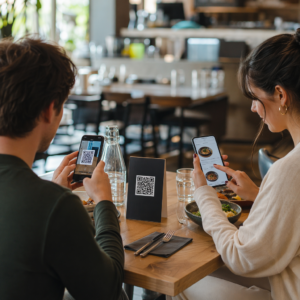
Oled kunagi skanninud rendiautol QR-koodi ja mõelnud, milleks see tegelikult on – või kas see on ohutu? Rendifirmad kasutavad üha enam QR-koode paberimajanduse asendamiseks, sõidukite kättesaamise kiirendamiseks ja täielikult kontaktivaba kogemuse pakkumiseks. See leht selgitab iga levinud kasutusjuhtu, kuidas eristada legitiimset koodi petturlikust ja kuidas rendiettevõtted saavad luua oma QR-koodi töövooge.
Miks autorendifirmad QR-koode kasutusele võtavad
Üleminek digitaalsetele autorentidele on oluliselt kiirenenud. Veebibroneeringud moodustasid 2024. aastal üle 71% ülemaailmsest autorendi tulust ning digitaalselt broneerivad kliendid eeldavad loomulikult, et kättesaamise ja tagastamise protsess vastab samale mugavusele. Samal ajal rentis 2023. aastal autosid 48 miljonit ameeriklast – see on 19,4% kasv võrreldes eelmise aastaga –, mis avaldab rendikohtadele survet kliente kiiremini teenindada ilma personali lisamata.
QR-koodid sobivad otse sellesse lünka. Üksainus prinditud või kuvatud kood võib korraga asendada prinditud rendilepingu, letikülastuse, suulise ülevaate sõiduki omadustest ja tagasisidekaardi. Klientide jaoks on tulemuseks vähem ooteaega ja rohkem sõiduaega.
Milleks QR-koode autorendis tegelikult kasutatakse
Rendifirmad kasutavad QR-koode klienditeekonna mitmes erinevas punktis. Siin on see, millega te kõige tõenäolisemalt kokku puutute.

Kontaktivaba sõiduki kättesaamine
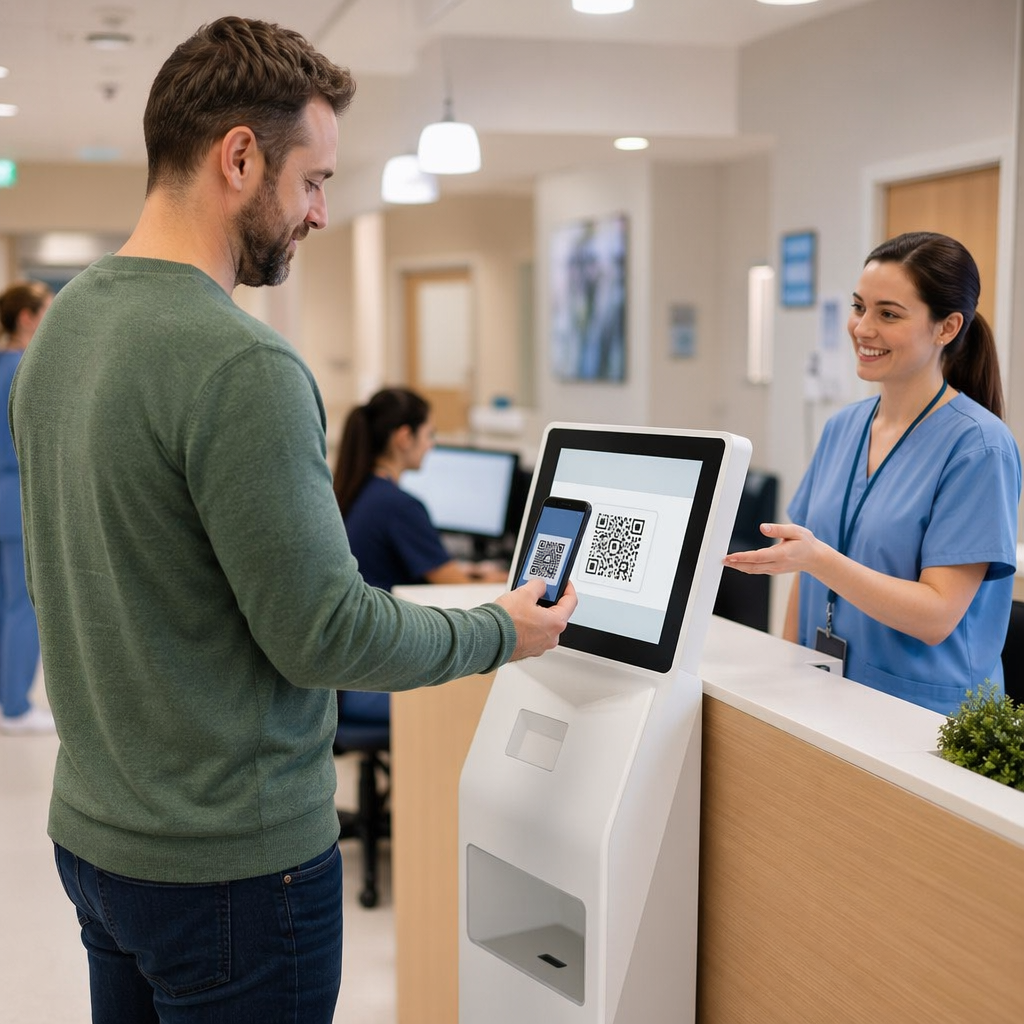
See on kõige levinum kasutusviis. Pärast digitaalse sisseregistreerimise lõpetamist veebis või mobiilirakenduse kaudu saavad kliendid QR-koodi, mis toimib nende volitusena konkreetse sõiduki kättesaamiseks. Parklas skannivad nad koodi – kas kioskis, võtmekarbil või otse rakenduse kaudu – ning süsteem kontrollib nende broneeringut ja vabastab võtme või avab võtmeta juurdepääsu.
Suured rendibrändid reklaamivad juba võimalust letist täielikult mööda minna, kus kliendid valivad oma auto ja kinnitavad oma andmed nutitelefonis enne maandumist. QR-kood on viimane samm, mis sulgeb ringi lõpetatud digitaalse broneeringu ja füüsilise sõiduki juurdepääsu vahel.
Rendileping ja dokumentidele juurdepääs
Selle asemel, et anda üle prinditud mitmeleheküljeline rendileping, kasutavad ettevõtted QR-koodi, mis on paigutatud kinnitusmeilile, võtmepakile või auto armatuurlauale, et suunata kliendid otse oma digitaalsele rendilepingule. Skaneerimine avab lepingu, kindlustustingimuste või kahjukäsitluse poliitika PDF-i – loetav mis tahes nutitelefonis ilma eraldi rakendust alla laadimata.
See lähenemine muudab ka dokumentide uuendamise lihtsamaks. Koos dünaamilise PDF-i QR-koodiga, saab alusdokumenti muuta – uuendatud tingimused, muudetud kindlustussõnastus, uued sõidukimärkused – ilma füüsilisi materjale uuesti printimata. Kood ise jääb samaks.
Jaga rendidokumente ilma paberimajanduseta Kas on vaja anda klientidele kohene juurdepääs rendilepingutele, sõidukite kasutusjuhenditele või kindlustustingimustele? Kasuta PDF QR-koodi generaator mis lingib mis tahes dokumendi skaneeritava koodiga – ja uuenda seda igal ajal ilma uuesti printimata.
Sõiduki tutvustus ja funktsioonide juhendid
Tundmatud sõiduki juhtnupud tekitavad frustratsiooni, eriti klientidele, kes võtavad auto kiirustades vastu. QR-kood armatuurlaual, päikesesirmil või kindalaekas saab linkida otse lühikese juhendi, videoõpetuse või PDF-iga, mis selgitab, kuidas telefoni Bluetoothi kaudu siduda, parkimisandureid reguleerida või kütusepaagi luuki avada.
See vähendab kõnesid klienditeenindusse ja parandab kogemust konkreetse sõidukimudeli esmakordsetele rentijatele. Üks lingi QR-koodile sobib siia hästi – kui sõidukimudel muutub autopargi rotatsioonis, saab siht-URL-i uuendada ilma füüsilist kleebist autos välja vahetamata.
Navigatsioon ja asukohaabi
Sõidukis või rendilepingul olev QR-kood saab otse linkida Google Mapsi asukohale – kasulik klientide suunamiseks tagastusparklasse, lennujaama lähedal asuvasse tanklasse või kindlasse äraandmisalasse. See Google Maps QR-koodi loomine genereerib koodi, mis avab Mapsi rakenduses täpse asukoha ühe skaneerimisega, eemaldades igasuguse ebaselguse sihtkoha osas.
Kliendi tagasiside ja rendijärgsed küsitlused
Tagasiside kogumine kohe pärast rentimist – kui kogemus on värske – annab usaldusväärsemaid andmeid kui päevi hiljem saadetud järelmeil. QR-kood tagastuskviitungil, võtmete tagastuskastil või väljapääsu sildil saab otse linkida lühikesele küsitlusvormile. See Google vorm: QR-koodi generaator muudab trükitud koodi tagasisidevormiga ühendamise lihtsaks ja skaneerimise jälgimine võimaldab näha, kui paljud kliendid sellega tegelikult suhtlevad.
Ettevõtetele, kes soovivad oma avalikku arvustuste profiili üles ehitada, julgustab Google'i arvustuse QR-koodile kviitungile või armatuurlauale asetatud QR-kood rahulolevaid kliente jätma tagasisidet otse Google'isse – ilma igasuguse hõõrdumiseta.
Püsikliendiprogrammi registreerimine ja pakkumised
QR-kood letil, võtmehoidjal või kinnitusmeilis saab linkida püsikliendiprogrammi registreerimislehele, soovituspakkumisele või soodushinnale tulevase broneeringu jaoks. Kuna need lingid muutuvad sageli hooajaliste kampaaniatega, tähendab dünaamilise lingi QR-koodile QR-koodi kasutamine, et sihtkohta saab uuendada ilma materjale uuesti trükkimata kogu asukohtade võrgustikus.
Kas QR-koodi skaneerimine rendiautos on ohutu?
See on mõistlik küsimus ja aus vastus on: see sõltub allikast. Rendifirma paigaldatud legitiimsed QR-koodid – armatuurlaua kleebistel, võtmepakenditel või ametlikes kinnitusmeilides – on ohutud ja lingivad ettevõttele kuuluvale sisule.

Risk tuleneb manipuleeritud koodidest. Nagu dokumenteeritud parkimisega seotud QR-pettustes, paigutavad kurjategijad mõnikord võltsitud QR-koodi kleebiseid legitiimsete peale, et suunata pahaaimamatud kasutajad petturlikele makselehtedele. Enne mis tahes koodi skaneerimist rendisõidukil või rendikioskis kontrollige järgmist:
- Füüsiline rikkumine: Üle teise kleebise asetatud kleebis on hoiatav märk.
- URL-i eelvaade: Enamik kaasaegseid nutitelefonikaameraid kuvavad enne avamist URL-i eelvaate. Kontrollige, kas domeen vastab rendifirma ametlikule veebisaidile.
- Ootamatud maksetaotlused: Seaduslik rendi QR-kood ei tohiks paluda teil uuesti sisestada makseandmeid, mille olete broneerimisel juba esitanud.
Kui midagi tundub kahtlane, võtke skannimise asemel otse ühendust rendiletiga.
Kuidas rendifirmad peaksid QR-koode seadistama
Rendioperaatoritele, kes loovad või täiustavad QR-koodisüsteemi, pakuvad järgmised tavad märkimisväärset erinevust nii töökindluses kui ka kliendikogemuses.
Kasutage dünaamilisi koode kõige jaoks, mis võib muutuda
Sõidukipargi juhendid, tagastusparklate asukohad ja sooduspakkumised muutuvad kõik regulaarselt. Staatilised QR-koodid kodeerivad fikseeritud sihtkoha – kui see sihtkoht muutub, muutub vana kood kasutuks. Dünaamilised QR-koodid viitavad ümbersuunamise URL-ile, mida hallatakse platvormi kaudu, näiteks Pageloot, nii et sihtkohta saab koheselt uuendada füüsilist koodi puudutamata. See on eriti väärtuslik võtmehoidjatele, armatuurlaua kleebistele või siltidele trükitud koodide puhul.
Suurus ja paigutus on usaldusväärse skannimise jaoks olulised
QR-kood, mis ei skaneeri, kaotab oma eesmärgi. Füüsilise paigutuse kujundamisel järgige neid põhistandardeid:
- Minimaalne suurus: 2 cm × 2 cm (0,8 tolli × 0,8 tolli) iga koodi jaoks, mida kliendid lähedalt skaneerivad. Kasutage 10:1 skannimiskauguse reeglit siltide puhul – 10 cm laiune kood on usaldusväärselt loetav umbes 100 cm kauguselt.
- Kontrast: Tumedad moodulid heledal taustal. Vältige tumedate koodide printimist tumedatele pindadele või madala kontrastsusega värvikombinatsioonide kasutamist.
- Vaikne tsoon: Jätke iga koodi ümber selge tühja ruumi äär – ilma teksti, mustrite või lakita, mis servadesse imbuks.
- Paigutuskõrgus: Kioski- või sõidukisisese paigutuse puhul püüdke hoida koodid maapinnast 3–5 jala kõrgusel, et need oleksid ligipääsetavad kõigile kasutajatele, sealhulgas ratastoolikasutajatele.
Lisage alati tekstiline alternatiiv
Mitte iga klient ei saa ega taha QR-koodi skannida. Asetage iga QR-koodi kõrvale lühike URL, telefoninumber või kirjalik juhis, et klientidel oleks varuvõimalus. See on hea ligipääsetavuse tava ja hoiab ära ühe rikkepunkti, kui kliendi kaamera ei tööta või parkimismajas puudub võrgusignaal.
Märgistage iga kood selgelt
Öelge klientidele, mida nad skannivad, enne kui nad seda teevad. Lihtne silt – “Skannige oma rendilepingu jaoks” või “Skannige tagastusparkla leidmiseks” – vähendab kõhklusi ja suurendab skannimismäärasid. See aitab klientidel eristada legitiimset ettevõtte koodi millestki, mis sinna ei kuulu.
Jälgige jõudlust analüütika abil
Analüütikaga platvormile ehitatud dünaamilised QR-koodid võimaldavad rendiettevõtetel näha, milliseid koode skannitakse, millal ja millistest asukohtadest. Need andmed aitavad tuvastada, kas kliendid loevad tegelikult sõiduki kasutusjuhendeid, kasutavad lojaalsuspakkumisi või loobuvad enne tagasisidevormi täitmist. Kasutage seda teavet paigutuse kohandamiseks, teksti parandamiseks või alatoimivate koodide ümberkujundamiseks.
Vaadake, milliseid QR-koode teie kliendid tegelikult kasutavad Dünaamiliste QR-koodidega alates Pageloot, saate jälgida iga skannimist aja, asukoha ja seadme järgi – ning värskendada sihtkohti ilma ühtegi kleebist uuesti printimata.
Testige enne kogu autopargis kasutuselevõttu
Enne koodi paigutamist kümnetele sõidukite armatuurlaudadele testige seda mitmel seadmel – erinevatel iPhone'i mudelitel, erinevatel Androidi mudelitel – eeldataval skaneerimiskaugusel ja teie sõidukite tegelikes valgustingimustes. Kontrollige, et lingitud leht laadiks mobiilis õigesti, mitte ainult lauaarvutis. Katkine või aeglaselt laadiv leht pärast edukat skaneerimist loob halvema mulje kui üldse puuduv QR-kood.
QR-koodid ja laiem kontaktivaba rendikogemus
QR-koodid toimivad kõige paremini ühendatud töövoo ühe komponendina, mitte eraldiseisva funktsioonina. Parimaid tulemusi näevad rendifirmad, mis ühendavad digitaalse broneerimise, mobiilse sisseregistreerimise, QR-põhise dokumendijuurdepääsu ja digitaalse tagastamise ühtseks terviklikuks kogemuseks. Kliendid, kes läbivad kogu rendiprotsessi letti külastamata – broneerides veebis, valides oma sõiduki, skaneerides selle kättesaamiseks ja jättes võtme väljudes kasti – teatavad järjepidevalt kiirematest ja vähem stressirohketest kogemustest.
See on oluline, sest QR-koodide kasutuselevõtt kasvab praktiliselt igas teenindussektoris, ja klientide ootused kasvavad koos sellega. Rendifirma, mis annab endiselt üle paberlepingu ja trükitud kaardi, on üha enam vastuolus sellega, mida kliendid ootavad kaasaegselt teenindusinteraktsioonilt.
Rendifirmadele, kes uurivad QR-koode esimest korda või soovivad laieneda kaugemale põhisest pealevõtmise töövoost, on Pageloot QR-koodi generaator hõlmab kõiki kasutusjuhtumeid – PDF-dokumentidest ja Google Formidest asukohalinkide ja arvustuste kogumiseni – koos dünaamilise redigeerimise ja sisseehitatud analüütikaga. Saate uurida ka QR-koodi lahendusi teistes tööstusharudes et näha, kuidas sarnased ettevõtted samu tööriistu kasutavad.
Korduma kippuvad küsimused
Rendifirmad kasutavad sõidukisiseseid QR-koode mitmel otstarbel: linkimine rendilepingu digitaalsele koopia**le**, sõiduki kasutusjuhendi pakkumine (kuidas ühendada Bluetoothi, kasutada parkimisandureid ja nii edasi), klientide suunamine kütuse tagastamise asukohta või rendijärgse tagasiside kogumine. Kui kood on rendifirma ametlikul kleebisel, on seda ohutu skannida – kuid kontrollige alati URL-i eelvaadet enne sihtkoha avamist.
Jah, paljudes rendifirmades. Kontaktivaba rendiprotsess hõlmab tavaliselt veebis broneerimist, oma identiteedi digitaalset kinnitamist, QR-koodi või digitaalse võtme saamist telefoni, skaneerimist parklas sõidukile ligipääsuks ja selle tagastamist võtmeboksi kaudu ilma letiinteraktsioonita. Isikutuvastuse nõuded – sealhulgas kehtiva füüsilise juhiloa esitamine – võivad siiski kehtida sõltuvalt ettevõttest ja asukohast.
Kasutades dünaamilisi QR-koode staatiliste asemel. Dünaamiline QR-kood osutab ümbersuunamise URL-ile, mida hallatakse platvormi, näiteks Pagelooti, kaudu. Kui sihtkoht muutub – näiteks sõidukijuhendi URL, tagastatava partii kaart või hooajaline kampaania – värskendate sihtkohta platvormi armatuurlaual ja olemasolev prinditud kood osutab automaatselt uuele sisule. Kordustrükki pole vaja.