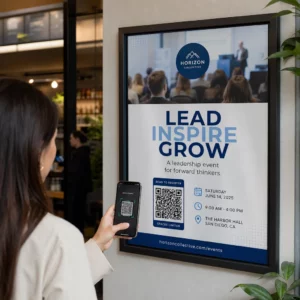
Сканирали ли сте някога QR код на кола под наем и сте се чудили за какво всъщност е – или дали е безопасно? Компаниите за коли под наем все по-често използват QR кодове, за да заменят документите, да ускорят вземането на превозни средства и да предоставят напълно безконтактно изживяване. Тази страница обяснява всеки често срещан случай на употреба, как да различите легитимен код от измамен и как фирмите за коли под наем могат да настроят свои собствени работни процеси с QR кодове.
Защо компаниите за коли под наем въвеждат QR кодове
Преходът към дигитални коли под наем се ускори значително. Онлайн резервациите представляват над 71% от глобалните приходи от коли под наем през 2024 г., а клиентите, които резервират дигитално, естествено очакват процесът на вземане и връщане да съответства на същото удобство. Междувременно 48 милиона американци са наели коли през 2023 г. – увеличение от 19,4% спрямо предходната година – оказвайки натиск върху местата за наем да обслужват клиентите по-бързо, без да добавят персонал.
QR кодовете се вписват директно в тази празнина. Един отпечатан или показан код може да замени отпечатан договор за наем, посещение на гише, устен инструктаж за характеристиките на превозното средство и карта за обратна връзка – всичко наведнъж. За клиентите резултатът е по-малко време за чакане и повече време за шофиране.
За какво всъщност се използват QR кодовете при коли под наем
Компаниите за коли под наем разполагат QR кодове на няколко различни точки в пътуването на клиента. Ето какво най-вероятно ще срещнете.

Безконтактно вземане на превозно средство
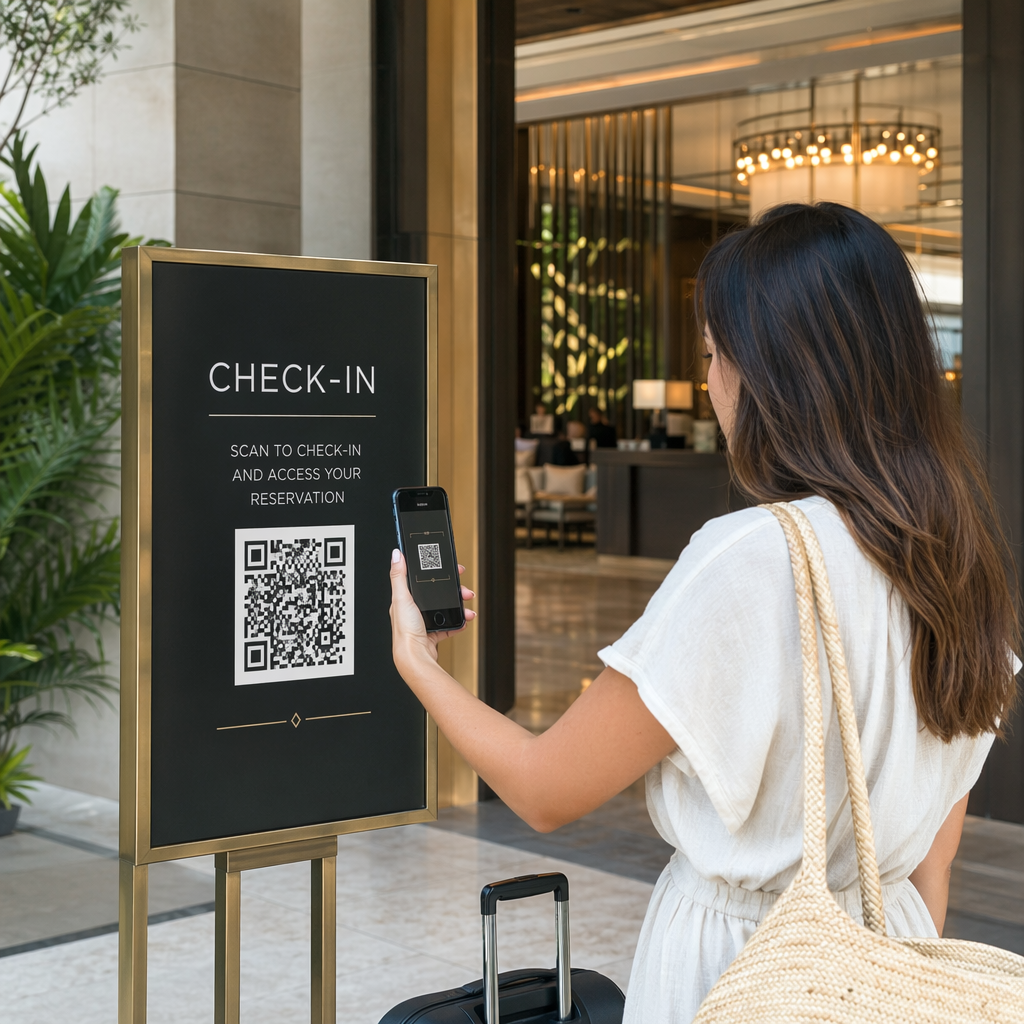
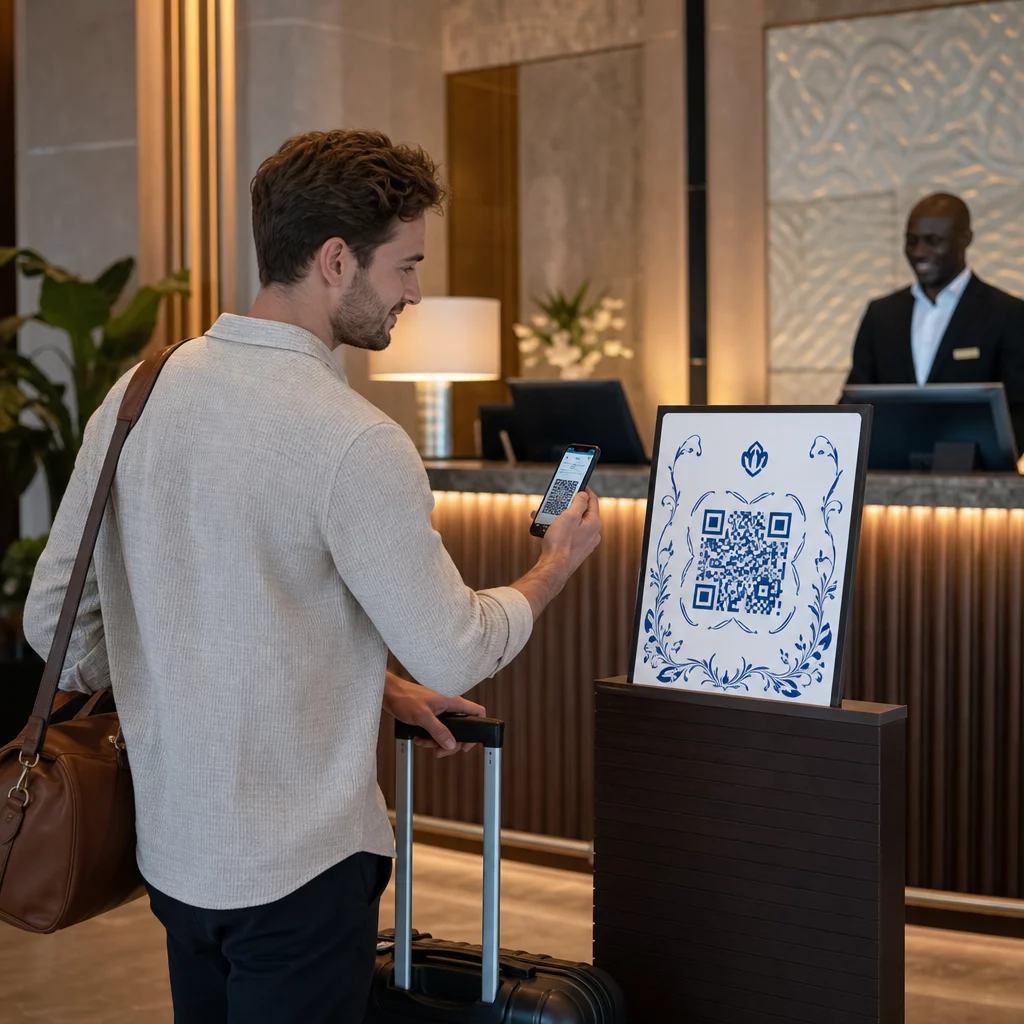
Това е най-честата употреба. След като завършат дигитална регистрация онлайн или чрез мобилно приложение, клиентите получават QR код, който служи като тяхно разрешение да вземат конкретно превозно средство. На паркинга те сканират кода – или на киоск, на кутия за ключове, или директно чрез приложението – и системата проверява тяхната резервация и освобождава ключа или отключва безключов достъп.
Големите марки за коли под наем вече рекламират възможността да пропуснат гишето изцяло, като клиентите избират колата си и проверяват данните си на смартфон, преди дори да кацнат. QR кодът е последната стъпка, която затваря цикъла между завършена дигитална резервация и физически достъп до превозното средство.
Достъп до договор за наем и документация
Вместо да предават отпечатан многостраничен договор за наем, компаниите използват QR код, поставен на имейл за потвърждение, пакет с ключове или таблото на автомобила, за да свържат клиентите директно с техния дигитален договор за наем. Сканирането отваря PDF на договора, условията за застраховка или политиката за щети – четим на всеки смартфон без изтегляне на отделно приложение.
Този подход също така улеснява актуализирането на документи. С динамичен PDF QR код, основният документ може да бъде променян – актуализирани условия, преработен текст на застраховката, нови бележки за превозното средство – без препечатване на физически материали. Самият код остава същият.
Споделяйте документи за наем без документи Трябва ли да предоставите на клиентите незабавен достъп до договори за наем, ръководства за превозни средства или условия за застраховка? Използвайте PDF в QR код за да свържете всеки документ със сканируем код – и да го актуализирате по всяко време без препечатване.
Ориентация на превозното средство и ръководства за функции
Непознатите контроли на превозното средство причиняват разочарование, особено за клиенти, които вземат кола набързо. QR код на таблото, сенника или жабката може да води директно към кратко ръководство с инструкции, видео преглед или PDF, обясняващ как да сдвоите телефон чрез Bluetooth, да регулирате паркинг сензорите или да отворите капачката на резервоара.
Това намалява обажданията до обслужване на клиенти и подобрява изживяването за наематели за първи път на конкретен модел превозно средство. А QR код за линк работи добре тук – ако моделът на превозното средство се промени при ротация на автопарка, целевият URL адрес може да бъде актуализиран, без да се подменя физическият стикер в колата.
Навигация и помощ за местоположение
QR код в превозното средство или на договора за наем може да води директно до местоположение в Google Maps – полезно за насочване на клиенти към паркинг за връщане, бензиностанция близо до летището или конкретна зона за оставяне. The QR код за Google Maps генерира код, който отваря точно местоположение в приложението Maps с едно сканиране, премахвайки всякаква неяснота къде да отидете.
Обратна връзка от клиенти и проучвания след наем
Събирането на обратна връзка веднага след наем – докато преживяването е свежо – произвежда по-надеждни данни от последващ имейл, изпратен дни по-късно. QR код на разписката за връщане, кутията за оставяне на ключове или изходната табела може да води директно до кратка форма за проучване. The Анкета с QR код за Google Forms прави лесно свързването на отпечатан код с форма за обратна връзка, а проследяването на сканиранията ви позволява да видите колко клиенти всъщност взаимодействат с него.
За бизнеси, които искат да изградят своя публичен профил за отзиви, а QR код за Google отзиви поставени на разписката или таблото подтикват доволните клиенти да оставят обратна връзка директно в Google – без никакво затруднение.
Записване в програма за лоялност и Промоции
QR код на гишето, на портфейл за ключове или в имейл за потвърждение може да води към страница за записване в програма за лоялност, оферта за препоръка или промоционална отстъпка за бъдеща резервация. Тъй като тези връзки често се променят със сезонни кампании, използването на динамичен QR код за линк означава, че дестинацията може да бъде актуализирана без повторно отпечатване на материали във всички локации на автопарка.
Безопасно ли е да сканирате QR код в кола под наем?
Това е разумен въпрос и честният отговор е: зависи от източника. Легитимни QR кодове, поставени от компания за коли под наем – на стикери на таблото, пакети с ключове или официални имейли за потвърждение – са безопасни и водят към съдържание, собственост на компанията.

Рискът идва от подправени кодове. Както документирано в измами с QR кодове, свързани с паркиране, престъпници понякога поставят фалшиви стикери с QR кодове върху легитимни, за да пренасочат нищо неподозиращи потребители към измамни страници за плащане. Преди да сканирате какъвто и да е код на превозно средство под наем или на павилион за коли под наем, проверете за:
- Физическа подправяне: Стикери, поставени върху други стикери, са предупредителен знак.
- Преглед на URL адрес: Повечето модерни камери на смартфони показват преглед на URL адрес, преди да го отворят. Проверете дали домейнът съвпада с официалния уебсайт на компанията за коли под наем.
- Неочаквани заявки за плащане: Легитимен QR код за наем не трябва да ви моли да въвеждате отново данни за плащане, които вече сте предоставили при резервацията.
Ако нещо изглежда подозрително, свържете се директно с гишето за наем, вместо да сканирате.
Как компаниите за коли под наем трябва да настройват QR кодове
За оператори на коли под наем, които изграждат или подобряват система за QR кодове, следните практики правят значителна разлика както в надеждността, така и в клиентското изживяване.
Използвайте динамични кодове за всичко, което може да се промени
Ръководства за превозни средства от автопарка, местоположения на паркинги за връщане и промоционални оферти се променят редовно. Статичните QR кодове кодират фиксирана дестинация – ако тази дестинация се промени, старият код става безполезен. Динамичните QR кодове сочат към URL адрес за пренасочване, управляван чрез платформа като Pageloot, така че дестинацията може да бъде актуализирана незабавно без да се докосва физическият код. Това е особено ценно за кодове, отпечатани на ключодържатели, стикери на таблото или табели.
Размерът и разположението са от значение за надеждното сканиране
QR код, който не може да бъде сканиран, губи своето предназначение. Следвайте тези основни стандарти при проектирането за физическо разположение:
- Минимален размер: 2 см × 2 см (0.8 инча × 0.8 инча) за всеки код, който клиентите ще сканират отблизо. Използвайте правило за разстояние на сканиране 10:1 за табели – код с ширина 10 см е надеждно четим от около 100 см разстояние.
- Контраст: Тъмни модули на светъл фон. Избягвайте отпечатването на тъмни кодове върху тъмни повърхности или използването на цветови комбинации с нисък контраст.
- Тиха зона: Оставете ясна граница от празно пространство около всеки код – без текст, шарки или лак, които да се разтичат по краищата.
- Височина на разположение: За разположения на павилиони или в превозни средства, целете се в 3–5 фута от земята, за да запазите кодовете достъпни за всички потребители, включително тези, които използват инвалидни колички.
Винаги включвайте текстова алтернатива
Не всеки клиент може или иска да сканира QR код. Поставете кратък URL адрес, телефонен номер или писмена инструкция до всеки QR код, така че клиентите да имат резервен вариант. Това е добра практика за достъпност и предотвратява единична точка на отказ, ако камерата на клиента не работи или няма мрежов сигнал в паркинг структура.
Етикетирайте всеки код ясно
Кажете на клиентите какво сканират, преди да го сканират. Един прост етикет – “Сканирайте за вашето споразумение за наем” или “Сканирайте, за да намерите паркинга за връщане” – намалява колебанието и увеличава процента на сканиране. Това също помага на клиентите да различат легитимен фирмен код от нещо, което не принадлежи там.
Проследяване на ефективността чрез анализи
Динамични QR кодове, изградени на платформа с анализи, позволяват на компаниите за коли под наем да виждат кои кодове се сканират, кога и от кои места. Тези данни помагат да се установи дали клиентите действително четат ръководства за ориентация на превозни средства, ангажират се с оферти за лоялност или се отказват, преди да попълнят формуляр за обратна връзка. Използвайте тази информация, за да коригирате разположението, да подобрите текста или да преработите слабо представящи се кодове.
Вижте кои QR кодове всъщност използват вашите клиенти С динамични QR кодове от Pageloot, можете да проследявате всяко сканиране по време, местоположение и устройство – и да актуализирате дестинациите, без да препечатвате нито един стикер.
Тествайте преди внедряване в целия автопарк
Преди да поставите код на десетки табла на превозни средства, тествайте го на множество устройства – различни модели iPhone, различни модели Android – на очакваното разстояние за сканиране и в действителните условия на осветление на вашите превозни средства. Проверете дали свързаната страница се зарежда правилно на мобилно устройство, не просто на настолен компютър. Счупена или бавно зареждаща страница след успешно сканиране създава по-лошо впечатление, отколкото изобщо без QR код.
QR кодове и на по-широкото безконтактно наемане преживяване
QR кодовете работят най-добре като един компонент на свързан работен.
Това е важно, защото Внедряването на QR кодове нараства във почти всяка индустрия на услугите, а очакванията на клиентите нарастват с него. Компания за коли под наем, която все още предава хартиен договор и отпечатана карта, все повече изостава от това, което клиентите очакват от модерно обслужване.
За компании за коли под наем, които за първи път проучват QR кодовете, или търсят да разширят възможностите си отвъд основния процес на вземане, Генератор на QR кодове на PageLoot обхваща пълния набор от случаи на употреба – от PDF документи и Google Forms до връзки за местоположение и събиране на отзиви – с вградени динамично редактиране и анализи. Можете също така да проучите решения за QR кодове в други индустрии за да видите как подобни бизнеси използват същите инструменти.
Често задавани въпроси
Компаниите за коли под наем използват QR кодове в превозното средство за няколко цели: свързване към цифрово копие на договора за наем, предоставяне на ръководство за ориентация на превозното средство (как да свържете Bluetooth, да използвате паркинг сензори и т.н.), насочване на клиентите към мястото за връщане на гориво или събиране на обратна връзка след наема. Ако кодът е на официален стикер от компанията за коли под наем, безопасно е да го сканирате – но винаги проверявайте прегледа на URL адреса, преди да отворите дестинацията.
Да, в много компании за коли под наем. Безконтактният процес на наемане обикновено включва онлайн резервация, цифрова проверка на самоличността ви, получаване на QR код или цифров ключ на телефона ви, сканиране на паркинга за достъп до превозното средство и връщането му чрез кутия за ключове без взаимодействие с гише. Изискванията за проверка на самоличността – включително представяне на валидна физическа шофьорска книжка – все още могат да се прилагат в зависимост от компанията и местоположението.
Чрез използване на динамични QR кодове, вместо статични. Динамичен QR код сочи към URL адрес за пренасочване, управляван чрез платформа като Pageloot. Ако дестинацията се промени – например URL адрес за ръководство за превозно средство, карта на паркинг за връщане или сезонна промоция – вие актуализирате дестинацията в таблото за управление на платформата и съществуващият отпечатан код автоматично сочи към новото съдържание. Не е необходимо повторно отпечатване.