Už ste niekedy naskenovali QR kód na prenajatom aute a premýšľali, na čo vlastne slúži – alebo či je bezpečný? Požičovne áut čoraz viac používajú QR kódy na nahradenie papierovania, zrýchlenie vyzdvihnutia vozidiel a poskytnutie plne bezkontaktnej skúsenosti. Táto stránka vysvetľuje každý bežný prípad použitia, ako rozlíšiť legitímny kód od podvodného a ako si môžu požičovne áut nastaviť vlastné pracovné postupy s QR kódmi.
Prečo požičovne áut prijímajú QR kódy
Posun k digitálnym autopožičovniam sa výrazne zrýchlil. Online rezervácie tvorili v roku 2024 viac ako 71 % celosvetových príjmov z prenájmu áut a zákazníci, ktorí si rezervujú digitálne, prirodzene očakávajú, že proces vyzdvihnutia a vrátenia bude zodpovedať rovnakej pohodlnosti. Medzitým si v roku 2023 prenajalo autá 48 miliónov Američanov – čo predstavuje nárast o 19,4 % oproti predchádzajúcemu roku – čo vyvíja tlak na požičovne, aby vybavovali zákazníkov rýchlejšie bez pridávania personálu.
QR kódy presne zapadajú do tejto medzery. Jeden vytlačený alebo zobrazený kód môže nahradiť vytlačenú nájomnú zmluvu, návštevu pultu, ústnu inštruktáž o vlastnostiach vozidla a kartu spätnej väzby – všetko naraz. Pre zákazníkov je výsledkom menej času čakania a viac času jazdy.
Na čo sa QR kódy skutočne používajú pri prenájme áut
Požičovne áut nasadzujú QR kódy na niekoľkých odlišných miestach v zákazníckej ceste. Tu je to, s čím sa najpravdepodobnejšie stretnete.

Bezkontaktné vyzdvihnutie vozidla
Toto je najbežnejšie použitie. Po dokončení digitálneho check-inu online alebo prostredníctvom mobilnej aplikácie zákazníci dostanú QR kód, ktorý slúži ako ich autorizácia na vyzdvihnutie konkrétneho vozidla. Na parkovisku naskenujú kód – buď pri kiosku, na schránke na kľúče, alebo priamo cez aplikáciu – a systém overí ich rezerváciu a uvoľní kľúč alebo odomkne bezkľúčový prístup.
Hlavné požičovne už propagujú možnosť úplne preskočiť pult, pričom si zákazníci vyberú auto a overia svoje údaje na smartfóne ešte pred príchodom. QR kód je posledným krokom, ktorý uzatvára slučku medzi dokončenou digitálnou rezerváciou a fyzickým prístupom k vozidlu.
Prístup k nájomnej zmluve a dokumentácii
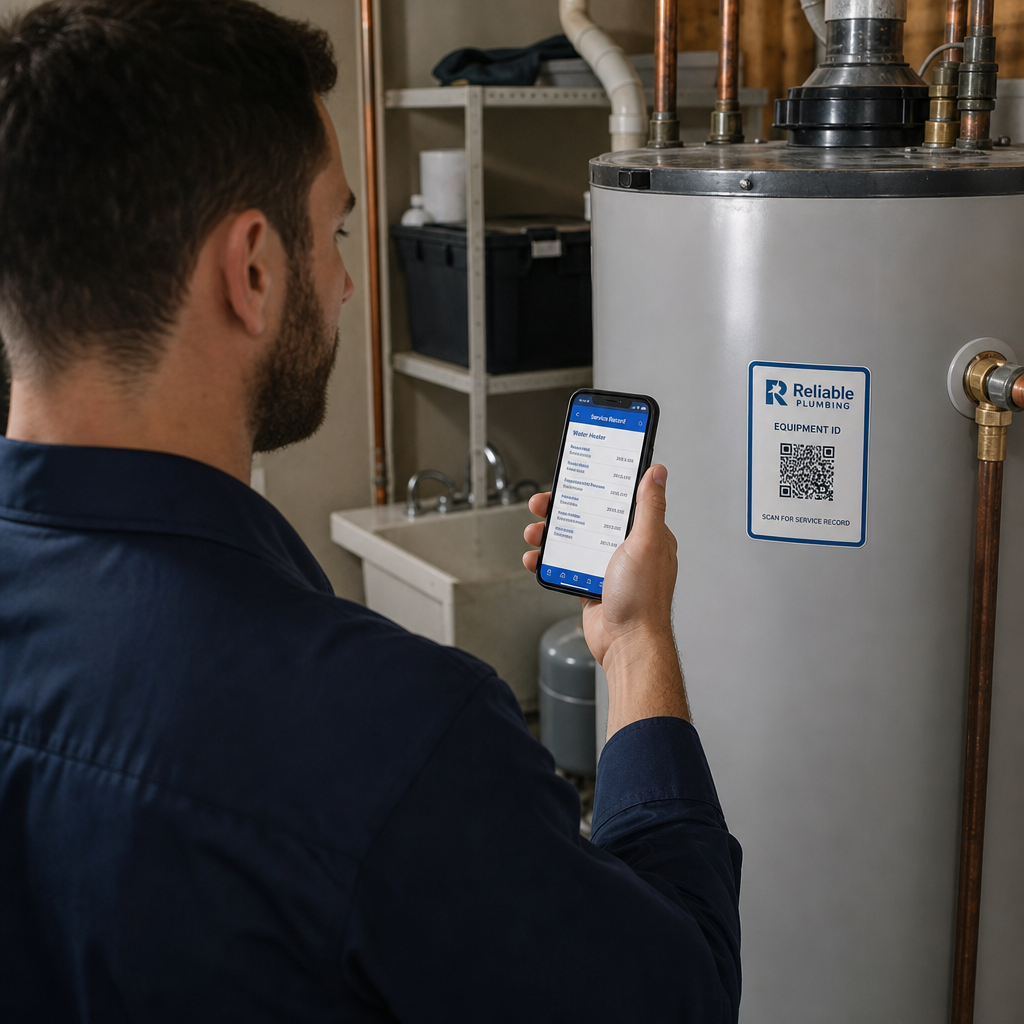
Namiesto odovzdania vytlačenej viacstranovej nájomnej zmluvy spoločnosti používajú QR kód umiestnený v potvrdzujúcom e-maile, balíčku kľúčov alebo na palubnej doske auta na priame prepojenie zákazníkov s ich digitálnou nájomnou zmluvou. Skenovanie otvorí PDF zmluvy, poistných podmienok alebo podmienok pre poškodenie – čitateľné na akomkoľvek smartfóne bez stiahnutia samostatnej aplikácie.
Tento prístup tiež uľahčuje aktualizáciu dokumentov. S a dynamickým QR kódom PDF, základný dokument je možné zmeniť – aktualizované podmienky, prepracované znenie poistenia, nové poznámky k vozidlu – bez opätovného tlače akýchkoľvek fyzických materiálov. Samotný kód zostáva rovnaký.
Zdieľajte nájomné dokumenty bez papierovania Potrebujete poskytnúť zákazníkom okamžitý prístup k nájomným zmluvám, manuálom vozidiel alebo poistným podmienkam? Použite PDF QR kód generátor na prepojenie akéhokoľvek dokumentu so skenovateľným kódom – a aktualizujte ho kedykoľvek bez opätovnej tlače.
Orientácia vozidla a sprievodcovia funkciami
Neznáme ovládacie prvky vozidla spôsobujú frustráciu, najmä pre zákazníkov, ktorí si vyzdvihujú auto v zhone. QR kód na palubnej doske, slnečnej clone alebo v odkladacej skrinke môže priamo odkazovať na krátky inštruktážny sprievodca, video návod alebo PDF vysvetľujúci, ako spárovať telefón cez Bluetooth, nastaviť parkovacie senzory alebo ovládať palivovú nádrž.
To znižuje počet volaní zákazníckej podpory a zlepšuje skúsenosti pre prvých nájomcov konkrétneho modelu vozidla. A QR kód odkazu tu funguje dobre – ak sa model vozidla zmení pri rotácii vozového parku, cieľová URL adresa môže byť aktualizovaná bez výmeny fyzickej nálepky v aute.
Navigácia a pomoc s lokalizáciou
QR kód vo vozidle alebo na nájomnej zmluve môže priamo odkazovať na polohu v Google Maps – užitočné pre nasmerovanie zákazníkov na parkovisko pre vrátenie, čerpaciu stanicu v blízkosti letiska alebo špecifickú zónu odovzdania. Ten Google Maps QR kód generátor generuje kód, ktorý jediným skenovaním otvorí presnú polohu v aplikácii Mapy, čím sa odstráni akákoľvek nejasnosť o tom, kam ísť.
Spätná väzba od zákazníkov a prieskumy po prenájme
Zbieranie spätnej väzby ihneď po prenájme – kým je skúsenosť čerstvá – produkuje spoľahlivejšie údaje ako následný e-mail odoslaný o niekoľko dní neskôr. QR kód na potvrdení o vrátení, schránke na kľúče alebo výjazdovom značení môže priamo odkazovať na krátky formulár prieskumu. Ten Formulár Google ako QR kód: generátor umožňuje jednoducho prepojiť vytlačený kód s formulárom spätnej väzby a sledovanie skenov vám umožní zistiť, koľko zákazníkov sa s ním skutočne zapojí.
Pre firmy, ktoré chcú budovať svoj verejný profil recenzií, a QR kód recenzií Google umiestnený na účtenke alebo palubnej doske vyzýva spokojných zákazníkov, aby zanechali spätnú väzbu priamo na Google – bez akýchkoľvek prekážok.
Registrácia do vernostného programu a propagačné akcie
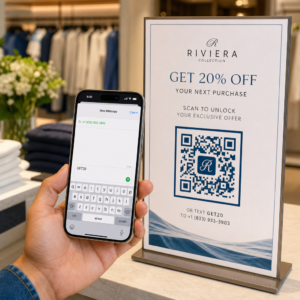
QR kód pri pulte, na puzdre na kľúče alebo v potvrdzujúcom e-maile môže odkazovať na stránku registrácie do vernostného programu, ponuku odporúčania alebo propagačnú zľavu na budúcu rezerváciu. Pretože sa tieto odkazy často menia so sezónnymi kampaňami, použitie dynamického QR kód odkazu znamená, že cieľ je možné aktualizovať bez opätovnej tlače materiálov naprieč flotilou miest.
Je bezpečné skenovať QR kód v prenajatom aute?
Toto je rozumná otázka a úprimná odpoveď je: závisí to od zdroja. Legitímne QR kódy umiestnené požičovňou áut – na nálepkách na palubnej doske, balíčkoch s kľúčmi alebo oficiálnych potvrdzovacích e-mailoch – sú bezpečné a odkazujú na obsah vlastnený spoločnosťou.

Riziko pochádza z manipulovaných kódov. Ako zdokumentované v podvodoch s QR kódmi súvisiacich s parkovaním, zločinci niekedy umiestňujú falošné nálepky s QR kódmi cez legitímne, aby presmerovali nič netušiacich používateľov na podvodné platobné stránky. Pred skenovaním akéhokoľvek kódu na prenajatom vozidle alebo pri kiosku požičovne skontrolujte:
- Fyzické manipulácie: Nálepka umiestnená cez inú nálepku je varovným signálom.
- Náhľad URL: Väčšina moderných fotoaparátov smartfónov zobrazí náhľad URL pred jej otvorením. Overte, či doména zodpovedá oficiálnej webovej stránke požičovne.
- Neočakávané platobné požiadavky: Legitímny QR kód požičovne by vás nemal žiadať o opätovné zadanie platobných údajov, ktoré ste už poskytli pri rezervácii.
Ak niečo vyzerá podozrivo, kontaktujte priamo pult požičovne namiesto skenovania.
Ako by mali požičovne nastaviť QR kódy
Pre prevádzkovateľov požičovní, ktorí budujú alebo zlepšujú systém QR kódov, prinášajú nasledujúce postupy významný rozdiel v spoľahlivosti aj v zákazníckej skúsenosti.
Používajte dynamické kódy pre všetko, čo sa môže zmeniť
Sprievodcovia vozidiel flotily, miesta vrátenia vozidiel a propagačné ponuky sa pravidelne menia. Statické QR kódy kódujú pevný cieľ – ak sa tento cieľ zmení, starý kód sa stane nepoužiteľným. Dynamické QR kódy odkazujú na presmerovaciu URL spravovanú prostredníctvom platformy ako Pageloot, takže cieľ je možné okamžite aktualizovať bez dotyku fyzického kódu. To je obzvlášť cenné pre kódy vytlačené na kľúčenkách, nálepkách na palubnej doske alebo značení.
Veľkosť a umiestnenie sú dôležité pre spoľahlivé skenovanie
QR kód, ktorý sa nedá naskenovať, stráca svoj účel. Pri navrhovaní fyzického umiestnenia dodržujte tieto základné štandardy:
- Minimálna veľkosť: 2 cm × 2 cm (0.8 in × 0.8 in) pre akýkoľvek kód, ktorý budú zákazníci skenovať zblízka. Použite pravidlo vzdialenosti skenovania 10:1 pre značenie – kód široký 10 cm je spoľahlivo čitateľný z približne 100 cm.
- Kontrast: Tmavé moduly na svetlom pozadí. Vyhnite sa tlači tmavých kódov na tmavé povrchy alebo použitiu farebných kombinácií s nízkym kontrastom.
- Tichá zóna: Okolo každého kódu poneňte jasný okraj prázdneho priestoru – žiadny text, vzory ani lak prenikajúci do okrajov.
- Výška umiestnenia: Pre umiestnenie na kiosku alebo vo vozidle sa zamerajte na 3–5 stôp od zeme, aby boli kódy prístupné pre všetkých používateľov, vrátane tých, ktorí používajú invalidné vozíky.
Vždy zahrňte textovú alternatívu
Nie každý zákazník môže alebo chce naskenovať QR kód. Umiestnite krátku URL adresu, telefónne číslo alebo písomný pokyn vedľa každého QR kódu, aby zákazníci mali záložnú možnosť. Toto je dobrá prax prístupnosti a zabraňuje jedinému bodu zlyhania, ak nefunguje fotoaparát zákazníka alebo ak v parkovacej štruktúre nie je sieťový signál.
Jasne označte každý kód
Povedzte zákazníkom, čo skenujú, predtým, ako to naskenujú. Jednoduchý štítok – “Naskenujte pre vašu nájomnú zmluvu” alebo “Naskenujte, aby ste našli miesto vrátenia” – znižuje váhanie a zvyšuje mieru skenovania. Pomáha to tiež zákazníkom rozlíšiť legitímny firemný kód od niečoho, čo tam nepatrí.
Sledujte výkon prostredníctvom analýz
Dynamické QR kódy vytvorené na platforme s analytikou umožňujú požičovniam vidieť, ktoré kódy sú skenované, kedy a z ktorých miest. Tieto údaje pomáhajú identifikovať, či zákazníci skutočne čítajú sprievodcov orientáciou vozidla, zapájajú sa do vernostných ponúk alebo odchádzajú pred vyplnením formulára spätnej väzby. Použite tento poznatok na úpravu umiestnenia, zlepšenie textu alebo prepracovanie nedostatočne výkonných kódov.
Pozrite sa, ktoré QR kódy vaši zákazníci skutočne používajú S dynamickými QR kódmi od Pageloot, môžete sledovať každé skenovanie podľa času, miesta a zariadenia – a aktualizovať ciele bez opätovnej tlače jedinej nálepky.
Testujte pred nasadením naprieč flotilou
Pred umiestnením kódu na desiatky palubných dosiek vozidiel ho otestujte na viacerých zariadeniach – rôznych modeloch iPhone, rôznych modeloch Android – v očakávanej vzdialenosti skenovania a v skutočných svetelných podmienkach vašich vozidiel. Overte, či sa prepojená stránka správne načíta na mobilnom zariadení, nielen na počítači. Po úspešnom skenovaní vytvára nefunkčná alebo pomaly sa načítavajúca stránka horší dojem ako žiadny QR kód.
QR kódy a širší bezkontaktný zážitok z prenájmu
QR kódy fungujú najlepšie.
To je dôležité, pretože Prijatie QR kódov rastie prakticky vo všetkých odvetviach služieb, a s tým rastú aj očakávania zákazníkov. Požičovňa, ktorá stále odovzdáva papierovú zmluvu a vytlačenú mapu, je čoraz viac v rozpore s tým, čo zákazníci očakávajú od modernej interakcie so službami.
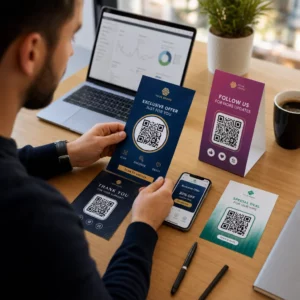
Pre požičovne, ktoré prvýkrát skúmajú QR kódy, alebo sa snažia rozšíriť nad rámec základného pracovného postupu vyzdvihnutia, Generátor QR kódov Pageloot pokrýva celý rad prípadov použitia – od dokumentov PDF a formulárov Google po odkazy na miesta a zber recenzií – s integrovaným dynamickým úpravami a analýzou. Môžete tiež preskúmať riešenia QR kódov v iných odvetviach aby ste videli, ako podobné podniky využívajú rovnaké nástroje.
Často kladené otázky
Autopožičovne používajú QR kódy vo vozidlách na niekoľko účelov: odkazovanie na digitálnu kópiu nájomnej zmluvy, poskytovanie sprievodcu orientáciou vo vozidle (ako pripojiť Bluetooth, používať parkovacie senzory a podobne), smerovanie zákazníkov na miesto vrátenia paliva alebo zbieranie spätnej väzby po prenájme. Ak je kód na oficiálnej nálepke od autopožičovne, je bezpečné ho naskenovať – ale vždy skontrolujte náhľad URL adresy pred otvorením cieľa.
Áno, v mnohých požičovniach. Bezdotykový proces prenájmu zvyčajne zahŕňa online rezerváciu, digitálne overenie identity, prijatie QR kódu alebo digitálneho kľúča na telefón, skenovanie na parkovisku pre prístup k vozidlu a jeho vrátenie prostredníctvom schránky na kľúče bez interakcie s pultom. Požiadavky na overenie totožnosti – vrátane predloženia platného fyzického vodičského preukazu – sa môžu stále uplatňovať v závislosti od spoločnosti a miesta.
Používaním dynamických QR kódov namiesto statických. Dynamický QR kód odkazuje na presmerovaciu URL adresu spravovanú prostredníctvom platformy ako Pageloot. Ak sa cieľ zmení – napríklad URL adresa sprievodcu vozidla, mapa parkoviska pre vrátenie alebo sezónna akcia – aktualizujete cieľ na palubnej doske platformy a existujúci vytlačený kód automaticky odkazuje na nový obsah. Nie je potrebné opätovné tlačenie.