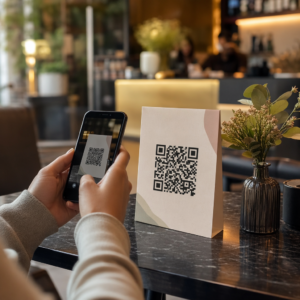
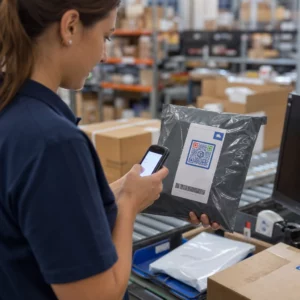
Heb je ooit een QR-code op een huurauto gescand en je afgevraagd waar deze eigenlijk voor is – of of het veilig is? Verhuurbedrijven gebruiken steeds vaker QR-codes om papierwerk te vervangen, het ophalen van voertuigen te versnellen en een volledig contactloze ervaring te bieden. Deze pagina legt elke veelvoorkomende gebruikssituatie uit, hoe je een legitieme code van een frauduleuze kunt onderscheiden, en hoe verhuurbedrijven hun eigen QR-codeworkflows kunnen opzetten.
Waarom Autoverhuurbedrijven QR-codes Adopteren
De verschuiving naar digitaal-eerst autoverhuur is aanzienlijk versneld. Online boekingen waren goed voor meer dan 71% van de wereldwijde autoverhuuromzet in 2024, en klanten die digitaal boeken, verwachten natuurlijk dat het ophaal- en retourproces hetzelfde gemak biedt. Ondertussen huurden 48 miljoen Amerikanen auto's in 2023 – een stijging van 19,4% ten opzichte van het voorgaande jaar – wat druk uitoefent op verhuurlocaties om klanten sneller te verwerken zonder extra personeel aan te nemen.
QR-codes passen precies in dat gat. Eén enkele geprinte of weergegeven code kan een geprinte huurovereenkomst, een baliebezoek, een mondelinge briefing over voertuigkenmerken en een feedbackkaart vervangen – allemaal tegelijk. Voor klanten is het resultaat minder wachttijd en meer rijtijd.
Waar QR-codes daadwerkelijk voor worden gebruikt bij autoverhuur
Verhuurbedrijven zetten QR-codes in op verschillende punten in de klantreis. Dit is wat je waarschijnlijk zult tegenkomen.

Contactloos Voertuig Ophalen
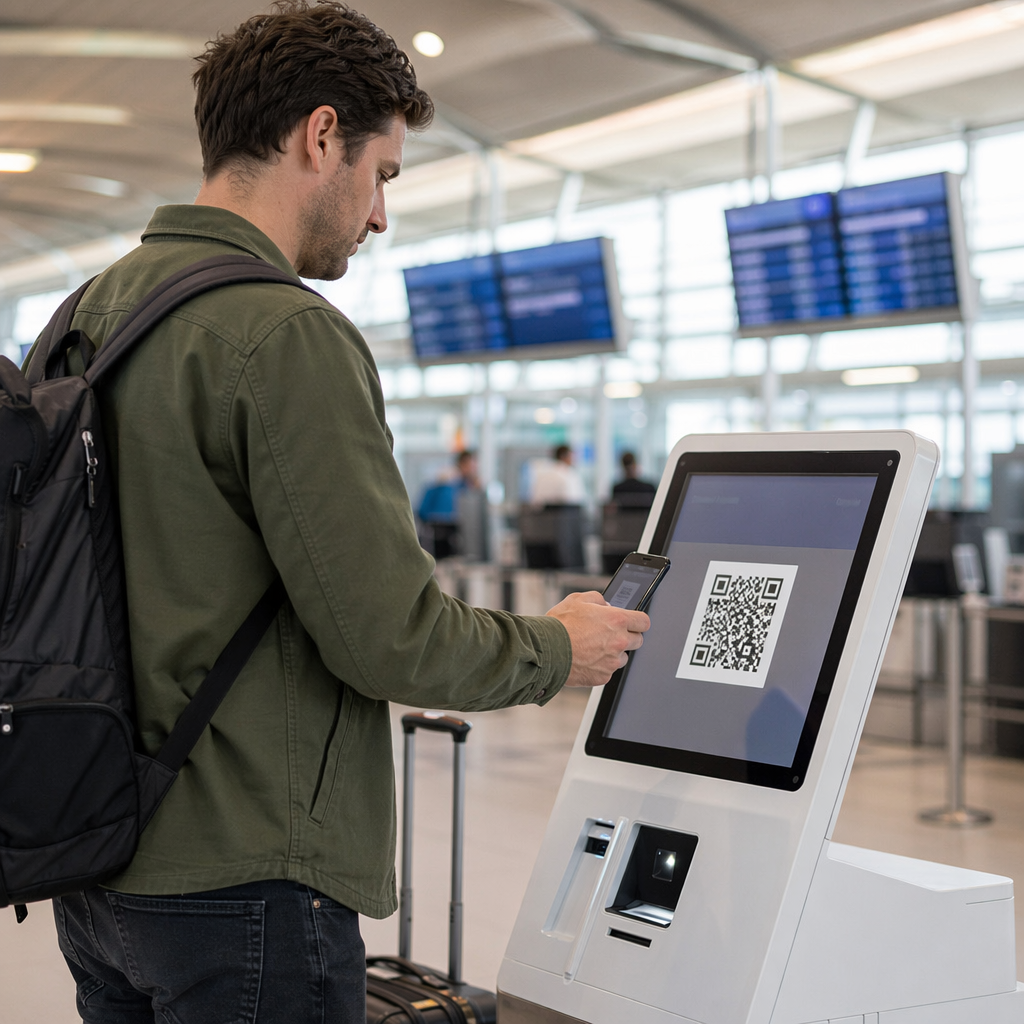
Dit is het meest voorkomende gebruik. Na het voltooien van de digitale check-in online of via een mobiele app, ontvangen klanten een QR-code die dient als hun autorisatie om een specifiek voertuig op te halen. Op de parkeerplaats scannen ze de code – ofwel bij een kiosk, op een sleutelkluis, of direct via de app – en het systeem verifieert hun boeking en geeft de sleutel vrij of ontgrendelt sleutelloze toegang.
Grote verhuurmerken promoten al de mogelijkheid om de balie volledig over te slaan, waarbij klanten hun auto selecteren en hun gegevens verifiëren op een smartphone voordat ze zelfs landen. De QR-code is de laatste stap die de cirkel sluit tussen een voltooide digitale boeking en fysieke toegang tot het voertuig.
Toegang tot Huurovereenkomst en Documentatie
In plaats van een geprint meerpagina huurcontract te overhandigen, gebruiken bedrijven een QR-code die op een bevestigingsmail, sleutelpakket of het dashboard van de auto is geplaatst om klanten direct te linken naar hun digitale huurovereenkomst. Scannen opent een PDF van het contract, verzekeringsvoorwaarden of schadebeleid – leesbaar op elke smartphone zonder een aparte app te downloaden.
Deze aanpak maakt het ook gemakkelijker om documenten bij te werken. Met een dynamische PDF QR-code, kan het onderliggende document worden gewijzigd – bijgewerkte voorwaarden, herziene verzekeringstekst, nieuwe voertuignotities – zonder fysieke materialen opnieuw af te drukken. De code zelf blijft hetzelfde.
Deel Huurdocumenten Zonder Papierwerk Moet je klanten direct toegang geven tot huurovereenkomsten, voertuighandleidingen of verzekeringsvoorwaarden? Gebruik de PDF naar QR code maken om elk document te koppelen aan een scanbare code – en werk het op elk moment bij zonder opnieuw af te drukken.
Voertuigoriëntatie en Functiegidsen
Onbekende voertuigbediening veroorzaakt frustratie, vooral voor klanten die haast hebben bij het ophalen van een auto. Een QR-code op het dashboard, de zonneklep of het handschoenenkastje kan direct linken naar een korte instructiegids, video-rondleiding of PDF die uitlegt hoe je een telefoon via Bluetooth koppelt, de parkeersensoren aanpast of de tankdop bedient.
Dit vermindert oproepen naar de klantenservice en verbetert de ervaring voor beginnende huurders van een specifiek voertuigmodel. Een link-QR-code werkt hier goed – als het voertuigmodel verandert in een vlootrotatie, kan de bestemmings-URL worden bijgewerkt zonder de fysieke sticker in de auto te vervangen.
Navigatie- en Locatiehulp
Een QR-code in het voertuig of op het huurcontract kan direct linken naar een Google Maps-locatie – handig om klanten naar een retourparkeerplaats, een tankstation bij de luchthaven of een specifieke afzetzone te leiden. De Google Maps QR code maken genereert een code die een precieze locatie opent in de Maps-app met één enkele scan, waardoor elke onduidelijkheid over de bestemming wordt weggenomen.
Klantfeedback en Enquêtes Na Huur
Feedback verzamelen direct na een huurperiode – terwijl de ervaring vers is – levert betrouwbaardere gegevens op dan een follow-up e-mail die dagen later wordt verzonden. Een QR-code op de retourbon, sleutelafgiftebox of uitgangsborden kan direct linken naar een kort enquêteformulier. De Google Forms QR code maken maakt het eenvoudig om een geprinte code te koppelen aan een feedbackformulier, en scan-tracking laat je zien hoeveel klanten er daadwerkelijk mee interacteren.
Voor bedrijven die hun openbare beoordelingsprofiel willen opbouwen, een Google review QR-code geplaatst op de bon of het dashboard zet tevreden klanten aan om direct feedback achter te laten op Google – zonder enige wrijving.
Inschrijving voor loyaliteitsprogramma's en promoties
Een QR-code bij de balie, op een sleuteletui of in een bevestigings-e-mail kan linken naar een aanmeldpagina voor loyaliteit, een verwijzingsaanbieding of een promotionele korting voor een toekomstige boeking. Omdat deze links vaak veranderen met seizoenscampagnes, is het gebruik van een dynamische link-QR-code betekent dat de bestemming kan worden bijgewerkt zonder materialen opnieuw af te drukken over een vloot van locaties.
Is het veilig om een QR-code te scannen in een huurauto?
Dit is een redelijke vraag, en het eerlijke antwoord is: het hangt af van de bron. Legitieme QR-codes geplaatst door een verhuurbedrijf – op dashboardstickers, sleutelpakketten of officiële bevestigings-e-mails – zijn veilig en linken naar bedrijfseigen inhoud.

Het risico komt van gemanipuleerde codes. Zoals gedocumenteerd in parkeergerelateerde QR-scams, plaatsen criminelen soms nep-QR-codestickers over legitieme om nietsvermoedende gebruikers om te leiden naar frauduleuze betaalpagina's. Voordat u een code scant op een huurvoertuig of bij een verhuurkiosk, controleer op:
- Fysieke manipulatie: Een sticker die over een andere sticker is geplaatst, is een waarschuwingssignaal.
- URL-voorbeeld: De meeste moderne smartphonecamera's tonen een URL-voorbeeld voordat deze wordt geopend. Controleer of het domein overeenkomt met de officiële website van het verhuurbedrijf.
- Onverwachte betalingsverzoeken: Een legitieme huur-QR-code mag u niet vragen om opnieuw betalingsgegevens in te voeren die u al bij de boeking hebt verstrekt.
Als iets er niet goed uitziet, neem dan direct contact op met de verhuurbalie in plaats van te scannen.
Hoe verhuurbedrijven QR-codes moeten instellen
Voor verhuurders die een QR-codesysteem bouwen of verbeteren, maken de volgende praktijken een significant verschil in zowel betrouwbaarheid als klantervaring.
Gebruik dynamische codes voor alles wat kan veranderen
Voertuiggidsen voor de vloot, locaties van inleverterreinen en promotieaanbiedingen veranderen allemaal regelmatig. Statische QR-codes coderen een vaste bestemming – als die bestemming verandert, wordt de oude code nutteloos. Dynamische QR-codes verwijzen naar een omleidings-URL die wordt beheerd via een platform zoals Pageloot, zodat de bestemming direct kan worden bijgewerkt zonder de fysieke code aan te raken. Dit is vooral waardevol voor codes die zijn afgedrukt op sleutelhangers, dashboardstickers of bewegwijzering.
Grootte en plaatsing zijn belangrijk voor betrouwbaar scannen
Een QR-code die niet scant, mist zijn doel. Volg deze basisnormen bij het ontwerpen voor fysieke plaatsing:
- Minimale grootte: 2 cm × 2 cm (0,8 in × 0,8 in) voor elke code die klanten van dichtbij zullen scannen. Gebruik de 10:1 scanafstandsregel voor bewegwijzering – een code van 10 cm breed is betrouwbaar leesbaar vanaf ongeveer 100 cm afstand.
- Contrast: Donkere modules op een lichte achtergrond. Vermijd het afdrukken van donkere codes op donkere oppervlakken of het gebruik van kleurencombinaties met laag contrast.
- Stille zone: Laat een duidelijke rand van lege ruimte rond elke code – geen tekst, patronen of lak die in de randen vloeit.
- Plaatsingshoogte: Voor op kiosken gemonteerde of in-voertuigplaatsingen, streef naar 0,9–1,5 meter vanaf de grond om codes toegankelijk te houden voor alle gebruikers, inclusief rolstoelgebruikers.
Neem altijd een tekstalternatief op
Niet elke klant kan of wil een QR-code scannen. Plaats een korte URL, telefoonnummer of geschreven instructie naast elke QR-code, zodat klanten een terugvaloptie hebben. Dit is een goede toegankelijkheidspraktijk en voorkomt een enkel storingspunt als de camera van een klant niet werkt of er geen netwerksignaal is in een parkeergarage.
Label elke code duidelijk
Vertel klanten wat ze scannen voordat ze het scannen. Een eenvoudig label – “Scan voor uw huurovereenkomst” of “Scan om het inleverterrein te vinden” – vermindert aarzeling en verhoogt de scanpercentages. Het helpt klanten ook om een legitieme bedrijfscode te onderscheiden van iets dat daar niet thuishoort.
Volg prestaties via analyses
Dynamische QR-codes gebouwd op een platform met analyses laten verhuurbedrijven zien welke codes worden gescand, wanneer en vanaf welke locaties. Deze gegevens helpen te identificeren of klanten daadwerkelijk voertuigoriëntatiegidsen lezen, zich bezighouden met loyaliteitsaanbiedingen, of afhaken voordat ze een feedbackformulier invullen. Gebruik dat inzicht om de plaatsing aan te passen, de tekst te verbeteren of onderpresterende codes opnieuw te ontwerpen.
Zie welke QR-codes uw klanten daadwerkelijk gebruiken Met dynamische QR-codes van Pageloot, kunt u elke scan volgen op tijd, locatie en apparaat – en bestemmingen bijwerken zonder één enkele sticker opnieuw af te drukken.
Test voordat u uitrolt over een vloot
Voordat u een code op tientallen voertuigdashboards plaatst, test deze op meerdere apparaten – verschillende iPhone-modellen, verschillende Android-modellen – op de verwachte scanafstand en in de werkelijke lichtomstandigheden van uw voertuigen. Controleer of de gekoppelde pagina correct laadt op mobiel, niet alleen op desktop. Een kapotte of traag ladende pagina na een succesvolle scan creëert een slechtere indruk dan helemaal geen QR-code.
QR-codes en de bredere contactloze huurervaring
QR-codes werken het best als één onderdeel van een verbonden workflow, niet als een op zichzelf staande functie. De verhuurbedrijven die de sterkste resultaten zien, zijn degenen die digitaal boeken, mobiel inchecken, QR-gebaseerde documenttoegang en digitaal retourneren combineren tot één coherente ervaring. Klanten die de hele huur voltooien zonder een balie te bezoeken – online boeken, hun voertuig selecteren, scannen om het op te halen, en de sleutel in een doos deponeren bij het weggaan – melden consequent snellere, minder stressvolle ervaringen.
Dit is belangrijk omdat De adoptie van QR-codes groeit in vrijwel elke dienstensector, en de verwachtingen van klanten stijgen mee. Een verhuurbedrijf dat nog steeds een papieren contract en een gedrukte kaart overhandigt, loopt steeds meer achter op wat klanten verwachten van een moderne service-interactie.
Voor verhuurbedrijven die voor het eerst QR-codes verkennen, of die verder willen gaan dan een basis ophaalworkflow, de Pageloot QR-codegenerator dekt het volledige scala aan gebruiksscenario's – van PDF-documenten en Google Forms tot locatielinks en het verzamelen van recensies – met dynamische bewerking en ingebouwde analyses. U kunt ook verkennen QR-codeoplossingen in andere sectoren om te zien hoe vergelijkbare bedrijven dezelfde tools inzetten.
Veelgestelde vragen
Verhuurbedrijven gebruiken QR-codes in voertuigen voor verschillende doeleinden: koppelen aan een digitale kopie van de huurovereenkomst, het verstrekken van een voertuigoriëntatiegids (hoe Bluetooth te verbinden, parkeersensoren te gebruiken, enzovoort), klanten doorverwijzen naar de inleverlocatie voor brandstof, of het verzamelen van feedback na de huurperiode. Als de code op een officiële sticker van het verhuurbedrijf staat, is het veilig om te scannen – maar controleer altijd de URL-preview voordat u de bestemming opent.
Ja, bij veel verhuurbedrijven. Het contactloze huurproces omvat doorgaans online boeken, uw identiteit digitaal verifiëren, een QR-code of digitale sleutel op uw telefoon ontvangen, scannen op de parkeerplaats om toegang te krijgen tot het voertuig, en het retourneren via een sleuteldrop zonder balie-interactie. Vereisten voor identiteitsverificatie – inclusief het tonen van een geldig fysiek rijbewijs – kunnen nog steeds van toepassing zijn, afhankelijk van het bedrijf en de locatie.
Door gebruik te maken van dynamische QR-codes in plaats van statische. Een dynamische QR-code wijst naar een redirect-URL die wordt beheerd via een platform zoals Pageloot. Als de bestemming verandert – bijvoorbeeld een URL voor een voertuiggids, een plattegrond van een retourperceel, of een seizoenspromotie – werkt u de bestemming bij in het platformdashboard en wijst de bestaande geprinte code automatisch naar de nieuwe inhoud. Opnieuw printen is niet nodig.