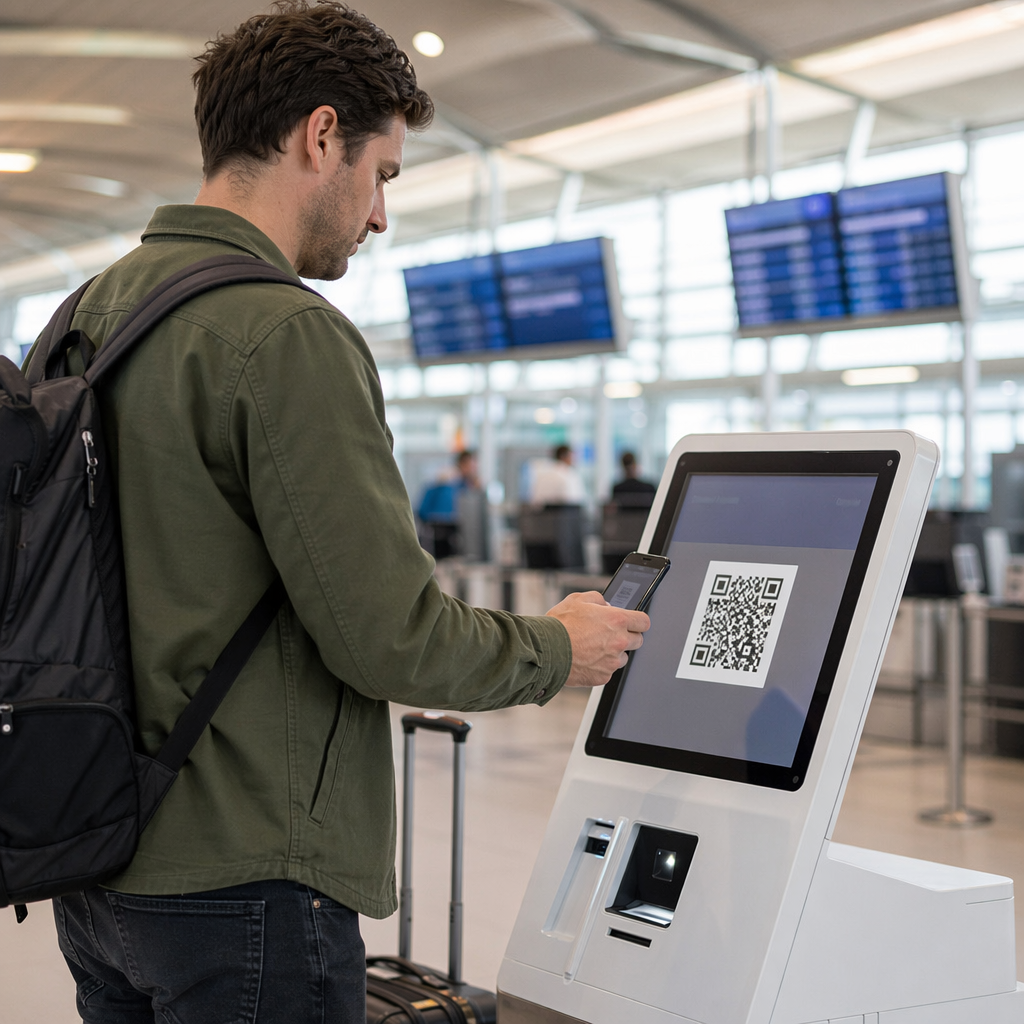
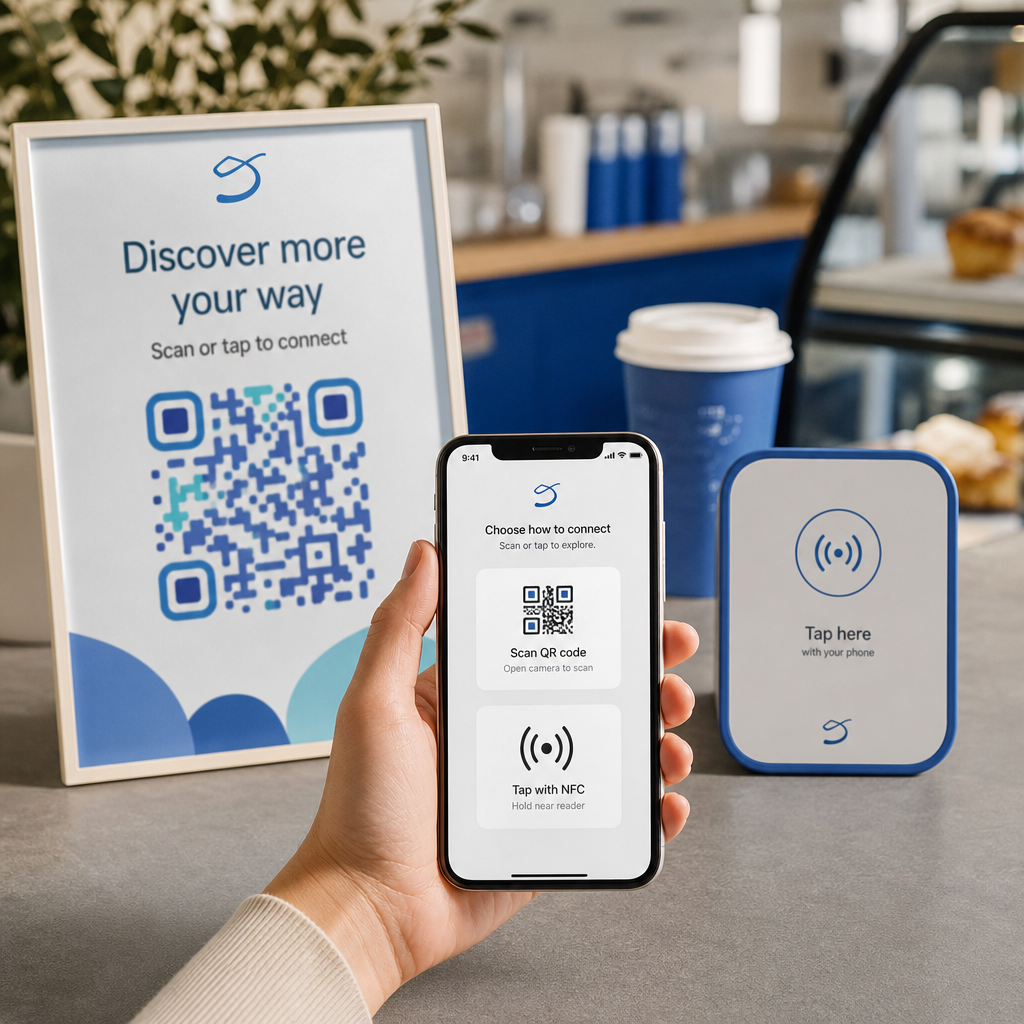
Apakah Anda lelah mencetak kode QR terpisah untuk pengguna iPhone dan Android pada materi pemasaran Anda? Menampilkan beberapa kode membingungkan pelanggan potensial dan menyia-nyiakan ruang berharga pada kemasan fisik, spanduk, dan selebaran. Membuat satu kode QR dinamis secara otomatis mengarahkan setiap pemindai ke toko aplikasi yang benar untuk perangkat spesifik mereka.
Bagaimana Kode QR Multi-Toko Mengarahkan Pemindai Secara Otomatis
Ketika kamera ponsel memindai kode QR, sistem operasi mendekode pola tersebut menjadi URL dan membukanya di peramban seluler. Kode QR multi-toko mengandalkan tautan routing dinamis daripada terhubung langsung ke alamat web toko yang tetap.
Setelah menerima permintaan pemindaian, server routing memeriksa sinyal peramban dan header sistem operasi untuk mengidentifikasi perangkat pemindai:
- Routing iOS: Mengarahkan pengguna Apple ke daftar aplikasi Anda di App Store menggunakan pengenal numerik unik aplikasi Anda.
- Routing Android: Mengarahkan pengguna Android ke halaman Google Play Store Anda menggunakan nama paket manifes aplikasi Anda.
- Routing cadangan: Mengirim pemindai non-seluler atau desktop ke halaman arahan web universal atau situs promosi.
Menggunakan deteksi perangkat di dalam satu tautan dinamis menghilangkan gesekan teknis bagi pelanggan, melindungi tata letak fisik Anda dari kekacauan visual, dan memastikan tingkat konversi yang tinggi di setiap saluran.
Buat Kode QR Aplikasi Lintas-Platform Anda Sederhanakan alur orientasi Anda dengan mengarahkan pengguna iOS dan Android ke toko yang benar dengan sekali pemindaian. Luncurkan Generator Kode QR App Store untuk membangun dan memberi merek kode dinamis Anda hari ini.
Cara Menyiapkan Kode QR Unduh Aplikasi
Membuat kode unduhan terpadu memerlukan pengumpulan URL platform resmi Anda dan mengonfigurasi pengaturan tautan pintar Anda. Ikuti langkah-langkah ini untuk membuat kode siap cetak:
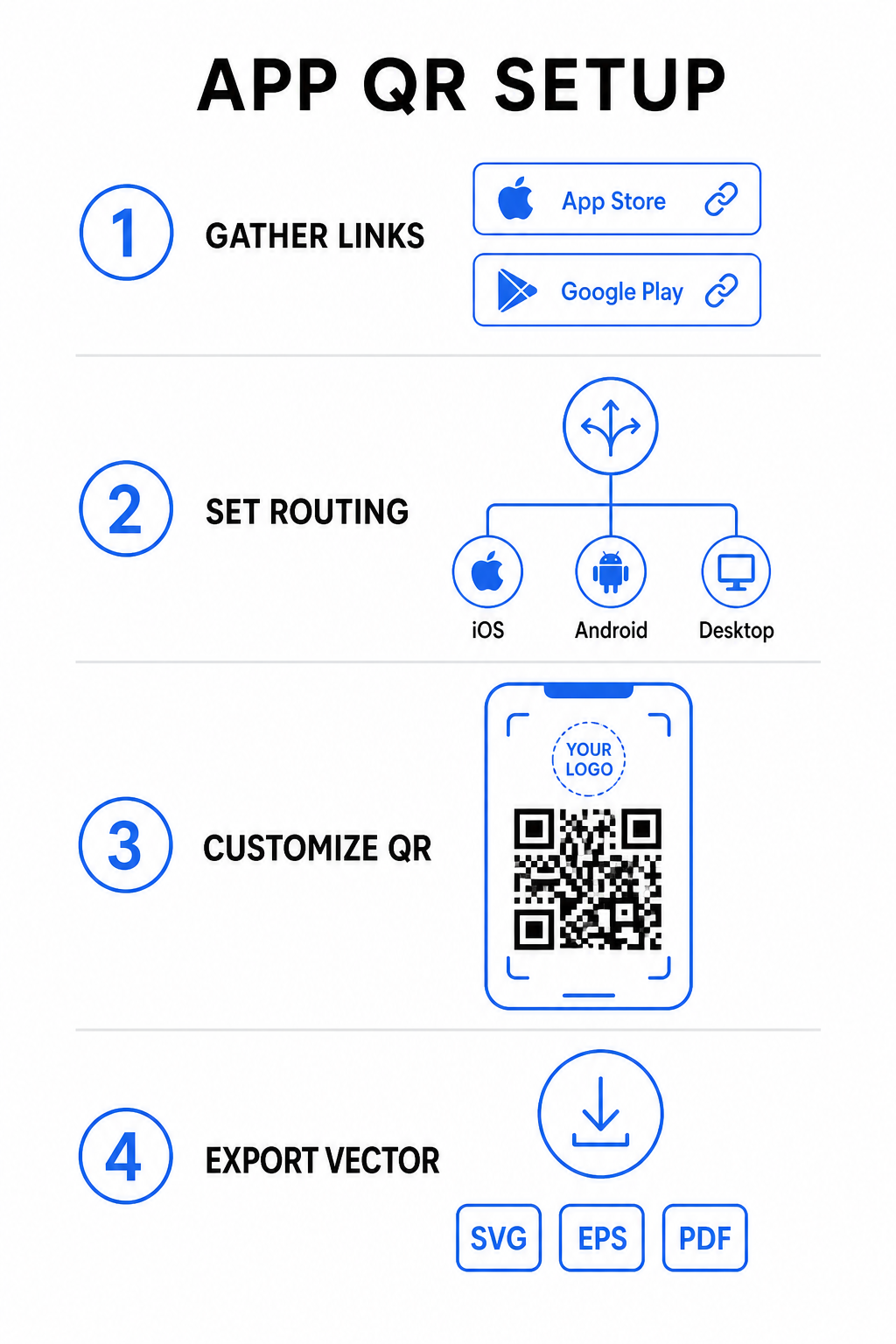
- Kumpulkan URL toko resmi: Temukan jalur Apple App Store Anda yang berisi ID numerik aplikasi Anda dan URL Google Play Anda yang berisi pengenal nama paket Anda.
- Masukkan tautan toko ke dalam generator: Masukkan tautan iOS Anda ke kolom App Store dan tautan Android Anda ke kolom Google Play di dalam editor pembuatan.
- Atur tujuan cadangan universal: Masukkan URL halaman arahan situs web standar untuk mengarahkan pengguna desktop atau sistem operasi yang tidak didukung.
- Sesuaikan tampilan kode Anda: Sesuaikan warna modul, bayangan latar belakang, gaya bingkai, dan ajakan bertindak, lalu sematkan logo merek Anda di tengah.
- Ekspor file vektor siap cetak: Unduh desain Anda yang sudah selesai dalam format vektor resolusi tinggi seperti SVG, EPS, atau PDF untuk pencetakan yang tajam.
Jika URL toko Anda berubah di kemudian hari, menggunakan Generator QR Code Dinamis memungkinkan Anda memperbarui tautan tujuan langsung dari dasbor Anda tanpa mencetak ulang materi fisik.
Spesifikasi Teknis untuk Kemampuan Pindai Optimal
Mematuhi spesifikasi kode batang ISO/IEC 18004 memastikan kode QR cetak Anda mudah dipindai di berbagai perangkat seluler, kondisi pencahayaan, dan sudut.
| Elemen Desain | Standar Teknis | Tujuan Praktis |
|---|---|---|
| Zona Tenang | Minimum 4 modul lebar | Mempertahankan margin tanpa cetak di keempat sisi agar sensor kamera mengisolasi matriks kode dari grafis latar belakang. |
| Rasio Ukuran | 1:10 (Ukuran ke Jarak) | Menjaga keterbacaan yang andal; kode 1 inci (2.5 cm) mendukung jarak pemindaian sekitar 10 inci (25 cm). |
| Kontras Warna | Kontras tinggi (Gelap di atas Terang) | Menggunakan modul gelap pada latar belakang terang untuk memaksimalkan kontras penyerapan cahaya bagi sensor gambar. |
| Koreksi Kesalahan | Tingkat Q (25%) atau Tingkat H (30%) | Memulihkan blok data yang hilang atau tersembunyi, memungkinkan kode berfungsi bahkan ketika logo kustom menutupi bagian tengah. |
Ukur Kinerja Kampanye Anda Ingin melihat saluran pemasaran mana yang menghasilkan instalasi aplikasi terbanyak? Gunakan platform kami untuk melacak kode QR menganalisis metrik pemindaian real-time, lokasi, dan sistem operasi.
Praktik Penjaminan Kualitas Sebelum Mencetak
Sebelum melakukan pencetakan dalam jumlah besar untuk kemasan, poster, atau tanda ritel, evaluasi secara menyeluruh kinerja kode Anda dalam skenario dunia nyata.
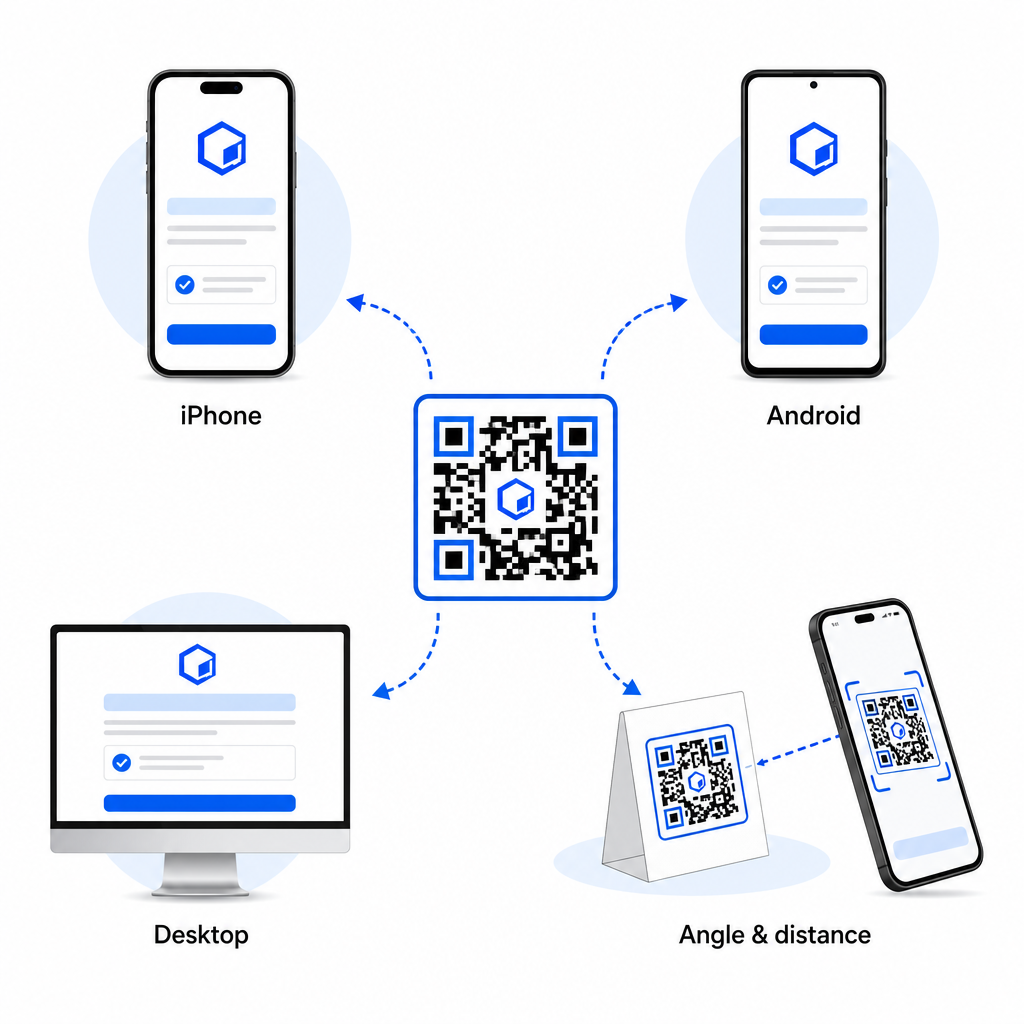
- Verifikasi perutean platform asli: Pindai kode dengan aplikasi kamera bawaan pada perangkat iOS dan Android fisik untuk memastikan pengalihan toko yang benar.
- Konfirmasi perilaku fallback desktop: Klik atau pindai tautan dari browser web desktop untuk memeriksa apakah lalu lintas non-seluler mendarat di halaman web fallback yang Anda tetapkan.
- Lakukan protokol inspeksi tiga jarak: Uji pemindaian pada jarak pandang yang dimaksudkan, ulangi 50% lebih jauh, dan uji pada sudut 30 hingga 45 derajat.
- Evaluasi kecepatan muat jaringan: Pastikan pengalihan dinamis memproses dengan cepat di berbagai jaringan data seluler dan Wi-Fi.
Untuk detail tambahan tentang bagaimana ponsel cerdas memproses permintaan kode, tinjau panduan kami tentang bagaimana pengguna memindai kode QR dengan ponsel cerdas dan bagaimana konsumen mengunduh aplikasi dengan kode QR.
Pertanyaan yang sering diajukan
Tidak. Kode QR toko aplikasi dinamis mendeteksi sistem operasi seluler pengguna saat pemindaian dan secara otomatis mengarahkan pengguna iOS ke Apple App Store dan pengguna Android ke Google Play.
Mesin perutean dinamis mengidentifikasi perangkat non-seluler dan mengirim pengunjung ke URL fallback yang Anda tentukan, seperti situs web utama Anda atau halaman arahan promosi.
Ya. Kode QR Dinamis memungkinkan Anda mengubah tautan tujuan Apple, Android, atau cadangan Anda kapan saja di dasbor manajemen Anda tanpa perlu mencetak ulang materi iklan.
Menggabungkan tautan unduhan aplikasi iOS dan Android Anda ke dalam satu kode QR dinamis menghilangkan gesekan unduhan, menghemat ruang tata letak pada media cetak, dan memberikan pengalaman seluler yang terpadu. Menerapkan kontras tinggi, koreksi kesalahan yang kuat, dan bingkai yang menarik mengubah kemasan fisik dan tampilan pemasaran menjadi instalasi aplikasi langsung.
Ambil kendali penuh promosi lintas platform Anda dengan menggunakan pembuat kode QR tautan untuk membangun tautan unduhan dinamis dan dapat dilacak untuk kampanye pemasaran Anda.