> 가이드 > How to Create a Single QR Code for App Downloads
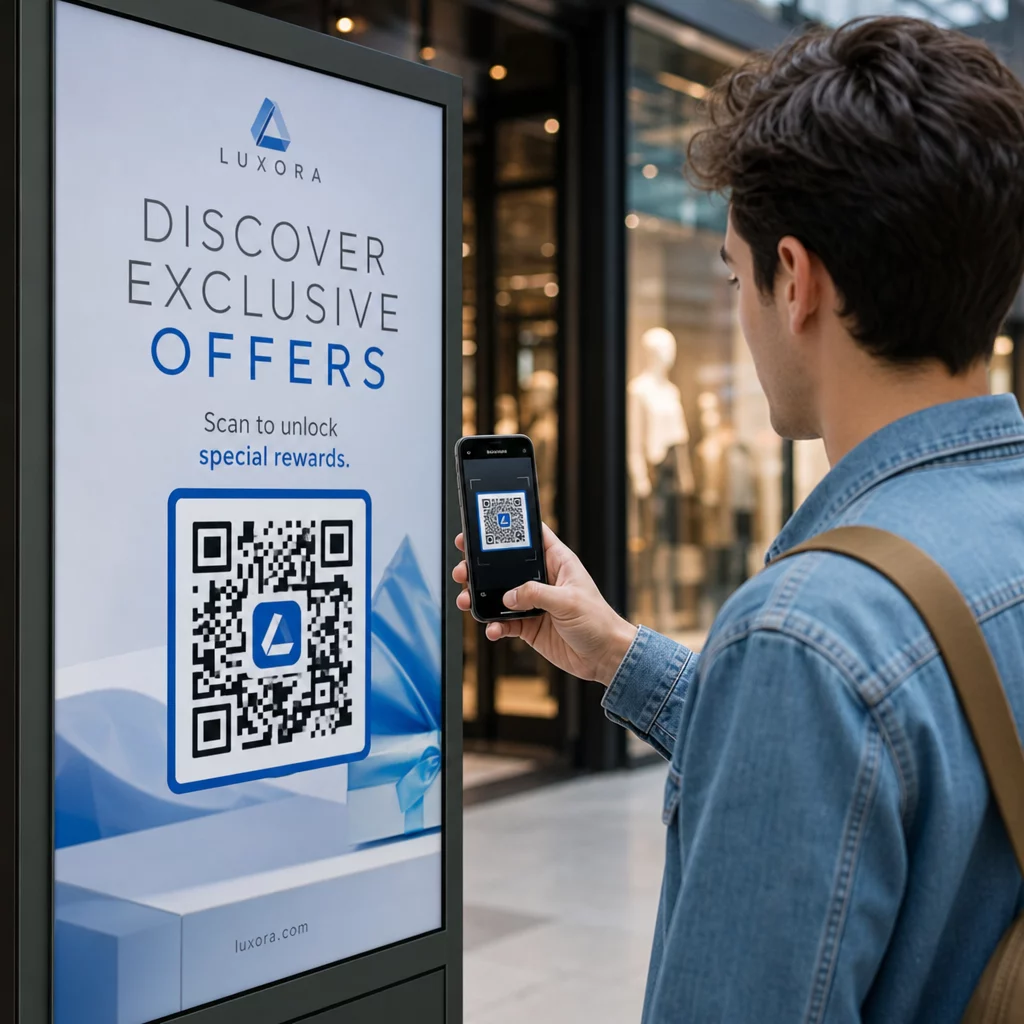
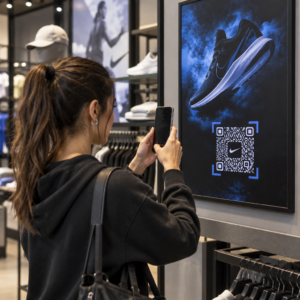
Scanning app download code

How to Create a Single QR Code for App Downloads

Learn how to create a single dynamic QR code for app store downloads. Automatically route iOS and Android users to the correct store with one scan.
Updated on 8월 29, 2026
목차

Are you tired of printing separate QR codes for iPhone and Android users on your marketing materials? Displaying multiple codes confuses potential customers and wastes valuable space on physical packaging, banners, and flyers. Creating a single dynamic QR code automatically routes each scanner to the correct app store for their specific device.

How Multi-Store QR Codes Route Scanners Automatically

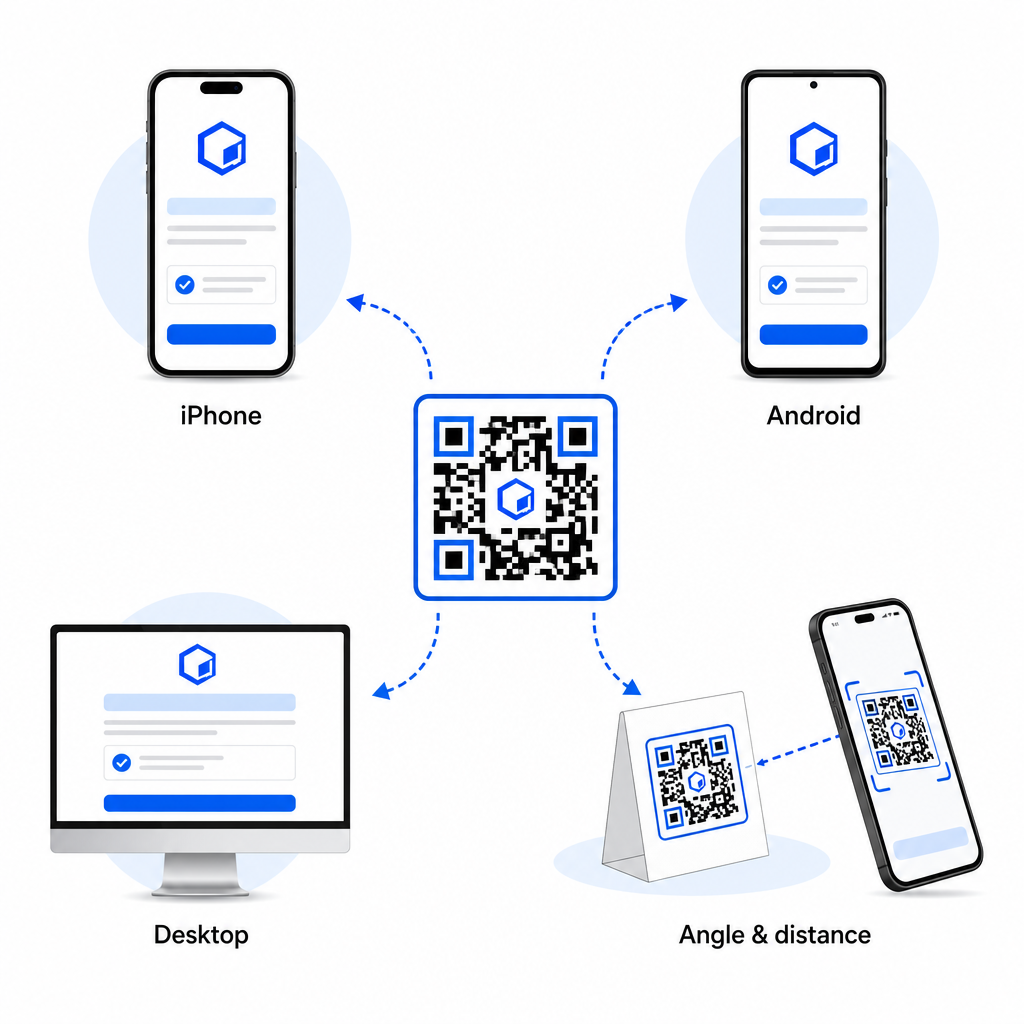
When a smartphone camera scans a QR code, the operating system decodes the pattern into a URL and opens it in the mobile browser. A multi-store QR code relies on a dynamic routing link rather than connecting directly to a fixed store web address.

Upon receiving the scan request, the routing server inspects browser signals and operating system headers to identify the scanning device:

  • iOS routing: Directs Apple users to your app listing on the App Store using your app’s unique numeric identifier.
  • Android routing: Directs Android users to your Google Play Store page using your app manifest package name.
  • Fallback routing: Sends non-mobile or desktop scanners to a universal web landing page or promotional site.

Using device detection inside a single dynamic link removes technical friction for customers, protects your physical layout from visual clutter, and ensures high conversion rates across every channel.

Create Your Cross-Platform App QR Code Streamline your onboarding flow by directing iOS and Android users to the correct store with a single scan. Launch the 앱 스토어 QR 코드 생성기 to build and brand your dynamic code today.

How to Set Up an App Download QR Code

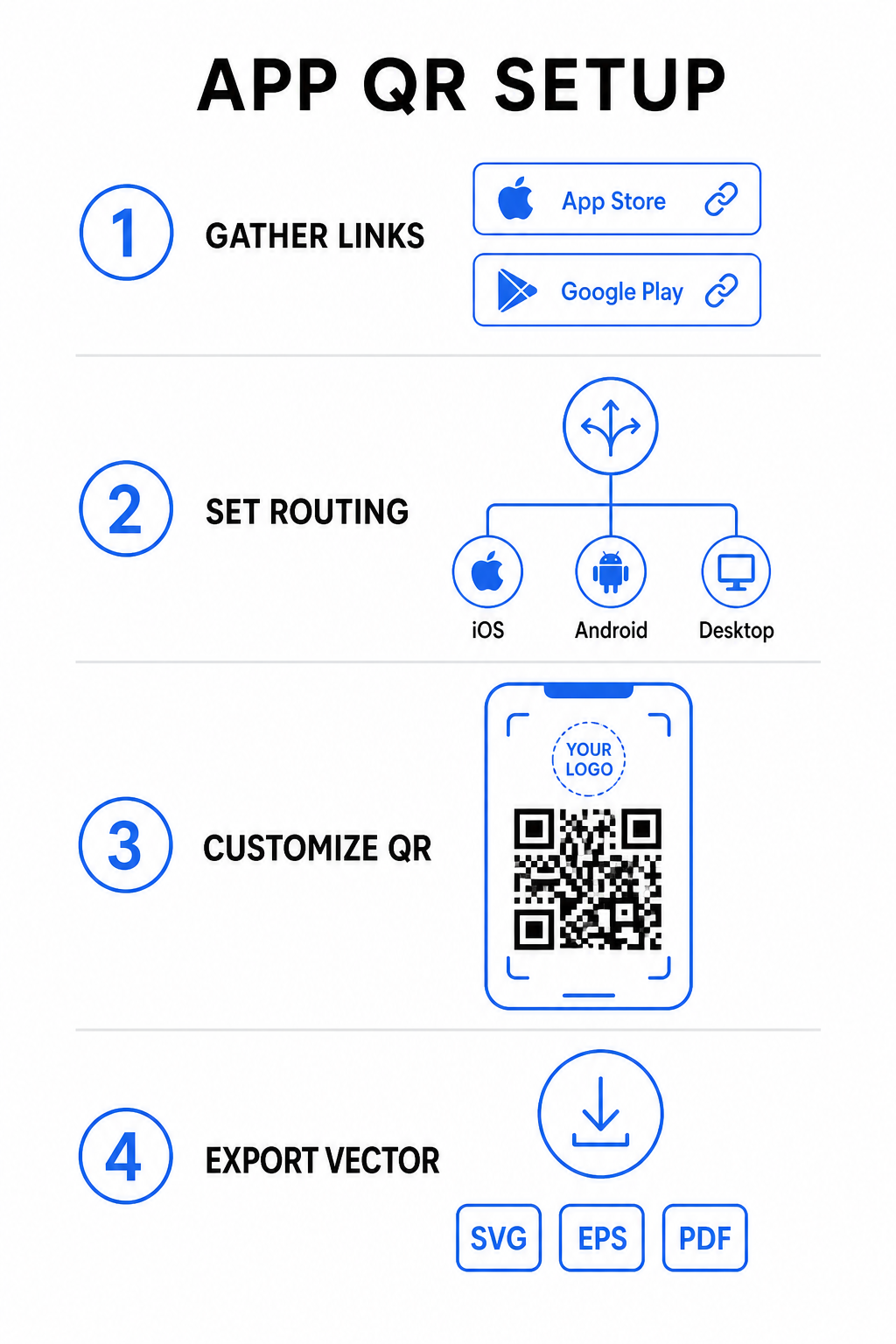
Generating a unified download code requires gathering your official platform URLs and configuring your smart link settings. Follow these steps to generate a print-ready code:

App QR setup steps
  • Gather official store URLs: Locate your Apple App Store path containing your app’s numeric ID and your Google Play URL containing your package name identifier.
  • Input store links into the generator: Enter your iOS link into the App Store field and your Android link into the Google Play field within the creation editor.
  • Set a universal fallback destination: Enter a standard website landing page URL to redirect desktop users or unsupported operating systems.
  • Customize your code appearance: Adjust module colors, background shading, frame styles, and call-to-action prompts, then embed your brand logo in the center.
  • Export print-ready vector files: Download your finished design in high-resolution vector formats such as SVG, EPS, or PDF for crisp printing.

If your store URLs change in the future, using a 동적 QR 코드 생성기 lets you update destination links directly from your dashboard without reprinting physical materials.

Technical Specifications for Optimal Scannability

Adhering to ISO/IEC 18004 barcode specifications ensures your printed QR code scans easily across different mobile devices, lighting conditions, and angles.

Design Element Technical Standard Practical Purpose
조용한 영역 Minimum 4 modules wide Preserves an unprinted margin around all four sides so camera sensors isolate the code matrix from background graphics.
Sizing Ratio 1:10 (크기 대 거리) Maintains reliable readability; a 1-inch (2.5 cm) code supports a scanning distance of roughly 10 inches (25 cm).
색상 대비 High contrast (Dark on Light) Uses dark modules on a light background to maximize light absorption contrast for image sensors.
오류 수정 Level Q (25%) or Level H (30%) Restores missing or obscured data blocks, allowing the code to function even when a custom logo covers the center.

Measure Your Campaign Performance Want to see which marketing channels generate the most app installs? Use our platform for QR 코드 추적 to analyze real-time scan metrics, locations, and operating systems.

Quality Assurance Practices Before Printing

Before committing to a large print run for packaging, posters, or retail signs, thoroughly evaluate your code’s performance in real-world scenarios.

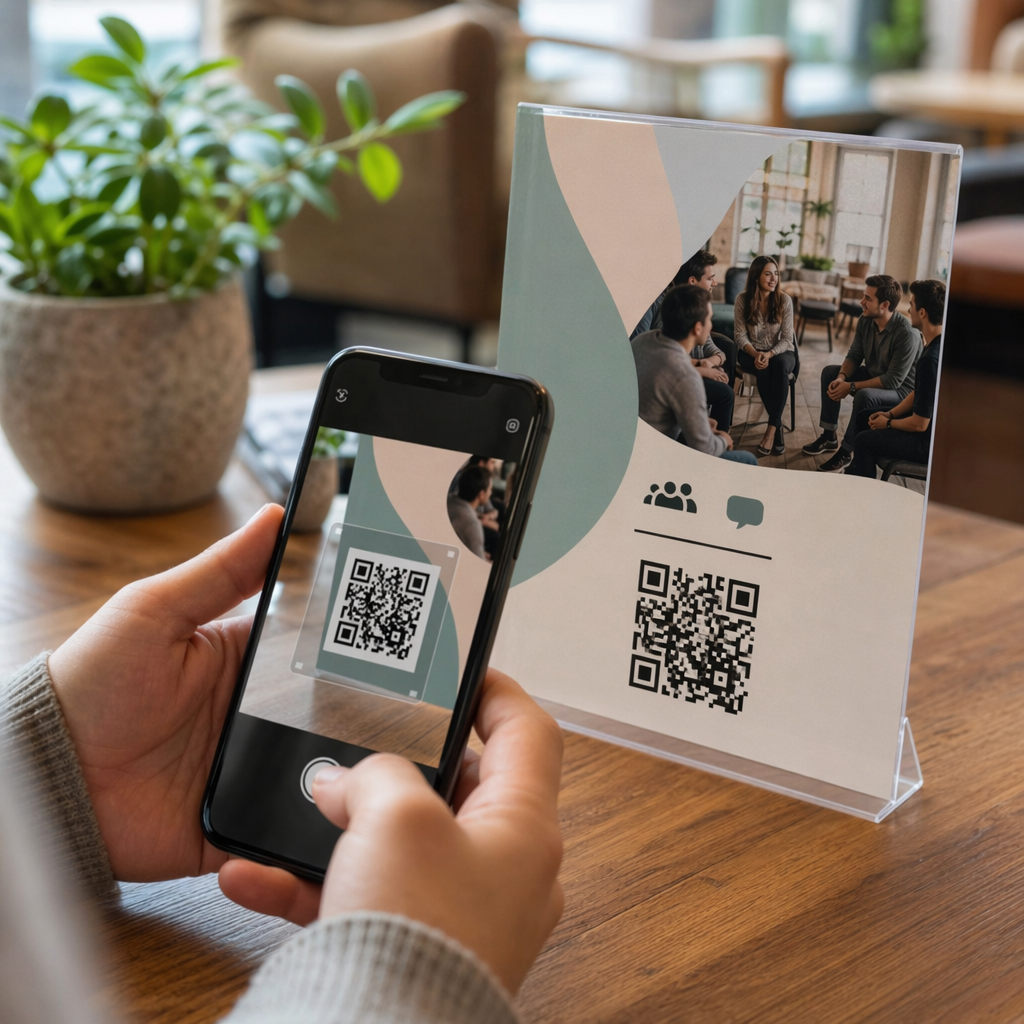
Testing QR code routing
  • Verify native platform routing: Scan the code with default camera applications on physical iOS and Android devices to ensure proper store redirection.
  • Confirm desktop fallback behavior: Click or scan the link from a desktop web browser to check that non-mobile traffic lands on your designated fallback web page.
  • Perform the three-distance inspection protocol: Test scanning at the intended viewing distance, repeat at 50% farther away, and test at a 30 to 45-degree angle.
  • Evaluate network load speed: Ensure the dynamic redirect processes rapidly across various mobile data and Wi-Fi networks.

For additional details on how smartphones process code requests, review our guides on how users 스마트폰으로 QR 코드 스캔 and how consumers download an app with a QR code.

자주 묻는 질문

Do I need separate QR codes for iPhone and Android users?

No. A dynamic app store QR code detects the user’s mobile operating system upon scanning and automatically routes iOS users to the Apple App Store and Android users to Google Play.

What happens if someone scans an app QR code from a desktop computer?

The dynamic routing engine identifies non-mobile devices and sends the visitor to your designated fallback URL, such as your main website or promotional landing page.

Can I edit my app store links after printing the QR code?

Yes. Dynamic QR codes allow you to modify your Apple, Android, or fallback destination links anytime in your management dashboard without reprinting artwork.

Combining your iOS and Android app download links into a single dynamic QR code eliminates download friction, saves layout space on print media, and provides a unified mobile experience. Applying high contrast, robust error correction, and eye-catching frames converts physical packaging and marketing displays into direct app installations.

Take full control of your cross-platform promotions by using the 링크 QR 코드 생성기 to build dynamic, trackable download links for your marketing campaigns.

작성자 정보

시임 코스타비는 페이지루트의 콘텐츠 책임자입니다. 그는 페이지루트의 혁신적인 QR 코드 생성 서비스에 대한 글을 쓰고 있습니다. 5년 이상 QR 코드 분야에서 쌓아온 깊이 있는 전문 지식을 바탕으로, 시임은 이 분야의 전문가로 인정받고 있습니다. 그는 QR 기술을 활용하여 디지털 상호작용을 간소화하고 향상시키는 데 크게 기여하고 있습니다.

범주
에 대해 자세히 알아보기

온라인으로 QR 코드를 생성해야하는 경우 QR 코드 만들기 무료로 여기!
Pageloot는 #1 Go-To 솔루션 QR 코드를 만들고 스캔합니다.

BL-0358

블로그 세대

20,000개 이상의 브랜드로부터 신뢰를 받아 더 많은 매출, 리뷰, 팔로워를 확보했습니다.

클라이언트 로고
최고 브랜드의 신뢰
5 중 4.8 평가

4.86 / 5 별점

휴고 로랑
휴고 로랑
레스토랑 주인
가장 쉽고 안정적인 QR 코드 생성기. PDF 파일을 즉시 업로드할 수 있습니다. 이제 레스토랑 메뉴가 디지털화되었습니다.
루카스 얀센
루카스 얀센
부동산 개발사
이것은 훌륭한 도구이며 QR 코드를 사용하면 원하는 곳으로 이동할 수 있습니다. 우리는 위치 QR 코드만 사용하지만 유용한 기능이 너무 많습니다.
엠마 모레티
엠마 모레티
소매 제품
사용하기 쉽고 빠릅니다. 그것은 훌륭하게 작동하고 완벽한 이미지를 생성하므로 직원들이 내 vCard를 다운로드할 수 있습니다.
휴고 로랑
휴고 로랑
레스토랑 주인
가장 쉽고 안정적인 QR 코드 생성기. PDF 파일을 즉시 업로드할 수 있습니다. 이제 레스토랑 메뉴가 디지털화되었습니다.
루카스 얀센
루카스 얀센
부동산 개발사
이것은 훌륭한 도구이며 QR 코드를 사용하면 원하는 곳으로 이동할 수 있습니다. 우리는 위치 QR 코드만 사용하지만 유용한 기능이 너무 많습니다.
엠마 모레티
엠마 모레티
소매 제품
사용하기 쉽고 빠릅니다. 그것은 훌륭하게 작동하고 완벽한 이미지를 생성하므로 직원들이 내 vCard를 다운로드할 수 있습니다.
더 많은 QR 코드보기
포장 물품 용 QR 코드
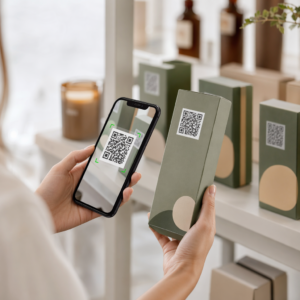
QR 코드 포장 된 제품
이미지 QR 코드 스캔
다음에서 QR 코드 만들기 이미지
무엇이든 디지털 경험으로 전환하세요 3분 이내에.

14일 무료 체험.

신용카드는 필요 없습니다.

첫 구매 시 30% 할인

코드를 사용하세요:

MP3 파일 공유

PDF QR 코드를 생성하려면 가입하세요

필요한 모든 것을 업로드하고 표시합니다.

  • 오디오 파일
  • 팟캐스트
  • 음악

가입 시 14일 무료 체험.
체험 기간 후 QR 코드 만료.

오디오 mp3 QR 코드를 생성하려면 가입하세요

프레임으로 더 많은 스캔 확보

QR 코드에 더 많은 프레임을 추가하려면 가입하세요

클릭 유도 문안 프레임은 고객이 QR 코드와 쉽게 상호 작용할 수 있도록 도와줍니다. 사용해 보세요!

가입 시 14일 무료 체험.
체험 기간 후 QR 코드 만료.

QR 코드에 더 많은 프레임을 추가하려면 가입하세요

도형으로 더 많은 스타일 추가

더 많은 도형을 만들려면 가입하세요

QR 코드는 정사각형일 필요가 없습니다. 브랜드 이미지에 맞게 전환해 보세요.

가입 시 14일 무료 체험.
체험 기간 후 QR 코드 만료.

더 많은 도형을 만들려면 가입하세요

QR 코드에 로고 추가

QR 코드에 로고를 추가하려면 가입하세요

로고와 브랜드를 추가하여 QR 코드를 돋보이게 만드세요.

가입 시 14일 무료 체험.
체험 기간 후 QR 코드 만료.

QR 코드에 로고를 추가하려면 가입하세요

스마트 앱 스토어 리디렉션

앱 스토어 QR 코드를 생성하려면 가입하세요

스마트 앱 스토어 QR 코드에 앱 링크를 추가하세요. 사용자는 장치에 따라 리디렉션됩니다.

가입 시 14일 무료 체험.
체험 기간 후 QR 코드 만료.

앱 스토어 QR 코드를 생성하려면 가입하세요

QR 코드에 이미지 업로드

이미지 QR 코드를 생성하려면 가입하세요

이미지를 쉽게 공유하세요. 몇 초 안에 동적으로 이미지를 변경하십시오.

가입 시 14일 무료 체험.
체험 기간 후 QR 코드 만료.

이미지 QR 코드를 생성하려면 가입하세요

PDF 파일 공유

PDF QR 코드를 생성하려면 가입하세요

필요한 모든 것을 업로드하고 표시합니다.

  • 메뉴 및 가격표
  • 명령
  • 모든 문서

가입 시 14일 무료 체험.
체험 기간 후 QR 코드 만료.

PDF QR 코드를 생성하려면 가입하세요

인쇄 없이 나중에 편집

다시 인쇄하지 않고 QR 코드를 편집하려면 가입하세요

동적 QR 코드를 사용하면 새 QR 코드를 인쇄하지 않고도 QR 코드의 내용을 변경할 수 있습니다.

가입 시 14일 무료 체험.
체험 기간 후 QR 코드 만료.

다시 인쇄하지 않고 QR 코드를 편집하려면 가입하세요

언제? 어디서? QR 코드 스캔 추적

QR 코드를 추적하려면 가입하세요

어떤 QR 코드가 가장 많이 스캔되고 무엇이 고객을 가장 흥분시키는지 알아보십시오.

가입 시 14일 무료 체험.
체험 기간 후 QR 코드 만료.

QR 코드를 추적하려면 가입하세요

인쇄 준비 파일 제공

PDF 및 SVG와 같은 벡터 QR 코드를 생성하려면 가입하세요.

.EPS, .PDF, .SVG

HD 해상도로 QR 코드를 다운로드하고 싶으신가요? 인쇄할 준비가 된 벡터 또는 픽셀 형식을 가져옵니다.

가입 시 14일 무료 체험.
체험 기간 후 QR 코드 만료.

PDF 및 SVG와 같은 벡터 QR 코드를 생성하려면 가입하세요.

기다리세요. 귀하의 QR 코드는 로드 중... 로드 중...

나만의 것으로 만들기

나중을 위해 QR 코드를 저장하려면 가입하세요.

다양한 색상, 로고 및 클릭 유도문안 프레임으로 멋진 QR 코드를 만들어 더 많은 스캔을 받으세요.

가입 시 14일 무료 체험.
체험 기간 후 QR 코드 만료.

나중을 위해 QR 코드를 저장하려면 가입하세요.