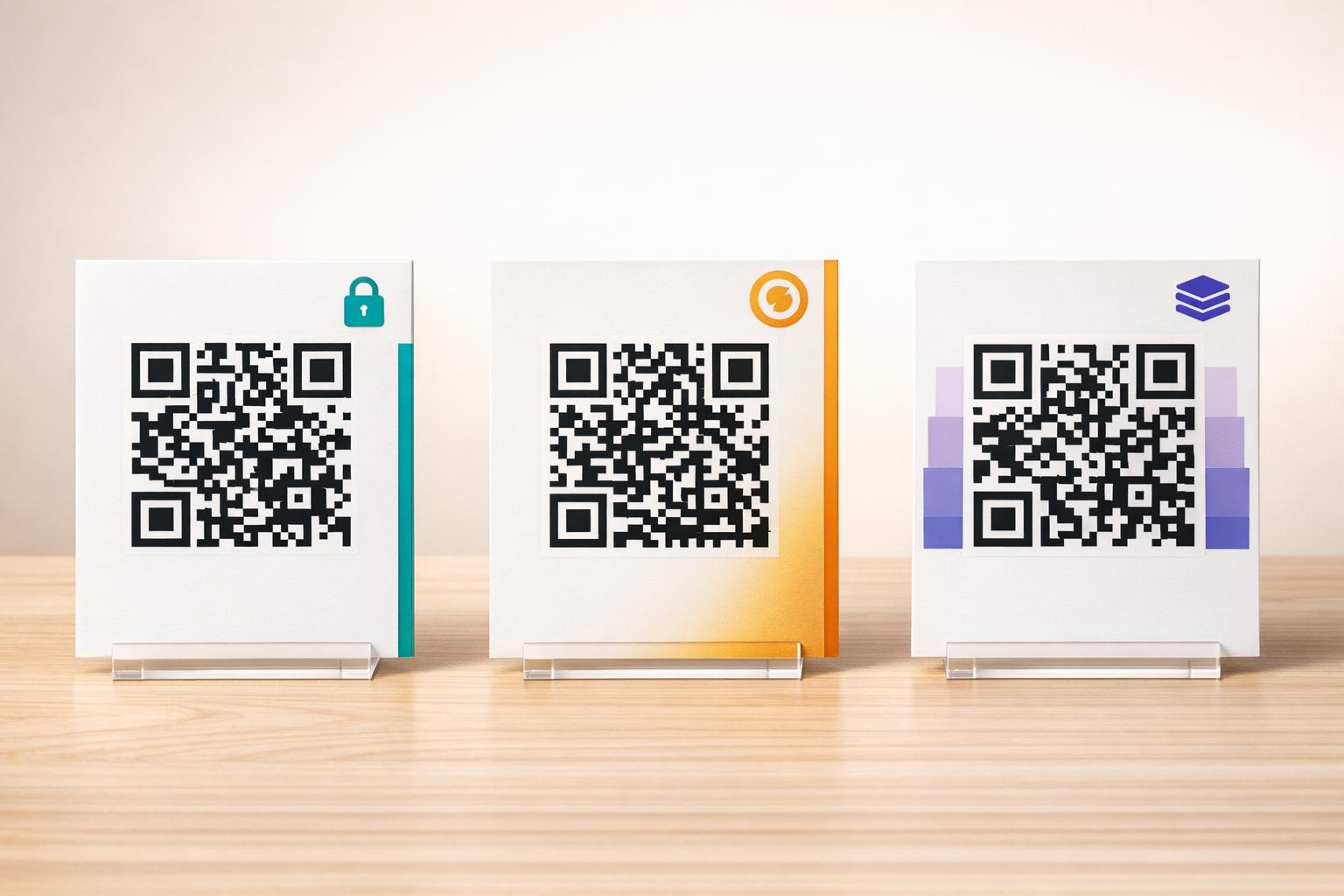
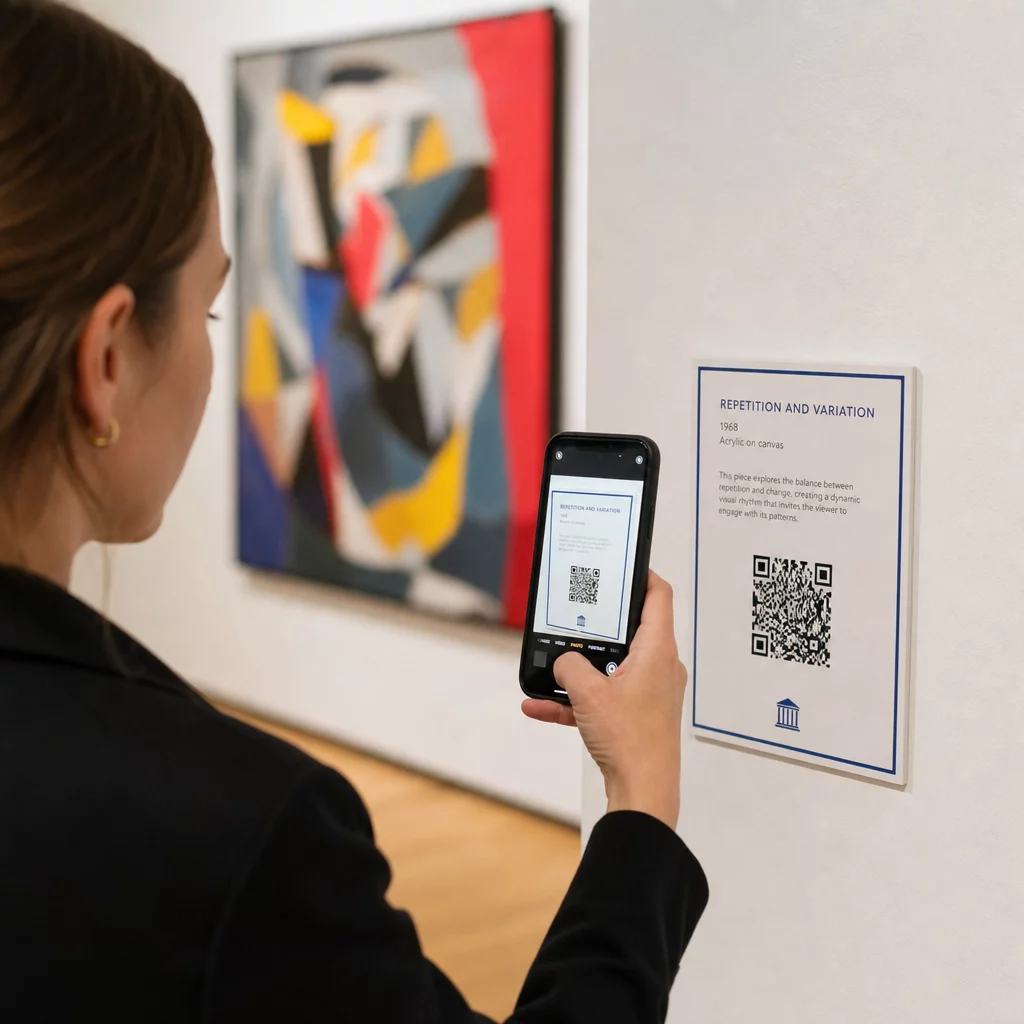
Pazarlama materyallerinizde iPhone ve Android kullanıcıları için ayrı QR kodları yazdırmaktan sıkıldınız mı? Birden fazla kod göstermek potansiyel müşterilerin kafasını karıştırır ve fiziksel ambalaj, afiş ve el ilanlarında değerli yer israfına neden olur. Tek bir dinamik QR kodu oluşturmak, her tarayıcıyı kendi cihazına uygun doğru uygulama mağazasına otomatik olarak yönlendirir.
Çok Mağazalı QR Kodları Tarayıcıları Otomatik Olarak Nasıl Yönlendirir
Bir akıllı telefon kamerası bir QR kodu taradığında, işletim sistemi deseni bir URL'ye dönüştürür ve mobil tarayıcıda açar. Çok mağazalı bir QR kodu, doğrudan sabit bir mağaza web adresine bağlanmak yerine dinamik bir yönlendirme bağlantısına dayanır.
Tarama isteğini aldıktan sonra, yönlendirme sunucusu tarayıcı sinyallerini ve işletim sistemi başlıklarını inceleyerek tarayan cihazı tanımlar:
- iOS yönlendirmesi: Apple kullanıcılarını uygulamanızın benzersiz sayısal tanımlayıcısını kullanarak App Store'daki uygulama listenize yönlendirir.
- Android yönlendirmesi: Android kullanıcılarını uygulama manifest paket adınızı kullanarak Google Play Store sayfanıza yönlendirir.
- Geri dönüş yönlendirmesi: Mobil olmayan veya masaüstü tarayıcıları evrensel bir web açılış sayfasına veya tanıtım sitesine gönderir.
Tek bir dinamik bağlantı içinde cihaz algılaması kullanmak, müşteriler için teknik sürtünmeyi ortadan kaldırır, fiziksel düzeninizi görsel karmaşadan korur ve her kanalda yüksek dönüşüm oranları sağlar.
Çapraz Platform Uygulama QR Kodunuzu Oluşturun iOS ve Android kullanıcılarını tek bir tarama ile doğru mağazaya yönlendirerek başlangıç akışınızı kolaylaştırın. Şunu başlatın: App Store QR Kod Oluşturucu dinamik kodunuzu bugün oluşturmak ve markalamak için.
Uygulama İndirme QR Kodu Nasıl Kurulur
Birleşik bir indirme kodu oluşturmak, resmi platform URL'lerinizi toplamanızı ve akıllı bağlantı ayarlarınızı yapılandırmanızı gerektirir. Baskıya hazır bir kod oluşturmak için şu adımları izleyin:
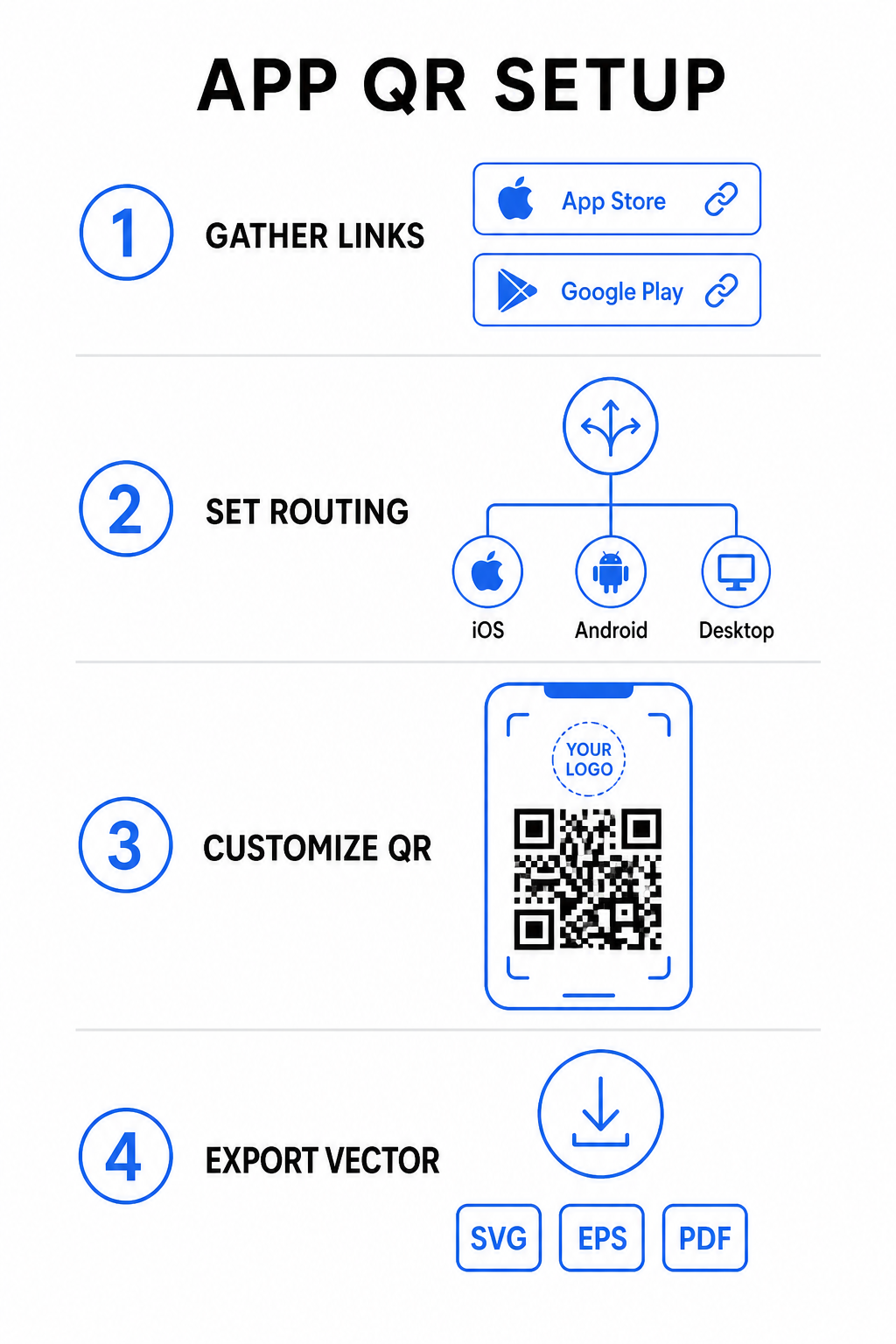
- Resmi mağaza URL'lerini toplayın: Uygulamanızın sayısal kimliğini içeren Apple App Store yolunuzu ve paket adı tanımlayıcınızı içeren Google Play URL'nizi bulun.
- Mağaza bağlantılarını oluşturucuya girin: iOS bağlantınızı App Store alanına ve Android bağlantınızı Google Play alanına oluşturma düzenleyicisinde girin.
- Evrensel bir yedek hedef belirleyin: Masaüstü kullanıcılarını veya desteklenmeyen işletim sistemlerini yönlendirmek için standart bir web sitesi açılış sayfası URL'si girin.
- Kodunuzun görünümünü özelleştirin: Modül renklerini, arka plan gölgelendirmesini, çerçeve stillerini ve harekete geçirici mesajları ayarlayın, ardından marka logonuzu ortaya yerleştirin.
- Baskıya hazır vektör dosyalarını dışa aktarın: Bitmiş tasarımınızı net baskı için SVG, EPS veya PDF gibi yüksek çözünürlüklü vektör formatlarında indirin.
Mağaza URL'leriniz gelecekte değişirse, bir Dinamik QR Kod Oluşturucu fiziksel materyalleri yeniden basmadan hedef bağlantıları doğrudan kontrol panelinizden güncellemenizi sağlar.
Optimum Taranabilirlik için Teknik Özellikler
ISO/IEC 18004 barkod spesifikasyonlarına uymak, basılı QR kodunuzun farklı mobil cihazlarda, aydınlatma koşullarında ve açılarda kolayca taranmasını sağlar.
| Tasarım Öğesi | Teknik Standart | Pratik Amaç |
|---|---|---|
| Sessiz bölge | Minimum 4 modül genişliğinde | Dört tarafında da baskısız bir kenar boşluğu bırakır, böylece kamera sensörleri kod matrisini arka plan grafiklerinden ayırır. |
| Boyutlandırma Oranı | 1:10 (Boyut-Mesafe Oranı) | Güvenilir okunabilirliği korur; 1 inç (2.5 cm) bir kod, yaklaşık 10 inç (25 cm) bir tarama mesafesini destekler. |
| Renk Kontrastı | Yüksek kontrast (Açık Üzerine Koyu) | Görüntü sensörleri için ışık emilim kontrastını en üst düzeye çıkarmak amacıyla açık arka plan üzerinde koyu modüller kullanır. |
| Hata Düzeltme | Seviye Q () veya Seviye H () | Eksik veya gizlenmiş veri bloklarını geri yükler, özel bir logo merkezi kapattığında bile kodun çalışmasını sağlar. |
Kampanya Performansınızı Ölçün Hangi pazarlama kanallarının en çok uygulama yüklemesi sağladığını görmek ister misiniz? Platformumuzu şunun için kullanın: QR kodlarını izleme gerçek zamanlı tarama metriklerini, konumlarını ve işletim sistemlerini analiz etmek için.
Baskı Öncesi Kalite Güvence Uygulamaları
Ambalaj, poster veya perakende tabelaları için büyük bir baskı öncesinde, kodunuzun gerçek dünya senaryolarındaki performansını kapsamlı bir şekilde değerlendirin.
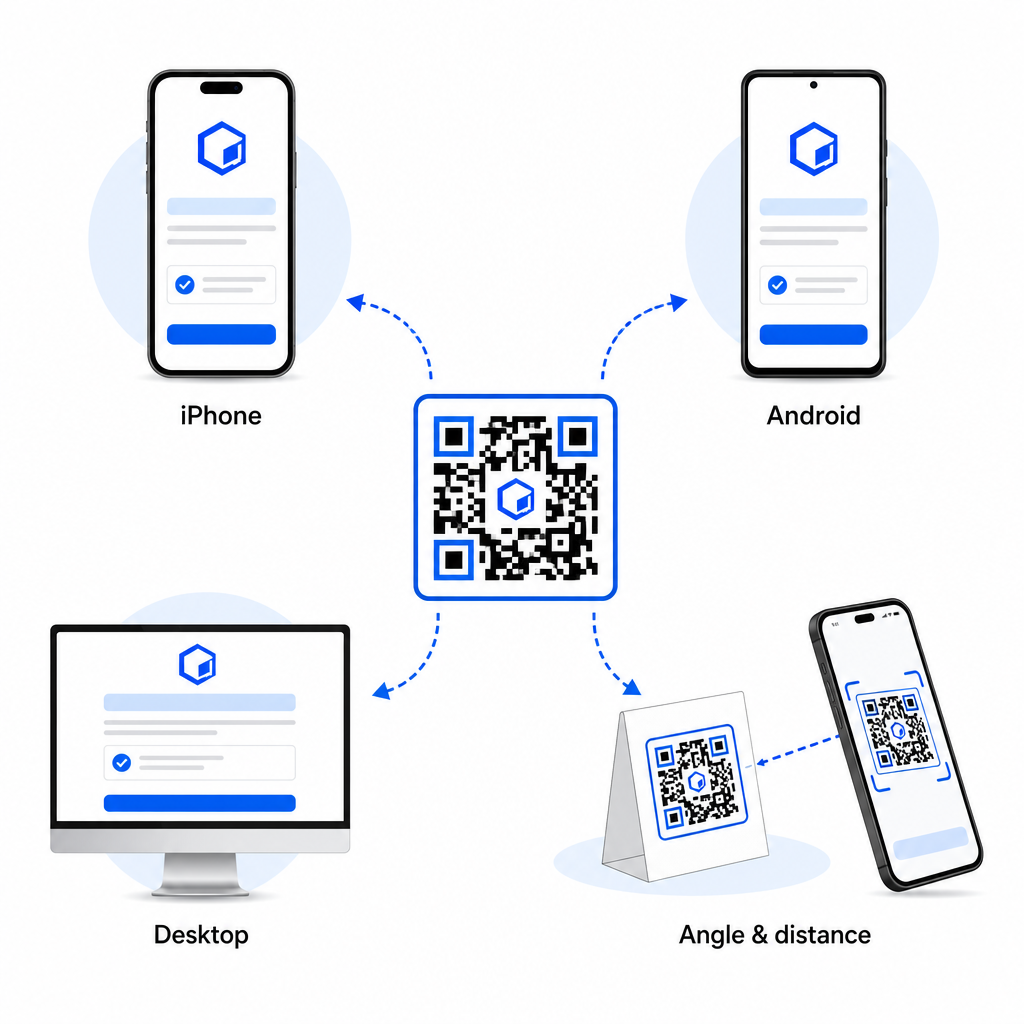
- Yerel platform yönlendirmesini doğrulayın: Fiziksel iOS ve Android cihazlardaki varsayılan kamera uygulamalarıyla kodu tarayarak doğru mağaza yönlendirmesini sağlayın.
- Masaüstü yedek davranışını onayla: Mobil olmayan trafiğin belirlenen yedek web sayfanıza yönlendirildiğinden emin olmak için bağlantıyı bir masaüstü web tarayıcısından tıklayın veya taratın.
- Üç mesafeli inceleme protokolünü uygulayın: Tarama işlemini hedeflenen görüntüleme mesafesinde test edin, daha uzaktan tekrarlayın ve 30 ila 45 derecelik bir açıyla test edin.
- Ağ yükleme hızını değerlendirin: Dinamik yönlendirmenin çeşitli mobil veri ve Wi-Fi ağlarında hızla işlendiğinden emin olun.
Akıllı telefonların kod isteklerini nasıl işlediği hakkında ek bilgi için, kullanıcıların nasıl akıllı telefonlarla QR kodlarını tarayacakları konusunda eğiterek ve tüketicilerin nasıl bir QR koduyla uygulama indirdiğini gösteren rehberlerimizi inceleyin.
Sıkça sorulan sorular
Hayır. Dinamik bir uygulama mağazası QR kodu, tarama anında kullanıcının mobil işletim sistemini algılar ve iOS kullanıcılarını otomatik olarak Apple App Store'a, Android kullanıcılarını ise Google Play'e yönlendirir.
Dinamik yönlendirme motoru, mobil olmayan cihazları tanımlar ve ziyaretçiyi ana web siteniz veya promosyon açılış sayfası gibi belirlediğiniz yedek URL'ye gönderir.
Evet. Dinamik QR kodları, Apple, Android veya yedek hedef bağlantılarınızı yönetim panonuzda istediğiniz zaman, çizimi yeniden yazdırmanıza gerek kalmadan değiştirmenize olanak tanır.
iOS ve Android uygulama indirme bağlantılarınızı tek bir dinamik QR kodunda birleştirmek, indirme zorluğunu ortadan kaldırır, basılı medyada yer tasarrufu sağlar ve birleşik bir mobil deneyim sunar. Yüksek kontrast, güçlü hata düzeltme ve göz alıcı çerçeveler uygulamak, fiziksel ambalajları ve pazarlama ekranlarını doğrudan uygulama kurulumlarına dönüştürür.
Çapraz platform tanıtımlarınızın tam kontrolünü, aşağıdaki aracı kullanarak ele alın: bağlantı QR kod oluşturucunuzun pazarlama kampanyalarınız için dinamik, izlenebilir indirme bağlantıları oluşturmak üzere.