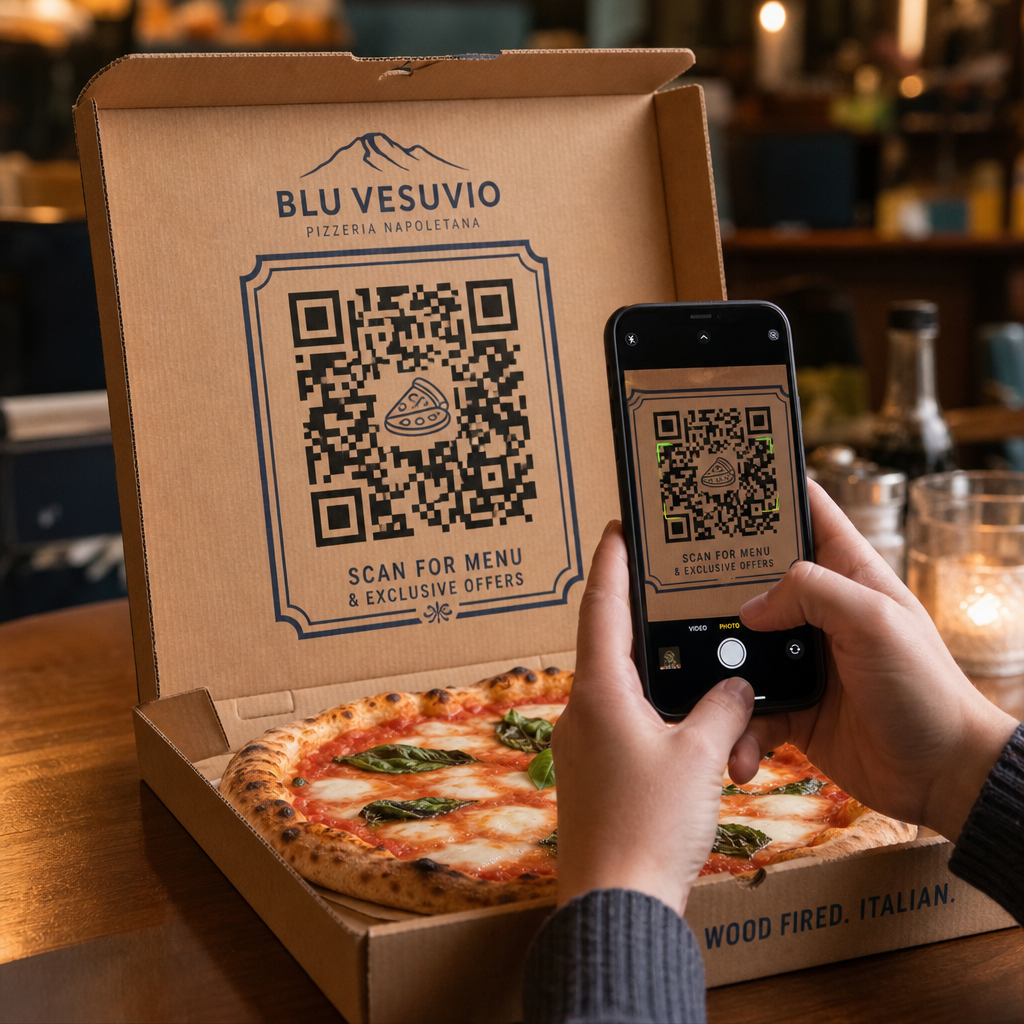
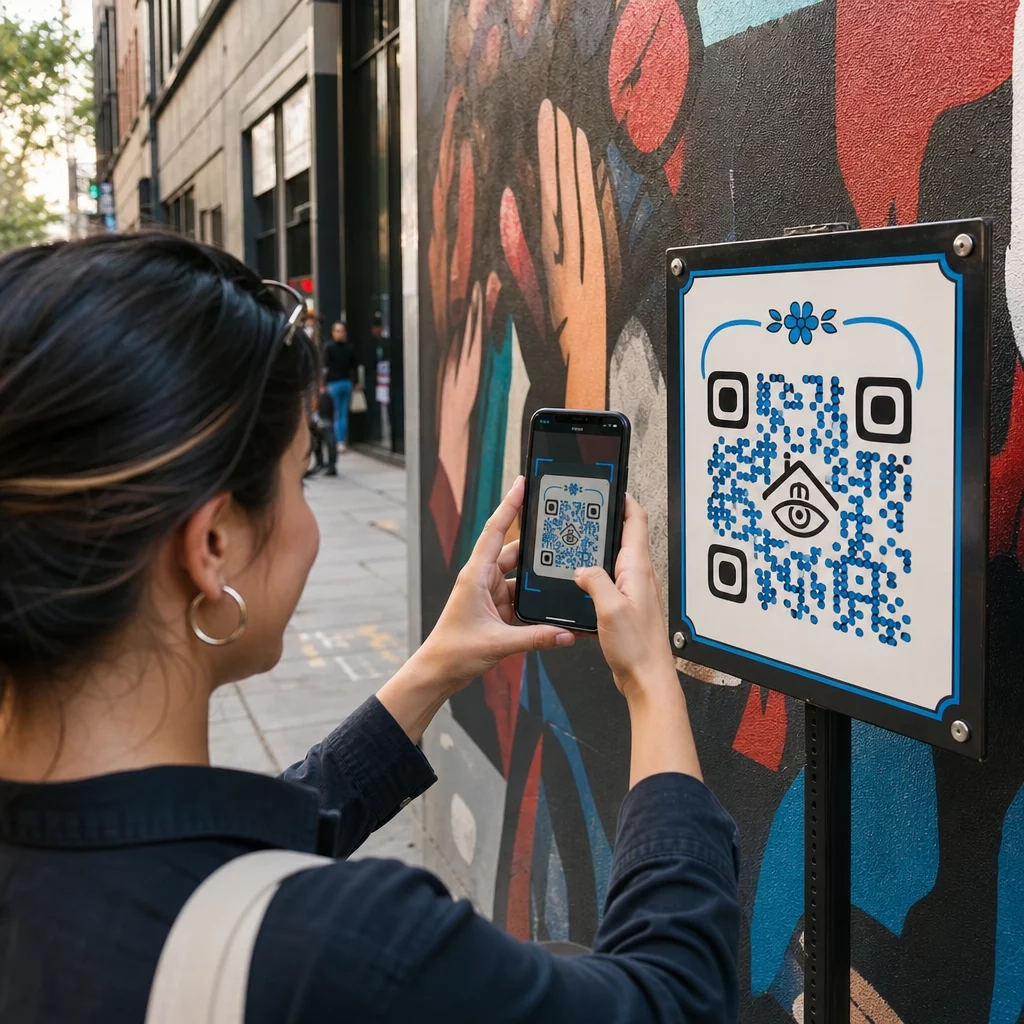
Jeste li umorni od ispisivanja zasebnih QR kodova za korisnike iPhonea i Androida na svojim marketinškim materijalima? Prikazivanje više kodova zbunjuje potencijalne kupce i troši dragocjen prostor na fizičkim pakiranjima, bannerima i letcima. Stvaranje jedinstvenog dinamičkog QR koda automatski usmjerava svakog skenera u ispravnu trgovinu aplikacija za njihov specifični uređaj.
Kako QR kodovi za više trgovina automatski usmjeravaju skenere
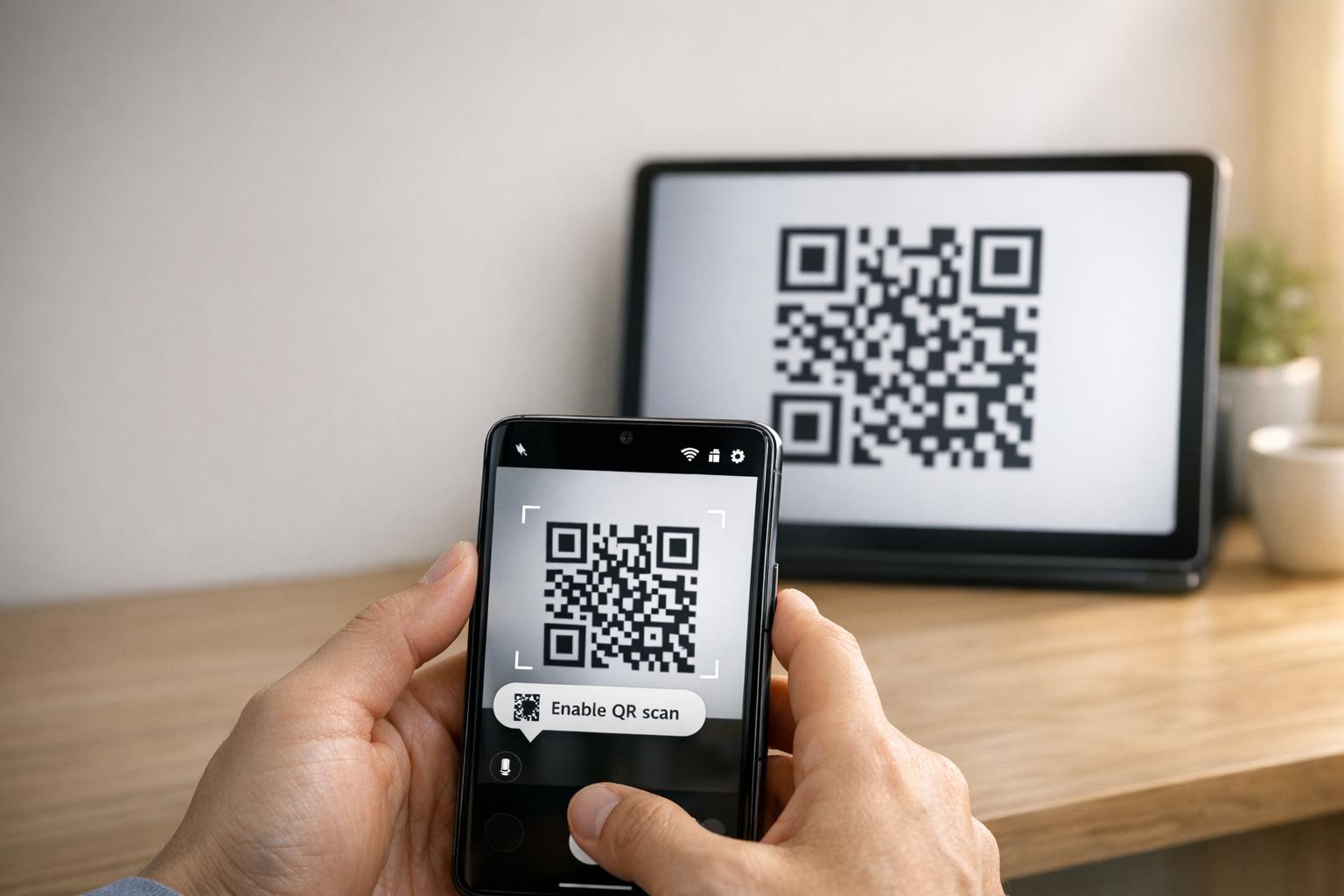
Kada kamera pametnog telefona skenira QR kod, operativni sustav dekodira uzorak u URL i otvara ga u mobilnom pregledniku. QR kod za više trgovina oslanja se na dinamičku poveznicu za usmjeravanje umjesto da se izravno povezuje s fiksnom web adresom trgovine.
Nakon primitka zahtjeva za skeniranje, poslužitelj za usmjeravanje pregledava signale preglednika i zaglavlja operativnog sustava kako bi identificirao uređaj za skeniranje:
- Usmjeravanje za iOS: Usmjerava korisnike Applea na popis vaše aplikacije u App Storeu pomoću jedinstvenog numeričkog identifikatora vaše aplikacije.
- Usmjeravanje za Android: Usmjerava korisnike Androida na stranicu vaše aplikacije u Google Play Storeu pomoću naziva paketa u manifestu vaše aplikacije.
- Rezervno usmjeravanje: Šalje ne-mobilne ili desktop skenere na univerzalnu web odredišnu stranicu ili promotivnu stranicu.
Korištenje detekcije uređaja unutar jedne dinamičke veze uklanja tehničke prepreke za korisnike, štiti vaš fizički izgled od vizualnog nereda i osigurava visoke stope konverzije na svim kanalima.
Stvorite svoj višeplatformski QR kod za aplikaciju Pojednostavite svoj proces uključivanja usmjeravanjem korisnika iOS-a i Androida u ispravnu trgovinu jednim skeniranjem. Pokrenite Generator QR koda App Store kako biste danas izradili i brendirali svoj dinamički kod.
Kako postaviti QR kod za preuzimanje aplikacije
Generiranje jedinstvenog koda za preuzimanje zahtijeva prikupljanje vaših službenih URL-ova platforme i konfiguriranje postavki pametne veze. Slijedite ove korake za generiranje koda spremnog za ispis:
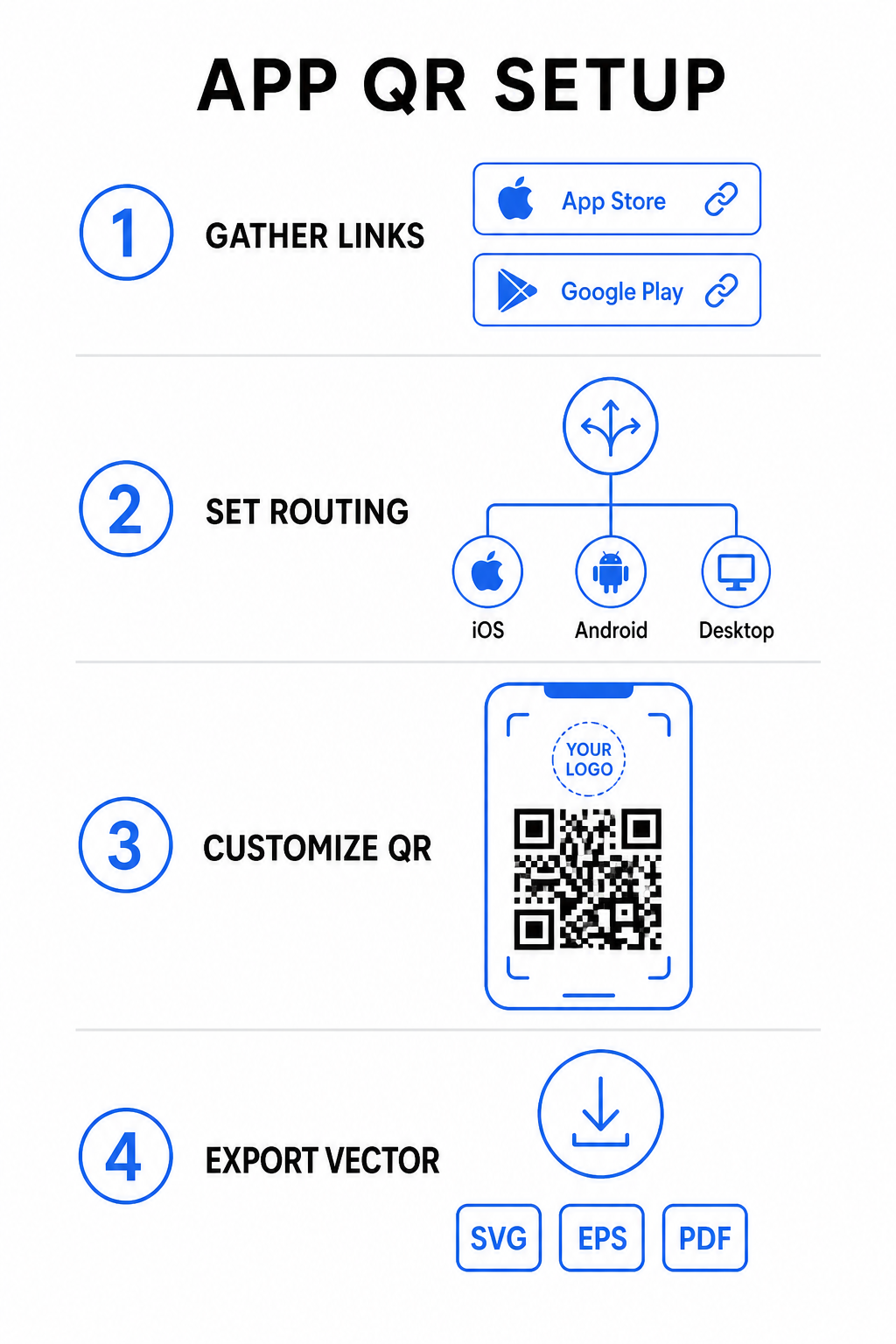
- Prikupite službene URL-ove trgovina: Pronađite putanju svoje aplikacije u Apple App Storeu koja sadrži numerički ID vaše aplikacije i vaš Google Play URL koji sadrži identifikator naziva vašeg paketa.
- Unesite poveznice trgovina u generator: Unesite svoju iOS poveznicu u polje za App Store i svoju Android poveznicu u polje za Google Play unutar uređivača za izradu.
- Postavite univerzalno rezervno odredište: Unesite standardni URL odredišne stranice web-mjesta za preusmjeravanje korisnika stolnih računala ili nepodržanih operativnih sustava.
- Prilagodite izgled svog koda: Podesite boje modula, sjenčanje pozadine, stilove okvira i pozive na akciju, a zatim umetnite logotip svoje marke u sredinu.
- Izvezite vektorske datoteke spremne za ispis: Preuzmite svoj gotov dizajn u vektorskim formatima visoke rezolucije kao što su SVG, EPS ili PDF za oštar ispis.
Ako se URL-ovi vaše trgovine promijene u budućnosti, korištenje Dinamični QR kod generator omogućuje vam ažuriranje odredišnih poveznica izravno s vaše nadzorne ploče bez ponovnog ispisa fizičkih materijala.
Tehničke specifikacije za optimalnu mogućnost skeniranja
Pridržavanje specifikacija barkoda ISO/IEC 18004 osigurava da se vaš ispisani QR kod lako skenira na različitim mobilnim uređajima, uvjetima osvjetljenja i kutovima.
| Element dizajna | Tehnički standard | Praktična svrha |
|---|---|---|
| Mirna zona | Najmanje 4 modula širine | Čuva neotisnutu marginu oko sve četiri strane tako da senzori kamere izoliraju matricu koda od pozadinske grafike. |
| Omjer veličine | 1:10 (Veličina prema udaljenosti) | Održava pouzdanu čitljivost; kod veličine 1 inča (2,5 cm) podržava udaljenost skeniranja od otprilike 10 inča (25 cm). |
| Kontrast boja | Visoki kontrast (tamno na svijetlom) | Koristi tamne module na svijetloj pozadini kako bi se maksimizirao kontrast apsorpcije svjetlosti za senzore slike. |
| Ispravljanje pogrešaka | Razina Q (25%) ili Razina H (30%) | Obnavlja nedostajuće ili zaklonjene blokove podataka, omogućujući kodu da funkcionira čak i kada prilagođeni logotip prekriva središte. |
Izmjerite učinkovitost svoje kampanje Želite vidjeti koji marketinški kanali generiraju najviše instalacija aplikacija? Koristite našu platformu za praćenje QR kodova za analizu mjernih podataka skeniranja u stvarnom vremenu, lokacija i operativnih sustava.
Praksa osiguranja kvalitete prije ispisa
Prije nego što se posvetite velikoj nakladi za pakiranje, plakate ili maloprodajne natpise, temeljito procijenite performanse svog koda u scenarijima iz stvarnog svijeta.
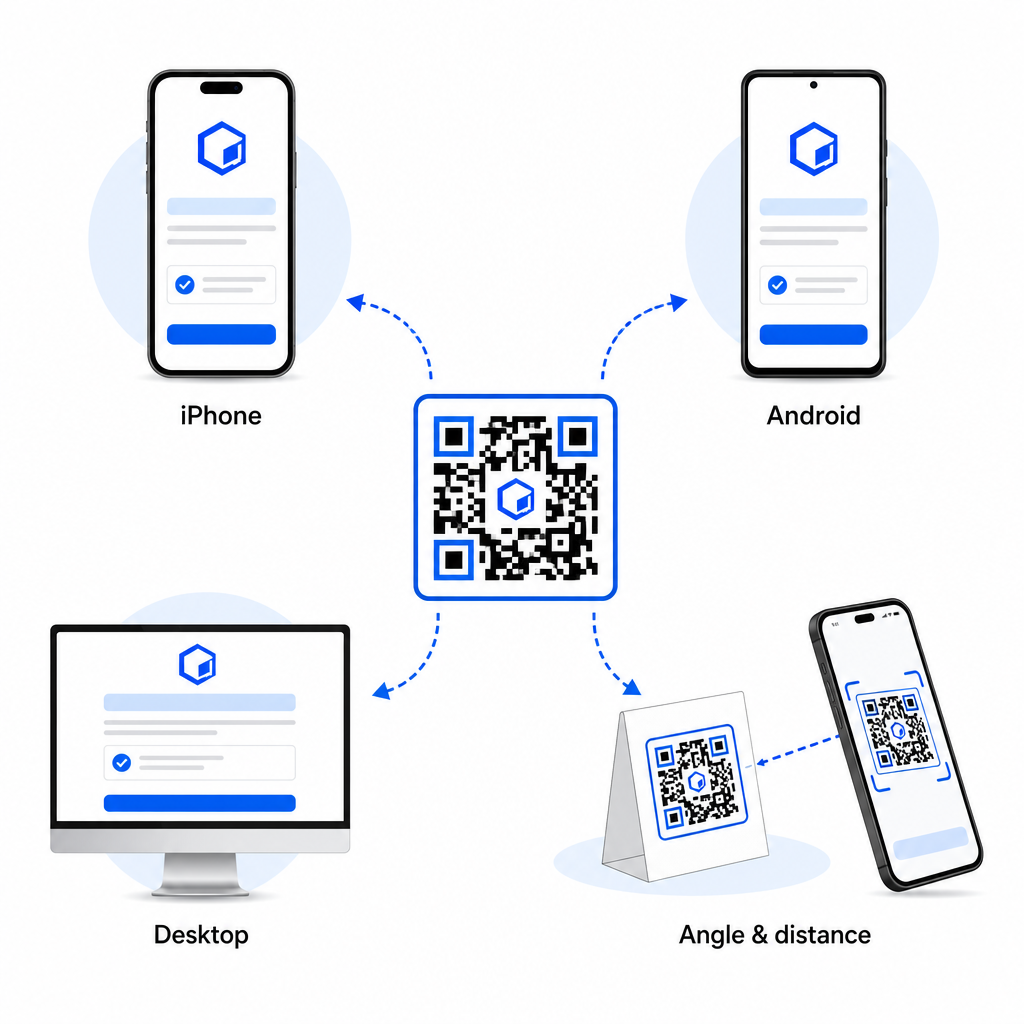
- Provjerite izvorno usmjeravanje platforme: Skenirajte kod zadanim aplikacijama kamere na fizičkim iOS i Android uređajima kako biste osigurali ispravno preusmjeravanje u trgovinu.
- Potvrdite ponašanje rezervnog rješenja za stolna računala: Kliknite ili skenirajte poveznicu s preglednika stolnog računala kako biste provjerili da promet koji nije mobilni završava na vašoj određenoj rezervnoj web stranici.
- Provedite protokol inspekcije na tri udaljenosti: Testirajte skeniranje na željenoj udaljenosti gledanja, ponovite na 50% većoj udaljenosti i testirajte pod kutom od 30 do 45 stupnjeva.
- Procijenite brzinu učitavanja mreže: Osigurajte da se dinamičko preusmjeravanje brzo obrađuje putem različitih mobilnih podatkovnih i Wi-Fi mreža.
Za dodatne pojedinosti o tome kako pametni telefoni obrađuju zahtjeve koda, pregledajte naše vodiče o tome kako korisnici skeniraju QR kodove pametnim telefonima i kako potrošači preuzimaju aplikaciju s QR kodom.
Često postavljana pitanja
Ne. Dinamički QR kod za trgovinu aplikacija detektira mobilni operativni sustav korisnika prilikom skeniranja i automatski usmjerava iOS korisnike na Apple App Store, a Android korisnike na Google Play.
Dinamički mehanizam usmjeravanja identificira nemobilne uređaje i šalje posjetitelja na vašu određenu rezervnu URL adresu, poput vaše glavne web stranice ili promotivne odredišne stranice.
Da. Dinamični QR kodovi omogućuju vam da u bilo kojem trenutku izmijenite svoje odredišne poveznice za Apple, Android ili zamjenske opcije na vašoj upravljačkoj ploči, bez ponovnog ispisa.
Kombiniranjem poveznica za preuzimanje vaše iOS i Android aplikacije u jedan dinamički QR kod eliminira se trenje pri preuzimanju, štedi prostor na tiskanim medijima i pruža jedinstveno mobilno iskustvo. Primjena visokog kontrasta, robusne korekcije pogrešaka i privlačnih okvira pretvara fizičku ambalažu i marketinške zaslone u izravne instalacije aplikacija.
Preuzmite potpunu kontrolu nad svojim unakrsnim platformskim promocijama koristeći generator QR koda veze za izgradnju dinamičkih, sljedivih poveznica za preuzimanje za vaše marketinške kampanje.