ホーム > ガイド > How to Create a Single QR Code for App Downloads
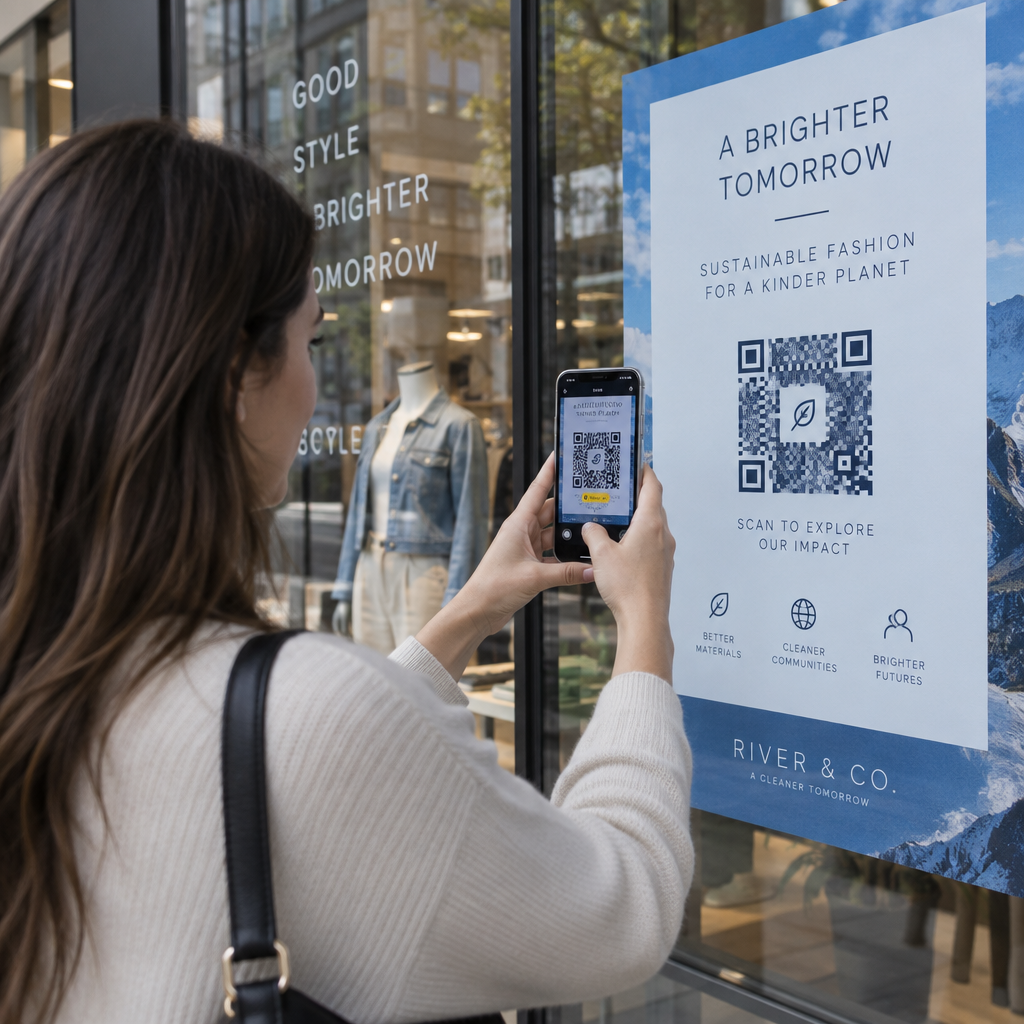
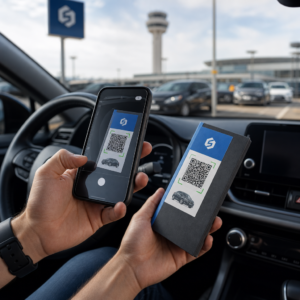
Scanning app download code

How to Create a Single QR Code for App Downloads

Learn how to create a single dynamic QR code for app store downloads. Automatically route iOS and Android users to the correct store with one scan.
Updated on 8月 29, 2026
目次

Are you tired of printing separate QR codes for iPhone and Android users on your marketing materials? Displaying multiple codes confuses potential customers and wastes valuable space on physical packaging, banners, and flyers. Creating a single dynamic QR code automatically routes each scanner to the correct app store for their specific device.

How Multi-Store QR Codes Route Scanners Automatically

When a smartphone camera scans a QR code, the operating system decodes the pattern into a URL and opens it in the mobile browser. A multi-store QR code relies on a dynamic routing link rather than connecting directly to a fixed store web address.

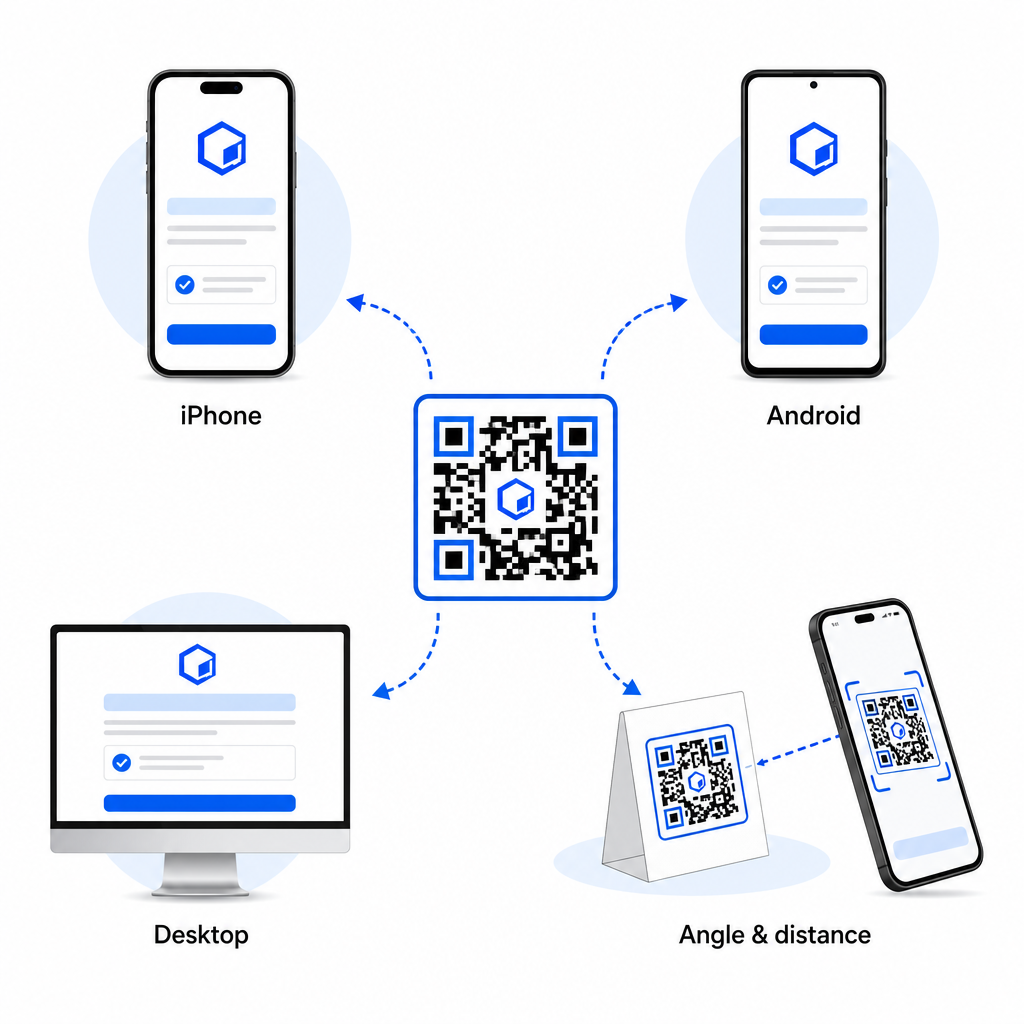
Upon receiving the scan request, the routing server inspects browser signals and operating system headers to identify the scanning device:

  • iOS routing: Directs Apple users to your app listing on the App Store using your app’s unique numeric identifier.
  • Android routing: Directs Android users to your Google Play Store page using your app manifest package name.
  • Fallback routing: Sends non-mobile or desktop scanners to a universal web landing page or promotional site.

Using device detection inside a single dynamic link removes technical friction for customers, protects your physical layout from visual clutter, and ensures high conversion rates across every channel.

Create Your Cross-Platform App QR Code Streamline your onboarding flow by directing iOS and Android users to the correct store with a single scan. Launch the App Store QRコードジェネレーター to build and brand your dynamic code today.

How to Set Up an App Download QR Code

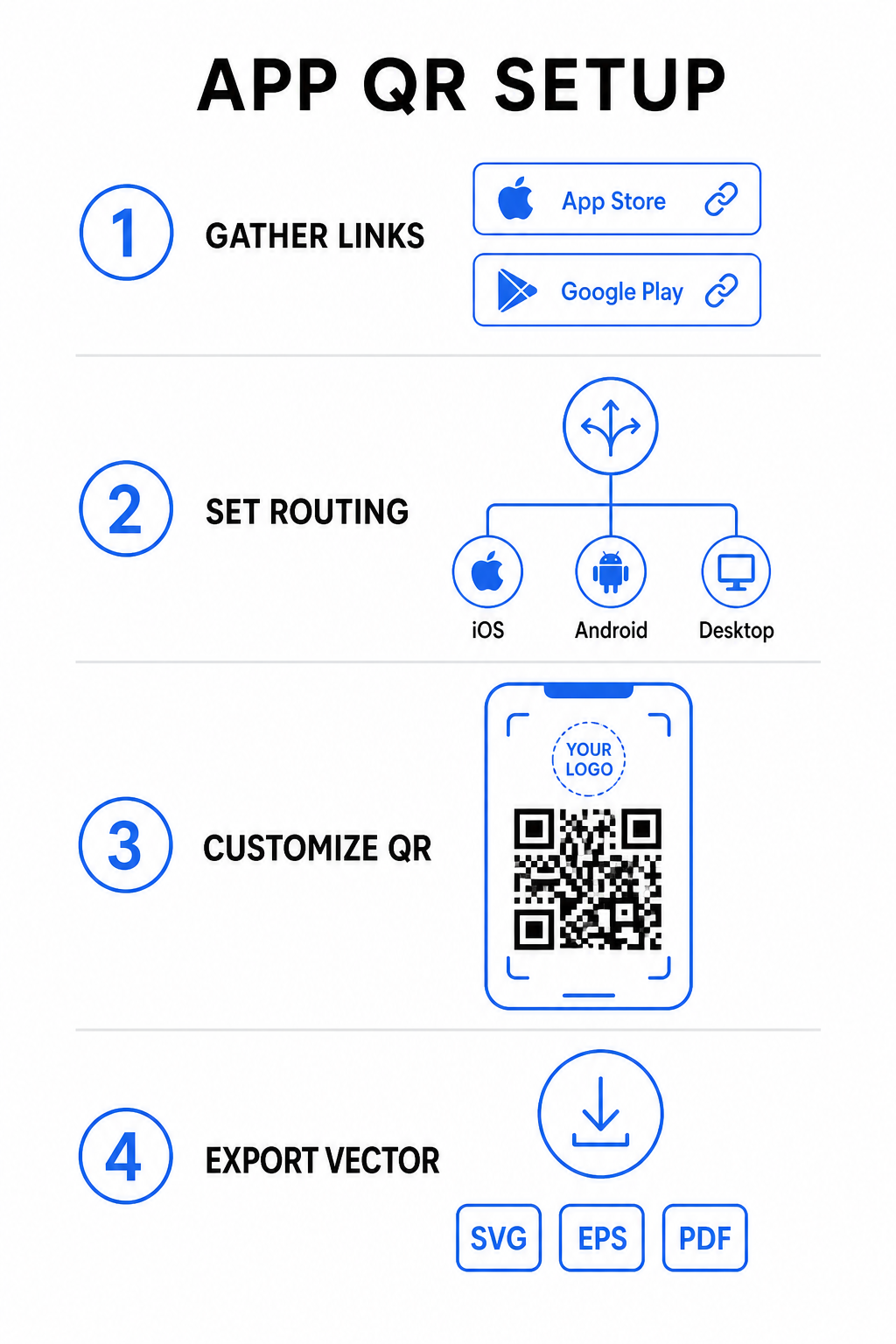
Generating a unified download code requires gathering your official platform URLs and configuring your smart link settings. Follow these steps to generate a print-ready code:

App QR setup steps
  • Gather official store URLs: Locate your Apple App Store path containing your app’s numeric ID and your Google Play URL containing your package name identifier.
  • Input store links into the generator: Enter your iOS link into the App Store field and your Android link into the Google Play field within the creation editor.
  • Set a universal fallback destination: Enter a standard website landing page URL to redirect desktop users or unsupported operating systems.
  • Customize your code appearance: Adjust module colors, background shading, frame styles, and call-to-action prompts, then embed your brand logo in the center.
  • Export print-ready vector files: Download your finished design in high-resolution vector formats such as SVG, EPS, or PDF for crisp printing.

If your store URLs change in the future, using a ダイナミックQRコードジェネレーター lets you update destination links directly from your dashboard without reprinting physical materials.

Technical Specifications for Optimal Scannability

Adhering to ISO/IEC 18004 barcode specifications ensures your printed QR code scans easily across different mobile devices, lighting conditions, and angles.

Design Element Technical Standard Practical Purpose
クワイエットゾーン Minimum 4 modules wide Preserves an unprinted margin around all four sides so camera sensors isolate the code matrix from background graphics.
Sizing Ratio 1:10 (サイズ対距離) Maintains reliable readability; a 1-inch (2.5 cm) code supports a scanning distance of roughly 10 inches (25 cm).
カラーコントラスト High contrast (Dark on Light) Uses dark modules on a light background to maximize light absorption contrast for image sensors.
誤り訂正 Level Q (25%) or Level H (30%) Restores missing or obscured data blocks, allowing the code to function even when a custom logo covers the center.

Measure Your Campaign Performance Want to see which marketing channels generate the most app installs? Use our platform for トラッキングQRコード to analyze real-time scan metrics, locations, and operating systems.

Quality Assurance Practices Before Printing

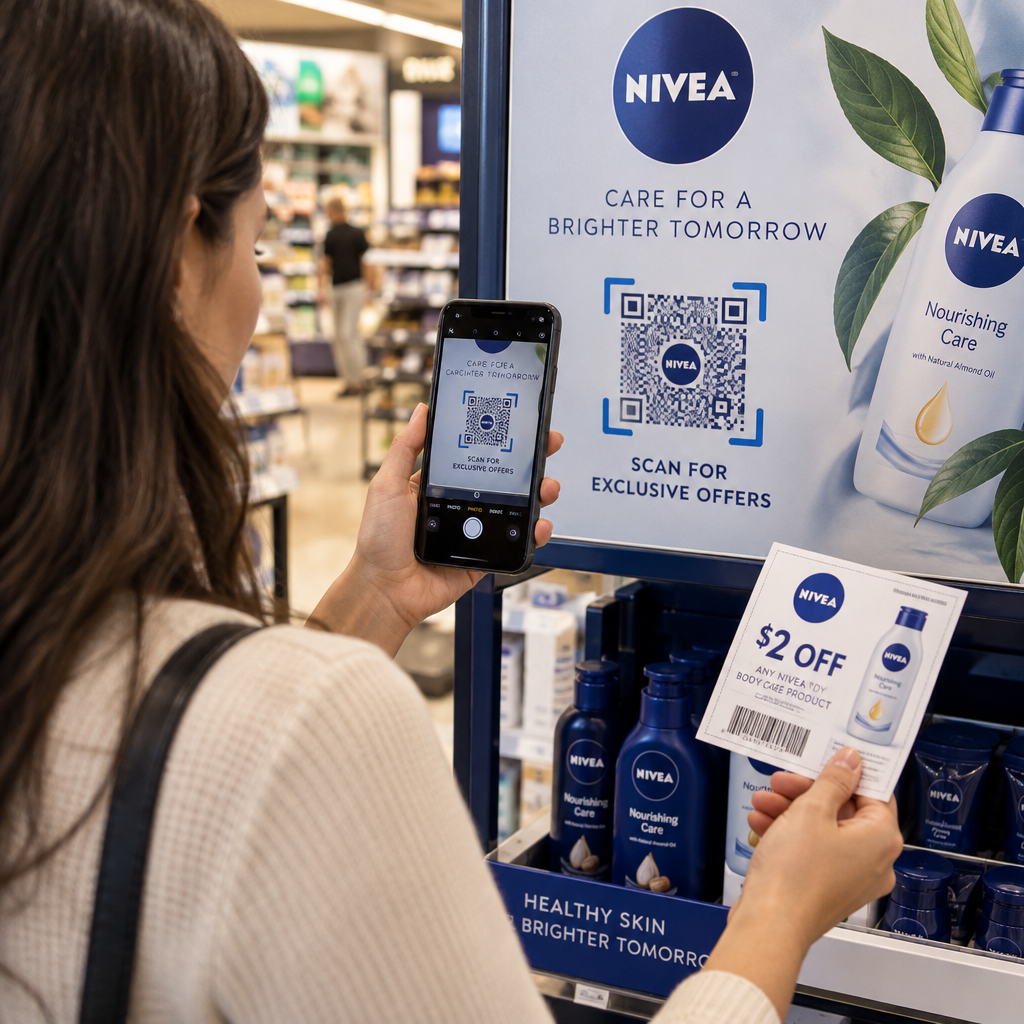
Before committing to a large print run for packaging, posters, or retail signs, thoroughly evaluate your code’s performance in real-world scenarios.

Testing QR code routing
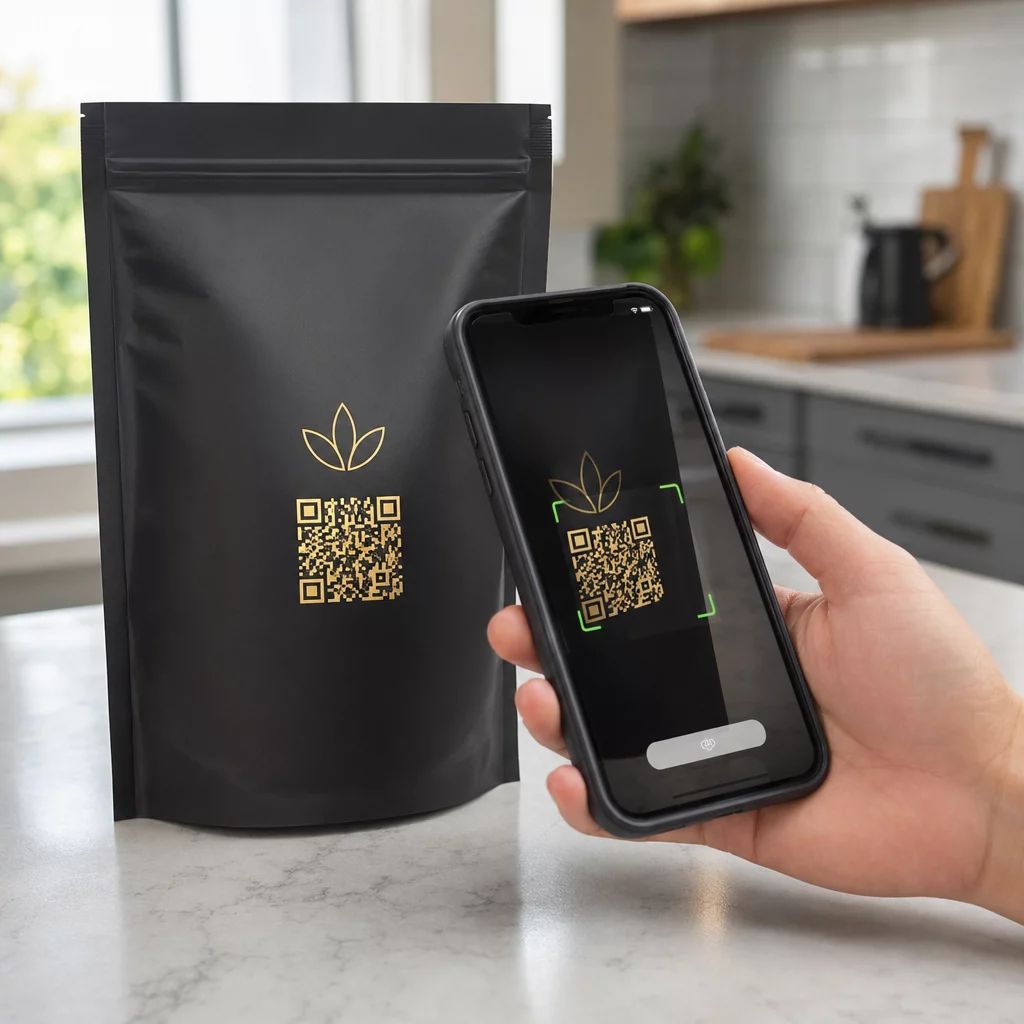
  • Verify native platform routing: Scan the code with default camera applications on physical iOS and Android devices to ensure proper store redirection.
  • Confirm desktop fallback behavior: Click or scan the link from a desktop web browser to check that non-mobile traffic lands on your designated fallback web page.
  • Perform the three-distance inspection protocol: Test scanning at the intended viewing distance, repeat at 50% farther away, and test at a 30 to 45-degree angle.
  • Evaluate network load speed: Ensure the dynamic redirect processes rapidly across various mobile data and Wi-Fi networks.

For additional details on how smartphones process code requests, review our guides on how users スマートフォンでQRコードをスキャンするかを and how consumers download an app with a QR code.

よくある質問

Do I need separate QR codes for iPhone and Android users?

No. A dynamic app store QR code detects the user’s mobile operating system upon scanning and automatically routes iOS users to the Apple App Store and Android users to Google Play.

What happens if someone scans an app QR code from a desktop computer?

The dynamic routing engine identifies non-mobile devices and sends the visitor to your designated fallback URL, such as your main website or promotional landing page.

Can I edit my app store links after printing the QR code?

Yes. Dynamic QR codes allow you to modify your Apple, Android, or fallback destination links anytime in your management dashboard without reprinting artwork.

Combining your iOS and Android app download links into a single dynamic QR code eliminates download friction, saves layout space on print media, and provides a unified mobile experience. Applying high contrast, robust error correction, and eye-catching frames converts physical packaging and marketing displays into direct app installations.

Take full control of your cross-platform promotions by using the リンクQRコードジェネレーター to build dynamic, trackable download links for your marketing campaigns.

著者について

Siim KostabiはPagelootのコンテンツリードです。Pagelootの革新的なQRコード生成サービスについて執筆しています。5年以上にわたるQRコードに関する深い専門知識を持つSiimは、この分野の専門家です。QRテクノロジーを活用してデジタルインタラクションを簡素化・拡張する上で、大きな進歩を遂げています。.

カテゴリー
について詳しくはこちら
音楽QRポスターのスキャン
のQRコード アップルミュージック
✅ QRコードの#1ソリューション

オンラインでQRコードを作成する必要がある場合は QRコードを作る ここで無料で
ページルートは #1のGo-Toソリューション でQRコードを作成してスキャンすることができます。

BL-0358

ブログジェネ

売上、レビュー、フォロワーを増やすために 20,000 を超えるブランドから信頼されています。

クライアントのロゴ
トップブランドから信頼される
5 のうち 4.8 と評価しました

4.86 / 5つ星評価

ユーゴ・ローラン
ユーゴ・ローラン
レストランオーナー
最も簡単で信頼性の高いQRコードジェネレータです。PDFファイルを即座にアップロードできます。レストランのメニューがデジタル化されました。
ルーカス・ジャンセン
ルーカス・ジャンセン
不動産開発業者
これは優れたツールで、QRコードでちょうど欲しいところに連れて行ってくれます。私たちは位置情報のQRコードしか使っていませんが、とても便利な機能がたくさんあります。
エマ・モレッティ
エマ・モレッティ
小売製品
使いやすいし、早い。素晴らしい機能で、完璧な画像を作成してくれるので、社員は私のvCardをダウンロードすることができます。
ユーゴ・ローラン
ユーゴ・ローラン
レストランオーナー
最も簡単で信頼性の高いQRコードジェネレータです。PDFファイルを即座にアップロードできます。レストランのメニューがデジタル化されました。
ルーカス・ジャンセン
ルーカス・ジャンセン
不動産開発業者
これは優れたツールで、QRコードでちょうど欲しいところに連れて行ってくれます。私たちは位置情報のQRコードしか使っていませんが、とても便利な機能がたくさんあります。
エマ・モレッティ
エマ・モレッティ
小売製品
使いやすいし、早い。素晴らしい機能で、完璧な画像を作成してくれるので、社員は私のvCardをダウンロードすることができます。
QRコードをもっと見る
化粧品用QRコードメーカー
のQRコード ビューティープロダクツ
あらゆるものをデジタル体験に変えよう 3分以内に。

14日間の無料トライアル。

クレジットカードは必要ありません。

初回購入で30%オフ

次のコードを使用してください:

MP3ファイルを共有

PDF QRコードを作成するにはサインアップしてください

必要なものをすべてアップロードして表示する。

  • オーディオファイル
  • ポッドキャスト
  • 音楽

サインアップで14日間無料トライアル。.
トライアル終了後、QRコードは期限切れになります。.

オーディオmp3 QRコードを作成するにはサインアップしてください

フレームでより多くのスキャンを獲得

QRコードにフレームを追加するにはサインアップしてください

コールトゥアクションフレームは、お客様が簡単にQRコードと対話できるようにします。ぜひお試しください。

サインアップで14日間無料トライアル。.
トライアル終了後、QRコードは期限切れになります。.

QRコードにフレームを追加するにはサインアップしてください

シェイプでスタイルを追加

より多くの図形を作成するにはサインアップしてください

QRコードは四角いものである必要はありません。あなたのブランドのイメージに合わせて変えてみてください。

サインアップで14日間無料トライアル。.
トライアル終了後、QRコードは期限切れになります。.

より多くの図形を作成するにはサインアップしてください

QRコードにロゴを追加

QRコードにロゴを追加するにはサインアップしてください

QRコードにロゴやブランドを入れることで、目立たせることができます。

サインアップで14日間無料トライアル。.
トライアル終了後、QRコードは期限切れになります。.

QRコードにロゴを追加するにはサインアップしてください

スマートなApp Storeリダイレクト

アプリストアのQRコードを作成するにはサインアップしてください

スマートなApp StoreのQRコードに、あなたのアプリのリンクを追加します。ユーザーは、デバイスに応じてリダイレクトされます。

サインアップで14日間無料トライアル。.
トライアル終了後、QRコードは期限切れになります。.

アプリストアのQRコードを作成するにはサインアップしてください

QRコードに画像をアップロード

画像QRコードを作成するにはサインアップしてください

画像を簡単に共有できます。どんな画像も、数秒でダイナミックに変化します。

サインアップで14日間無料トライアル。.
トライアル終了後、QRコードは期限切れになります。.

画像QRコードを作成するにはサインアップしてください

PDFファイルを共有

PDF QRコードを作成するにはサインアップしてください

必要なものをすべてアップロードして表示する。

  • メニュー&プライスリスト
  • 指示
  • 任意の書類

サインアップで14日間無料トライアル。.
トライアル終了後、QRコードは期限切れになります。.

PDF QRコードを作成するにはサインアップしてください

印刷せずに後で編集

再度印刷せずにQRコードを編集するにはサインアップしてください

ダイナミックQRコードは、新たにQRコードを印刷することなく、QRコードの内容を変更することができます。

サインアップで14日間無料トライアル。.
トライアル終了後、QRコードは期限切れになります。.

再度印刷せずにQRコードを編集するにはサインアップしてください

いつ?どこで?QRコードのスキャンを追跡

QRコードを追跡するにはサインアップしてください

どのQRコードが最も多くスキャンされ、何が最も顧客を喜ばせているのかを知ることができます。

サインアップで14日間無料トライアル。.
トライアル終了後、QRコードは期限切れになります。.

QRコードを追跡するにはサインアップしてください

印刷可能なファイルが利用可能

PDFやSVGのようなベクターQRコードを作成するにはサインアップしてください

.eps、.pdf、.svg

QRコードをHD解像度でダウンロードしたいですか?すぐに印刷できるベクターまたはピクセル形式を入手しましょう。

サインアップで14日間無料トライアル。.
トライアル終了後、QRコードは期限切れになります。.

PDFやSVGのようなベクターQRコードを作成するにはサインアップしてください

しばらくお待ちください。あなたのQRコードは ロード... ロード...

あなただけのものに

サインアップしてQRコードを後で保存してください

異なる色、ロゴ、コールトゥアクションフレームで素晴らしいQRコードを作成することで、より多くのスキャンを得ることができます。

サインアップで14日間無料トライアル。.
トライアル終了後、QRコードは期限切れになります。.

サインアップしてQRコードを後で保存してください