Are you losing valuable leads because your QR code scan data is trapped in manual spreadsheets? Manually copying records creates delays that prevent immediate customer follow-up and disconnect your physical assets from your software stack. Setting up automated scanning workflows turns every physical scan into an immediate, reliable digital action.
Understanding the Foundations of Scan Automation
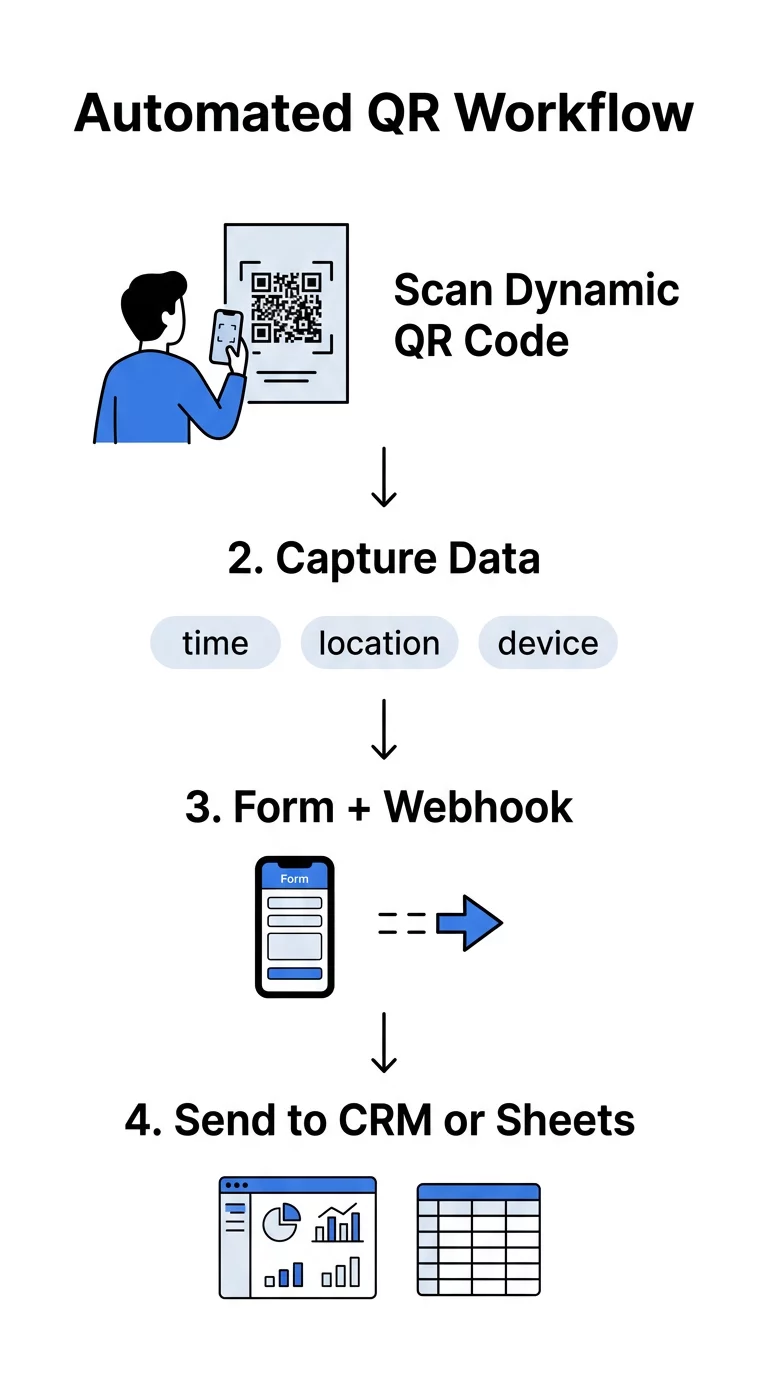
Automating an operation requires a clean handoff between physical media and your digital applications. In traditional setups, a user scans a code to view a plain webpage, leaving marketing and operations teams without visibility into the event until someone manually compiles report logs. Automation changes this dynamic by converting the scan itself into an operational event trigger.
The success of your workflow relies on using the right type of QR code:
- Static QR codes store fixed text or URLs directly in their matrix, making them permanently unchangeable once printed. Because they lack a redirection server, they cannot send webhooks or log custom runtime variables.
- Dynamic QR codes route scanners through an intermediate server that logs the request before forwarding the user to the destination. This intermediary allows you to track dynamic QR codes in real time and modify endpoints without replacing physical signage.
Deploying dynamic codes ensures that your team can adapt to process changes quickly. If an endpoint server changes or an active campaign ends, you can edit dynamic QR codes directly from your dashboard to maintain uninterrupted workflow execution.
Build Automated Workflows Today Want to connect your physical touchpoints directly to your marketing stack? Use our Dynaaminen QR-koodi generaattori to create trackable, editable codes and launch real-time workflows today.
Two Core Methods for Triggering Workflows
Depending on whether you need simple scan confirmation or detailed user input, automated QR workflows generally follow one of two technical architectures.
Direct Webhook Triggers
In a direct trigger architecture, scanning the QR code immediately calls a listener URL hosted by an automation tool like Zapier or Make. You configure a catch hook trigger in your workflow platform, generate the unique webhook endpoint, and encode that URL into your dynamic QR code.
To pass context through the scan, you can append query parameters to the URL:
- Asset identifiers to log machine or equipment usage
- Facility or room locations to record area-specific check-ins
- User or employee IDs to register field tasks
When a user points a mobile device or a dedicated QR-koodin lukija at the code, opening the link sends the payload to your automation platform instantly, without requiring manual form entry.
Form-Based Data Ingestion
When a workflow requires custom inputs – such as a user’s name, email address, or specific feedback – the QR code serves as an access portal to a form. Pairing a Google Forms QR-koodi generaattori with an automated workflow allows you to collect structured responses on a mobile-friendly page.
Once the user submits the form, the form tool or connected spreadsheet emits a new-entry webhook to your automation platform. From there, the platform executes downstream actions such as creating a contact in your CRM, sending a confirmation email, or assigning tasks in project software.
Practical Business Automation Scenarios
Automated workflows eliminate administrative bottlenecks across diverse operational environments by delivering scan data directly to downstream systems.
- Event access and guest tracking: Deploying an attendance tracker QR code at venue entrances automates check-ins by updating attendance rosters in Google Sheets and instantly firing welcome messages to attendees.
- Customer engagement alerts: Scans on retail product packaging can launch workflows that route consumers to specialized onboarding sequences or trigger push notification workflows via native applications and web browsers.
- Facilities management: Digital checkpoints in maintenance workflows verify task completion in real time; teams can see how QR codes improve cleaning efficiency by logging timestamps and cleaning logs automatically.
- Enterprise management at scale: Organizations managing thousands of codes can use API integration for QR management to automate the batch generation, updating, and metric retrieval of active tracking links.
Technical Best Practices and Privacy Standards
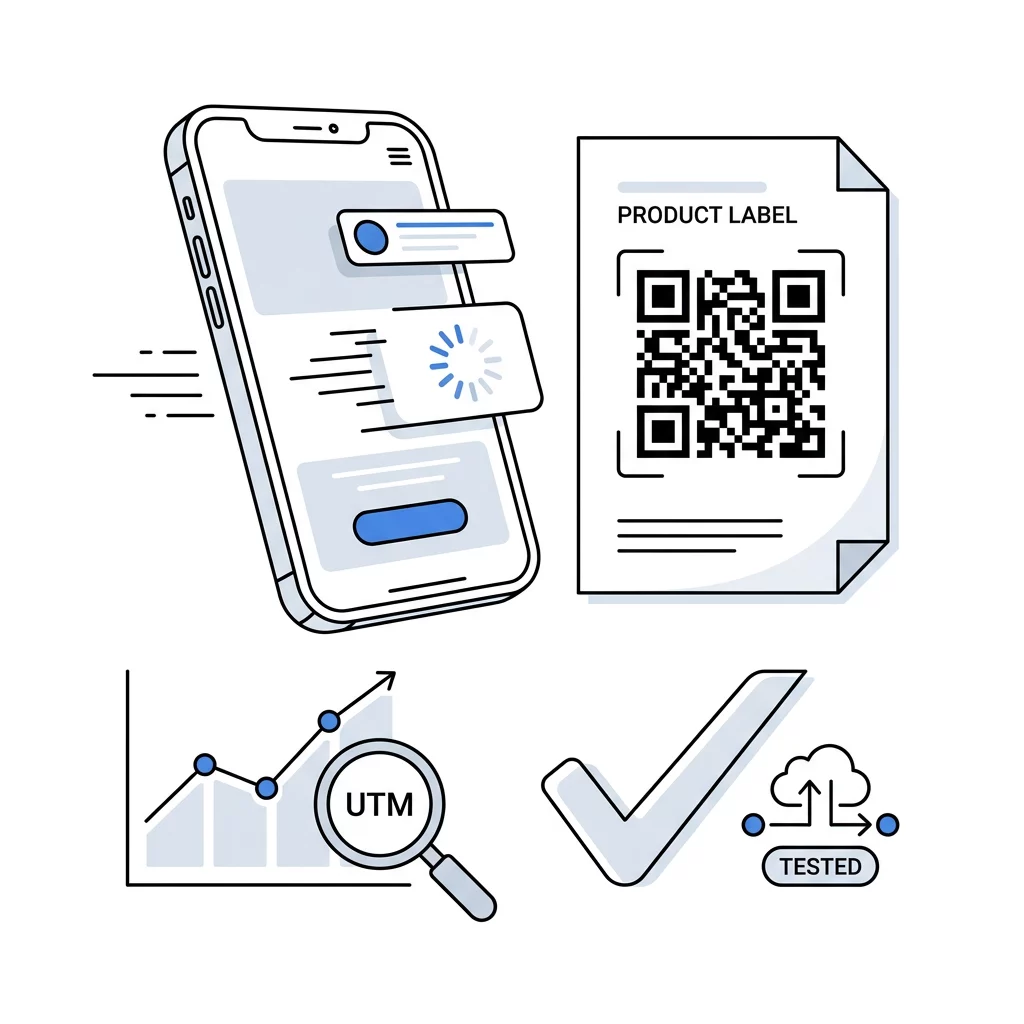
To keep automated workflows running reliably and responsibly, your technical configuration must account for link structure, testing routines, and data compliance.
| Implementation Area | Parhaat käytännöt | Operational Objective |
|---|---|---|
| Link Structure | Add UTM tags and query parameters | Identifies physical scan locations and campaigns inside analytics tools |
| Mobiilien optimointi | Ensure target pages load in under two seconds | Minimizes user bounce rates before downstream triggers fire |
| Verification | Test across different operating systems and camera apps | Confirms webhook delivery and URL parsing work uniformly |
| Data Governance | Collect minimal necessary data | Maintains compliance with regional privacy frameworks |
Workflow design must also align with international QR-koodien tietosuojalait ja -määräykset. Because scans can log device metadata, IP addresses, and geolocation, ensure your automated ingestion pipelines anonymize personal identifiers where possible and provide transparent privacy notices whenever collecting direct user inputs. Explore the full suite of Pagelootin QR-koodiominaisuudet to implement secure, reliable data flows across your campaigns.
Usein kysytyt kysymykset
Static codes cannot trigger automated workflows because their destination cannot be modified and they do not support server redirects. You must use dynamic QR codes to capture scan metadata and forward requests to webhooks or automation platforms.
Direct webhook QR codes fire an instant trigger the moment a user scans the link, which works best when context like an asset ID is passed in the URL. Form-based workflows open an interactive page where users submit specific input before triggering downstream actions.
Dynamic codes allow you to edit your destination URL or automation endpoints inside your dashboard without replacing printed assets. This flexibility ensures your connected applications continue receiving data even if your campaign structure changes.
Streamline Your Scan Workflows
Automating QR code operations removes the friction of manual data entry, bridging physical touchpoints directly with your core digital applications. Setting up automated ingestion pipelines allows your team to capture high-intent actions the instant they happen and trigger follow-up operations without administrative delays.
Build your first automated tracking workflow by creating customizable, dynamic QR codes with Pageloot today.