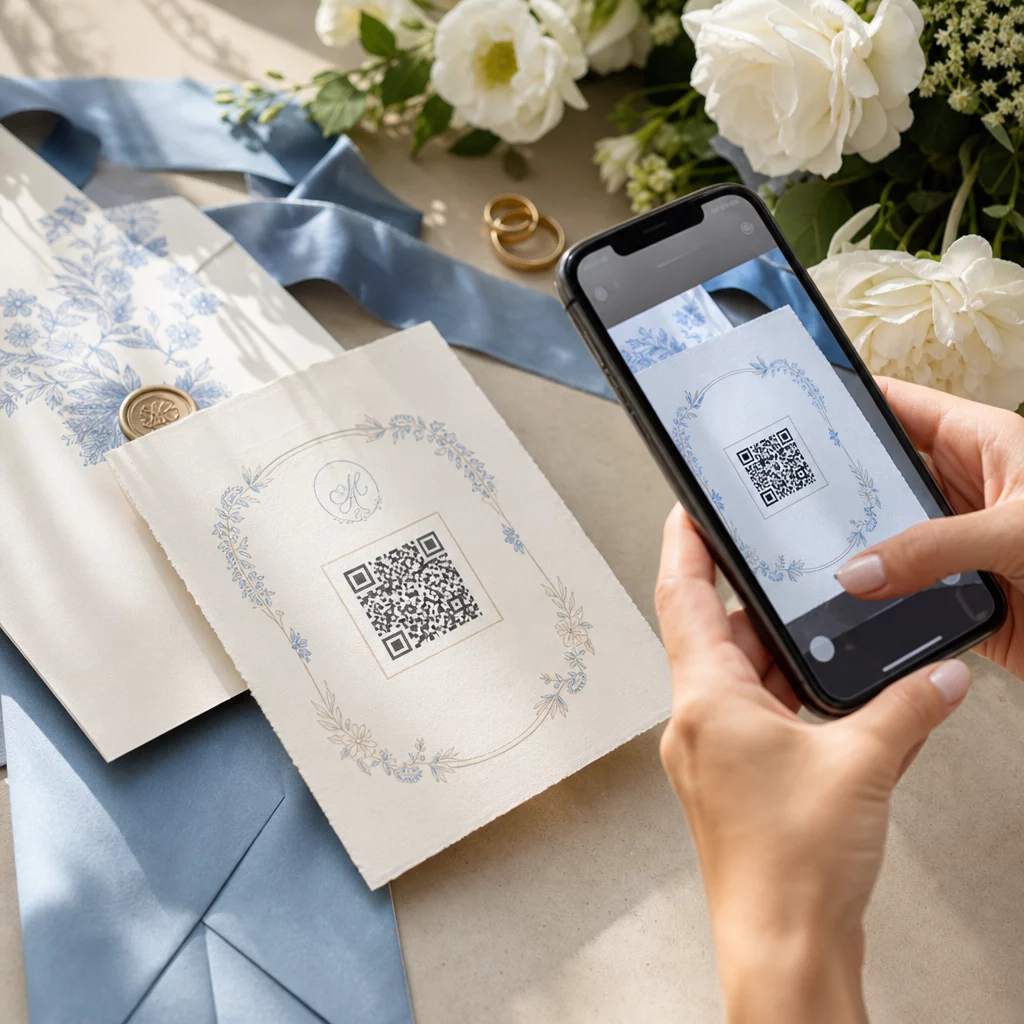
Планирането на сватба включва координирането на десетки движещи се части между гости, доставчици и места. QR кодовете ви дават лесен начин да свържете цялата тази информация в една сканируема точка за достъп – намалявайки разхищението на хартия, съкращавайки времето за координация и правейки деня по-гладък за всички участници.
Защо QR кодовете работят добре на сватби
При средна сватба в САЩ с около 116 гости, поддържането на всички информирани и в течение е истинско логистично предизвикателство. Физическите печатни материали се губят, остаряват и струват пари за възпроизвеждане. QR кодовете решават и трите проблема едновременно.
Един код може да свърже гостите с вашия сватбен уебсайт, формуляр за потвърждение на присъствие, упътвания до мястото или фотогалерия – и тъй като динамични QR кодове ви позволяват да актуализирате целевия URL адрес без препечатване, можете да правите промени в последния момент до самия ден. Само тази гъвкавост ги прави достойни за разглеждане от всяка двойка, управляваща сложен списък с гости.
Кривата на приемане също вече не е пречка. Очаква се около 99,5 милиона души в САЩ да сканират QR кодове през 2025 г., а по-голямата част от смартфоните могат да го правят нативно с приложението за камера – не е необходимо допълнително приложение.
Създайте своя сватбен QR код Готови ли сте да започнете? Използвайте Генератор на QR кодове за да създадете персонализирани, динамични сватбени QR кодове, които можете да актуализирате по всяко време.
Как да генерирате сватбени QR кодове
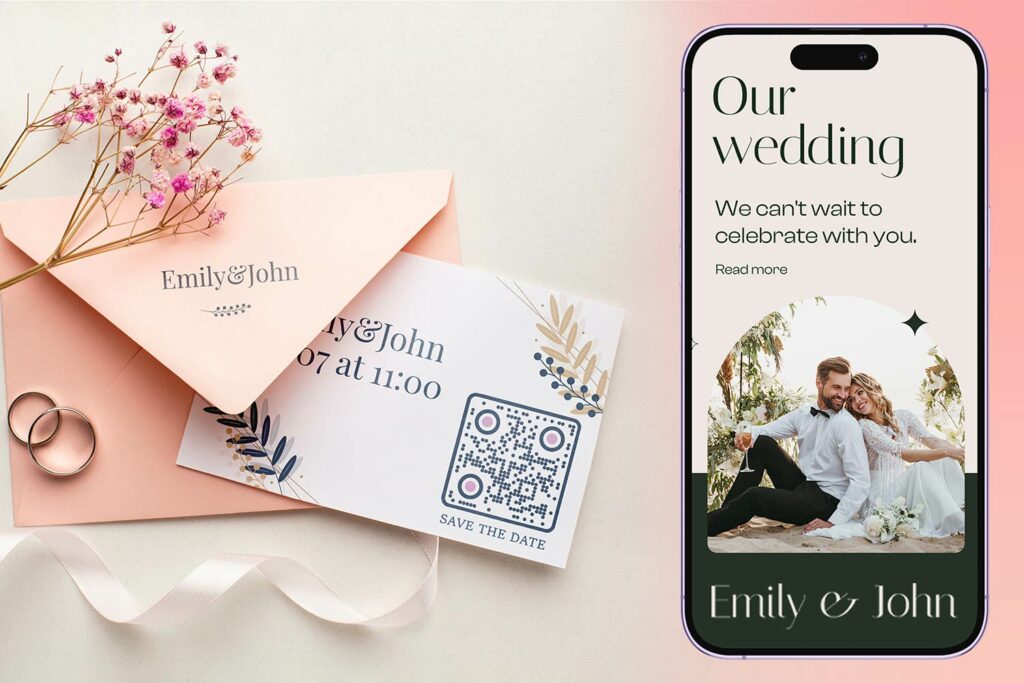
Създаването на сватбен QR код отнема само няколко минути. Ето основния процес:
- Изберете типа на вашия QR код. Различните случаи на употреба изискват различни типове кодове – един Генератор на QR кодове за връзки работи за сватбени уебсайтове и фотоалбуми, докато Генератор на QR кодове за събития е идеален за покани за запазване на дата и записи в календар.
- Въведете вашето съдържание. Добавете URL адреса, връзката към формуляр, PDF файла или подробностите за събитието, до които искате гостите да имат достъп, когато сканират.
- Персонализирайте дизайна. Съобразете цветовете и стила на QR кода с естетиката на вашата сватба – добавете вашия монограм или инициали като лого, изберете цветова палитра, която отговаря на вашата тема, и изберете форма на рамка, която подхожда на оформлението на вашите канцеларски материали.
- Тествайте преди печат. Сканирайте готовия код на множество устройства при реалистични условия на осветление, преди да се ангажирате с печатни тиражи. За насоки относно размера за различни печатни материали, вижте оразмеряване на QR код за различни печатни материали.
- Изтеглете и разпространете. Изтеглете във формат с висока разделителна способност (SVG или PDF) за чист печат върху покани, програми, менюта и табели.
Дръжте основните детайли видими върху всички печатни материали. Часът, датата и мястото винаги трябва да се появяват като обикновен текст. Използвайте QR кодове, за да добавите допълнително съдържание – не за да замените основните неща, от които гостите се нуждаят с един поглед.
Къде да използвате сватбени QR кодове
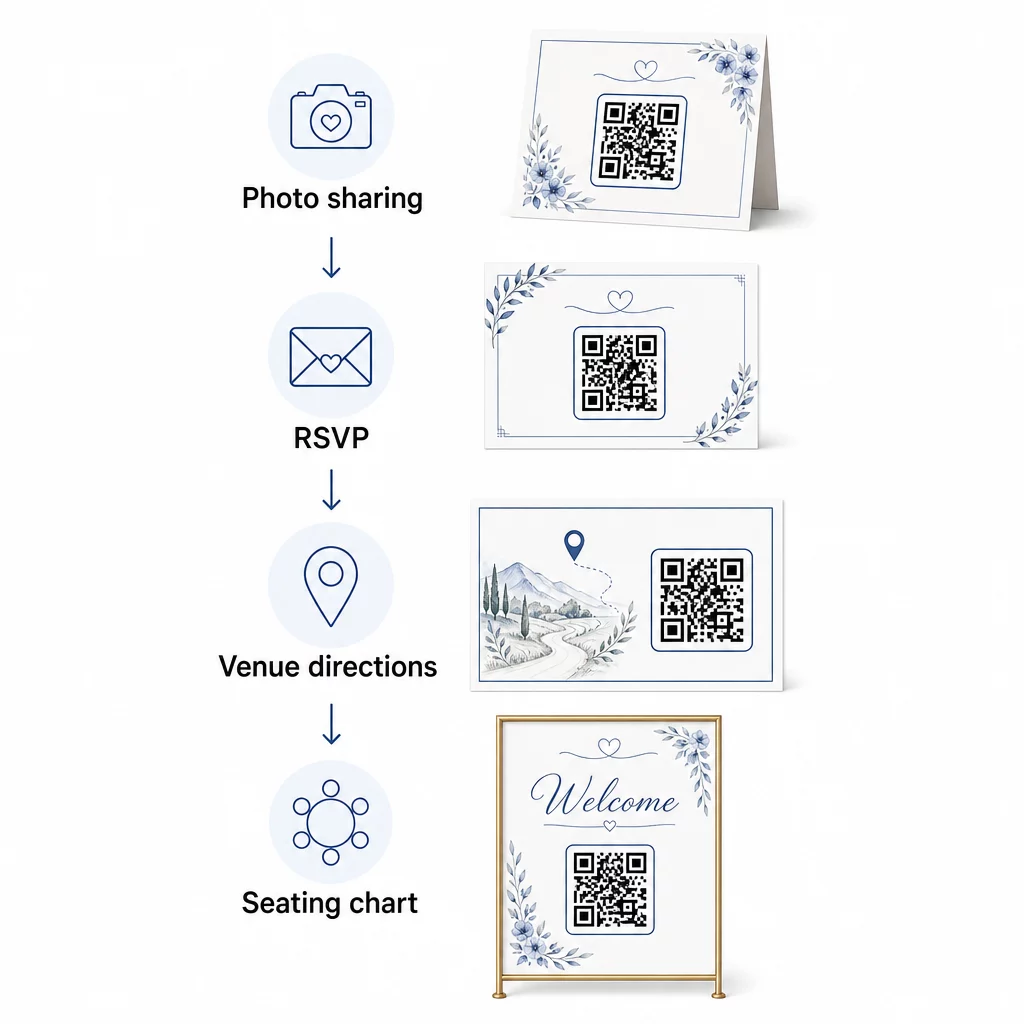
📷 Photo Sharing
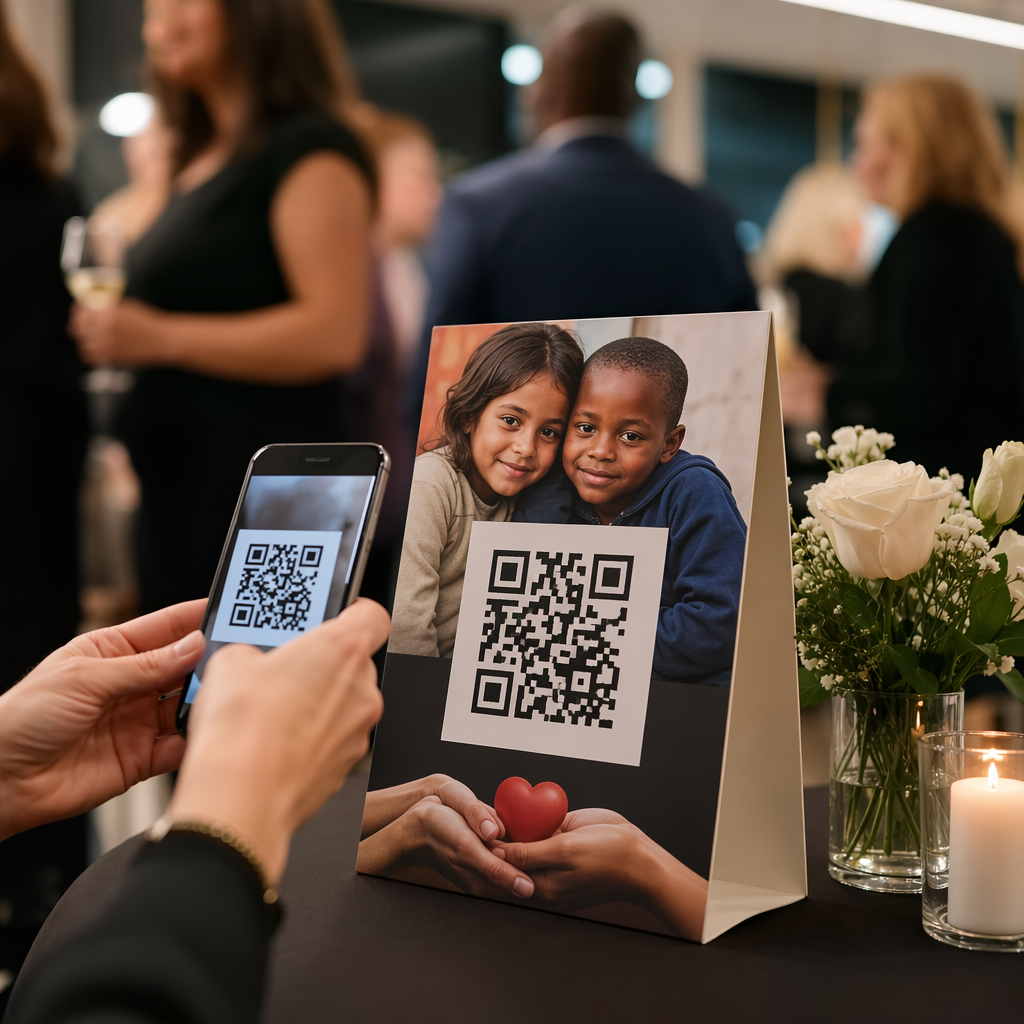
Един от най-популярните случаи на употреба на QR код за сватба е съвместното споделяне на снимки. Поставете QR код върху централните елементи на масата или на бара, водещ към споделен албум, където гостите могат да разглеждат професионални снимки и да качват свои собствени спонтанни кадри. Свързването към споделен албум в Google Photos или папка в Dropbox позволява принос в реално време по време на събитието. Pageloot’s качване на файлове улеснява хостването и споделянето на галерии с изображения директно чрез QR код.
💌 RSVPs
QR код на вашата покана за запазване на дата или покана, който води директно до формуляр за потвърждение на присъствие, премахва затрудненията от процеса на отговор. Гостите сканират, попълват кратък формуляр и изпращат – не е необходим плик. Използвайте Генератор на QR код за формуляри на Google за да свържете поканата си директно с Google Form, събиращ предпочитания за хранене, диетични ограничения и заявки за песни, заедно с потвърждение за присъствие. За пълно ръководство, вижте ръководството за как да създадете QR кодове за потвърждение на присъствие за събития.
📍 Venue Directions
Елиминирайте постоянното питане на гостите за упътвания или инструкции за паркиране. QR код за местоположение на вашата покана или карта с упътвания отваря вашето място директно в Google Maps с едно сканиране. The Генератор на QR код за Google Maps позволява ви да създадете код, който насочва гостите към точното място – включително зони за паркиране или отделни места за церемонията и приема.
🗓️ Save-the-Dates and Event Details
Вместо обикновена картичка за запазване на датата, дайте линк към пълна страница на събитието, съдържаща часове на церемонията и приема, предложения за настаняване, дрескод и линк към вашия сватбен уебсайт. The Генератор на QR кодове за събития ви позволява да изградите брандирана целева страница с всички подробности за събитието, а Генератор на QR кодове за календара на Google позволява на гостите да добавят датата към календара си с едно докосване.
🪑 Цифрови диаграми на местата
Поставете един QR код на входа на мястото, който води към дигитална схема на местата. Гостите сканират при пристигане и веднага виждат своето разпределение на маси – не е необходима печатна табела. Този подход също така улеснява управлението на промени в местата в последния момент, тъй като актуализирате свързаната страница, вместо да препечатвате физически табели.
📜 Wedding Programs
QR код, заместващ отпечатаната програма на церемонията, намалява разходите за хартия и позволява актуализации до самото начало на церемонията. Свържете към PDF програма, използвайки Генератор на PDF QR код така че гостите да могат да следят на телефоните си. Ако се променят четения, музика или редът на събитията, актуализирайте PDF файла, без да променяте кода.
🍽️ Интерактивни менюта
Поставете QR кодове на всяка маса, водещи към пълното меню за вечеря, включително съставки и информация за алергени. За приеми с късни хранителни станции или менюта за коктейл час, можете да актуализирате свързаното съдържание през цялата вечер, използвайки динамичен код.
🎁 Wedding Favors
Прикрепете малка QR код картичка към всеки подарък за гости, водеща към персонализирано благодарствено съобщение, видео съобщение от двойката или подбран плейлист, който гостите могат да отнесат у дома. Това добавя личен щрих, без да увеличава цената на физическите подаръци.
Плюсове и минуси на сватбените QR кодове
| Ползи | Недостатъци |
|---|---|
| Лесен достъп до информация без печатни материали | Не всички гости може да се чувстват комфортно със смартфони |
| Рентабилно – намалява печата за програми и менюта | Изисква Wi-Fi или мобилни данни на мястото на събитието |
| Актуализации в реално време чрез динамични кодове | Изисква внимателно разположение и оразмеряване за надеждно сканиране |
| Интерактивно и ангажиращо за гостите | Някои по-възрастни гости може да се нуждаят от кратки инструкции |
| Централизирана информация в един сканируем код | Лошо проектираните кодове могат да бъдат трудни за сканиране при слаба светлина |
За места с ненадеждно покритие на мобилни услуги, помислете за предоставяне на отпечатано копие за критична информация като схеми на местата и упътвания.
Проектиране на QR кодове, които отговарят на естетиката на вашата сватба
Обикновен черно-бял QR код не е задължително да се сблъсква с елегантни канцеларски материали. Повечето генератори на QR кодове – включително Pageloot – ви позволяват да персонализирате цветовете, да добавите монограм или лого в центъра, да избирате форми на рамки и да съобразите дизайна с вашия комплект покани.
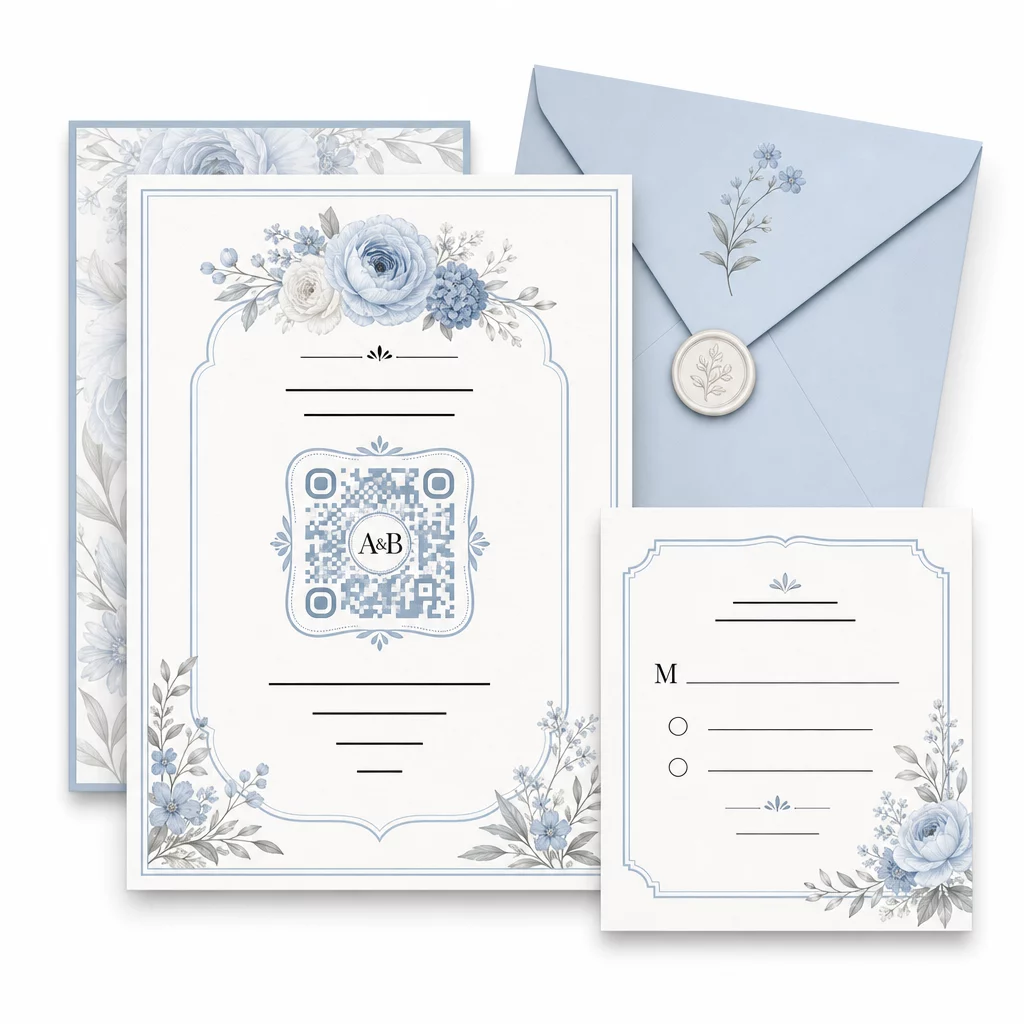
Няколко практически насоки за запазване на възможността за сканиране при персонализиране:
- Поддържайте цвета на предния план поне 40% по-тъмен от фона
- Избягвайте поставянето на кода върху шарена или текстурирана хартия, която може да скрие модулите
- Поддържайте ясна тиха зона (бялата рамка) около кода
- Печатайте с минимум 0.8 × 0.8 инча за покани; по-голям размер за табели
За пълен преглед на най-добрите практики за дизайн, вижте най-добрите практики за четливост на QR кодовете.
Използване на динамични QR кодове за гъвкавост на сватбата
Сватбите включват постоянни промени в последния момент – кетъринг фирмите актуализират менютата, часовете на церемониите се променят, а разположението на мястото се коригира. Динамични QR кодове ви позволяват да актуализирате целевия URL адрес по всяко време, дори след като поканите са изпратени или програмите са отпечатани. Самият код остава същият; променя се само съдържанието, към което сочи.
Това означава, че можете да:
- Актуализирате плана за настаняване сутринта на сватбата, без да препечатвате табели
- Смените PDF програма, за да отразите промяна на говорител в последния момент
- Добавите връзки към галерия със снимки след сватбата към същия код, вече разпространен върху етикетите за подаръци
Динамичните кодове също така предоставят анализи на сканиранията – можете да видите колко гости са сканирали вашия RSVP код, кога и на кое устройство. Тези данни са полезни за планиране на последващи комуникации и разбиране на ангажираността на гостите. Научете повече за проследяване на ефективността на QR кодовете за събития.
Поддържайте актуални детайлите за вашата сватба Използвайте динамични QR кодове за да актуализирате упътванията за мястото, плановете за настаняване или менютата в реално време – не е необходимо препечатване, дори след изпращане на поканите.
Създаване на дигитална сватбена покана с QR код
Ако искате да преминете изцяло към дигитални покани, вграждането на QR код в проектирана дигитална покана е лесно. Кодът може да води директно до вашата RSVP форма, сватбен уебсайт или целева страница на събитието – автоматизирайки проследяването на отговорите и предоставяйки на гостите всичко необходимо на едно място. За подробно ръководство стъпка по стъпка вижте ръководството за как да създадете дигитална сватбена покана с QR код.
QR кодовете работят еднакво добре както на печатни, така и на дигитални покани, така че можете да използвате един и същ код и в двата формата без дублиране на усилия. Независимо дали координирате RSVP-та, споделяте снимки или насочвате гостите към техните места, QR кодовете ви дават практично, актуализируемо и удобно за гостите решение за логистичната страна на вашата сватба. Започнете с един или два случая на употреба с голямо въздействие – RSVP-та и упътванията за мястото обикновено осигуряват най-незабавна стойност – и разширете оттам въз основа на това, което отговаря на вашето събитие.
Създайте своите сватбени QR кодове Създайте персонализирани, динамични QR кодове за сватба с Генератор на QR кодове на PageLoot – безплатно за начало, с 14-дневен пробен период за достъп до анализи и функции за редактиране.
Често задавани въпроси
Да, но само ако използвате динамичен QR код. Динамичните кодове използват сървър за пренасочване, така че можете да променяте целевия URL адрес – актуализирайки вашата схема на местата, меню или подробности за събитието – без да създавате нов код или да препечатвате материали.
Не. Всеки смартфон с камера, работещ с достатъчно актуална операционна система (iOS 11+ или Android 8+), може да сканира QR код директно чрез приложението за камера. За гости, които са по-малко запознати, поставянето на кратка бележка “Сканирайте с камерата на телефона си” до кода обикновено е достатъчно ръководство.
За покани и печатни програми, стремете се към минимум 0.8 × 0.8 инча (20 × 20 мм). За табели на мястото и дисплеи на схеми за сядане, които гостите ще сканират от няколко фута разстояние, мащабирайте пропорционално – приблизително 1 см размер на кода на всеки 10 см очаквано разстояние за сканиране. Винаги тествайте върху действителния печатен материал преди пълния тираж.