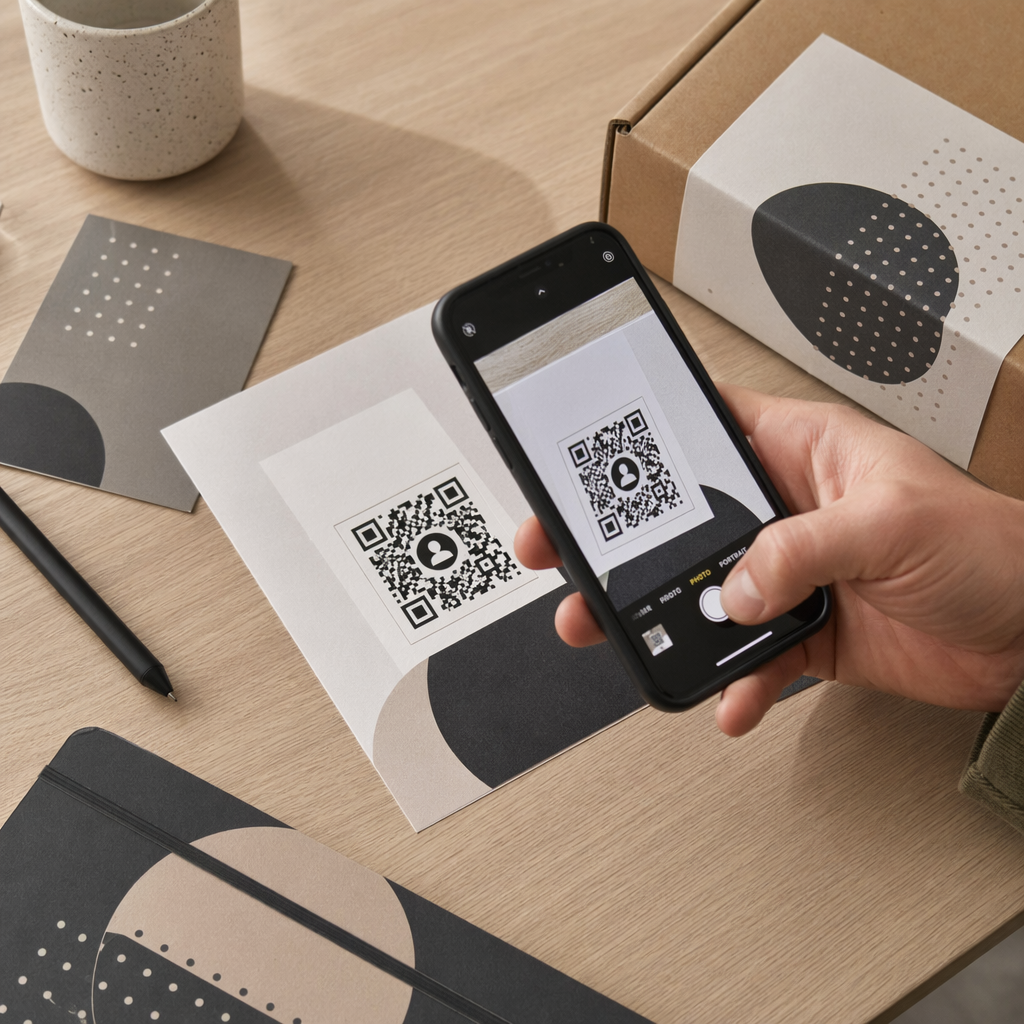
Планирование свадьбы включает координацию десятков движущихся частей между гостями, поставщиками и местами проведения. QR-коды дают вам простой способ связать всю эту информацию в одной сканируемой точке контакта – сокращая расход бумаги, уменьшая время координации и делая день более гладким для всех участников.
Почему QR-коды хорошо работают на свадьбах
При среднем количестве гостей на свадьбе в США около 116 человек, информирование всех и поддержание единого мнения является настоящей логистической проблемой. Физические печатные материалы теряются, устаревают и требуют затрат на воспроизведение. QR-коды решают все три проблемы одновременно.
Один код может связать гостей с вашим свадебным сайтом, формой RSVP, указаниями к месту проведения или фотогалереей – и поскольку динамические QR-коды позволяют обновлять целевой URL без перепечатки, вы можете вносить изменения в последнюю минуту вплоть до самого дня. Одна только эта гибкость делает их достойными рассмотрения для любой пары, управляющей сложным списком гостей.
Кривая внедрения также больше не является препятствием. По оценкам, 99,5 миллиона человек в США, как ожидается, будут сканировать QR-коды в 2025 году, и подавляющее большинство смартфонов могут делать это нативно с помощью приложения камеры – без необходимости в дополнительном приложении.
Создайте свой свадебный QR-код Готовы начать? Используйте Генератор QR-кодов для создания настраиваемых, динамических свадебных QR-кодов, которые вы можете обновлять в любое время.
Как сгенерировать свадебные QR-коды
Создание свадебного QR-кода занимает всего несколько минут. Вот основной процесс:
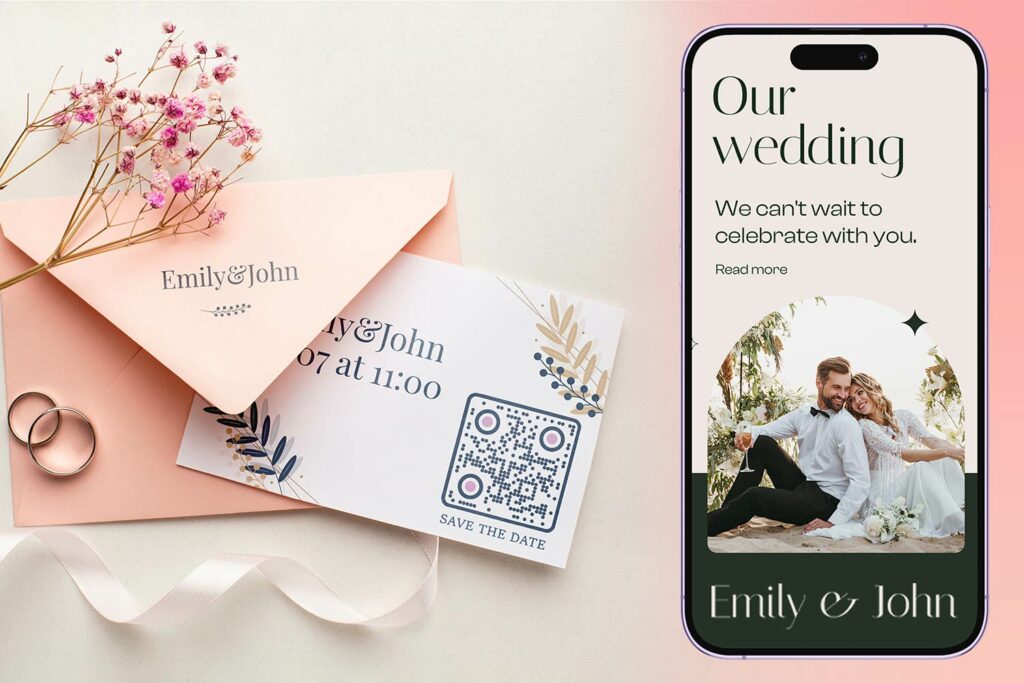
- Выберите тип QR-кода. Различные варианты использования требуют разных типов кодов – Генератор QR-кодов для ссылок подходит для свадебных сайтов и фотоальбомов, в то время как Генератор QR-кодов для событий идеально подходит для приглашений "сохраните дату" и записей в календаре.
- Введите свой контент. Добавьте URL, ссылку на форму, PDF или детали события, к которым вы хотите, чтобы гости имели доступ при сканировании.
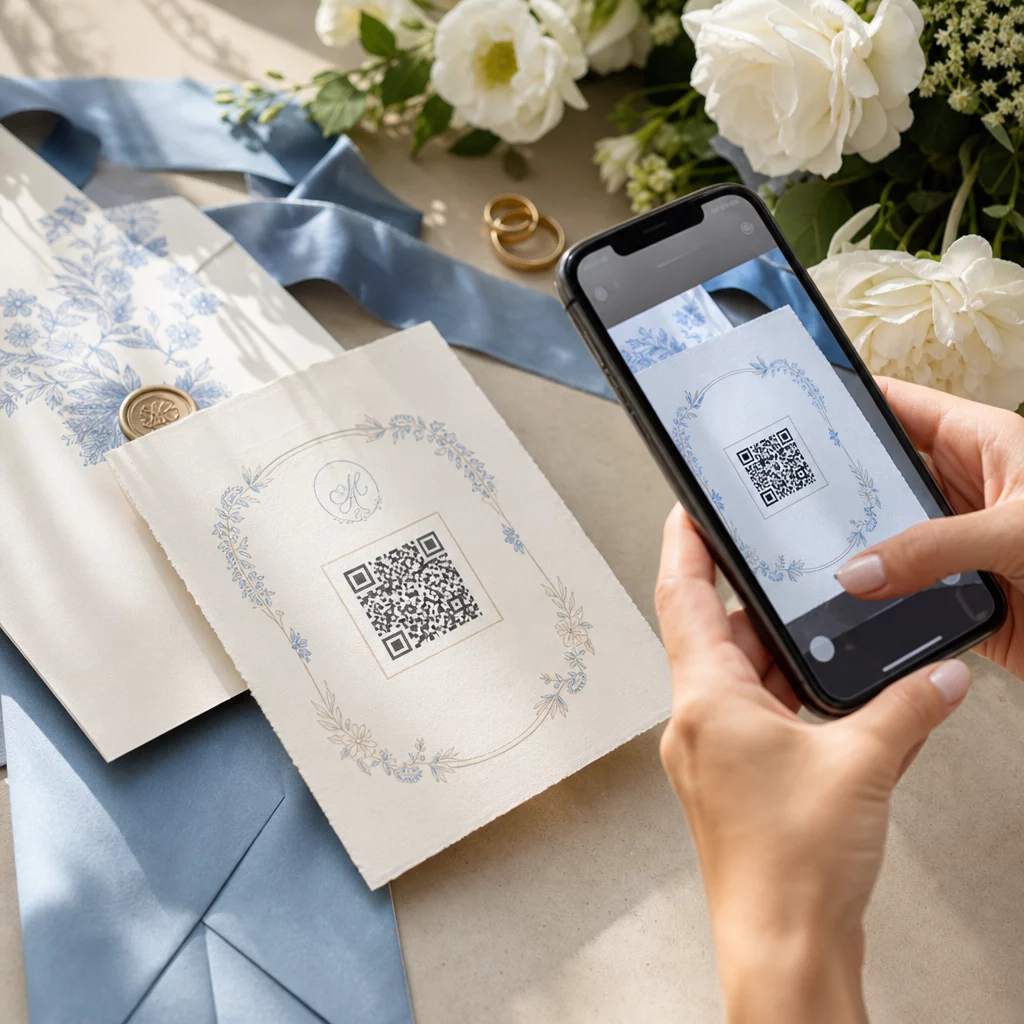
- Настройте дизайн. Подберите цвета и стиль QR-кода к эстетике вашей свадьбы – добавьте свою монограмму или инициалы в качестве логотипа, выберите цветовую палитру, соответствующую вашей теме, и форму рамки, которая гармонирует с макетом вашей полиграфии.
- Протестируйте перед печатью. Отсканируйте готовый код на нескольких устройствах при реалистичных условиях освещения, прежде чем запускать печать. Рекомендации по размеру для различных печатных материалов см. размеру QR-кода для различных печатных материалов.
- Скачайте и распространите. Скачайте в формате высокого разрешения (SVG или PDF) для четкой печати на приглашениях, программах, меню и указателях.
Сохраняйте основные детали видимыми на всех печатных материалах. Время, дата и место проведения всегда должны быть указаны обычным текстом. Используйте QR-коды для добавления дополнительного контента, а не для замены основных сведений, которые гости должны видеть с первого взгляда.
Где использовать свадебные QR-коды
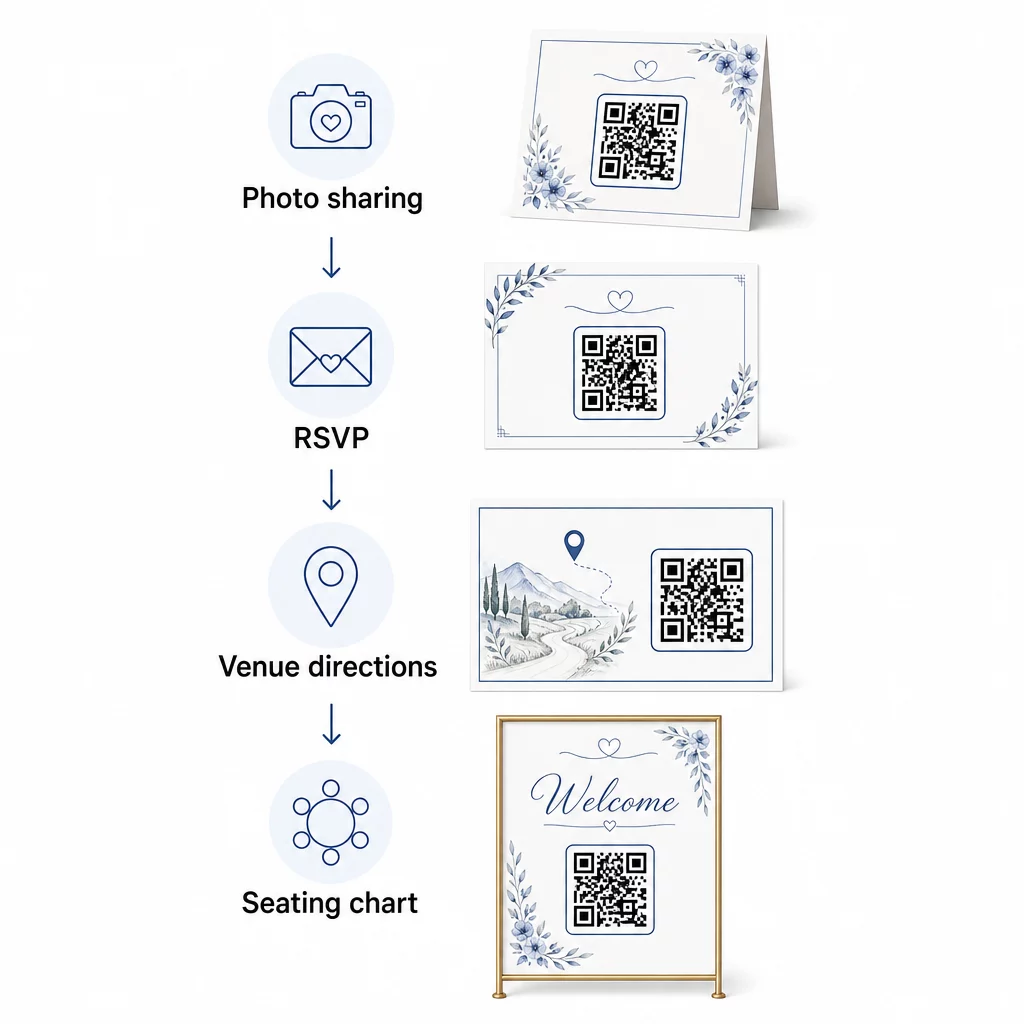
📷 Photo Sharing
Один из самых популярных вариантов использования свадебных QR-кодов – это совместный обмен фотографиями. Разместите QR-код на центральных элементах стола или в баре, ведущий к общему альбому, где гости смогут просматривать профессиональные фотографии и загружать свои собственные снимки. Ссылка на общий альбом Google Фото или папку Dropbox позволяет вносить вклад в режиме реального времени на протяжении всего мероприятия. Pageloot’s функция загрузки файлов позволяет легко размещать и делиться галереями изображений непосредственно через QR-код.
💌 RSVPs
QR-код на вашем приглашении или карточке "сохраните дату", который ведет непосредственно к форме RSVP, устраняет сложности в процессе ответа. Гости сканируют, заполняют короткую форму и отправляют – конверт не требуется. Используйте Генератор QR-кодов для форм Google чтобы напрямую связать ваше приглашение с формой Google, собирающей предпочтения в еде, диетические ограничения и запросы песен, а также подтверждение присутствия. Для полного руководства см. руководство по как создать QR-коды для подтверждения участия в мероприятиях.
📍 Venue Directions
Избавьтесь от постоянных вопросов гостей о направлениях или инструкциях по парковке. QR-код местоположения на вашем приглашении или карточке с направлениями открывает ваше место проведения непосредственно в Google Картах одним сканированием. Генератор QR-кодов Google Maps позволяет создать код, который направляет гостей в точное место – включая парковочные зоны или отдельные места проведения церемонии и приема.
🗓️ Save-the-Dates and Event Details
Вместо обычной открытки с датой, ссылайтесь на полную страницу мероприятия, содержащую время церемонии и приема, предложения по размещению, дресс-код и ссылку на ваш свадебный сайт. Этот Генератор QR-кодов для событий позволяет создать брендированную целевую страницу со всеми деталями мероприятия, а также Генератор QR-кодов календаря Google позволяет гостям добавить дату в свой календарь одним касанием.
🪑 Цифровые схемы рассадки.
Разместите один QR-код у входа в место проведения, который ведет к цифровой схеме рассадки. Гости сканируют по прибытии и мгновенно видят свое место за столом – печатная доска не требуется. Этот подход также упрощает управление изменениями мест в последнюю минуту, поскольку вы обновляете связанную страницу, а не перепечатываете физические указатели.
📜 Wedding Programs
QR-код, заменяющий печатную программу церемонии, снижает затраты на бумагу и позволяет вносить изменения вплоть до начала церемонии. Ссылайтесь на программу в формате PDF, используя Генератор QR-кодов PDF чтобы гости могли следить за ней на своих телефонах. Если меняются чтения, музыка или порядок событий, обновите PDF, не меняя код.
🍽️ Интерактивное меню
Разместите QR-коды на каждом месте за столом, ссылающиеся на полное меню ужина, включая информацию об ингредиентах и аллергенах. Для приемов с ночными фуд-станциями или меню коктейль-часа вы можете обновлять связанный контент в течение вечера, используя динамический код.
🎁 Wedding Favors
Прикрепите небольшую карточку с QR-кодом к каждому подарку, ссылающуюся на персонализированное благодарственное сообщение, видеосообщение от пары или подобранный плейлист, который гости могут забрать домой. Это добавляет индивидуальности, не увеличивая стоимость физических подарков.
Плюсы и минусы свадебных QR-кодов
| Преимущества | Недостатки |
|---|---|
| Легкий доступ к информации без печатных раздаточных материалов | Не все гости могут быть комфортны со смартфонами |
| Экономично – сокращает печать программ и меню | Требуется Wi-Fi или мобильный интернет на месте проведения |
| Обновления в реальном времени через динамические коды | Требуется продуманное размещение и размер для надежного сканирования |
| Интерактивно и увлекательно для гостей | Некоторым пожилым гостям могут потребоваться краткие инструкции |
| Централизованная информация в одном сканируемом коде | Плохо разработанные коды могут быть трудно сканируемыми при слабом освещении |
Для мест проведения с ненадежной сотовой связью рассмотрите возможность предоставления печатной резервной копии для важной информации, такой как схемы рассадки и указания.
Разработка QR-кодов, соответствующих эстетике вашей свадьбы
Простой черно-белый QR-код не обязательно должен конфликтовать с элегантными канцелярскими принадлежностями. Большинство генераторов QR-кодов – включая Pageloot – позволяют настраивать цвета, добавлять монограмму или логотип в центр, выбирать формы рамок и подбирать дизайн к вашему набору приглашений.
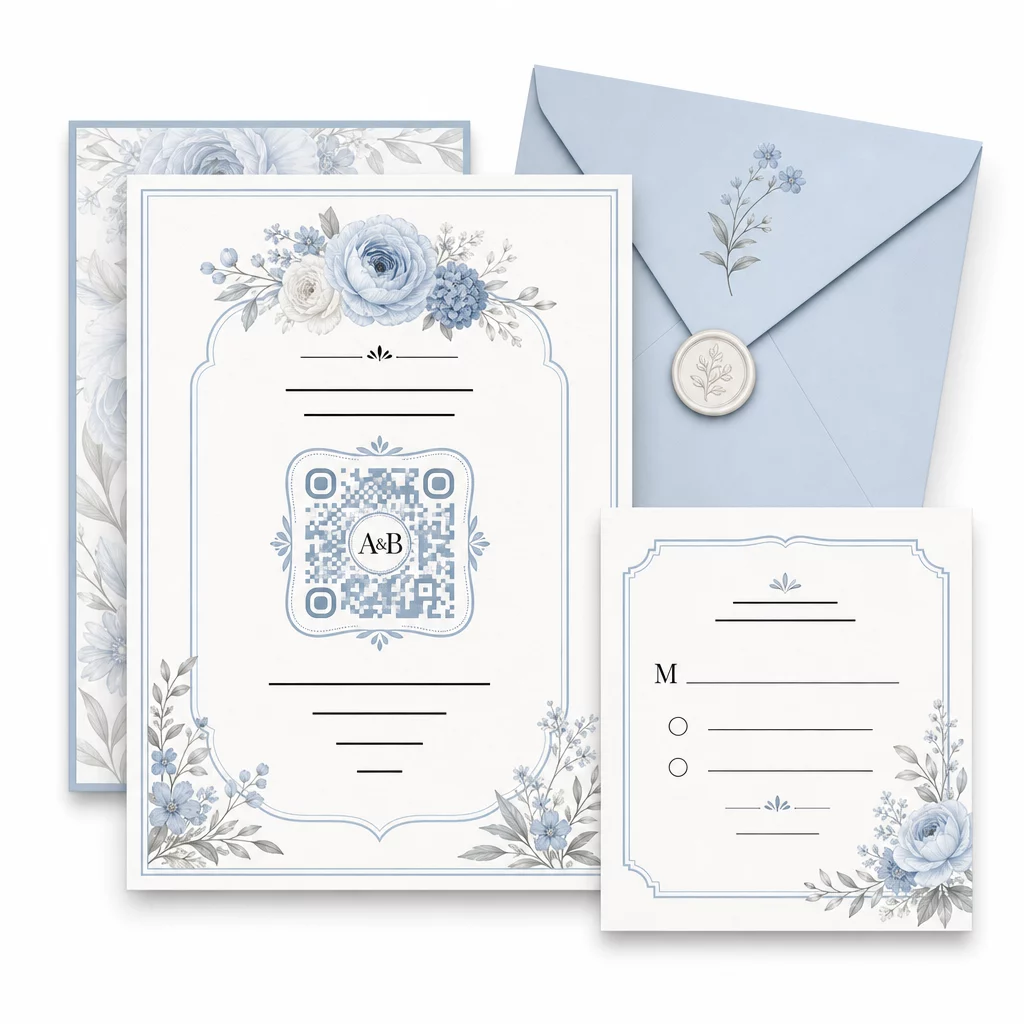
Несколько практических рекомендаций для сохранения сканируемости при настройке:
- Сохраняйте цвет переднего плана как минимум на 40% темнее фона
- Избегайте размещения кода на узорчатой или текстурированной бумаге, которая может скрывать модули
- Поддерживайте четкую тихую зону (белую рамку) вокруг кода
- Печатайте размером не менее 0,8 × 0,8 дюйма для приглашений; больше для вывесок
Для полного обзора лучших практик дизайна см. лучшим практикам читаемости QR-кодов.
Использование динамических QR-кодов для гибкости свадьбы
Свадьбы предполагают постоянные изменения в последнюю минуту – кейтеринговые компании обновляют меню, время церемонии сдвигается, а планировка места проведения корректируется. Динамические QR-коды позволяют обновлять целевой URL-адрес в любой момент, даже после того, как приглашения были разосланы или программы напечатаны. Сам код остается прежним; меняется только содержимое, на которое он указывает.
Это означает, что вы можете:
- Обновить план рассадки утром в день свадьбы без перепечатки указателей
- Заменить программу в формате PDF, чтобы отразить изменение спикера в последнюю минуту
- Добавить ссылки на фотогалерею после свадьбы к тому же коду, который уже был распространен на бирках для подарков
Динамические коды также предоставляют аналитику сканирования – вы можете видеть, сколько гостей отсканировали ваш код RSVP, когда и на каком устройстве. Эти данные полезны для планирования последующих коммуникаций и понимания вовлеченности гостей. Узнайте больше о отслеживании эффективности QR-кодов для мероприятий.
Поддерживайте актуальность ваших свадебных деталей Используйте динамические QR-коды для обновления маршрутов к месту проведения, планов рассадки или меню в режиме реального времени – перепечатка не требуется, даже после отправки приглашений.
Создание цифрового свадебного приглашения с QR-кодом
Если вы хотите полностью перейти на цифровые приглашения, встроить QR-код в разработанное цифровое приглашение очень просто. Код может напрямую ссылаться на вашу форму RSVP, свадебный веб-сайт или целевую страницу мероприятия – автоматизируя отслеживание ответов и предоставляя гостям все необходимое в одном месте. Для пошагового руководства см. инструкцию по как создать цифровое свадебное приглашение с QR-кодом.
QR-коды одинаково хорошо работают как на печатных, так и на цифровых приглашениях, поэтому вы можете использовать один и тот же код в обоих форматах без дублирования усилий. Независимо от того, координируете ли вы ответы на приглашения, делитесь фотографиями или направляете гостей к их местам, QR-коды предоставляют вам практичное, обновляемое и удобное для гостей решение для логистической стороны вашей свадьбы. Начните с одного или двух наиболее эффективных вариантов использования – ответы на приглашения и маршруты к месту проведения, как правило, приносят наибольшую немедленную пользу – и расширяйте их в зависимости от того, что подходит для вашего мероприятия.
Создайте свои свадебные QR-коды Создавайте настраиваемые, динамические свадебные QR-коды с помощью Генератор QR-кодов – начать бесплатно, с 14-дневной пробной версией для доступа к аналитике и функциям редактирования.
Часто задаваемые вопросы
Да, но только если вы используете динамический QR-код. Динамические коды используют сервер перенаправления, поэтому вы можете изменить целевой URL-адрес – обновив схему рассадки, меню или детали мероприятия – без создания нового кода или перепечатки материалов.
Нет. Любой смартфон с камерой, работающий под управлением достаточно актуальной операционной системы (iOS 11+ или Android 8+), может сканировать QR-код напрямую через встроенное приложение камеры. Для менее знакомых гостей размещение короткой заметки “Сканируйте камерой телефона” рядом с кодом обычно является достаточным руководством.
Для приглашений и печатных программ рекомендуется минимум 0,8 × 0,8 дюйма (20 × 20 мм). Для вывесок на месте проведения и схем рассадки, которые гости будут сканировать с нескольких футов, увеличивайте пропорционально – примерно 1 см размера кода на каждые 10 см ожидаемого расстояния сканирования. Всегда проверяйте на фактическом печатном материале перед полным тиражом.