Planificarea unei nunți implică coordonarea a zeci de elemente în mișcare între invitați, furnizori și locații. Codurile QR îți oferă o modalitate simplă de a conecta toate aceste informații într-un singur punct de contact scanabil – reducând risipa de hârtie, scurtând timpul de coordonare și făcând ziua mai lină pentru toți cei implicați.
De ce funcționează bine codurile QR la nunți
Cu o nuntă medie în SUA găzduind aproximativ 116 invitați, menținerea tuturor informați și la curent este o adevărată provocare logistică. Materialele tipărite fizice se pierd, devin depășite și costă bani pentru a fi reproduse. Codurile QR rezolvă toate cele trei probleme simultan.
Un singur cod poate conecta invitații la site-ul nunții tale, formularul de confirmare a prezenței (RSVP), indicațiile către locație sau galeria foto – și pentru că codurile QR dinamice îți permit să actualizezi URL-ul destinației fără a retipări, poți face modificări de ultim moment chiar până în ziua nunții. Această flexibilitate singură le face demne de luat în considerare pentru orice cuplu care gestionează o listă complexă de invitați.
Curba de adopție nu mai este nici ea un obstacol. Se estimează că 99,5 milioane de oameni din SUA vor scana coduri QR în 2025, iar marea majoritate a smartphone-urilor o pot face nativ cu aplicația camerei – fără a fi necesară o aplicație suplimentară.
Creează-ți codul QR pentru nuntă Ești gata să începi? Folosește Generator de coduri QR pentru a crea coduri QR personalizabile, dinamice pentru nuntă, pe care le poți actualiza oricând.
Cum să generezi coduri QR pentru nuntă
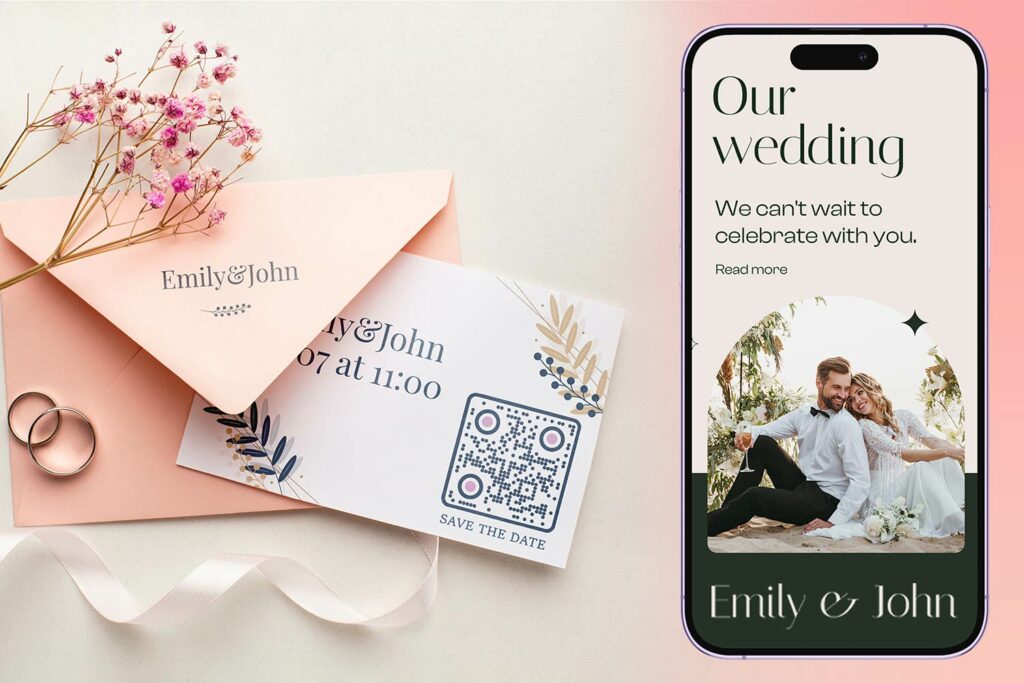
Crearea unui cod QR pentru nuntă durează doar câteva minute. Iată procesul de bază:
- Alege tipul de cod QR. Cazurile de utilizare diferite necesită tipuri de coduri diferite – un Generator de coduri QR pentru linkuri funcționează pentru site-uri de nuntă și albume foto, în timp ce Generator de coduri QR pentru evenimente este ideal pentru invitațiile de tip „save-the-date” și intrările în calendar.
- Introdu conținutul tău. Adaugă URL-ul, link-ul formularului, PDF-ul sau detaliile evenimentului la care vrei ca invitații să aibă acces atunci când scanează.
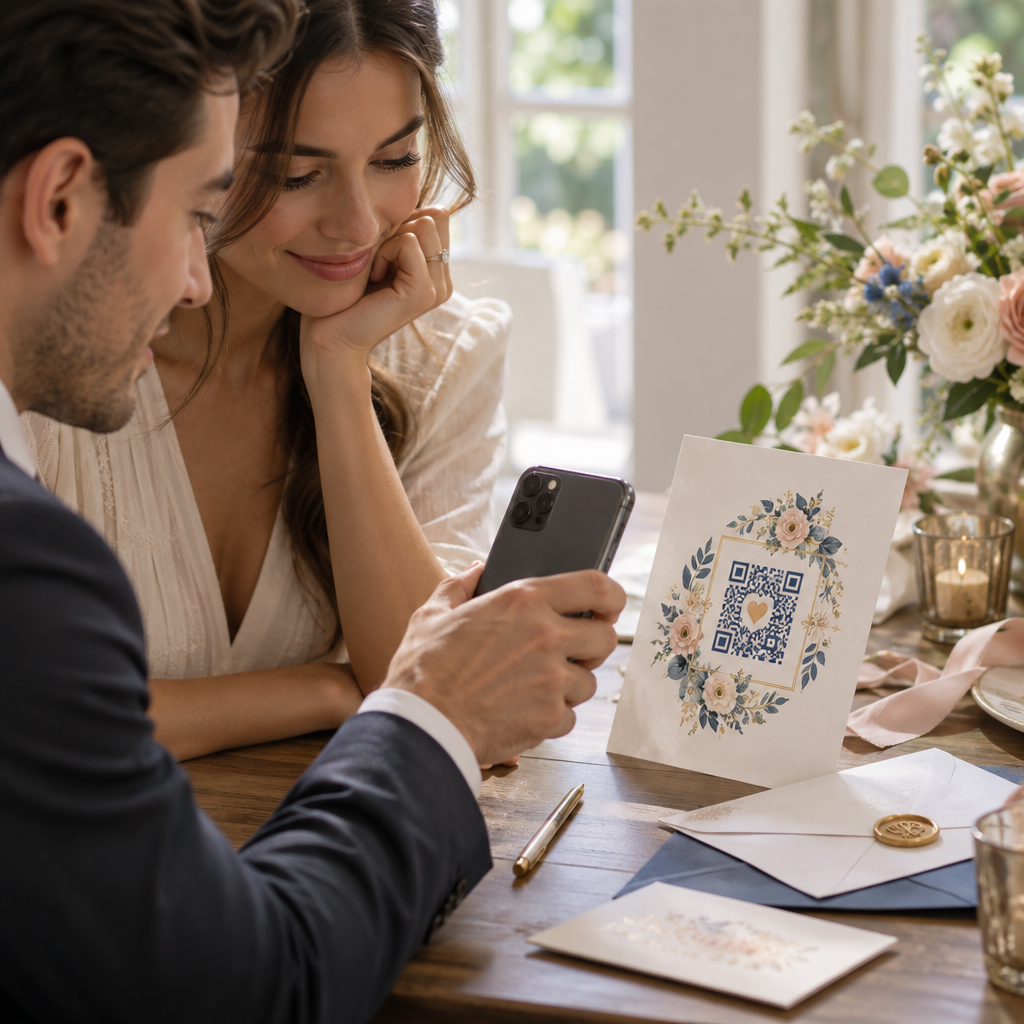
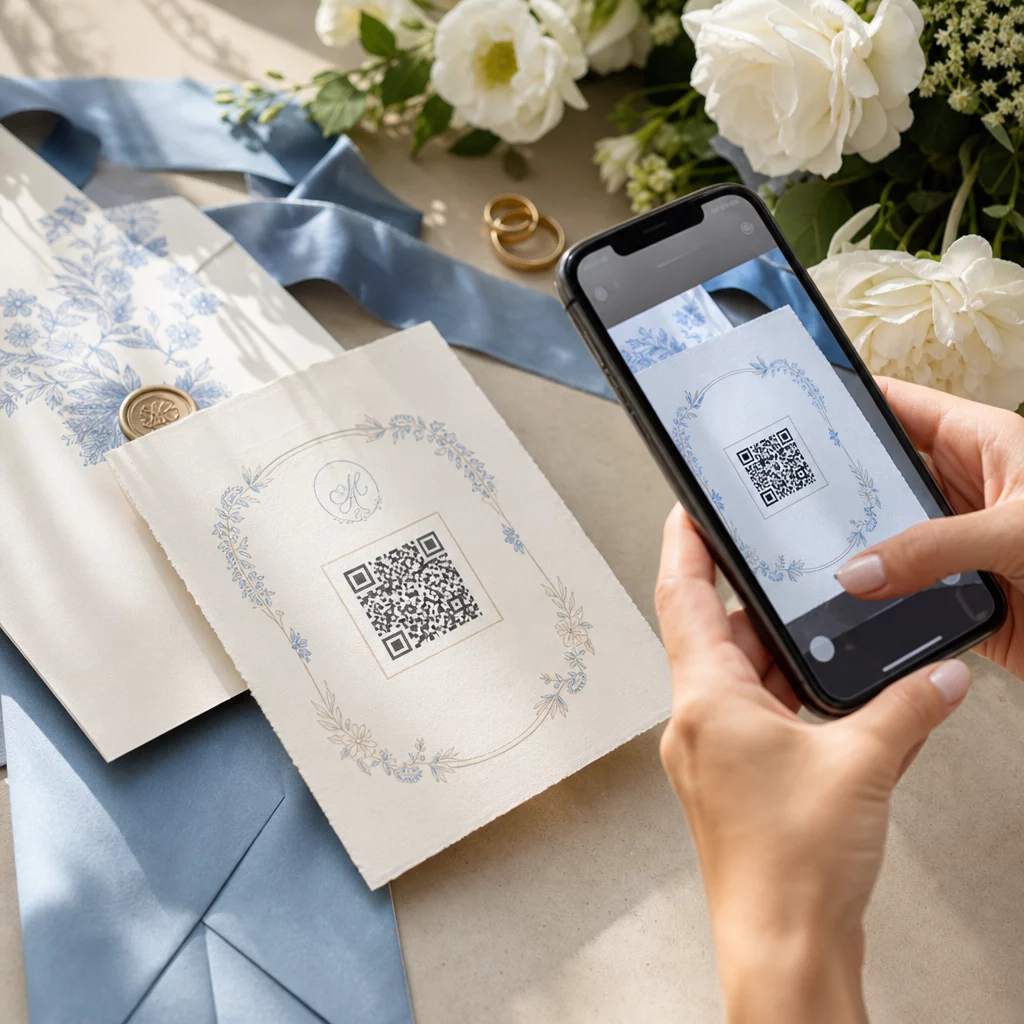
- Personalizează designul. Potriviți culorile și stilul codului QR cu estetica nunții voastre – adăugați monograma sau inițialele voastre ca logo, alegeți o paletă de culori care se potrivește temei voastre și selectați o formă de ramă care se potrivește cu aspectul papetăriei voastre.
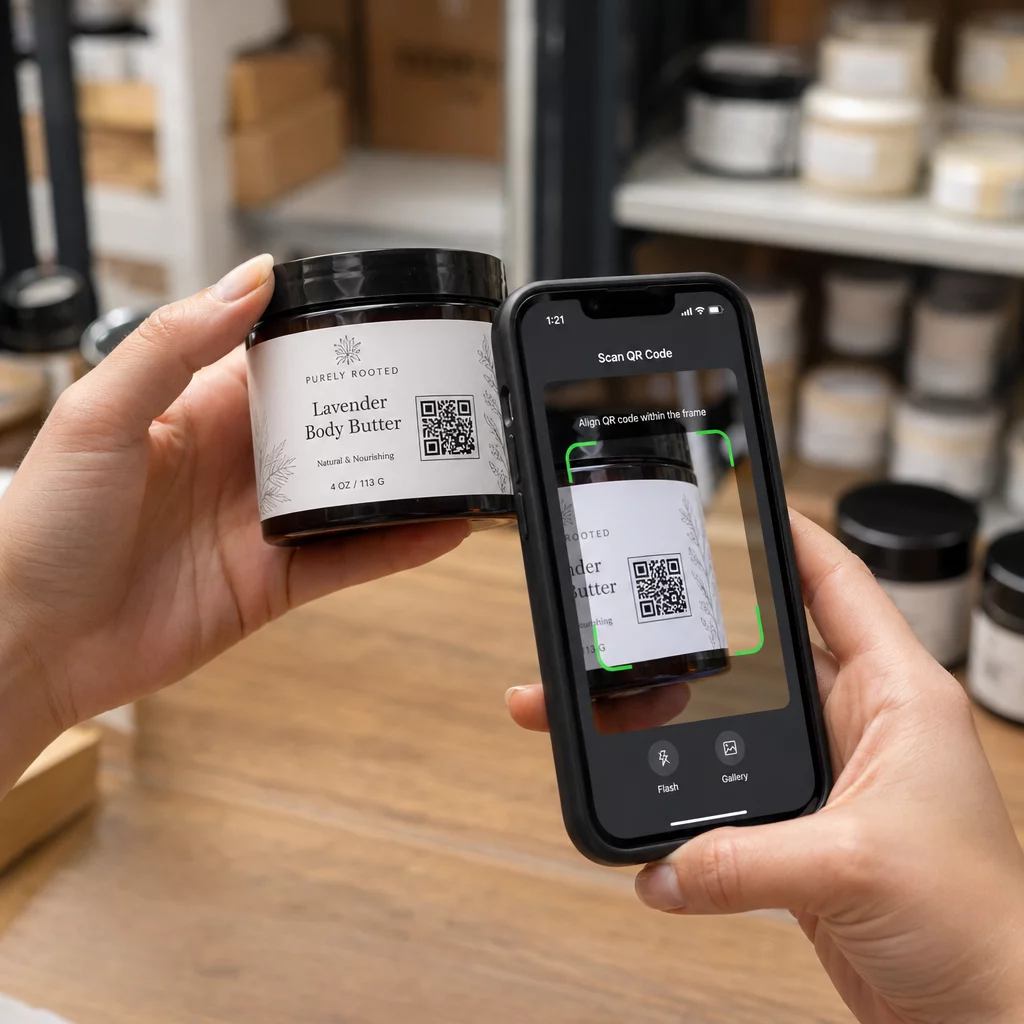
- Testați înainte de a imprima. Scanați codul finalizat pe mai multe dispozitive în condiții de iluminare realiste înainte de a vă angaja la tiraje. Pentru ghiduri de dimensionare pentru diferite materiale de imprimare, consultați dimensionarea codurilor QR pentru diferite materiale de imprimare.
- Descărcați și distribuiți. Descărcați într-un format de înaltă rezoluție (SVG sau PDF) pentru o imprimare clară pe invitații, programe, meniuri și semnalistică.
Păstrați detaliile principale vizibile pe toate materialele tipărite. Ora, data și locația ar trebui să apară întotdeauna în text simplu. Utilizați codurile QR pentru a adăuga conținut suplimentar – nu pentru a înlocui elementele esențiale de care oaspeții au nevoie dintr-o privire.
Unde să utilizați codurile QR pentru nuntă
📷 Photo Sharing
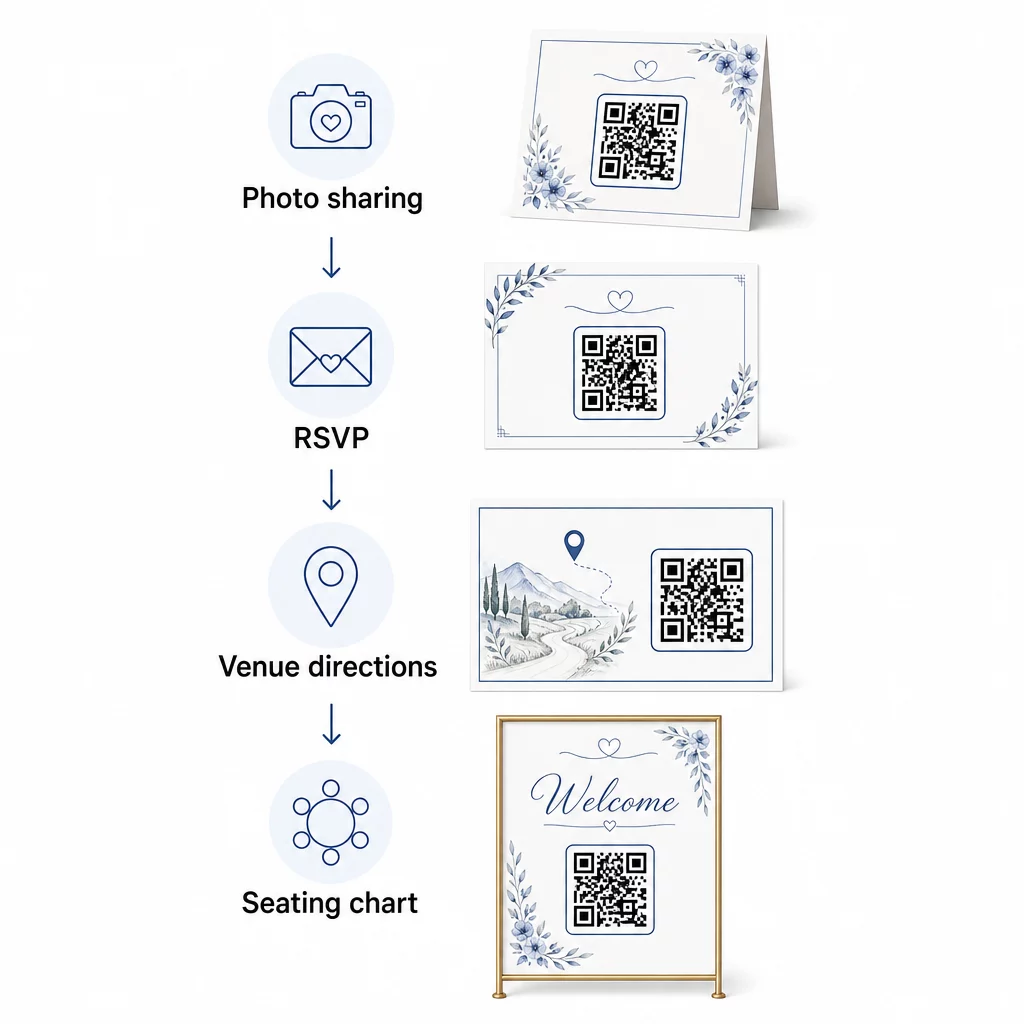
Unul dintre cele mai populare cazuri de utilizare a codurilor QR pentru nuntă este partajarea colaborativă de fotografii. Plasați un cod QR pe aranjamentele de masă sau la bar, care să facă legătura către un album partajat unde invitații pot vizualiza fotografii profesionale și pot încărca propriile lor fotografii spontane. Legarea la un album Google Photos partajat sau la un folder Dropbox permite contribuții în timp real pe tot parcursul evenimentului. Pageloot’s încărcare fișiere facilitează găzduirea și partajarea galeriilor de imagini direct printr-un cod QR.
💌 RSVPs
Un cod QR pe invitația voastră sau pe anunțul de salvare a datei care face legătura direct către un formular de confirmare a prezenței elimină fricțiunea din procesul de răspuns. Invitații scanează, completează un formular scurt și trimit – nu este necesar niciun plic. Utilizați Google Formular QR Code Generator pentru a conecta invitația voastră direct la un formular Google care colectează preferințele culinare, restricțiile alimentare și cererile de melodii, alături de confirmarea prezenței. Pentru o prezentare completă, consultați ghidul despre cum să creezi coduri QR RSVP pentru evenimente.
📍 Venue Directions
Eliminați discuțiile repetate cu invitații care cer indicații sau instrucțiuni de parcare. Un cod QR de locație pe invitația sau cardul vostru de indicații deschide locația direct în Google Maps cu o singură scanare. Generator de coduri QR Google Maps vă permite să creați un cod care direcționează oaspeții către locația exactă – inclusiv zonele de parcare sau locațiile separate pentru ceremonie și recepție.
🗓️ Save-the-Dates and Event Details
În loc de o simplă invitație de salvare a datei, conectați-vă la o pagină completă a evenimentului care conține orele ceremoniei și recepției, sugestii de cazare, cod vestimentar și un link către site-ul dvs. de nuntă. Generator de coduri QR pentru evenimente vă permite să construiți o pagină de destinație personalizată cu toate detaliile evenimentului, iar Generator de Cod QR pentru Google Calendar permite oaspeților să adauge data în calendarul lor cu o singură atingere.
🪑 Diagrame digitale de scaune
Afișați un singur cod QR la intrarea în locație care face legătura către o schemă digitală de așezare. Oaspeții scanează la sosire și își văd instantaneu alocarea mesei – nu este necesar un panou tipărit. Această abordare facilitează, de asemenea, gestionarea modificărilor de ultim moment ale locurilor, deoarece actualizați pagina conectată în loc să retipăriți semnalizarea fizică.
📜 Wedding Programs
Un cod QR care înlocuiește programul tipărit al ceremoniei reduce costurile cu hârtia și permite actualizări până la începerea ceremoniei. Conectați-vă la un program PDF folosind Generator de coduri PDF QR astfel încât oaspeții să poată urmări pe telefoanele lor. Dacă se modifică lecturile, muzica sau ordinea evenimentelor, actualizați PDF-ul fără a schimba codul.
🍽️ Meniuri interactive
Plasați coduri QR la fiecare loc de la masă, care fac legătura către meniul complet al cinei, inclusiv ingredientele și informațiile despre alergeni. Pentru recepțiile cu stații de mâncare târzie sau meniuri pentru ora cocktail-ului, puteți actualiza conținutul conectat pe parcursul serii folosind un cod dinamic.
🎁 Wedding Favors
Atașați o mică carte cu cod QR la fiecare mărturie, care face legătura către un mesaj personalizat de mulțumire, un mesaj video de la cuplu sau o listă de redare curată pe care oaspeții o pot lua acasă. Adaugă o notă personală fără a crește costul mărturiilor fizice.
Pro și contra codurilor QR de nuntă
| Beneficii | Dezavantaje |
|---|---|
| Acces ușor la informații fără materiale tipărite | Nu toți oaspeții se pot simți confortabil cu smartphone-urile |
| Rentabil – reduceți imprimarea pentru programe și meniuri | Necesită Wi-Fi sau date mobile la locație |
| Actualizări în timp real prin coduri dinamice | Necesită plasare și dimensionare atentă pentru a scana fiabil |
| Interactiv și captivant pentru invitați | Unii invitați mai în vârstă ar putea avea nevoie de instrucțiuni scurte |
| Informații centralizate într-un singur cod scanabil | Codurile prost concepute pot fi greu de scanat în lumină slabă |
Pentru locațiile cu serviciu de telefonie mobilă nesigur, luați în considerare furnizarea unei copii de rezervă tipărite pentru informații critice, cum ar fi planurile de așezare și indicațiile.
Proiectarea codurilor QR care se potrivesc esteticii nunții tale
Un cod QR simplu alb-negru nu trebuie să se ciocnească cu papetăria elegantă. Majoritatea generatoarelor de coduri QR – inclusiv Pageloot – vă permit să personalizați culorile, să adăugați un monogramă sau un logo în centru, să alegeți forme de cadru și să potriviți designul cu setul de invitații.
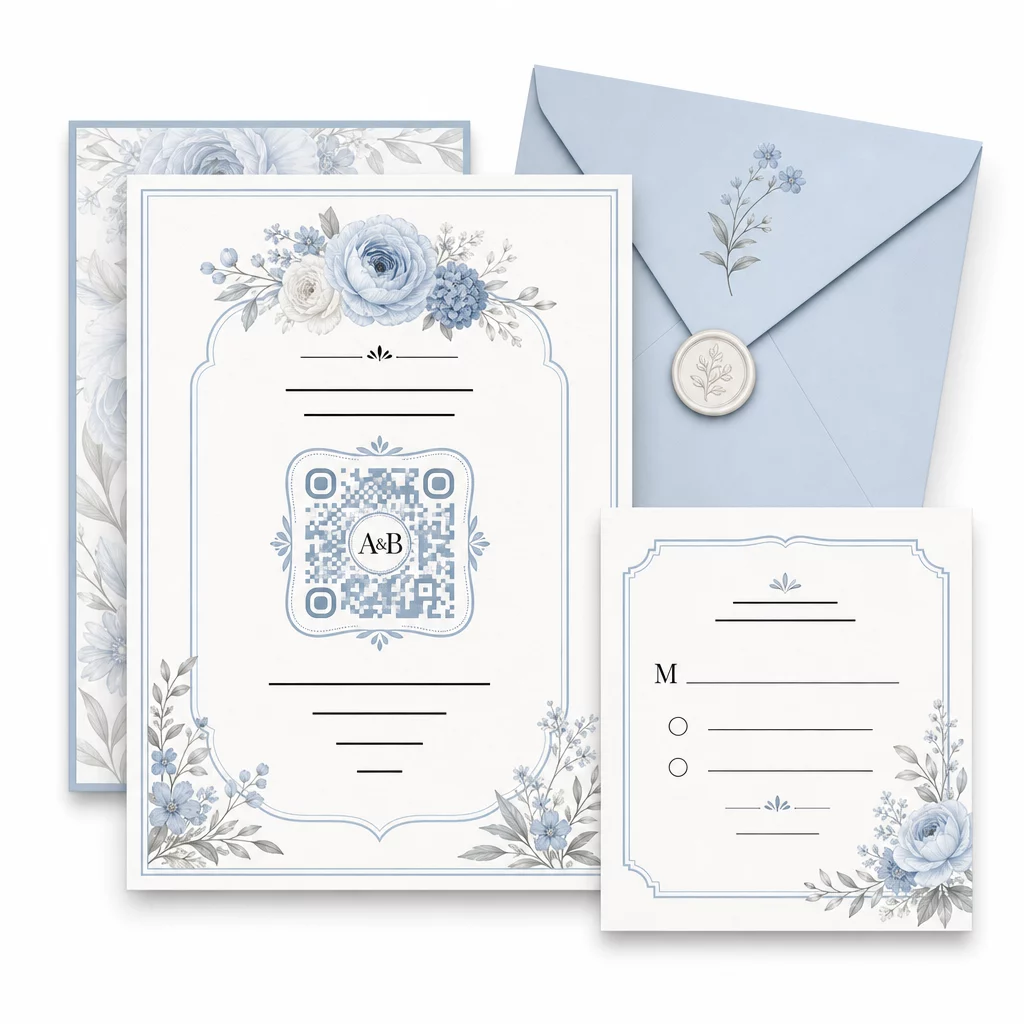
Câteva ghiduri practice pentru a menține scanabilitatea intactă în timpul personalizării:
- Păstrați culoarea prim-planului cu cel puțin 40% mai închisă decât fundalul
- Evitați plasarea codului pe hârtie cu model sau texturată care ar putea obtura modulele
- Mențineți o zonă liniștită clară (marginea albă) în jurul codului
- Imprimați la un minim de 0,8 × 0,8 inchi pentru invitații; mai mare pentru semnalistică
Pentru o prezentare completă a celor mai bune practici de design, vezi cele mai bune practici pentru lizibilitatea codurilor QR.
Utilizarea codurilor QR dinamice pentru flexibilitatea nunții
Nunțile implică schimbări constante de ultim moment – furnizorii de catering actualizează meniurile, orele ceremoniilor se modifică, iar amenajările locațiilor sunt ajustate. Coduri QR dinamice vă permit să actualizați URL-ul de destinație în orice moment, chiar și după ce invitațiile au fost trimise sau programele tipărite. Codul în sine rămâne același; doar conținutul către care indică se modifică.
Aceasta înseamnă că puteți:
- Actualizați planul de așezare în dimineața nunții fără a retipări semnalizarea
- Schimbați un program PDF pentru a reflecta o modificare de ultim moment a vorbitorului
- Adăugați linkuri către galeria foto de după nuntă la același cod deja distribuit pe etichetele de mărturii
Codurile dinamice oferă, de asemenea, analize de scanare – puteți vedea câți invitați v-au scanat codul RSVP, când și pe ce dispozitiv. Aceste date sunt utile pentru planificarea comunicărilor ulterioare și înțelegerea implicării invitaților. Aflați mai multe despre urmărirea performanței codurilor QR pentru evenimente.
Păstrați detaliile nunții la zi Utilizare codurile QR dinamice pentru a actualiza indicațiile locației, planurile de așezare sau meniurile în timp real – nu este necesară retipărirea, chiar și după trimiterea invitațiilor.
Crearea unei invitații de nuntă digitale cu un cod QR
Dacă doriți să treceți complet la digital cu invitațiile dumneavoastră, încorporarea unui cod QR într-o invitație digitală concepută este simplă. Codul poate face legătura direct cu formularul dumneavoastră de RSVP, site-ul nunții sau pagina de destinație a evenimentului – automatizând urmărirea răspunsurilor și oferind invitaților tot ce au nevoie într-un singur loc. Pentru o prezentare pas cu pas, consultați ghidul despre cum să creați o invitație de nuntă digitală cu un cod QR.
Codurile QR funcționează la fel de bine atât pe invitațiile tipărite, cât și pe cele digitale, astfel încât puteți utiliza același cod în ambele formate fără nicio duplicare a efortului. Indiferent dacă coordonați confirmările de prezență (RSVP), partajați fotografii sau ghidați invitații către locurile lor, codurile QR vă oferă o soluție practică, actualizabilă și prietenoasă cu invitații pentru partea logistică a nunții dumneavoastră. Începeți cu unul sau două cazuri de utilizare cu impact ridicat – confirmările de prezență și indicațiile locației tind să ofere cea mai imediată valoare – și extindeți-vă de acolo în funcție de ceea ce se potrivește evenimentului dumneavoastră.
Creează-ți Codurile QR pentru Nuntă Creează coduri QR personalizabile, dinamice pentru nuntă cu Generator de coduri QR Pageloot – gratuit pentru a începe, cu o perioadă de probă de 14 zile pentru a accesa analize și funcții de editare.
Întrebări Frecvente
Da, dar numai dacă folosești un cod QR dinamic. Codurile dinamice folosesc un server de redirecționare, astfel încât poți schimba URL-ul de destinație – actualizând planul de locuri, meniul sau detaliile evenimentului – fără a crea un cod nou sau a retipări materiale.
Nu. Orice smartphone cu o cameră care rulează un sistem de operare rezonabil de actualizat (iOS 11+ sau Android 8+) poate scana un cod QR direct prin aplicația nativă a camerei. Pentru invitații care sunt mai puțin familiarizați, plasarea unei scurte note “Scanează cu camera telefonului tău” lângă cod este de obicei suficientă îndrumare.
Pentru invitații și programe tipărite, vizați o dimensiune minimă de 0,8 × 0,8 inchi (20 × 20 mm). Pentru semnalizarea locației și afișajele cu planul de așezare pe care oaspeții le vor scana de la câțiva metri distanță, măriți proporțional – aproximativ 1 cm de dimensiune a codului pentru fiecare 10 cm de distanță de scanare preconizată. Testați întotdeauna pe materialul tipărit efectiv înainte de tirajul complet.