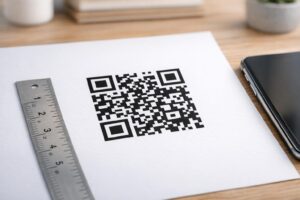
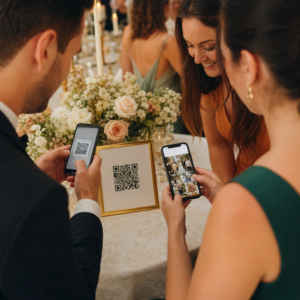
Správa kampaní s QR kódmi pre viacerých klientov je ťažšia, než sa zdá – najmä keď potrebujete konzistentné sledovanie, prehľadné reportovanie a flexibilitu pri aktualizácii materiálov bez pretlače. Táto príručka popisuje, ako môžu marketingové agentúry vytvárať, spravovať a merať kampane s QR kódmi, ktoré prinášajú merateľné výsledky pre každý klientsky účet.
Prečo sú QR kódy dôležité pre marketingové agentúry
QR kódy už dávno prekonali svoju novosť. V roku 2025 naskenovalo QR kód 89 miliónov Američanov, pričom sa predpokladá, že toto číslo v roku 2026 presiahne 100 miliónov. Pre agentúry táto miera adopcie znamená, že QR kódy sú teraz životaschopným – a očakávaným – kanálom takmer vo všetkých klientskych odvetviach.
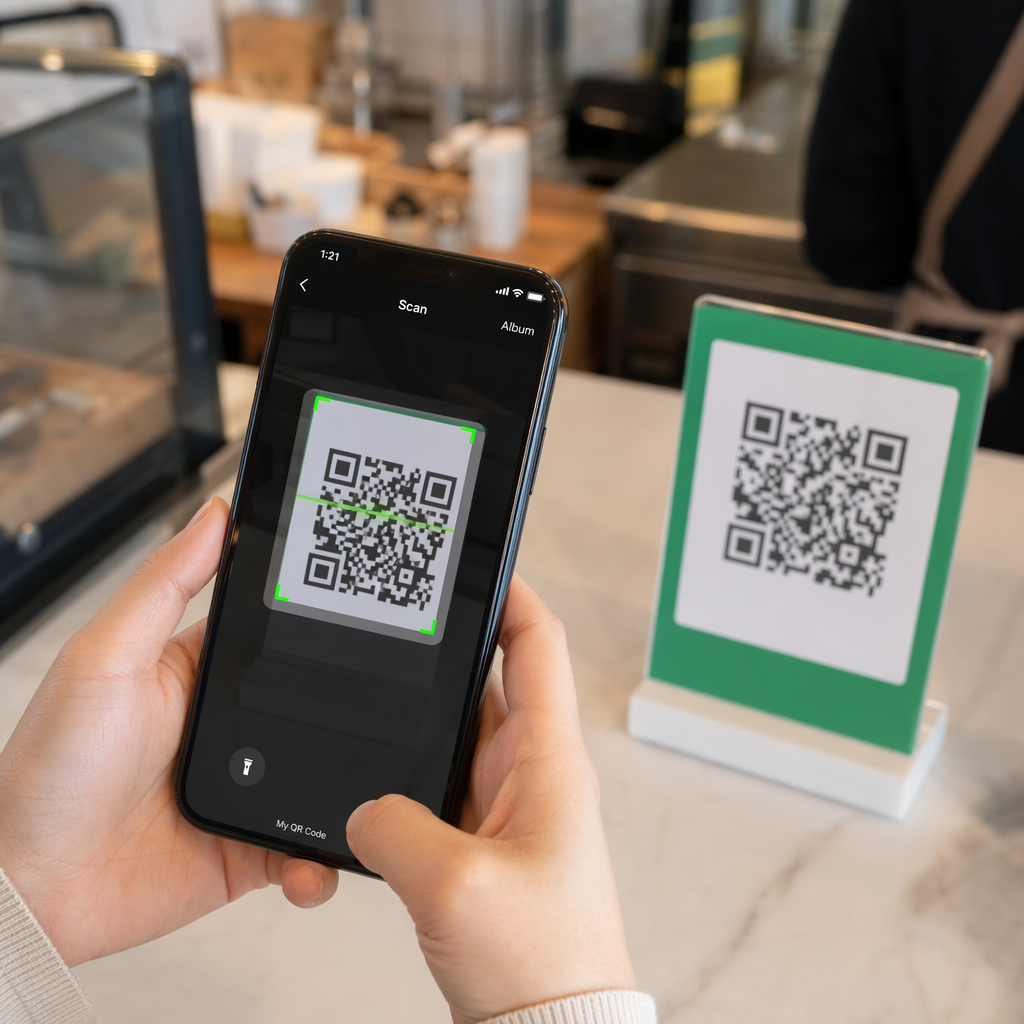
Čo ich robí obzvlášť cennými na úrovni agentúry, je ich dvojaká úloha: spájajú tlačené a fyzické materiály so sledovateľnými digitálnymi zážitkami. Plagát, vizitka alebo štítok produktu sa stáva merateľným kontaktným bodom v okamihu, keď nesie dynamický QR kód.
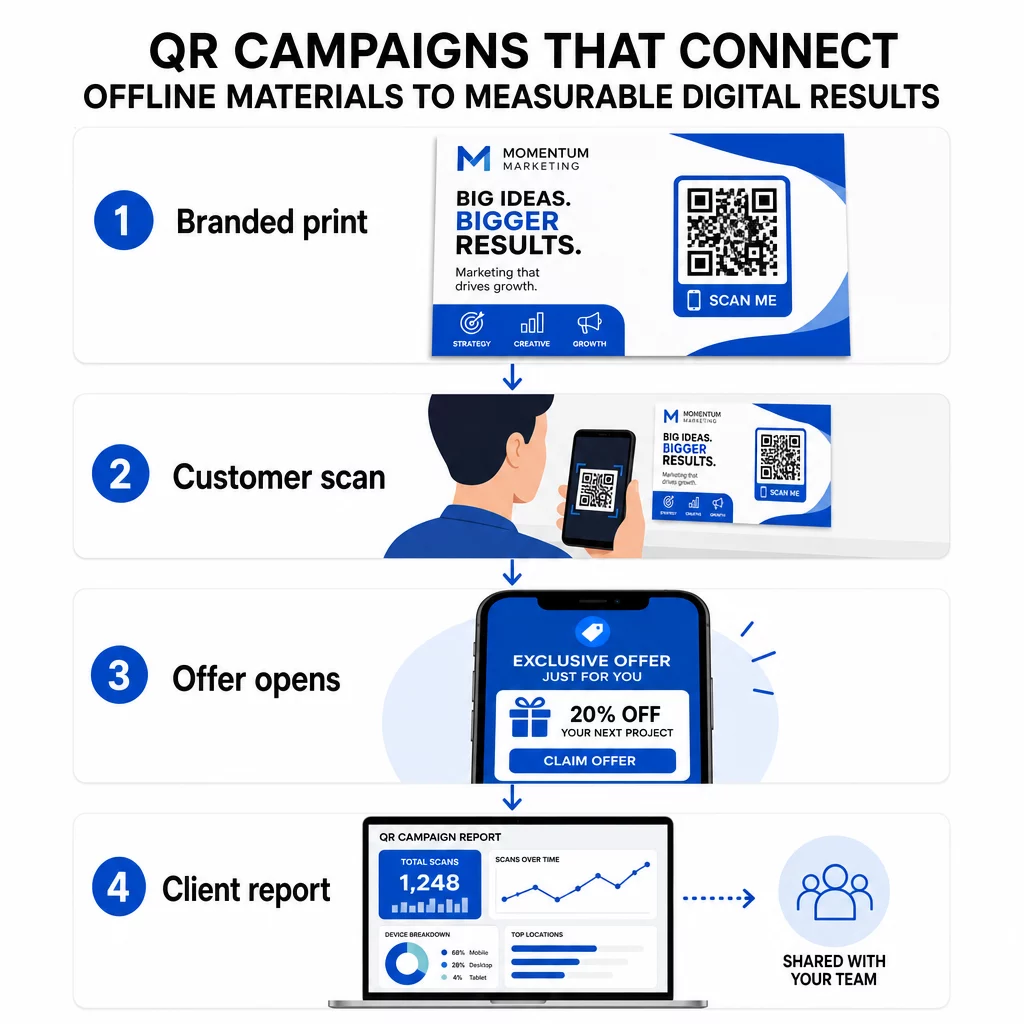
Kľúčové dôvody, prečo by agentúry mali zaradiť QR kódy do svojej štandardnej sady nástrojov:
- Merateľný offline výkon – Sledujte, ktoré fyzické umiestnenia generujú najväčšiu angažovanosť podľa objemu skenov, polohy a dennej doby
- Flexibilná správa kampaní – Aktualizujte cieľové URL adresy bez pretlače, takže jeden kód môže slúžiť celému životnému cyklu kampane
- Reportovanie pripravené pre klienta – Zdieľajte živé údaje o skenovaní priamo s klientmi prostredníctvom zdieľateľných reportov, bez toho, aby sa museli prihlasovať
- Konzistencia značky – Vlastné farby, logá a dizajnové šablóny udržujú každý kód v súlade s vizuálnou identitou každého klienta
Spravujte každú klientsku kampaň na jednom mieste Ten Platforma Pageloot pre agentúry poskytuje marketingovým tímom zdieľateľné klientske reporty, white-label dashboardy, vstavané UTM parametre a riadenie prístupu na základe rolí – takže môžete škálovať správu QR kódov pre ľubovoľný počet účtov.
Typy QR kódov, ktoré agentúry používajú najčastejšie
Rôzne ciele kampaní si vyžadujú rôzne formáty QR kódov. Tu sú typy, ktoré v agentúrnej práci prinášajú najväčšiu hodnotu:
QR kódy odkazov – Presmerujte návštevnosť na akúkoľvek URL adresu
QR kód odkazu posiela používateľov priamo na akúkoľvek webovú stránku – vstupnú stránku, stránku produktu, registračný formulár alebo sociálny profil. Sú to najuniverzálnejšie typy pre použitie v kampaniach.
Bežné aplikácie:
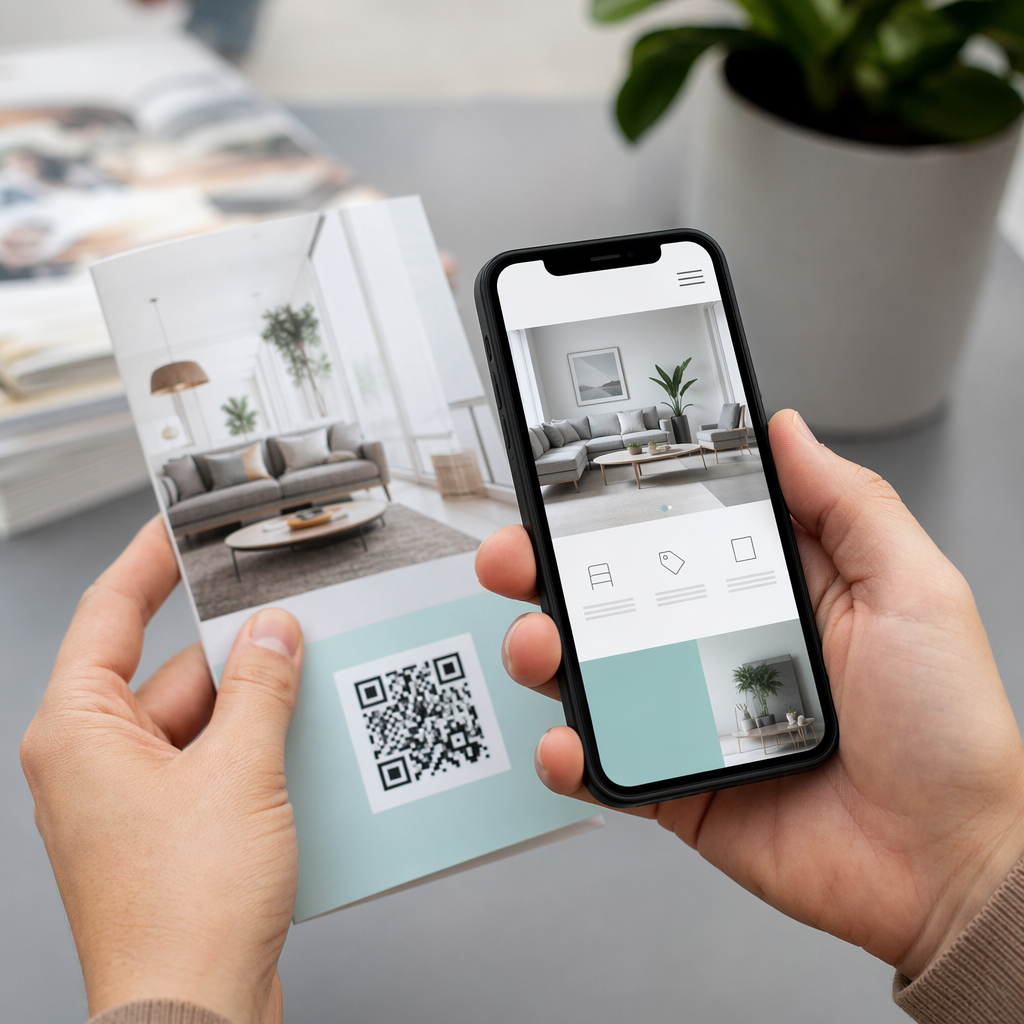
- Tlačené letáky a priama pošta odkazujúce na propagačné ponuky
- Pozvánky na podujatia, ktoré odkazujú na stránky RSVP
- Vonkajšie umiestnenia smerujúce publikum na sociálne kanály alebo mikrosite kampaní
QR kódy PDF – Zdieľajte dokumenty bez ich tlače
Keď kampaň klienta zahŕňa obsahovo náročné materiály – prípadové štúdie, brožúry produktov, biele knihy – QR kód PDF vám umožní ich čistú distribúciu.
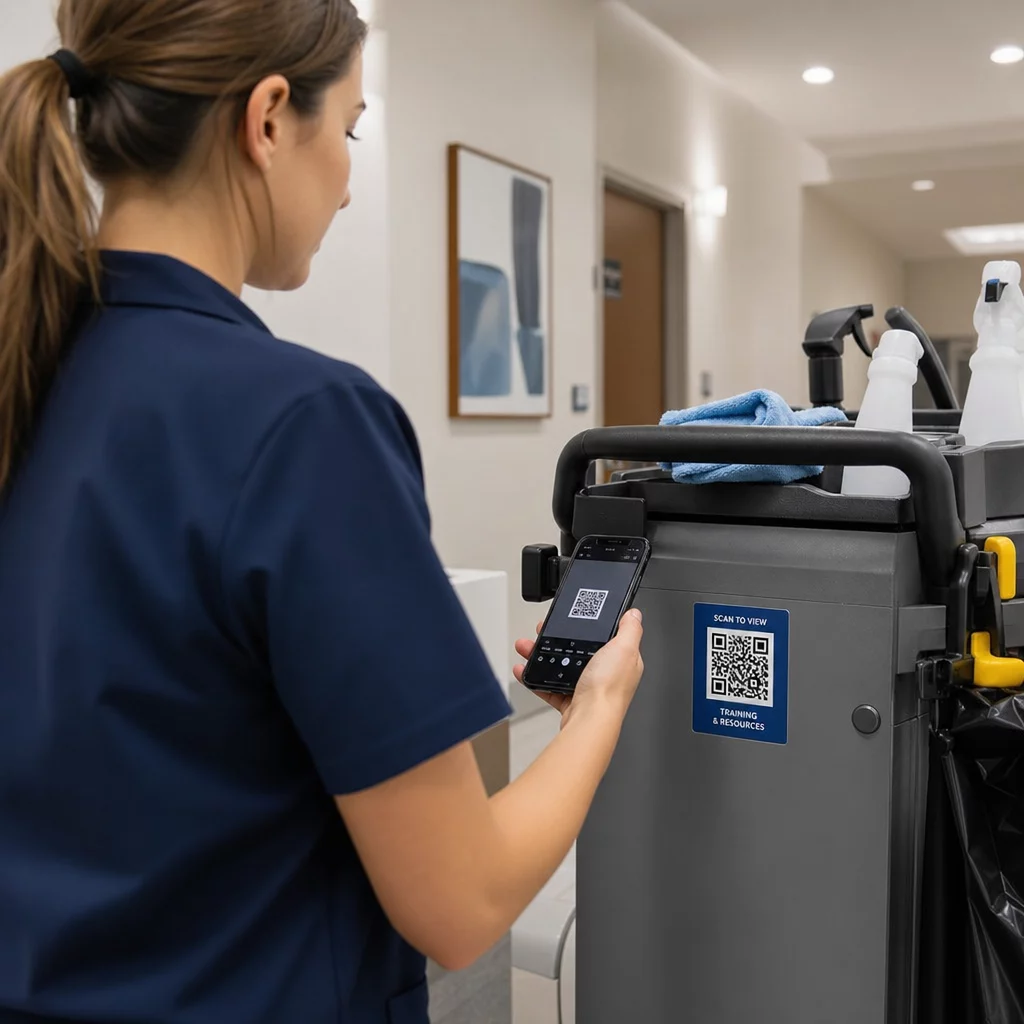
- Pripojte podrobné informácie o produkte k označeniu v obchode bez tlače každej strany
- Sledujte, ako často a ako dlho je dokument prístupný
- Aktualizujte súbor za kódom vždy, keď sa zmení obsah, bez vydania nového kódu
QR kódy vCard – Zjednodušte sieťovanie a získavanie potenciálnych zákazníkov
Predajné tímy a manažéri na veľtrhoch a podujatiach profitujú z digitálnych vizitiek. QR kód vCard okamžite zdieľa kontaktné údaje po naskenovaní a môže byť vložený do tlačených vizitiek, e-mailových podpisov a odznakov podujatí.
Agentúry ich môžu integrovať s pracovnými postupmi CRM, takže každé skenovanie od potenciálneho zákazníka sa stane automatickým záznamom, čím sa zníži manuálne zadávanie údajov a oneskorenia pri následných krokoch.
Obrazové QR kódy – Vizuálny obsah bez odkazu
Obrazové QR kódy doručujú vizuálny obsah priamo – užitočné pre prezentácie portfólií, produktové galérie alebo infografiky, ktoré nevyžadujú plnohodnotnú skúsenosť s vstupnou stránkou.
E-mailové QR kódy – Znížte trenie pri prihlasovaní na odber noviniek
Umiestnenie e-mailového QR kódu na fyzické materiály – obaly, plagáty, propagačné materiály z podujatí – spustí po naskenovaní predpísaný e-mail alebo výzvu na prihlásenie sa na odber noviniek. Tým sa odstráni prekážka manuálneho zadávania e-mailovej adresy a funguje to obzvlášť dobre na živých podujatiach.
QR kódy aplikácií – Zvýšte mieru stiahnutí
Pre klientov propagujúcich mobilnú aplikáciu inteligentný QR kód aplikácie detekuje zariadenie používateľa a presmeruje ho do správneho obchodu s aplikáciami – App Store pre iOS, Google Play pre Android. Tento jediný kód nahrádza dva samostatné odkazy a znižuje zmätok pre koncových používateľov.
Nastavenie QR kódových kampaní pre klientov
Spôsob, akým štruktúrujete a spravujete QR kódy, je rovnako dôležitý ako typ, ktorý používate. Agentúry, ktoré spravujú viacerých klientov, potrebujú systém, ktorý udržiava kampane organizované, auditovateľné a ľahko reportovateľné.
Používajte dynamické QR kódy pre každú aktívnu kampaň
Dynamické kódy QR zakódujte krátku presmerovaciu URL namiesto konečného cieľa. To znamená, že môžete kedykoľvek zmeniť, kam kód smeruje – dokonca aj po vytlačení a distribúcii materiálov.
Pre agentúry to eliminuje jeden z najdrahších problémov v tlačovom marketingu: potrebu pretlačiť všetko, keď sa zmení URL, skončí kampaň alebo klient zmení posolstvo uprostred kampane.
Dynamické kódy tiež odomykajú analytiku. Každé skenovanie je zaznamenané s časovou pečiatkou, polohou, typom zariadenia a operačným systémom – údaje, ktoré by boli so statickým kódom neviditeľné. Viac o tom, čo je možné sledovať, sa dozviete v sprievodcovi sledovaním QR kódov.
Organizujte kódy podľa klienta a kampane
Používajte priečinky na oddelenie a jasné označenie QR kódov každého klienta. Systém priečinkov Pageloot vám umožňuje zoskupovať kódy podľa projektu, porovnávať výkonnosť naprieč kampaňami a okamžite identifikovať najvýkonnejšie umiestnenia. Členom tímu môže byť udelený prístup k špecifickým priečinkom a povolenia založené na rolách zabraňujú neoprávneným úpravám alebo vymazaniam.
Dôsledne aplikujte parametre UTM
Parametre UTM sú spojivovým tkanivom medzi údajmi zo skenovania QR a vaším širším analytickým systémom. Označovaním každej cieľovej URL adresy štandardizovanými hodnotami UTM môžete priradiť návštevnosť z akéhokoľvek umiestnenia QR kódu priamo k správnej kampani, kanálu a kreatíve v Google Analytics alebo CRM vášho klienta.
Dodržujte tieto konvencie formátovania, aby ste udržali dáta čisté naprieč účtami:
- Používajte len malé písmená (napr., `utm_source=pageloot` nie `Pageloot`)
- Vyhnite sa medzerám – používajte pomlčky alebo podčiarkovníky pre viac slovné hodnoty
- Udržujte konzistentné definície: `source` = platforma alebo partner, `medium` = typ kanála (napr., `print`, `email`), `campaign` = konkrétna iniciatíva
- Nikdy nepoužívajte UTM na interné odkazy, pretože to prepíše pôvodný zdroj akvizície a naruší atribúciu
Agentúrna platforma Pageloot zahŕňa vstavané možnosti UTM, takže parametre môžu byť pripojené automaticky počas vytvárania kódu namiesto manuálneho pridávania ku každému odkazu.
Prispôsobte kódy pre značku každého klienta
Generické čiernobiele QR kódy splývajú s pozadím akéhokoľvek dizajnu. A QR kód s logom a farby značky vyniká, signalizuje dôveryhodnosť a zvyšuje mieru skenovania.
Pri navrhovaní značkových kódov majte na pamäti tieto technické požiadavky:
- Udržujte tichú zónu s minimálne štyrmi modulmi na všetkých stranách – žiadne logá, text ani vzory v tomto okraji
- Používajte vysoký kontrast: tmavý vzor na svetlom pozadí je najspoľahlivejšou kombináciou pre skenovanie
- Udržujte logá dostatočne malé, aby neprekážali samotnému vzoru
- Exportujte vo vektorových formátoch (SVG, EPS alebo PDF) pre tlač, aby ste predišli pixelizácii
Vytvorte značkové QR kódy pre každého klienta Použi Logo QR kód: generátor QR kódov s logom vytvárať plne prispôsobené kódy, ktoré zodpovedajú farbám, písmam a vizuálnej identite akejkoľvek značky – potom stiahnuť vo formátoch pripravených na tlač.
Sledovanie a vykazovanie výkonnosti kampane
Analytická vrstva je miesto, kde si QR kódy získavajú svoje miesto v pracovnom postupe profesionálnej agentúry. Namiesto odhadovania, či tlačová kampaň priniesla výsledky, získate konkrétne údaje.
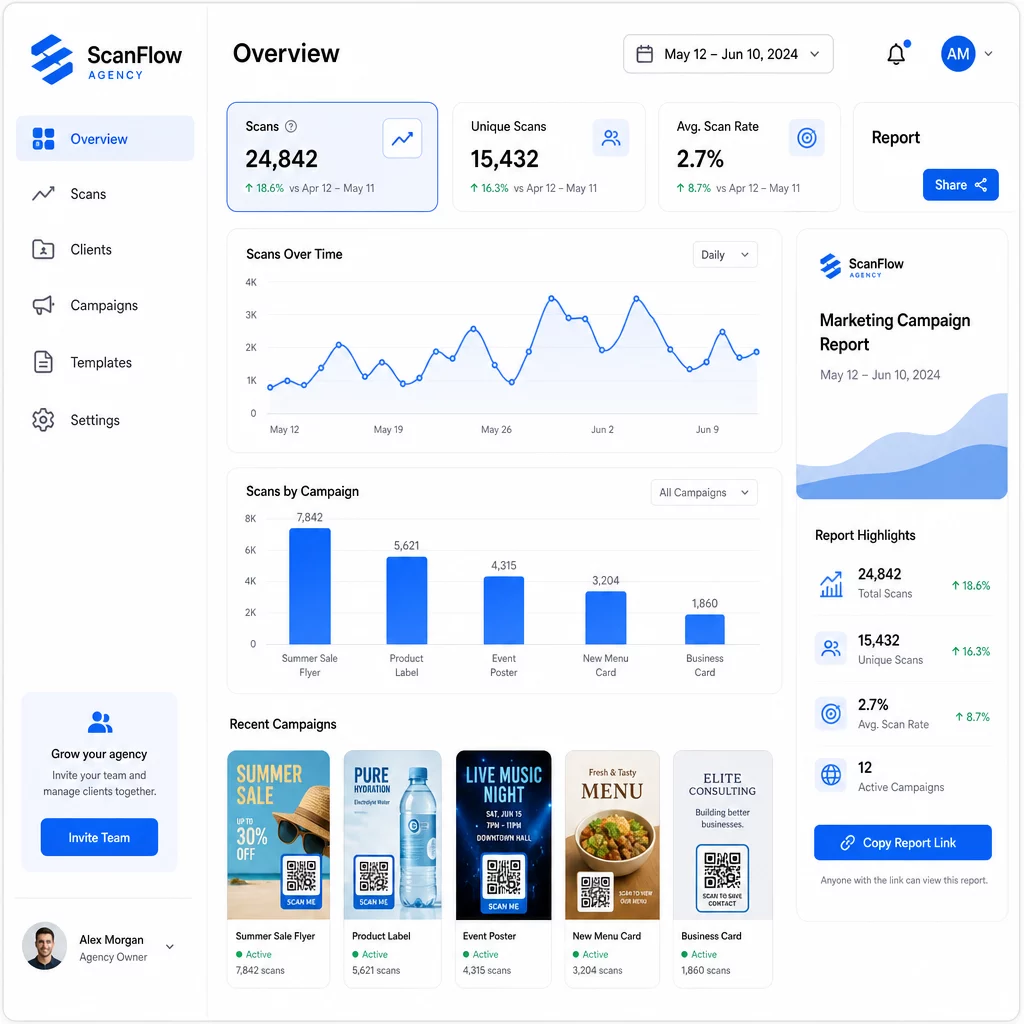
Čo môžete sledovať
Ten analytický panel QR kódov zachytáva:
- Celkové skeny a unikátne skeny – Rozlišovať medzi celkovou angažovanosťou a jednotlivými používateľmi
- Časové pečiatky skenovania – Identifikovať časy špičkovej angažovanosti a vzorce dní v týždni
- Geografická poloha – Zistiť, ktoré trhy, regióny alebo dokonca konkrétne miesta generujú najväčšiu aktivitu
- Rozdelenie podľa zariadení a OS – Pochopiť, či vaše publikum je primárne iOS alebo Android, desktop alebo mobil
Tieto údaje vám umožňujú identifikovať umiestnenia s vysokou návštevnosťou, presunúť rozpočet na to, čo funguje, a dávať klientom konkrétne odporúčania o tom, kde sústrediť budúce kampane.
Zdieľať výsledky bez potreby prihlásenia
Jednou z časovo najnáročnejších častí správy klientov agentúry je príprava správ o výkonnosti. Zdieľateľné klientske správy Pageloot poskytujú klientom stránku so živými štatistikami – označenú ich vlastným logom – kde môžu kontrolovať údaje o skenovaní v reálnom čase bez potreby vlastného účtu. To šetrí hodiny prípravy správ každý mesiac, pričom klienti sú informovaní a dôverujú výkonnosti kampane.
A/B testovanie umiestnení a destinácií
Dynamické QR kódy umožňujú A/B testovanie výrazne jednoduchšie. Pretože cieľovú URL adresu možno vymeniť bez vydania nového kódu, môžete spustiť rovnaké fyzické umiestnenie proti rôznym vstupným stránkam, CTA alebo ponukám a priamo porovnať miery skenovania k konverzii.
Testujte jednu premennú naraz – cieľovú stránku, jazyk ponuky alebo umiestnenie kódu na materiáli – a použite analýzu skenovania na určenie, ktorá verzia prináša lepšie výsledky pred škálovaním.
Umiestnite kódy tam, kde sa skutočne naskenujú
Analytika pomáha len vtedy, ak ľudia skenujú. Sprievodca umiestnením QR kódu sa týmto podrobne zaoberá, ale základné pravidlá sú:
- Umiestnite kódy vo výške očí (približne 1 až 1,7 metra od podlahy) vo fyzickom prostredí
- Ku každému kódu priložte jasnú výzvu na akciu – uveďte, čo používateľ získa, keď naskenuje
- Udržujte kódy dostatočne veľké pre očakávanú vzdialenosť zobrazenia (bežné pravidlo: minimálna šírka v centimetroch sa rovná vzdialenosti skenovania v centimetroch delenej 10)
- Otestujte každý kód na viacerých zariadeniach a svetelných podmienkach predtým, ako sa materiály vytlačia
Úvahy o súkromí a súlade
QR kódy zbierajú údaje – typ zariadenia, OS, prehliadač, geografickú polohu a správanie po skenovaní. Pre agentúry pracujúce s viacerými klientmi a trhmi je dôležité pochopiť regulačný kontext.
Ak publikum ktoréhokoľvek klienta zahŕňa obyvateľov EÚ, kampaň musí zohľadňovať požiadavky GDPR: výslovný súhlas, jasné oznámenia o ochrane osobných údajov a minimalizáciu údajov. Kampane so sídlom v Kalifornii sa dotýkajú CCPA, ktorá vyžaduje transparentnosť a mechanizmy odhlásenia. Klienti v oblasti zdravotníctva prinášajú požiadavky HIPAA, ktoré sa vzťahujú na akúkoľvek platformu spracovávajúcu údaje súvisiace s pacientmi.
Ten Sprievodca predpismi o ochrane osobných údajov QR kódov podrobne pokrýva hlavné rámce. Dynamické QR kódy sú obzvlášť užitočné pre súlad, pretože môžete aktualizovať zásady ochrany osobných údajov, podmienky alebo zverejnenia o zbere údajov bez vydania nového kódu alebo opätovnej tlače materiálov.
Často kladené otázky
Statické QR kódy kódujú pevný cieľ a po vytvorení ich nemožno zmeniť – neposkytujú ani žiadne analýzy. Dynamické QR kódy odkazujú na presmerovaciu URL adresu, ktorú možno kedykoľvek aktualizovať, a zaznamenávajú údaje o skenovaní vrátane časovej pečiatky, polohy a typu zariadenia. Pre aktívne klientske kampane sú dynamické QR kódy štandardnou voľbou, pretože ponúkajú flexibilitu a merateľný výkon.
Použite platformu na správu QR kódov, ktorá podporuje organizáciu založenú na priečinkoch, analýzu v reálnom čase a zdieľateľné klientske správy. Priradením každému klientovi vlastného priečinka a použitím konzistentných parametrov UTM pre cieľové URL adresy môžete získať čisté, priraditeľné údaje pre každý účet bez miešania metrík kampaní.
Áno. Každé skenovanie QR kódu môže zbierať údaje, ako sú informácie o zariadení, poloha a správanie pri prehliadaní. V závislosti od geografickej polohy publika môžu kampane potrebovať dodržiavať GDPR (EÚ), CCPA (Kalifornia) alebo HIPAA (zdravotníctvo). Používanie dynamických QR kódov pomáha, pretože cieľové stránky a oznámenia o ochrane osobných údajov možno aktualizovať bez opätovnej tlače materiálov. Pred spustením sa poraďte s príslušnými predpismi pre trh každého klienta.