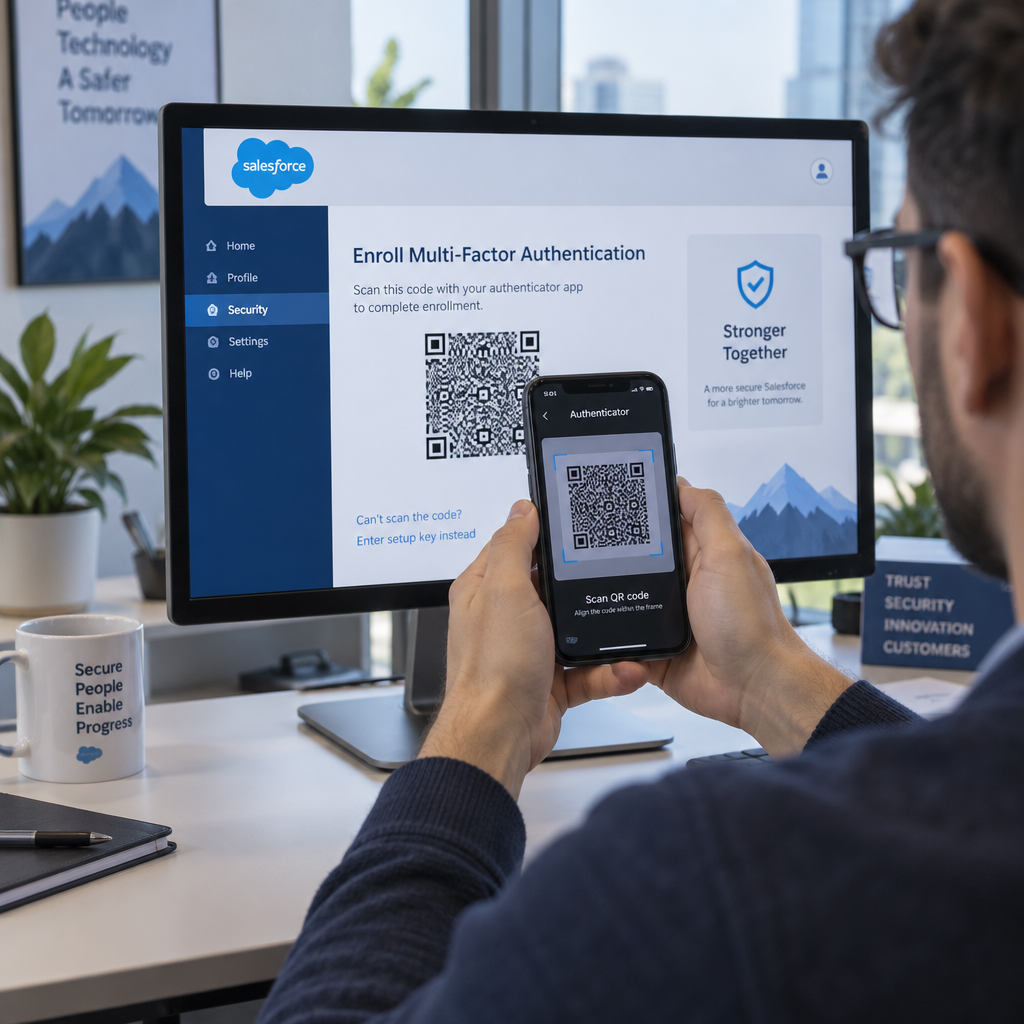
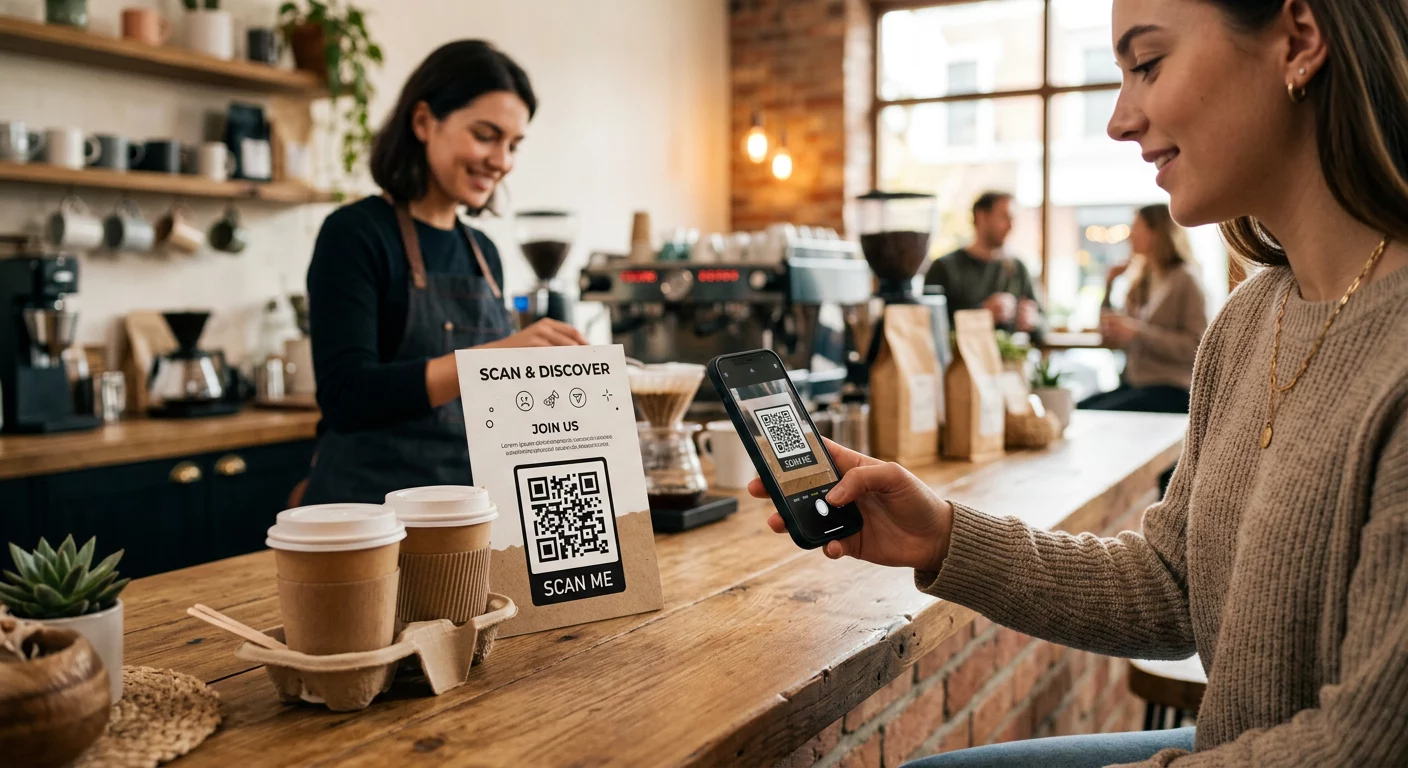
At administrere QR-kodekampagner på tværs af flere kunder er sværere, end det ser ud til – især når du har brug for konsekvent sporing, klar rapportering og fleksibiliteten til at opdatere materialer uden at genoptrykke. Denne guide dækker, hvordan marketingbureauer kan oprette, administrere og måle QR-kodekampagner, der leverer målbare resultater for hver kundekonto.
Hvorfor QR-koder er vigtige for marketingbureauer
QR-koder er rykket langt ud over nyhedens interesse. I 2025 scannede 89 millioner amerikanere en QR-kode, og dette tal forventes at overstige 100 millioner i 2026. For bureauer betyder denne udbredelsesrate, at QR-koder nu er en levedygtig – og forventet – kanal på tværs af næsten alle kundebrancher.
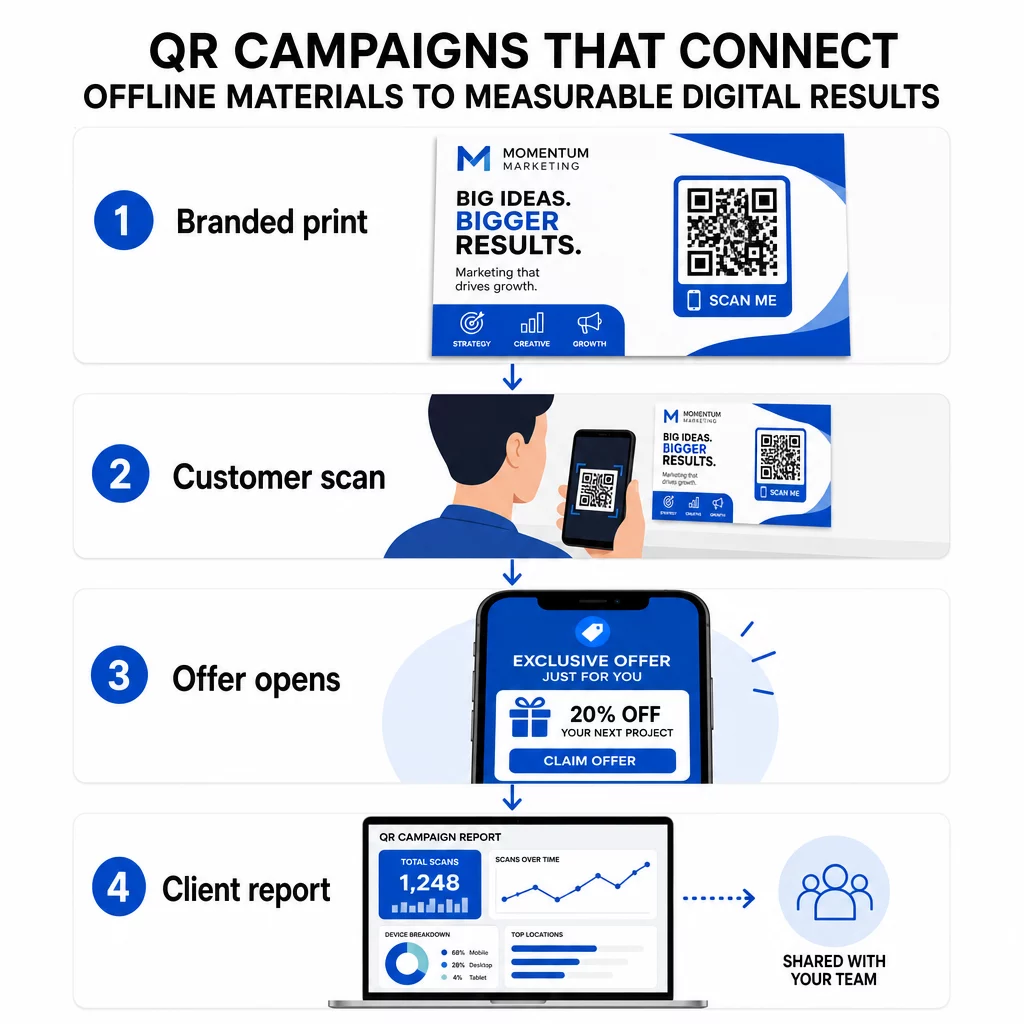
Hvad der gør dem særligt værdifulde på bureau-niveau er deres dobbelte rolle: de forbinder trykte og fysiske materialer med sporbare digitale oplevelser. En plakat, et visitkort eller en produktetiket bliver et målbart kontaktpunkt i det øjeblik, den bærer en dynamisk QR-kode.
Nøgleårsager til, at bureauer bør inkludere QR-koder i deres standardværktøjskasse:
- Målbar offline-performance – Spor hvilke fysiske placeringer der skaber mest engagement på tværs af scanningsvolumen, placering og tidspunkt på dagen
- Fleksibel kampagnestyring – Opdater destinations-URL'er uden at genoptrykke, så en enkelt kode kan tjene en hel kampagnes livscyklus
- Klar-til-kunde rapportering – Del live scanningsdata direkte med kunder via delbare rapporter, uden at de behøver at logge ind
- Brandkonsistens – Brugerdefinerede farver, logoer og designskabeloner holder hver kode i overensstemmelse med hver kundes visuelle identitet
Administrer hver kundekampagne ét sted Det Pageloot Agency Platform giver marketingteams delbare kunderapporter, white-label dashboards, indbyggede UTM-parametre og rollebaseret adgangskontrol – så du kan skalere QR-kodeadministration på tværs af et vilkårligt antal konti.
QR-kodetyper bureauer bruger mest
Forskellige kampagnemål kræver forskellige QR-kodeformater. Her er de typer, der typisk leverer mest værdi i bureauarbejde:
Link QR-koder – Skab trafik til enhver URL
En link QR-kode sender brugere direkte til enhver webside – en landingsside, en produktside, en registreringsformular eller en social profil. Disse er den mest alsidige type til kampagnebrug.
Almindelige anvendelser:
- Trykte flyers og direct mail, der linker til kampagnetilbud
- Begivenhedsinvitationer, der forbinder til RSVP-sider
- Out-of-home placeringer, der dirigerer publikum til sociale kanaler eller kampagnemikrosites
PDF QR-koder – Del dokumenter uden at printe dem
Når en kundes kampagne involverer indholdstunge aktiver – casestudies, produktbrochurer, whitepapers – giver en PDF QR-kode dig mulighed for at distribuere dem rent.
- Vedhæft detaljerede produktinformationer til butiksskilte uden at printe hver side
- Spor hvor ofte et dokument tilgås og hvor længe
- Opdater filen bag koden, når indholdet ændres, uden at udstede en ny kode
vCard QR-koder – Forenkle netværk og leadgenerering
Salgs- og ledelsesteams på messer og arrangementer drager fordel af digitale visitkort. En vCard QR-kode deler øjeblikkeligt kontaktoplysninger, når den scannes, og kan indlejres i trykte visitkort, e-mailsignaturer og eventbadges.
Bureauer kan integrere disse med CRM-arbejdsgange, så hver scanning fra et lead bliver en automatisk post, hvilket reducerer manuel dataindtastning og forsinkelser i opfølgningen.
Billede-QR-koder – Visuelt indhold uden et link
Billede-QR-koder leverer visuelt indhold direkte – nyttigt til porteføljepræsentationer, produktgallerier eller infografikker, der ikke kræver en fuld landingssideoplevelse.
E-mail-QR-koder – Reducer friktion ved tilmelding til nyhedsbreve
Ved at placere en e-mail-QR-kode på fysiske materialer – emballage, plakater, uddelingsmateriale til arrangementer – udløses en forudskrevet e-mail eller en prompt til tilmelding til nyhedsbrev, når den scannes. Dette fjerner barrieren ved manuelt at indtaste en e-mailadresse og fungerer især godt ved live-arrangementer.
App-QR-koder – Øg downloadraterne
For kunder, der promoverer en mobilapp, registrerer en smart app-QR-kode brugerens enhed og dirigerer dem til den korrekte app-butik – App Store til iOS, Google Play til Android. Denne ene kode erstatter to separate links og reducerer forvirring for slutbrugere.
Opsætning af QR-kodekampagner for kunder
Hvordan du strukturerer og administrerer QR-koder, er lige så vigtigt som hvilken type du bruger. Bureauer, der håndterer flere kunder, har brug for et system, der holder kampagner organiseret, kontrollerbare og nemme at rapportere om.
Brug dynamiske QR-koder til hver aktiv kampagne
Dynamiske QR-koder indkoder en kort omdirigerings-URL i stedet for den endelige destination. Dette betyder, at du kan ændre, hvor koden peger hen, når som helst – selv efter at materialer er blevet trykt og distribueret.
For bureauer eliminerer dette et af de dyreste problemer inden for printmarketing: behovet for at genoptrykke alt, når en URL ændres, en kampagne slutter, eller en kunde ændrer budskab midt i forløbet.
Dynamiske koder låser også op for analyser. Hver scanning logges med tidsstempel, placering, enhedstype og operativsystem – data, der ville være usynlige med en statisk kode. Du kan lære mere om, hvad der kan spores på vejledning til sporing af QR-koder.
Organiser koder efter kunde og kampagne
Brug mapper til at holde hver kundes QR-koder adskilt og tydeligt mærket. Pageloots mappesystem giver dig mulighed for at gruppere koder efter projekt, sammenligne ydeevne på tværs af kampagner og øjeblikkeligt identificere de bedst ydende placeringer. Teammedlemmer kan gives adgang til specifikke mapper, og rollebaserede tilladelser forhindrer uautoriserede redigeringer eller sletninger.
Anvend UTM-parametre konsekvent
UTM-parametre er bindeleddet mellem QR-scanningsdata og din bredere analyseplatform. Ved at tagge hver destinations-URL med standardiserede UTM-værdier kan du direkte tilskrive trafik fra enhver QR-kodeplacering til den korrekte kampagne, kanal og kreative i Google Analytics eller din klients CRM.
Følg disse formateringskonventioner for at holde data rene på tværs af konti:
- Brug kun små bogstaver (f.eks. `utm_source=pageloot` ikke `Pageloot`)
- Undgå mellemrum – brug bindestreger eller understreger til værdier med flere ord
- Oprethold konsekvente definitioner: `source` = platform eller partner, `medium` = kanaltyper (f.eks. `print`, `email`), `campaign` = den specifikke initiativ
- Anvend aldrig UTM'er på interne links, da dette overskriver den oprindelige anskaffelseskilde og ødelægger attribueringen
Pageloots bureauplatform inkluderer indbyggede UTM-funktioner, så parametre kan tilføjes automatisk under kodegenerering i stedet for manuelt pr. link.
Tilpas koder til hver klients brand
Generiske sort-hvide QR-koder falder i ét med baggrunden i ethvert design. En QR-kode med logo og brandfarver skiller sig ud, signalerer troværdighed og øger scanningsraterne.
Når du designer brandede koder, skal du huske disse tekniske krav:
- Oprethold en stille zone på mindst fire moduler på alle sider – ingen logoer, tekst eller mønstre i denne margen
- Brug høj kontrast: et mørkt mønster på en lys baggrund er den mest pålidelige kombination til scanning
- Hold logoer små nok, så de ikke blokerer selve mønsteret
- Eksporter i vektorformater (SVG, EPS eller PDF) til print for at undgå pixelering
Byg brandede QR-koder til hver klient Brug QR-kode generator med logo at skabe fuldt tilpassede koder, der matcher ethvert brands farver, skrifttyper og visuelle identitet – og derefter downloade i printklare formater.
Sporing og rapportering af kampagnepræstation
Analyselaget er der, hvor QR-koder fortjener deres plads i en professionel bureau-arbejdsgang. I stedet for at estimere, om en printkampagne gav resultater, får du konkrete data.
Hvad du kan spore
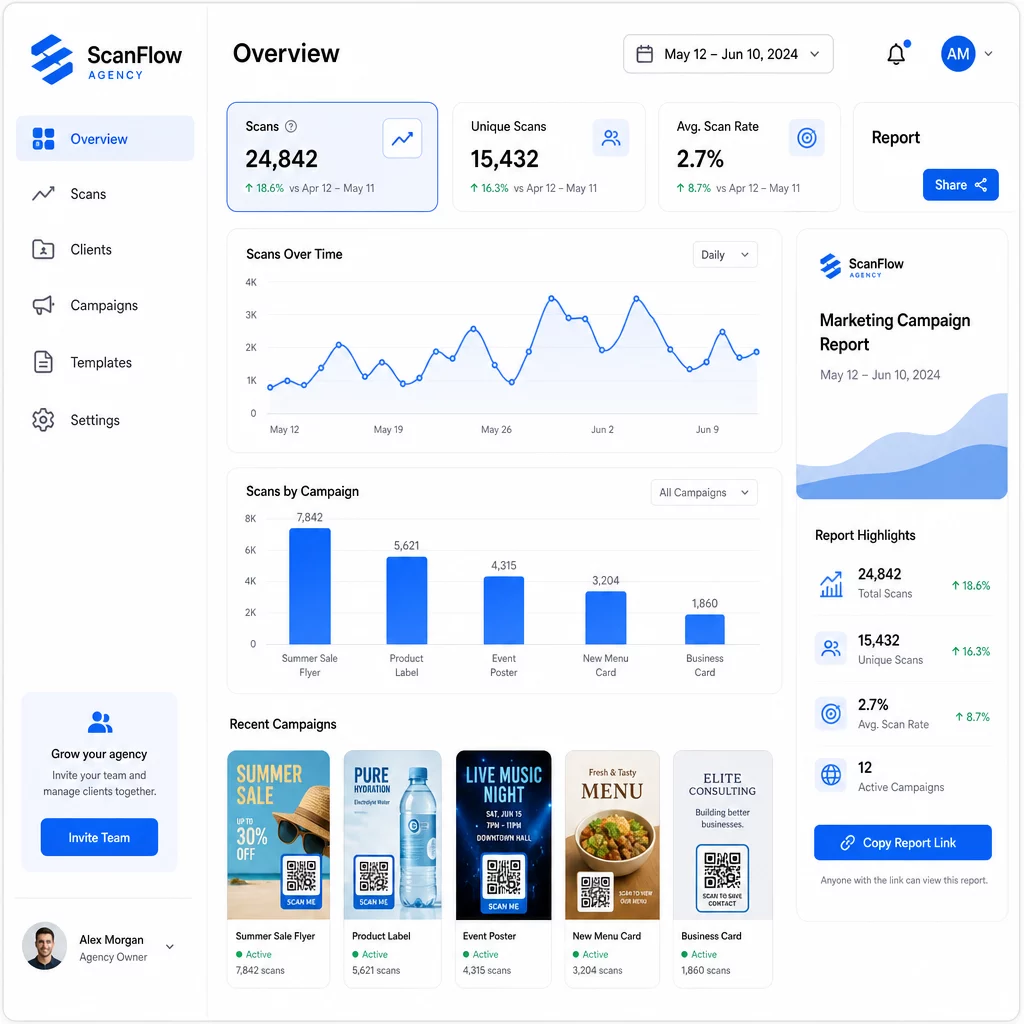
Det QR-kode analyse-dashboard indfanger:
- Samlede scanninger og unikke scanninger – Skelne mellem overordnet engagement og individuelle brugere
- Scanningstidspunkter – Identificere tidspunkter med højeste engagement og ugedagsmønstre
- Geografisk placering – Se hvilke markeder, regioner eller endda specifikke steder, der driver mest aktivitet
- Opdeling efter enhed og OS – Forstå om dit publikum primært er iOS eller Android, desktop eller mobil
Disse data giver dig mulighed for at identificere placeringer med høj trafik, flytte budgettet mod det, der virker, og give konkrete anbefalinger til kunder om, hvor de skal koncentrere fremtidige kampagner.
Del resultater uden at kræve login
En af de mest tidskrævende dele af bureauets kundestyring er udarbejdelse af præstationsrapporter. Pageloots delbare klientrapporter giver kunderne en live statistikside – brandet med deres eget logo – hvor de kan tjekke scanningsdata i realtid uden at skulle have deres egen konto. Dette sparer timer i rapportforberedelse hver måned, samtidig med at kunderne holdes informeret og trygge ved kampagnens præstation.
A/B-test placeringer og destinationer
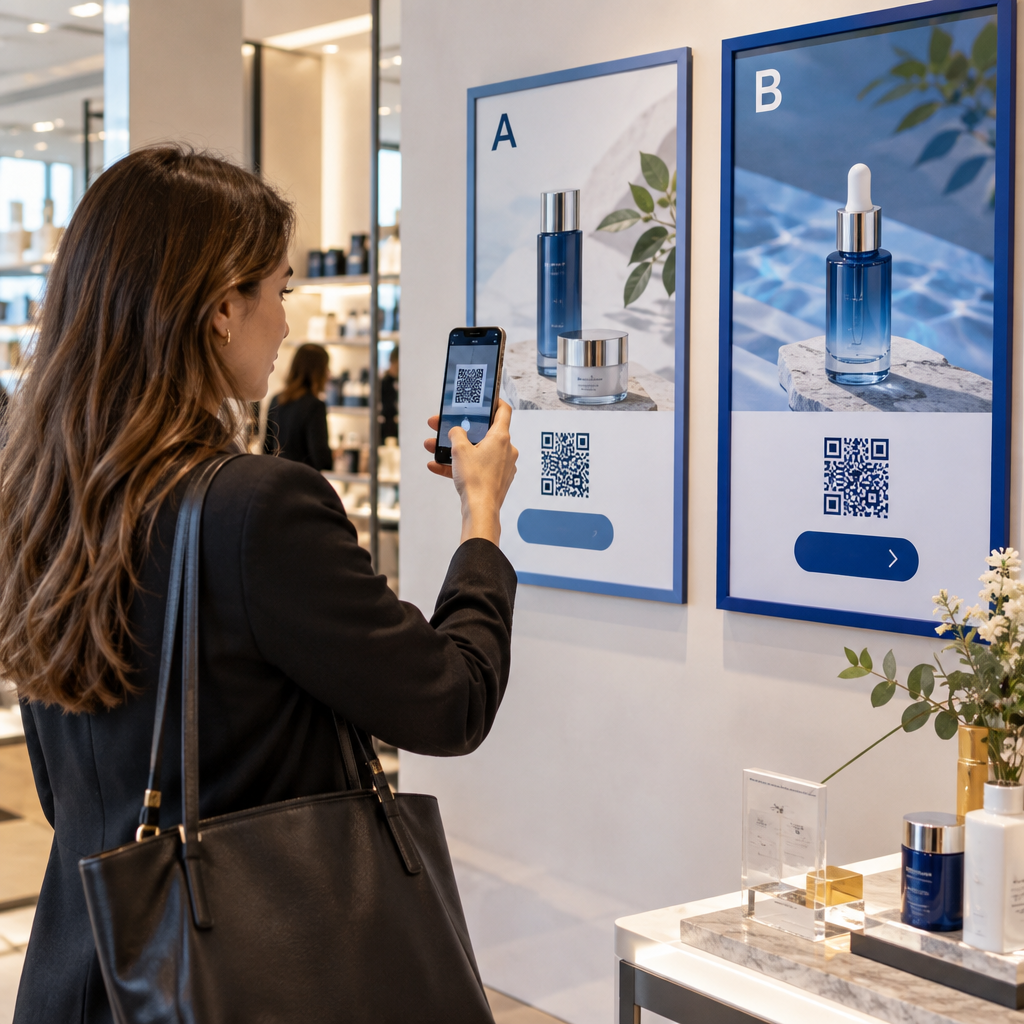
Dynamiske QR-koder gør A/B-test betydeligt nemmere. Fordi destinations-URL'en kan udskiftes uden at udstede en ny kode, kan du køre den samme fysiske placering mod forskellige landingssider, CTA'er eller tilbud og direkte sammenligne scannings-til-konverteringsrater.
Test én variabel ad gangen – destinationsside, tilbudssprog eller kodeplacering på materialet – og brug scanningsanalyse til at bestemme, hvilken version der giver bedre resultater, før du skalerer.
Placer koder, hvor de faktisk vil blive scannet
Analyse hjælper kun, hvis folk scanner. Den QR-kode placeringsguide dækker dette i dybden, men de grundlæggende regler er:
- Placer koder i øjenhøjde (ca. 3,5 til 5,5 fod fra gulvet) i fysiske omgivelser
- Inkluder en klar opfordring til handling nær hver kode – angiv, hvad brugeren får, når de scanner
- Hold koder store nok til den forventede visningsafstand (en almindelig retningslinje: minimumsbredde i centimeter er lig med scanningsafstand i centimeter divideret med 10)
- Test hver kode på tværs af flere enheder og lysforhold, før materialer sendes til tryk
Overvejelser om privatliv og overholdelse
QR-koder indsamler data – enhedstype, OS, browser, geografisk placering og adfærd efter scanningen. For bureauer, der arbejder på tværs af flere kunder og markeder, er det vigtigt at forstå den lovgivningsmæssige kontekst.
Hvis en kundes målgruppe inkluderer EU-borgere, skal kampagnen tage højde for GDPR-krav: udtrykkeligt samtykke, klare privatlivsmeddelelser og dataminimering. Californien-baserede kampagner berører CCPA, som kræver gennemsigtighed og fravalgsmekanismer. Sundhedskunder medfører HIPAA-krav, der strækker sig til enhver platform, der håndterer patientrelaterede data.
Det Vejledning til QR-kode privatlivsregler dækker de store rammer i detaljer. Dynamiske QR-koder er særligt nyttige til overholdelse, fordi du kan opdatere privatlivspolitikker, vilkår eller oplysninger om dataindsamling uden at udstede en ny kode eller genoptrykke materialer.
Ofte stillede spørgsmål
Statiske QR-koder koder en fast destination og kan ikke ændres efter oprettelse – de giver heller ingen analyser. Dynamiske QR-koder peger på en omdirigerings-URL, der kan opdateres når som helst, og de logger scanningsdata, herunder tidsstempel, placering og enhedstype. Til aktive kundekampagner er dynamiske QR-koder standardvalget, fordi de tilbyder fleksibilitet og målbar ydeevne.
Brug en QR-kode administrationsplatform, der understøtter mappe-baseret organisering, realtidsanalyse og delbare klientrapporter. Ved at tildele hver klient deres egen mappe og anvende konsistente UTM-parametre til destinations-URL'er, kan du trække rene, tilskrivbare data for hver konto uden at blande kampagnemålinger.
Ja. Hver QR-kodescanning kan indsamle data såsom enhedsinformation, placering og browseradfærd. Afhængigt af målgruppens geografi skal kampagner muligvis overholde GDPR (EU), CCPA (Californien) eller HIPAA (sundhedspleje). Brug af dynamiske QR-koder hjælper, fordi destinationssider og privatlivsmeddelelser kan opdateres uden at genoptrykke materialer. Konsulter de relevante regler for hver kundes marked før lancering.