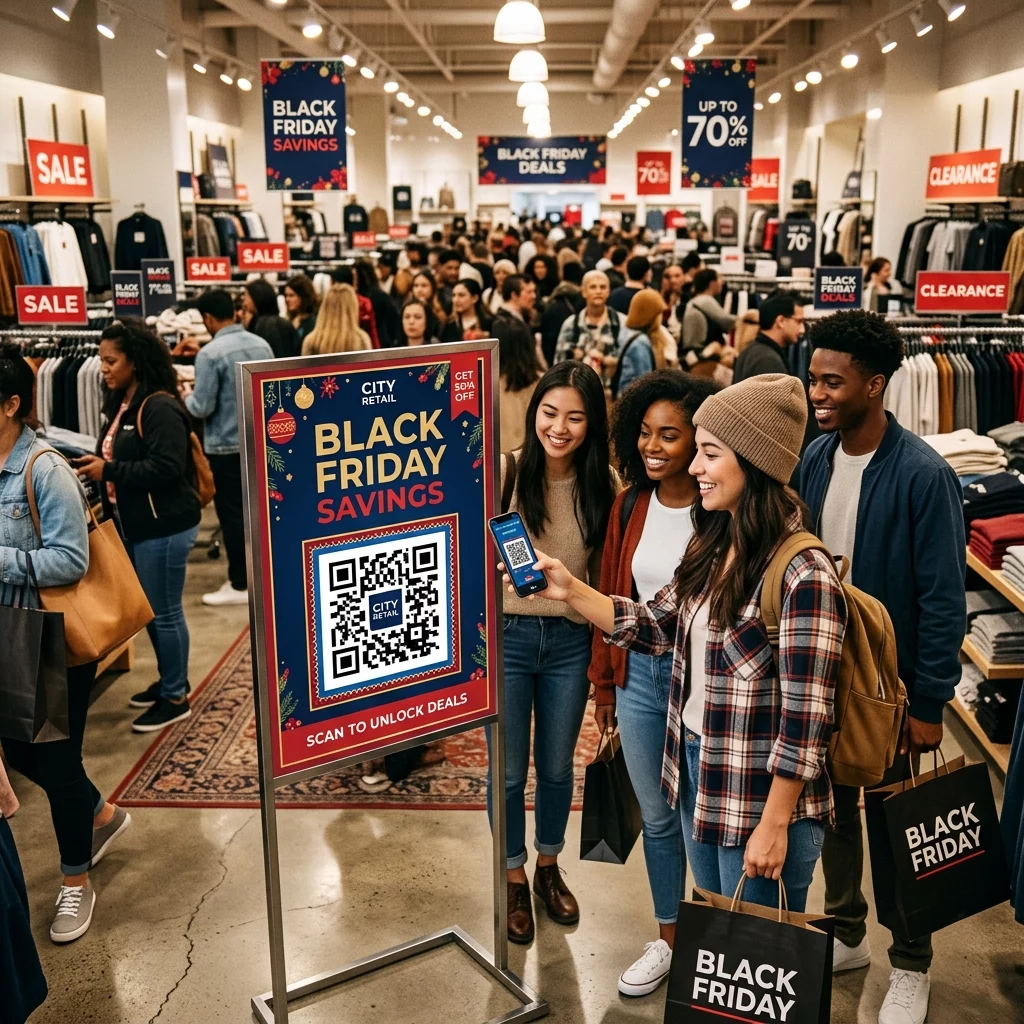
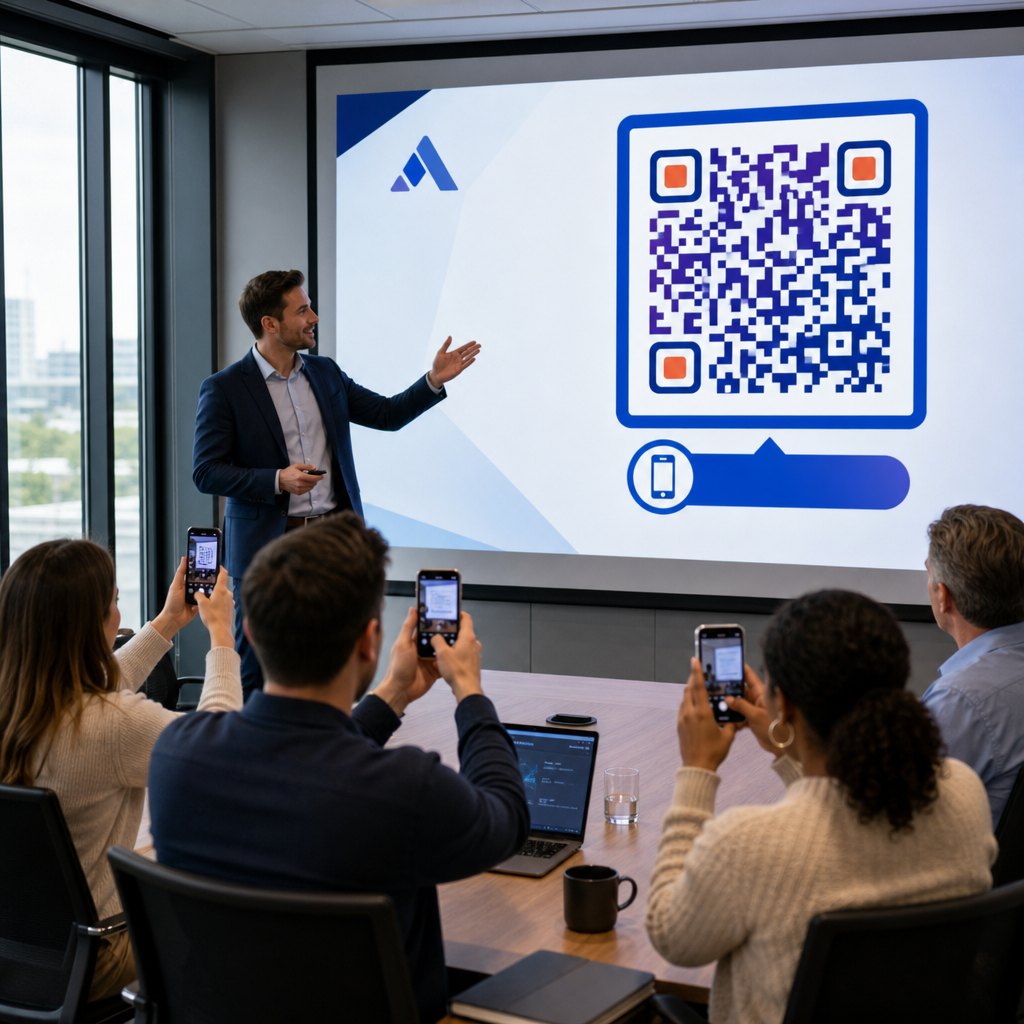
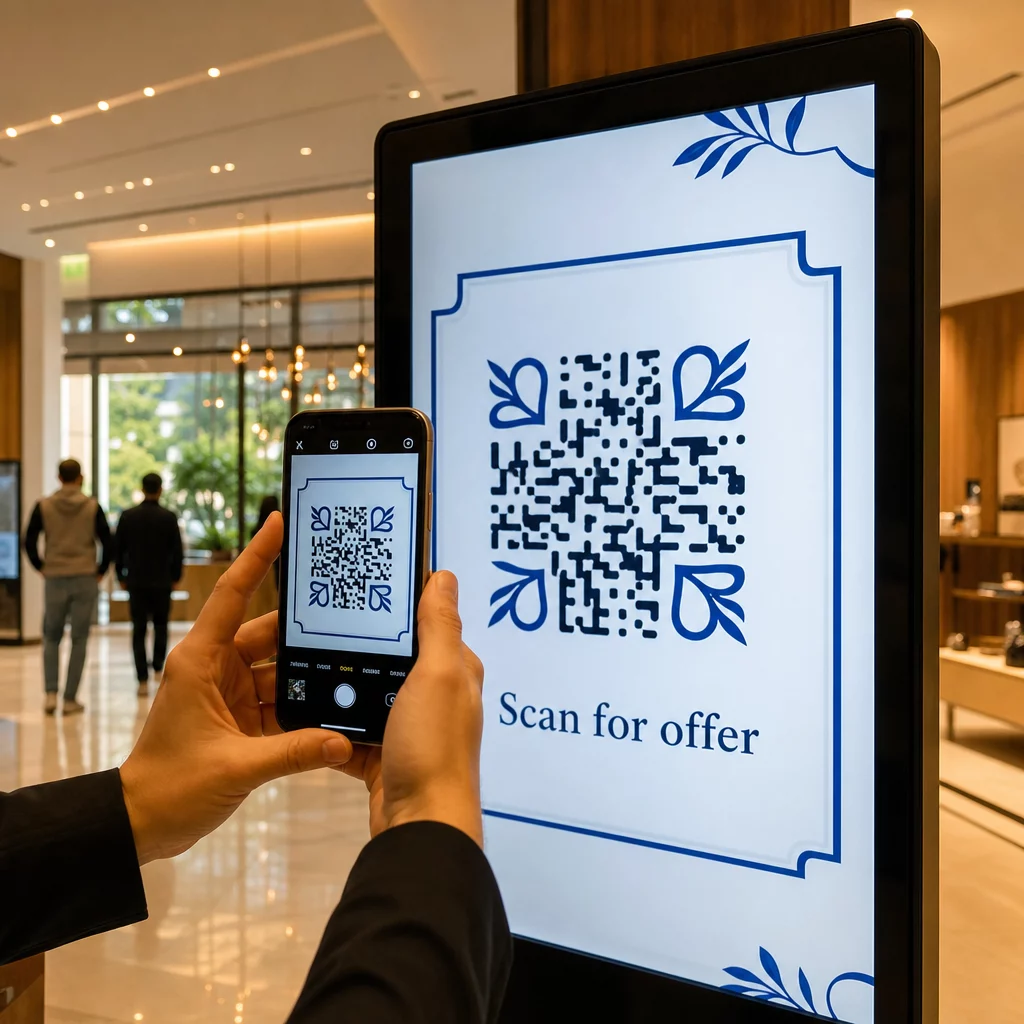
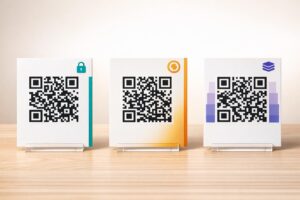
A QR-kód kampányok kezelése több ügyfél számára nehezebb, mint amilyennek látszik – különösen akkor, ha következetes nyomon követésre, tiszta jelentésekre és az anyagok újranyomtatás nélküli frissítésének rugalmasságára van szükség. Ez az útmutató bemutatja, hogyan hozhatnak létre, kezelhetnek és mérhetnek a marketingügynökségek olyan QR-kód kampányokat, amelyek mérhető eredményeket hoznak minden ügyfél számára.
Miért fontosak a QR-kódok a marketingügynökségek számára
A QR-kódok már rég túlléptek az újdonságon. 2025-ben 89 millió amerikai szkennelt be egy QR-kódot, és ez a szám 2026-ra várhatóan meghaladja a 100 milliót. Az ügynökségek számára ez az elfogadási arány azt jelenti, hogy a QR-kódok ma már életképes – és elvárt – csatornát jelentenek szinte minden ügyféliparágban.
Ami különösen értékessé teszi őket ügynökségi szinten, az a kettős szerepük: összekötik a nyomtatott és fizikai anyagokat a nyomon követhető digitális élményekkel. Egy poszter, egy névjegykártya vagy egy termékcímke mérhető érintkezési ponttá válik abban a pillanatban, amikor tartalmaz egy dinamikus QR-kód.
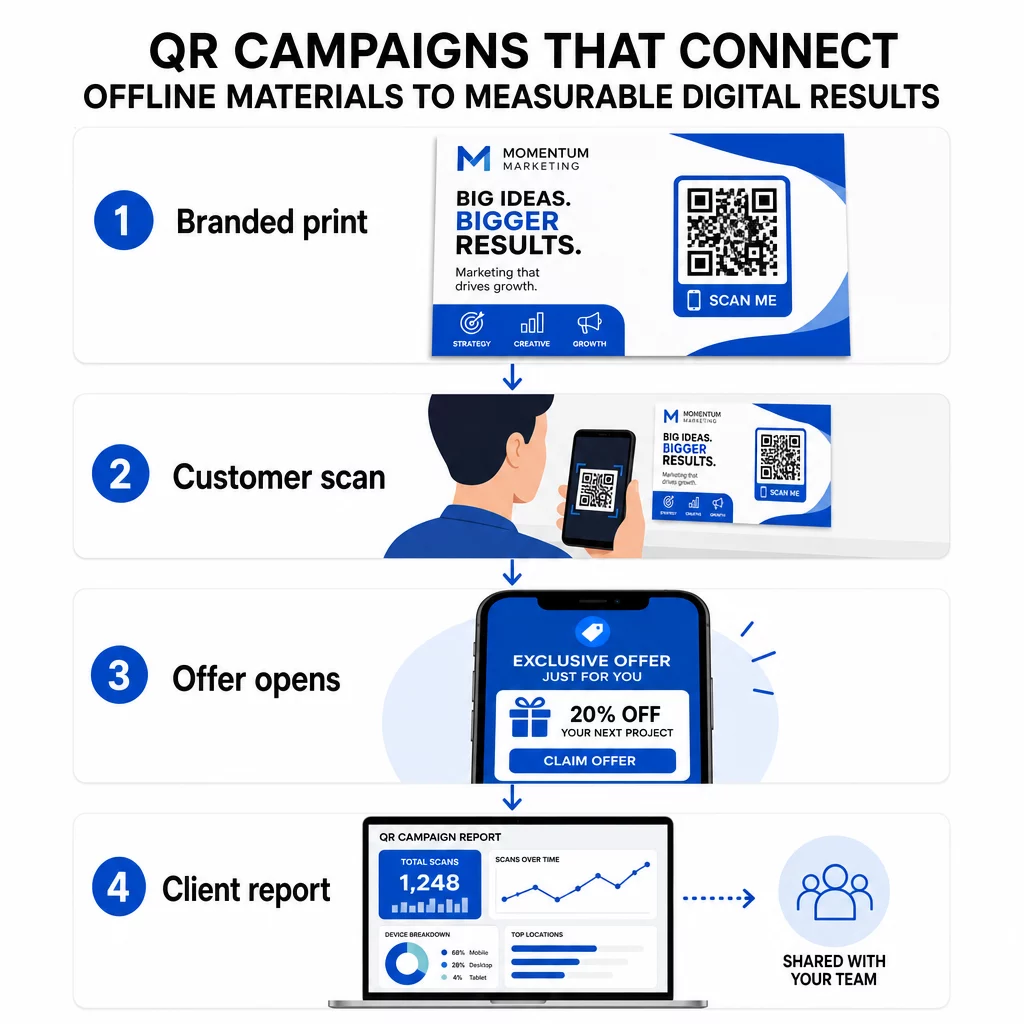
Főbb okok, amiért az ügynökségeknek be kell építeniük a QR-kódokat a standard eszköztárukba:
- Mérhető offline teljesítmény – Kövesse nyomon, mely fizikai elhelyezések generálják a legnagyobb elkötelezettséget a szkennelési mennyiség, helyszín és napszak alapján
- Rugalmas kampánykezelés – Frissítse a cél URL-eket újranyomtatás nélkül, így egyetlen kód egy teljes kampány életciklusát szolgálhatja
- Ügyfélre kész jelentések – Ossza meg az élő szkennelési adatokat közvetlenül az ügyfelekkel megosztható jelentések segítségével, anélkül, hogy bejelentkezést igényelne tőlük
- Márka konzisztencia – Egyedi színek, logók és tervezési sablonok biztosítják, hogy minden kód összhangban legyen az egyes ügyfelek vizuális identitásával
Kezeljen minden ügyfélkampányt egy helyen A Pageloot Ügynökségi Platform megosztható ügyféljelentéseket, white-label irányítópultokat, beépített UTM paramétereket és szerepköralapú hozzáférés-vezérlést biztosít a marketingcsapatoknak – így bármennyi fiókra kiterjesztheti a QR-kód kezelést.
QR-kód típusok, amelyeket az ügynökségek használnak a leggyakrabban
Különböző kampánycélokhoz különböző QR-kód formátumok szükségesek. Íme azok a típusok, amelyek a legnagyobb értéket nyújtják az ügynökségi munkában:
Link QR-kódok – Forgalom irányítása bármely URL-re
Egy link QR-kód közvetlenül bármely weboldalra irányítja a felhasználókat – legyen az egy céloldal, termékoldal, regisztrációs űrlap vagy közösségi profil. Ezek a legrugalmasabb típusok kampányfelhasználásra.
Gyakori alkalmazások:
- Nyomtatott szórólapok és direkt marketing anyagok, amelyek promóciós ajánlatokra mutatnak
- Rendezvény meghívók, amelyek RSVP oldalakra kapcsolódnak
- Kültéri hirdetések, amelyek a közönséget közösségi csatornákra vagy kampány mikroszájtokra irányítják
PDF QR-kódok – Dokumentumok megosztása nyomtatás nélkül
Amikor egy ügyfél kampánya tartalomgazdag anyagokat – esettanulmányokat, termékbrosúrákat, fehér könyveket – tartalmaz, egy PDF QR-kód lehetővé teszi azok tiszta terjesztését.
- Részletes termékinformációk csatolása az üzleten belüli táblákhoz anélkül, hogy minden oldalt kinyomtatnánk
- Nyomon követheti, hogy egy dokumentumot milyen gyakran és mennyi ideig érnek el
- Frissítse a kód mögötti fájlt, amikor a tartalom változik, anélkül, hogy új kódot kellene kiadnia
vCard QR-kódok – Egyszerűsítse a hálózatépítést és az érdeklődők gyűjtését
Az értékesítési csapatok és vezetők a szakkiállításokon és rendezvényeken profitálnak a digitális névjegykártyákból. Egy vCard QR-kód azonnal megosztja az elérhetőségeket beolvasáskor, és beágyazható nyomtatott névjegykártyákba, e-mail aláírásokba és rendezvény belépőkre.
Az ügynökségek integrálhatják ezeket a CRM munkafolyamatokba, így minden érdeklődőtől származó beolvasás automatikus bejegyzéssé válik, csökkentve a kézi adatbevitelt és a nyomon követési késedelmeket.
Kép QR-kódok – Vizuális tartalom link nélkül
A kép QR-kódok közvetlenül vizuális tartalmat szolgáltatnak – hasznosak portfóliók bemutatására, termékgalériákhoz vagy infografikákhoz, amelyek nem igényelnek teljes céloldali élményt.
E-mail QR-kódok – Csökkentse a hírlevél-feliratkozás súrlódását
E-mail QR-kód elhelyezése fizikai anyagokon – csomagoláson, posztereken, rendezvényi szóróanyagokon – egy előre megírt e-mailt vagy hírlevél-feliratkozási felszólítást indít el beolvasáskor. Ez eltávolítja az e-mail cím kézi beírásának akadályát, és különösen jól működik élő eseményeken.
Alkalmazás QR-kódok – Növelje a letöltési arányokat
Azoknak az ügyfeleknek, akik mobilalkalmazást népszerűsítenek, egy intelligens alkalmazás QR-kód észleli a felhasználó eszközét, és a megfelelő alkalmazásboltba irányítja őket – App Store iOS-hez, Google Play Androidhoz. Ez az egyetlen kód két külön linket helyettesít, és csökkenti a végfelhasználók zavarát.
QR-kód kampányok beállítása ügyfelek számára
Az, hogy hogyan strukturálja és kezeli a QR-kódokat, legalább annyira fontos, mint az, hogy milyen típust használ. A több ügyféllel dolgozó ügynökségeknek olyan rendszerre van szükségük, amely rendszerezetten, ellenőrizhetően és könnyen jelenthetően tartja a kampányokat.
Használjon dinamikus QR-kódokat minden aktív kampányhoz
Dinamikus QR-kódok rövid átirányítási URL-t kódoljon a végső cél helyett. Ez azt jelenti, hogy bármikor megváltoztathatja, hová mutat a kód – még az anyagok kinyomtatása és terjesztése után is.
Az ügynökségek számára ez kiküszöböli a nyomtatott marketing egyik legdrágább problémáját: mindent újra kell nyomtatni, ha egy URL megváltozik, egy kampány véget ér, vagy egy ügyfél menet közben módosítja az üzenetét.
A dinamikus kódok elemzéseket is lehetővé tesznek. Minden beolvasás naplózásra kerül időbélyeggel, helyszínnel, eszköz típussal és operációs rendszerrel – olyan adatokkal, amelyek statikus kóddal láthatatlanok lennének. Többet megtudhat arról, hogy mi követhető nyomon a QR-kód követési útmutatóban.
Rendszerezze a kódokat ügyfél és kampány szerint
Használjon mappákat az egyes ügyfelek QR-kódjainak elkülönítésére és egyértelmű címkézésére. A Pageloot mapparendszere lehetővé teszi a kódok projektek szerinti csoportosítását, a kampányok közötti teljesítmény összehasonlítását, és azonnal azonosítja a legjobban teljesítő elhelyezéseket. A csapattagok hozzáférést kaphatnak bizonyos mappákhoz, és a szerepkör alapú engedélyek megakadályozzák az illetéktelen szerkesztéseket vagy törléseket.
Alkalmazza következetesen az UTM paramétereket
Az UTM paraméterek a QR-kód beolvasási adatai és a szélesebb körű analitikai rendszere közötti összekötő szövetet jelentik. Azáltal, hogy minden cél URL-t szabványosított UTM értékekkel címkéz, a forgalmat bármely QR-kód elhelyezésből közvetlenül a megfelelő kampányhoz, csatornához és kreatívhoz rendelheti hozzá a Google Analyticsben vagy ügyfele CRM-jében.
Kövesse ezeket a formázási konvenciókat az adatok tisztán tartásához a fiókok között:
- Használjon csupa kisbetűt (pl. `utm_source=pageloot`, nem `Pageloot`)
- Kerülje a szóközöket – használjon kötőjeleket vagy aláhúzásokat a több szóból álló értékekhez
- Tartson fenn következetes definíciókat: `source` = platform vagy partner, `medium` = csatornatípus (pl. `print`, `email`), `campaign` = az adott kezdeményezés
- Soha ne alkalmazzon UTM-eket belső linkekre, mivel ez felülírja az eredeti akvizíciós forrást és rontja az attribúciót
A Pageloot ügynökségi platformja beépített UTM képességeket tartalmaz, így a paraméterek automatikusan hozzáadhatók a kód létrehozása során, nem pedig manuálisan linkenként.
Kódok testreszabása minden ügyfél márkájához
Az általános fekete-fehér QR-kódok beleolvadnak bármilyen design hátterébe. A QR kód logóval és a márkaszínek kiemelkednek, megbízhatóságot jeleznek, és növelik a beolvasási arányt.
Márkázott kódok tervezésekor tartsa szem előtt ezeket a technikai követelményeket:
- Tartson fenn legalább négy modul széles csendes zónát minden oldalon – ebben a margóban ne legyen logó, szöveg vagy minta
- Használjon magas kontrasztot: sötét minta világos háttéren a legmegbízhatóbb kombináció a beolvasáshoz
- Tartsa a logókat elég kicsinek ahhoz, hogy ne akadályozzák magát a mintát
- Exportálja vektoros formátumban (SVG, EPS vagy PDF) nyomtatáshoz a pixelesedés elkerülése érdekében
Márkázott QR-kódok készítése minden ügyfél számára Használja a QR kód generálás logóval teljesen testreszabott kódokat létrehozni, amelyek illeszkednek bármely márka színeihez, betűtípusaihoz és vizuális identitásához – majd letölteni nyomdakész formátumokban.
Kampányteljesítmény nyomon követése és jelentése
Az analitikai réteg az, ahol a QR-kódok kivívják helyüket egy professzionális ügynökségi munkafolyamatban. Ahelyett, hogy becsülnénk, vajon egy nyomtatott kampány hozott-e eredményeket, konkrét adatokat kapunk.
Mit követhet nyomon
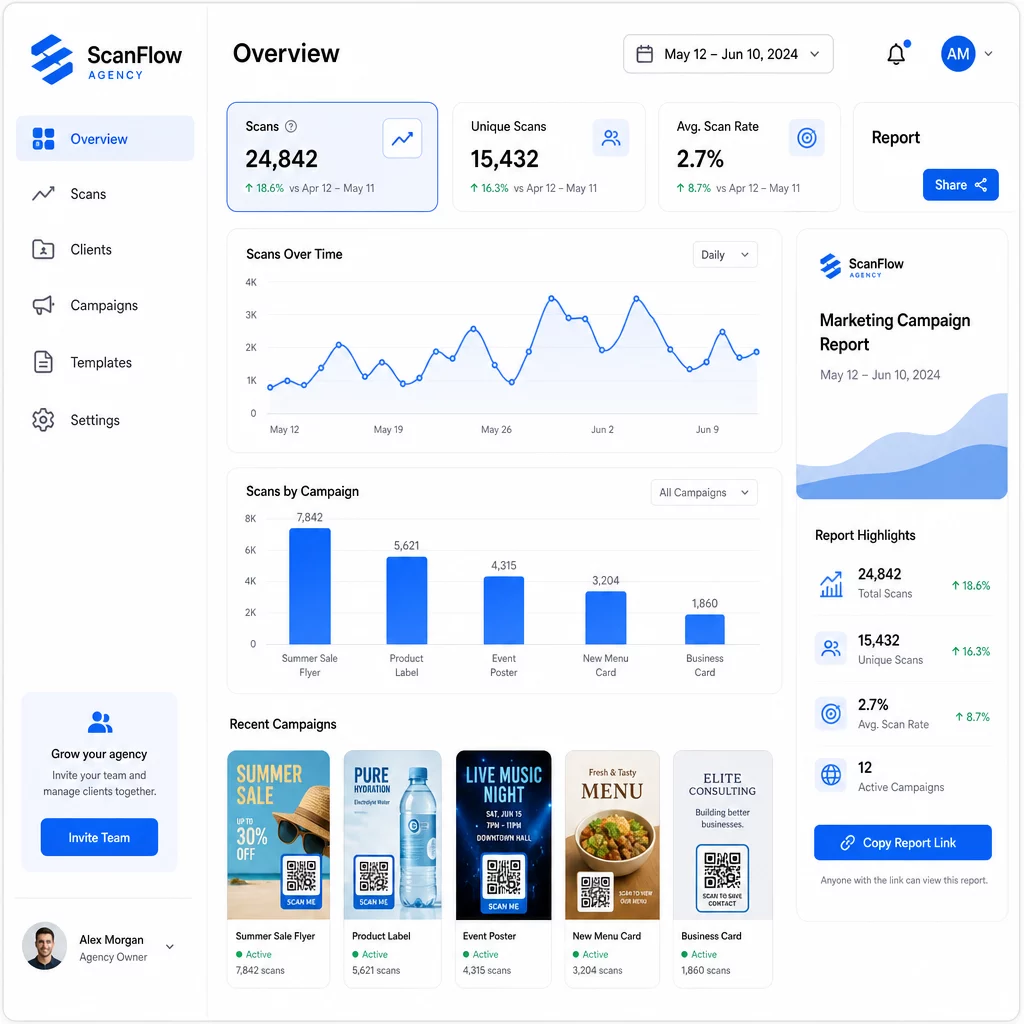
A QR-kód analitikai irányítópultja rögzíti:
- Összes szkennelés és egyedi szkennelés – Különbséget tenni az általános elkötelezettség és az egyéni felhasználók között
- Beolvasási időbélyegek – Azonosítani a csúcs elkötelezettségi időket és a hét napjainak mintázatait
- Földrajzi hely – Látni, mely piacok, régiók, vagy akár konkrét helyszínek generálják a legtöbb aktivitást
- Eszköz- és operációs rendszer szerinti bontás – Megérteni, hogy a közönsége elsősorban iOS vagy Android, asztali vagy mobil felhasználókból áll-e
Ezek az adatok lehetővé teszik, hogy azonosítsa a nagy forgalmú elhelyezéseket, átcsoportosítsa a költségvetést a működő dolgok felé, és konkrét javaslatokat tegyen az ügyfeleknek arról, hová koncentrálják a jövőbeli kampányokat.
Eredmények megosztása bejelentkezés nélkül
Az ügynökségi ügyfélkezelés egyik legidőigényesebb része a teljesítményjelentések elkészítése. A Pageloot megosztható ügyféljelentései élő statisztikai oldalt biztosítanak az ügyfeleknek – saját logójukkal ellátva – ahol valós időben ellenőrizhetik a beolvasási adatokat anélkül, hogy saját fiókra lenne szükségük. Ez havonta órákat takarít meg a jelentéskészítésből, miközben az ügyfelek tájékozottak és magabiztosak maradnak a kampány teljesítményét illetően.
A/B tesztelés elhelyezések és célhelyek
A dinamikus QR-kódok teszik A/B tesztelés jelentősen könnyebb. Mivel a cél URL új kód kiadása nélkül cserélhető, ugyanazt a fizikai elhelyezést futtathatja különböző céloldalak, CTA-k vagy ajánlatok ellen, és közvetlenül összehasonlíthatja a beolvasási-konverziós arányokat.
Egyszerre csak egy változót teszteljen – céloldal, ajánlat nyelve vagy a kód elhelyezése az anyagon – és használja a beolvasási analitikát annak meghatározására, hogy melyik verzió hoz jobb eredményeket a skálázás előtt.
Helyezze el a kódokat oda, ahol ténylegesen beolvassák őket
Az analitika csak akkor segít, ha az emberek beolvassák. A QR-kód elhelyezési útmutató részletesen tárgyalja ezt, de az alapvető szabályok a következők:
- Helyezze el a kódokat szemmagasságban (körülbelül 3,5-5,5 lábnyira a padlótól) fizikai környezetben
- Minden kód közelében szerepeljen egy világos cselekvésre ösztönzés – mondja el, mit kap a felhasználó, ha beolvassa
- Tartsa a kódokat elég nagynak a várható megtekintési távolsághoz (általános irányelv: a minimális szélesség centiméterben megegyezik a beolvasási távolság centiméterben osztva 10-zel)
- Teszteljen minden kódot több eszközön és fényviszonyok között, mielőtt az anyagok nyomtatásra kerülnek
Adatvédelem és megfelelőségi szempontok
A QR-kódok adatokat gyűjtenek – eszköz típusa, operációs rendszer, böngésző, földrajzi helyzet és viselkedés a beolvasás után. A több ügyféllel és piacon dolgozó ügynökségek számára fontos a szabályozási környezet megértése.
Ha bármely ügyfél célközönsége EU-lakosokat is magában foglal, a kampánynak figyelembe kell vennie a GDPR követelményeit: kifejezett hozzájárulás, világos adatvédelmi nyilatkozatok és adatok minimalizálása. A kaliforniai kampányok érintik a CCPA-t, amely átláthatóságot és leiratkozási mechanizmusokat igényel. Az egészségügyi ügyfelek HIPAA követelményeket hoznak magukkal, amelyek kiterjednek minden olyan platformra, amely beteggel kapcsolatos adatokat kezel.
A QR-kód adatvédelmi szabályozási útmutató részletesen tárgyalja a főbb keretrendszereket. A dinamikus QR-kódok különösen hasznosak a megfelelőség szempontjából, mert frissítheti az adatvédelmi irányelveket, feltételeket vagy adatgyűjtési nyilatkozatokat anélkül, hogy új kódot adna ki vagy újranyomtatná az anyagokat.
Gyakori kérdések
Statikus QR-kódok rögzített célt kódolnak, és létrehozásuk után nem módosíthatók – emellett nem nyújtanak elemzési adatokat. Dinamikus QR-kódok egy átirányítási URL-re mutatnak, amely bármikor frissíthető, és naplózzák a szkennelési adatokat, beleértve az időbélyeget, a helyszínt és az eszköz típusát. Aktív ügyfélkampányokhoz a dinamikus QR-kódok a standard választás, mert rugalmasságot és mérhető teljesítményt kínálnak.
Használjon egy QR-kód kezelő platformot, amely támogatja a mappaalapú rendszerezést, a valós idejű analitikát és a megosztható ügyféljelentéseket. Azzal, hogy minden ügyfélnek saját mappát rendel, és következetes UTM paramétereket alkalmaz a cél URL-ekhez, tiszta, hozzárendelhető adatokat nyerhet ki minden fiókhoz anélkül, hogy összekeverné a kampánymutatókat.
Igen. Minden QR-kód beolvasás gyűjthet adatokat, például eszközinformációkat, helyet és böngészési viselkedést. A célközönség földrajzi elhelyezkedésétől függően a kampányoknak meg kell felelniük a GDPR-nak (EU), a CCPA-nak (Kalifornia) vagy a HIPAA-nak (egészségügy). A dinamikus QR-kódok használata segít, mert a céloldalak és az adatvédelmi nyilatkozatok frissíthetők az anyagok újranyomtatása nélkül. Indítás előtt konzultáljon az egyes ügyfelek piacára vonatkozó releváns szabályozásokkal.