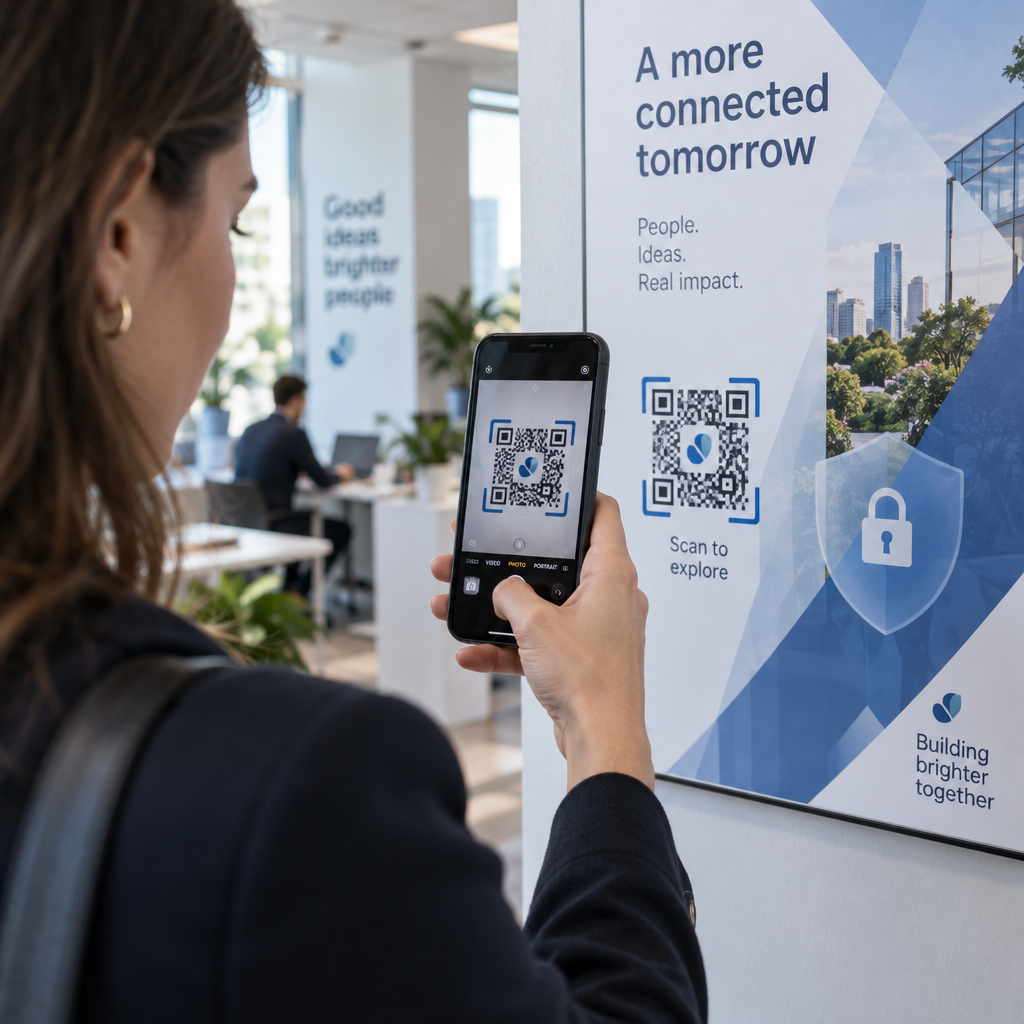
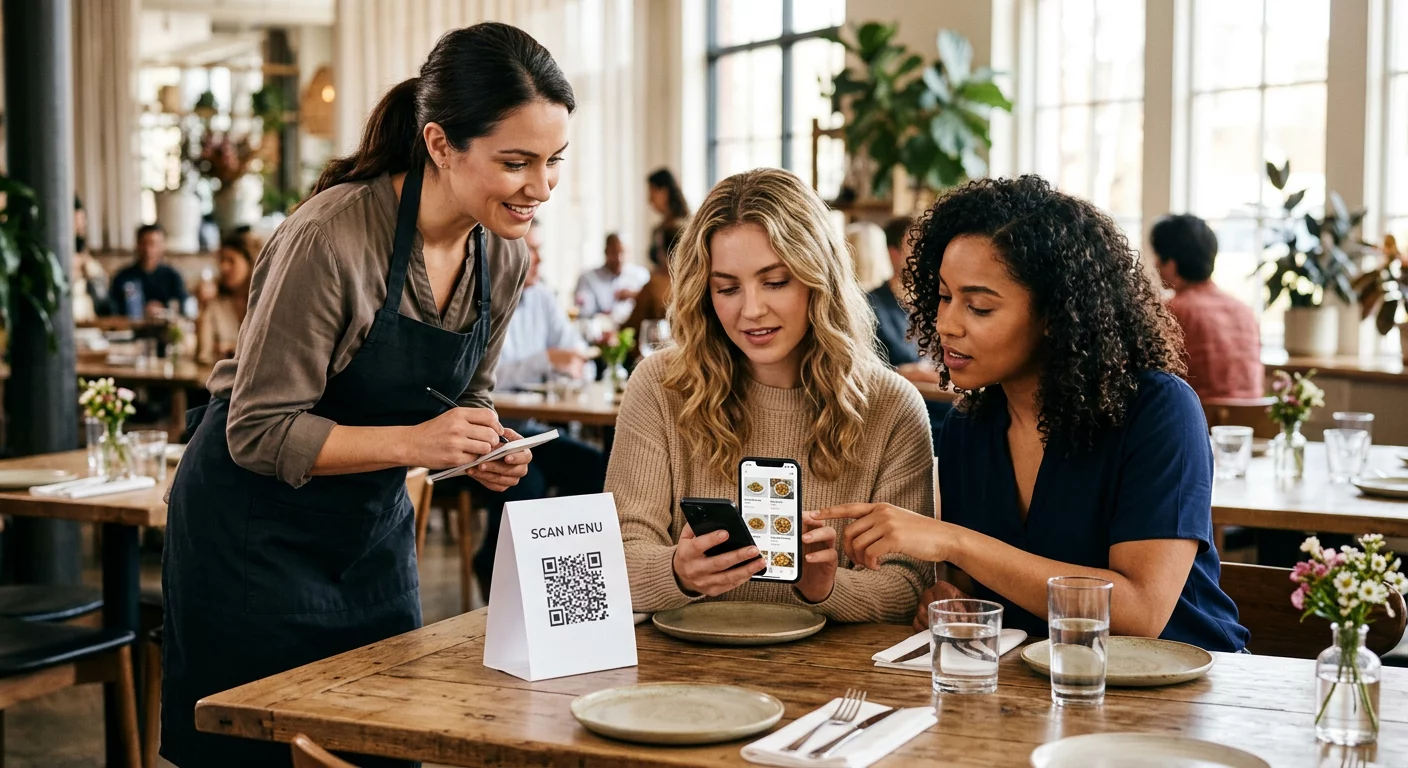
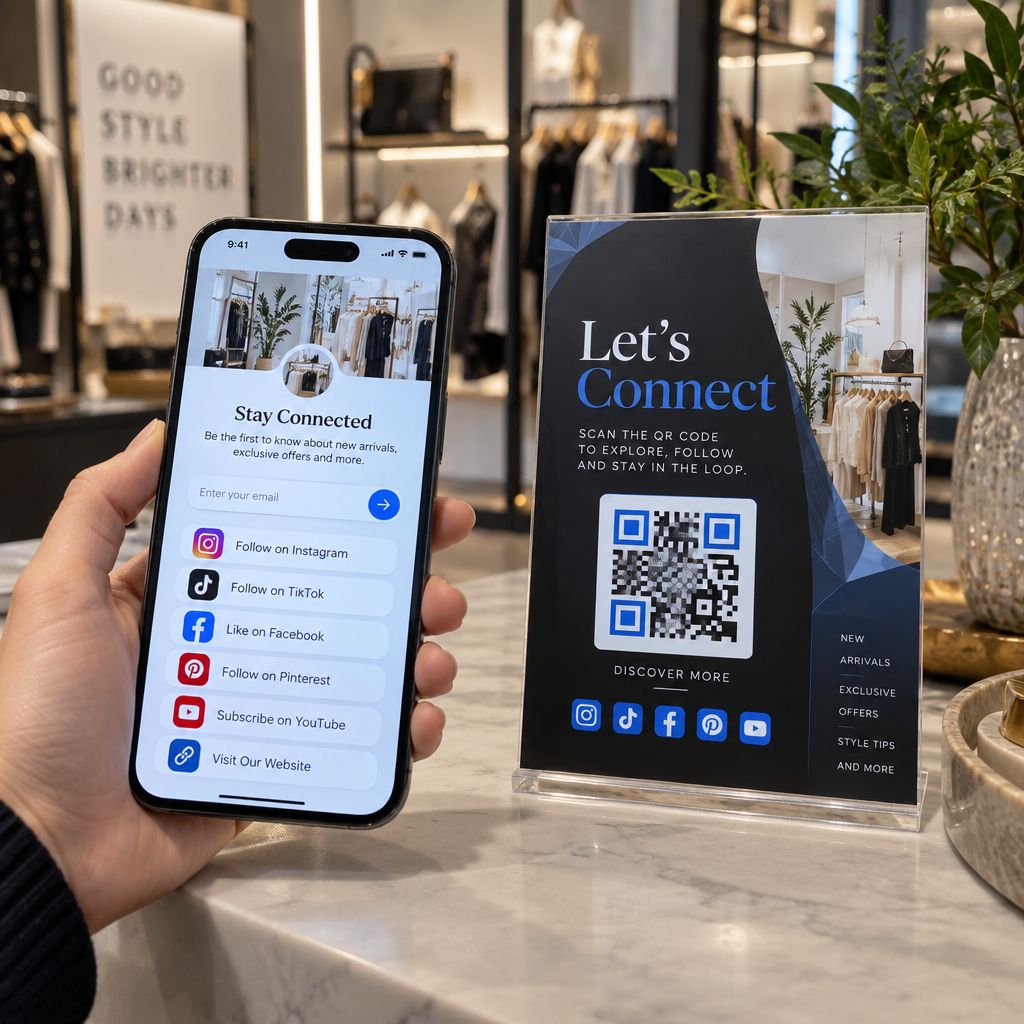
¿Sus llamadas de telemarketing generan interés pero pierden impulso una vez que termina la conversación? Esa brecha entre una llamada telefónica prometedora y una acción completada es donde la mayoría de los leads se pierden. Esta guía le muestra cómo usar códigos QR para cerrar esa brecha, uniendo el alcance en vivo con un seguimiento digital rastreable.
Por qué el telemarketing necesita un puente digital
El alcance telefónico sigue funcionando, pero rara vez cierra por sí solo. Un prospecto podría estar interesado durante una llamada y, sin embargo, no hacer un seguimiento porque el siguiente paso requiere demasiado esfuerzo: escribir una URL, buscar una página de destino o esperar un correo electrónico.
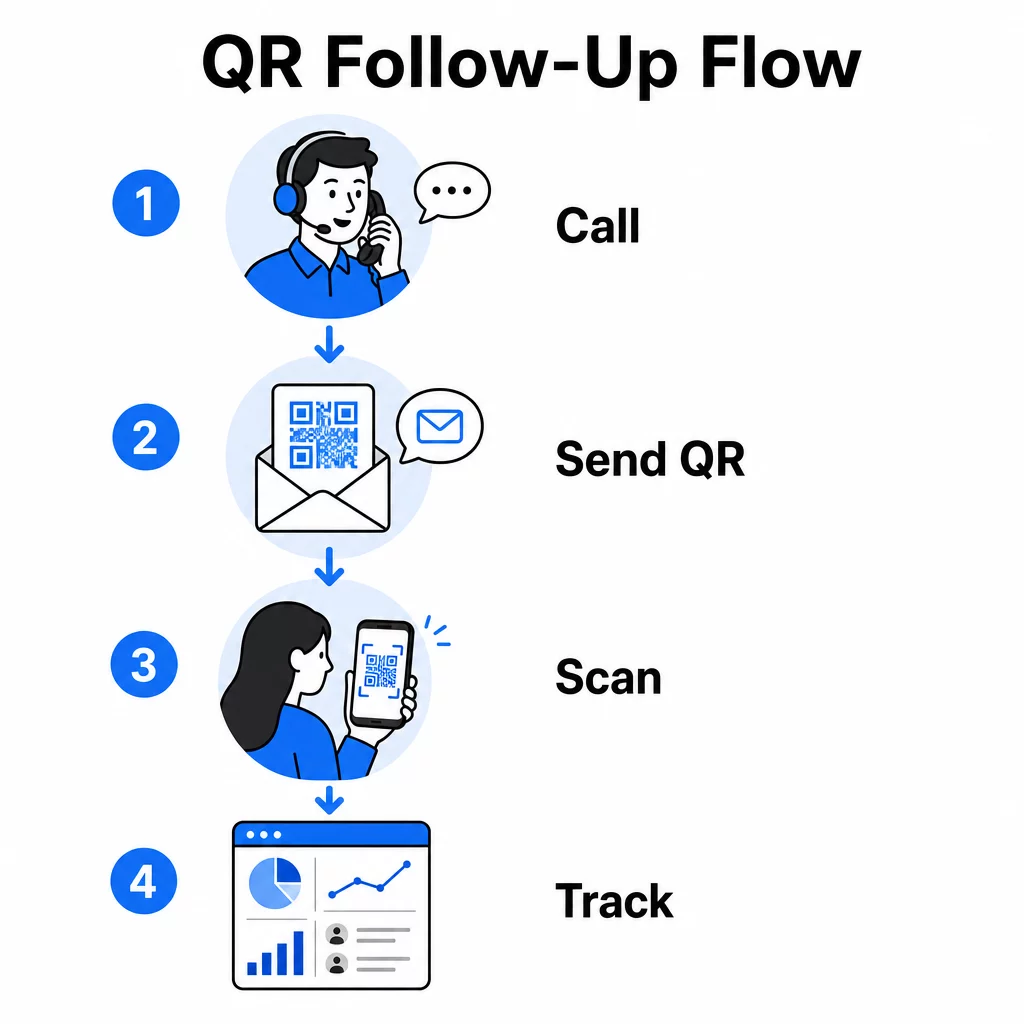
Los códigos QR resuelven esto al ofrecer a los prospectos un camino instantáneo y sin fricciones desde la conversación hasta una acción digital. Ya sea que envíe un código QR por SMS inmediatamente después de una llamada o incluya uno en un material impreso, el prospecto puede escanear y actuar según su propio horario. Esa conveniencia reduce el abandono y mantiene el compromiso vivo mucho después de que termina la llamada.
Los códigos QR también le dan a su equipo algo de lo que siempre ha carecido el telemarketing tradicional: datos medibles sobre lo que sucede después de la llamada. Cada escaneo es un evento rastreable, lo que le brinda visibilidad sobre qué conversaciones se tradujeron en interés real y qué campañas necesitan ajustes.
Cómo encajan los códigos QR en los flujos de trabajo de telemarketing
Durante y después de la llamada
Las integraciones de códigos QR más efectivas ocurren en los puntos de transferencia naturales del proceso de telemarketing. Aquí están los principales puntos de contacto donde los códigos QR añaden más valor:
- Seguimiento por SMS: Inmediatamente después de una llamada, envíe un mensaje de texto que contenga un código QR que enlace a una página de destino relevante, una descripción general del producto o un formulario de registro. Esto mantiene el impulso respetando el tiempo del prospecto.
- Seguimiento por correo electrónico: En lugar de adjuntar documentos o enumerar múltiples enlaces, incruste un único código QR en su correo electrónico de seguimiento que dirija a los prospectos a una página de destino personalizada. Una experiencia limpia y enfocada supera a una bandeja de entrada desordenada en todo momento.
- Material impreso: Si su equipo utiliza folletos, hojas informativas o correo directo, incluya un código QR vinculado a cualquier producto u oferta que se haya discutido en la llamada. Los prospectos que conservan el material tienen una forma rápida de volver a interactuar.
- Comentarios y calificación: Comparta un código QR que dirija a un formulario corto donde los prospectos puedan compartir sus necesidades, plazos o preguntas a su propio ritmo. Esto le da a su equipo de ventas mejor información antes del siguiente punto de contacto.
El principio clave es la relevancia. Un código QR que lleva directamente al contenido discutido en la llamada se siente útil. Un código QR genérico que lleva a los prospectos a una página de inicio se siente como una ocurrencia tardía.
Cree códigos QR que coincidan con su campaña Use el Generador de códigos QR de enlace para crear códigos que envíen a los prospectos directamente a páginas de destino específicas, páginas de ofertas o formularios, sin desvíos a la página de inicio.
Personalización de códigos QR por segmento de audiencia
Una de las fortalezas prácticas de los códigos QR en el telemarketing es la capacidad de adaptarlos por tipo de campaña o audiencia. Un código enviado a prospectos de pequeñas empresas puede llevar a recursos diseñados específicamente para su escala, mientras que un código separado para contactos empresariales dirige a estudios de caso y precios empresariales.
Esta segmentación hace que la experiencia posterior a la llamada se sienta más personal y garantiza que los prospectos reciban contenido que sea realmente relevante para su situación. Con códigos QR dinámicos, puede actualizar el destino de cualquier código sin reimprimirlo ni reenviarlo, por lo que si su oferta cambia a mitad de campaña, el código se mantiene actualizado automáticamente.
Midiendo lo que sucede después de cada llamada
Los datos son donde los códigos QR transforman genuinamente el telemarketing de una actividad impulsada por la intuición en un canal medible. Cada escaneo genera un punto de datos, y con la configuración adecuada, esos puntos de datos cuentan una historia coherente sobre el rendimiento de la campaña.
Las métricas clave a seguir incluyen:
- Escaneos totales vs. escaneos únicos: Distingue la actividad general del interés individual del prospecto
- Horario de escaneo: Revela cuándo los prospectos interactúan después de una llamada, lo que ayuda a refinar el momento del seguimiento
- Datos geográficos: Muestra dónde se concentran las respuestas, útil para campañas regionales
- Tipo de dispositivo: Confirma si sus páginas de destino se están renderizando correctamente para los dispositivos que su audiencia realmente utiliza
Cuando adjunta parámetros UTM a las URL de destino detrás de sus códigos QR, puede pasar los datos de escaneo directamente a Google Analytics o a su CRM. Esto le permite atribuir la actividad del embudo de ventas a campañas de telemarketing específicas, llamadas o incluso a representantes individuales.
Para un desglose completo de la configuración de seguimiento y las métricas clave, consulta la guía sobre seguimiento de escaneos de códigos QR en tiempo real.
Monitorea Tu Campaña en Tiempo Real ¿Quieres ver exactamente dónde y cuándo tus prospectos interactúan después de las llamadas? Utiliza el panel de análisis de códigos QR para rastrear escaneos por ubicación, dispositivo y tiempo, todo en un solo lugar.
Códigos QR Estáticos vs. Dinámicos para Telemarketing
Elegir el tipo de código QR correcto afecta tanto tu flexibilidad operativa como tu capacidad de seguimiento. La diferencia se reduce a dos factores: editabilidad y análisis.
| FUNCIÓN | Código QR estático | Código QR dinámico |
|---|---|---|
| Destino editable después de la creación | No | Sí |
| Seguimiento y análisis de escaneo | No | Sí |
| Coste | Libre | Suscripción requerida |
| Mejor para | Contenido fijo y permanente | Campañas activas, seguimientos |
Para la mayoría de las aplicaciones de telemarketing, códigos QR dinámicos son la mejor opción. Las campañas evolucionan: las ofertas cambian, las páginas de destino se actualizan y las pruebas A/B requieren nuevos destinos. Un código dinámico te permite realizar esos cambios sin tener que contactar a cada prospecto nuevamente o reimprimir materiales. Si ya se ha enviado un SMS de seguimiento, aún puedes actualizar a dónde lleva ese código QR.
Los códigos QR estáticos funcionan bien para contenido que nunca cambia, como una página de soporte permanente o una hoja de especificaciones de producto fija. Para todo lo demás en una campaña activa, los códigos dinámicos proporcionan la flexibilidad y la capacidad de medición que necesitas.
Para más detalles sobre cuándo usar cada tipo, consulta la comparación de códigos QR estáticos vs. dinámicos.
Ejemplos Prácticos por Tipo de Campaña
Comprender dónde encajan conceptualmente los códigos QR es útil, pero ver cómo se aplican a escenarios específicos de telemarketing hace que la implementación sea más sencilla.
- Promoción de seminarios web o eventos: Después de una llamada promocionando un próximo seminario web, envía un código QR por SMS que enlace directamente a la página de registro. Eliminar el paso de buscar el evento aumenta drásticamente las tasas de inscripción.
- Ofertas por tiempo limitado: Cuando un teleoperador discute un descuento con fecha límite, un código QR de seguimiento puede enlazar directamente a una página de pago o de reclamación con la oferta preaplicada, convirtiendo el interés expresado en una transacción completada.
- Cualificación de leads: Comparte un código QR que enlace a un breve formulario de evaluación de necesidades. Los prospectos lo completan a su conveniencia, y tu equipo utiliza las respuestas para priorizar el seguimiento y adaptar la próxima conversación.
- Recopilación de comentarios: En lugar de realizar una larga encuesta telefónica, envía un código QR a un breve formulario de comentarios inmediatamente después de la llamada. Las tasas de respuesta mejoran cuando el formato respeta el tiempo del prospecto.
Cada uno de estos casos de uso se beneficia de páginas de destino optimizadas para móviles. Dado que cada escaneo ocurre en un smartphone, el destino debe cargarse rápidamente y funcionar limpiamente en pantallas pequeñas. La guía de mejores prácticas para páginas de destino de códigos QR móviles cubre los estándares técnicos que hacen que la experiencia posterior al escaneo funcione.
Creación de códigos QR que se escanean
Un código QR que nadie escanea no ofrece ningún valor. Maximizar las tasas de escaneo en un contexto de telemarketing requiere atención tanto al diseño como al contexto.
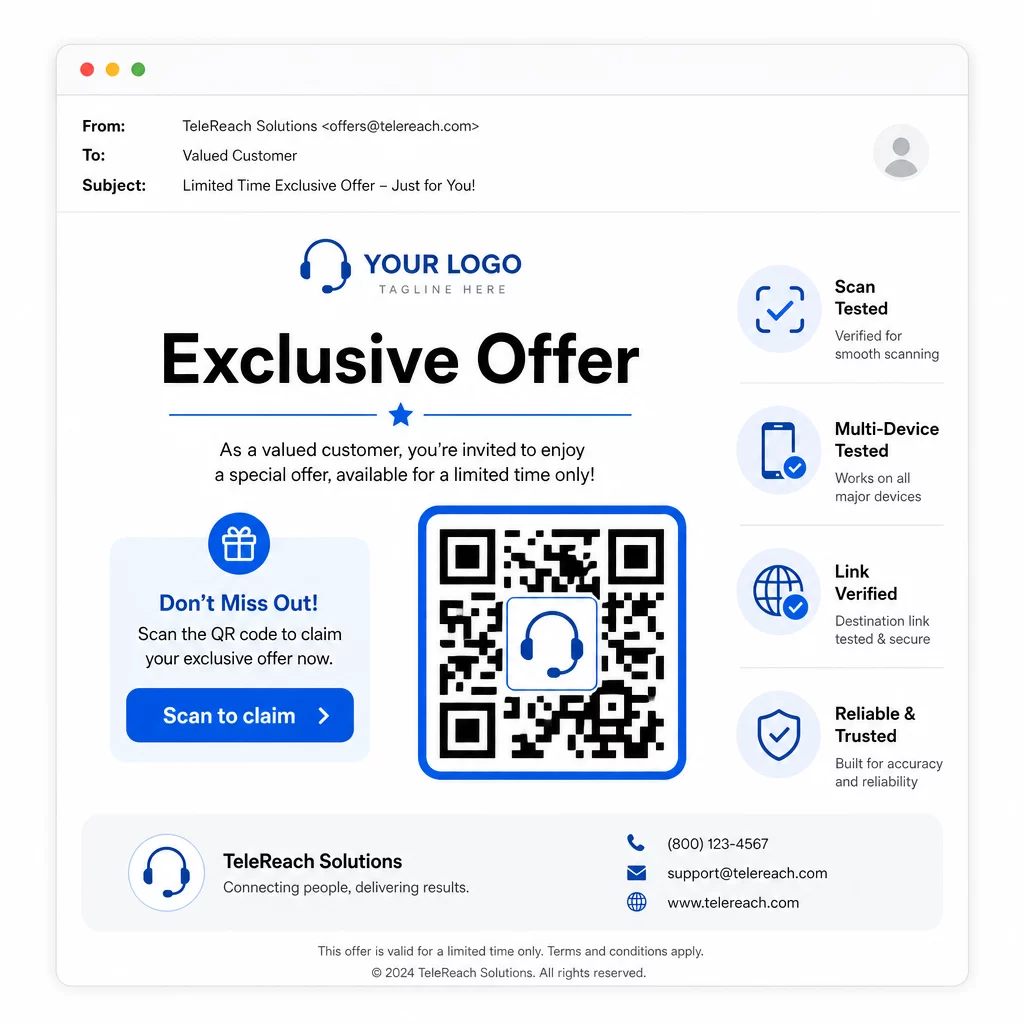
- Añade el logotipo de tu marca: Un Código QR con logotipo es más distintivo visualmente y genera confianza con los prospectos que están decidiendo si interactuar.
- Utiliza una llamada a la acción clara: Incluye un breve texto instructivo cerca del código – algo como “Escanea para tu oferta exclusiva” o “Escanea para registrarte” – para que los prospectos sepan exactamente lo que obtendrán.
- Asegura un contraste suficiente: Los módulos oscuros sobre un fondo claro son la base para un escaneo fiable en diferentes condiciones de iluminación y cámaras de dispositivos.
- Prueba antes de enviar: Escanea tu código QR en múltiples dispositivos y en el formato en que realmente se entregará, ya sea en un SMS, correo electrónico o material impreso.
Si quieres probar qué diseño o destino funciona mejor con un segmento de audiencia determinado, las pruebas A/B de tus campañas de códigos QR con códigos dinámicos te permiten ejecutar versiones paralelas y comparar resultados sin distribuir múltiples códigos físicos.
Para una lista de verificación completa previa al lanzamiento, la Lista de marketing con códigos QR para pequeñas empresas cubre los pasos clave desde el establecimiento de objetivos hasta la ejecución de la campaña.
Consideraciones de Cumplimiento para el Telemarketing
El uso de códigos QR no cambia el marco legal que rige cómo su equipo contacta a los prospectos en primer lugar. La Ley de Protección al Consumidor Telefónico (TCPA) requiere el consentimiento expreso por escrito antes de enviar mensajes de texto de marketing o usar sistemas de marcación automatizada, y la Regla de Ventas de Telemarketing de la FTC requiere que las llamadas se realicen solo entre las 8:00 a.m. y las 9:00 p.m. hora local del destinatario. Los teleoperadores también deben respetar el Registro Nacional No Llamar y mantener sus propias listas internas de no llamar.
Si su código QR de seguimiento se entrega a través de SMS, ese mensaje está sujeto a los mismos requisitos de la TCPA que cualquier otro texto de marketing. Se debe obtener el consentimiento antes de enviar cualquier mensaje que contenga códigos a teléfonos móviles.
Los códigos QR son en sí mismos un mecanismo de entrega neutral; sus implicaciones de cumplimiento dependen completamente de cómo y a quién se distribuyen. Los códigos QR dan a las campañas de telemarketing algo que históricamente les ha faltado: una conexión medible y flexible entre lo que sucede en el teléfono y lo que sucede después. Cuando combinas un fuerte alcance con un seguimiento digital rastreable, creas una imagen completa del rendimiento de la campaña y una mejor experiencia para las personas a las que intentas llegar.
Empieza con el Generador de códigos QR para construir tu primer código listo para campaña, o explora soluciones de códigos QR por industria para ver cómo otros sectores están aplicando el mismo enfoque.
Preguntas frecuentes
Sí, si utilizas un código QR dinámico. Los códigos dinámicos apuntan a una URL de redirección corta que se puede cambiar en cualquier momento, incluso después de que el código haya sido distribuido por SMS, correo electrónico o impreso. El código físico en sí permanece igual – solo cambia el destino. Esto significa que puedes actualizar una oferta, arreglar un enlace roto o cambiar una página de destino sin volver a contactar a los prospectos.
Los códigos QR dinámicos registran datos a nivel de escaneo, incluyendo el número total de escaneos, recuentos de escaneos únicos, marcas de tiempo, ubicación geográfica (típicamente a nivel de ciudad) y tipo de dispositivo (iOS, Android, escritorio). Cuando añades parámetros UTM a tus URL de destino, esos datos también pueden fluir hacia Google Analytics o tu CRM, permitiéndote atribuir conversiones directamente a campañas o llamadas específicas.
El código QR en sí no está regulado, pero el SMS que lo contiene sí lo está. Según la Ley de Protección al Consumidor Telefónico, enviar un mensaje de texto de marketing a un teléfono móvil utilizando un sistema automatizado requiere el consentimiento expreso por escrito del destinatario. También se aplican la Regla de Ventas de Telemarketing de la FTC y el Registro Nacional No Llamar. Si su flujo de trabajo de seguimiento implica enviar un código QR a los prospectos por mensaje de texto, ese mensaje debe cumplir con las mismas reglas que cualquier otro texto de marketing.