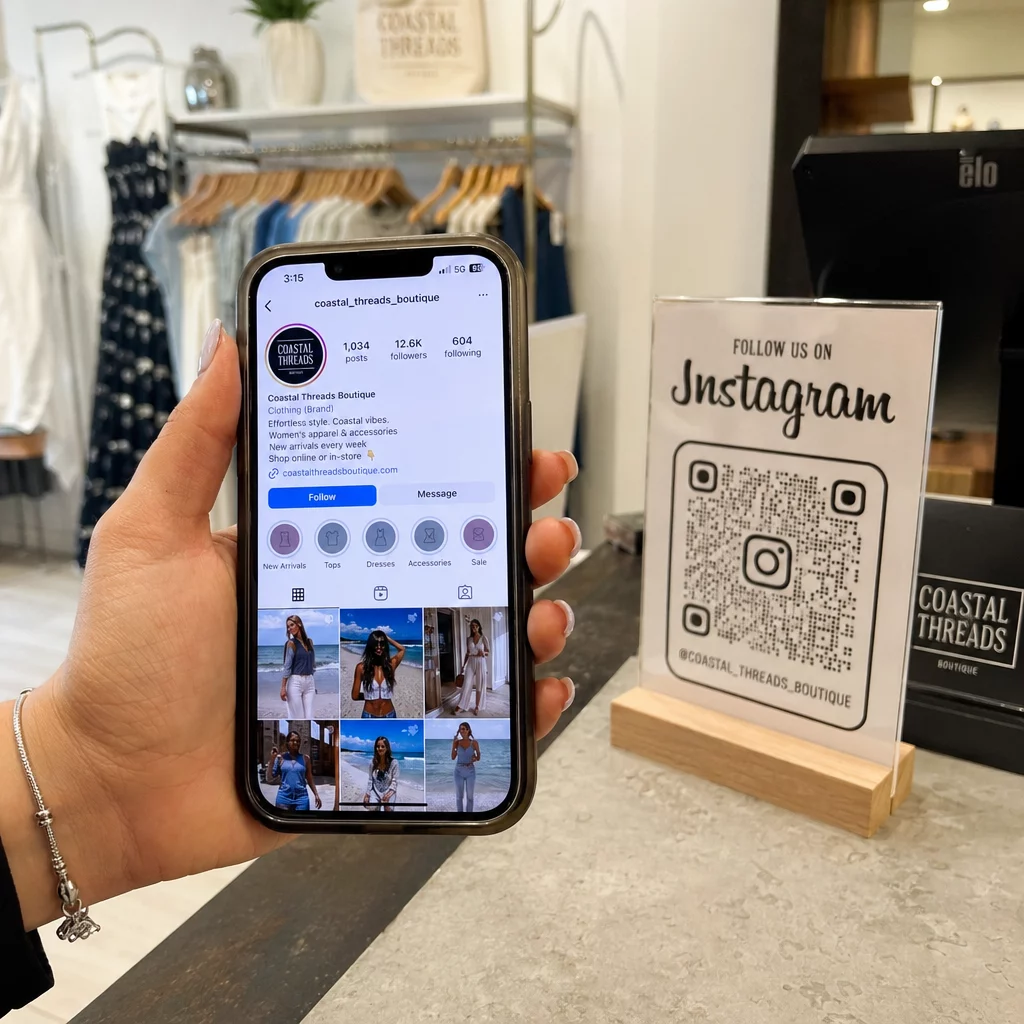
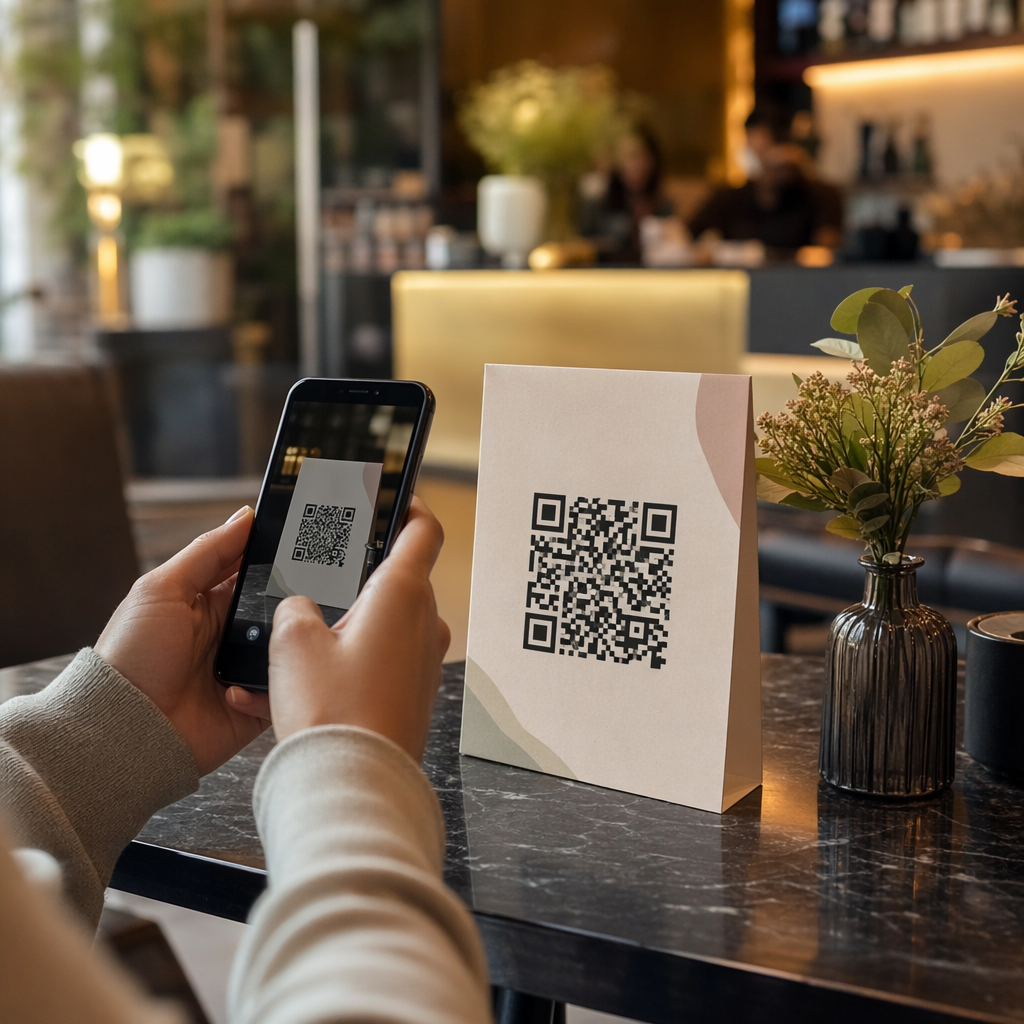
Трудно ли ви е да докажете кои печатни кампании или дисплеи в магазини всъщност водят до продажби? Инвестирането на бюджет в офлайн канали без ясно приписване прави невъзможно оправдаването на разходите или оптимизирането на вашата стратегия. Като съчетаете проследяеми QR кодове с UTM параметри и уеб анализи, можете директно да свържете физическите точки на допир с дигиталните конверсии и да измерите точната си възвръщаемост на инвестициите.
Защо офлайн кампаниите изискват динамично приписване
Печатните материали, директната поща и физическите табели са основни маркетингови инструменти, но измерването на тяхната финансова ефективност исторически представляваше предизвикателство. Когато някой види дисплей в магазин или получи пощенска картичка и по-късно посети вашия уебсайт, стандартните уеб анализи класифицират този посетител като директен трафик или органично търсене. В резултат на това физическата точка на допир не получава никакво признание за получената продажба.
Проследяемите QR кодове преодоляват тази празнина, като преобразуват физическите точки на допир в измерими дигитални входни точки. Когато клиент сканира код от печатен материал, вашата аналитична платформа регистрира събитието на сканиране и проследява пътуването на този потребител през формуляри за потенциални клиенти, регистрации или покупки в електронната търговия.
За да съберете точни данни за приписване, трябва да разберете основните оперативни разлики между статичните и динамичните кодове:
- Статични QR кодове кодират фиксиран URL адрес на дестинация директно в пикселния модел. Те не предлагат възможности за проследяване и не могат да бъдат актуализирани след отпечатване.
- Динамични QR кодове насочват скенера през гъвкава кратка връзка към вашата крайна целева страница. Те регистрират данни за сканиране в реално време – включително време на сканиране, местоположение и тип устройство – и ви позволяват да актуализирате връзките към дестинации по всяко време без повторно отпечатване. Разчитането на динамични QR кодове за маркетинг осигурява необходимата основа за пълно измерване на кампанията.
Създаване на персонализирани UTM параметри за физически точки на допир
UTM (Urchin Tracking Module) параметрите са стандартизирани текстови тагове, добавени в края на целеви URL адрес. Когато камера на смартфон сканира код, съдържащ тези тагове, инструменти за уеб анализ като Google Analytics 4 (GA4) прочитат параметрите и приписват потребителската сесия на конкретния офлайн източник. Без UTM тагове, аналитичните платформи групират трафика от QR кодове под общ директен трафик, оставяйки мениджърите на кампании без видимост кой флаер, постер или печатна реклама е довел до посещението.
Структуриране на вашите връзки за проследяване
Надеждната офлайн връзка за проследяване разчита на специфични полета за параметри:
| Параметър | Цел | Препоръчително офлайн форматиране | Примерна стойност |
|---|---|---|---|
| “utm_source” | Идентифицира физическия канал или местоположение | Специфичен печатен материал или място на показване | “directmailpostcard” |
| “utm_medium” | Идентифицира основната маркетингова среда | Стандартизиран таг за канал като “qr” или “offline” | “qr” |
| “utm_campaign” | Идентифицира конкретната промоция или оферта | Име на промоцията и година | “springsale2025” |
| “utm_content” | Разграничава варианти на дизайн или разположение | Детайл за разположение или креативен вариант | “frontстраницаqr” |
| “utm_term” | Проследява целеви аудиторни сегменти | Демографски сегмент или код на пощенски списък | “existing_customers” |
Стандартизиране на конвенциите за именуване
За да поддържате уеб анализа си чист и да предотвратите фрагментирани отчети, следвайте стандартните правила за форматиране:
- Използвайте малки букви последователно: Инструментите за анализ третират таговете с главни и малки букви поотделно, създавайки дублиращи се записи на канали за “QR” и “qr”.
- Разделяйте думите с долни черти: Avoid spaces, which create percent-encoding symbols (“%20”) that clutter tracking URLs.
- Поддържайте унифицирани тагове за среда: Приложете една стойност за среда към всички печатни материали, така че целият сканиран трафик да се консолидира под една група канали в изгледите на отчетите.
За допълнителни насоки относно структурирането на URL адреси за проследяване за платформи за уеб анализи, прегледайте тези подробни съвети за използването на UTM параметри за QR кодове.
Преобразуване на URL адреси за проследяване в динамични QR кодове
След като създадете маркиран URL адрес, преобразувайте го в сканируем код. Използвайки специализиран генератор на QR кодове за връзки или изчерпателен Динамичен QR код генератор, въведете целия си маркиран URL адрес (напр. “https://yourwebsite.com/promo?utmsource=springflyer&utmmedium=qr&utmcampaign=retail_expansion”).
Най-добри практики за разполагане в печатни издания
За да поддържате висока възможност за сканиране и да осигурите надеждно събиране на данни в физическите медии:
- Присвояване на уникални кодове за всяко физическо разположение: Генерирайте отделни динамични QR кодове с уникални “utmsource” или “utmcontent” стойности за всяко физическо местоположение. Използването на отделни кодове за плакати на витрини и флаери на каси ви позволява директно да сравнявате ефективността на местоположенията.
- Поддържайте силен визуален контраст: Позиционирайте тъмни модули на QR кода върху обикновен светъл фон. Високият контраст позволява на камерите на телефоните незабавно да идентифицират и декодират пикселните модели.
- Прилагайте правилни насоки за оразмеряване при печат: Печатни материали, сканирани от разстояние, като например промоционални Флайери или директна поща пощенски картички, изискват минимален размер от 0.8 × 0.8 инча (2 × 2 см). За по-големи табели поддържайте съотношение 10:1 между разстоянието за сканиране и ширината на кода.
- Експортирайте дизайни във векторни файлови формати: Винаги изтегляйте окончателните графики на QR кодове във векторни формати (.SVG или .PDF) вместо растерни изображения като JPEG, за да предотвратите пикселизация по време на професионален печат.
Започнете да проследявате вашите печатни кампании Спрете да гадаете кои офлайн канали конвертират. Използвайте Pageloot’s Динамичен QR код генератор за създаване на проследими QR кодове, които предоставят незабавни анализи на сканиранията и безпроблемно отчитане на възвръщаемостта на инвестициите.
Наблюдение на сканиранията и анализ на данните за конверсии
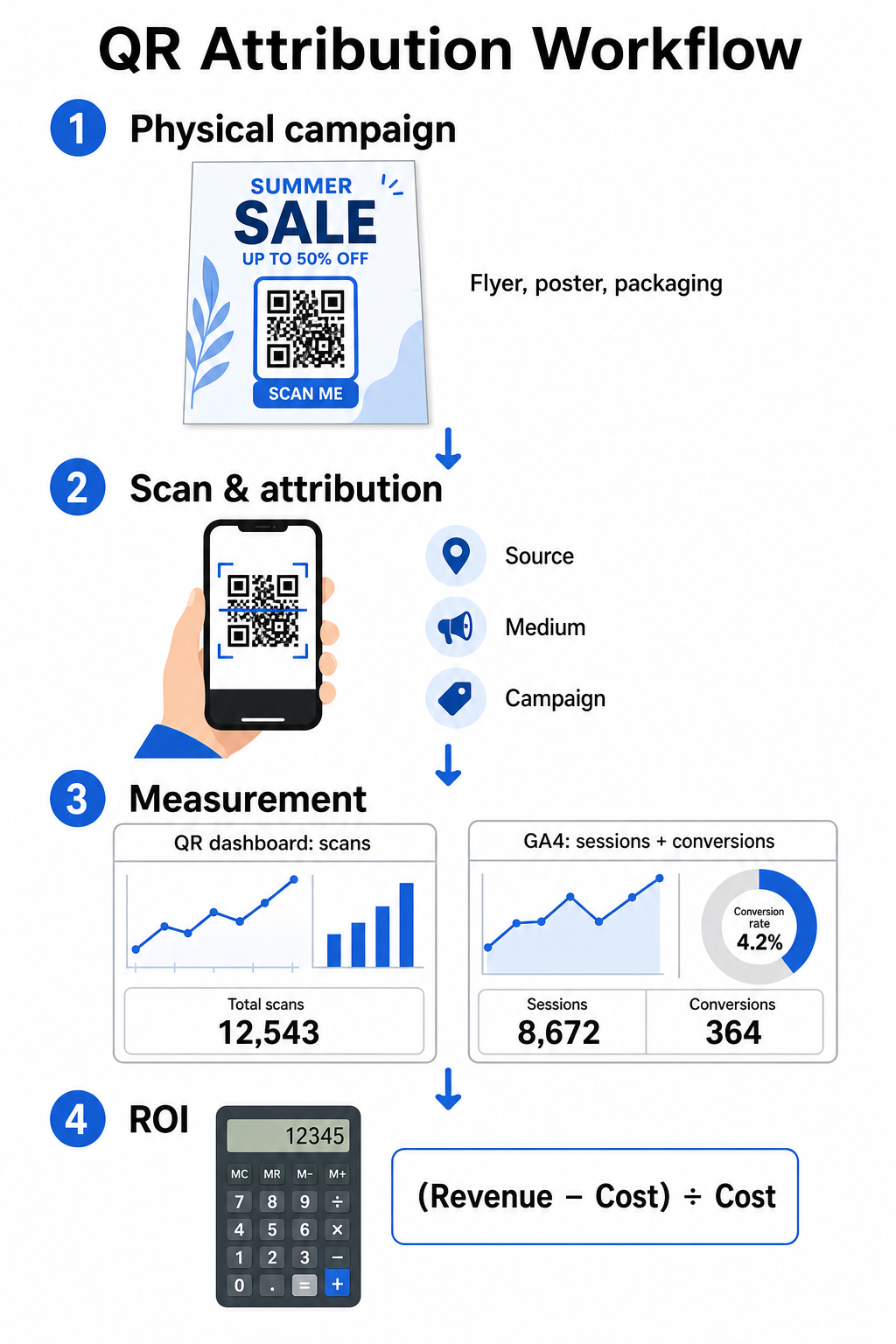
Измерването на ROI изисква свързване на физическите взаимодействия в горната част на фунията с дигиталните реализации в долната част на фунията. Ще събирате данни за кампаниите от две интегрирани среди: вашето табло за управление на QR и вашия софтуер за уеб анализи.
Събиране на данни от горната част на фунията във вашето табло
Вашата платформа за управление на QR записва данни за физически взаимодействия при сканиране незабавно. Когато вие проследявате сканирания на QR кодове в реално време, вашето табло показва критични показатели за ангажираност:
- Общ брой срещу уникални сканирания: Общият брой сканирания записва всяко отделно сканиране, докато уникалните сканирания изолират взаимодействията на отделни устройства.
- Географско разпределение на сканиранията: Картите показват най-добре представящите се градове и пощенски райони.
- Тенденции във времето за ангажираност: Часовите и дневните разпределения на сканиранията разкриват пиковите периоди на активност за целевите аудитории.
- Операционни системи на устройствата: Показателите за операционна система гарантират, че целевите страници функционират безпроблемно на устройства с iOS и Android.
Използването на централно табло за анализ на QR кодове дава на мениджърите на кампании незабавна обратна връзка за ефективността, без да се налага да чакат забавяне при обработката на уеб анализите.
Оценяване на реализациите в Google Analytics 4
Докато вашето табло за сканиране измерва физическите взаимодействия, GA4 проследява поведението на потребителите, след като посетителите пристигнат на вашия уебсайт.
За да оцените трафика на кампанията в GA4:
- Навигирайте до Отчети > Придобиване > Придобиване на трафик.
- Променете основното измерение на отчитане на Източник / среда на сесията или Кампания на сесията.
- Търсете своя персонализиран таг за среда (като „qr“).
- Анализирайте ключови показатели за ефективност, включително Ангажирани сесии, Коефициент на ангажираност, и Ключови събития (реализации).
Когато онлайн действия – като покупки в електронна търговия, изпращане на формуляри или абонаменти за бюлетин – са обозначени като ключови събития в GA4, платформата приписва тези реализации директно обратно на параметрите на източника на вашата печатна кампания.
Изчисляване на ROI на кампанията и показатели за ефективност
След като разходите за кампанията са записани и приписаните приходи са проследени в уеб анализите, можете да изчислите точна възвръщаемост на инвестициите (ROI), използвайки стандартни финансови формули.
Формулата за изчисляване на ROI
Изчислете ROI на кампанията, използвайки стандартното уравнение:
ROI (%) = [(Приписан приход − Общи разходи за кампания) ÷ Общи разходи за кампания] × 100
Практически пример за изчисляване на ROI
Разгледайте кампания с директни пощенски флаери, създадена за генериране на онлайн резервации на услуги:
- Общи разходи за кампанията: $2,500 (покриващи графичен дизайн, печат и пощенски разходи).
- Общ брой сканирания на QR: 800 общо сканирания (650 уникални сканирания).
- Приписани уеб реализации: 50 завършени резервации, произхождащи от „utmsource=directmail_flyer“.
- Общ приписан приход: $6,000 преки приходи от продажби.
Прилагане на формулата за изчисление:
ROI = [($6,000 − $2,500) ÷ $2,500] × 100 = ($3,500 ÷ $2,500) × 100 = 140%
Кампанията генерира 140% нетна възвръщаемост на инвестицията.
Вторични показатели за ефективност
За да сравните ефективността на различни физически материали и места за разполагане, следете тези поддържащи показатели за ефективност:
- Цена на сканиране (CPS): Разделете общите разходи за кампанията на общия брой сканирания ($2,500 ÷ 800 = $3.12 на сканиране).
- Процент на сканиране към реализация: Разделете приписаните реализации на уникалните сканирания и умножете по 100 ((50 ÷ 650) × 100 = 7.69%).
- Цена на придобиване (CPA): Разделете общите разходи за кампанията на приписаните реализации ($2,500 ÷ 50 = $50.00 на реализация).
- Приход на сканиране (RPS): Разделете общия приписан приход на общия брой сканирания ($6,000 ÷ 800 = $7.50 на сканиране).
Сравняване на ефективността между офлайн медии
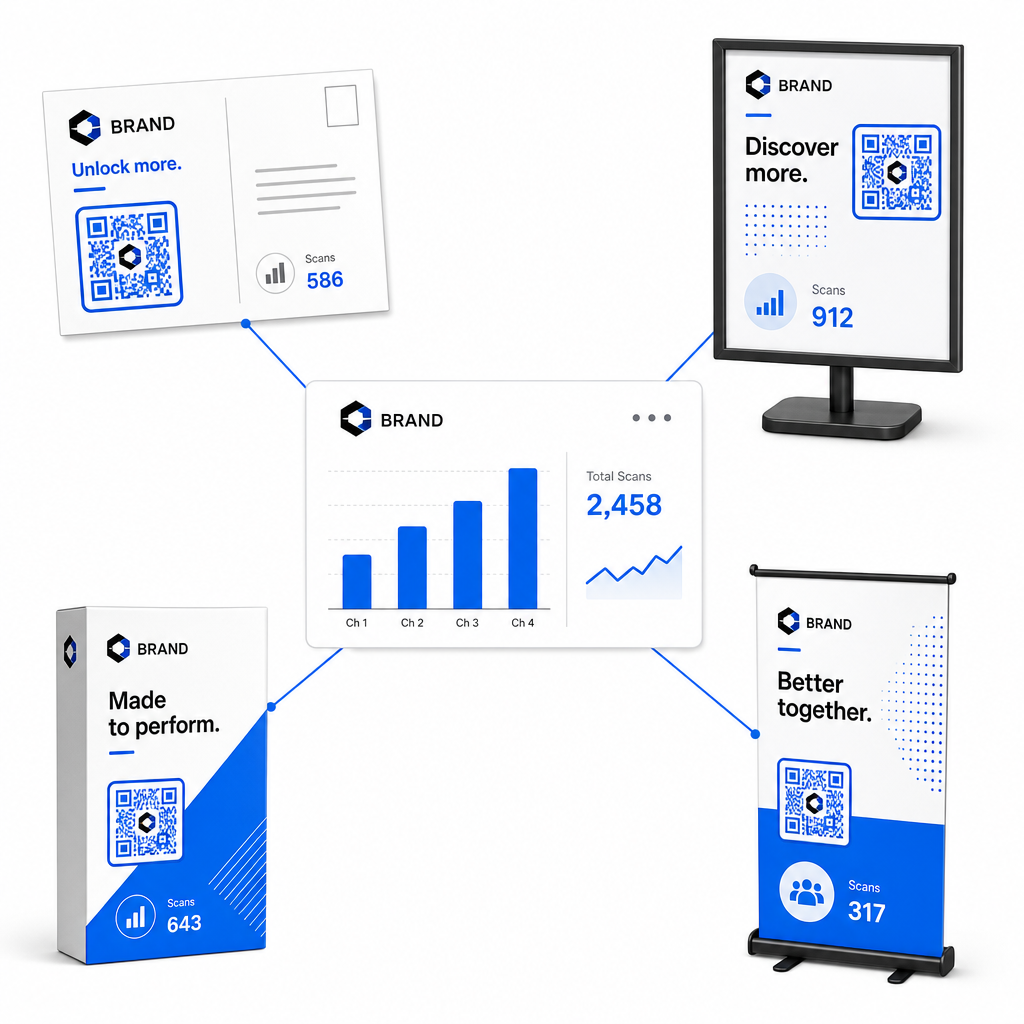
Оценяването на ефективността на физическите разположения помага за разпределяне на бъдещи бюджети за печат към видове рекламни материали с висока доходност.
| Маркетингов материал | Целеви KPI | Стратегия за оптимизация |
|---|---|---|
| Директна поща & Пощенски картички | Процент на реализация & CPA | Позиционирайте ясен стимул или оферта за отстъпка непосредствено до кода. |
| Плакати & дисплеи в магазина | Обем на сканирания & Скорост на сканиране | Регулирайте височината на дисплея и преместете кодовете към фокусни точки на нивото на очите с висок трафик. |
| Опаковки на продукти | Повторни сканирания & Процент на ангажираност | Насочете потребителите към цифрови ръководства за употреба, формуляри за активиране на гаранция или отстъпки за повторни поръчки. |
| Табели & банери за събития | Процент на привличане на потенциални клиенти | Предложете ресурси за изтегляне или промоционални подаръци в замяна на информация за контакт. |
За да проучите допълнителни стратегии за прилагане на кодове в традиционните печатни медии, прегледайте това ръководство за проследяване на QR кодове.
Насоки за максимизиране на сканиранията от офлайн кампании
За да увеличите максимално процента на конверсия и да поддържате точни данни за кампанията, следвайте тези основни оперативни стандарти:
- Включете ясен, ориентиран към действие текст: Избягвайте отпечатването на самостоятелни кодове без контекст. Поставете изрични призиви за действие до рамката на кода, като например „Сканирайте, за да отключите 15% отстъпка от покупката си“ или „Сканирайте, за да видите пълното меню“.
- Оптимизирайте мобилните целеви страници: Сканирането се извършва изключително на мобилни устройства. Уверете се, че целевите страници се зареждат за по-малко от две секунди и имат удобен за палеца дизайн.
- Тествайте проследяващите URL адреси преди масово разпространение: Извършете тестове за сканиране на живо на няколко мобилни операционни системи, за да потвърдите, че всички UTM тагове се предават чисто на целевата страница и се записват в анализи в реално време.
- Актуализирайте динамичното управление на дестинационни връзки: Ако връзките на целевата страница се променят или промоциите се актуализират, използвайте административното си табло за управление, за да промените дестинационните URL адреси, без да препечатвате материали. Научете повече за ефективното изпълнение в този ресурс за как да използвам QR кодове.
Комбинирането на функции за динамично управление със структурирани UTM връзки превръща печатните медии в предвидим, измерим канал за растеж. Създайте персонализирани динамични кодове с Генератор на QR кодове на PageLoot за да получите пълна оценка на вашата инвестиция в печатен маркетинг.
Често задавани въпроси
Да, платформите за управление на динамични QR кодове автоматично проследяват обема на сканиранията, операционните системи на устройствата, времената на сканиране и географските местоположения. Въпреки това, добавянето на UTM параметри към целевите връзки позволява на платформите за уеб анализ и CRM да приписват последващи сесии на уебсайта, покупки и подавания на формуляри за потенциални клиенти обратно към вашата конкретна физическа кампания.
Ако сте генерирали динамични QR кодове, можете да актуализирате целевия URL адрес и UTM параметрите по всяко време през вашето табло за управление, без да препечатвате физическото си произведение на изкуството. Статичните QR кодове кодират целевия уеб адрес за постоянно в дизайна за печат и не могат да бъдат променяни след отпечатване.
Присвоете уникален динамичен QR код с отделни UTM параметри (като „utmcontent=windowposter“ срещу „utmcontent=checkoutflyer“) за всяко физическо местоположение или тип материал. Тази настройка ви позволява да изолирате обемите на сканиране, процентите на конверсия и приписаните приходи за отделни разположения във вашите аналитични отчети.