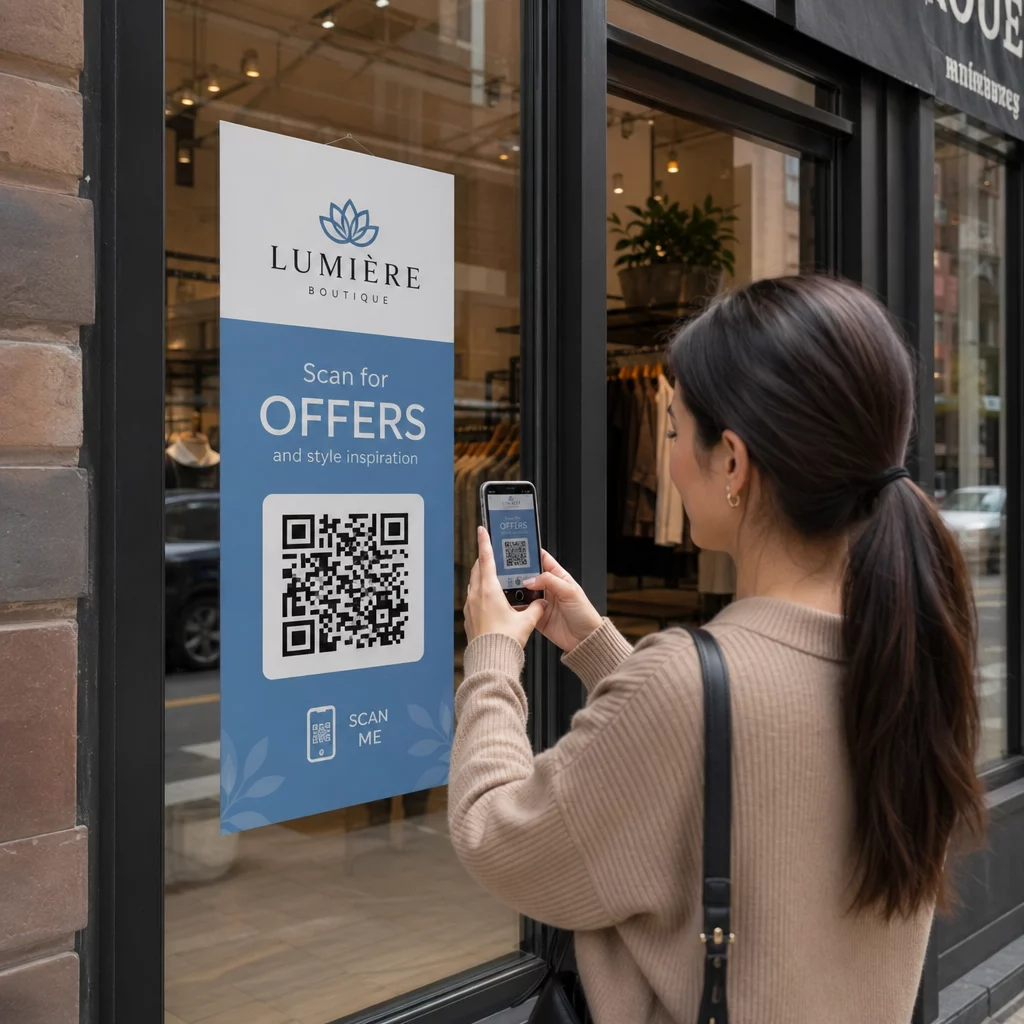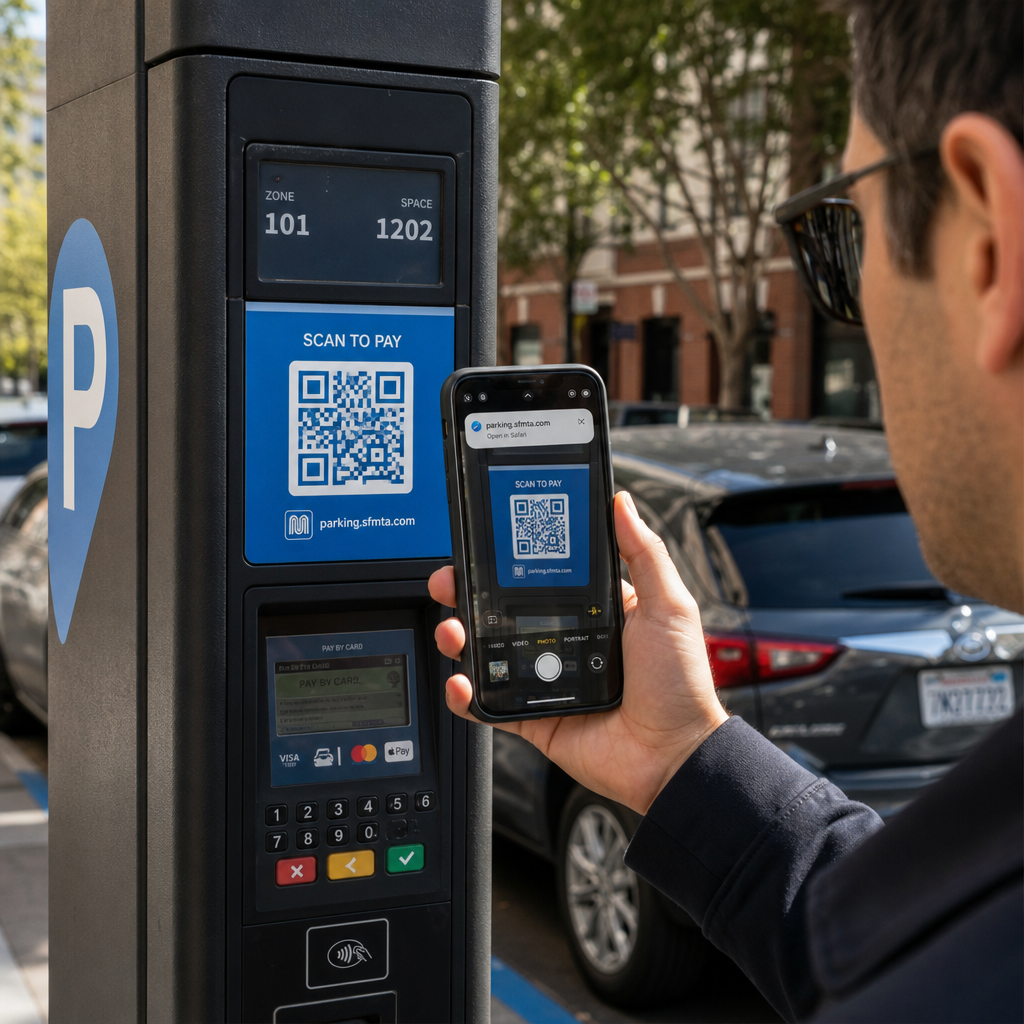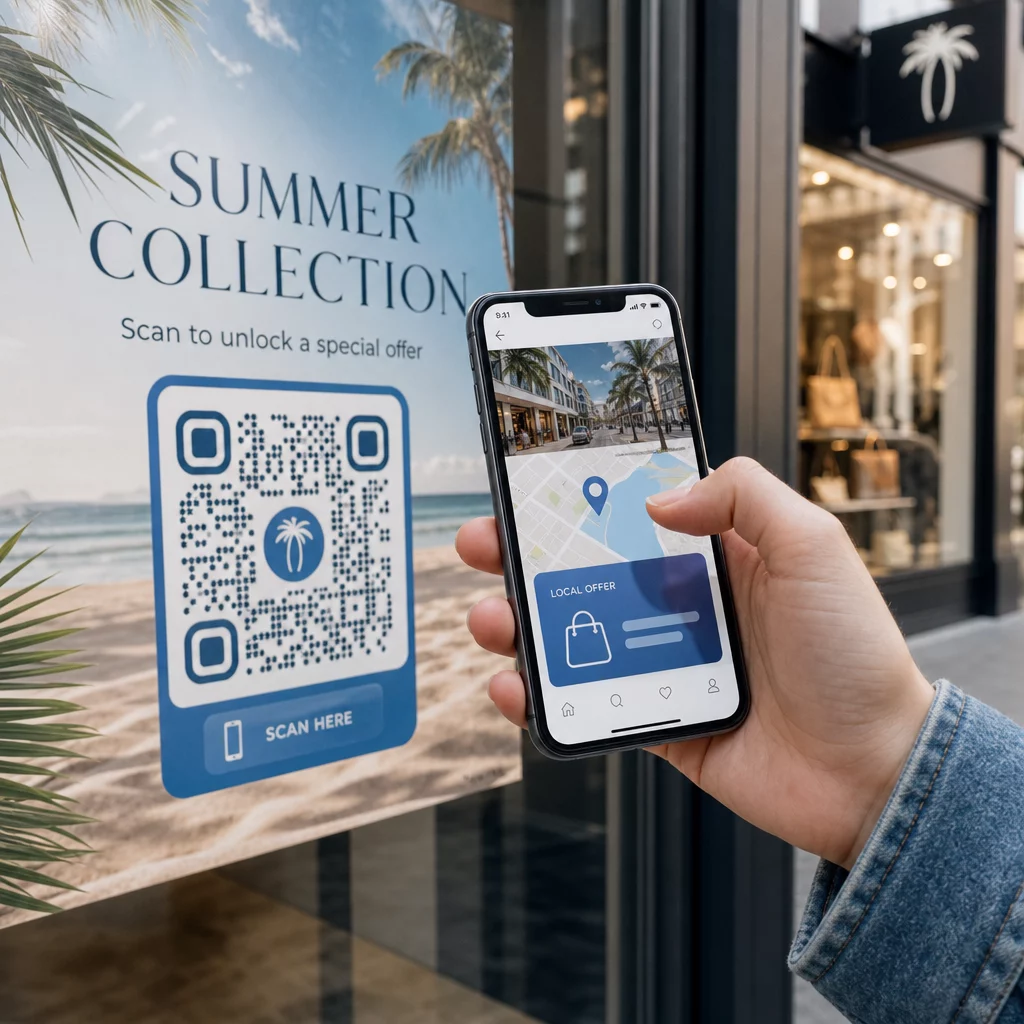
Vil du at hver skanner skal lande på innhold som er relevant for hvor de befinner seg? Når en enkelt QR-kode sender alle til samme side uavhengig av geografi, mister du sjansen til å snakke til lokale målgrupper med målrettede tilbud, språk og kontekst. Denne guiden forklarer hvordan stedsbasert QR-kodeomdirigering fungerer, hvordan du setter det opp, og hva du bør se opp for.
Hvorfor stedsbasert omdirigering krever dynamiske QR-koder
En standard statisk QR-kode koder en fast URL direkte inn i mønsteret sitt. Den destinasjonen kan aldri endres – du måtte skrive ut en ny kode hver gang. Dynamiske QR-koder fungerer annerledes: selve koden koder en kort omdirigerings-URL, og den faktiske destinasjonen kontrolleres på en server. Det betyr at du kan oppdatere hvor koden peker når som helst, uten å røre det trykte materialet.
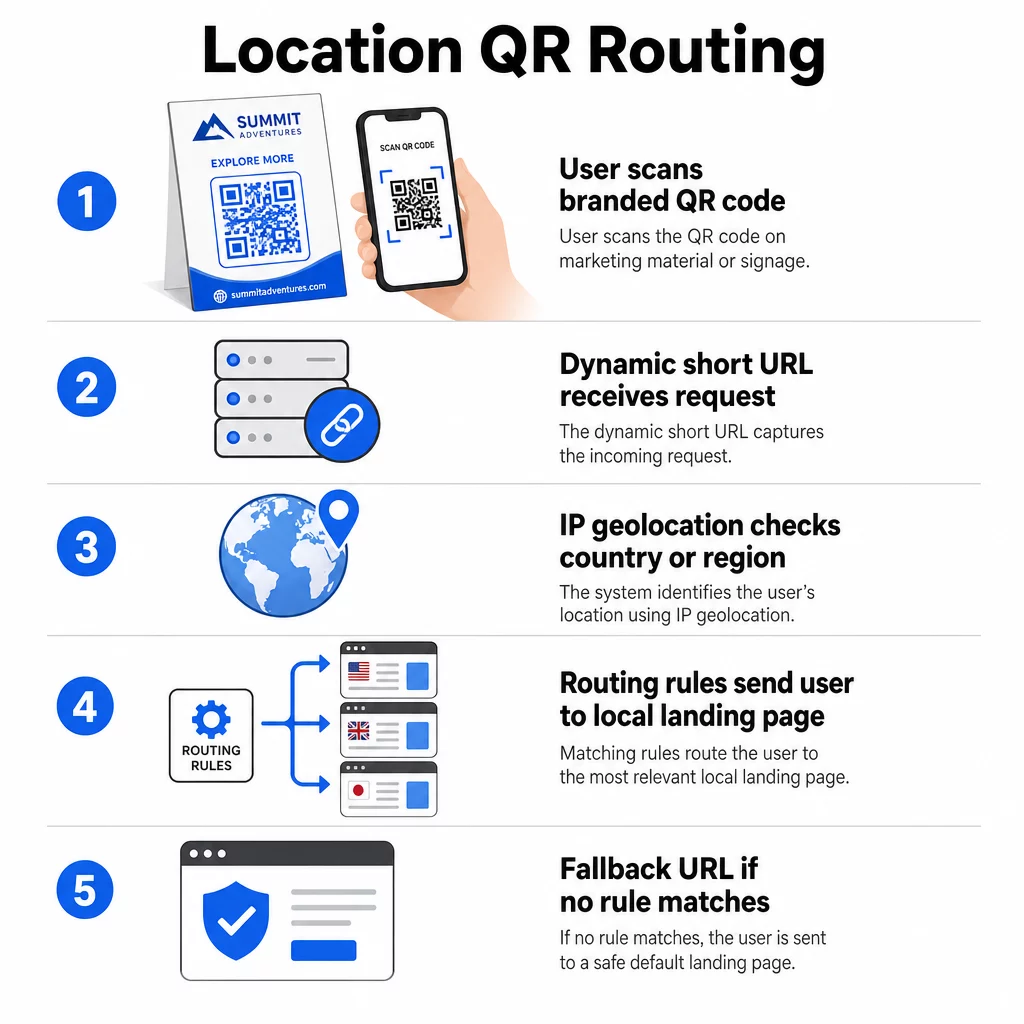
Stedsbasert omdirigering bygger på dette grunnlaget. Når noen skanner en dynamisk kode, sjekker omdirigeringslaget skannerens geografiske plassering – typisk avledet fra enhetens IP-adresse – og bruker regler du har konfigurert for å servere en landspesifikk eller regionspesifikk URL. Hvis ingen regel samsvarer, faller systemet tilbake til en standard-URL du har angitt.
Å forstå forskjellen mellom statiske og dynamiske QR-koder er det viktigste første skrittet før du bygger en stedsbevisst kampanje.
Opprett stedsbevisste QR-koder Klar til å sende skannere til riktig destinasjon basert på hvor de er? Bruk Dynamisk QR-kode generator for å bygge redigerbare, sporbare koder med innebygde stedsregler.
Hvordan stedsdeteksjon faktisk fungerer
De fleste plattformer bruker IP-basert geolokalisering: når en enhet skanner QR-koden og åpner den korte omdirigerings-URL-en, bærer forespørselen en IP-adresse. Plattformen slår opp den IP-en mot en geolokalisering-database for å bestemme skannerens land eller region, og ruter deretter til den matchende destinasjons-URL-en.
Denne tilnærmingen er pålitelig på landsnivå – nøyaktigheten rapporteres vanligvis i området 90–99% for landdeteksjon – men synker betydelig for mindre geografier. Regional eller delstatsnivådeteksjon ligger rundt 55–80% nøyaktighet, og bynivå-nøyaktigheten faller til 50–75%. Flere faktorer reduserer påliteligheten ytterligere:
- Bruk av VPN eller proxy, der den tilsynelatende IP-lokasjonen avviker fra brukerens fysiske plassering
- Mobiloperatør-NAT (Carrier-grade NAT), som kan tildele IP-er registrert langt fra den faktiske enheten
- Bedriftsnettverk, der trafikk rutes gjennom en sentral kontor-IP
- Utdaterte geolokasjonsdatabaser som ikke har fanget opp IP-omfordelinger
For kampanjer der målretting på landsnivå er tilstrekkelig – forskjellige språkversjoner, regionale kampanjer, landspesifikke nettbutikker – fungerer IP-basert deteksjon bra. For hyperlokal målretting på nabolags- eller stedsnivå gir GPS-basert lokasjon (der brukeren gir tillatelse) større presisjon, selv om det krever en eksplisitt samtykkeforespørsel.
Konfigurer alltid en standard reserve-URL for skannere hvis lokasjon ikke kan bestemmes, eller som faller utenfor dine definerte regler. Dette forhindrer at noen havner i en blindvei.
Hva du trenger før du begynner
Før du setter opp lokasjonsregler, ha disse tre tingene klare:
- En dynamisk QR-kodeplattform som støtter geografisk ruting. Se etter en som lar deg definere destinasjons-URL-er per land eller region, oppdatere regler uten å skrive ut på nytt, og spore skannedata etter lokasjon. Pageloots funksjoner inkluderer alle disse i ett dashbord.
- Destinasjons-URL-er for hvert målområde. Disse bør være fullt utbygde og mobiloptimaliserte før du lanserer. Hver regional side bør gjenspeile lokalt språk, valuta, tilbud eller butikkinformasjon etter behov.
- En reserve-URL som fungerer for enhver skanner som ikke samsvarer med en spesifikk regel – typisk din hovednettside eller en nøytral landingsside der brukere kan velge sin region selv.
Hvordan sette opp stedsbasert omdirigering
Trinn 1: Opprett en dynamisk QR-kode
Meld deg på en plan for dynamisk QR-kode og opprett en ny kode ved å bruke Dynamisk QR-kode generator. På dette stadiet, skriv inn en midlertidig destinasjons-URL – du vil konfigurere stedsreglene deretter. Tilpass kodens utseende med merkevarefargene og logoen din for å bygge tillit og oppmuntre til skanning.
Trinn 2: Konfigurer geografiske rutingsregler
Inne i dashbordet for QR-kodeadministrasjon, finn omdirigerings- eller rutingsinnstillingene for koden du nettopp opprettet. Legg til regler etter land (eller region, hvis støttet):
- Velg en målgeografi (for eksempel Tyskland)
- Skriv inn destinasjons-URL-en for den geografien (for eksempel din tyskspråklige produktside)
- Gjenta for hvert land eller region du vil målrette mot
- Angi din standard reserve-URL for alle andre steder
Systemet bruker 302 midlertidige HTTP-omdirigeringer, noe som betyr at den korte URL-en alltid forblir den samme mens destinasjonen kan oppdateres når som helst uten å påvirke den trykte koden.
Trinn 3: Legg til merkevarebygging i QR-koden
En merkevare-QR-kode – med logoen din sentrert i mønsteret og farger som matcher identiteten din – oppmuntrer brukere til å skanne i stedet for å ignorere den. De fleste plattformer lar deg kontrollere logostørrelse, fargepalett og kantstil. Sørg for at kontrasten mellom kodens forgrunn og bakgrunn forblir høy nok for pålitelig skanning, spesielt hvis koden vil vises på varierte overflater eller under forskjellige lysforhold.
For en dypere titt på geofencing og beste praksis for plassering, inkludert 10:1 størrelsesregelen for trykt materiale, dekker den guiden hele sjekklisten for design og distribusjon.
Trinn 4: Test før utrulling
Testing er ikke-forhandlingsbart. Før du skriver ut eller publiserer noe, verifiser at hver geografisk regel ruter korrekt. Bruk en VPN satt til hvert målland for å simulere skanninger fra disse stedene, og bekreft at du kommer til den forventede destinasjons-URL-en hver gang. Test også reserve-URL-en med en lokasjon utenfor noen av dine definerte regler.
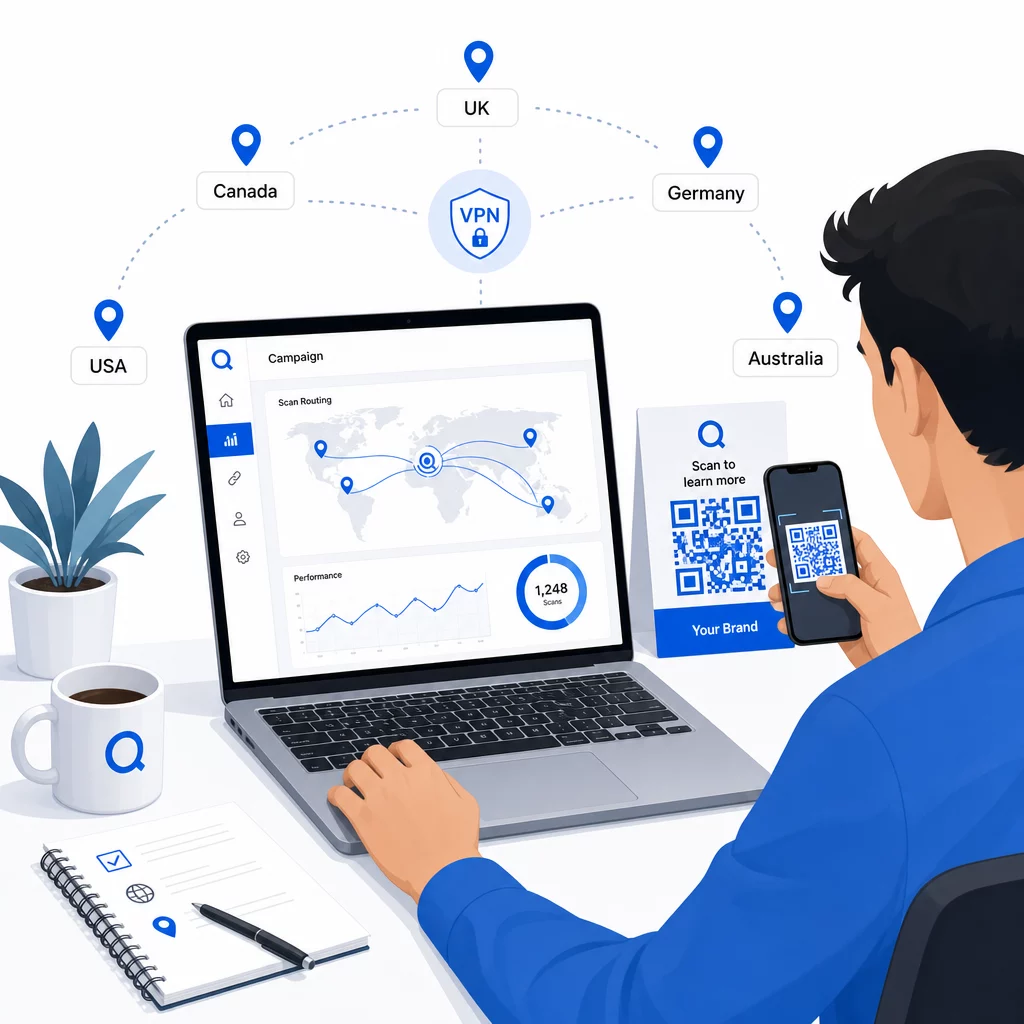
Test på tvers av flere enhetstyper (iOS og Android), på både Wi-Fi og mobildataforbindelser, og under forskjellige lysforhold for å bekrefte skannbarhet. Dokumenter eventuelle problemer og løs dem før du går live. Hvis du trenger å gjøre endringer senere, er prosessen for å redigere en dynamisk QR-kodes destinasjon enkel og krever ikke ny utskrift av noe.
Utforming av regionalt innhold som fortjener skanningen
En lokasjonsregel som ruter en skanner til en generisk side, motarbeider formålet. Destinasjonsinnholdet bør gjenspeile hva som gjør hver geografi unik:
- Språk: Selv innenfor engelsktalende markeder varierer formulering, staving og tone. For ikke-engelske markeder forventes en fullt oversatt side.
- Lokale tilbud og priser: Valuta, kampanjetidspunkt og produkttilgjengelighet varierer etter region. Vis hva som faktisk er relevant og kan kjøpes på det stedet.
- Butikk- eller kontaktinformasjon: Hvis du har fysiske lokasjoner, vis den nærmeste basert på hvor skanneren befinner seg.
- Regulatoriske eller samsvarsdetaljer: Noen bransjer – mat og drikke, helsevesen, finansielle tjenester – har regionspesifikke opplysningskrav. Sørg for at hver side oppfyller lokale standarder.
Forskning viser at 39% av kundene aktivt leter etter personalisert QR-kodeinnhold. En regionspesifikk side er ikke et hyggelig tillegg – det er i økende grad grunnforventningen. For et bredere blikk på nå lokale målgrupper med georettede QR-koder, inkludert eksempler fra virkelige merkevarer, går den guiden dypere inn i lokaliseringsstrategi.
Måle og forbedre ytelse
Dynamiske QR-koder genererer skannedata automatisk. Bruk plattformens analysedashbord til å overvåke:
- Skannvolum etter land eller region, for å identifisere hvor engasjementet er sterkest
- Skanningstidspunkt, for å forstå når brukere er mest aktive i hvert marked
- Enhetstyper, for å sikre at dine regionale sider gjengis riktig for den dominerende enheten i hvert geografiske område
- Konverteringsatferd, hvis du har koblet UTM-parametere til destinasjons-URL-ene dine og integrert med et verktøy som Google Analytics
For en komplett gjennomgang av hva som kan spores og hvordan man tolker dataene, guiden om sporing av QR-kode skanninger og analyser dekker hele spekteret av beregninger tilgjengelig med dynamiske koder.
Bruk disse dataene til å kjøre A/B-tester på regionale landingssider, justere plasseringen av fysiske QR-koder til steder med høyere trafikk, og flytte budsjettet mot markedene som gir best resultater. Gjennomgå ytelsen månedlig og oppdater destinasjons-URL-er etter hvert som kampanjer, tilbud eller innhold endres – uten å skrive ut en eneste ny kode.
Spor hver skanning etter sted Se hvilke regioner som driver mest engasjement og juster kampanjene dine i sanntid. Start med Dynamisk QR-kode generator og få et komplett analysedashbord fra dag én.
Håndtering av personvern og dataregelverk
Innsamling av stedsdata – selv IP-basert – skaper ansvar for overholdelse av regelverk. Reglene varierer etter region:
- GDPR (Den europeiske union): Du trenger et lovlig grunnlag for å behandle stedsdata. For markedsføringsformål kreves vanligvis eksplisitt samtykke. Vær transparent om hvilke data du samler inn og hvorfor før skanningen finner sted.
- CCPA (California): Brukere har rett til å vite hvilke personopplysninger du innehar og til å be om sletting. Din plattform og dine prosesser må støtte disse forespørslene.
- HIPAA (USA): Helsekontekster krever ytterligere sikkerhetstiltak rundt alle pasientnære data, inkludert stedssignaler knyttet til helserelaterte QR-koder.
Praktiske skritt for å overholde regelverket:
- Samle kun inn stedsdata hvis det forbedrer brukeropplevelsen på en spesifikk, artikulerbar måte
- Fortell brukere tydelig – før de skanner – hvilke data som samles inn og hvordan de brukes
- Tilby en alternativ vei for brukere som nekter steddeling (for eksempel en side der de kan velge sin region manuelt)
- Bruk HTTPS og kryptert datalagring gjennomgående
- Arbeid med en plattform som oppfyller anerkjente sikkerhetsstandarder og lar deg administrere datalagring
Hold personvernerklæringen din kortfattet, i et enkelt språk og lett å finne – inkludert på alt trykt materiale som inneholder QR-koden.
Begrensninger å huske på
IP-basert geolokalisering er ikke perfekt, og noen brukere vil uunngåelig bli rutet til feil regional destinasjon – spesielt de som bruker VPN, reiser internasjonalt eller kobler seg til via et bedriftsnettverk. Noen måter å redusere virkningen på:
- Sørg alltid for en synlig språk- eller regionvelger på hver landingsside slik at feilrutet brukere kan korrigere opplevelsen sin selv
- Unngå å hardlåse innhold basert på geografi på måter som frustrerer brukere som vet at de ønsker innhold fra en annen region
- Overvåk analysene dine for avvik, for eksempel uventet høy trafikk fra et land som ikke samsvarer med målrettingen din, noe som kan indikere rutingfeil
Ofte stilte spørsmål
Nei. Fordi dynamiske QR-koder bruker en kort omdirigerings-URL som kontrolleres på servernivå, kan du oppdatere destinasjons-URL-er for enhver geografisk regel når som helst uten å endre eller skrive ut koden på nytt. Den trykte koden forblir den samme; bare rutinglogikken endres.
Nøyaktigheten på landsnivå er generelt høy – rundt 90–99 % i de fleste tilfeller – noe som gjør den pålitelig for å rute brukere til landsspesifikke sider eller språkversjoner. Nøyaktigheten synker betydelig på regionalt nivå, bynivå eller nabolagsnivå, og reduseres ytterligere for brukere på VPN, mobiloperatører med sentralisert IP-ruting, eller bedriftsnettverk. Hvis du trenger mer presis lokal målretting, se etter plattformer som støtter GPS-basert posisjonering med brukerens samtykke.
Systemet dirigerer skanneren til standard tilbakefalls-URL du konfigurerer når du setter opp koden. Dette er grunnen til at det å definere en pålitelig tilbakefallsdestinasjon – vanligvis din hovednettside eller en nøytral landingsside med en manuell regionvelger – er en essensiell del av ethvert stedsbasert QR-oppsett.