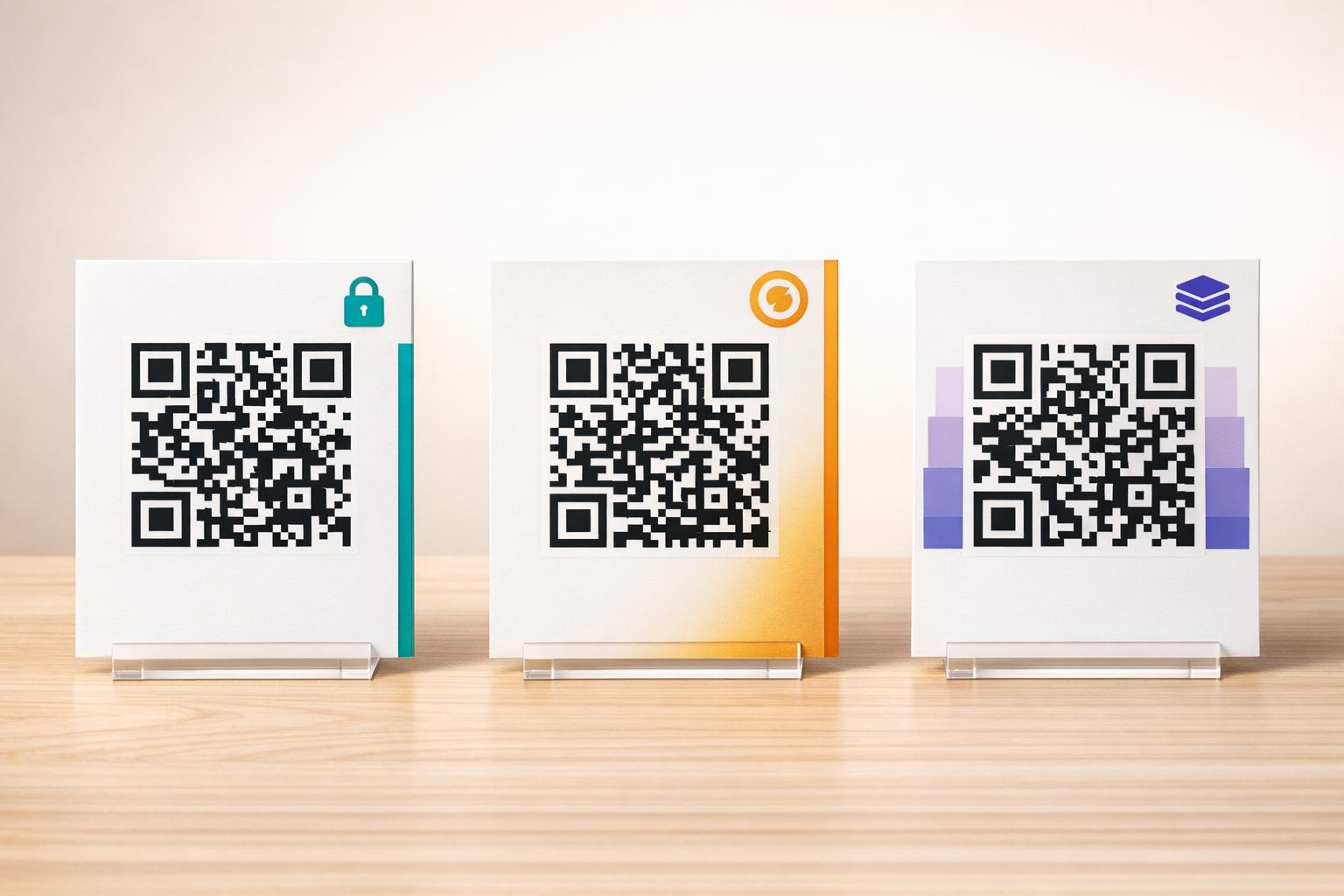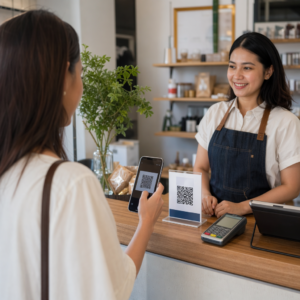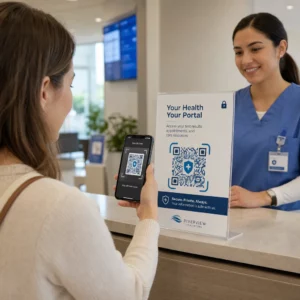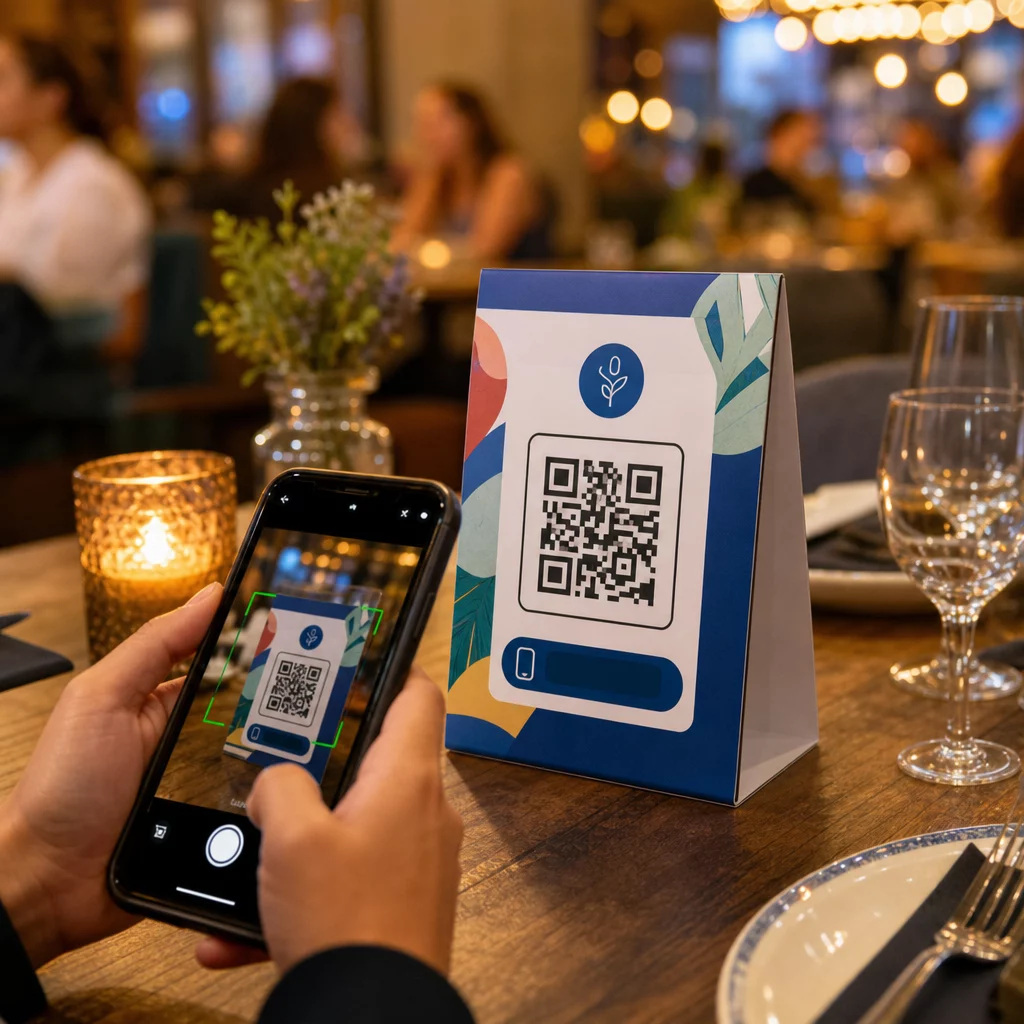
Asztali kártyái tesznek-e bármi mást azon kívül, hogy gyertyát tartanak, vagy port gyűjtenek a szolgáltatások között? A statikus nyomtatott kártyák pénzt hagynak az asztalon – szó szerint. Egy QR-kód hozzáadása minden asztali kártyát interaktív érintési ponttá változtat, amely másodpercek alatt összeköti az ülő vendégeket a digitális tartalmával.
Miért érdemes asztali kártya QR-kódokat használni
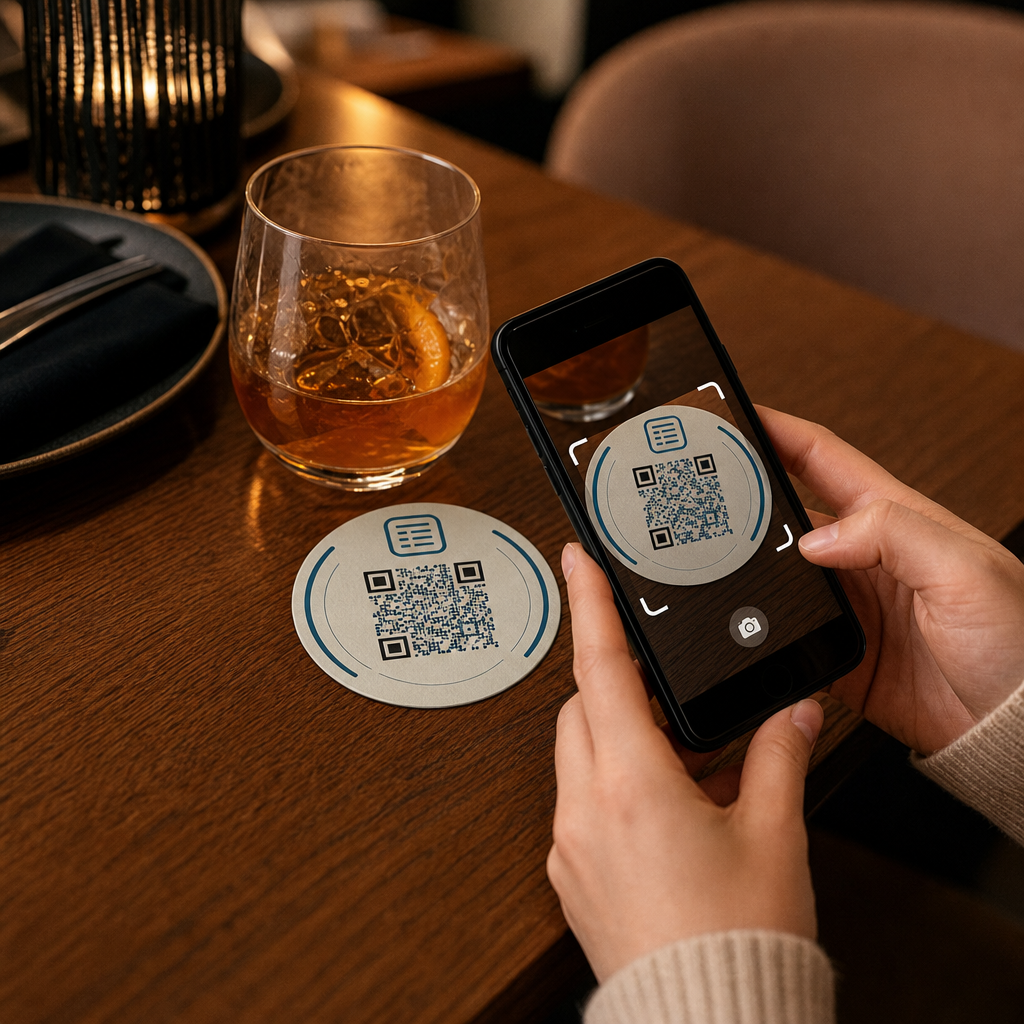
Az asztali kártya közvetlenül az ügyfél előtt helyezkedik el látogatásuk legaktívabb időszakában: abban a pillanatban, amikor leülnek és várnak. Ez a tartózkodási idő valódi lehetőséget kínál, és egy beolvasható QR-kód hasznos tartalommal tölti meg.
Mert éttermek és vendéglátóipari vállalkozások, az asztali kártyákon lévő QR-kódok egyszerűsítik a műveleteket, ami mind a személyzet, mind a vendégek számára előnyös. Az ügyfelek böngészhetnek egy digitális menüt, leadhatnak rendelést, vagy kifizethetik a számlát anélkül, hogy pincérre várnának. A kiskereskedők, pulton elhelyezett QR-kódos asztali kártyák promóciókat, hűségprogram-regisztrációkat vagy termékadatokat jeleníthetnek meg pontosan abban a pillanatban, amikor a vásárlási döntés születik.
A számok alátámasztják ezt. Az éttermek és vendéglátóipari vállalkozások vezetik a QR-kódok bevezetését 75%-kal, és a kutatások azt mutatják, hogy az összes éttermi QR-beolvasás 60%-a akkor történik, amikor a kódokat közvetlenül az asztalra helyezik – matricákon vagy asztali kártyákon. A formátum azért működik, mert ott éri el az ügyfeleket, ahol már vannak.
A megfelelő QR-kód típus kiválasztása az asztali kártyájához
Nem minden QR-kód végez azonos munkát. A kód típusának céljához igazítása a legfontosabb döntés, amelyet a nyomtatás előtt meg kell hoznia.
Menü hozzáférés a leggyakoribb felhasználási eset. Egy menü QR-kódot lehetővé teszi PDF feltöltését vagy egy mobilra optimalizált céloldal létrehozását, amelyet a vendégek okostelefonjukról böngészhetnek. Mivel ezek a kódok dinamikusak, frissítheti az ételeket, árakat vagy napi akciókat anélkül, hogy hozzáérne a nyomtatott asztali kártyához. Ez önmagában megszünteti a menük újranyomtatásának ismétlődő költségét minden alkalommal, amikor valami változik.
Érintésmentes fizetés a második nagy értékű felhasználási eset. Egy PayPal QR-kód lehetővé teszi az ügyfelek számára, hogy közvetlenül az asztalukról szkenneljenek és fizessenek, csökkentve a várakozási időt és a front-of-house csapat terhelését. Kifejezetten éttermek számára, A QR-kódos fizetések felgyorsítják az asztalok forgási sebességét és csökkentik a kártyafeldolgozási súrlódást..
Promóciók és kuponok jól működnek kiskereskedelmi pultokon. A kupon QR-kód egy céloldalra mutat, ahol az ügyfelek kedvezményeket, hűségjutalmakat vagy korlátozott idejű ajánlatokat igényelhetnek, miközben még a vásárlás pillanatában vannak.
PDF dokumentumok alkalmasak olyan helyszínekre, amelyeknek részletes tartalmat kell megosztaniuk – allergén információkat, borlapokat, eseményprogramokat vagy termékkatalógusokat. A PDF QR-kód azonnal eljuttatja a fájlt bármely okostelefonra alkalmazás igénylése nélkül.
Közvetlen linkek adják a legnagyobb rugalmasságot. A link QR-kóddal bármire mutathat: egy foglalási rendszerre, egy közösségi média profilra, egy Google értékelési oldalra vagy egy hűségprogram regisztrációs űrlapjára.
Készen áll az asztali sátor QR-kódok beállítására? Hozzon létre testreszabható, nyomon követhető QR-kódokat menüihez, fizetéseihez és promócióihoz a Pageloot QR Kód Generátor. Kezdje meg ingyenes 14 napos próbaverzióját – bankkártya nélkül.
Hogyan állítsunk be QR-kódos rendelési rendszert asztali sátrakon
Ha a célja egy teljes asztali rendelési folyamat, a beállítás egyszerű. A QR-kódos rendelési rendszer útmutató részletesen bemutatja a folyamatot, de az alapvető lépések a következők:
- Készítse el vagy töltse fel digitális menüjét PDF-ként vagy mobilra optimalizált oldalként
- Generáljon dinamikus QR-kódot, amely a menühöz kapcsolódik
- Testreszabhatja a kódot márkaszíneivel, logójával és egy cselekvésre ösztönző kerettel
- Nyomtassa ki és helyezze el a kódot minden asztali kártyán
- Teszteljen minden kódot okostelefonról történő beolvasással a telepítés előtt
A dinamikus kódok erősen ajánlottak ehhez a munkafolyamathoz. Lehetővé teszik a kapcsolt menü frissítését, szezonális tartalom cseréjét, vagy új URL-re való átirányítást anélkül, hogy egyetlen asztali kártyát is újra kellene nyomtatni. Ez különösen hasznos éttermek számára, amelyek napi ajánlatokat vagy változó menüket kezelnek.
Tervezési és nyomtatási specifikációk, amelyek valóban számítanak
Egy beolvasásra alkalmatlan QR-kód tönkreteszi az ügyfélélményt. A technikai részletek helyes beállítása nyomtatás előtt megkíméli Önt egy teljes tétel újranyomtatásától.
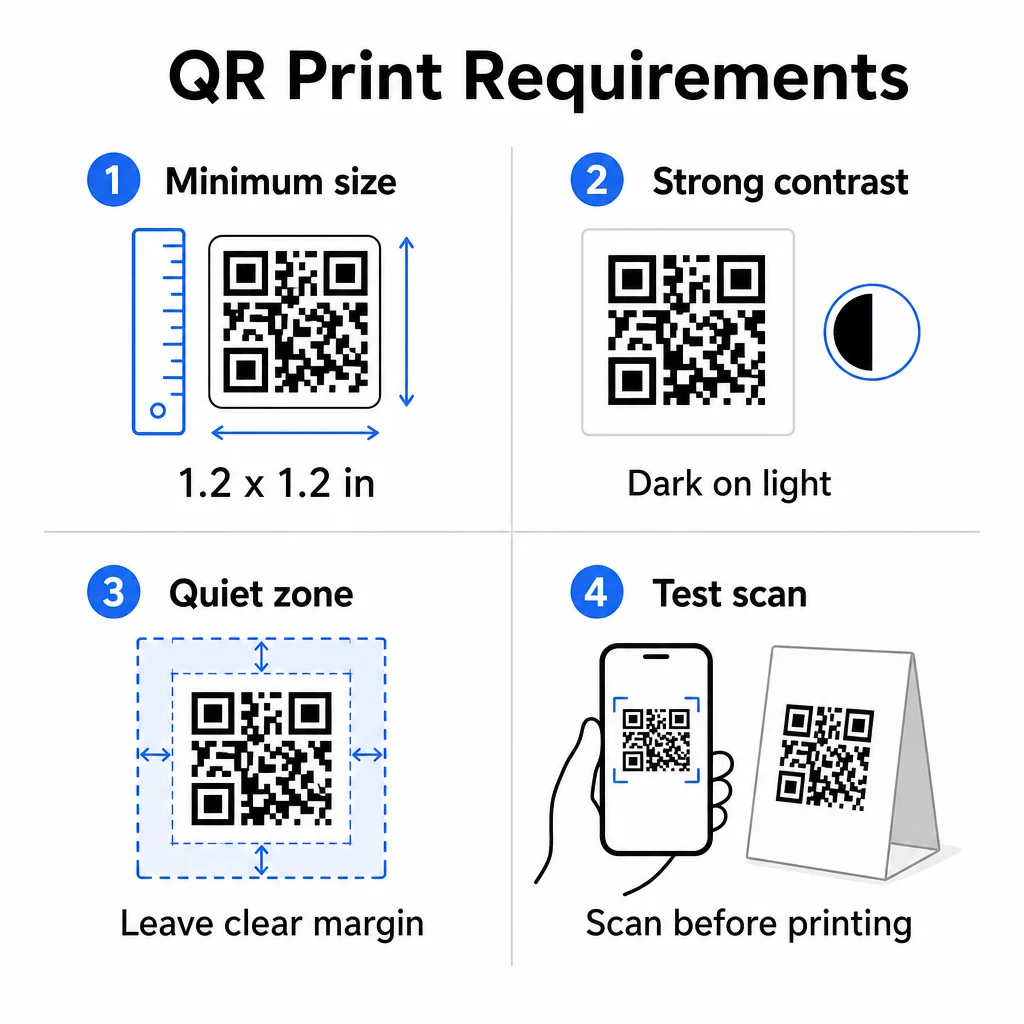
Méret: Közeli használatra szánt asztali kártyák esetén a minimális megbízható méret 1,2 × 1,2 hüvelyk (3 × 3 cm). Hasznos ökölszabály a 10:1 arány – a kód szélességének nagyjából a várható szkennelési távolság egytizedének kell lennie. Egy tipikus asztalnál egy 1,2 hüvelykes kód kényelmesen beolvasható a legtöbb okostelefon kamerájával. Részletesebb útmutatásért lásd QR-kód méretezése különböző nyomtatási anyagokhoz témakörben található..
Kontraszt: Sötét modulok világos háttéren a legmegbízhatóbb kombináció. A fekete fehéren továbbra is az aranystandard. Az alacsony kontrasztú vagy invertált színvilág (világos sötéten) egyes eszközökön szkennelési hibákat okoz. Törekedjen legalább 4,5:1 kontrasztarányra. A QR-kód színkontraszt útmutató elmagyarázza, mely színkombinációk működnek és melyeket kell elkerülni.
Csendes zóna: Hagyjon legalább négy modul széles, tiszta fehér margót a teljes kód körül – nagyjából 0,25 hüvelyk. E puffer nélkül a szkennerek nehezen találják meg a kód határát, különösen, ha szöveg vagy grafika közelében helyezkedik el.
Nyomtatási minőség: Használjon vektoros exportformátumokat (SVG, EPS vagy PDF) az alacsony felbontású PNG-k helyett. Az elmosódott vagy pixeles modulok a nyomtatott anyagokon történő szkennelési hibák egyik vezető okai.
Tesztelés: Mindig szkenneljen be egy fizikai próbanyomatot a teljes futam nyomtatása előtt. Tesztelje több eszközön, a helyszín tényleges fényviszonyai között, és abból a távolságból, ahonnan egy ülő vendég reálisan tartaná a telefonját. A QR-kód olvashatósági legjobb gyakorlatok útmutató kitér arra, hogy mit ellenőrizzen, és hogyan javítsa ki a gyakori problémákat.
Mire linkelje az asztali sátor QR-kódját
A célállomás legalább annyira fontos, mint maga a kód. Íme a leghatékonyabb felhasználási módok a vendéglátó- és kiskereskedelmi iparágakban:
- Digitális menü – azonnali hozzáférést biztosít a vendégeknek a teljes menüjéhez, beleértve a fényképeket, leírásokat, allergén információkat és napi akciókat
- Online rendelés – lehetővé teszi az ügyfelek számára, hogy közvetlenül a helyükről rendeljenek anélkül, hogy pincérre várnának
- Fizetési oldal – lehetővé teszi az ügyfelek számára, hogy szkenneléssel rendezzék számlájukat, csökkentve a fizetési súrlódást
- Hűségprogram regisztráció – rögzítse az ügyfél e-mail címeit és építsen egy közvetlen marketinglistát
- Promóciók és kuponok – jelenítsen meg időérzékeny kedvezményeket pontosan akkor, amikor a vásárlási szándék a legmagasabb
- Közösségi média profil – növelje követőinek számát azáltal, hogy elégedett ügyfeleit az Instagram vagy Google véleményező oldalára irányítja
- Helyzetmegosztás – linkelje Google Térkép-bejegyzését, hogy a vendégek megoszthassák tartózkodási helyét barátaikkal útközben
Teljesítménykövetés dinamikus QR-kódokkal
Az asztali sátor QR-kódok egyik legkevésbé kihasznált előnye az analitika. Egy dinamikus QR-kóddal nyomon követheti, hogy hányszor szkennelték be az egyes kódokat, a nap mely szakában, milyen típusú eszközön és melyik helyről. Ez az adat megmondja, mely asztalok kapják a legtöbb elkötelezettséget, mely promóciók generálják a legtöbb kattintást, és hogy egy menüfrissítés befolyásolta-e az ügyfélinterakciót.
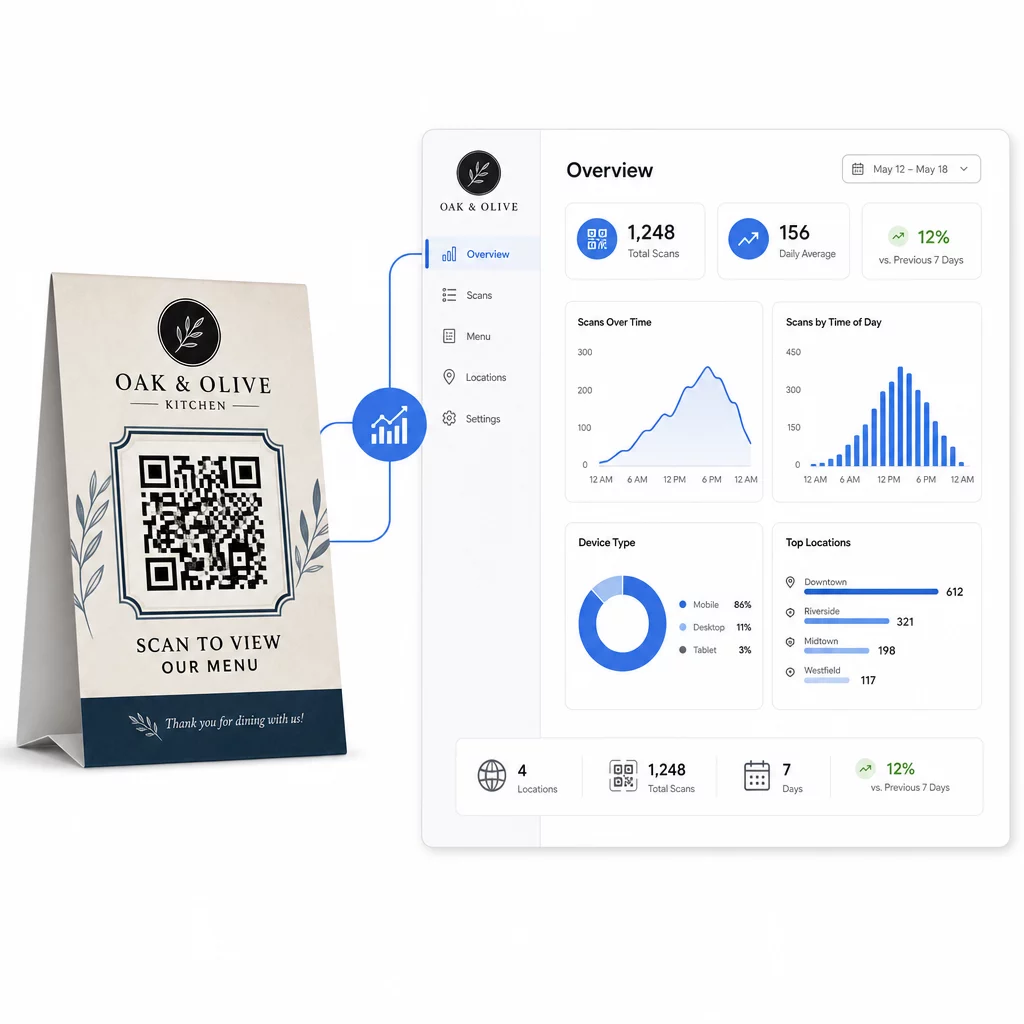
A Pageloot Dinamikus QR-kód generátor központosított irányítópultot biztosít, ahol mindezt valós időben nyomon követheti, egyszerre frissítheti a kapcsolódó tartalmakat az összes asztali sátoron, és tervezési változtatásokat végezhet anélkül, hogy hozzáérne a nyomtatott anyagokhoz.
Több helyszínen működő vállalkozások számára ez a szintű irányítás az asztali sátrakat statikus nyomtatott anyagokból mérhető marketingcsatornává alakítja.
Kövesse nyomon minden szkennelést minden asztalon Használat A Pageloot dinamikus QR-kód generátora tartalom frissítéséhez, a szkennelési analitika nyomon követéséhez és az összes asztali sátor kódjának kezeléséhez egyetlen irányítópultról.
Gyakori kérdések
Az asztali szkenneléshez a QR-kódnak legalább 1,2 × 1,2 hüvelyk (3 × 3 cm) méretűnek kell lennie. Ez biztosítja a megbízható szkennelést az ülő vendégekre jellemző közeli távolságokból. Ha a design logóátfedést vagy komplex színvilágot tartalmaz, növelje a méretet 20–30%-kal a szkennelhetőség megőrzése érdekében.
Dinamikus QR-kódok erősen ajánlottak asztali sátrakhoz. Lehetővé teszik, hogy frissítse a hivatkozott tartalmat – mint például egy menü, promóció vagy fizetési oldal – újranyomtatás nélkül. Emellett szkennelési analitikát is biztosítanak, így nyomon követheti az elkötelezettséget idővel. Statikus kódok csak akkor alkalmasak, ha a cél tartalom soha nem fog változni.
Egy asztali QR-kód linkelhet digitális menühöz, online rendelési oldalhoz, fizetési portálhoz, kupon- vagy hűségprogram nyitóoldalához, közösségi média profilhoz, PDF dokumentumhoz, vagy bármilyen URL-hez. A legjobb cél a vállalkozása típusától és attól függ, hogy mit szeretne, ha az ügyfél tegyen látogatása adott pillanatában.