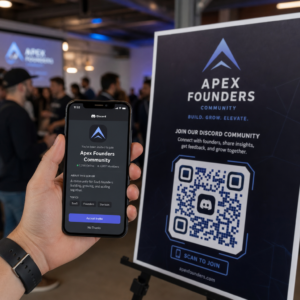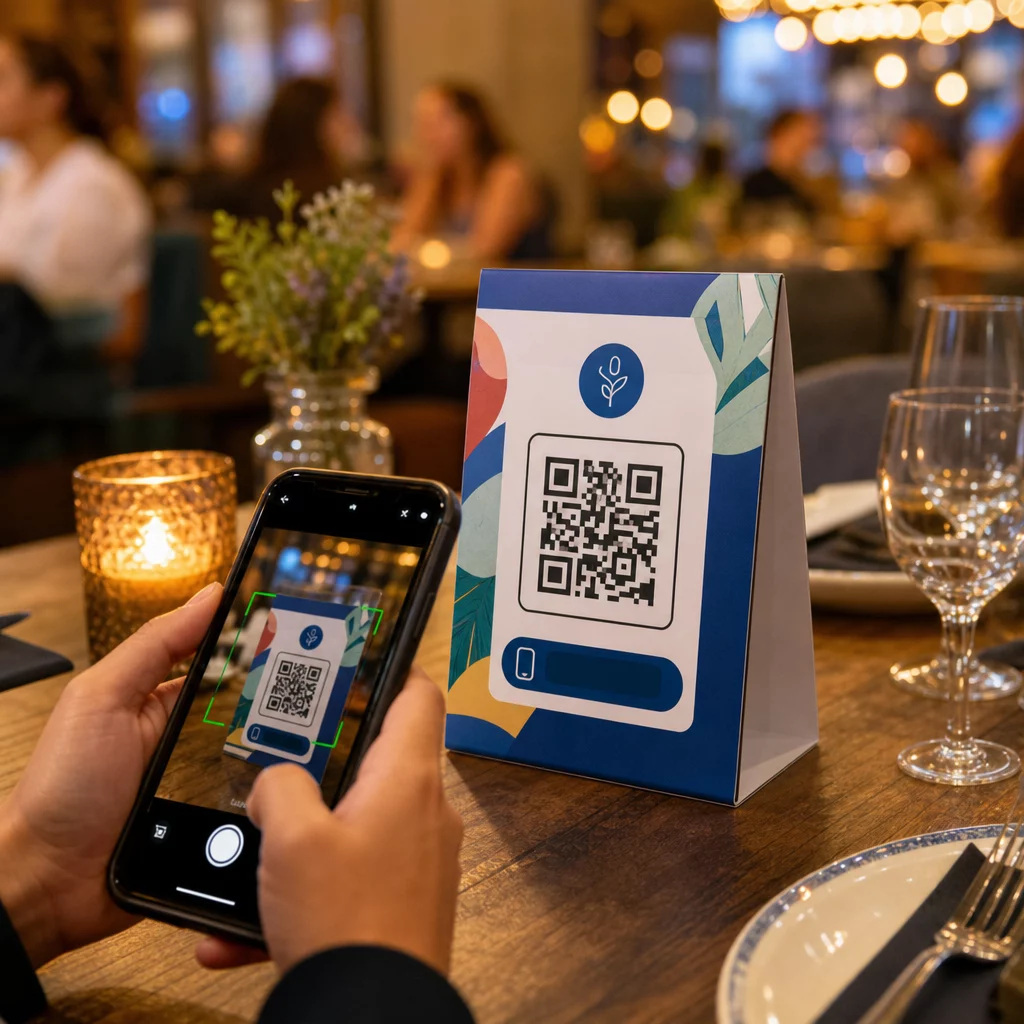
Gør dine bordkort mere end blot at holde et lys eller samle støv mellem serveringer? Statiske trykte kort lader penge ligge på bordet – bogstaveligt talt. Ved at tilføje en QR-kode forvandles hvert bordkort til et interaktivt kontaktpunkt, der forbinder siddende kunder med dit digitale indhold på få sekunder.
Hvad gør QR-koder på bordkort værd at bruge
Et bordkort sidder direkte foran en kunde under det tidspunkt med højest engagement under deres besøg: det øjeblik de sidder og venter. Den ventetid er en ægte mulighed, og en scanbar QR-kode fylder den med noget nyttigt.
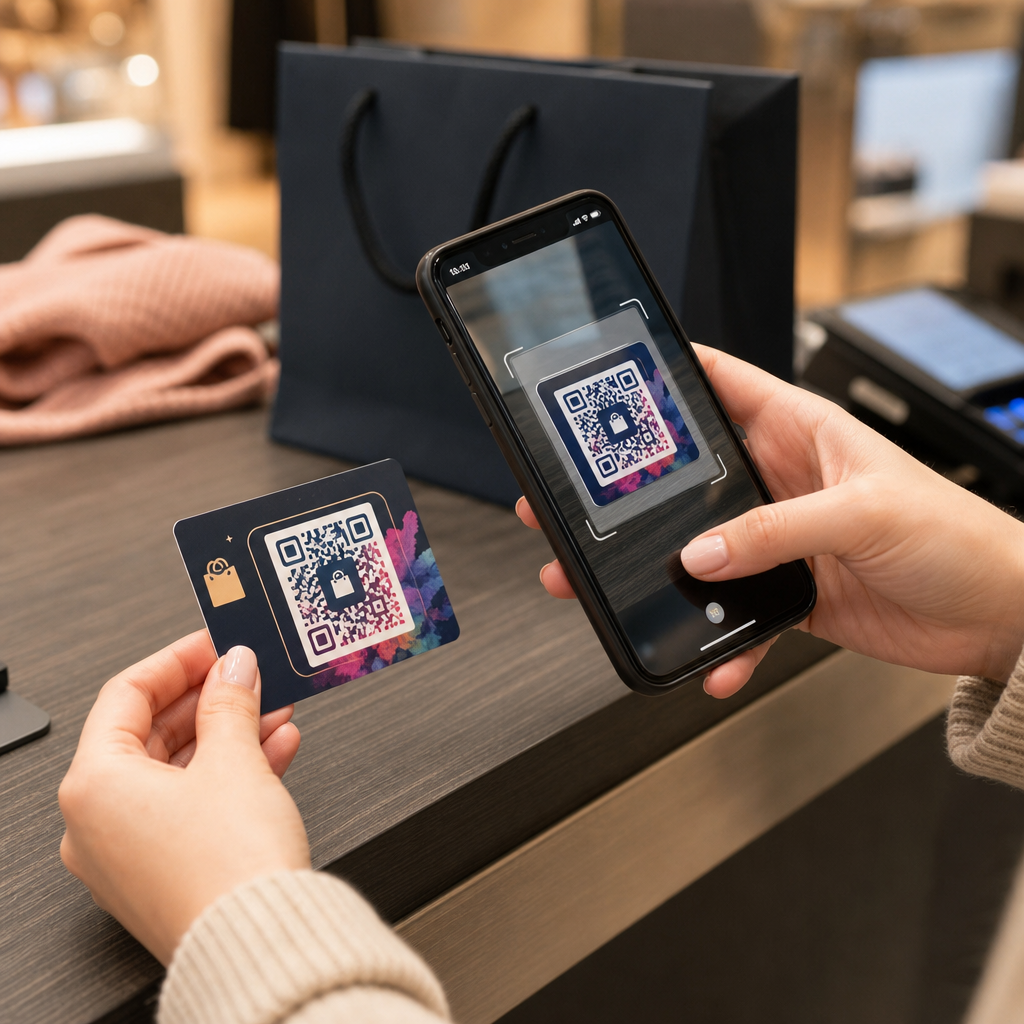
Til restauranter og gæstfrihedsbranchen, strømliner QR-koder på bordkort driften på måder, der gavner både personale og gæster. Kunder kan gennemse en digital menu, afgive en ordre eller betale en regning uden at vente på en tjener. For detailhandlere, kan bordkort placeret på disken med QR-koder vise kampagner, tilmeldinger til loyalitetsprogrammer eller produktdetaljer præcis i det øjeblik en købsbeslutning træffes.
Tallene understøtter dette. Restauranter og gæstfrihedsbranchen fører an i brugen af QR-koder med 75%, og forskning viser, at 60% af alle restaurant-QR-scanninger sker, når koder er placeret direkte på bordet – på klistermærker eller bordkort. Formatet virker, fordi det møder kunderne, hvor de allerede er.
Valg af den rigtige QR-kodetype til dit bordkort
Ikke alle QR-koder udfører det samme job. At matche kodetypen med dit mål er den vigtigste beslutning, du vil træffe, før du udskriver.
Menuadgang er den mest almindelige anvendelse. En menu-QR-kode lader dig uploade en PDF eller bygge en mobiloptimeret landingsside, som gæster kan gennemse fra deres smartphones. Fordi disse koder er dynamiske, kan du opdatere retter, priser eller dagens specialiteter uden at røre ved det trykte bordkort. Dette alene eliminerer den tilbagevendende omkostning ved at genudskrive menuer, hver gang noget ændres.
Kontaktløs betaling er den anden anvendelse med høj værdi. En PayPal QR-kode lader kunder scanne og betale direkte fra deres bord, hvilket reducerer ventetider og mindsker belastningen på dit front-of-house team. Specifikt for restauranter, QR-kodebetalinger fremskynder bordomsætning og reducerer friktion ved kortbehandling.
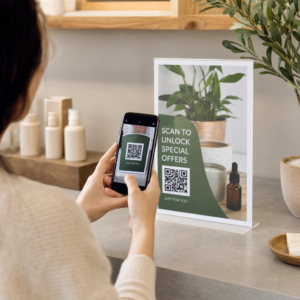
Kampagner og kuponer fungerer godt på detailhandelsdiske. En kupon-QR-kode linker til en landingsside, hvor kunder kan gøre krav på rabatter, loyalitetsbelønninger eller tidsbegrænsede tilbud, mens de stadig er i købsøjeblikket.
PDF-dokumenter passer til steder, der skal dele detaljeret indhold – allergiinformation, vinkort, begivenhedsprogrammer eller produktkataloger. En PDF QR-kode leverer filen øjeblikkeligt til enhver smartphone uden at kræve en app.
Direkte links giver dig mest fleksibilitet. En QR-kode til et link kan pege på hvad som helst: et reservationssystem, en social medieprofil, en Google-anmeldelsesside eller en tilmeldingsformular til loyalitetsprogram.
Klar til at opsætte QR-koder til bordstandere? Opret tilpasselige, sporbare QR-koder til dine menuer, betalinger og kampagner ved hjælp af Pageloot QR-kodegenerator. Start din gratis 14-dages prøveperiode – intet kreditkort påkrævet.
Sådan opsætter du et QR-kodebestillingssystem på bordstandere
Hvis dit mål er en komplet bordbestillingsflow, er opsætningen ligetil. Den guide til QR-kodebestillingssystem gennemgår processen i detaljer, men kernetrinnene er:
- Byg eller upload din digitale menu som en PDF eller en mobiloptimeret side
- Generer en dynamisk QR-kode, der er linket til den menu
- Tilpas koden med dine brandfarver, logo og en call-to-action-ramme
- Print og placer koden på hvert bordkort
- Test hver kode ved at scanne fra en smartphone før implementering
Dynamiske koder foretrækkes stærkt til denne arbejdsgang. De giver dig mulighed for at opdatere den linkede menu, udskifte sæsonbestemt indhold eller omdirigere til en ny URL uden at genprinte et eneste bordkort. Dette er især nyttigt for restauranter, der administrerer daglige tilbud eller skiftende menuer.
Design- og printspecifikationer, der faktisk betyder noget
En QR-kode, der ikke kan scannes, ødelægger kundeoplevelsen. At få de tekniske detaljer på plads før print sparer dig for at genprinte en hel batch.
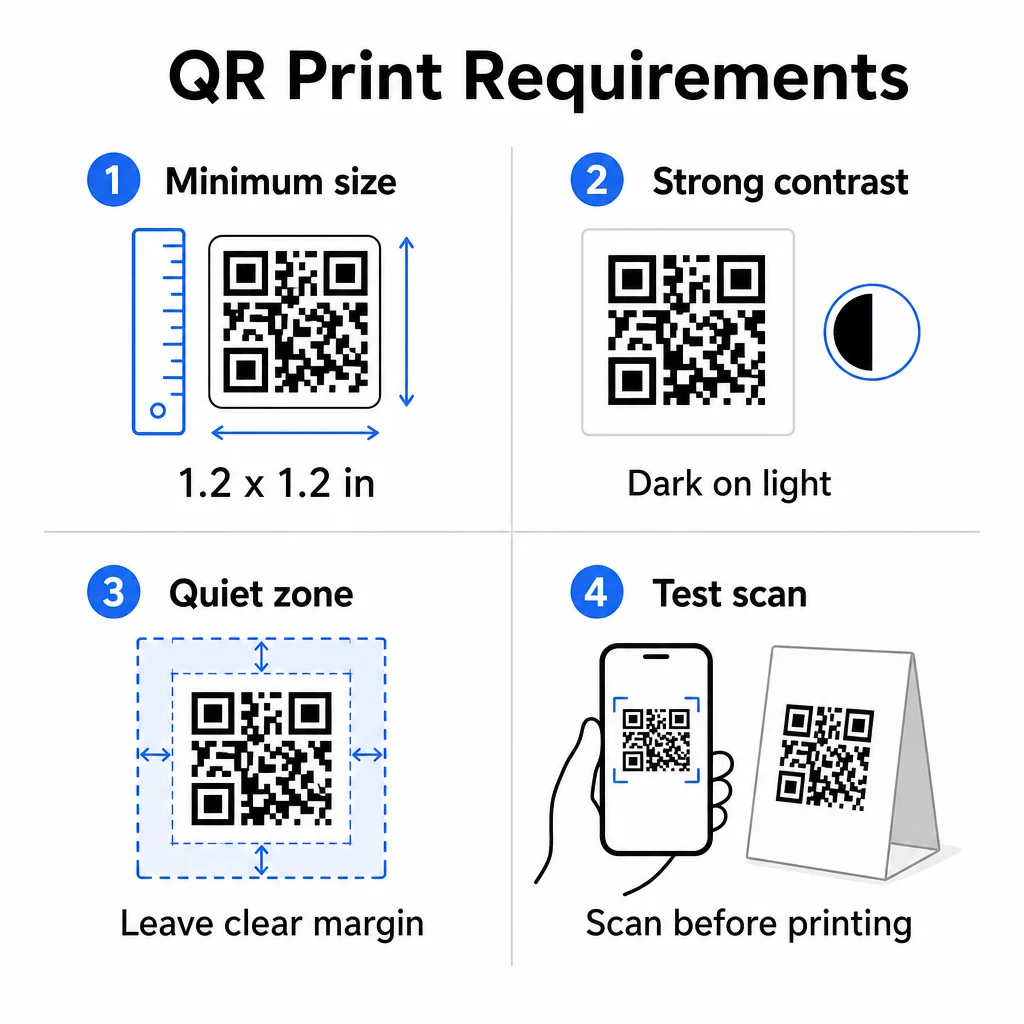
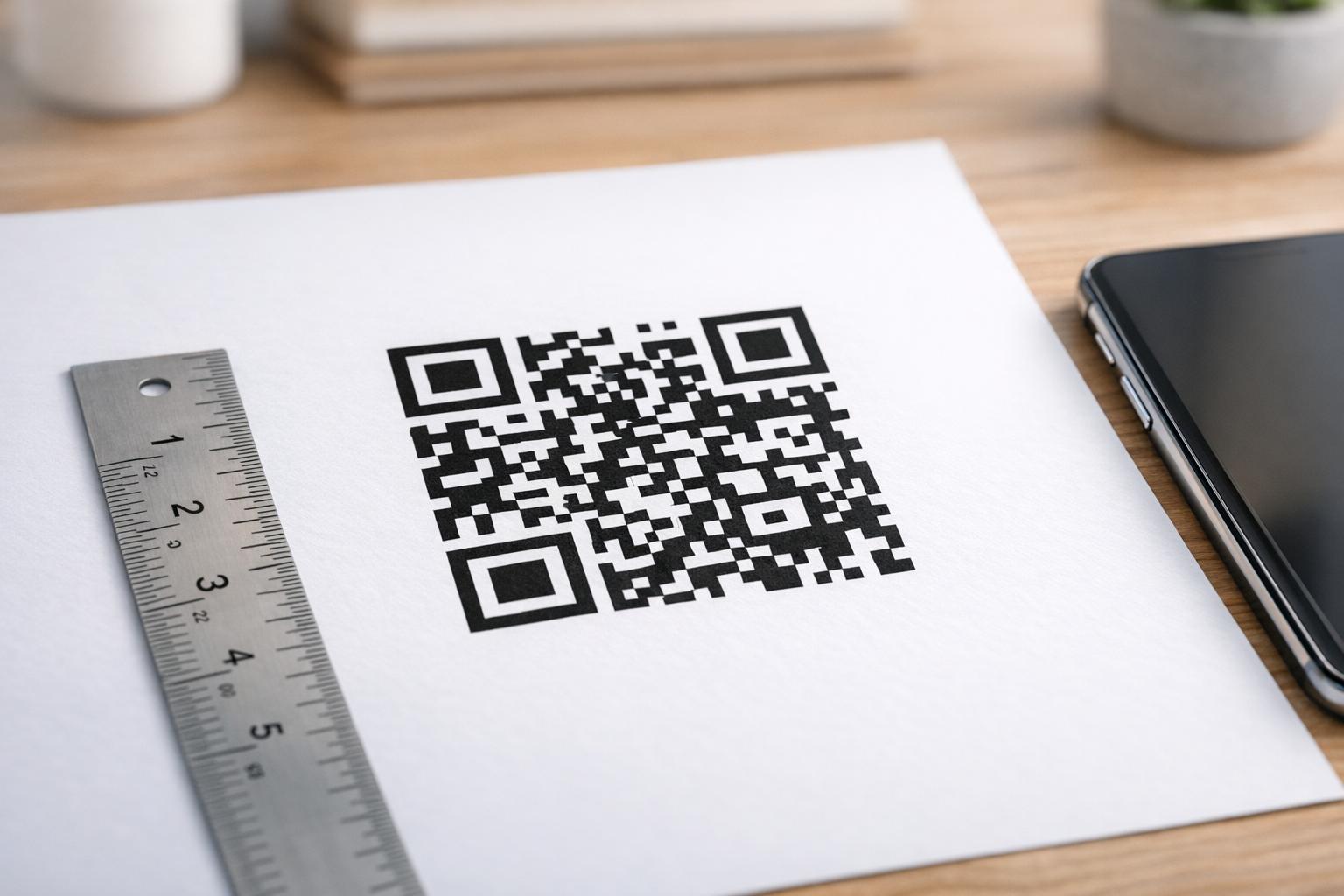
Størrelse: For bordkort, der bruges på tæt hold, er den mindste pålidelige størrelse 1,2 × 1,2 tommer (3 × 3 cm). En nyttig tommelfingerregel er 10:1-forholdet – kodens bredde skal være cirka en tiendedel af den forventede scanningsafstand. Ved et typisk bord er en 1,2-tommer kode let scannbar af de fleste smartphonekameraer. For mere detaljeret vejledning, se QR-kodestørrelse til forskellige printmaterialer.
Kontrast: Mørke moduler på en lys baggrund er den mest pålidelige kombination. Sort på hvid forbliver guldstandarden. Lavkontrast eller inverterede farveskemaer (lys på mørk) forårsager scanningsfejl på nogle enheder. Sigt efter et kontrastforhold på mindst 4,5:1. Den guide til farvekontrast for QR-koder forklarer, hvilke farvekombinationer der virker, og hvilke der skal undgås.
Stillezone: Efterlad en klar hvid margen på mindst fire moduler omkring hele koden – cirka 0,25 tommer. Uden denne buffer har scannere svært ved at finde kodens grænse, især når den placeres tæt på tekst eller grafik.
Udskriftskvalitet: Brug vektor-eksportformater (SVG, EPS eller PDF) i stedet for lavopløselige PNG'er. Slørede eller pixelerede moduler er en hovedårsag til scanningsfejl på trykt materiale.
Test: Scan altid et fysisk prøvetryk, før du udskriver hele oplaget. Test på tværs af flere enheder, under de faktiske lysforhold på dit sted, og fra den afstand en siddende gæst realistisk ville holde sin telefon. Den vejledning i bedste praksis for læsbarhed af QR-koder dækker, hvad du skal tjekke, og hvordan du løser almindelige problemer.
Hvad du skal linke din bordstander QR-kode til
Destinationen er lige så vigtig som selve koden. Her er de mest effektive anvendelser på tværs af hotel- og restaurationsbranchen og detailhandlen:
- Digital menu – giv gæsterne øjeblikkelig adgang til din fulde menu, inklusive fotos, beskrivelser, allergiinformation og dagens retter
- Online bestilling – lad kunderne bestille direkte fra deres plads uden at vente på en tjener
- Betalingsside – lad kunderne betale deres regning ved at scanne, hvilket reducerer friktionen ved kassen
- Tilmelding til loyalitetsprogram – indsaml kunde-e-mails og opbyg en direkte marketingliste
- Kampagner og kuponer – fremhæv tidsfølsomme rabatter præcis når købsintentionen er højest
- Social medieprofil – øg dit følgerskab ved at henvise tilfredse kunder til din Instagram- eller Google-anmeldelsesside
- Placeringsdeling – link til din Google Maps-fortegnelse, så gæster kan dele din placering med venner på vej
Sporing af ydeevne med dynamiske QR-koder
En af de mest underudnyttede fordele ved bordstander-QR-koder er analyse. Med en dynamisk QR-kode kan du overvåge, hvor mange gange hver kode scannes, på hvilket tidspunkt af dagen, på hvilken enhedstype og fra hvilken placering. Disse data fortæller dig, hvilke borde der får mest engagement, hvilke kampagner der driver flest klik, og om en menuopdatering påvirkede kundeinteraktionen.
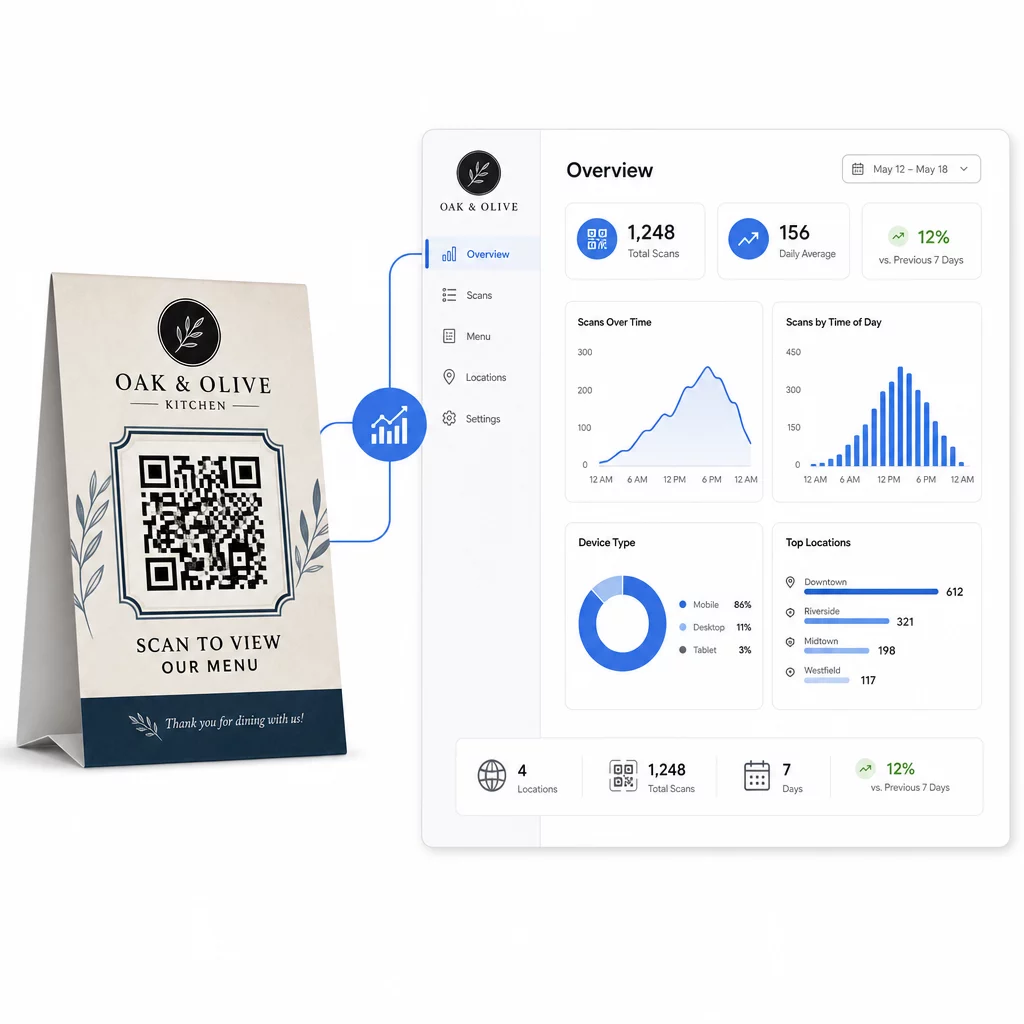
Pageloots Dynamisk QR-kode generator tilbyder et centraliseret dashboard, hvor du kan spore alt dette i realtid, opdatere linket indhold på tværs af alle bordstandere samtidigt og foretage designændringer uden at røre dine trykte materialer.
For virksomheder med flere lokationer forvandler dette kontrolniveau bordstandere fra statisk trykt materiale til en målbar marketingkanal.
Spor hver scanning på tværs af hvert bord Brug Pageloots dynamiske QR-kodegenerator til at opdatere indhold, overvåge scanningsanalyse og administrere alle dine bordstanderkoder fra ét dashboard.
Ofte stillede spørgsmål
Til scanning ved bordet skal QR-koden være mindst 1,2 × 1,2 tommer (3 × 3 cm). Dette understøtter pålidelig scanning på de korte afstande, der er typiske for en siddende gæst. Hvis dit design inkluderer et logo-overlay eller et komplekst farveskema, skal du øge størrelsen med 20-30% for at opretholde scanningsmuligheden.
Dynamiske QR-koder anbefales kraftigt til bordstandere. De giver dig mulighed for at opdatere det linkede indhold – såsom en menu, en kampagne eller en betalingsside – uden at skulle printe igen. De giver også scanningsanalyser, så du kan spore engagement over tid. Statiske koder er kun egnet, hvis destinationsindholdet aldrig vil ændre sig.
En bordstander QR-kode kan linke til en digital menu, en online bestillingsside, en betalingsportal, en landingsside for kupon- eller loyalitetsprogrammer, en profil på sociale medier, et PDF-dokument eller enhver URL. Den bedste destination afhænger af din virksomhedstype, og hvad du ønsker, at kunden skal gøre i det øjeblik under deres besøg.