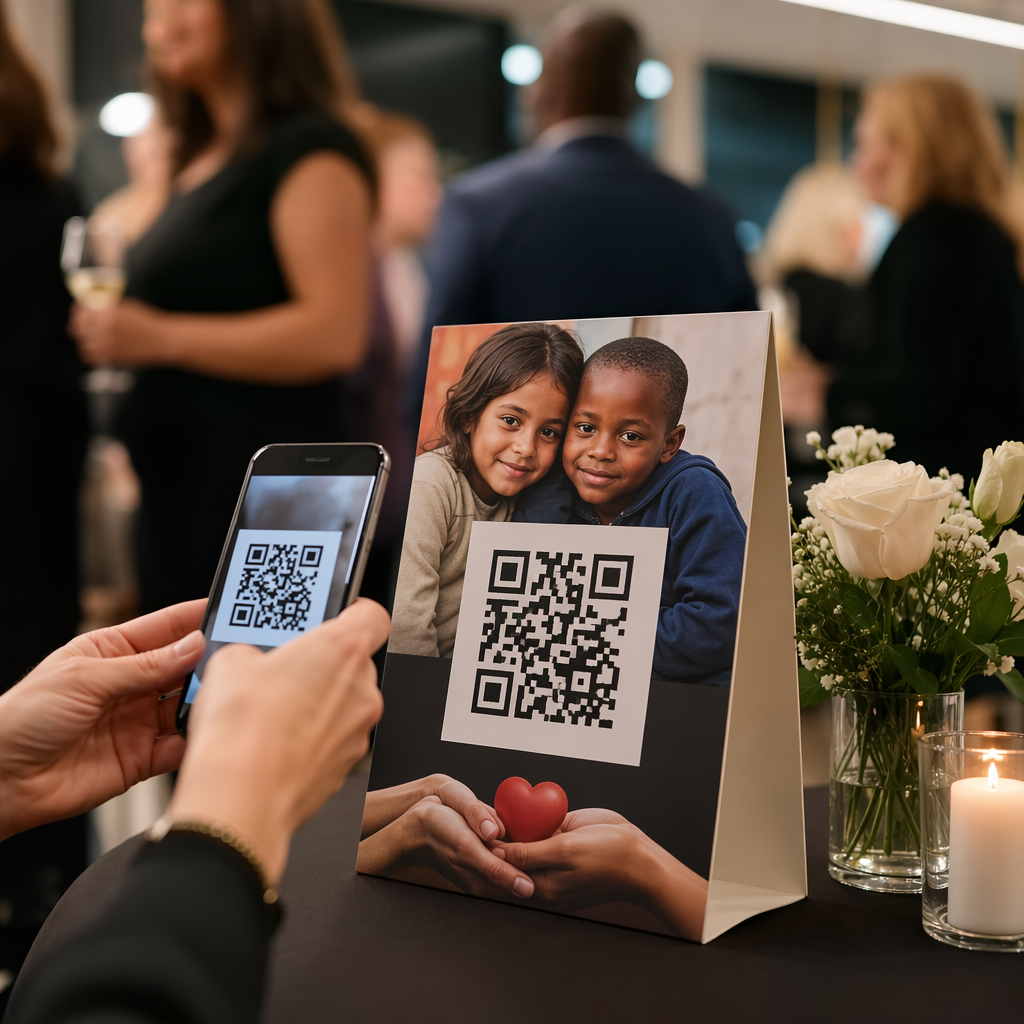
Doen uw tafelkaarten meer dan alleen een kaars vasthouden of stof verzamelen tussen de diensten door? Statische gedrukte kaarten laten geld liggen – letterlijk. Het toevoegen van een QR-code verandert elke tafelkaart in een interactief contactpunt dat zittende klanten binnen enkele seconden verbindt met uw digitale inhoud.
Wat maakt QR-codes op tafelkaarten de moeite waard om te gebruiken
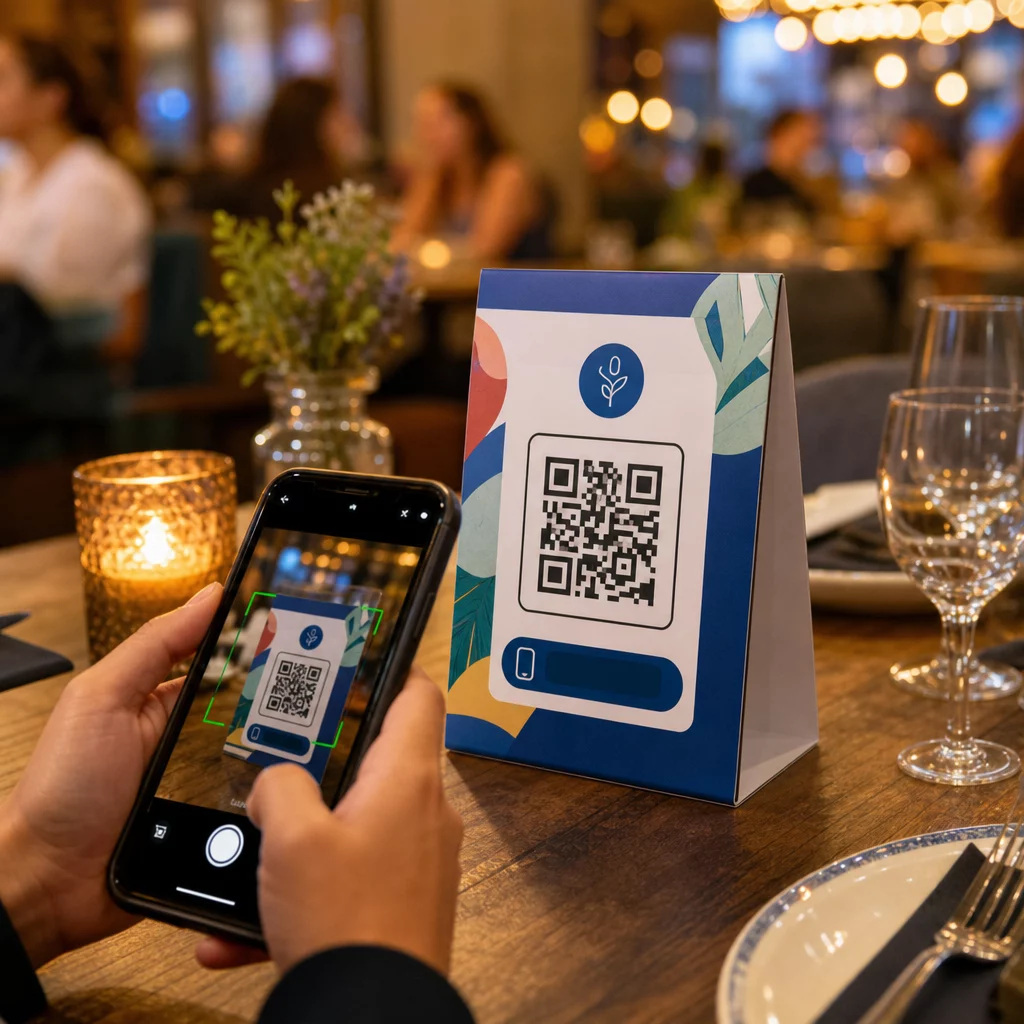
Een tafelkaart staat direct voor een klant tijdens het moment met de hoogste betrokkenheid van hun bezoek: het moment dat ze zitten en wachten. Die wachttijd is een echte kans, en een scanbare QR-code vult deze met iets nuttigs.
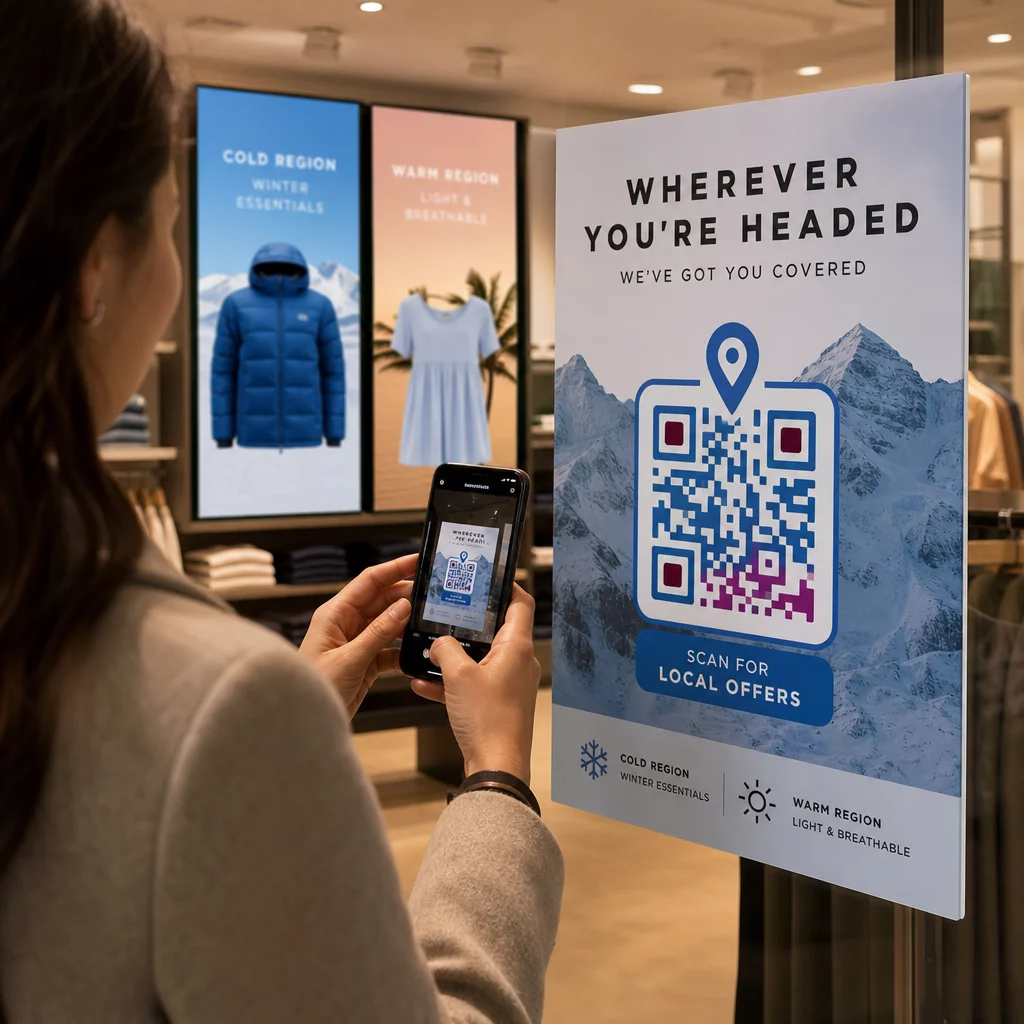
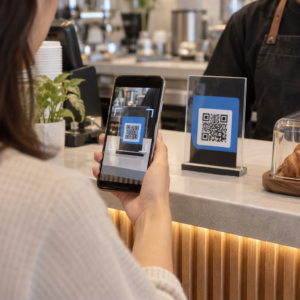
Voor restaurants en horecabedrijven, QR-codes op tafelkaarten stroomlijnen de bedrijfsvoering op manieren die zowel personeel als gasten ten goede komen. Klanten kunnen een digitaal menu bekijken, een bestelling plaatsen of een rekening betalen zonder op een ober te wachten. Voor retailers, kunnen tafelkaarten met QR-codes die op de toonbank zijn geplaatst promoties, aanmeldingen voor loyaliteitsprogramma's of productdetails tonen op het exacte moment dat een aankoopbeslissing wordt genomen.
De cijfers ondersteunen dit. Restaurants en horecabedrijven lopen voorop bij de adoptie van QR-codes met 75%, en onderzoek toont aan dat 60% van alle restaurant-QR-scans plaatsvinden wanneer codes direct op tafel worden geplaatst – op stickers of tafelkaarten. Het formaat werkt omdat het klanten bereikt waar ze al zijn.
De juiste QR-codetype kiezen voor uw tafelkaart
Niet elke QR-code doet hetzelfde werk. Het afstemmen van het codetype op uw doel is de belangrijkste beslissing die u zult nemen voordat u gaat printen.
Menutoegang is de meest voorkomende toepassing. Een menu-QR-code stelt u in staat om een PDF te uploaden of een voor mobiel geoptimaliseerde landingspagina te bouwen die gasten vanaf hun smartphones kunnen bekijken. Omdat deze codes dynamisch zijn, kunt u gerechten, prijzen of dagspecials bijwerken zonder de gedrukte tafelkaart aan te raken. Dit alleen al elimineert de terugkerende kosten van het opnieuw printen van menu's elke keer dat er iets verandert.
Contactloos betalen is de tweede waardevolle toepassing. Een PayPal QR-code laat klanten direct vanaf hun tafel scannen en betalen, waardoor wachttijden worden verkort en de werkdruk op uw bedieningsteam wordt verminderd. Specifiek voor restaurants, QR-codebetalingen versnellen de tafeltomzet en verminderen wrijving bij kaartverwerking.
Promoties en kortingsbonnen werken goed op toonbankdisplays in de detailhandel. Een kortingsbon QR-code linkt naar een landingspagina waar klanten kortingen, loyaliteitsbeloningen of tijdelijke aanbiedingen kunnen claimen terwijl ze nog in het koopmoment zijn.
PDF-documenten geschikt voor locaties die gedetailleerde inhoud moeten delen – allergeneninformatie, wijnkaarten, evenementenprogramma's of productcatalogi. Een PDF QR-code levert het bestand direct aan elke smartphone zonder dat een app nodig is.
Directe links geven u de meeste flexibiliteit. Een link-QR-code kan naar alles verwijzen: een reserveringssysteem, een social media profiel, een Google review pagina, of een loyaliteitsaanmeldingsformulier.
Klaar om tafelstandaard QR-codes in te stellen? Maak aanpasbare, traceerbare QR-codes voor uw menu's, betalingen en promoties met behulp van de Pageloot QR-codegenerator. Start uw gratis proefperiode van 14 dagen – geen creditcard vereist.
Hoe een QR-code bestelsysteem op tafelstandaards in te stellen
Als uw doel een volledige bestelstroom aan tafel is, is de installatie eenvoudig. De Gids voor het bestelsysteem met QR-code loopt gedetailleerd door het proces, maar de kernstappen zijn:
- Bouw of upload uw digitale menu als een PDF of een voor mobiel geoptimaliseerde pagina
- Genereer een dynamische QR-code gekoppeld aan dat menu
- Pas de code aan met uw merkkleuren, logo en een call-to-action kader
- Print en plaats de code op elke tafelstandaard
- Test elke code door deze te scannen met een smartphone vóór implementatie
Dynamische codes hebben sterk de voorkeur voor deze workflow. Ze stellen u in staat om het gekoppelde menu bij te werken, seizoensgebonden inhoud te wisselen of door te verwijzen naar een nieuwe URL zonder een enkele tafelstandaard opnieuw te printen. Dit is vooral handig voor restaurants die dagelijkse specials of wisselende menu's beheren.
Ontwerp- en Printspecificaties Die Er Echt Toe Doen
Een QR-code die niet scant, vernietigt de klantervaring. De technische details correct krijgen vóór het printen bespaart u het opnieuw printen van een hele batch.
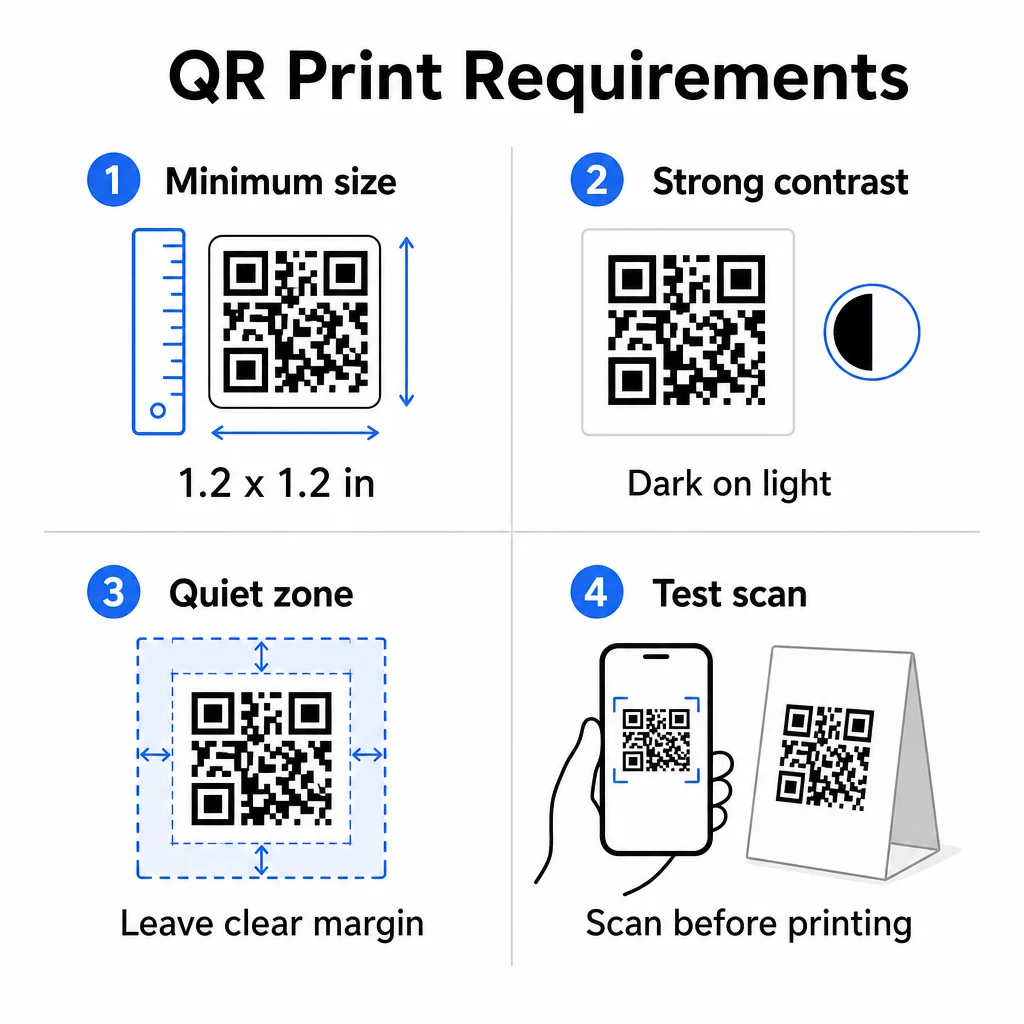
Maat: Voor tafelstandaards die op korte afstand worden gebruikt, is de minimaal betrouwbare grootte 1,2 × 1,2 inch (3 × 3 cm). Een handige vuistregel is de 10:1 verhouding – de breedte van de code moet ongeveer een tiende zijn van de verwachte scanafstand. Aan een typische tafel is een code van 1,2 inch comfortabel scanbaar met de meeste smartphonecamera's. Voor meer gedetailleerde richtlijnen, zie QR-code formaat voor verschillende printmaterialen.
Contrast: Donkere modules op een lichte achtergrond is de meest betrouwbare combinatie. Zwart op wit blijft de gouden standaard. Lage-contrast of omgekeerde kleurenschema's (licht op donker) veroorzaken scanfouten op sommige apparaten. Streef naar een contrastverhouding van minimaal 4,5:1. De gids voor kleurcontrast van QR-codes legt uit welke kleurencombinaties werken en welke je moet vermijden.
Stille zone: Laat een duidelijke witte marge van minstens vier modules rond de hele code – ongeveer 0,25 inch. Zonder deze buffer hebben scanners moeite om de codegrens te vinden, vooral wanneer deze dicht bij tekst of afbeeldingen wordt geplaatst.
Printkwaliteit: Gebruik vector exportformaten (SVG, EPS of PDF) in plaats van PNG's met lage resolutie. Wazige of gepixelde modules zijn een belangrijke oorzaak van scanfouten op gedrukt materiaal.
Testen: Scan altijd een fysieke proefdruk voordat u de volledige oplage print. Test op meerdere apparaten, onder de werkelijke lichtomstandigheden van uw locatie, en vanaf de afstand waarop een zittende gast realistisch gezien zijn telefoon zou vasthouden. De gids voor best practices voor de leesbaarheid van QR-codes behandelt wat u moet controleren en hoe u veelvoorkomende problemen kunt oplossen.
Waar u uw tafelstandaard QR-code aan moet koppelen
De bestemming is net zo belangrijk als de code zelf. Hier zijn de meest effectieve toepassingen binnen horeca- en detailhandel:
- Digitaal menu – geef gasten direct toegang tot uw volledige menu, inclusief foto's, beschrijvingen, allergeneninformatie en dagspecials
- Online bestellen – laat klanten direct vanaf hun zitplaats bestellingen plaatsen zonder te wachten op een ober
- Betaalpagina – laat klanten hun rekening betalen door te scannen, waardoor de wrijving bij het afrekenen wordt verminderd
- Aanmelding loyaliteitsprogramma – verzamel e-mails van klanten en bouw een direct marketinglijst op
- Promoties en kortingsbonnen – toon tijdsgebonden kortingen precies wanneer de koopintentie het hoogst is
- Socialmediaprofiel – vergroot je volgers door tevreden klanten naar je Instagram- of Google-recensiepagina te leiden
- Locatie delen – link naar je Google Maps-vermelding zodat gasten je locatie onderweg met vrienden kunnen delen
Prestaties volgen met dynamische QR-codes
Een van de meest onderbenutte voordelen van tafelstandaard QR-codes is analyse. Met een dynamische QR-code kun je bijhouden hoe vaak elke code wordt gescand, op welk tijdstip van de dag, op welk apparaattype en vanaf welke locatie. Deze gegevens vertellen je welke tafels de meeste betrokkenheid krijgen, welke promoties de meeste klikken genereren en of een menu-update de klantinteractie heeft beïnvloed.
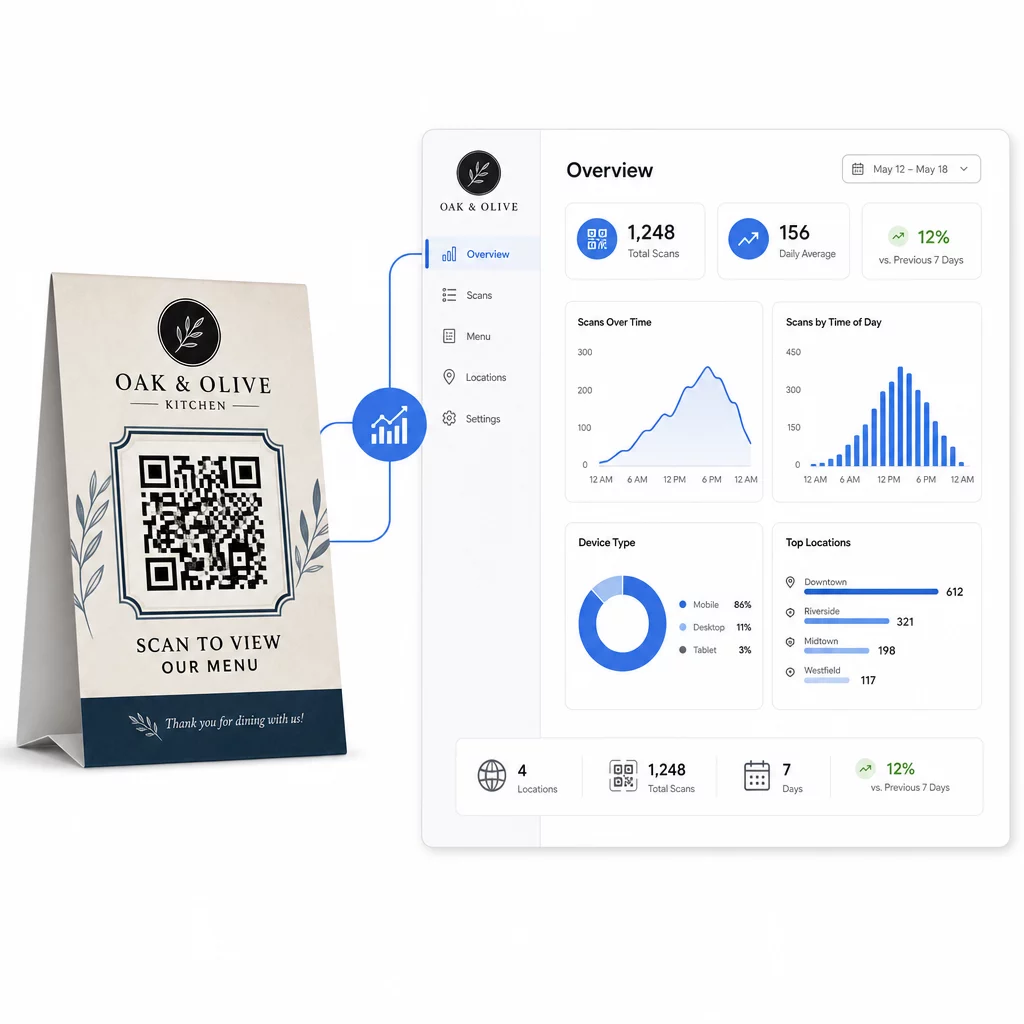
Pageloot's Dynamische QR code generator biedt een gecentraliseerd dashboard waar je dit alles in realtime kunt volgen, gekoppelde inhoud op alle tafelstandaards tegelijkertijd kunt bijwerken en ontwerpwijzigingen kunt aanbrengen zonder je gedrukte materialen aan te raken.
Voor bedrijven met meerdere locaties verandert dit controleniveau tafelstandaards van statisch drukwerk in een meetbaar marketingkanaal.
Volg elke scan op elke tafel Gebruik Pageloot's dynamische QR-codegenerator om inhoud bij te werken, scananalyses te monitoren en al je tafelstandaardcodes vanuit één dashboard te beheren.
Veelgestelde vragen
Voor scannen aan tafel moet de QR-code minstens 1,2 × 1,2 inch (3 × 3 cm) zijn. Dit ondersteunt betrouwbaar scannen op de korte afstanden die typerend zijn voor een zittende gast. Als uw ontwerp een logo-overlay of een complex kleurenschema bevat, vergroot dan de grootte met 20-30% om de scanbaarheid te behouden.
Dynamische QR-codes worden sterk aanbevolen voor tafelstandaards. Ze stellen u in staat om de gekoppelde inhoud – zoals een menu, promotie of betaalpagina – bij te werken zonder opnieuw te printen. Ze bieden ook scananalyses, zodat u de betrokkenheid in de loop van de tijd kunt volgen. Statische codes zijn alleen geschikt als de bestemmingsinhoud nooit zal veranderen.
Een tafelstandaard QR-code kan linken naar een digitaal menu, een online bestelpagina, een betaalportaal, een landingspagina voor een kortingsbon of loyaliteitsprogramma, een socialmediaprofiel, een PDF-document, of elke URL. De beste bestemming hangt af van uw bedrijfstype en wat u wilt dat de klant doet op dat moment van hun bezoek.