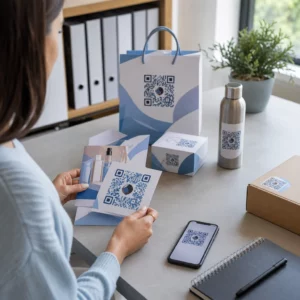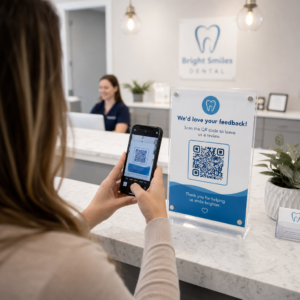

Jsou vaši komunitní manažeři zahlceni ručními přihlášeními, požadavky na Wi-Fi a konflikty při rezervaci zasedacích místností? Ruční řešení administrativních překážek plýtvá časem personálu a vytváří tření pro členy, kteří očekávají rychlé samoobslužné prostředí. Integrace strategických QR kódů napříč vaším zařízením automatizuje klíčové kontaktní body a modernizuje vaši každodenní správu pracovního prostoru.
Praktické případy použití QR kódů pro manažery coworkingových prostor
Nasazení bezdotykových vstupních bodů v celém vašem pracovním prostoru pomáhá eliminovat fronty a umožňuje vašemu týmu soustředit se na budování komunity spíše než na opakující se úkoly podpory. Přeměnou fyzických kontaktních bodů na okamžité digitální přístupové body můžete zefektivnit každodenní pracovní postupy pro stálé členy i denní návštěvníky.
Bezdotykové odbavení členů a návštěvníků
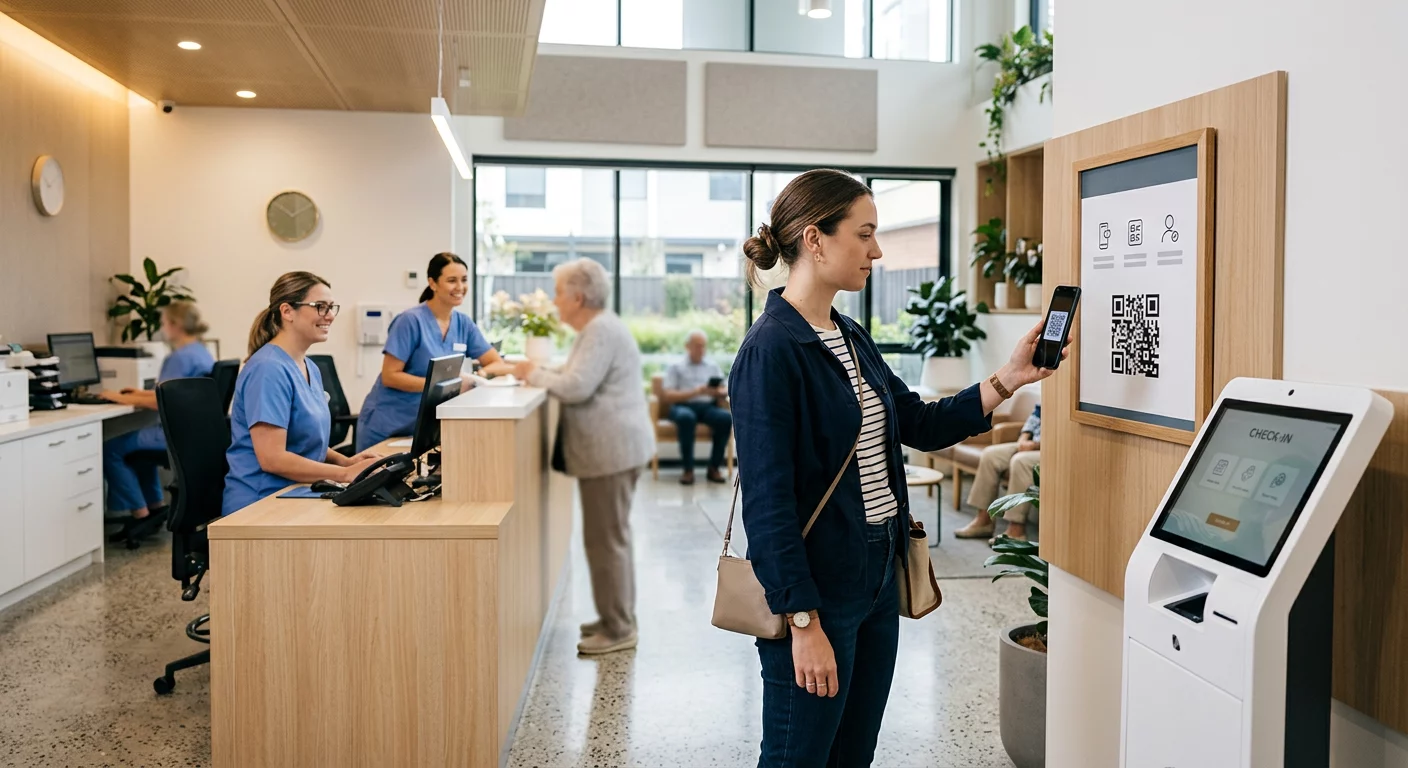
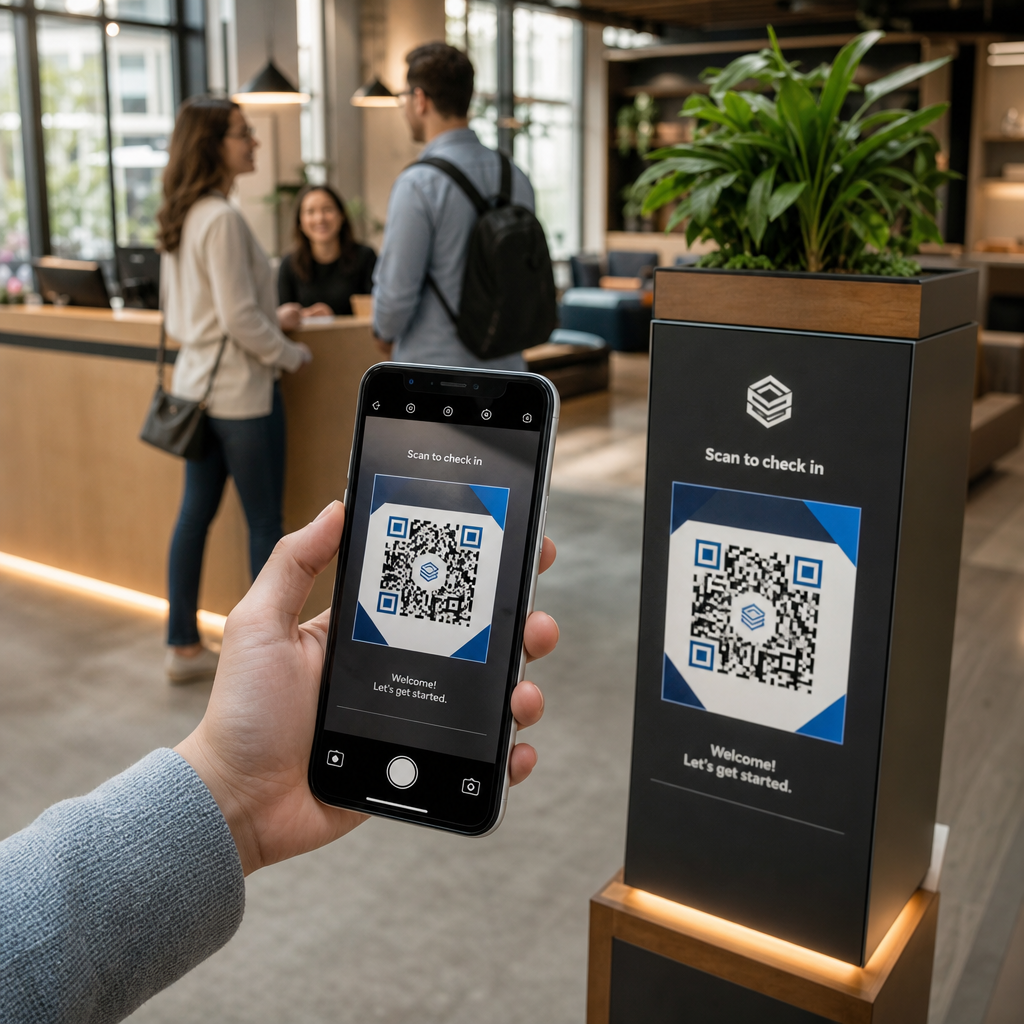
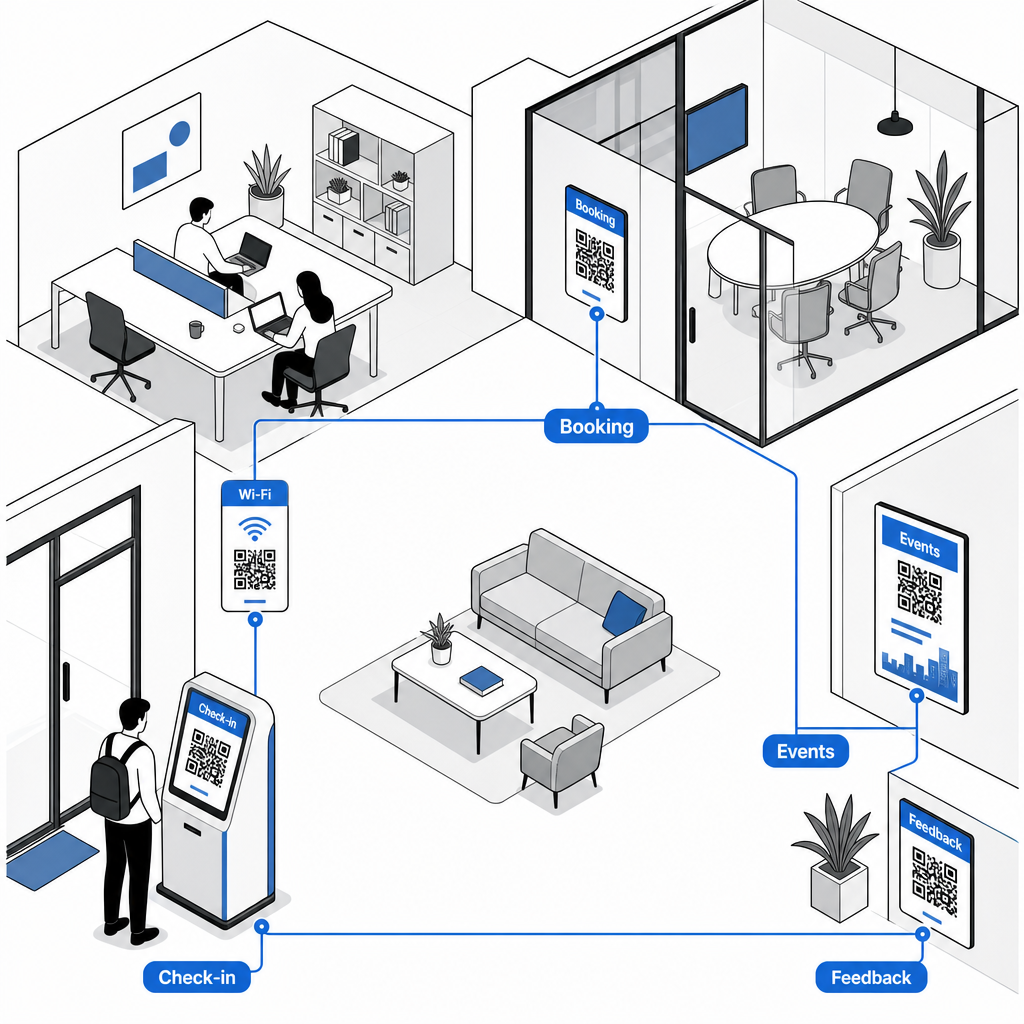
Nahrazení papírových prezenčních listin nebo fyzických karet specializovaným QR kód pro účast zefektivňuje vstup na recepci. Návštěvníci a členové jednoduše naskenují kód u hlavního vchodu pomocí svých chytrých telefonů, aby otevřeli digitální formulář příjezdu nebo automaticky zaznamenali svou přítomnost. Podobně jako automatizované odbavovací systémy používané v fitness centrech, digitální záznamy eliminují fronty na recepci, snižují administrativní zátěž a poskytují přesné záznamy o využití zařízení v reálném čase.
Okamžitý přístup k Wi-Fi bez ručního zadávání hesel
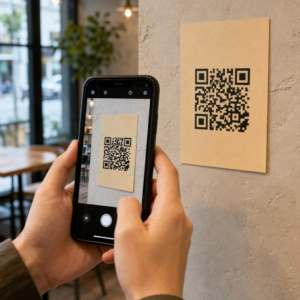
Sdílení dlouhých, složitých síťových hesel na tabulích nebo papírových displejích často vede k překlepům a opakovaným žádostem o podporu. Podobně jako hostitelé spravují připojení v krátkodobých pronájmech, můžete umístit přístupové body k síti přímo do vysoce frekventovaných oblastí. Nastavením vyhrazeného generátor QR kódů pro Wi-Fi, umožníte členům namířit kameru svého zařízení na ceduli, aby se okamžitě připojili k Wi-Fi bez ručního zadávání podrobností SSID nebo hesel.
Rezervace zasedacích místností a stolů na vyžádání
Umístění QR kódů přímo před konferenčními místnostmi nebo na flexibilních pracovních místech umožňuje členům okamžitě zobrazit dostupnost místností v reálném čase a rezervovat volné prostory za pochodu. Když člen spatří prázdnou konferenční místnost, naskenováním cedule na zárubni dveří se dostane přímo na váš webový rezervační portál, kde si místnost může okamžitě rezervovat.
Aktualizujte rezervační odkazy bez opětovného tisku Potřebujete změnit rezervační systémy nebo upravit odkazy na místnosti ve vašem pracovním prostoru? Použijte Dynamický QR kód ke správě editovatelných URL adres a sledování aktivity skenování z jednoho panelu.
Registrace na komunitní události a připomenutí v kalendáři
Coworkingové komunity vzkvétají díky sdíleným událostem, jako jsou networkingové snídaně, workshopy a společenské hodiny. Umístění kódů událostí na digitální displeje v hale, rámy výtahů nebo nástěnky ve společných prostorách prostřednictvím QR pozvánka na akci poskytuje členům bezproblémový přístup k nadcházejícím rozvrhům. Členové naskenují kód, aby si prohlédli podrobnosti o řečnících, rezervovali si vstupenky nebo si uložili připomenutí událostí přímo do svých osobních kalendářů.
Sbírání zpětné vazby a požadavky na údržbu
Udržování vysokých provozních standardů vyžaduje rychlou zpětnou vazbu ohledně problémů, jako jsou vyčerpané kávové stanice, rozbité vybavení nebo úpravy teploty v místnosti. Umístění kódů pro průzkumy ve společných prostorách, kuchyňkách a telefonních budkách pomocí Google formulář QR kód generátor umožňuje členům odesílat požadavky během několika sekund. Chcete-li navrhnout průzkumy, které generují vyšší míru odpovědí, projděte si osvědčené metody pro QR kódy pro zpětnou vazbu od zákazníků.
Výběr statických vs. dynamických QR kódů pro zařízení
Výběr správného formátu kódu zajistí, že vaše digitální infrastruktura zůstane snadno spravovatelná s vývojem vašeho prostoru:
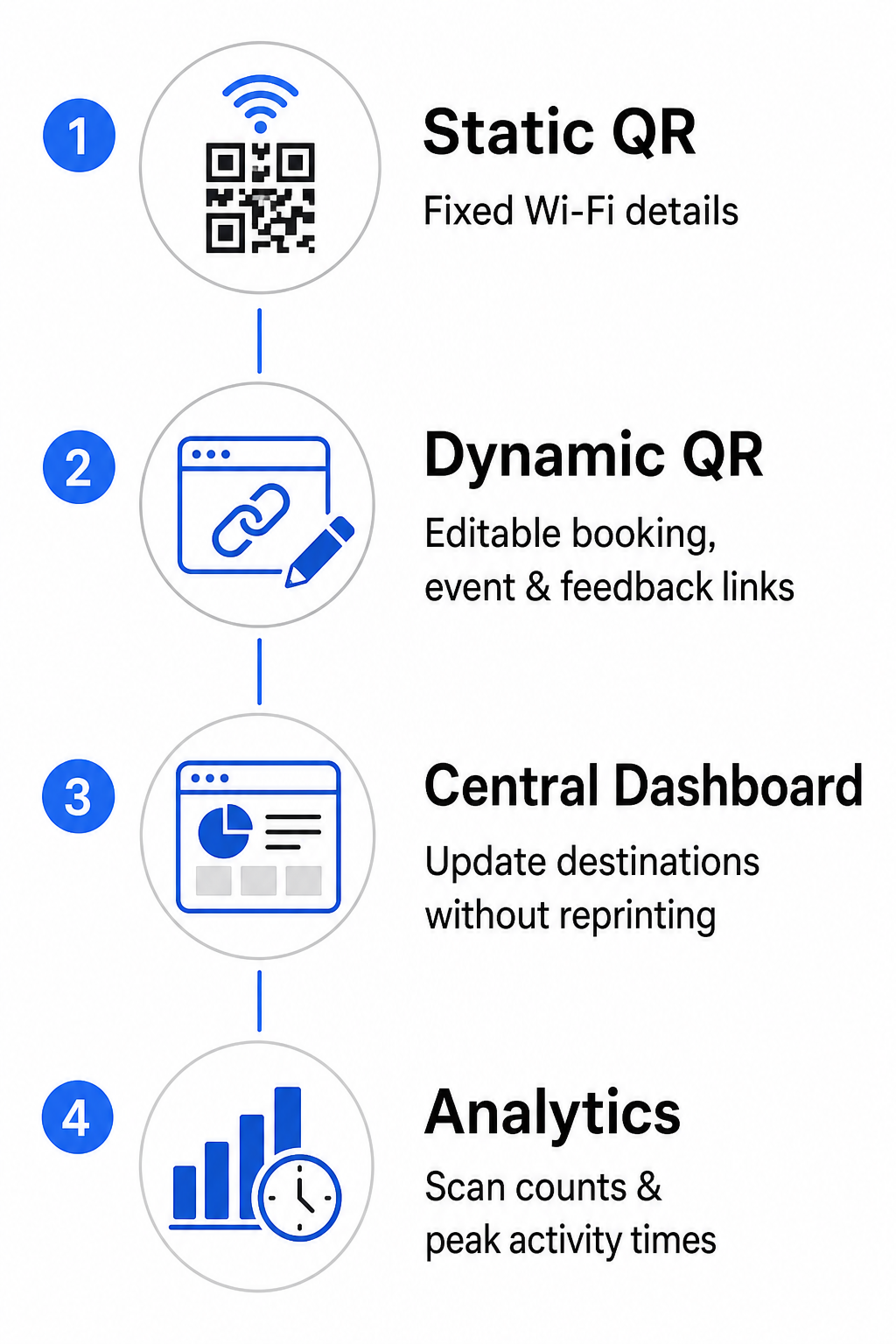
- Statické QR kódy: Ideální pro pevné informace, které se nikdy nemění, jako jsou trvalé přihlašovací údaje k Wi-Fi síti, včetně SSID a hesla.
- Dynamické QR kódy: Nejlepší pro aktivní provozní odkazy, jako jsou portály pro rezervaci místností, formuláře zpětné vazby a týdenní rozvrhy událostí, což umožňuje aktualizace cílů bez výměny tištěných cedulí.
Dynamické kódy směrují uživatele prostřednictvím lehkého přesměrovacího odkazu, což znamená, že komunitní týmy mohou kdykoli aktualizovat cílové URL adresy v centrálním panelu. Dynamické kódy navíc shromažďují vestavěné analytické údaje, jako je počet skenů, hodiny špičkové aktivity a typy zařízení. Další nástroje pro správu pracovního prostoru můžete prozkoumat na našem Funkce QR kódu přehledu nebo si prohlédnout přizpůsobené možnosti na našem průmyslovými aplikacemi strana.
Osvědčené postupy pro umístění a skenovatelnost QR kódů
Pro zajištění spolehlivého skenování ve vašem pracovním prostoru dodržujte jasné pokyny pro rozvržení, velikost a umístění:
- Zachovejte minimální rozměry: Tiskněte kódy v minimální velikosti 2 × 2 cm (0.8 × 0.8 palce) pro skenování zblízka na stolních stojanech nebo dveřních rámech. Pro delší pozorovací vzdálenosti vypočtěte šířku kódu jako alespoň jednu desetinu skenovací vzdálenosti (například 10 cm široký kód pro skenování z 1 metru).
- Umístěte do úrovně očí: Upevněte značení ve výšce 3.5 až 5.5 stopy nad zemí na rovných, hladkých površích, vyhněte se rohům, spojům nebo texturovaným materiálům, které zkreslují maticový vzor. Pro komplexní pokyny k rozvržení si přečtěte náš průvodcem pro umístění QR kódů.
- Zajistěte vysoký barevný kontrast: Aplikujte tmavé popředí moduly na světlé pozadí, udržujte kontrastní poměr minimálně 4:1 (nebo 55% kontrast při použití vlastních barev značky).
- Chraňte tichou zónu: Kolem kódu ponechejte netištěný okraj o velikosti minimálně 4 modulů – šířce jednoho malého QR čtverce – na všech čtyřech stranách, aby se zabránilo vizuálnímu zkreslení.
- Optimalizujte osvětlení a přístupnost: Zvolte matné tiskové úpravy, abyste zabránili odleskům pod jasnými světly, a umístěte kódy do dobře osvětlených oblastí mimo silné stíny. Vždy přiložte URL adresy v prostém textu vedle kódu, abyste pomohli členům, kteří dávají přednost ručnímu zadávání odkazů.
Optimalizace vašeho coworkingového pracovního postupu
Modernizace provozu zařízení pomocí strategických QR kódů snižuje administrativní zátěž, eliminuje úzká místa na recepci a poskytuje bezproblémovou samoobslužnou zkušenost, kterou požadují moderní profesionálové. Nahrazením manuálních přihlašovacích knih, složitých hesel k Wi-Fi a papírových rozvrhů jasnými digitálními kontaktními body váš komunitní tým uvolní cenný čas, aby se mohl soustředit na zapojení členů a růst. Identifikujte hlavní kritická místa vašeho prostoru dnes a implementujte přizpůsobené QR kódy pro vytvoření efektivního, technologicky vyspělého pracovního prostoru.
Často kladené otázky
QR kódy zasedacích místností by měly být alespoň 2 × 2 cm (0,8 × 0,8 palce) pro skenování zblízka. Pokud členové skenují ze vzdálenosti 1 metru, vytiskněte kód široký alespoň 10 cm pro udržení spolehlivého skenování.
Ano, za předpokladu, že vytvoříte dynamický QR kód. Dynamické kódy odkazují na přesměrovací URL, což vám umožňuje aktualizovat cílový odkaz uvnitř vašeho administračního panelu bez opětovného tisku fyzických značek.
QR kód Wi-Fi sítě kóduje SSID a heslo sítě. Když uživatel namíří kameru svého telefonu na kód, zařízení ho vyzve k automatickému připojení k síti, aniž by musel ručně zadávat jakékoli přihlašovací údaje.