
Közösségi menedzserei le vannak terhelve a manuális bejelentkezésekkel, Wi-Fi kérésekkel és tárgyalófoglalási ütközésekkel? Az adminisztratív akadályok manuális kezelése időpazarlás a személyzet számára, és súrlódást okoz a tagok körében, akik gyors, önkiszolgáló környezetet várnak el. Stratégiai QR-kódok integrálása a létesítmény egészében automatizálja a kulcsfontosságú érintkezési pontokat és modernizálja a napi munkaterület-kezelést.
Gyakorlati QR-kód felhasználási esetek Coworking Menedzserek Számára
Érintésmentes belépési pontok telepítése a munkaterületen segít megszüntetni a sorokat, és lehetővé teszi a csapat számára, hogy a közösségépítésre összpontosítson az ismétlődő támogatási feladatok helyett. A fizikai érintkezési pontok azonnali digitális hozzáférési pontokká alakításával racionalizálhatja a napi munkafolyamatokat mind a rendszeres tagok, mind a napi látogatók számára.
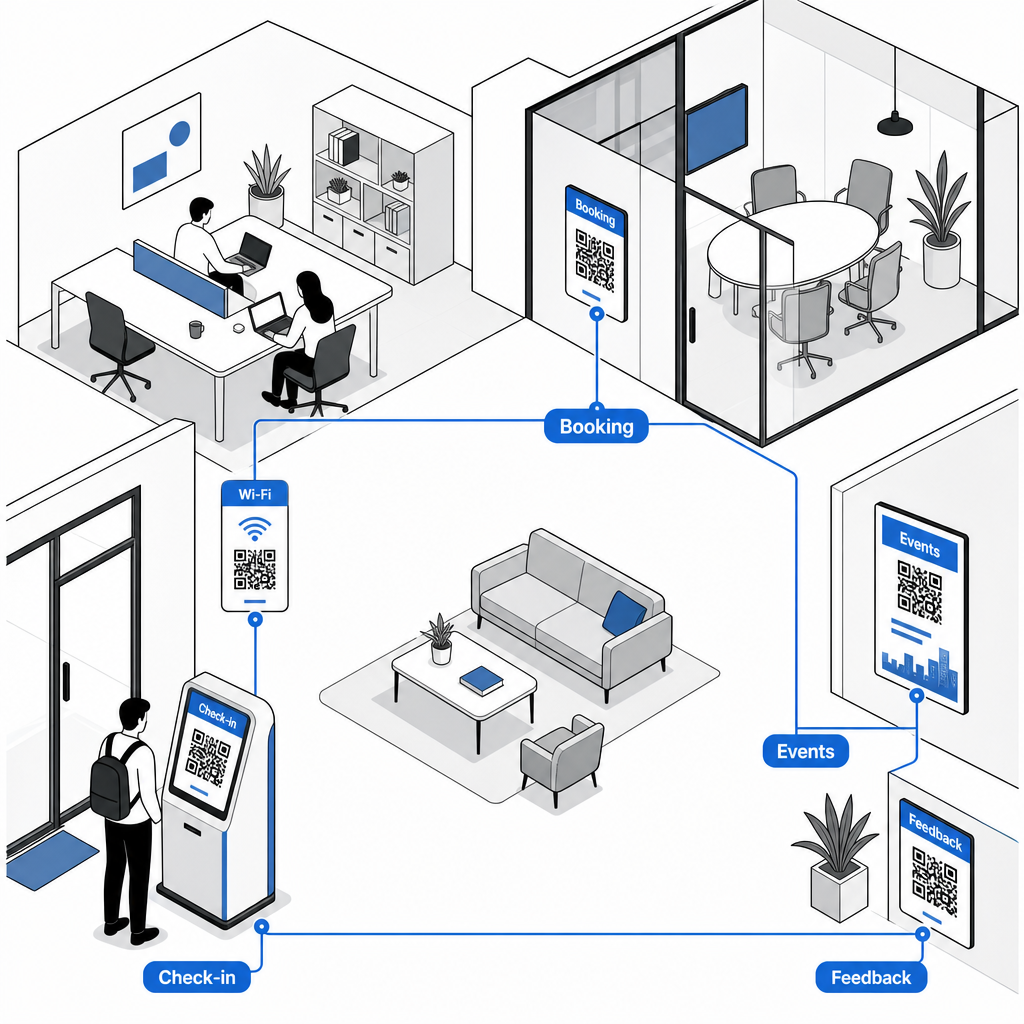
Érintésmentes tag- és látogatói bejelentkezés
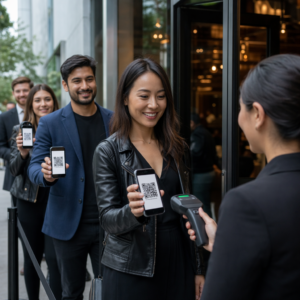
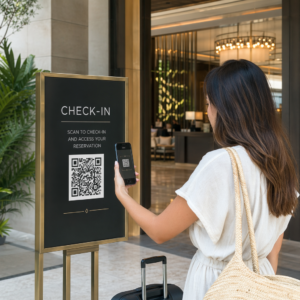
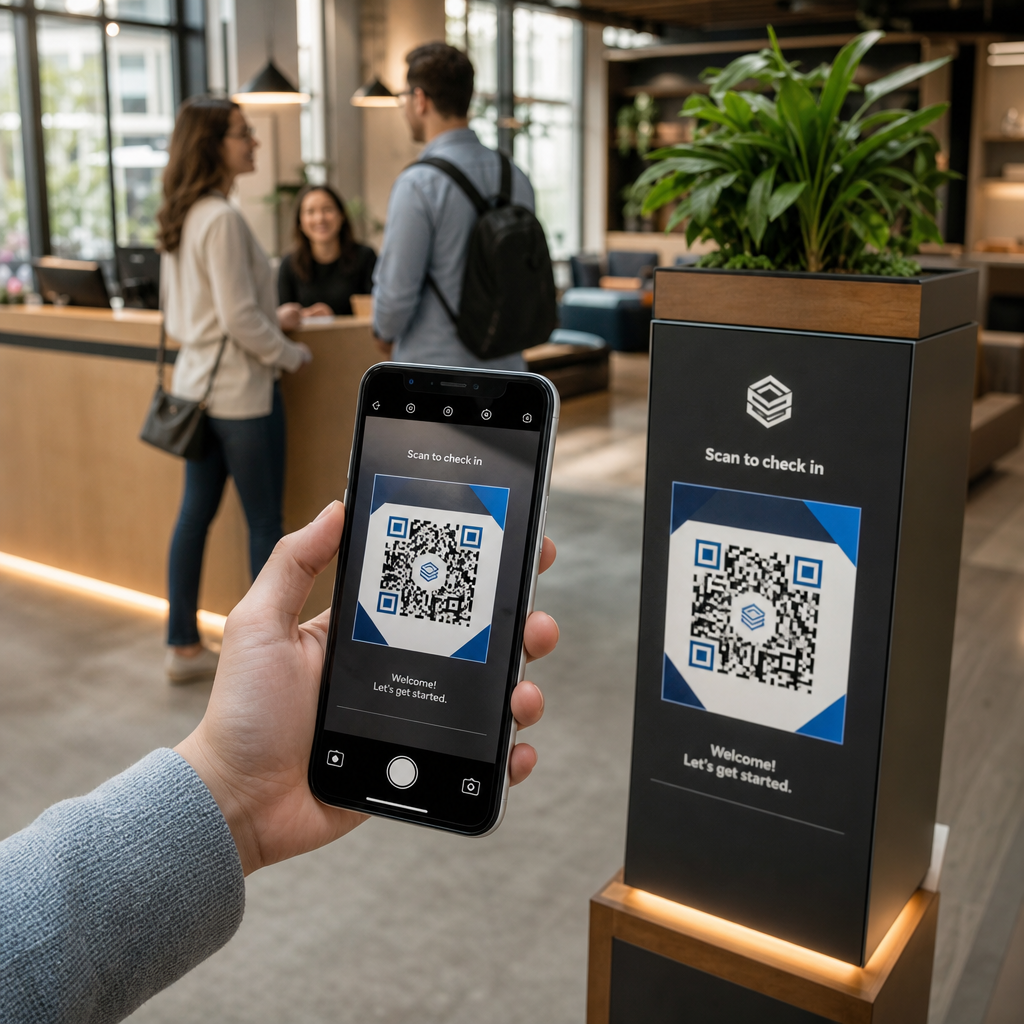
A papír alapú bejelentkezési naplók vagy fizikai kulcskártyák cseréje egy dedikált részvételi QR-kód egyszerűsíti a recepciós belépést. A látogatók és a tagok egyszerűen beolvassák a kódot a főbejáratnál okostelefonjukkal, hogy megnyissanak egy digitális érkezési űrlapot, vagy automatikusan rögzítsék jelenlétüket. Hasonlóan az automatizált bejelentkezési rendszerekhez, amelyeket használnak a fitneszközpontokban, a digitális naplózás megszünteti a recepciós sorokat, csökkenti az adminisztratív terheket, és pontos, valós idejű nyilvántartást biztosít a létesítmény használatáról.
Azonnali Wi-Fi hozzáférés manuális jelszavak nélkül
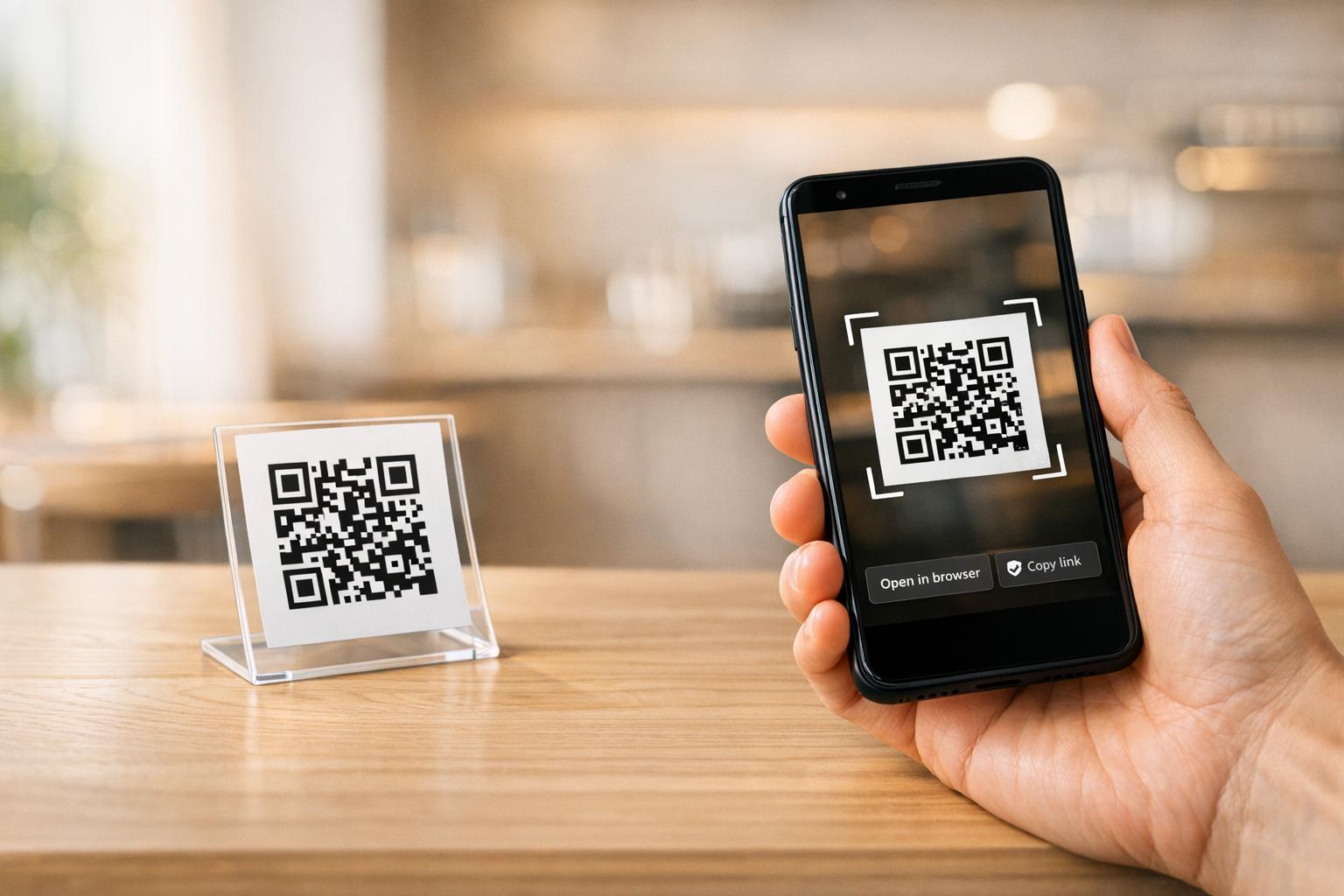
Hosszú, összetett hálózati jelszavak krétatáblákon vagy papír alapú kijelzőkön való megosztása gyakran elgépelésekhez és ismétlődő támogatási kérésekhez vezet. Hasonlóan ahhoz, ahogyan a házigazdák kezelik a kapcsolódást a rövid távú bérleményekben, közvetlenül kihelyezhet hálózati hozzáférési pontokat a nagy forgalmú területeken. Egy dedikált [QR code sign] felállításával Wi-Fi QR-kód generátort használszQR-kód tábla azonnal csatlakozhatnak a Wi-Fi-hez anélkül, hogy manuálisan be kellene gépelniük az SSID adatokat vagy a jelszavakat.
Igény szerinti tárgyaló- és asztalfoglalások
A QR-kódok közvetlenül a konferenciatermeken kívül vagy a forró asztalokon történő elhelyezése lehetővé teszi a tagok számára, hogy azonnal megtekintsék a valós idejű teremfoglaltságot, és menet közben ütemezzék a szabad helyeket. Amikor egy tag észrevesz egy üres konferenciatermet, az ajtókeret táblájának beolvasásával azonnal a webes foglalási portálra jut, ahol azonnal lefoglalhatja a termet.
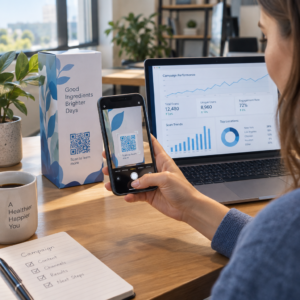
Foglalási linkek frissítése újranyomtatás nélkül Szüksége van a foglalási rendszerek váltására vagy a teremlinkek módosítására a munkaterületen? Használja a Dinamikus QR-kód generátor a szerkeszthető URL-ek kezelésére és a szkennelési elkötelezettség nyomon követésére egyetlen műszerfalról.
Közösségi eseményekre való feliratkozás és naptár emlékeztetők
A coworking közösségek a megosztott eseményeken virágoznak, mint például a hálózati reggelik, workshopok és közösségi órák. Eseménykódok elhelyezése a lobby digitális kijelzőin, liftkereteken vagy közös területek hirdetőtábláin egy Esemény QR kód generátor súrlódásmentes hozzáférést biztosít a tagoknak a közelgő menetrendekhez. A tagok beolvassák a kódot, hogy megtekintsék az előadók részleteit, jegyeket foglaljanak, vagy eseményemlékeztetőket menthessenek közvetlenül a személyes naptárukba.
Visszajelzések gyűjtése és karbantartási kérések
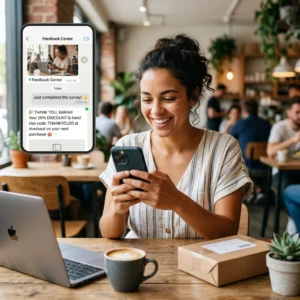
A magas működési színvonal fenntartása azonnali visszajelzést igényel az olyan problémákról, mint az üres kávéállomások, a meghibásodott berendezések vagy a szobahőmérséklet-beállítások. Kérdőívkódok elhelyezése közös területeken, teakonyhákban és telefonfülkékben egy Google Forms kérdőív QR kód generátor lehetővé teszi a tagok számára, hogy másodpercek alatt jegykéréseket nyújtsanak be. A magasabb válaszadási arányt eredményező felmérések tervezéséhez tekintse át a bevált módszereket a ügyfél-visszajelzési QR-kódokat.
Statikus vs. dinamikus QR-kódok választása létesítményekhez
A megfelelő kódformátum kiválasztása biztosítja, hogy digitális infrastruktúrája könnyen kezelhető maradjon, ahogy tere fejlődik:
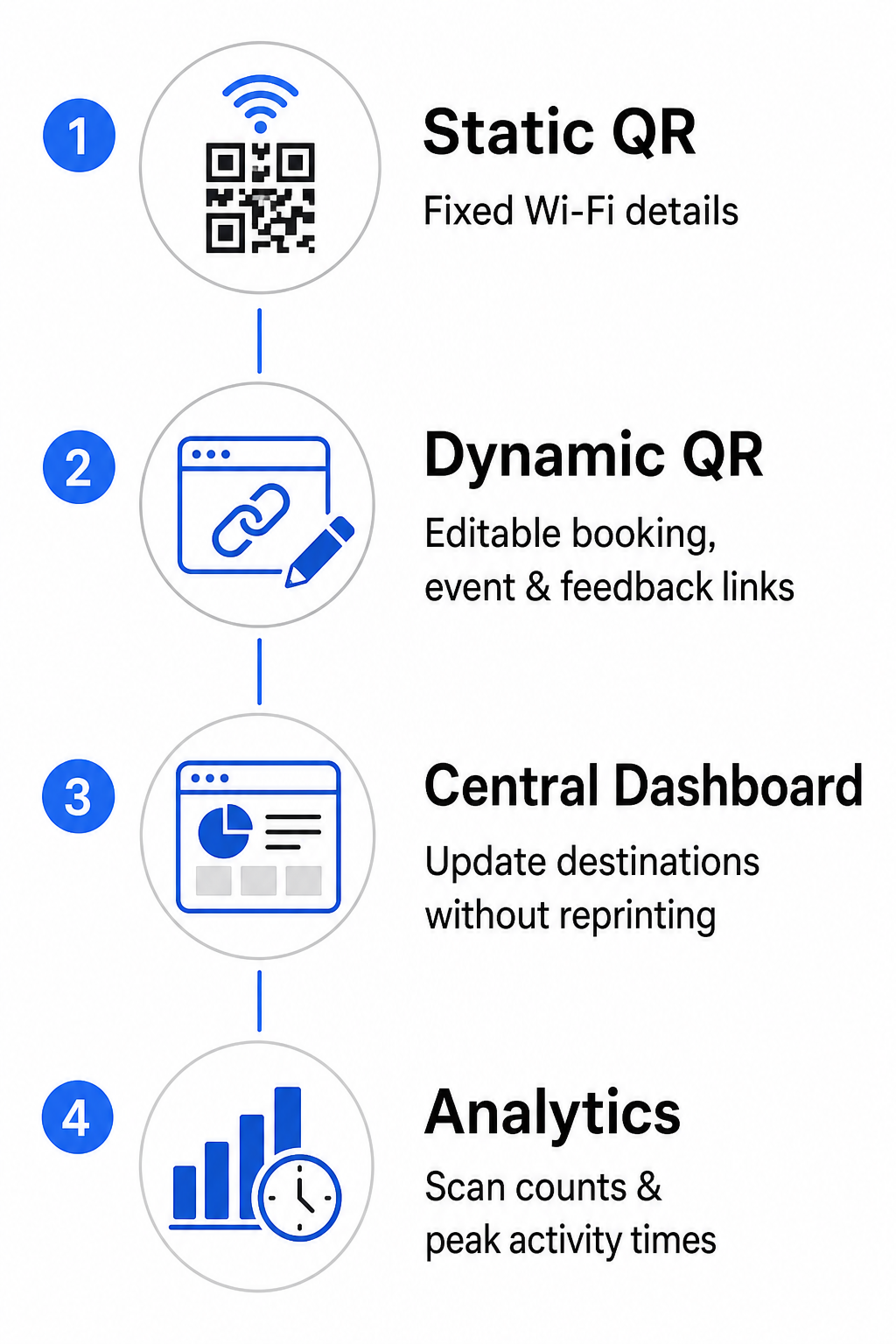
- Statikus QR-kódok: Ideális olyan fix információkhoz, amelyek soha nem változnak, mint például az állandó Wi-Fi hálózati hitelesítő adatok, beleértve az SSID-t és a jelszót.
- Dinamikus QR-kódok: A legjobb aktív működési linkekhez, mint például teremfelfoglalási portálok, visszajelzési űrlapok és heti eseménynaptárak, lehetővé téve a célállomás frissítését a nyomtatott táblák cseréje nélkül.
A dinamikus kódok könnyed átirányítási linken keresztül vezetik a felhasználókat, ami azt jelenti, hogy a közösségi csapatok bármikor frissíthetik a céloldali URL-eket egy központi irányítópulton belül. Ezenkívül a dinamikus kódok beépített elemzéseket gyűjtenek, mint például a szkennelési számokat, a csúcsidőket és az eszköz típusokat. További munkaterület-kezelő eszközöket fedezhet fel a mi QR-kód funkciók áttekintésünkön, vagy tekintse meg testreszabott lehetőségeinket a mi ipari alkalmazásokban oldal.
QR-kód elhelyezésének és szkennelhetőségének bevált gyakorlatai
A megbízható szkennelés biztosításához a munkaterületen tartsa be a világos elrendezési, méretezési és pozicionálási irányelveket:
- Tartsa be a minimális méreteket: Nyomtassa ki a kódokat legalább 2 × 2 cm (0,8 × 0,8 hüvelyk) méretben az íróasztali állványokon vagy ajtókereteken történő közeli szkenneléshez. Hosszabb megtekintési távolságok esetén a kód szélességét a szkennelési távolság legalább egytizedének kell kiszámítani (például egy 10 cm széles kód 1 méterről történő szkenneléshez).
- Szemmagasságban helyezze el: Rögzítse a jelzéseket a földtől 3,5 és 5,5 láb közötti magasságban sík, sima felületeken, elkerülve a sarkokat, illesztéseket vagy texturált anyagokat, amelyek torzítják a mátrixmintát. Az átfogó elrendezési útmutatóért tekintse meg a mi útmutatót a QR-kód elhelyezéséhez.
- Magas színkontraszt biztosítása: Alkalmazzon sötét előtér modulokat világos háttereken, legalább 4:1 arányú kontrasztot fenntartva (vagy 55% kontrasztot, ha egyedi márka színeket használ).
- Védje a csendes zónát: Hagyjon szabadon egy nyomatlan margót a kód körül, amely legalább 4 modullal – egy kis QR négyzet szélességével – egyenlő mind a négy oldalon, hogy megelőzze a vizuális torzulást.
- Optimalizálja a világítást és az akadálymentesítést: Válasszon matt nyomtatási felületeket a fényes lámpák alatti tükröződés elkerülése érdekében, és helyezze el a kódokat jól megvilágított területekre, távol a mély árnyékoktól. Mindig mellékeljen egyszerű szöveges URL-eket a kód mellé, hogy segítse azokat a tagokat, akik inkább manuálisan írják be a linkeket.
A coworking munkafolyamat optimalizálása
A létesítményüzemeltetés modernizálása stratégiai QR-kódokkal csökkenti az adminisztratív terheket, megszünteti az ügyfélfogadási torlódásokat, és zökkenőmentes önkiszolgáló élményt nyújt, amire a modern szakemberek vágynak. A manuális bejelentkezési naplók, bonyolult Wi-Fi jelszavak és papír alapú ütemezések egyértelmű digitális érintőpontokkal való felváltásával közösségi csapatod értékes időt szabadít fel, hogy a tagok bevonására és a növekedésre összpontosíthasson. Azonosítsd tered fő súrlódási pontjait még ma, és vezess be személyre szabott QR-kódokat a hatékony, high-tech munkaterület megteremtéséhez.
Gyakori kérdések
A tárgyalótermi QR-kódoknak legalább 2 × 2 cm (0,8 × 0,8 hüvelyk) méretűnek kell lenniük a közeli szkenneléshez. Ha a tagok 1 méteres távolságból szkennelnek, nyomtassa ki a kódot legalább 10 cm szélesen a megbízható szkennelés fenntartásához.
Igen, feltéve, hogy dinamikus QR-kódot hoz létre. A dinamikus kódok egy átirányítási URL-re mutatnak, lehetővé téve, hogy frissítse a célhivatkozást a kezelőfelületén anélkül, hogy újra kellene nyomtatnia a fizikai táblákat.
A Wi-Fi QR kód tartalmazza a hálózat SSID-jét és jelszavát. Amikor egy felhasználó a telefonjával a kódra mutat, az eszköz automatikusan felajánlja a hálózathoz való csatlakozást anélkül, hogy manuálisan be kellene írnia bármilyen hitelesítő adatot.