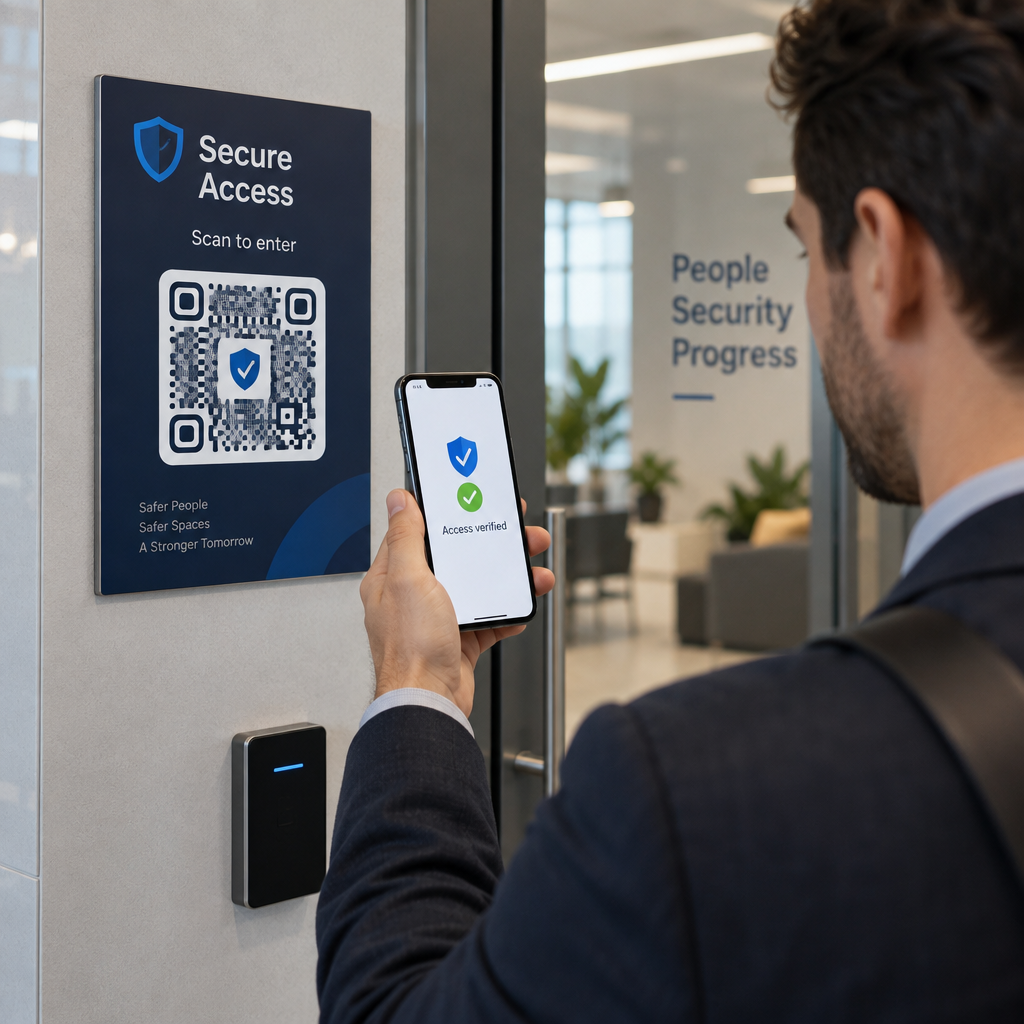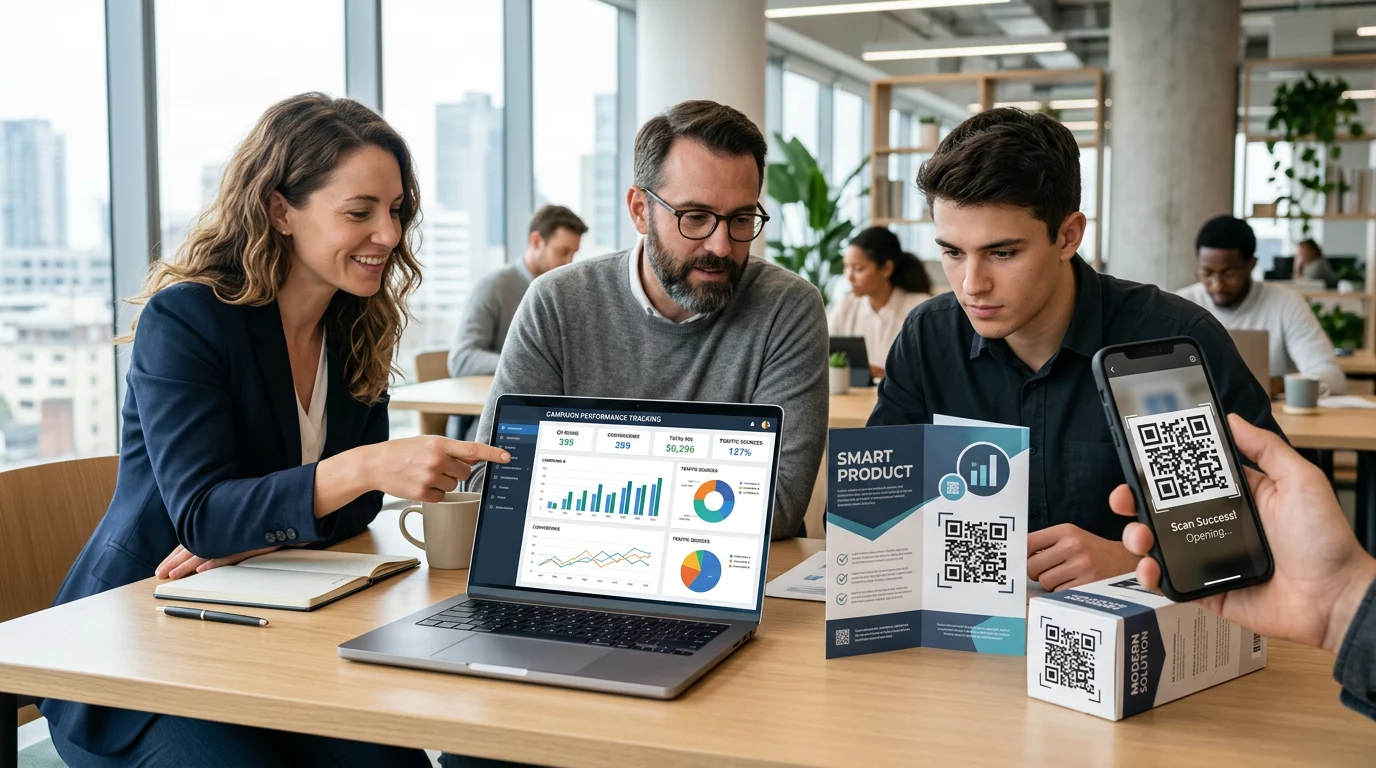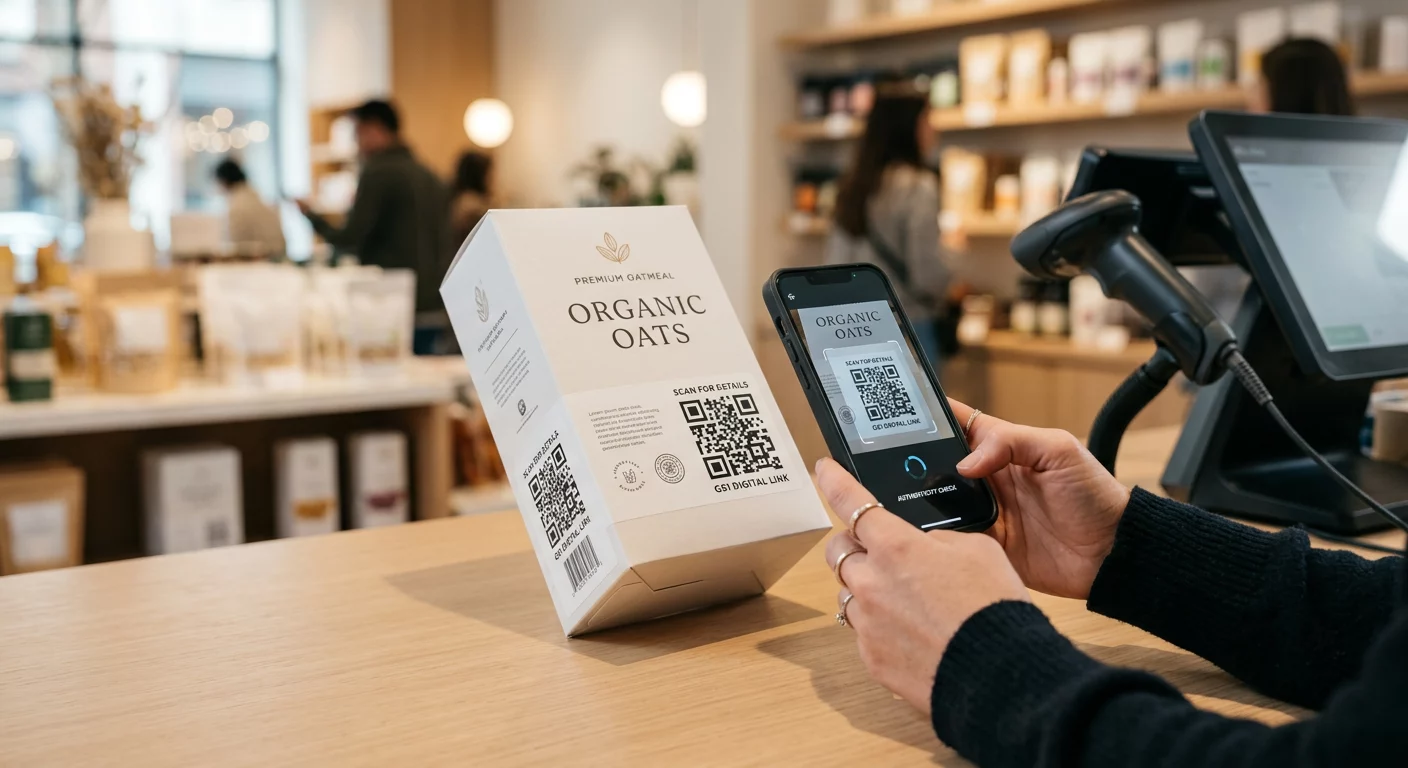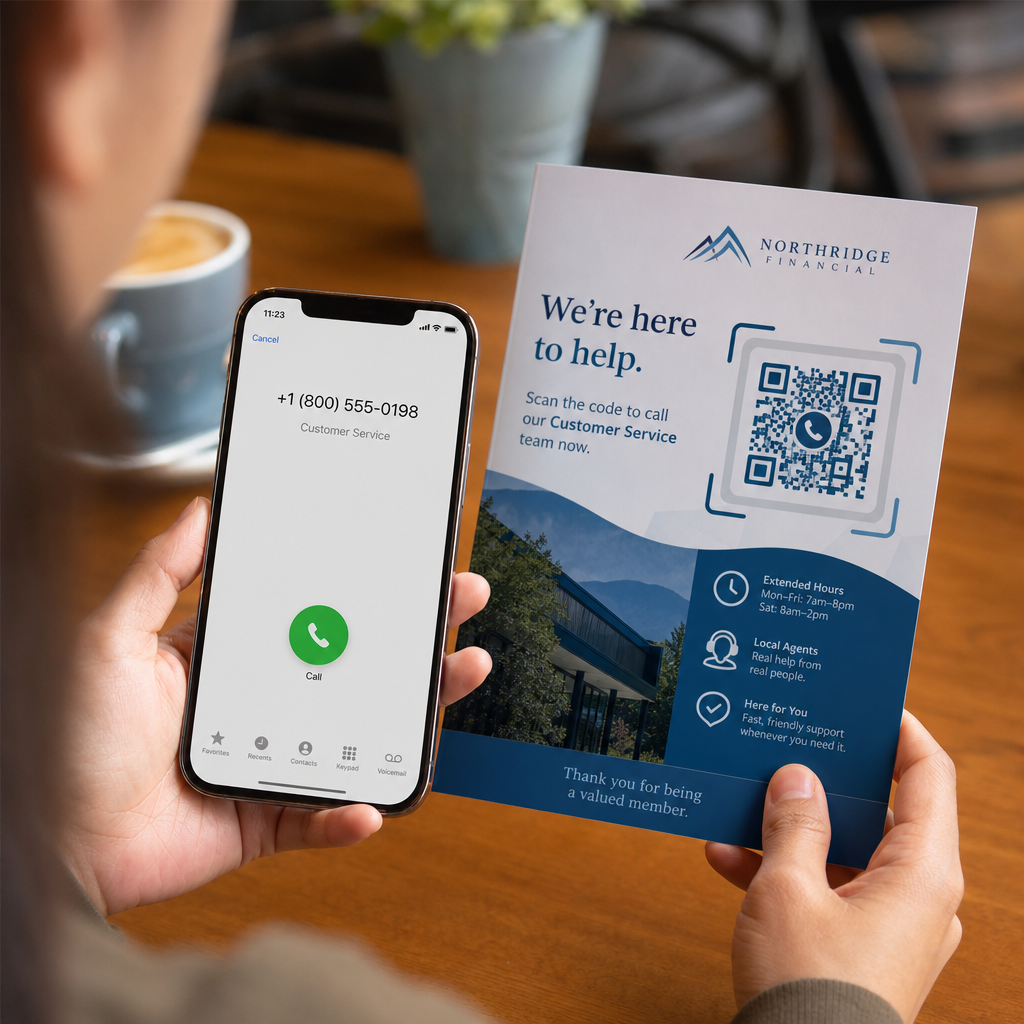
Potansiyel müşterileriniz, basılı medyadan uzun bir telefon numarasını yazmak zor olduğu için aramaları terk mi ediyor? Manuel arama hataları, gelen satış fırsatlarını ve destek taleplerini doğrudan azaltır. Bir telefon numarası QR kodu oluşturmak, potansiyel müşterilerin numaranızı tek bir taramayla mobil arayıcılarına anında eklemesini sağlar.
Telefon Görüşmesi QR Kodları Nasıl Çalışır?
Bir akıllı telefon kamerası telefon görüşmesi QR kodunu taradığında, `tel:` Tekdüzen Kaynak Tanımlayıcısı (URI) olarak bilinen standartlaştırılmış bir iletişim protokolünü okur. IETF RFC 3966 standardı tarafından tanımlanan bu dize, telefon numarasını mobil işletim sistemlerinin anında bir telefon görüşmesi isteği olarak tanıdığı bir yapıya kodlar.
Kodunuzun tüm mobil operatörlerde ve uluslararası ağlarda sorunsuz çalışmasını sağlamak için numaranızı her zaman şu şekilde biçimlendirin: E.164 uluslararası standardı. Bu format, artı işareti (`+`) ile başlar, ardından ülke kodu, alan kodu ve abone numarası boşluk, kısa çizgi veya parantez olmadan gelir (örneğin, `+12025550123`).
Güvenlik ve İşletim Sistemi Davranışı
Mobil işletim sistemleri, QR kodlarının doğrudan kullanıcı etkileşimi olmadan otomatik olarak arama yapmasını kasıtlı olarak engeller. Bu yerleşik güvenlik katmanı, kullanıcıları yanlışlıkla aramalardan veya kötü niyetli ücretlerden korur:
- iOS (iPhone): Kodu taramak, telefon numarasını gösteren bir ekran uyarısı görüntüler ve aramadan önce açık bir onay ister.
- Android: Kodu taramak, cihazın yerel Telefon uygulamasını arayıcıda numara önceden doldurulmuş olarak açar ve kullanıcının arama düğmesine dokunmasını gerektirir.
Her iki platform da, arama süreci üzerinde tam kontrol sağlayarak, kullanıcıdan son bir manuel dokunuş gerektirir.
Arama QR Kodu Oluşturmak İçin Adım Adım Kılavuz
Yüksek çözünürlüklü bir telefon QR kodu oluşturmak teknik uzmanlık gerektirmez. Kodunuzu oluşturmak için bu basit adımları izleyin:
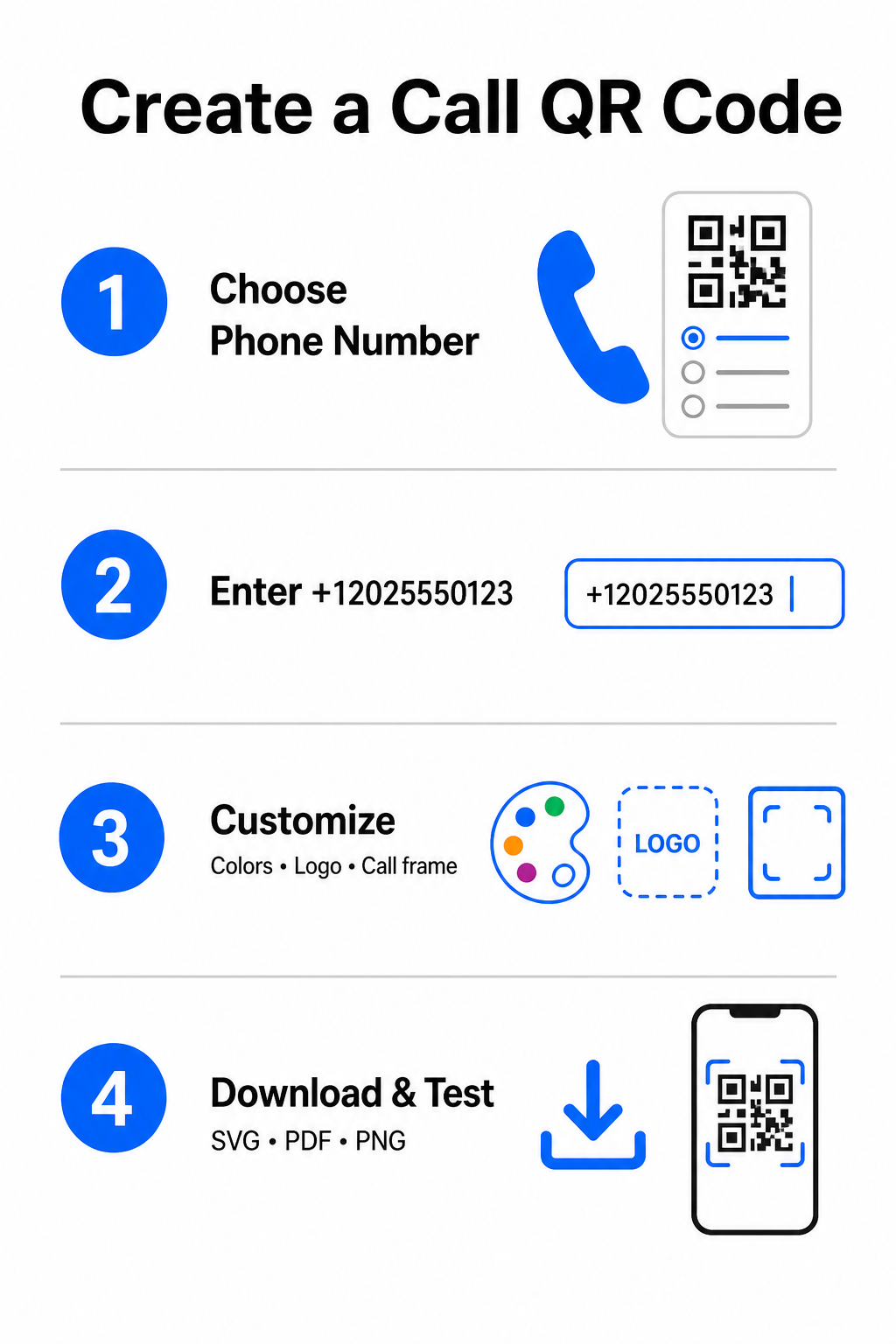
- Oluşturucuyu açın: Çevrimiçi Pageloot QR Kodu Oluşturucu.
- Telefon seçeneğini belirleyin: Seçin Telefon Numarası veya Telefon etmek mevcut kod türlerinden seçeneğini.
- Telefon numarasını girin: Ülke kodunuzu (Kuzey Amerika için `+1` gibi) dahil ederek tam iletişim numaranızı E.164 formatında girin.
- Görsel tasarımı özelleştirin: Özel marka renkleri seçin, bir şirket logosu yükleyin veya net bir harekete geçirici mesaj ifadesi içeren koruyucu bir çerçeve ekleyin.
- Bitmiş dosyayı indirin: Kodunuzu vektör formatlarında indirin, örneğin .SVG veya .PDF ticari baskı için veya .PNG dijital ekranlar için.
Tam adınız, e-posta adresiniz, fiziksel adresiniz ve iş unvanınız dahil olmak üzere daha geniş bir profesyonel ayrıntı kümesi paylaşmanız gerekiyorsa, özel bir vCard QR Kod Oluşturucu yerine. Ayrıca rehberimize de göz atabilirsiniz: QR kodlarını kullanarak iletişim bilgileri nasıl paylaşılır hangi formatın promosyon kampanyanıza uygun olduğuna karar vermek için.
Statik ve Dinamik Telefon QR Kodları
QR kodunuz için doğru temel yapıyı seçmek, telefon numaranızı güncellemeniz gerekip gerekmediğine veya zaman içinde etkileşimi takip etmeniz gerekip gerekmediğine bağlıdır.
| ÖZELLİK | Statik Telefon QR Kodu | Dinamik Telefon QR Kodu |
|---|---|---|
| Veri Depolama | Numara doğrudan kod desenine kodlanır | Bir sunucuda barındırılan kısa ara URL |
| Baskı Sonrası Düzenleme | Kalıcı (Oluşturulduktan sonra değiştirilemez) | Hedef telefon numarasını istediğiniz zaman güncelleyin |
| Tarama Analizleri | Desteklenmiyor | Toplam taramaları, konumları ve zaman desenlerini takip edin |
| Önerilen Kullanım | Kalıcı iletişim hatları (Ana ofis, ücretsiz danışma masaları) | Pazarlama kampanyaları, mevsimlik çağrı merkezleri |
Anında Telefon Aramalarını Başlatın Kaç taramanın gerçek müşteri aramasına dönüştüğünü takip etmek ister misiniz? Kullanın: Pageloot QR Kodu Oluşturucu bugün özelleştirilebilir, takip edilebilir çağrı kodları oluşturmak için.
Baskı ve Taranabilirlik için En İyi Uygulamalar
Bir telefon QR kodu, ancak akıllı telefon kameraları gerçekçi koşullar altında güvenilir bir şekilde tarayabilirse sorgu oluşturur. Tasarımlarınızı üretime göndermeden önce bu temel baskı standartlarına uyun:
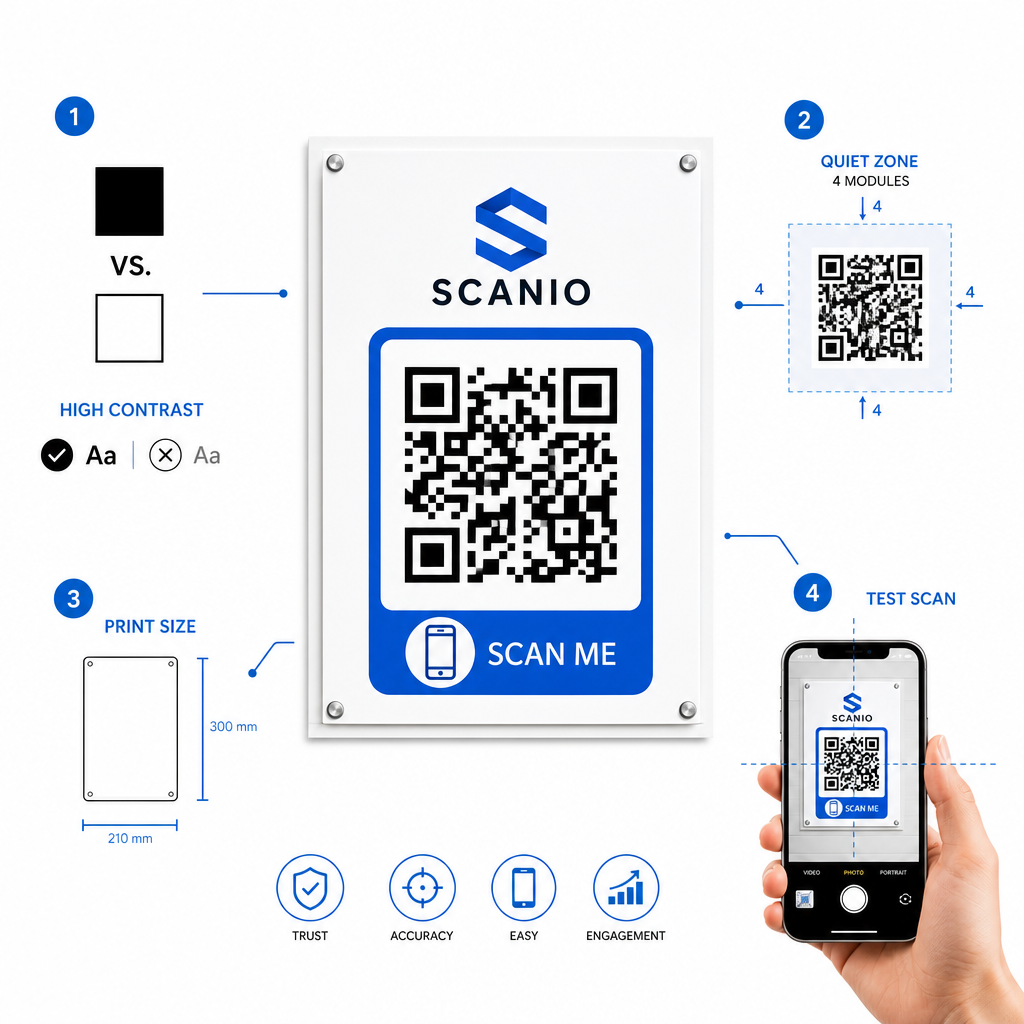
- Yüksek renk kontrastı sağlayın: Beyaz üzerinde siyah gibi açık bir arka plan üzerinde koyu modüller seçin. Tarayıcılar, ters renkleri veya beyaz üzerinde açık gri gibi düşük kontrastlı kombinasyonları okumakta zorlanır.
- Sessiz bölgeyi koruyun: Kod desenindeki ayrı kareler olan en az 4 modüle eşit net bir kenar boşluğunu, dört tarafında da metin, kenarlık veya grafiklerden tamamen arındırılmış olarak tutun.
- Görüntüleme mesafesi için ölçeklendirin: Yakın mesafeli materyalleri (kartvizitler veya masa çadırları gibi) minimum şu boyutta yazdırın: 0.8 × 0.8 inç (2 × 2 cm). . Uzak tabelalar için, uygulayın10:1 mesafe kuralı
- , yani 10 fitten taranan bir kodun en az 1 fit genişliğinde olması gerektiği anlamına gelir. Gerçek dünya testi yapın: Hedef yüzeye fiziksel bir test kanıtı yazdırın ve şunları deneyin: akıllı telefonlarla QR kodunu tarayın
hem iOS hem de Android platformlarında farklı aydınlatma koşullarında.
Çevrimdışı Kitleleri Telefon Hatlarınıza Bağlama
Manuel yazım hatalarını ortadan kaldırarak, telefon numarası QR kodları çevrimdışı pazarlama kanallarındaki sürtünmeyi giderir ve ilgilenen potansiyel müşterileri doğrudan ekibinize bağlar. Kalıcı ofis tabelalarında statik bir kod kullanıyor veya mevsimlik reklam kampanyaları için dinamik takibe güveniyor olun, tasarımınızı taranabilir tutmak, fiziksel temas noktasından telefon görüşmesine sorunsuz bir yol sağlar. Pageloot QR Kodu Oluşturucu Müşteri erişimini kolaylaştırmaya hazır mısınız? Ziyaret edin:
Sıkça sorulan sorular
Hayır. iOS ve Android gibi işletim sistemleri, kazara veya yetkisiz aramaları önlemek için kullanıcı onayı gerektirir. Tarama, yerel telefon çeviricisini önceden doldurur veya bir onay istemi görüntüler, ancak kullanıcının arama düğmesine dokunması gerekir.
E.164 uluslararası standardını kullanın. Bu standart, bir artı işareti (+) ile başlar, ardından ülke kodu, alan kodu ve abone numarası tire, boşluk veya parantez olmadan gelir (örneğin, +12025550123).
Evet, dinamik bir QR kodu oluşturursanız. Dinamik kodlar, trafiği kısa bir bağlantı üzerinden yönlendirir ve fiziksel materyalleri yeniden bastırmanıza gerek kalmadan hedef telefon numarasını istediğiniz zaman düzenlemenize olanak tanır.