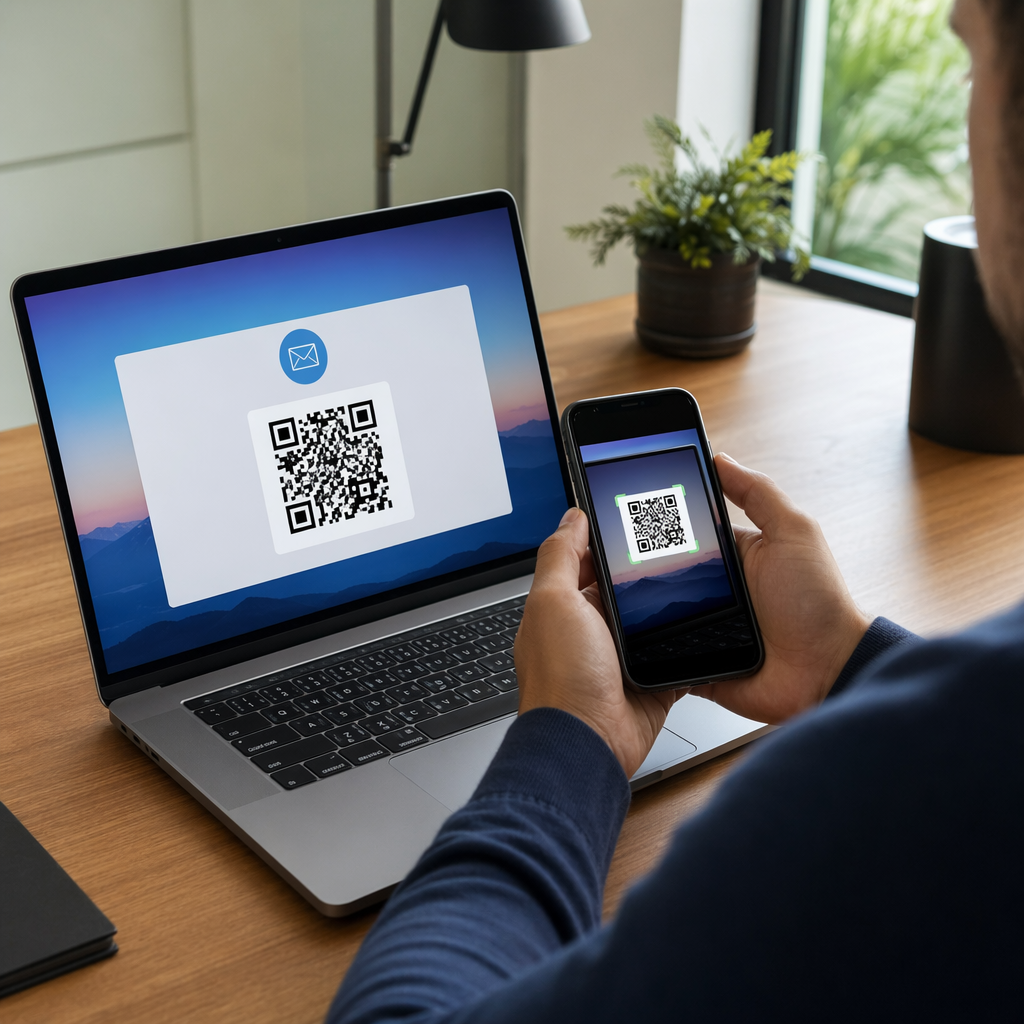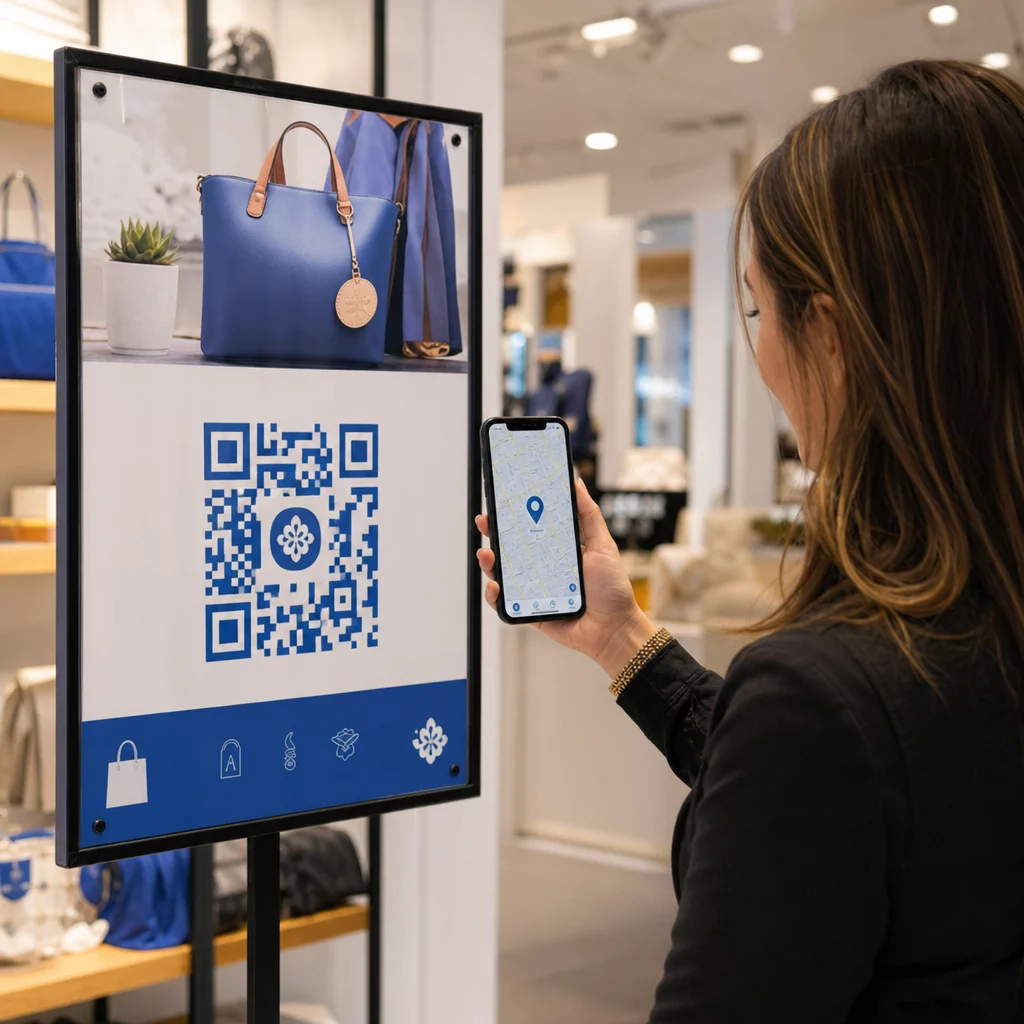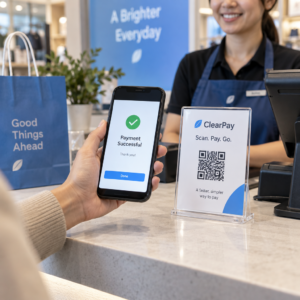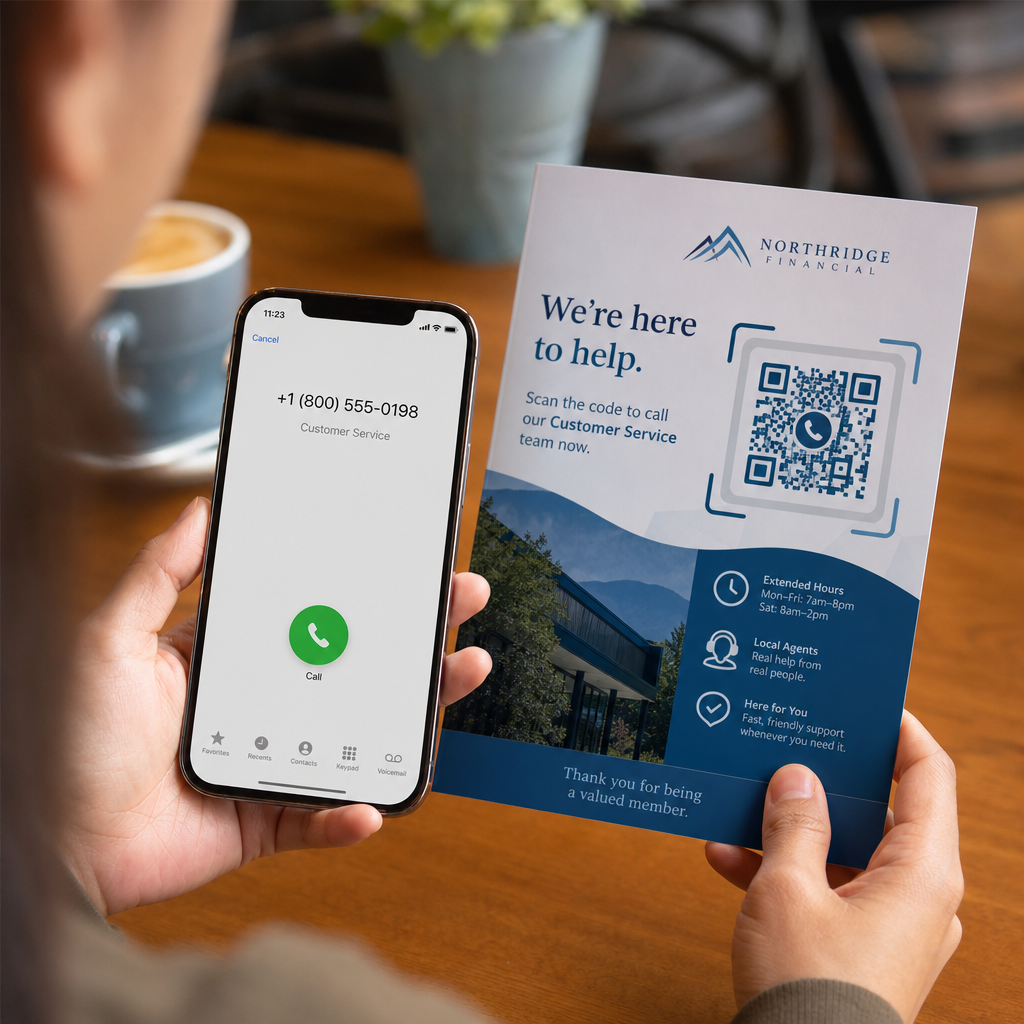
Kas teie potentsiaalsed kliendid loobuvad kõnedest, sest pikkade telefoninumbrite trükimeediast sisestamine on frustreeriv? Käsitsi valimisvead vähendavad otseselt sissetulevaid müügivihjeid ja tugipäringuid. Telefoninumbri QR-koodi loomine võimaldab potentsiaalsetel klientidel teie numbri mobiili valijasse ühe skannimisega koheselt sisestada.
Kuidas telefonikõne QR-koodid töötavad
Kui nutitelefoni kaamera skannib telefonikõne QR-koodi, loeb see standardiseeritud kommunikatsiooniprotokolli, mida tuntakse kui `tel:` ühtse ressursi identifikaatorit (URI). IETF RFC 3966 standardiga määratletud string kodeerib telefoninumbri struktuuri, mille mobiili operatsioonisüsteemid tunnevad koheselt ära telefonikõne päringuna.
Et teie kood töötaks sujuvalt kõigi mobiilsideoperaatorite ja rahvusvaheliste võrkude vahel, vormindage oma number alati kasutades E.164 rahvusvahelist standardit. See formaat algab plussmärgiga (`+`), millele järgneb riigikood, piirkonnakood ja abonentinumber ilma tühikute, sidekriipsude või sulgudeta (näiteks `+12025550123`).
Turvalisus ja operatsioonisüsteemi käitumine
Mobiili operatsioonisüsteemid takistavad tahtlikult QR-koodidel kõnesid automaatselt teostamast ilma otsese kasutaja sekkumiseta. See sisseehitatud turvakiht kaitseb kasutajaid juhuslike valimiste või pahatahtlike tasuliste kõnede eest:
- iOS (iPhone): Koodi skannimine kuvab ekraanil teate, mis näitab telefoninumbrit ja küsib enne valimist selgesõnalist kinnitust.
- Android: Koodi skannimine avab seadme natiivse telefonirakenduse koos valijasse eeltäidetud numbriga, nõudes kasutajalt helistamisnupu puudutamist.
Mõlemad platvormid nõuavad kasutajalt lõplikku käsitsi puudutust, tagades täieliku kontrolli kõneprotsessi üle.
Samm-sammult juhend kõne QR-koodi genereerimiseks
Kõrge resolutsiooniga telefoni QR-koodi genereerimine ei nõua tehnilisi teadmisi. Järgige neid lihtsaid samme oma koodi loomiseks:
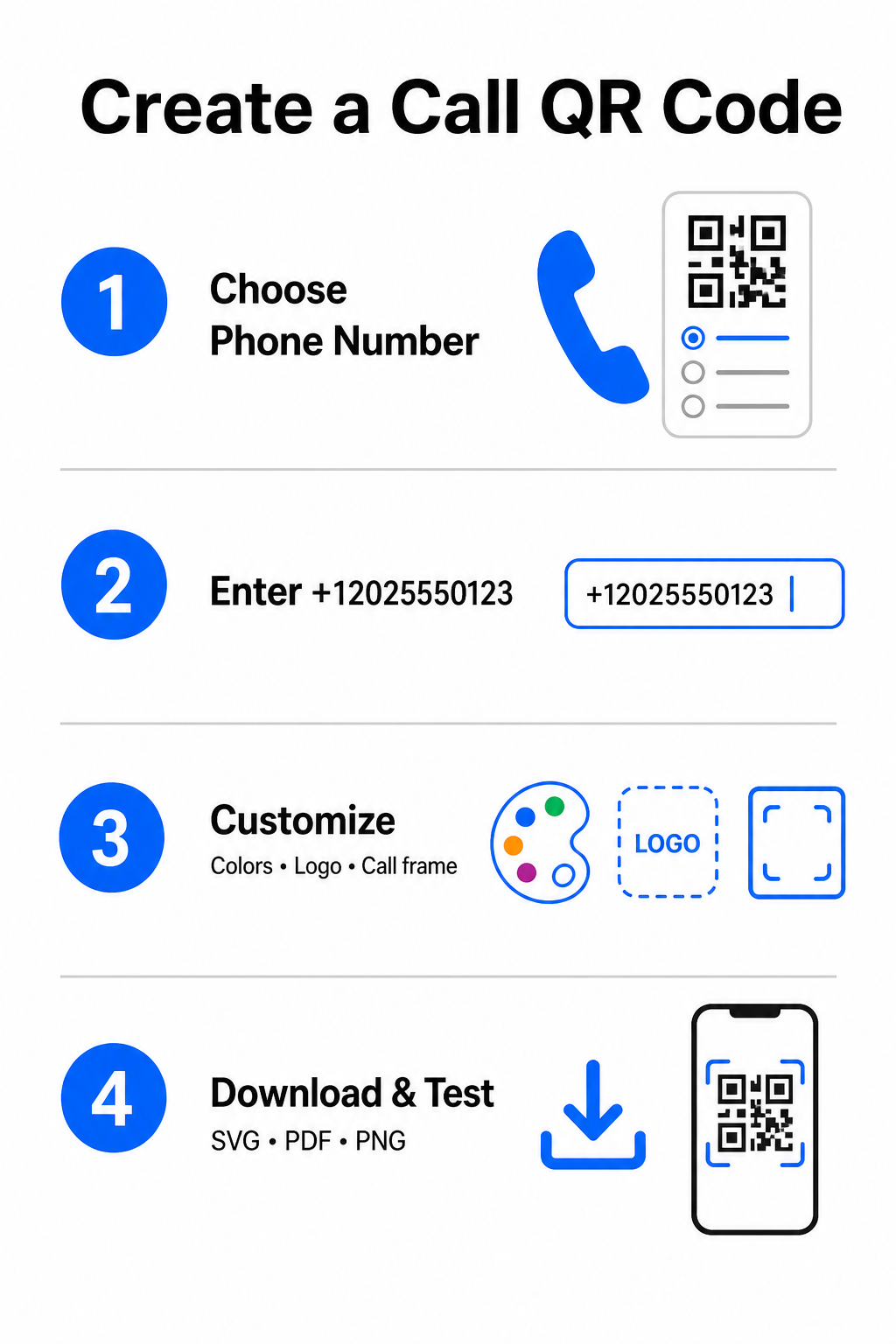
- Avage generaator: Mine veebipõhisele Pageloot QR-koodi generaator.
- Valige telefonivalik: Valige Telefoninumber või Helistama valik saadaolevate kooditüüpide hulgast.
- Sisestage telefoninumber: Sisestage oma täielik kontaktnumber E.164 formaadis, kaasa arvatud riigikood (näiteks `+1` Põhja-Ameerika jaoks).
- Kohandage visuaalset disaini: Valige kohandatud brändivärvid, laadige üles ettevõtte logo või lisage kaitseraam koos selge tegevusele kutsuva fraasiga.
- Laadige alla valmis fail: Laadige oma kood alla vektorformaatides nagu .SVG või .PDF kommertstrükkimiseks või .PNG digitaalsete ekraanide jaoks.
Kui teil on vaja jagada laiemat komplekti professionaalseid andmeid – sealhulgas oma täisnime, e-posti aadressi, füüsilist aadressi ja ametinimetust – kasutage spetsiaalset vCard QR-koodi generaator selle asemel. Samuti võite uurida meie juhendit teemal kuidas jagada kontaktandmeid QR-koodide abil et otsustada, milline formaat teie reklaamikampaaniaga sobib.
Staatilised vs. dünaamilised telefoni QR-koodid
Õige alusstruktuuri valimine oma QR-koodi jaoks sõltub sellest, kas teil on vaja oma telefoninumbrit uuendada või jälgida kaasatust aja jooksul.
| FUNKTSIOON | Staatiline telefoni QR-kood | Dünaamiline telefoni QR-kood |
|---|---|---|
| Andmete salvestamine | Number kodeeritud otse koodimustrisse | Lühike vahepealne URL, mis asub serveris |
| Trükijärgne toimetamine | Püsiv (ei saa pärast loomist muuta) | Uuenda sihtkoha telefoninumbrit igal ajal |
| Skannimise analüütika | Ei toetata | Jälgi skaneeringute koguarvu, asukohti ja ajamustreid |
| Soovitatav kasutus | Püsivad kontaktliinid (peakontor, tasuta teeninduspunktid) | Turunduskampaaniad, hooajalised kõnekeskused |
Hakake suunama koheseid telefonikõnesid Tahad jälgida, kui palju skaneeringuid muutuvad tegelikeks kliendikõnedeks? Kasuta Pageloot QR-koodi generaator et luua kohandatavaid ja jälgitavaid kõnekoodid juba täna.
Parimad praktikad printimiseks ja skannitavuseks
Telefoni QR-kood genereerib päringuid ainult siis, kui nutitelefonide kaamerad suudavad seda usaldusväärselt realistlikes tingimustes skaneerida. Järgige neid põhilisi trükistandardeid enne oma kujunduste tootmisse saatmist:
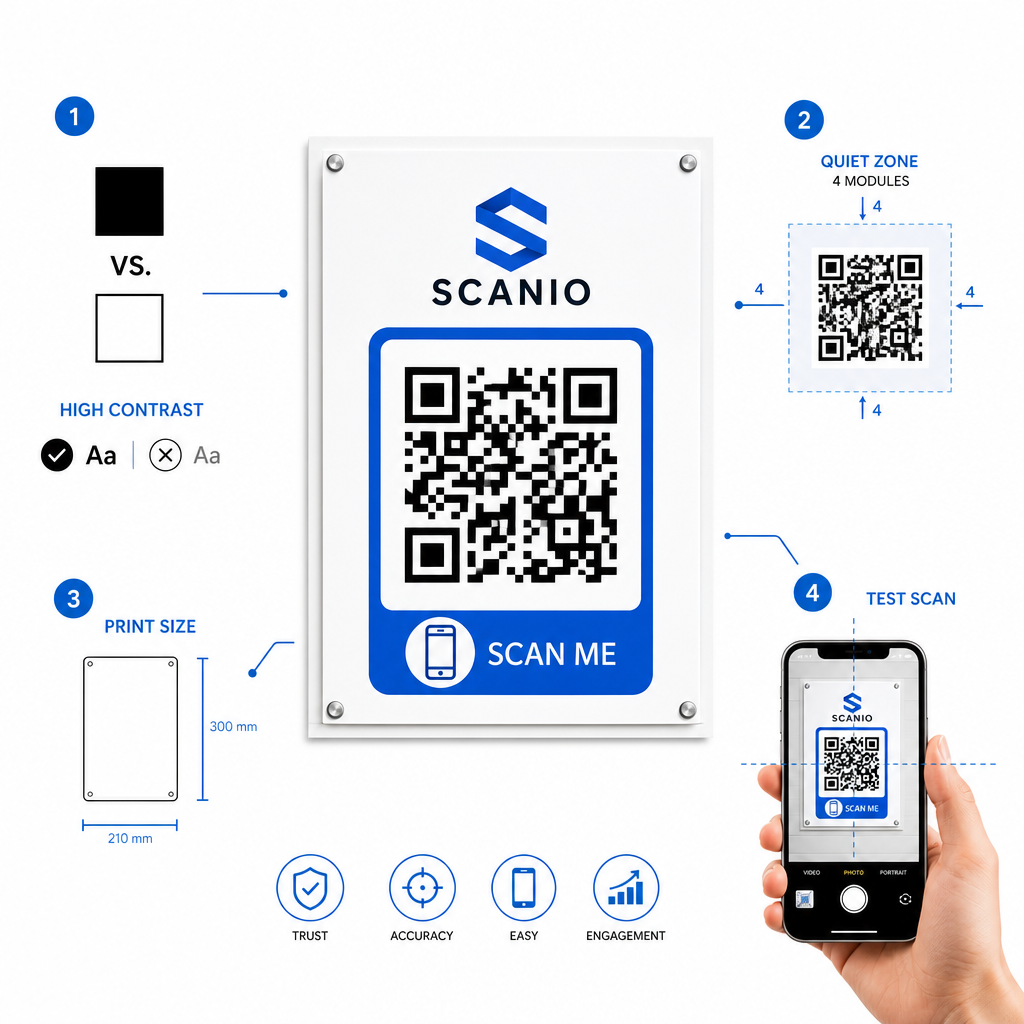
- Säilitage kõrge värvikontrast: Valige heledal taustal tumedad moodulid, näiteks must valgel. Skanneritel on raske lugeda inversseeritud värve või madala kontrastsusega kombinatsioone, nagu helehall valgel.
- Säilitage vaikne tsoon: Hoidke selge marginaal, mis on vähemalt 4 moodulit (koodimustris olevad üksikud ruudud), täiesti vaba tekstist, piiridest või graafikast kõigil neljal küljel.
- Mastaap vaatamiskauguse jaoks: Trükkige lähiulatuse materjale (nagu visiitkaardid või lauatelgid) minimaalsuuruses 0,8 × 0,8 tolli (2 × 2 cm). Kaugemal asuvate siltide puhul rakendage 10:1 kauguse reegel, mis tähendab, et 10 jala kauguselt skaneeritud kood peaks olema vähemalt 1 jala laiune.
- Teostage reaalses maailmas testimine: Trükkige sihtmaterjalile füüsiline testtõmmis ja proovige skaneerida QR-koodi nutitelefonidega nii iOS-i kui ka Androidi platvormidel erinevates valgustingimustes.
Võrguväliste sihtrühmade ühendamine teie telefoniliinidega
Käsitsi sisestamise vigade kõrvaldamisega eemaldavad telefoninumbriga QR-koodid hõõrdumise võrguvälistest turunduskanalitest ja ühendavad huvitatud potentsiaalsed kliendid otse teie meeskonnaga. Olenemata sellest, kas kasutate staatilist koodi püsival kontorisildil või tuginege hooajaliste reklaamikampaaniate dünaamilisele jälgimisele, tagab teie kujunduse skaneeritavus sujuva tee füüsilisest kokkupuutepunktist telefonivestluseni.
Kas olete valmis kliendisuhtlust lihtsustama? Külastage Pageloot QR-koodi generaator täna, et luua, kohandada ja juurutada oma kohandatud kõne QR-kood.
Korduma kippuvad küsimused
Ei. Operatsioonisüsteemid nagu iOS ja Android nõuavad kasutaja kinnitust, et vältida juhuslikke või volitamata kõnesid. Skaneerimine eeltäidab natiivse telefonivalija või kuvab kinnitusviiba, kuid kasutaja peab puudutama kõnenuppu.
Kasutage E.164 rahvusvahelist standardit, mis algab plussmärgiga (+), millele järgneb riigikood, piirkonnakood ja abonendinumber ilma sidekriipsude, tühikute või sulgudeta (näiteks +12025550123).
Jah, kui loote dünaamilise QR-koodi. Dünaamilised koodid suunavad liiklust lühilingi kaudu, mis võimaldab teil sihtkoha telefoninumbrit igal ajal muuta, ilma füüsilisi materjale uuesti trükkimata.