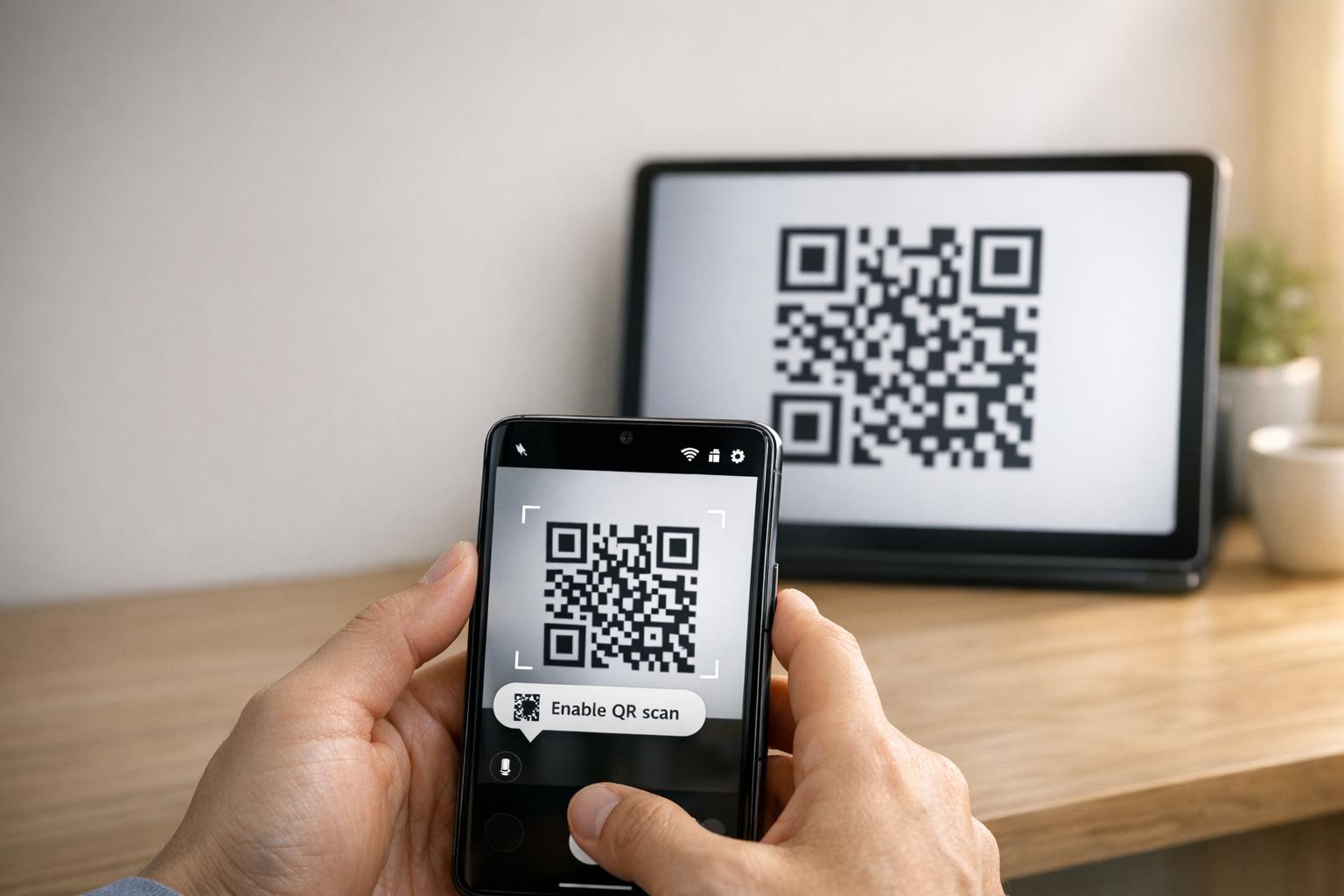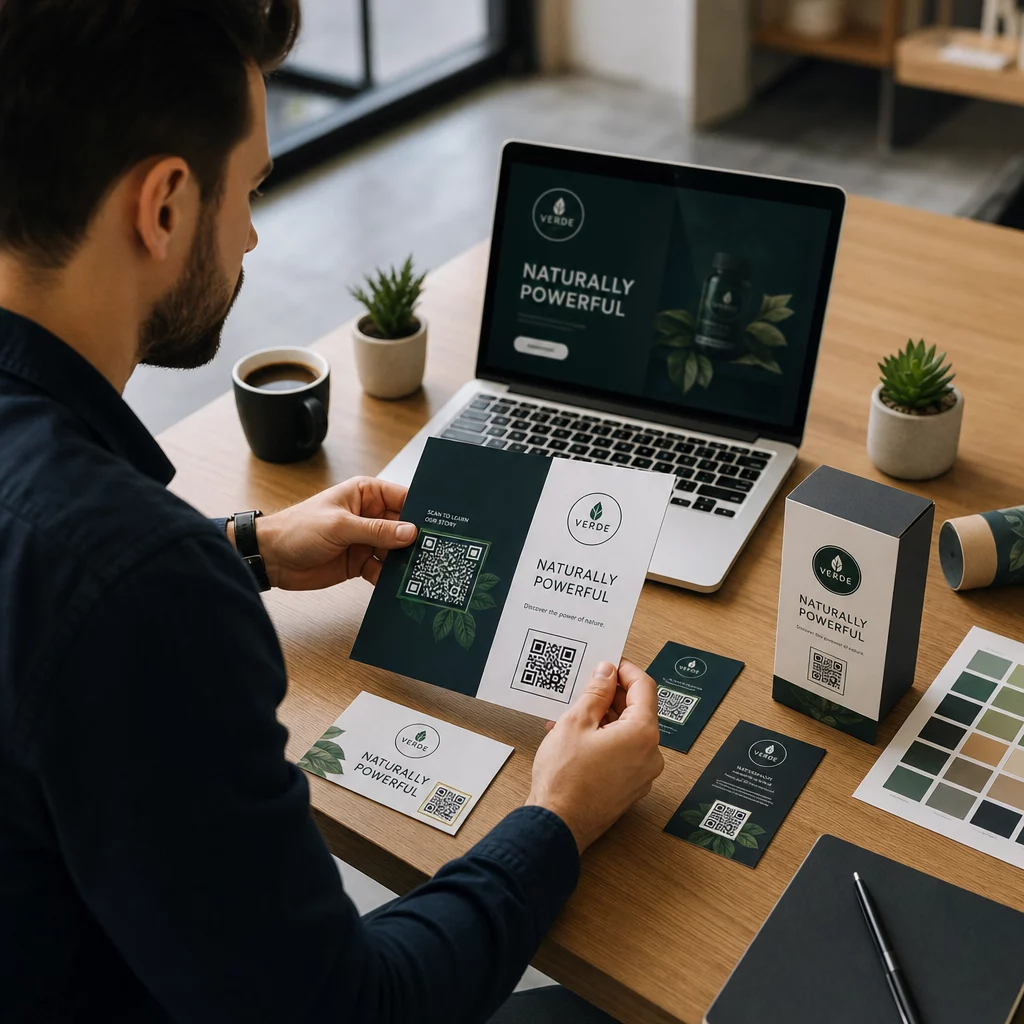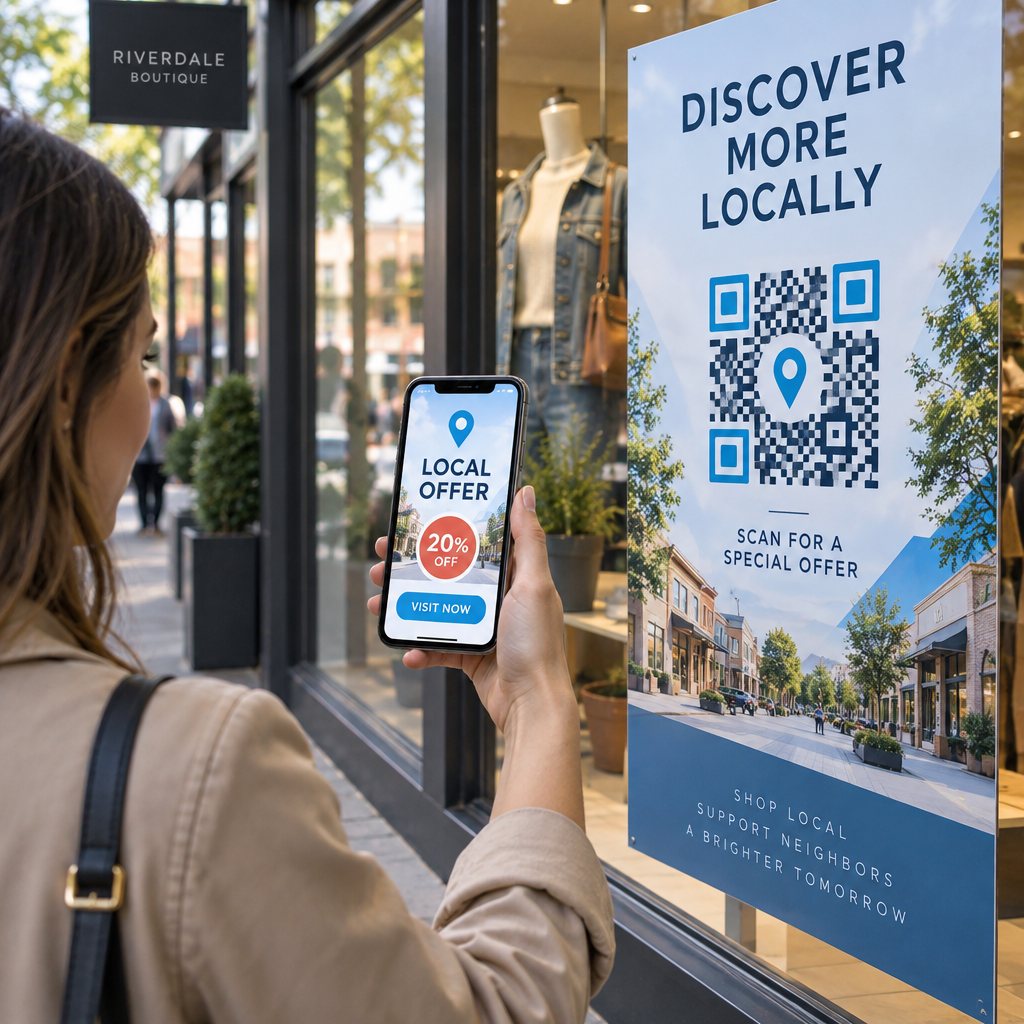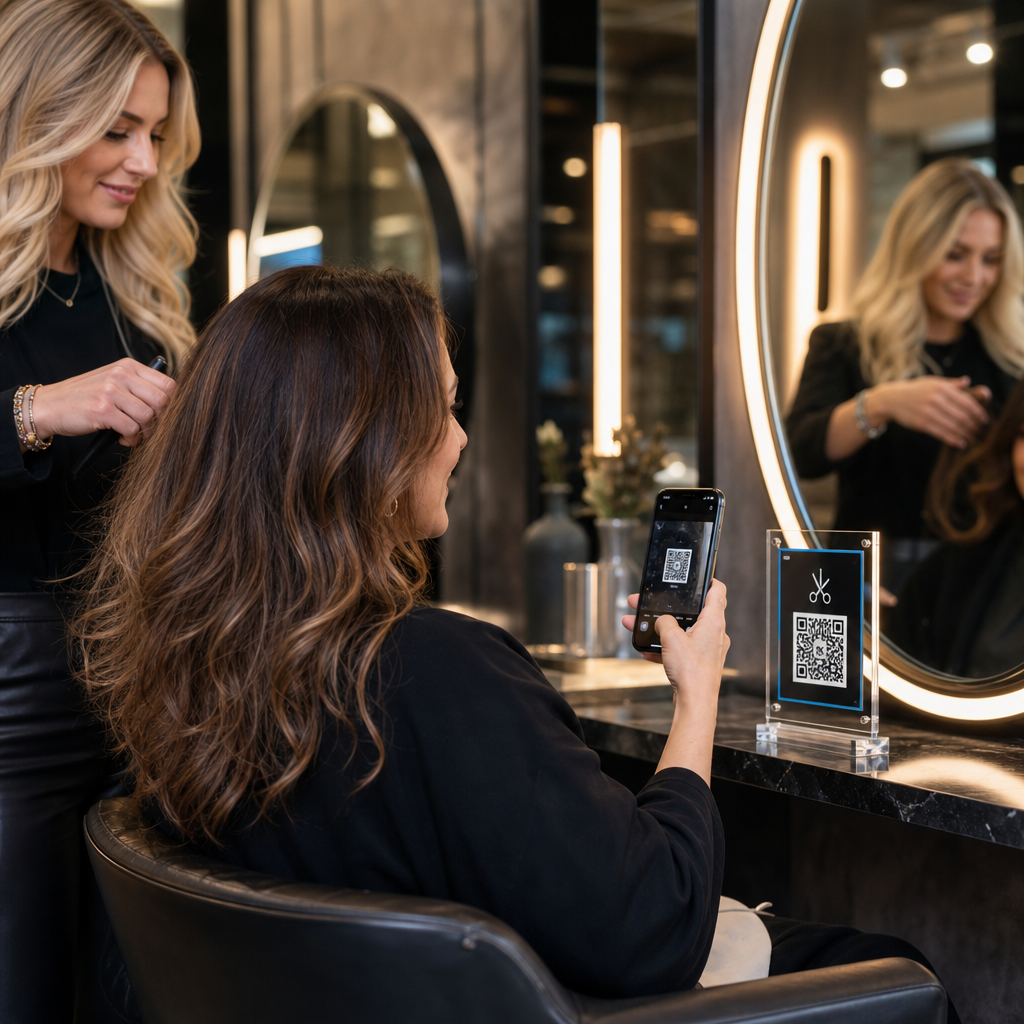

Czy ręczne umawianie wizyt, zatory płatnicze przy recepcji i ciągłe przerwy telefoniczne spowalniają pracę Twojego salonu? Obsługa zadań administracyjnych podczas wizyt klientów frustruje oczekujących gości i odciąga stylistów od usług generujących przychody. Umieszczenie strategicznych kodów QR w całym salonie pozwala klientom rezerwować wizyty, przeglądać menu zabiegów, przesyłać opinie w Google i dokonywać płatności bezgotówkowych bezpośrednio ze swoich smartfonów.
Kluczowe punkty styku z klientem dla kodów QR w Twoim salonie
Przekształcanie przestoju w fotelach fryzjerskich w aktywne cyfrowe zaangażowanie pomaga usprawnić codzienne operacje. Możesz wdrożyć punkty styku do skanowania w kilku kluczowych obszarach działalności salonu:
- Usprawnij rezerwacje online i ponowne rezerwacje: Pozwól klientom zaplanować kolejną sesję koloryzacji lub strzyżenia bezpośrednio z fotela fryzjerskiego, używając generator kodów QR z linkiem.
- Wyświetlaj cyfrowe menu usług: Udostępniaj zaktualizowane listy zabiegów i przejrzyste ceny bez konieczności ponownego drukowania ulotek papierowych, konfigurując Generator kodów QR do menu.
- Zbieraj natychmiastowe opinie klientów: Zwiększ pozycję w lokalnych wynikach wyszukiwania i reputację online, kierując klientów do Generator kodów QR do opinii Google linku zanim opuszczą fotel.
- Akceptuj płatności bezgotówkowe i napiwki: Przyspiesz czas realizacji transakcji przy ladzie recepcyjnej, używając dedykowanych kodów QR do płatności lub Generator kodów QR PayPal.
- Udostępnij dostęp do Wi-Fi dla gości: Wyeliminuj ręczne zapytania o hasło w poczekalniach, umożliwiając gościom automatyczne połączenie z Wi-Fi za pomocą kodu QR.
- Zwiększ zaangażowanie w mediach społecznościowych: Kieruj odwiedzających salon do portfolio stylizacji, samouczków i rolek utworzonych za pomocą Generator kodów QR do Instagrama.
Ulepsz cyfrowe doświadczenie klienta w Twoim salonie Gotów usprawnić rezerwacje, płatności i opinie klientów za pomocą dostosowywalnych kodów? Użyj Generator kodów QR do tworzenia markowych, dynamicznych kodów dla Twoich stanowisk w salonie już dziś.
Optymalne miejsca do umieszczania kodów QR w salonie
Strategiczne rozmieszczenie zapewnia wysoką widoczność bez tworzenia wizualnego bałaganu we wnętrzu Twojego salonu. Umieszczenie cyfrowych wyświetlaczy tam, gdzie klienci naturalnie kierują wzrok, zachęca do natychmiastowej interakcji w chwilach bezczynności.
| Miejsce umieszczenia | Główne działanie | Zalecany materiał |
|---|---|---|
| Lustra i stanowiska stylizacyjne | Ponowne umawianie wizyt i przeglądanie usług | Naklejki na lustra lub akrylowe ramy ekspozycyjne |
| Lada recepcyjna | Przetwarzanie płatności i prośby o recenzje | Kompaktowe szyldy na ladę lub stojaki stołowe |
| Witryna sklepowa / Drzwi | Rezerwacja po godzinach pracy i przeglądanie menu usług | Odporne na warunki atmosferyczne naklejki winylowe |
| Półki z produktami detalicznymi | Samouczki produktowe i przewodniki po składnikach | Cenniki półkowe lub zawieszki na butelki |
| Karty wizyt | Śledzenie mediów społecznościowych i bezpośrednie ponowne umawianie wizyt | Wysokiej jakości wydruk na kartonie |
W celu uzyskania kompleksowych wytycznych dotyczących strategii układu w fizycznych przestrzeniach komercyjnych, zapoznaj się z naszymi przewodnik po umieszczaniu kodów QR w marketingu.
Standardy Techniczne dla Niezawodnego Skanowania Kodów
Kod, którego nie można zeskanować, powoduje problemy i podważa zaufanie klienta. Przestrzeganie ustalonych wytycznych dotyczących drukowania i technicznych gwarantuje, że aparaty smartfonów natychmiast uchwycą Twoje kody w oświetleniu salonu.
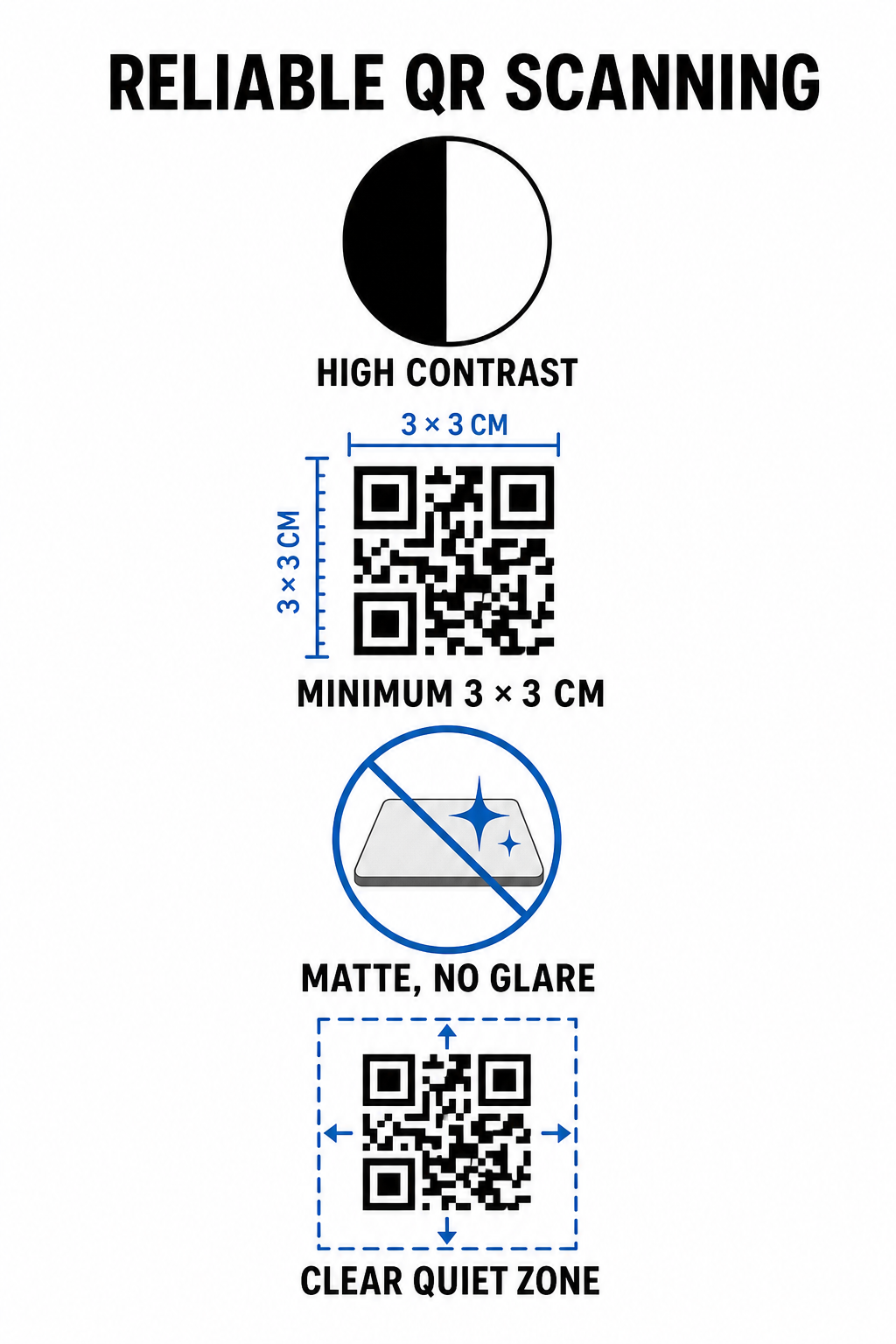
- Zachowaj wysoki kontrast kolorów: Stosuj ciemne wzory pierwszoplanowe na jasnym tle. Czarny na białym oferuje optymalny współczynnik kontrastu 21:1, podczas gdy mniejsze kody wymagają co najmniej współczynnika 4.5:1, aby zapewnić natychmiastowe wykrycie wzoru kodu przez czujniki aparatu.
- Oblicz odpowiednie wymiary druku: Przestrzegaj współczynnika odległości skanowania do rozmiaru 10:1, tak aby szerokość kodu stanowiła jedną dziesiątą oczekiwanej odległości. W przypadku naklejek na lustra i wyświetlaczy na ladzie, drukowane kody powinny mieć minimalny rozmiar 1.2 x 1.2 cala (3 x 3 cm).
- Zastosuj matowe, nieodblaskowe wykończenie: Wybieraj matowy karton, winyl lub laminaty antyodblaskowe zamiast papieru błyszczącego. Błyszczące wykończenia odbijają jasne oświetlenie salonowe w obiektywy smartfonów, powodując błędy skanowania.
- Zachowaj margines strefy ciszy: Zachowaj pusty, niezadrukowany margines wokół wszystkich czterech stron wzoru kodu. Ta strefa ciszy musi mierzyć co najmniej czterokrotność szerokości pojedynczego kwadratu modułu.
- Eksportuj w formatach do druku wysokiej rozdzielczości: Zapisz ostateczne grafiki jako pliki wektorowe, takie jak SVG lub PDF, albo eksportuj pliki PNG w rozdzielczości 300 DPI, aby zapobiec pikselizacji podczas druku fizycznego.
Jak dynamiczne kody QR elastycznie skalują operacje salonu
Statyczne kody QR na stałe zapisują docelowe adresy URL bezpośrednio w matrycy drukowanej, co oznacza, że każda zmiana linku internetowego wymaga ponownego drukowania fizycznych wyświetlaczy. Natomiast dynamiczne kody QR przekierowują przez krótki link, umożliwiając menedżerom salonów aktualizację zakodowanych miejsc docelowych w dowolnym momencie za pośrednictwem centralnej platformy zarządzania.
Zarządzanie rozwijającym się biznesem usługowym wiąże się z częstymi zmianami menu, promocjami i aktualizacjami oprogramowania. Dynamiczne kody pozwalają zmieniać linki docelowe bez wymiany naklejek na lustra czy oznaczeń na ladzie.
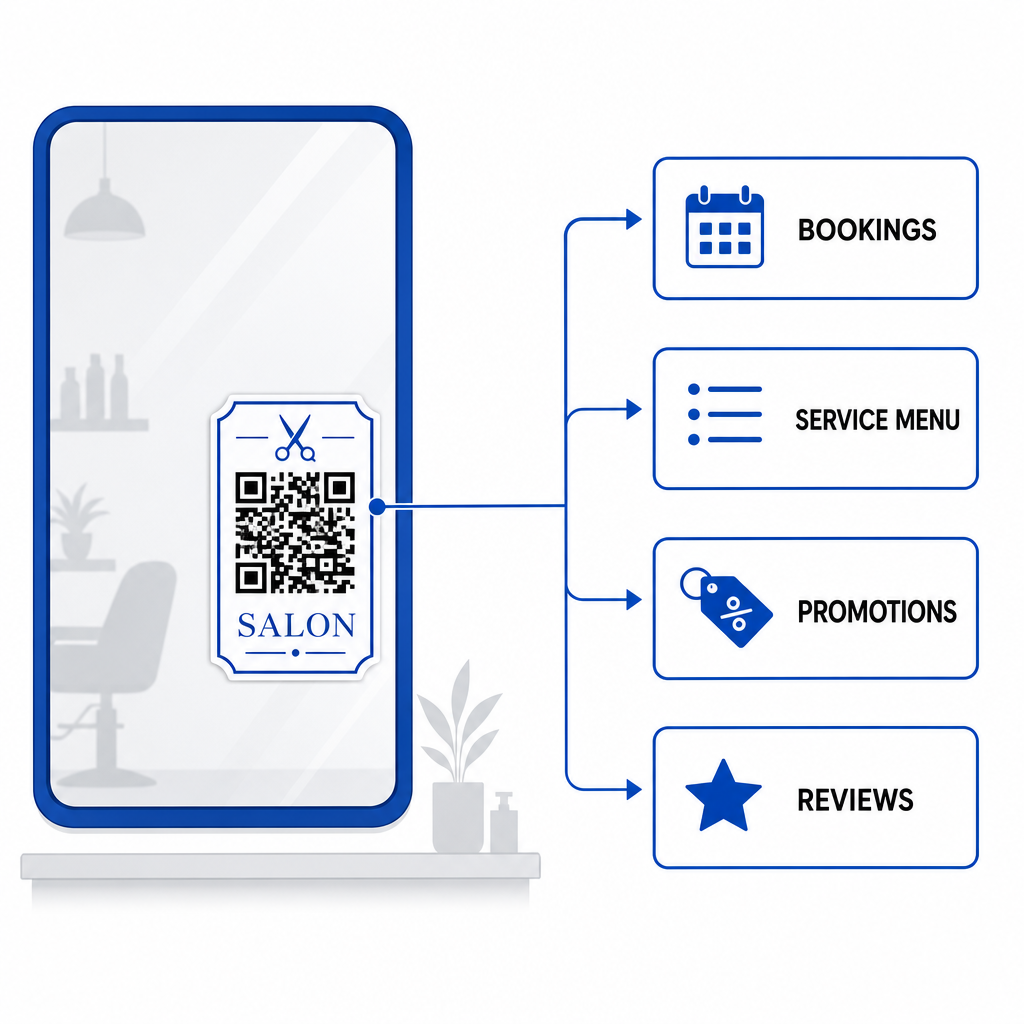
Dodatkowo, dynamiczne kody gromadzą cenne dane analityczne dotyczące skanowania, takie jak częstotliwość skanowania, szczytowe czasy zaangażowania i typy urządzeń użytkowników. Monitorowanie tych wskaźników pomaga menedżerom identyfikować najlepiej działające stanowiska stylizacji i udoskonalać układy promocyjne w szerszym zakresie działalności małych firm.
Usprawnianie procesów pracy w Twoim salonie
Integracja cyfrowych kodów QR w kluczowych fizycznych punktach styku zmniejsza obciążenie administracyjne recepcji, jednocześnie oferując klientom wygodne, nowoczesne doświadczenie salonowe. Priorytetyzując strategiczne umieszczenie kodu, wysoki kontrast kolorów i odpowiednie wymiary druku, eliminujesz trudności związane z rezerwacjami, płatnościami i zbieraniem opinii.
Przeprowadź dziś audyt istniejącego układu swojego salonu, aby zidentyfikować obszary o wysokiej retencji, gdzie skanowalne punkty styku zapewniają natychmiastową wartość. Zacznij tworzyć niestandardowe dynamiczne kody za pomocą narzędzi Pageloot, aby zbudować śledzone oznakowanie fizyczne, które podnosi satysfakcję klientów i efektywność operacyjną.
Najczęściej zadawane pytania
Do skanowania z bliska z fotela w salonie (z odległości około 30 do 60 cm), kod QR powinien mieć co najmniej 1,2 x 1,2 cala (3 x 3 cm). Zawsze zachowaj margines strefy ciszy o szerokości co najmniej czterokrotności szerokości modułu wokół wzoru kodu.
Tak, jeśli używasz dynamicznego kodu QR. Dynamiczne kody pozwalają edytować docelowy adres URL w dowolnym momencie w Twoim panelu sterowania, bez konieczności ponownego drukowania naklejek, szyldów czy kart wizyt.
Kody QR eliminują ręczne wyszukiwanie, otwierając formularz recenzji Google bezpośrednio po zeskanowaniu. Umieszczanie ich w pobliżu luster stylizacyjnych lub na ladach zachęca zadowolonych klientów do oceny Twoich usług przed wyjściem.