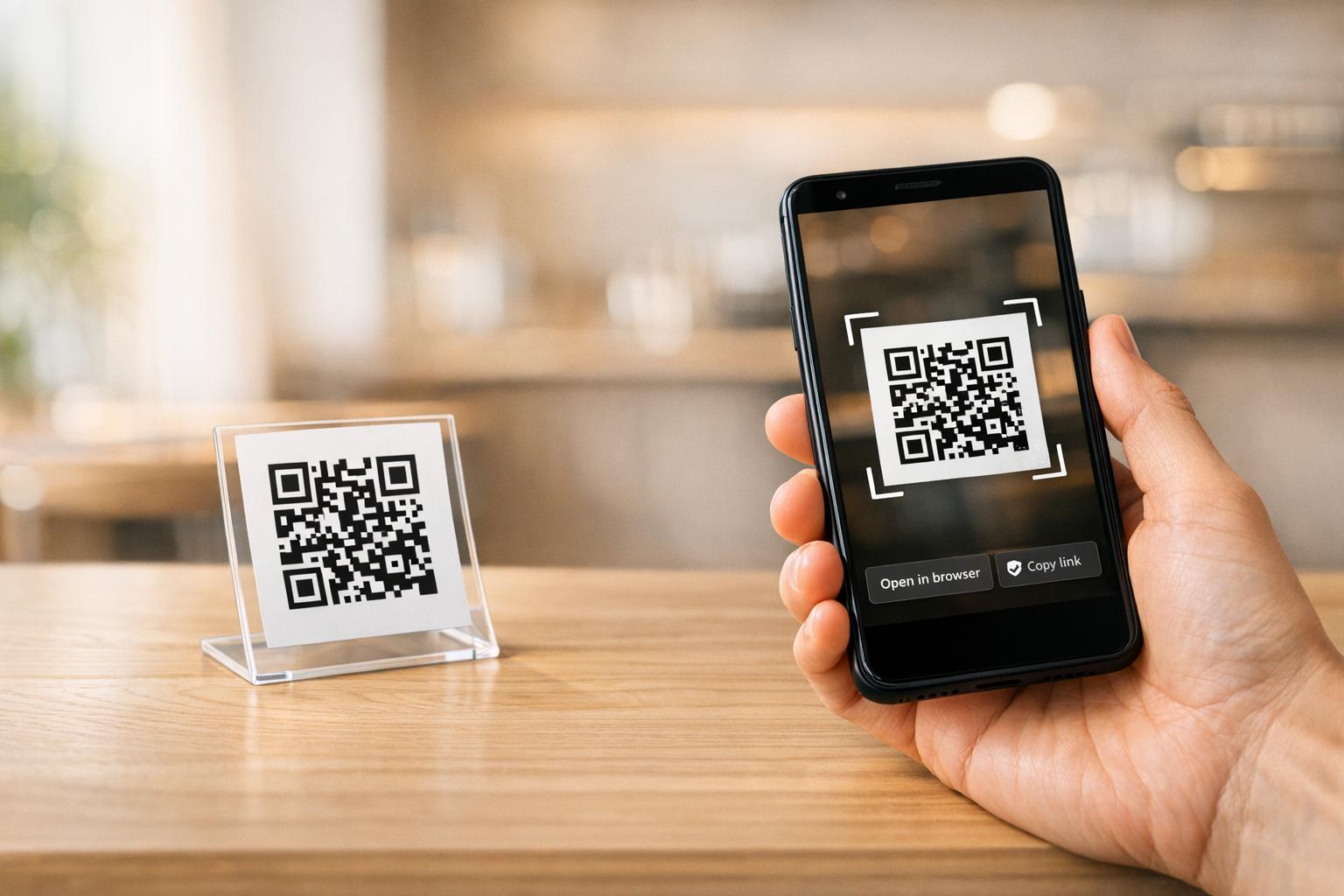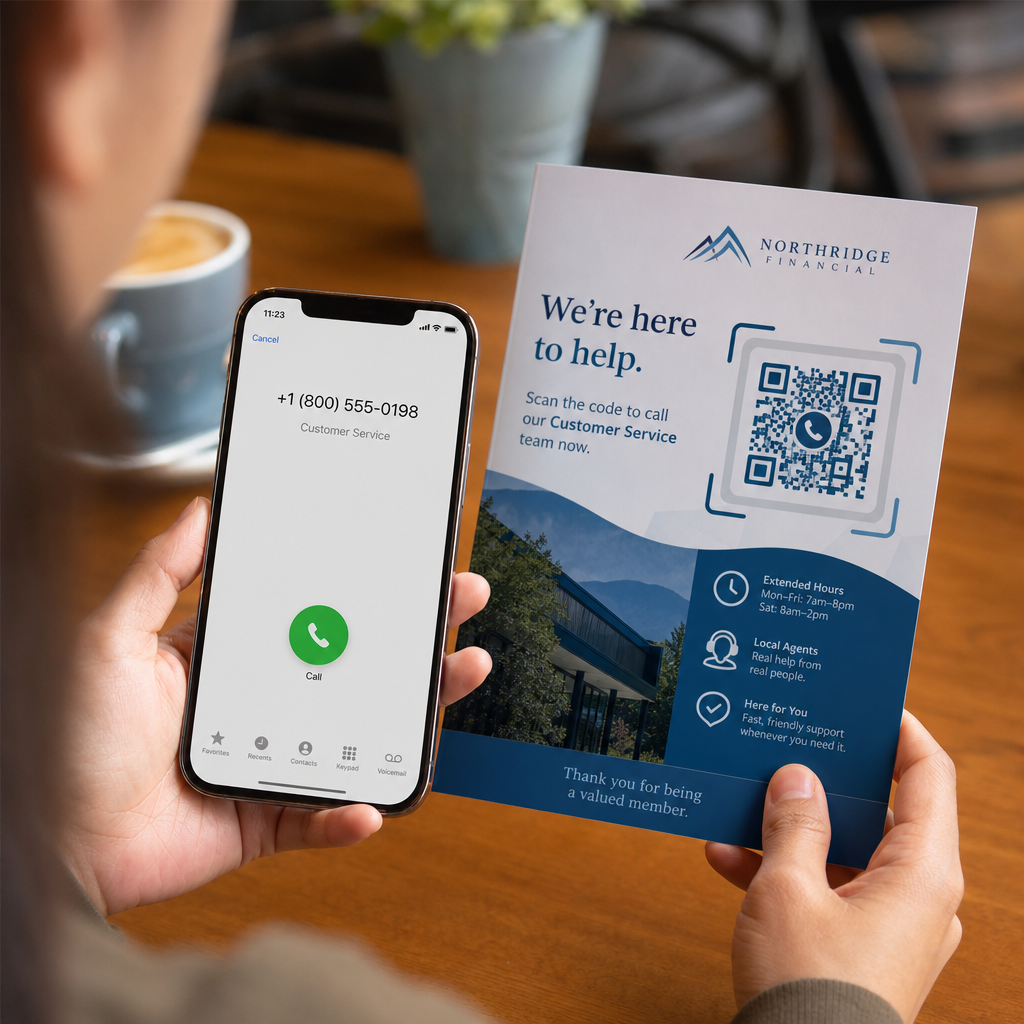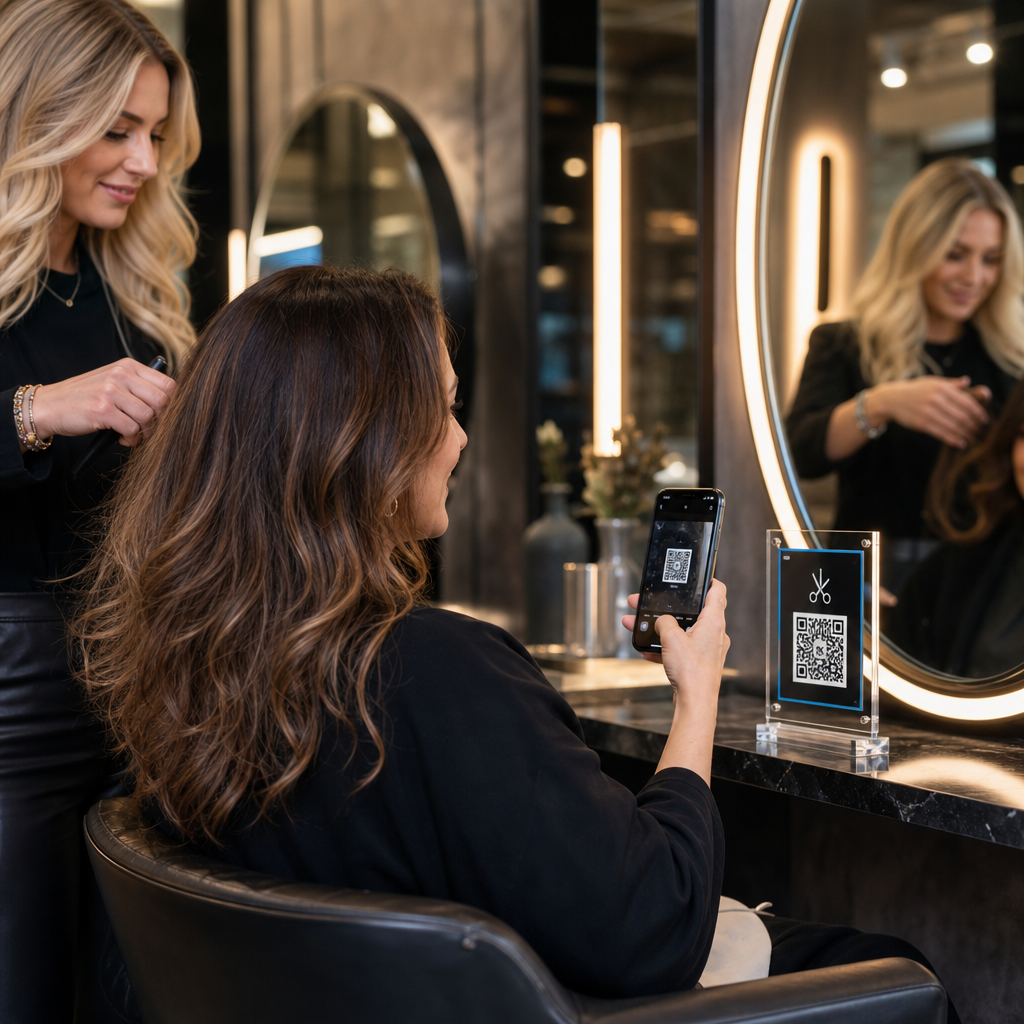

Manuel randevular, resepsiyondaki ödeme sıkışıklıkları ve sürekli telefon kesintileri salonunuzun iş akışını yavaşlatıyor mu? Müşteri ziyaretleri sırasında idari görevleri yerine getirmek, bekleyen misafirleri rahatsız eder ve stilistlerinizi gelir getiren hizmetlerden uzaklaştırır. Salonunuza stratejik QR kodları yerleştirmek, müşterilerin akıllı telefonlarından doğrudan randevu almasına, tedavi menülerini görüntülemesine, Google yorumları göndermesine ve temassız ödeme yapmasına olanak tanır.
Salonunuzdaki QR Kodları İçin Önemli Müşteri Temas Noktaları
Styling koltuklarındaki bekleme sürelerini aktif dijital etkileşime dönüştürmek, günlük operasyonları kolaylaştırmaya yardımcı olur. Birkaç temel salon operasyonunda taranabilir temas noktaları uygulayabilirsiniz:
- Çevrimiçi randevu almayı ve tekrar randevu oluşturmayı kolaylaştırın: Müşterilerin bir sonraki saç boyama veya kesim seanslarını doğrudan styling koltuğundan bir bağlantı QR kod oluşturucunuzun.
- Dijital hizmet menülerini görüntüleyin: Kağıt ekleri yeniden basmaya gerek kalmadan güncel tedavi listeleri ve şeffaf fiyatlandırma sağlamak için bir Menü QR Kod Oluşturucu.
- Anında müşteri yorumları toplayın: Yerel arama sıralamasını ve çevrimiçi itibarı artırmak için müşterileri bir Google Yorum QR Kod Oluşturucu bağlantısına, sandalyeden ayrılmadan önce yönlendirin.
- Temassız ödemeleri ve bahşişleri kabul edin: Resepsiyon masasında ödeme sürelerini özel ödeme QR kodları kullanarak hızlandırın. veya a PayPal QR Kod Oluşturucu.
- Misafir Wi-Fi erişimini paylaşın: Bekleme alanlarındaki manuel parola sorgularını, misafirlerin otomatik olarak Wi-Fi'ye QR kod aracılığıyla bağlanmasına izin vererek ortadan kaldırın..
- Sosyal medya etkileşimini artırın: Salon ziyaretçilerini, bir Instagram QR Kod Oluşturucu.
Salonunuzun Dijital Müşteri Deneyimini Yükseltin Özelleştirilebilir kodlarla rezervasyonları, ödemeleri ve müşteri yorumlarını kolaylaştırmaya hazır mısınız? Şunu kullanın: QR Kod Oluşturucu bugün salon istasyonlarınız için markalı dinamik kodlar oluşturmak üzere.
Salon QR Kodları İçin En Uygun Yerleşim Alanları
Stratejik yerleşim, salonunuzun iç mekanında görsel kirlilik yaratmadan yüksek görünürlük sağlar. Dijital ekranları müşterilerin doğal olarak gözlerini dinlendirdiği yerlere konumlandırmak, boş anlarda anında etkileşimi teşvik eder.
| Yerleştirme Alanı | Ana Eylem | Önerilen Malzeme |
|---|---|---|
| Şekillendirme Aynaları ve İstasyonları | Randevuları yeniden ayarlama ve hizmetleri gözden geçirme | Ayna çıkartmaları veya akrilik çerçeve teşhirleri |
| Resepsiyon Tezgahı | Ödeme işlemleri ve inceleme talepleri | Kompakt tezgah tabelaları veya masa üstü broşürleri |
| Mağaza Vitrini / Kapısı | Mesai sonrası rezervasyon ve servis menülerini inceleme | Hava koşullarına dayanıklı vinil çıkartmalar |
| Perakende Ürün Rafları | Ürün eğitimleri ve içerik rehberleri | Raf etiketleri veya şişe etiketleri |
| Randevu Kartları | Sosyal medyayı takip etme ve doğrudan yeniden rezervasyon yapma | Yüksek kaliteli karton baskı |
Fiziksel ticari alanlardaki düzen stratejilerine ilişkin kapsamlı kılavuzlar için şunları inceleyin: pazarlamada QR kod yerleşimi rehberi.
Güvenilir Kod Tarama İçin Teknik Standartlar
Taranamayan bir kod sürtünme yaratır ve müşteri güvenini zayıflatır. Belirlenmiş baskı ve teknik yönergelere uymak, akıllı telefon kameralarının salon aydınlatması altında kodlarınızı anında yakalamasını sağlar.
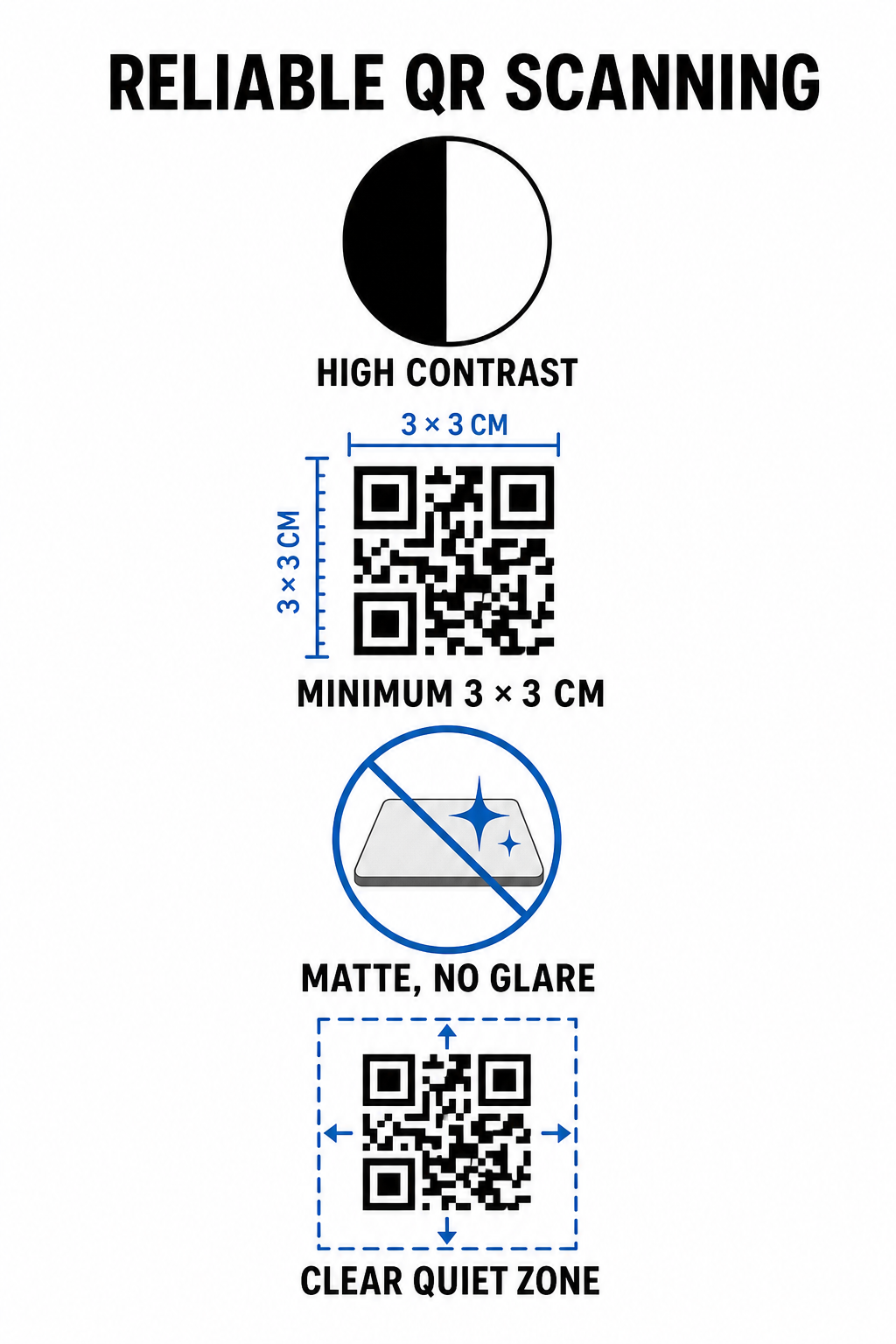
- Yüksek renk kontrastı sağlayın: Açık arka planlar üzerine koyu ön plan desenleri uygulayın. Beyaz üzerine siyah optimum 21:1 kontrast oranı sunarken, daha küçük kodlar kamera sensörlerinin kod desenini anında algılaması için en az 4.5:1 oranına ihtiyaç duyar.
- Uygun baskı boyutlarını hesaplayın: 10:1 tarama mesafesi-boyut oranını takip edin, kod genişliğini beklenen mesafenin onda biri yapın. Yakın mesafeli ayna çıkartmaları ve tezgah teşhirleri için kodları minimum 1.2 x 1.2 inç (3 x 3 cm) boyutunda yazdırın.
- Yansıtıcı olmayan mat bir yüzey uygulayın: Parlak kağıt yerine mat karton, vinil veya parlama önleyici laminatlar seçin. Parlak yüzeyler, parlak tavan salon aydınlatmasını akıllı telefon lenslerine yansıtarak tarama hatalarına neden olur.
- Sessiz alan marjını koruyun: Kod deseninin dört tarafında da boş, baskısız bir kenarlık bırakın. Bu sessiz alan, tek bir modül karesinin genişliğinin en az dört katı ölçüsünde olmalıdır.
- Yüksek çözünürlüklü baskı formatlarında dışa aktarın: Nihai grafikleri SVG veya PDF gibi vektör dosyaları olarak kaydedin ya da fiziksel baskı sırasında pikselleşmeyi önlemek için PNG dosyalarını 300 DPI'da dışa aktarın.
Dinamik QR Kodları Salon Operasyonlarını Esnek Bir Şekilde Nasıl Ölçeklendirir
Statik QR kodları, hedef URL'leri doğrudan basılı matrise gömer; bu da herhangi bir web bağlantısı değişikliğinin fiziksel ekranların yeniden basılmasını gerektirdiği anlamına gelir. Buna karşılık, dinamik QR kodları kısa bir yönlendirme bağlantısı aracılığıyla yönlendirilir ve salon yöneticilerinin merkezi bir yönetim platformu üzerinden kodlanmış hedefleri istedikleri zaman güncellemesine olanak tanır.
Büyüyen bir hizmet işini yönetmek sık menü ayarlamaları, promosyonel değişimler ve yazılım güncellemeleri içerir. Dinamik kodlar, ayna çıkartmalarını veya tezgah tabelalarını değiştirmeden hedef bağlantıları değiştirmenize olanak tanır.
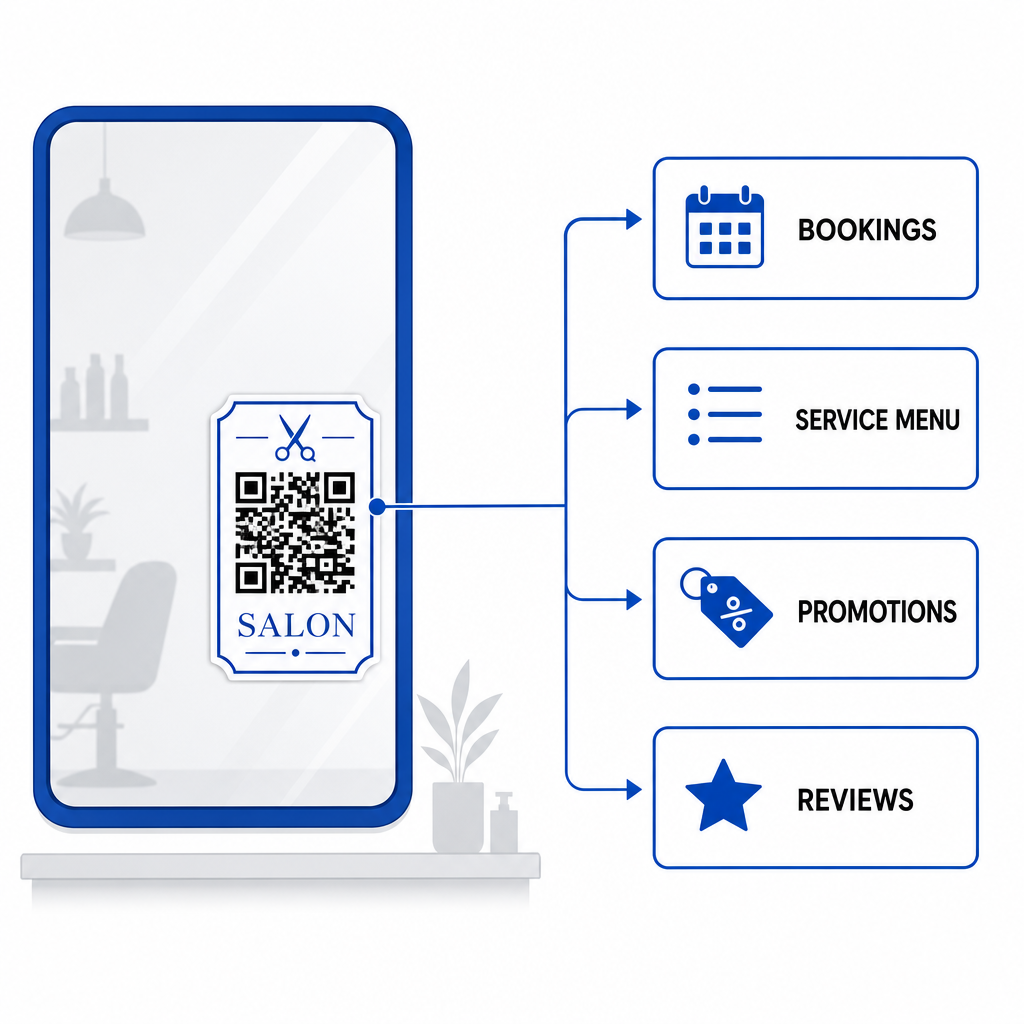
Ek olarak, dinamik kodlar tarama sıklığı, yoğun etkileşim zamanları ve kullanıcı cihaz türleri gibi değerli tarama analizlerini yakalar. Bu metrikleri izlemek, yöneticilerin yüksek performanslı stil istasyonlarını belirlemesine ve daha geniş çapta promosyonel düzenleri iyileştirmesine yardımcı olur küçük işletme operasyonları.
Salon İş Akışlarınızı Kolaylaştırma
Dijital QR kodlarını ana fiziksel temas noktalarına entegre etmek, ön büronuzdaki idari yükleri azaltırken müşterilere uygun, modern bir salon deneyimi sunar. Stratejik kod yerleşimine, yüksek renk kontrastına ve uygun baskı boyutlarına öncelik vererek rezervasyon, ödeme ve geri bildirim toplama süreçlerindeki sürtünmeyi ortadan kaldırırsınız.
Bugün mevcut salon düzeninizi denetleyerek taranabilir temas noktalarının anında değer sağlayacağı yüksek bekleme alanlarını belirleyin. Müşteri memnuniyetini ve operasyonel verimliliği artıran izlenebilir fiziksel tabelalar oluşturmak için Pageloot araçlarını kullanarak özel dinamik kodlar oluşturmaya başlayın.
Sıkça sorulan sorular
Bir salon koltuğundan yakın çekim tarama (yaklaşık 1 ila 2 fit uzaktan) için, QR kodun en az 1.2 x 1.2 inç (3 x 3 cm) boyutunda olması gerekir. Kod deseninin etrafında her zaman modül genişliğinin en az dört katı kadar bir sessiz bölge marjı bırakın.
Evet, dinamik bir QR kodu kullanırsanız. Dinamik kodlar, etiketlerinizi, tabelalarınızı veya randevu kartlarınızı yeniden yazdırmadan kontrol panelinizde hedef URL'yi istediğiniz zaman düzenlemenize olanak tanır.
QR kodları, taranır taranmaz Google inceleme formunuzu doğrudan açarak manuel aramayı ortadan kaldırır. Bunları saç şekillendirme aynalarının veya tezgah üstü ekranların yakınına yerleştirmek, memnun müşterileri ayrılmadan önce hizmetlerinizi derecelendirmeye teşvik eder.