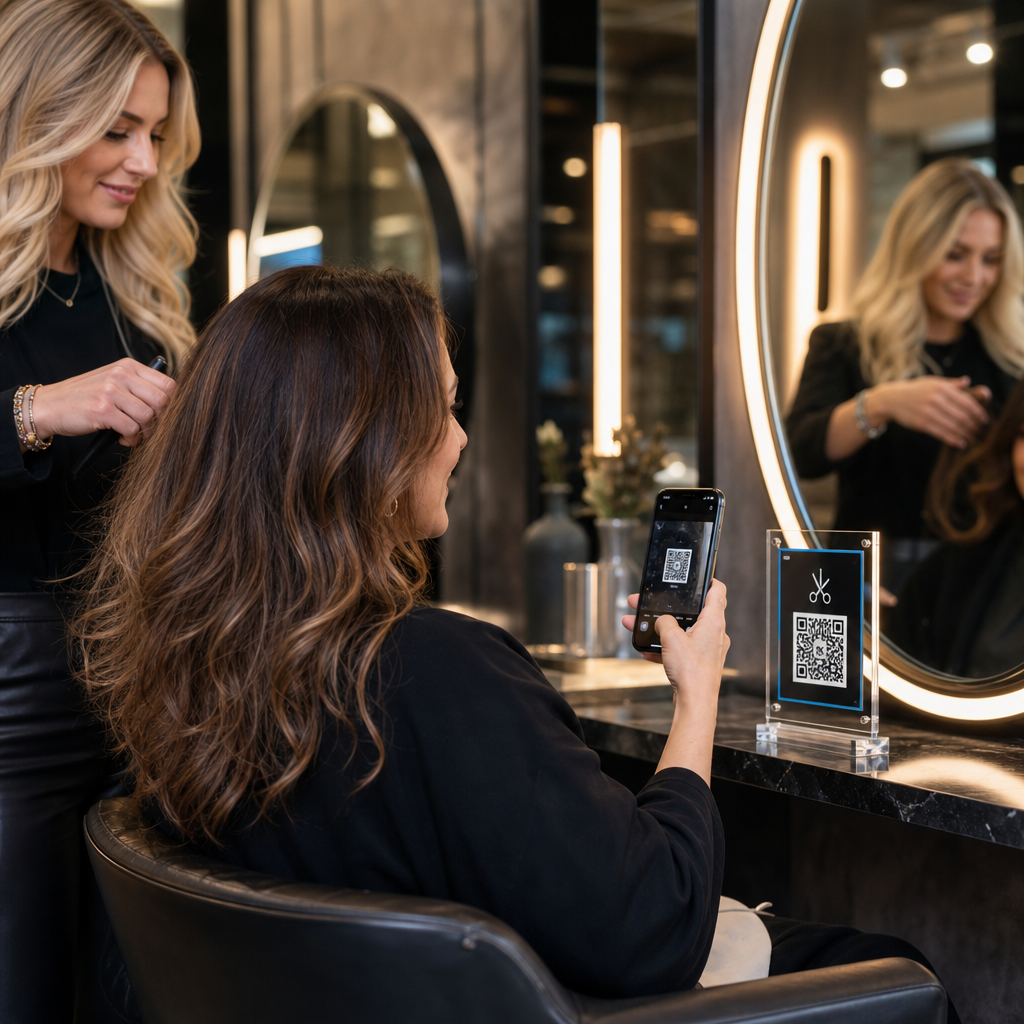

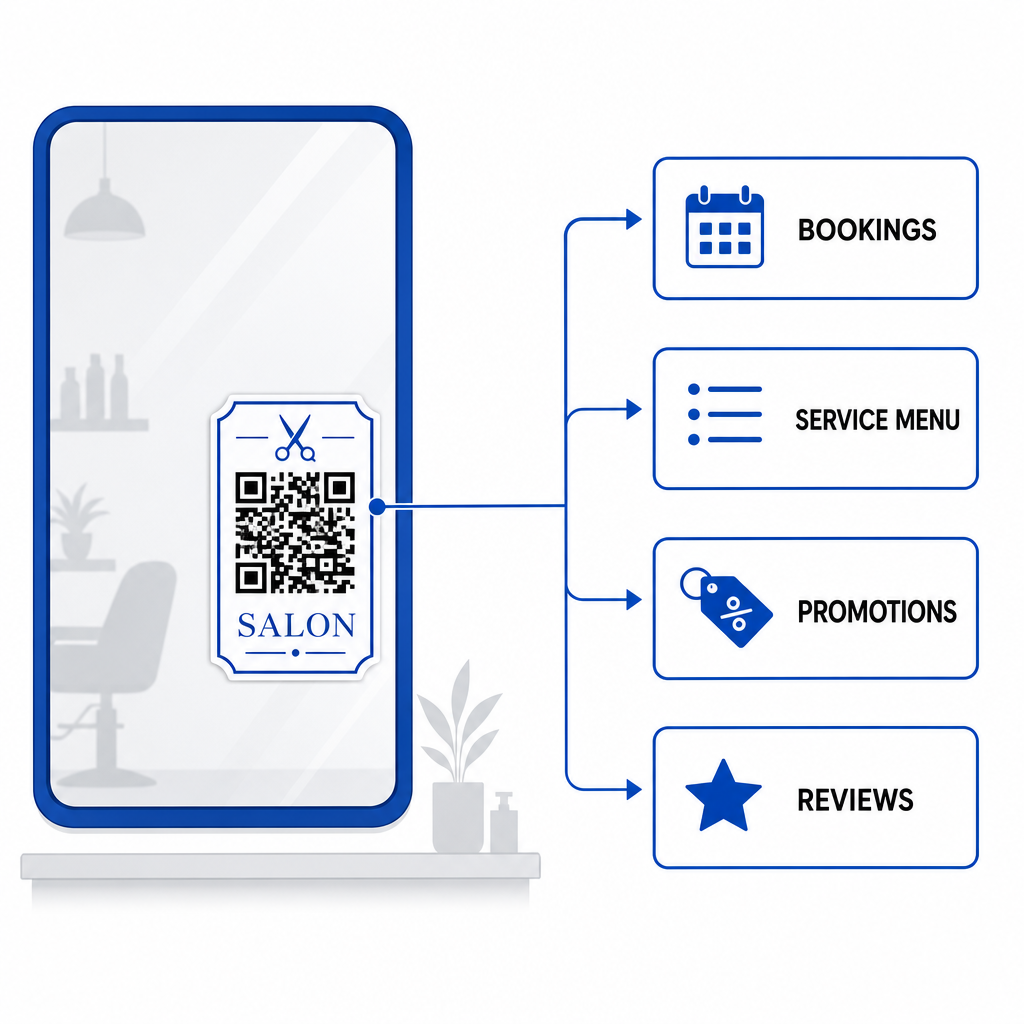
Apakah janji temu manual, hambatan pembayaran di meja depan, dan interupsi telepon yang terus-menerus memperlambat alur kerja salon Anda? Menangani tugas-tugas administratif selama kunjungan klien membuat tamu yang menunggu frustrasi dan menarik penata rambut Anda dari layanan yang menghasilkan pendapatan. Menempatkan kode QR strategis di seluruh salon Anda memungkinkan klien untuk membuat janji temu, melihat menu perawatan, mengirim ulasan Google, dan melakukan pembayaran nirsentuh langsung dari ponsel cerdas mereka.
Titik Sentuh Utama Klien untuk Kode QR di Salon Anda
Mengubah waktu henti di kursi penataan menjadi keterlibatan digital aktif membantu menyederhanakan operasi harian. Anda dapat menerapkan titik sentuh yang dapat dipindai di beberapa operasi inti salon:
- Sederhanakan pemesanan online dan pemesanan ulang: Izinkan klien menjadwalkan sesi pewarnaan rambut atau potong rambut berikutnya langsung dari kursi penataan menggunakan pembuat kode QR tautan.
- Tampilkan menu layanan digital: Berikan daftar perawatan terbaru dan harga transparan tanpa mencetak ulang sisipan kertas dengan menyiapkan Generator kode QR menu.
- Kumpulkan ulasan klien secara instan: Tingkatkan peringkat pencarian lokal dan reputasi online dengan mengarahkan klien ke Cara Buat QR Code Google Review tautan sebelum mereka meninggalkan kursi.
- Terima pembayaran dan tip nirsentuh: Percepat waktu pembayaran di konter resepsionis menggunakan kode QR pembayaran atau a Generator QR Code PayPal.
- Bagikan akses Wi-Fi tamu: Hilangkan pertanyaan sandi manual di area tunggu dengan membiarkan tamu secara otomatis terhubung ke Wi-Fi melalui kode QR.
- Perluas keterlibatan media sosial: Arahkan pengunjung salon ke portofolio gaya, tutorial, dan reel yang dibuat dengan Generator QR Code Instagram.
Tingkatkan Pengalaman Klien Digital Salon Anda Siap untuk menyederhanakan pemesanan, pembayaran, dan ulasan klien dengan kode yang dapat disesuaikan? Gunakan Generator Kode QR untuk membuat kode dinamis bermerek untuk stasiun salon Anda hari ini.
Area Penempatan Optimal untuk Kode QR Salon
Penempatan strategis memastikan visibilitas tinggi tanpa menciptakan kekacauan visual di seluruh interior salon Anda. Memosisikan tampilan digital di mana klien secara alami mengistirahatkan mata mereka mendorong interaksi langsung selama momen-momen luang.
| Area Penempatan | Tindakan Utama | Bahan yang Direkomendasikan |
|---|---|---|
| Cermin & Stasiun Penataan Rambut | Memesan ulang janji temu & meninjau layanan | Stiker cermin atau pajangan bingkai akrilik |
| Meja Resepsionis | Pemrosesan pembayaran & permintaan ulasan | Tanda meja kompak atau kartu meja |
| Jendela Depan Toko / Pintu | Pemesanan di luar jam kerja & melihat-lihat menu layanan | Stiker vinil tahan cuaca |
| Rak Produk Ritel | Tutorial produk & panduan bahan | Penanda rak atau label botol |
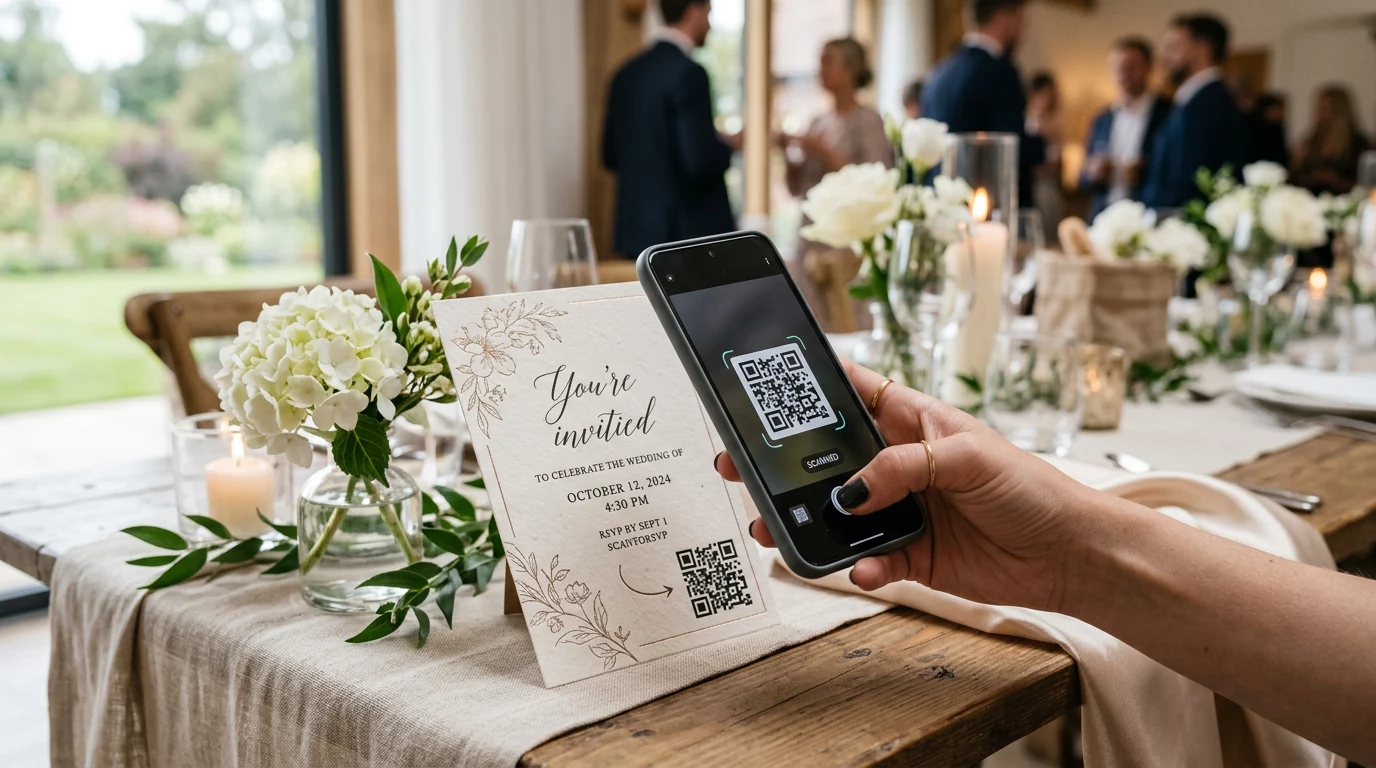
| Kartu Janji Temu | Mengikuti media sosial & pemesanan ulang langsung | Cetak kartu stok berkualitas tinggi |
Untuk panduan komprehensif mengenai strategi tata letak di seluruh ruang komersial fisik, tinjau kami panduan penempatan kode QR dalam pemasaran.
Standar Teknis untuk Pemindaian Kode yang Andal
Kode yang gagal dipindai menciptakan masalah dan merusak kepercayaan klien. Mengikuti panduan pencetakan dan teknis yang sudah ditetapkan memastikan kamera ponsel pintar dapat memindai kode Anda secara instan di bawah pencahayaan salon.
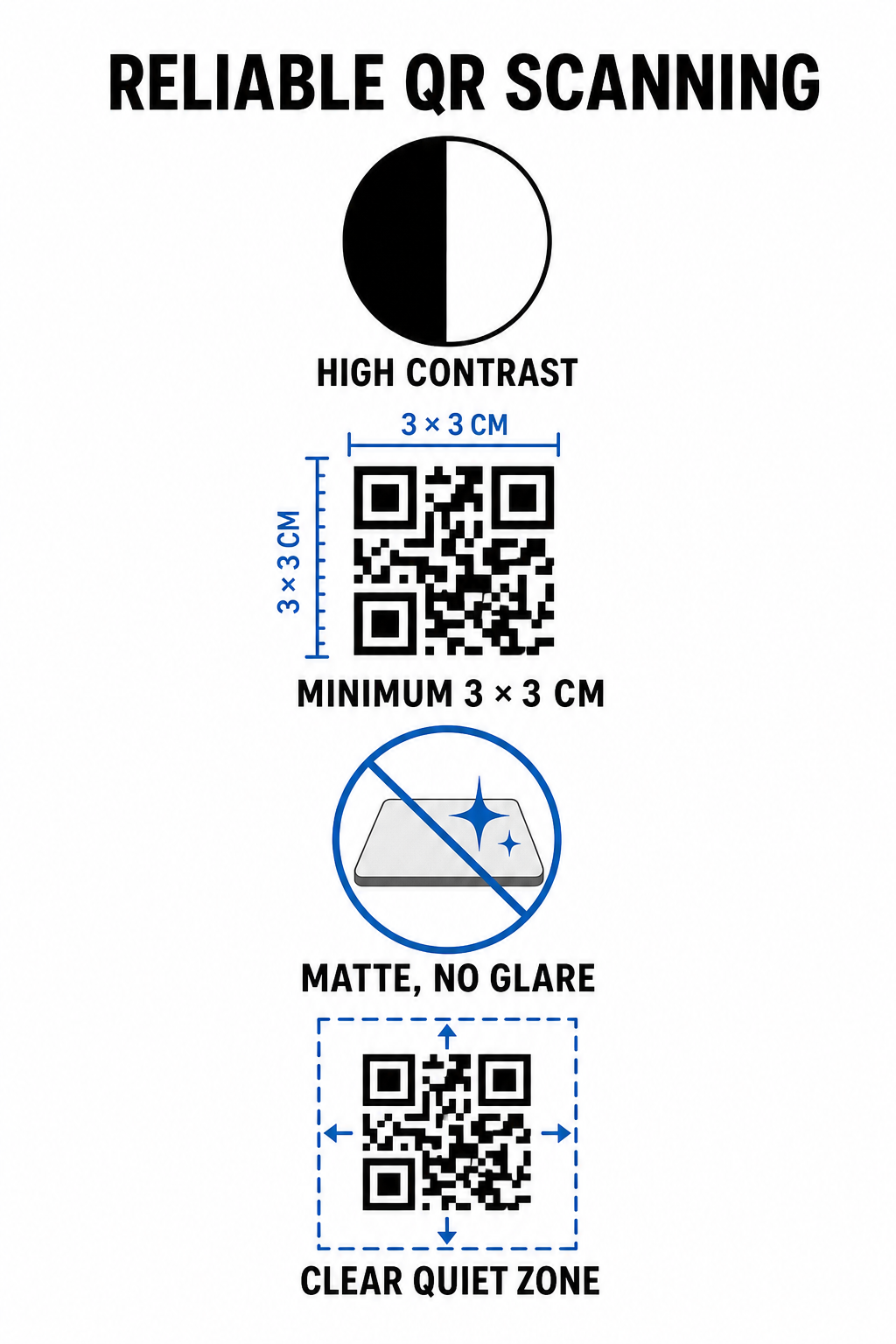
- Pertahankan kontras warna yang tinggi: Terapkan pola latar depan gelap pada latar belakang terang. Hitam di atas putih menawarkan rasio kontras optimal 21:1, sementara kode yang lebih kecil memerlukan rasio setidaknya 4,5:1 untuk memastikan sensor kamera mendeteksi pola kode dengan segera.
- Hitung dimensi cetak yang sesuai: Ikuti rasio jarak pemindaian-ke-ukuran 10:1, yang berarti lebar kode adalah sepersepuluh dari jarak yang diharapkan. Untuk stiker cermin jarak dekat dan pajangan meja, cetak kode dengan ukuran minimum 1,2 x 1,2 inci (3 x 3 cm).
- Terapkan lapisan matte non-reflektif: Pilih kartu stok matte, vinil, atau laminasi non-silau daripada kertas glossy. Lapisan glossy memantulkan cahaya salon yang terang ke lensa ponsel pintar, menyebabkan kegagalan pemindaian.
- Pertahankan margin zona tenang: Pertahankan batas kosong, tanpa cetakan di keempat sisi pola kode. Zona tenang ini harus berukuran setidaknya empat kali lebar satu modul persegi.
- Ekspor dalam format cetak resolusi tinggi: Simpan grafis akhir sebagai file vektor seperti SVG atau PDF, atau ekspor file PNG pada 300 DPI untuk mencegah pikselasi selama pencetakan fisik.
Bagaimana Kode QR Dinamis Meningkatkan Skalabilitas Operasi Salon Secara Fleksibel
Kode QR statis menyematkan URL tujuan langsung ke dalam matriks yang dicetak, yang berarti setiap perubahan tautan web memerlukan pencetakan ulang tampilan fisik. Sebaliknya, kode QR dinamis mengarahkan melalui tautan pengalihan singkat, memungkinkan manajer salon untuk memperbarui tujuan yang dikodekan kapan saja melalui platform manajemen pusat.
Mengelola bisnis yang berkembang bisnis layanan melibatkan penyesuaian menu yang sering, perubahan promosi, dan pembaruan perangkat lunak. Kode dinamis memungkinkan Anda mengubah tautan tujuan tanpa harus mengganti stiker cermin atau tanda meja.
Selain itu, kode dinamis menangkap analitik pemindaian yang berharga, seperti frekuensi pemindaian, waktu puncak keterlibatan, dan jenis perangkat pengguna. Pemantauan metrik ini membantu manajer mengidentifikasi stasiun penataan rambut berkinerja tinggi dan menyempurnakan tata letak promosi di seluruh operasi bisnis kecil.
Meningkatkan Efisiensi Alur Kerja Salon Anda
Mengintegrasikan kode QR digital di seluruh titik sentuh fisik utama mengurangi beban administratif di meja depan Anda sambil menawarkan pengalaman salon modern yang nyaman kepada klien. Dengan memprioritaskan penempatan kode yang strategis, kontras warna yang tinggi, dan dimensi cetak yang tepat, Anda menghilangkan hambatan dalam pemesanan, pembayaran, dan pengumpulan umpan balik.
Audit tata letak salon Anda yang ada hari ini untuk mengidentifikasi area dengan waktu tunggu tinggi di mana titik sentuh yang dapat dipindai memberikan nilai langsung. Mulailah membuat kode dinamis kustom menggunakan alat Pageloot untuk membangun papan nama fisik yang dapat dilacak yang meningkatkan kepuasan klien dan efisiensi operasional.
Pertanyaan yang sering diajukan
Untuk pemindaian jarak dekat dari kursi salon (sekitar 1 hingga 2 kaki jauhnya), kode QR harus berukuran setidaknya 1,2 x 1,2 inci (3 x 3 cm). Selalu pertahankan margin zona tenang setidaknya empat kali lebar modul di sekitar pola kode.
Ya, jika Anda menggunakan kode QR dinamis. Kode dinamis memungkinkan Anda untuk mengedit URL tujuan kapan saja di dasbor Anda tanpa perlu mencetak ulang stiker, tanda, atau kartu janji temu Anda.
Kode QR menghilangkan pencarian manual dengan membuka formulir ulasan Google Anda secara langsung setelah dipindai. Menempatkannya di dekat cermin penataan gaya atau pajangan konter mendorong pelanggan yang puas untuk menilai layanan Anda sebelum mereka pergi.