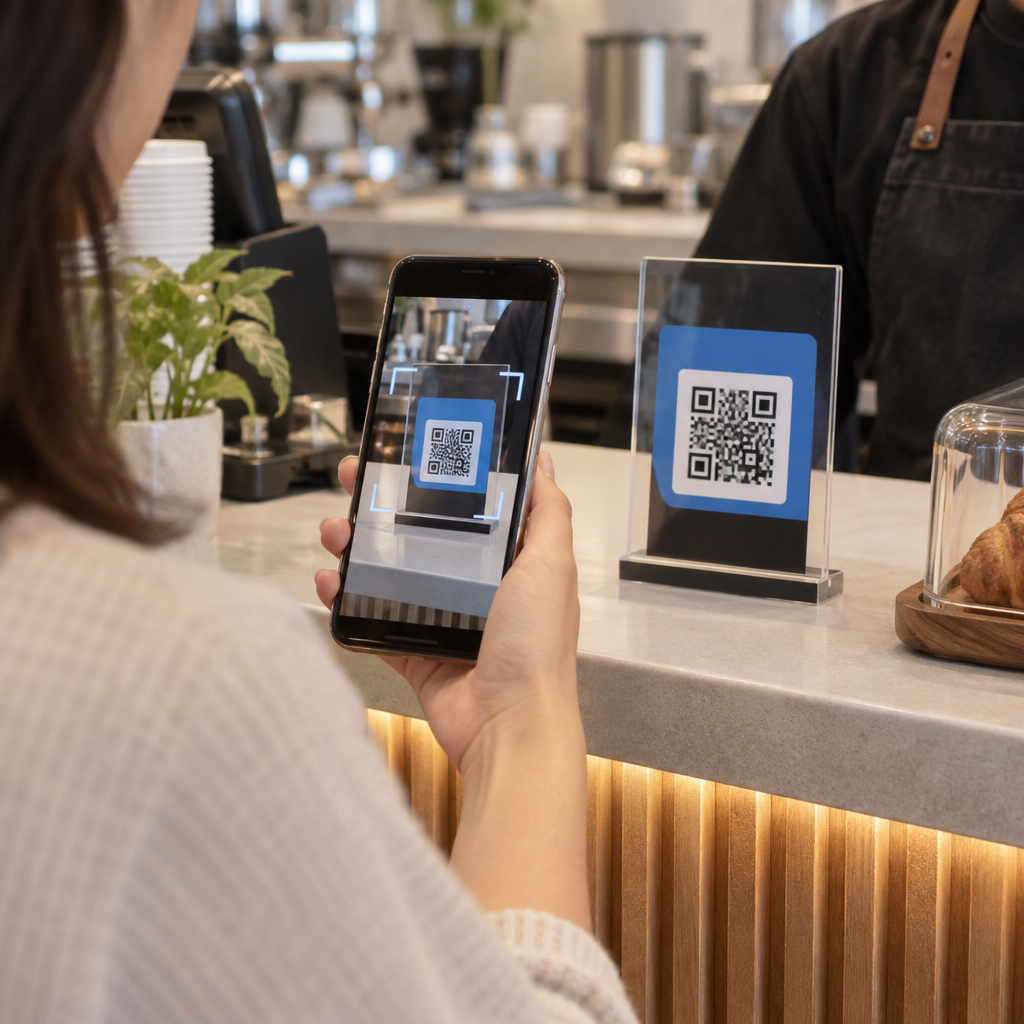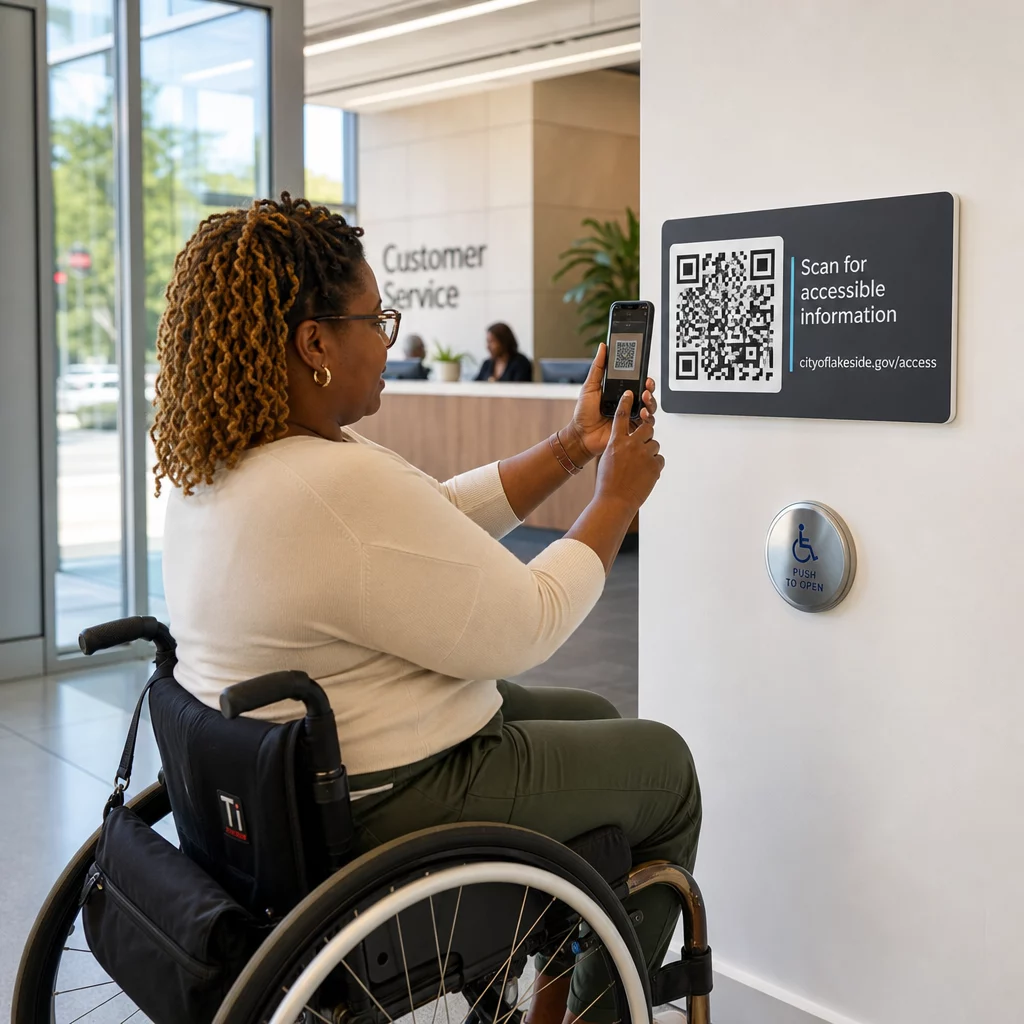

क्या मैनुअल अपॉइंटमेंट, फ्रंट-डेस्क भुगतान में बाधाएं, और लगातार फोन से होने वाली रुकावटें आपके सैलून के काम को धीमा कर रही हैं? ग्राहक के दौरे के दौरान प्रशासनिक कार्यों को संभालने से इंतजार कर रहे मेहमान परेशान होते हैं और आपके स्टाइलिस्ट राजस्व-उत्पादक सेवाओं से दूर हो जाते हैं। अपने सैलून में रणनीतिक क्यूआर कोड लगाने से ग्राहक सीधे अपने स्मार्टफोन से अपॉइंटमेंट बुक कर सकते हैं, ट्रीटमेंट मेनू देख सकते हैं, Google समीक्षाएं सबमिट कर सकते हैं, और संपर्क रहित भुगतान कर सकते हैं।
आपके सैलून में क्यूआर कोड के लिए प्रमुख ग्राहक संपर्क बिंदु
स्टाइलिंग कुर्सियों में खाली समय को सक्रिय डिजिटल जुड़ाव में बदलना दैनिक कार्यों को सुव्यवस्थित करने में मदद करता है। आप कई मुख्य सैलून परिचालनों में स्कैन करने योग्य संपर्क बिंदु लागू कर सकते हैं:
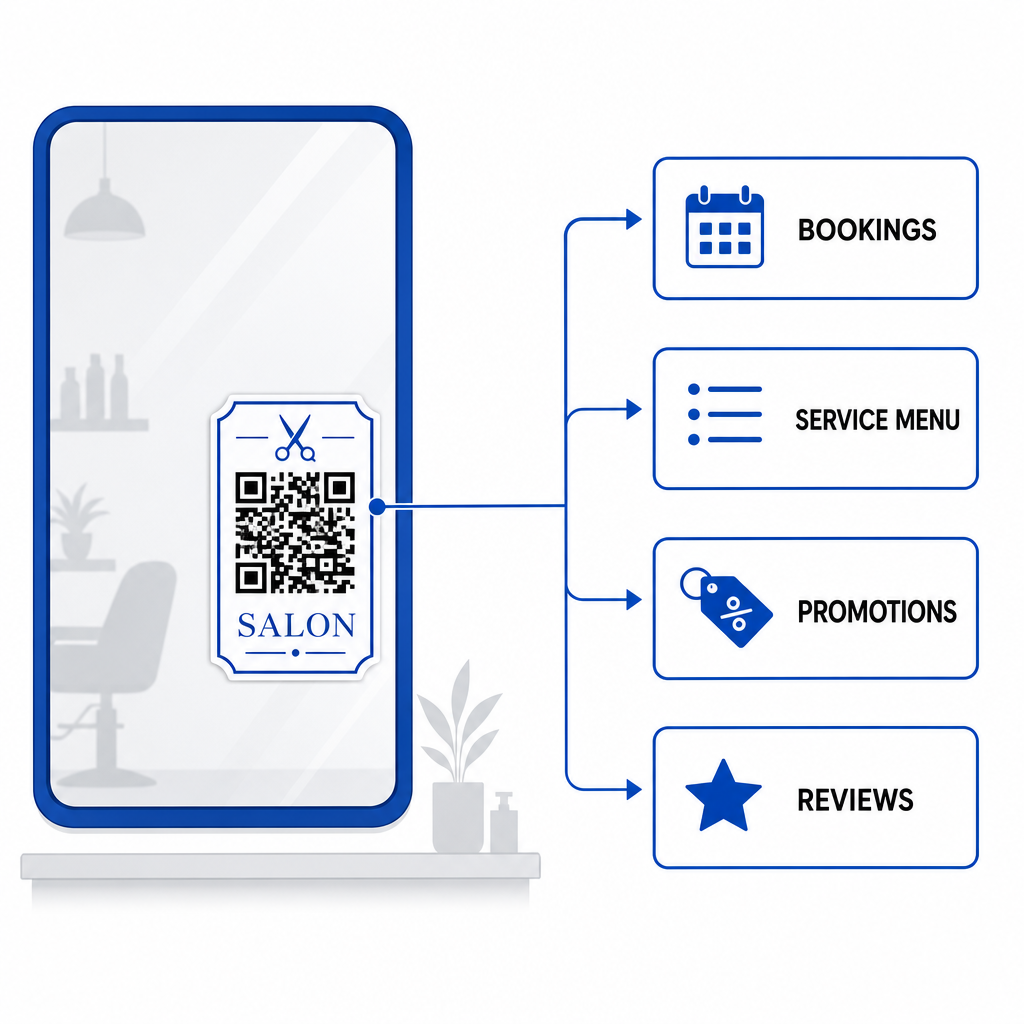
- ऑनलाइन बुकिंग और रीबुकिंग को सुव्यवस्थित करें: ग्राहकों को सीधे स्टाइलिंग कुर्सी से अपने अगले हेयर कलरिंग या ट्रिम सत्र को शेड्यूल करने की अनुमति दें, उपयोग करके एक लिंक क्यूआर कोड जनरेटर.
- डिजिटल सेवा मेनू प्रदर्शित करें: पेपर इन्सर्ट को दोबारा प्रिंट किए बिना अपडेटेड ट्रीटमेंट सूचियां और पारदर्शी मूल्य निर्धारण प्रदान करें, एक सेट करके Menu QR Code Generator: मेन्यू QR कोड.
- तत्काल ग्राहक समीक्षाएँ एकत्रित करें: ग्राहकों को एक ओर निर्देशित करके स्थानीय खोज रैंकिंग और ऑनलाइन प्रतिष्ठा बढ़ाएँ Google Reviews QR Code Generator लिंक, कुर्सी छोड़ने से पहले।
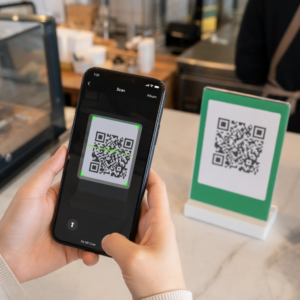
- संपर्क रहित भुगतान और टिप्स स्वीकार करें: समर्पित का उपयोग करके रिसेप्शन काउंटर पर चेकआउट समय को तेज़ करें भुगतान क्यूआर कोड या ए Payment QR Code Generator Free: PayPal QR कोड.
- अतिथि वाई-फाई एक्सेस साझा करें: प्रतीक्षा क्षेत्रों में मैनुअल पासवर्ड पूछताछ को समाप्त करें, मेहमानों को स्वचालित रूप से क्यूआर कोड के माध्यम से वाई-फाई से कनेक्ट होने देकर.
- सोशल मीडिया जुड़ाव का विस्तार करें: सैलून आगंतुकों को स्टाइलिंग पोर्टफोलियो, ट्यूटोरियल और रीलों की ओर निर्देशित करें जो एक के साथ बनाए गए हैं How to Generate Instagram QR Code: फ्री जनरेटर.
अपने सैलून के डिजिटल ग्राहक अनुभव को अपग्रेड करें अनुकूलन योग्य कोड के साथ बुकिंग, भुगतान और ग्राहक समीक्षाओं को सुव्यवस्थित करने के लिए तैयार हैं? का उपयोग करें क्यूआर कोड जनरेटर आज ही अपने सैलून स्टेशनों के लिए ब्रांडेड डायनामिक कोड बनाने के लिए।
सैलून क्यूआर कोड के लिए इष्टतम प्लेसमेंट क्षेत्र
रणनीतिक प्लेसमेंट आपके सैलून के आंतरिक भाग में दृश्य अव्यवस्था पैदा किए बिना उच्च दृश्यता सुनिश्चित करता है। डिजिटल डिस्प्ले को उन स्थानों पर रखना जहाँ ग्राहक स्वाभाविक रूप से अपनी आँखें टिकाते हैं, खाली पलों के दौरान तत्काल बातचीत को प्रोत्साहित करता है।
| स्थापना क्षेत्र | प्राथमिक कार्य | अनुशंसित सामग्री |
|---|---|---|
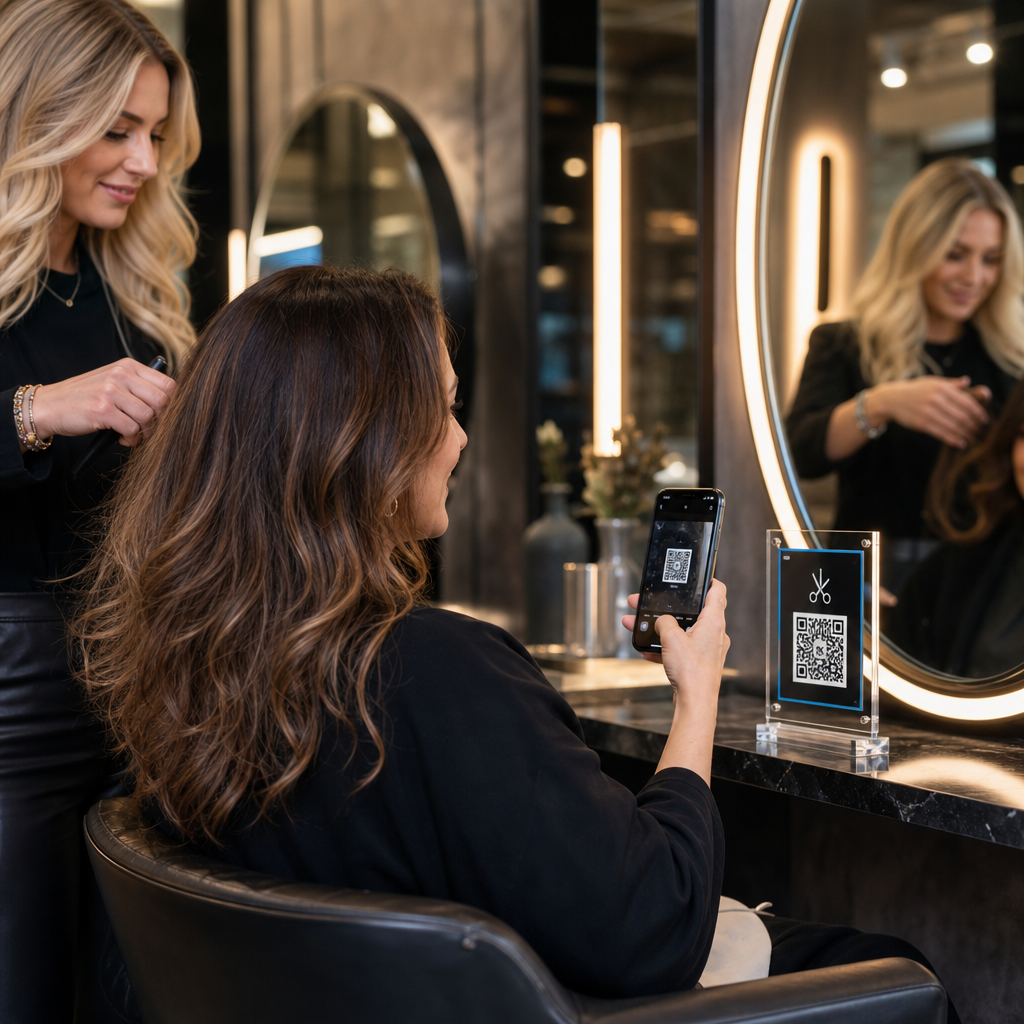
| स्टाइलिंग शीशे और स्टेशन | अपॉइंटमेंट फिर से बुक करना और सेवाओं की समीक्षा करना | शीशे के डिकैल या एक्रिलिक फ्रेम डिस्प्ले |
| रिसेप्शन काउंटर | भुगतान प्रसंस्करण और समीक्षा अनुरोध | छोटे काउंटर साइन या टेबल टेंट |
| दुकान की खिड़की/दरवाजा | काम के घंटों के बाद बुकिंग और सेवा मेनू देखना | मौसम प्रतिरोधी विनाइल स्टिकर |
| रिटेल उत्पाद शेल्फ | उत्पाद ट्यूटोरियल और सामग्री गाइड | शेल्फ टॉकर या बोतल टैग |
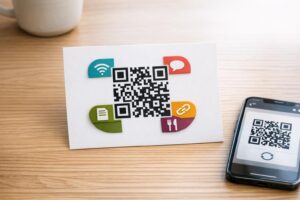
| अपॉइंटमेंट कार्ड | सोशल मीडिया को फॉलो करना और सीधी रीबुकिंग | उच्च गुणवत्ता वाला कार्डस्टॉक प्रिंट |
भौतिक वाणिज्यिक स्थानों पर लेआउट रणनीतियों के लिए व्यापक दिशानिर्देशों हेतु, हमारे देखें मार्केटिंग में QR कोड प्लेसमेंट के लिए गाइड.
विश्वसनीय कोड स्कैनिंग के लिए तकनीकी मानक
जो कोड स्कैन नहीं होता, वह परेशानी पैदा करता है और ग्राहक के विश्वास को कमजोर करता है। स्थापित प्रिंटिंग और तकनीकी दिशानिर्देशों का पालन सुनिश्चित करता है कि स्मार्टफोन कैमरे सैलून की रोशनी में आपके कोड को तुरंत कैप्चर करें।
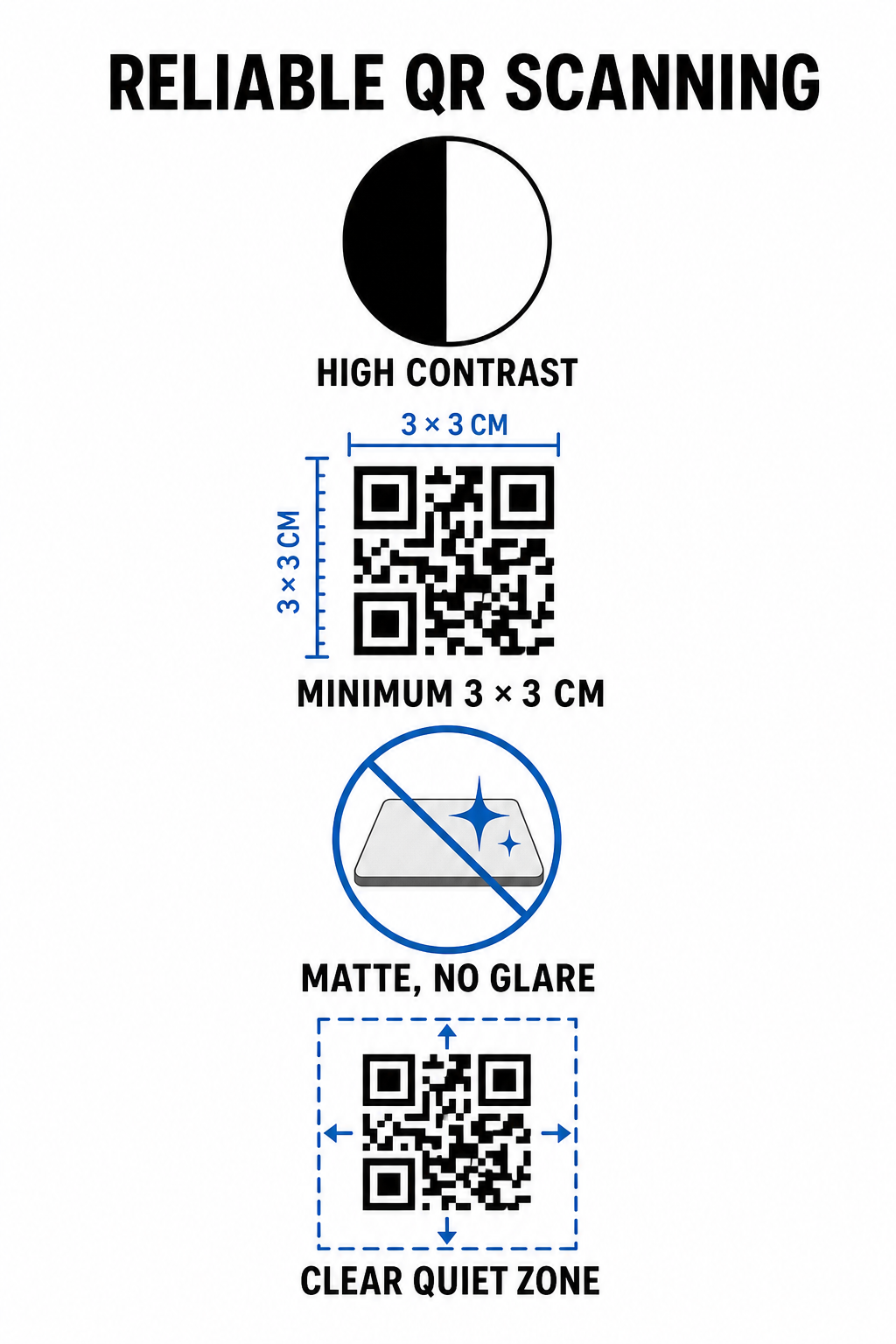
- उच्च रंग कंट्रास्ट बनाए रखें: हल्की पृष्ठभूमि पर गहरे अग्रभूमि पैटर्न लागू करें। सफेद पर काला 21:1 का इष्टतम कंट्रास्ट अनुपात प्रदान करता है, जबकि छोटे कोड के लिए कम से कम 4.5:1 का अनुपात आवश्यक है ताकि कैमरा सेंसर कोड पैटर्न को तुरंत पहचान सकें।
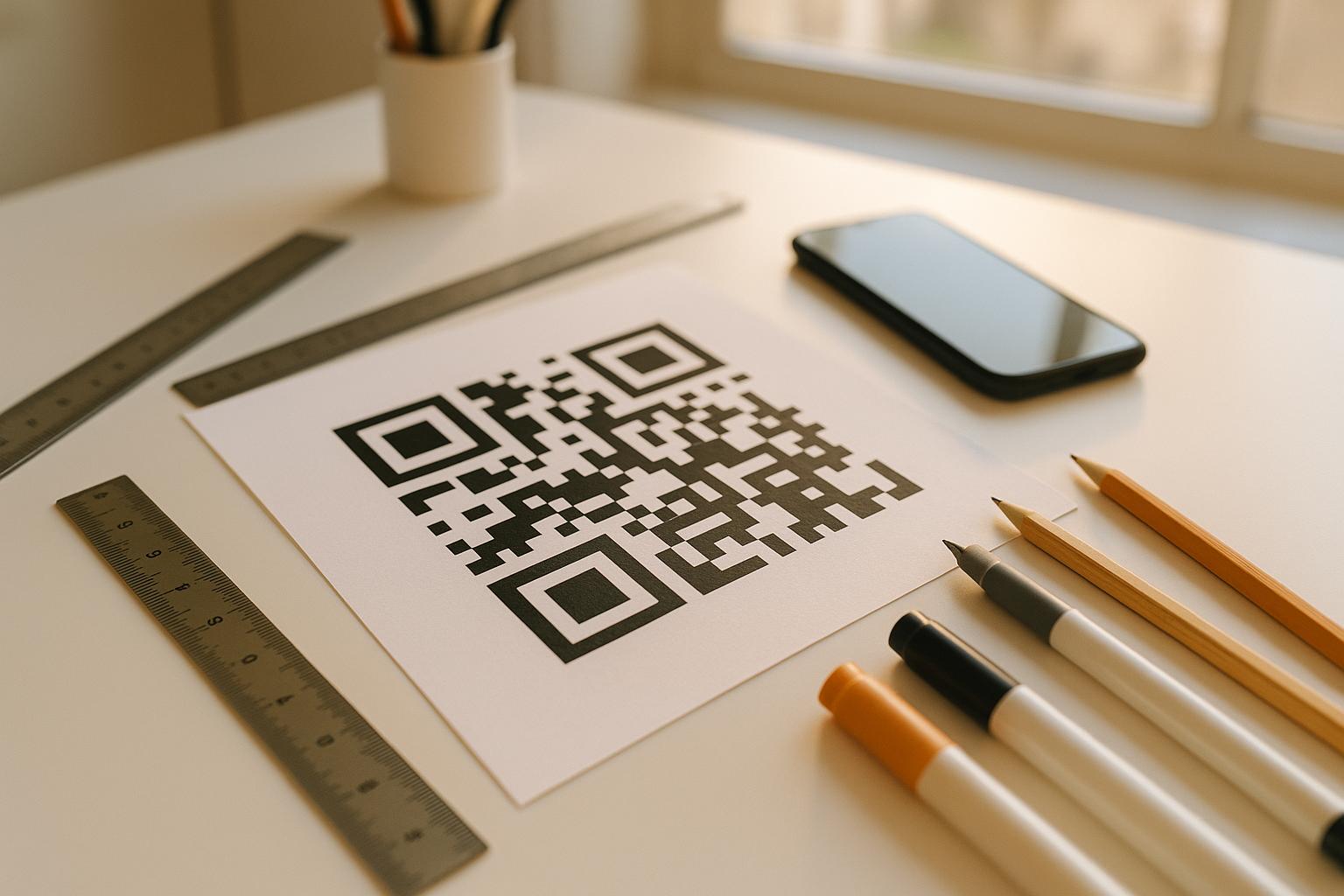
- उपयुक्त प्रिंट आयामों की गणना करें: 10:1 के स्कैनिंग दूरी-से-आकार अनुपात का पालन करें, कोड की चौड़ाई को अपेक्षित दूरी का दसवां हिस्सा बनाएं। नज़दीकी शीशे के स्टिकर और काउंटर डिस्प्ले के लिए, कोड को न्यूनतम 1.2 x 1.2 इंच (3 x 3 सेमी) के आकार में प्रिंट करें।
- गैर-परावर्तक मैट फिनिश लागू करें: चमकदार कागज के बजाय मैट कार्डस्टॉक, विनाइल, या गैर-चमकदार लेमिनेट का चयन करें। चमकदार फिनिश स्मार्टफोन लेंस में उज्ज्वल ओवरहेड सैलून लाइटिंग को परावर्तित करते हैं, जिससे स्कैन विफल हो जाते हैं।
- शांत क्षेत्र का मार्जिन बनाए रखें: कोड पैटर्न के चारों ओर एक खाली, अप्रिंटेड बॉर्डर बनाए रखें। इस शांत क्षेत्र की माप एक एकल मॉड्यूल वर्ग की चौड़ाई का कम से कम चार गुना होनी चाहिए।
- उच्च-रिज़ॉल्यूशन प्रिंट प्रारूपों में निर्यात करें: अंतिम ग्राफिक्स को वेक्टर फ़ाइलों जैसे SVG या PDF के रूप में सहेजें, या भौतिक मुद्रण के दौरान पिक्सेलेशन को रोकने के लिए PNG फ़ाइलों को 300 DPI पर निर्यात करें।
डायनामिक क्यूआर कोड सैलून संचालन को लचीले ढंग से कैसे बढ़ाते हैं
स्थैतिक क्यूआर कोड गंतव्य यूआरएल को सीधे मुद्रित मैट्रिक्स में हार्डकोड करते हैं, जिसका अर्थ है कि किसी भी वेब लिंक परिवर्तन के लिए भौतिक डिस्प्ले को फिर से छापना पड़ता है। इसके विपरीत, डायनामिक क्यूआर कोड एक छोटे रीडायरेक्ट लिंक के माध्यम से रूट होते हैं, जिससे सैलून प्रबंधक केंद्रीय प्रबंधन प्लेटफॉर्म के माध्यम से किसी भी समय एन्कोडेड गंतव्यों को अपडेट कर सकते हैं।
बढ़ते हुए का प्रबंधन सेवा व्यवसाय में लगातार मेनू समायोजन, प्रचार में बदलाव और सॉफ्टवेयर अपडेट शामिल होते हैं। डायनामिक कोड आपको दर्पण डिकल्स या काउंटर साइनेज को बदले बिना गंतव्य लिंक बदलने की अनुमति देते हैं।
इसके अतिरिक्त, डायनामिक कोड मूल्यवान स्कैन एनालिटिक्स कैप्चर करते हैं, जैसे स्कैन आवृत्ति, उच्च व्यस्तता के समय और उपयोगकर्ता डिवाइस के प्रकार। इन मेट्रिक्स की निगरानी से प्रबंधकों को उच्च-प्रदर्शन वाले स्टाइलिंग स्टेशनों की पहचान करने और व्यापक छोटे व्यवसाय संचालन.
अपने सैलून वर्कफ़्लो को सुव्यवस्थित करना
प्रमुख भौतिक टचपॉइंट्स पर डिजिटल क्यूआर कोड को एकीकृत करने से आपके फ्रंट डेस्क पर प्रशासनिक बोझ कम होता है, जबकि ग्राहकों को एक सुविधाजनक, आधुनिक सैलून अनुभव मिलता है। रणनीतिक कोड प्लेसमेंट, उच्च रंग कंट्रास्ट और उचित प्रिंट आयामों को प्राथमिकता देकर, आप बुकिंग, भुगतान और फीडबैक संग्रह से घर्षण को दूर करते हैं।
आज ही अपने मौजूदा सैलून लेआउट का ऑडिट करें ताकि उच्च-उपयोग वाले क्षेत्रों की पहचान की जा सके जहाँ स्कैन करने योग्य टचपॉइंट्स तत्काल मूल्य प्रदान करते हैं। ग्राहक संतुष्टि और परिचालन दक्षता बढ़ाने वाले ट्रैक करने योग्य भौतिक साइनेज बनाने के लिए पेजलोट टूल्स का उपयोग करके कस्टम डायनामिक कोड बनाना शुरू करें।
अक्सर पूछे जाने वाले सवाल
एक सैलून कुर्सी से नज़दीक से स्कैनिंग के लिए (लगभग 1 से 2 फीट दूर), QR कोड कम से कम 1.2 x 1.2 इंच (3 x 3 सेमी) का होना चाहिए। कोड पैटर्न के चारों ओर मॉड्यूल की चौड़ाई के कम से कम चार गुना के बराबर एक शांत क्षेत्र मार्जिन हमेशा बनाए रखें।
हाँ, यदि आप डायनामिक क्यूआर कोड का उपयोग करते हैं। डायनामिक कोड आपको अपने स्टिकर, संकेतों या अपॉइंटमेंट कार्ड को फिर से प्रिंट किए बिना अपने डैशबोर्ड में कभी भी गंतव्य यूआरएल को संपादित करने की अनुमति देते हैं।
QR कोड स्कैन करने पर सीधे आपका Google समीक्षा फ़ॉर्म खोलकर मैन्युअल खोज की आवश्यकता को समाप्त करते हैं। उन्हें स्टाइलिंग दर्पणों या काउंटर डिस्प्ले के पास रखने से संतुष्ट ग्राहक जाने से पहले आपकी सेवाओं को रेटिंग देने के लिए प्रेरित होते हैं।