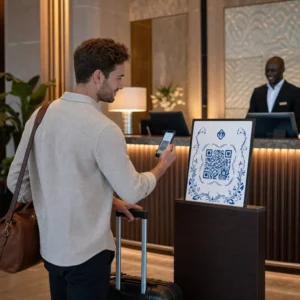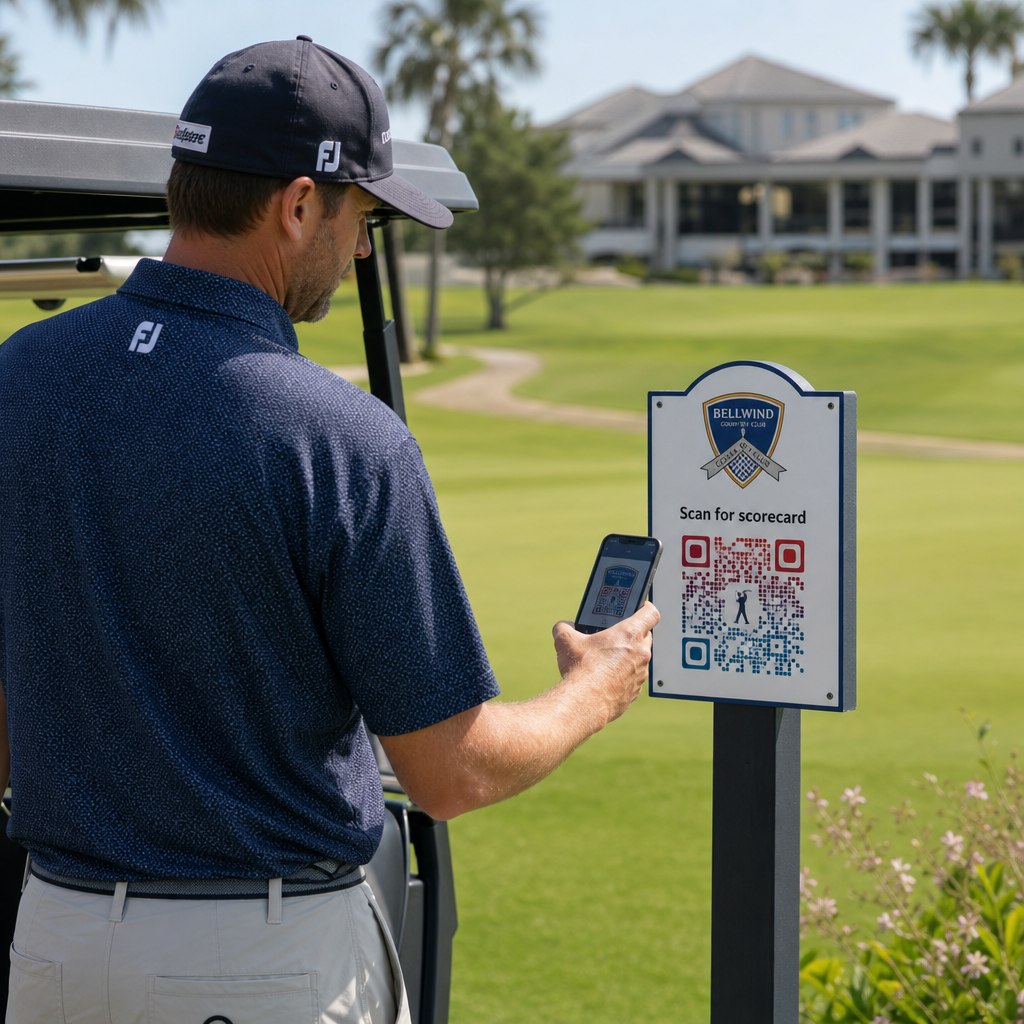
Bent u op zoek naar praktische manieren om uw golffaciliteit te moderniseren? Papiergebaseerde processen, verouderde bewegwijzering en gemiste engagementkansen kosten golfbanen elk seizoen tijd en inkomsten. Deze gids leidt u door de meest effectieve manieren om QR-codes te gebruiken in uw faciliteit – van digitale scorekaarten en tee markers tot betalingen en feedback van spelers.
Waarom Golfbanen QR-codes Adopteren
De golfparticipatie in de VS bereikte in 2025 een recordhoogte van 48,1 miljoen totale deelnemers, een stijging van 50% in het afgelopen decennium. Met ongeveer 16.000 golfbanen die strijden om die vraag, is de spelerservaring een belangrijke onderscheidende factor geworden – en QR-codes bieden een goedkope, impactvolle manier om deze te verbeteren.
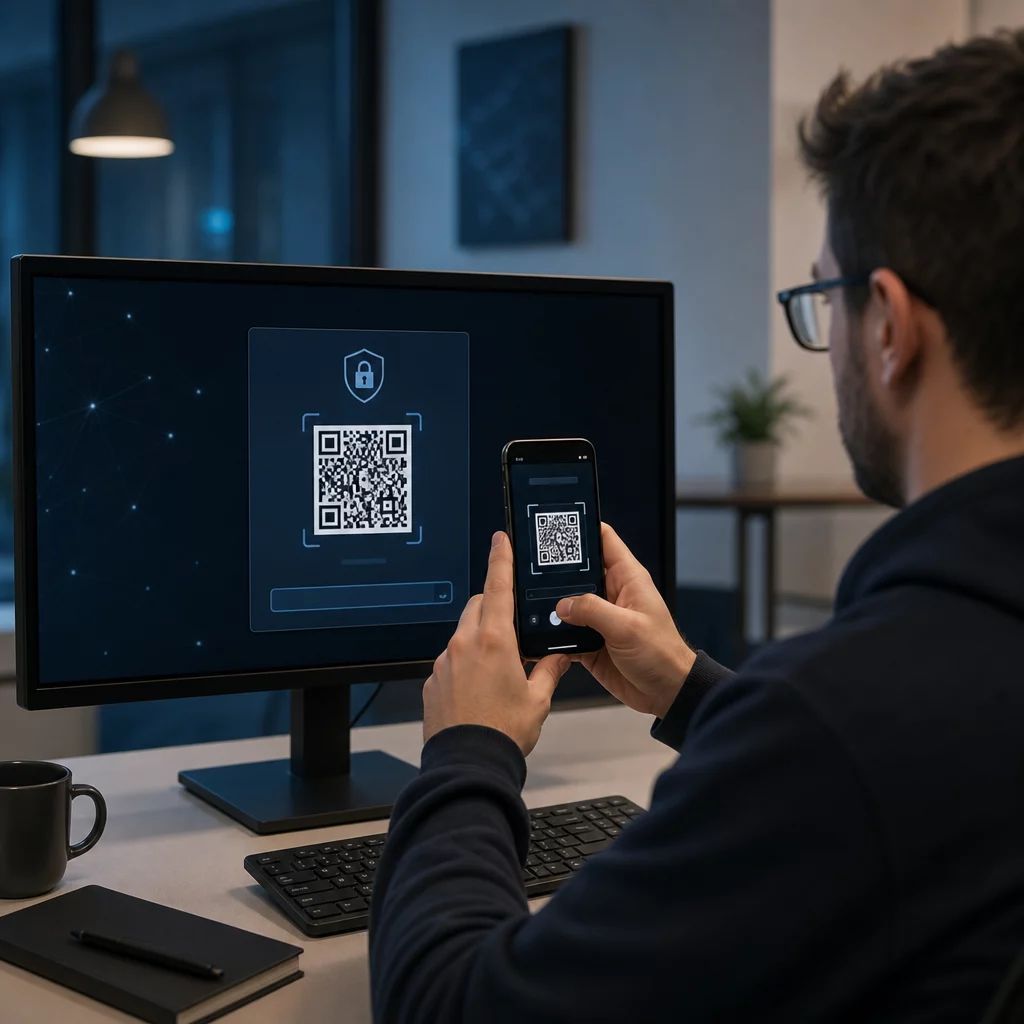
QR-codes werken door een URL, document of andere bestemming te coderen in een scanbare afbeelding. Wanneer een speler zijn smartphonecamera op de code richt, opent deze onmiddellijk de inhoud die u hebt gekoppeld – geen app-download vereist voor de meeste moderne apparaten. Golffaciliteiten kunnen deze codes plaatsen op gedrukt materiaal, bewegwijzering, golfkarretjes en tee markers om de fysieke golfbaan te verbinden met digitale bronnen.
Het echte operationele voordeel komt van dynamische QR-codes – codes waarmee u de gekoppelde inhoud op elk moment kunt bijwerken zonder de fysieke code opnieuw af te drukken. Als uw scorekaartlink verandert, uw menu wordt bijgewerkt of uw golfbaanplattegrond wordt herzien, wijzigt u eenvoudig de bestemming in uw dashboard. Voor een volledige uitleg van hoe dit werkt, zie de verschillen tussen statische en dynamische QR-codes.
Digitale Scorekaarten via QR-code
Een van de meest praktische toepassingen voor elke golffaciliteit is het vervangen van papieren scorekaarten door digitaal toegankelijke versies via QR-code.
Een digitale scorekaart is elke mobielvriendelijke interface waarmee spelers hun score hole-voor-hole kunnen vastleggen op hun smartphone. Spelers scannen een QR-code bij de eerste tee, de pro shop of op de kar, en de scorekaart opent direct in hun browser – geen papier, geen potlood, geen herdistributie na de rondes.
De USGA's Golfregels bevestigen dat een scorekaart in elke papieren of elektronische vorm mag zijn die door de Commissie is goedgekeurd, mits deze het mogelijk maakt scores per hole in te voeren, gecertificeerd door de speler en marker, en elke hole correct identificeert. Commissies kunnen zelfs van spelers eisen dat ze een elektronische scorekaart gebruiken in plaats van een papieren. Dit geeft uw faciliteit volledige flexibiliteit om de overstap officieel te maken voor zowel wedstrijden als informele rondes.
Vanuit operationeel oogpunt verminderen digitale scorekaarten de papierwerkdrukte na de ronde, geven ze het personeel real-time inzicht in de voortgang van de ronde en voeden ze live leaderboards tijdens toernooien. Spelers profiteren van ingebouwde scoretracking, rondegeschiedenis en spelstatistieken die papier nooit bood.
Om dit in te stellen, koppelt u de URL van uw digitale scorekaartplatform aan een link-QR-code en plaats die code op:
- Bewegwijzering bij de eerste tee
- Golfkarretjes (op de kar gemonteerde stickers of gelamineerde kaarten)
- Gedrukte scorekaarten als aanvulling
- De incheckbalie van de pro shop
Het gebruik van een dynamische QR-code hier is bijzonder praktisch – als u van scorekaartprovider wisselt of de URL bijwerkt, werkt u de link in uw dashboard bij en blijft elke gedrukte code werken.
Overstappen op Digitale Scorekaarten Zonder Opnieuw Af te Drukken Maak een dynamische QR-code voor uw scorekaartlink en werk de bestemming op elk moment bij zonder uw gedrukte materialen aan te raken. Probeer de QR-codegenerator gratis voor 14 dagen.
Tee Marker en Hole Informatie QR-codes
QR-codes op tee markers geven spelers direct toegang tot hole-indelingen, afstandsdiagrammen, lokale regels en speeltips – inhoud die anders gedrukte inserts of clubhuisdisplays zou vereisen.
Een veelvoorkomende aanpak is om de QR-code van elke tee marker te koppelen aan een mobielvriendelijke PDF of landingspagina specifiek voor die hole. Spelers scannen bij de tee, zien het hole-diagram, begrijpen de optimale lijn en spelen sneller en zelfverzekerder. Dit is bijzonder waardevol voor beginnende bezoekers die een onbekende golfbaan navigeren.
U kunt deze maken met een PDF naar QR code maken als uw hole-gidsen PDF-documenten zijn, of een link QR-codegenerator als u de inhoud host op een webpagina of landingspagina. Duurzaamheidsgerichte operators hebben ook tee marker QR-codes gebruikt voor “Scan en Leer” lokale regelinformatie, ter vervanging van gedrukte regelbladen en het verminderen van administratieve tijd op de golfbaan.
Pro Shop en Clubhuis Menu's
Als uw clubhuis of turncafé eten en drinken serveert, verwijdert een QR-code menu de kosten en het gedoe van het opnieuw afdrukken van fysieke menu's wanneer items of prijzen veranderen. Spelers scannen de code aan de bar, het raam van de karrenloods, of een tafel in de eetruimte en bekijken een actueel digitaal menu. Wanneer uw keuken het aanbod voor het seizoen wijzigt, werkt u de gekoppelde inhoud bij – niet de QR-code zelf.
Pageloot's QR-code menukaart maken ondersteunt zowel PDF-menu's als webgebaseerde menu's, en laat u uw clublogo en merkkleuren toevoegen om de code consistent te houden met de visuele identiteit van uw faciliteit. Voor plaatsing, een QR-code op een tafelstandaard in de eetruimte is een van de meest effectieve formaten – spelers zien het op ooghoogte en hebben een natuurlijk moment om te scannen terwijl ze zitten.
Contactloos betalen op de baan
QR-codes kunnen betalingen vereenvoudigen op verschillende contactpunten: de pro shop, de drankkar, de driving range en toernooiregistratie. Spelers scannen een betalings-QR-code die is gekoppeld aan uw betalingsverwerker en voltooien de transactie op hun telefoon zonder contant geld of een kaartterminal te hanteren.
U kunt een betalingsgekoppelde QR-code maken met behulp van een PayPal QR code maken of een standaard link-QR-code die naar uw betaalpagina verwijst. Deze werken goed op drankkarren, merchandise-displays en overal waar een fysieke terminal onpraktisch is.
Baan Navigatie en Locatie QR-codes
Voor grote faciliteiten hebben spelers vaak hulp nodig bij het vinden van specifieke voorzieningen – de oefenfaciliteit, het halfway house, een satelliet pro shop, of de ingang van het clubhuis vanaf de parkeerplaats. Een Google Maps QR-code opent de locatie van uw faciliteit of een specifiek punt op het terrein direct in de kaartenapplicatie van de speler met één enkele scan.
Deze zijn nuttig op:
- Wegwijzers bij baaningangen
- Welkomstpakketten voor toernooien
- Website contactpagina's voor spelers die van buitenaf navigeren
Wi-Fi-toegang voor spelers en personeel
Biedt u Wi-Fi aan in het clubhuis, de kleedkamer of de eetruimte? Een Wi-Fi QR-code laat spelers direct verbinding maken zonder dat personeel een wachtwoord hoeft voor te lezen. Spelers scannen de code en maken automatisch verbinding – geen handmatige invoer vereist. U kunt er een maken met Pageloot’s QR-codegenerator door uw netwerknaam, beveiligingstype en wachtwoord in te voeren, en vervolgens de resulterende code in het clubhuis of de cart-opstelplaats te plaatsen.
Spelerfeedback en Google Reviews
Na een ronde zijn spelers vaak in de juiste gemoedstoestand om een recensie achter te laten of een feedbackformulier in te vullen – maar frictie doodt de opvolging. Een QR-code op de scorekaart, de bon, of een bord bij de uitgang verwijdert die frictie volledig.
- EEN Google review QR-code stuurt spelers direct naar uw Google Mijn Bedrijf-recensiepagina, waardoor het een actie met één tik is.
- EEN QR-code voor klantfeedback kan linken naar een enquête waarin spelers de speeltempo, baancondities, personeel en voorzieningen beoordelen.
Plaats deze codes waar spelers van nature pauzeren na het finishen – de scoretafel, de bag drop, de bar – en combineer ze met een eenvoudige vraag zoals “Hoe was uw ronde vandaag?”
Bewegwijzering, Marketing en Evenementpromoties
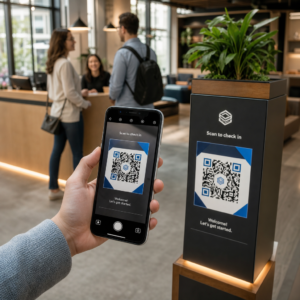
QR-codes werken op vrijwel elk bedrukt oppervlak in uw faciliteit. Toernooiregistratieborden en flyers kunnen direct linken naar een online registratiepagina. Clubhuis- en driving range-banners kunnen verwijzen naar een landingspagina voor lidmaatschapsaanvragen. Sponsorborden op tee-boxen kunnen linken naar de website van een sponsor, waardoor sponsorpakketten meetbaarder en waardevoller worden voor partners. Seizoenspromoties zijn bijzonder eenvoudig te beheren – update de bestemming van een geplaatste QR-code wanneer aanbiedingen veranderen en er is geen nieuwe print nodig.
Voor buitenbewegwijzering, volg QR-code plaatsingsrichtlijnen en plaats codes tussen 3.5 en 5.5 voet van de grond op ooghoogte, met een schone, contrastrijke achtergrond. Codes die op reflecterende of gebogen oppervlakken zijn geplaatst, scannen slecht, dus kies waar mogelijk voor vlakke, matglanzende ondergronden.
Bijhouden welke QR-codes presteren
Een voordeel dat papieren bewegwijzering nooit bood, is meetbare betrokkenheid. Dynamische QR-codes registreren elke scan met gegevens zoals locatie, apparaattype, tijdstip van de dag, totaal aantal scans en unieke scans. Dit vertelt u welke tee-boxen de meeste scorekaartactiviteit krijgen, welke menustations de meeste voedselbestellingen genereren, en welke marketingmaterialen echt verkeer genereren.
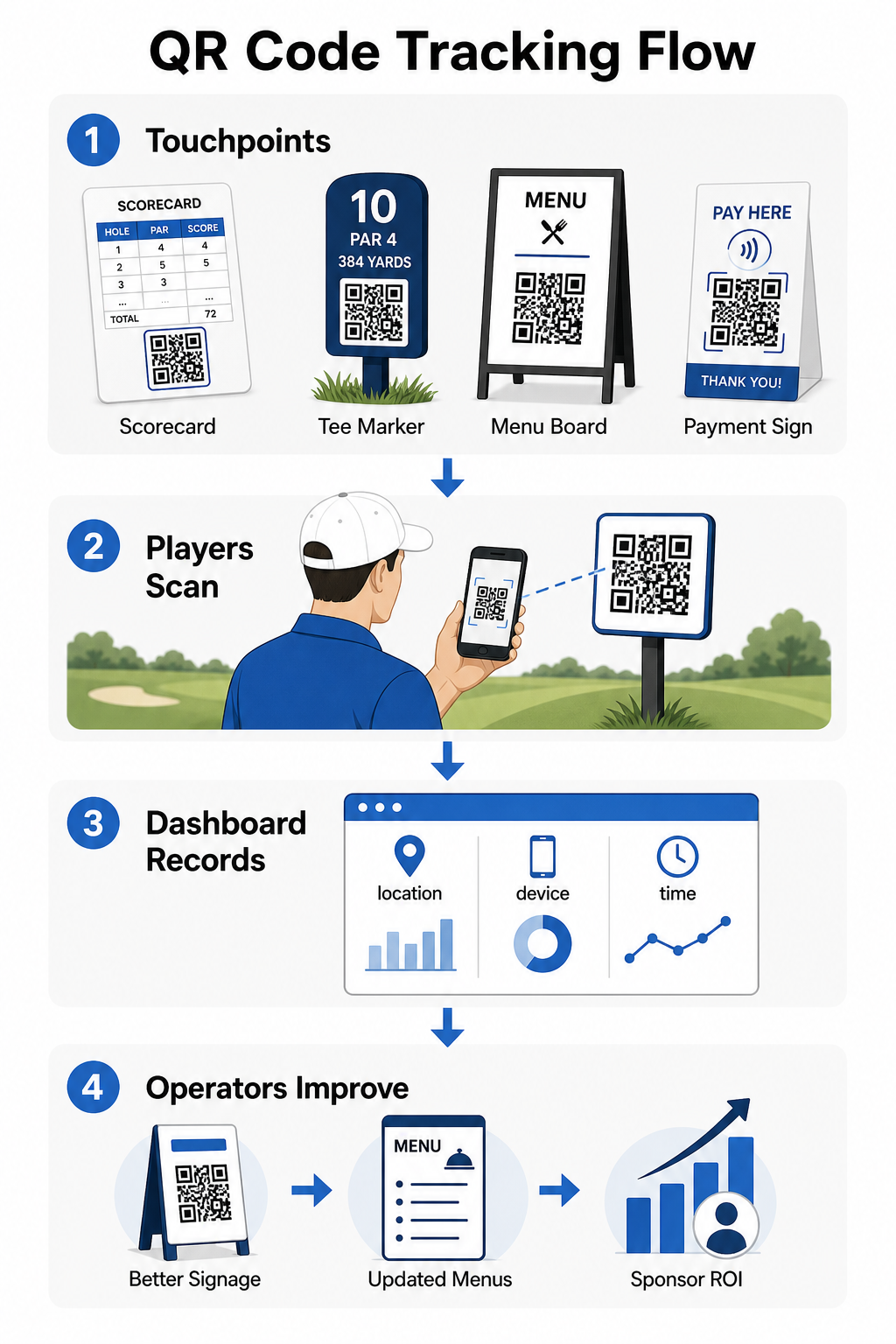
U kunt deze gegevens gebruiken om de plaatsing te verfijnen, onderpresterende bewegwijzering te verbeteren en ROI op sponsoractivaties aan te tonen. Leer meer over hoe QR-code tracking werkt en welke statistieken u moet monitoren in uw faciliteit.
Zie precies waar spelers betrokken zijn Volg scans per locatie, apparaat en tijd in uw hele faciliteit vanuit één dashboard. Ga aan de slag met Pageloot’s QR-code oplossingen en krijg toegang tot real-time analyses van elke code die u implementeert.
Ontwerp- en plaatsingsprincipes voor golfomgevingen
Voordat u QR-codes print voor buitengebruik of gebruik op plaatsen met veel verkeer, zijn enkele technische overwegingen van groot belang voor de prestaties in de praktijk.
Contrast is de meest kritieke factor. Gebruik een donkere modulekleur op een lichte achtergrond en streef naar een contrastverhouding van minimaal 4:1 tussen het donkere patroon en de achtergrond. Dit zorgt voor betrouwbaar scannen in variabele buitenlichtomstandigheden, van bewolkte ochtenden tot felle middagzon.
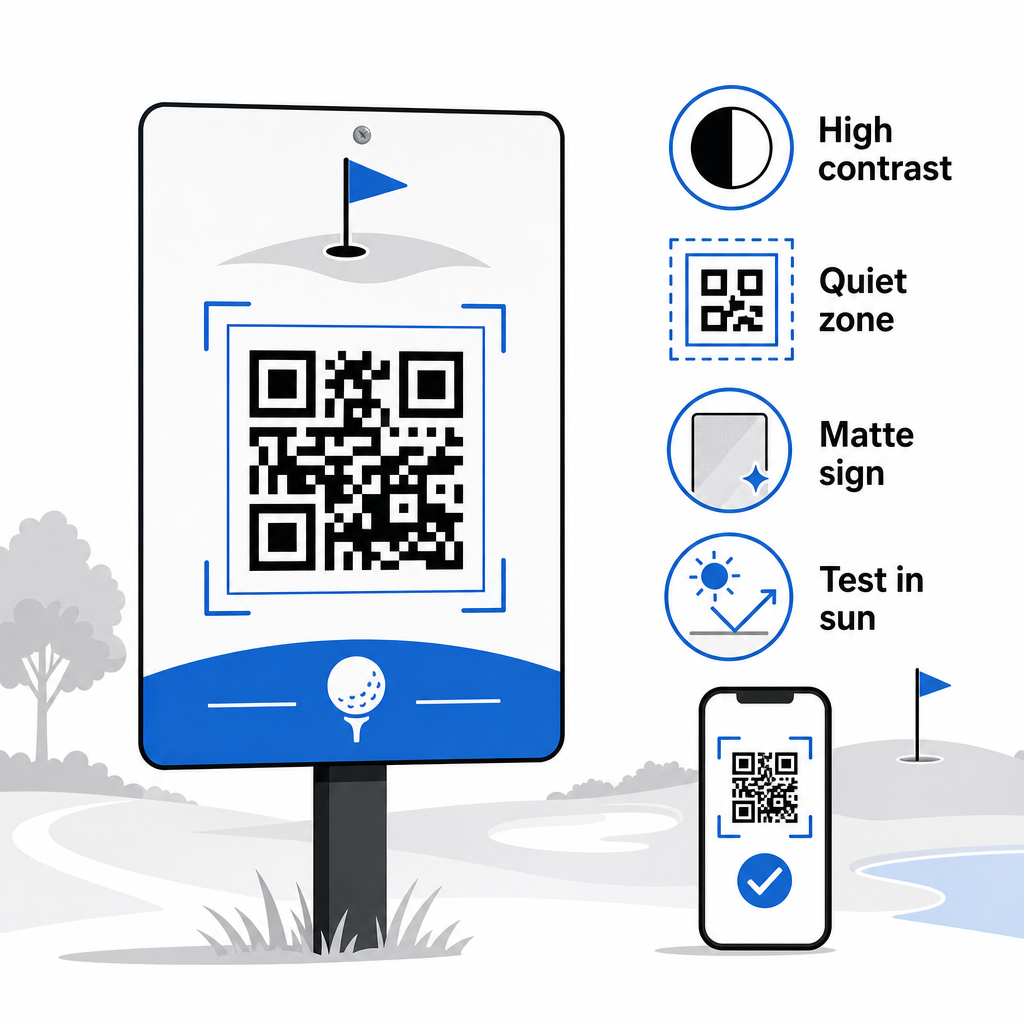
Grootte moet overeenkomen met de verwachte scanafstand. Voor tee-markers of op kar gemonteerde codes die vanaf armlengte worden gescand, is 2 × 2 cm de minimale basislijn – maar groter is altijd beter voor buitengebruik. Een praktische regel: voor elke 10 cm verwachte scanafstand, vergroot de codebreedte met 1 cm.
Stille zone verwijst naar de duidelijke marge van witte ruimte rond de QR-code. Het verdringen van de code met direct ernaast geplaatste tekst of afbeeldingen zal scanfouten veroorzaken, dus behoud die rand aan alle zijden.
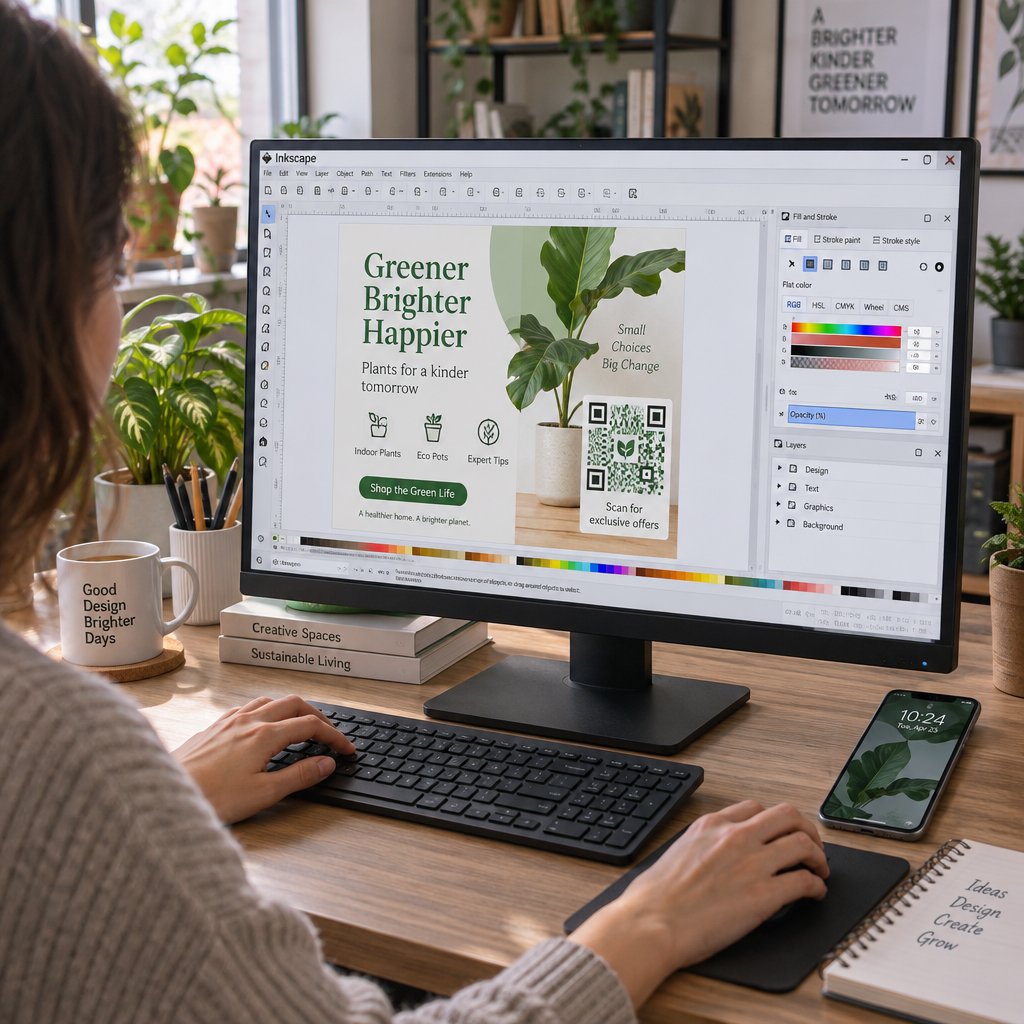
Logo's kunnen de visuele aantrekkingskracht verbeteren en de merkidentiteit van uw club binnen de QR-code zelf versterken, maar houd elk logo tot niet meer dan 30% van het codegebied en gebruik hoge foutcorrectie (Q- of H-niveau) om de betrouwbaarheid te behouden. Volledige details zijn beschikbaar in Pageloot's richtlijnen voor leesbaarheid van QR-codes.
Testen moet altijd gebeuren voordat op grote schaal wordt afgedrukt. Scan elke code op meerdere apparaten en in de daadwerkelijke omgeving – fel zonlicht buiten, binnenomstandigheden met weinig licht en verblindingsomstandigheden – om te bevestigen dat het naar verwachting presteert. Leer meer over hoe je QR-codes effectief gebruikt voor uw eerste implementatie.
QR-codes bieden golfbaanexploitanten een praktische, bijwerkbare manier om elk fysiek contactpunt op de baan te verbinden met nuttige digitale inhoud. De meest effectieve faciliteiten gebruiken ze consistent voor scorekaarten, bewegwijzering, menu's en spelersbetrokkenheid – en volgen de prestaties om te blijven verbeteren. Begin met een of twee impactvolle gebruiksscenario's, meet de resultaten en breid van daaruit uit. Bezoek Pageloot's QR-codegenerator om uw eerste code te creëren, of verken branchespecifieke QR-codeoplossingen om het juiste formaat voor uw faciliteit te vinden.
Veelgestelde vragen
Ja. De USGA Golfregels stellen dat een scorekaart in elke papieren of elektronische vorm mag zijn die is goedgekeurd door de Commissie, zolang het toestaat dat scores per hole worden ingevoerd, gecertificeerd door de speler en marker, en correct geïdentificeerd aan elke hole. Commissies mogen zelfs elektronische scorekaarten vereisen in plaats van papieren. Bevestig altijd de goedkeuring met uw toernooicommissie voor gebruik.
Als u een dynamische QR-code gebruikt, werkt u de bestemmings-URL bij in uw dashboard en de bestaande geprinte codes leiden automatisch om naar de nieuwe inhoud – geen herdruk van tee-markers, golfkarstickers of bewegwijzering vereist. Statische QR-codes coderen de URL permanent, dus elke linkwijziging vereist het produceren van nieuw gedrukt materiaal.
Gebruik kleuren met hoog contrast – donkere modules op een lichte achtergrond met een contrastverhouding van minimaal 4:1. Bepaal de grootte van de codes voor de verwachte scanafstand met behulp van de 10:1 regel: 1 cm codebreedte per 10 cm afstand. Kies vlakke, mat afgewerkte materialen om schittering te voorkomen, en test elke code in daadwerkelijke buitenverlichting vóór implementatie. De volledige richtlijnen voor leesbaarheid van QR-codes bevatten aanvullende details over grootte, contrast en rustige zones.