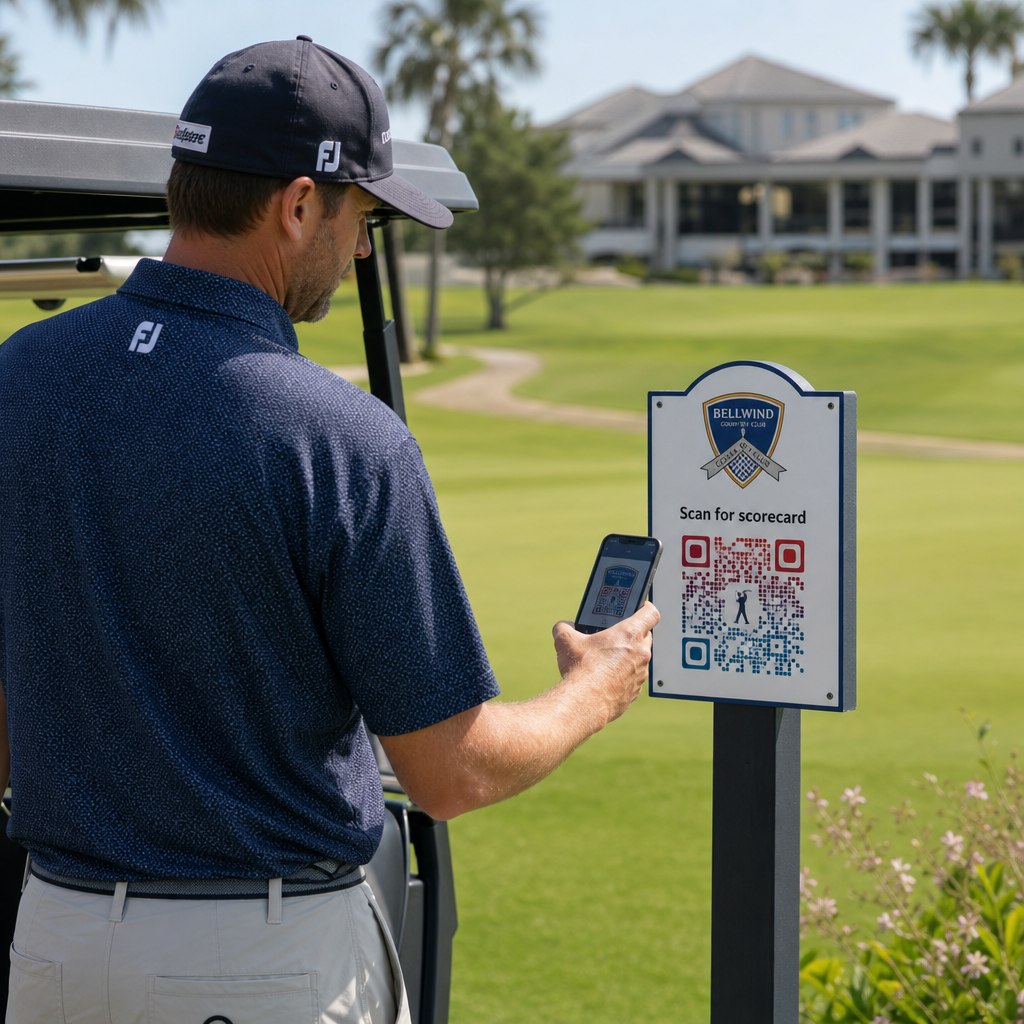
Você está procurando maneiras práticas de modernizar sua instalação de golfe? Processos baseados em papel, sinalização desatualizada e oportunidades de engajamento perdidas custam tempo e receita aos campos a cada temporada. Este guia o conduz pelas maneiras mais eficazes de usar códigos QR em sua instalação – desde scorecards digitais e marcadores de tee até pagamentos e feedback de jogadores.
Por Que Campos de Golfe Estão Adotando Códigos QR
A participação no golfe nos EUA atingiu um recorde histórico de 48,1 milhões de participantes totais em 2025, um aumento de 50% na última década. Com aproximadamente 16.000 campos competindo por essa demanda, a experiência do jogador tornou-se um diferencial chave – e os códigos QR oferecem uma maneira de baixo custo e alto impacto para melhorá-la.
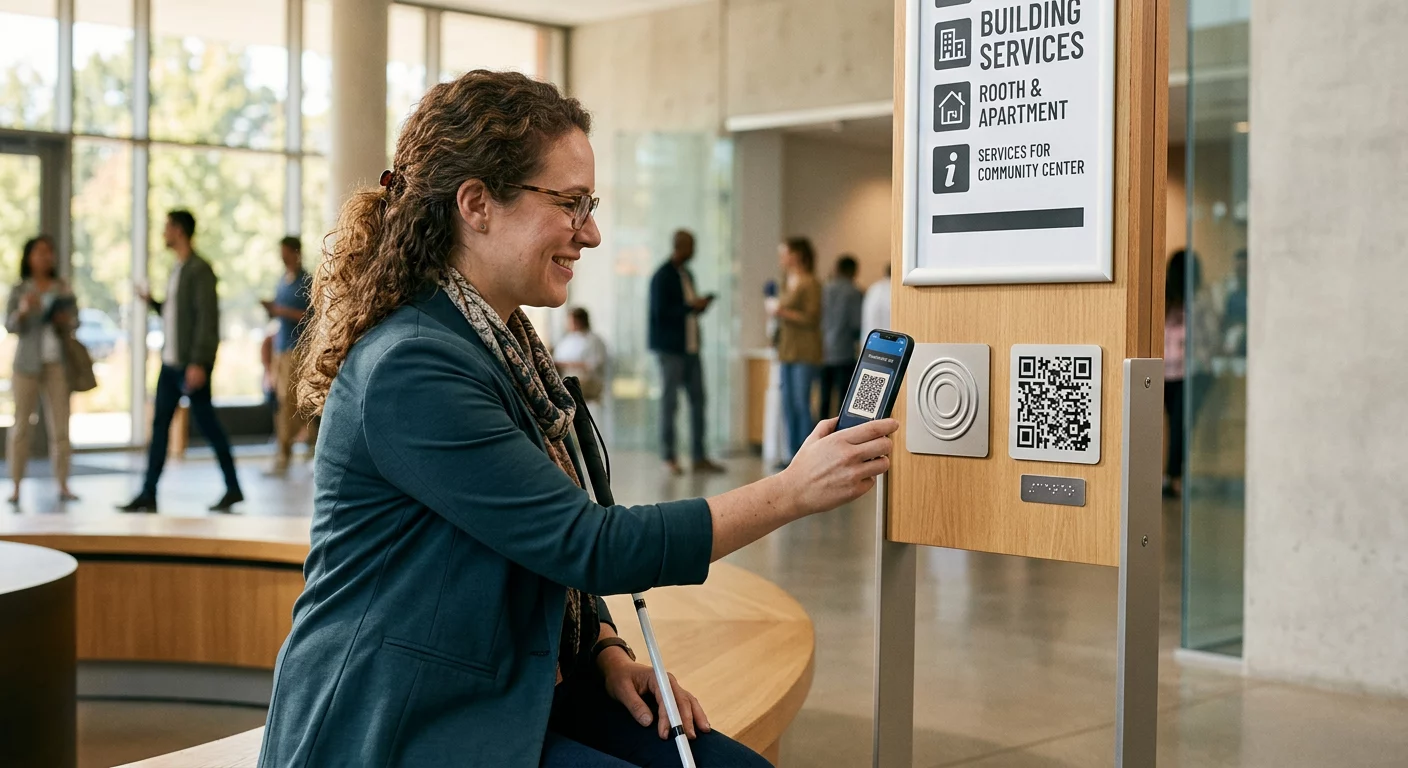
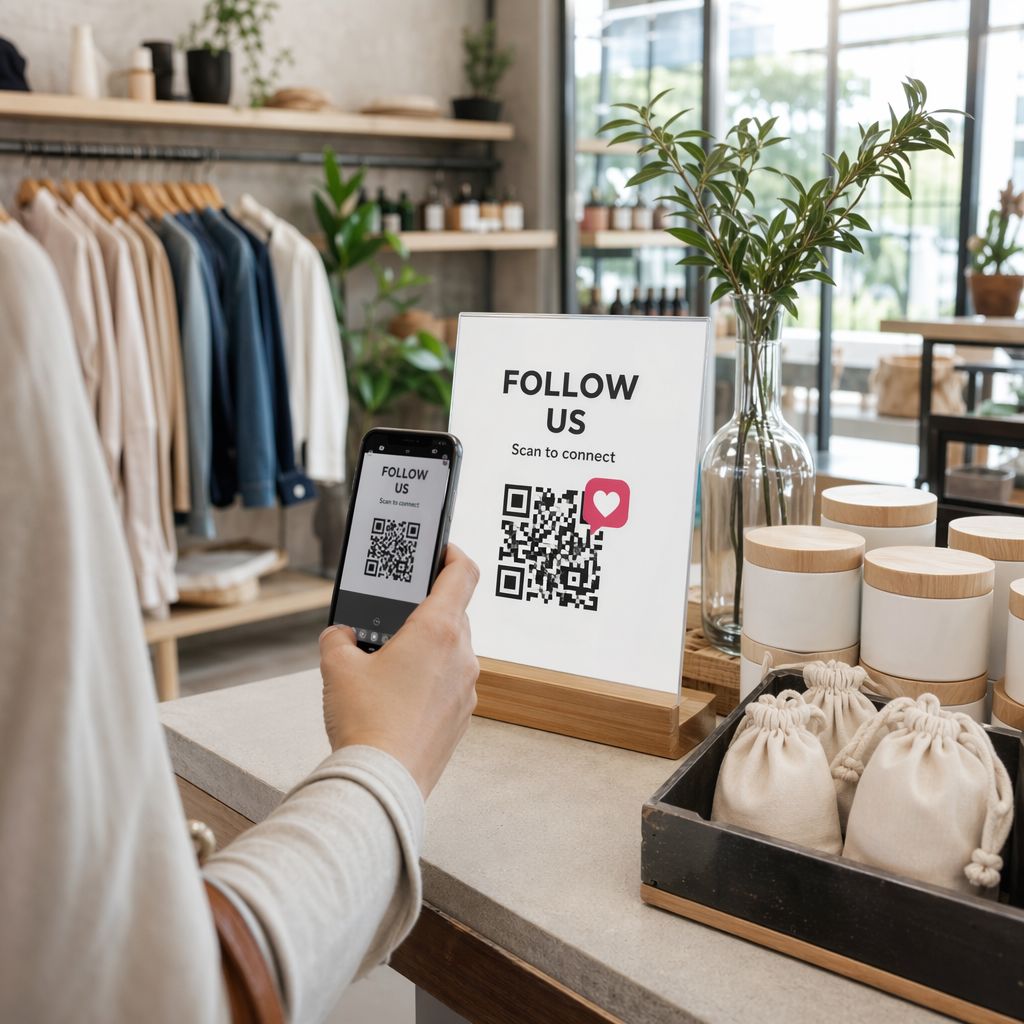
Os códigos QR funcionam codificando um URL, documento ou outro destino em uma imagem escaneável. Quando um jogador aponta a câmera do smartphone para o código, ele abre instantaneamente o conteúdo que você vinculou – sem necessidade de download de aplicativo para a maioria dos dispositivos modernos. Instalações de golfe podem colocar esses códigos em materiais impressos, sinalização, carrinhos de golfe e marcadores de tee para conectar o campo físico com recursos digitais.
A verdadeira vantagem operacional vem de códigos QR dinâmicos – códigos que permitem atualizar o conteúdo vinculado a qualquer momento sem reimprimir o código físico. Se o link do seu scorecard mudar, seu menu for atualizado ou o mapa do seu campo for revisado, você simplesmente altera o destino no seu painel. Para uma análise completa de como isso funciona, veja o diferenças entre códigos QR estáticos e dinâmicos.
Scorecards Digitais via Código QR
Uma das aplicações mais práticas para qualquer instalação de golfe é substituir os scorecards de papel por versões digitais acessíveis por código QR.
Um scorecard digital é qualquer interface otimizada para celular que permite aos jogadores registrar sua pontuação buraco a buraco em seu smartphone. Os jogadores escaneiam um código QR no primeiro tee, na loja profissional ou no carrinho, e o scorecard abre diretamente no navegador – sem papel, sem lápis, sem redistribuição após as rodadas.
As Regras de Golfe da USGA confirmam que um scorecard pode ser em qualquer formato de papel ou eletrônico aprovado pelo Comitê, desde que permita que as pontuações sejam inseridas por buraco, certificadas pelo jogador e marcador, e identifique corretamente cada buraco. Os Comitês podem até exigir que os jogadores usem um scorecard eletrônico em vez de um de papel. Isso dá à sua instalação total flexibilidade para tornar a mudança oficial para competições e rodadas casuais.
Do ponto de vista operacional, os scorecards digitais reduzem a correria de papelada pós-rodada, dão à equipe visibilidade em tempo real do progresso da rodada e alimentam placares ao vivo durante torneios. Os jogadores se beneficiam do rastreamento de pontuação integrado, histórico de rodadas e estatísticas de jogo que o papel nunca ofereceu.
Para configurar isso, vincule o URL da sua plataforma de scorecard digital a um QR code de link e coloque esse código em:
- Sinalização do primeiro tee
- Carrinhos de golfe (adesivos montados no carrinho ou cartões laminados)
- Scorecards impressos como suplemento
- O balcão de check-in da loja profissional
Usar um código QR dinâmico aqui é especialmente prático – se você mudar de provedor de scorecard ou atualizar o URL, você atualiza o link no seu painel e cada código impresso continua a funcionar.
Mude para Scorecards Digitais Sem Reimprimir Crie um código QR dinâmico para o link do seu scorecard e atualize o destino a qualquer momento sem tocar nos seus materiais impressos. Experimente o Gerador de Código QR grátis por 14 dias.
Códigos QR de Marcador de Tee e Informações do Buraco
Os códigos QR nos marcadores de tee dão aos jogadores acesso instantâneo a layouts de buracos, tabelas de jardas, regras locais e dicas de jogo – conteúdo que de outra forma exigiria encartes impressos ou displays no clubhouse.
Uma abordagem comum é vincular o código QR de cada marcador de tee a um PDF otimizado para celular ou a uma página de destino específica para aquele buraco. Os jogadores escaneiam no tee, veem o diagrama do buraco, entendem a linha ideal e jogam mais rápido e com mais confiança. Isso é particularmente valioso para visitantes de primeira viagem navegando em um campo desconhecido.
Você pode criá-los usando um Gerador de QR Code de PDF se seus guias de buraco forem documentos PDF, ou um gerador de código QR de link se você hospedar o conteúdo em uma página da web ou página de destino. Operadores focados em sustentabilidade também usaram códigos QR de marcadores de tee para informações de regras locais “Escanear e Aprender”, substituindo folhas de regras impressas e reduzindo o tempo administrativo no campo.
Menus da Loja Profissional e do Clubhouse
Se o seu clubhouse ou café de virada serve alimentos e bebidas, um menu de código QR elimina o custo e o incômodo de reimprimir menus físicos sempre que itens ou preços mudam. Os jogadores escaneiam o código no bar, na janela do depósito de carrinhos ou em uma mesa na área de jantar e visualizam um menu digital atual. Quando sua cozinha muda as ofertas para a temporada, você atualiza o conteúdo vinculado – não o próprio código QR.
Da Pageloot Gerador de QR code para cardápio suporta tanto menus em PDF quanto menus baseados na web, e permite adicionar o logotipo do seu clube e as cores da marca para manter o código consistente com a identidade visual da sua instalação. Para posicionamento, um código QR em um display de mesa na área de refeições é um dos formatos mais eficazes – os jogadores o veem ao nível dos olhos e têm um momento natural para escanear enquanto estão sentados.
Pagamentos Sem Contato no Campo
Os códigos QR podem simplificar o pagamento em vários pontos de contato: a pro shop, o carrinho de bebidas, o driving range e o registro de torneios. Os jogadores escaneiam um código QR de pagamento vinculado ao seu processador de pagamento e completam a transação em seus telefones sem manusear dinheiro ou um terminal de cartão.
Você pode criar um código QR vinculado a pagamento usando um Gerador de QR Code do PayPal ou um padrão QR code de link apontando para sua página de pagamento. Estes funcionam bem em carrinhos de bebidas, expositores de mercadorias e em qualquer lugar onde um terminal físico seja impraticável.
Navegação no Campo e Códigos QR de Localização
Para grandes instalações, os jogadores frequentemente precisam de ajuda para encontrar comodidades específicas – a instalação de prática, o halfway house, uma pro shop satélite ou a entrada do clubhouse a partir do estacionamento. Um Código QR do Google Maps abre a localização da sua instalação ou um ponto específico na propriedade diretamente no aplicativo de mapas do jogador com um único escaneamento.
Estes são úteis em:
- Sinalização direcional nas entradas do campo
- Kits de boas-vindas de torneios
- Páginas de contato do site para jogadores navegando de fora do local
Acesso Wi-Fi para Jogadores e Equipe
Oferecendo Wi-Fi no clubhouse, vestiário ou área de refeições? Um código QR de Wi-Fi permite que os jogadores se conectem instantaneamente sem que a equipe precise ler uma senha. Os jogadores escaneiam o código e se conectam automaticamente – nenhuma entrada manual é necessária. Você pode criar um usando o gerador de código QR da Pageloot, inserindo o nome da sua rede, tipo de segurança e senha, e depois afixando o código resultante no clubhouse ou na área de preparação de carrinhos.
Feedback do Jogador e Avaliações do Google
Após uma rodada, os jogadores frequentemente estão com a mentalidade certa para deixar uma avaliação ou preencher um formulário de feedback – mas o atrito impede a conclusão. Um código QR no scorecard, no recibo ou em uma placa perto da saída remove esse atrito completamente.
- UMA QR code de avaliação do Google envia os jogadores diretamente para sua página de avaliação do Google Meu Negócio, tornando-a uma ação de um toque.
- UMA código QR de feedback do cliente pode vincular a uma pesquisa onde os jogadores avaliam o ritmo de jogo, as condições do campo, a equipe e as comodidades.
Coloque esses códigos onde os jogadores naturalmente pausam após terminar – a mesa do marcador, o local de entrega de tacos, o bar – e combine-os com uma simples pergunta como “Como foi sua rodada hoje?”
Sinalização, Marketing e Promoções de Eventos
Os códigos QR funcionam em praticamente todas as superfícies impressas em sua instalação. A sinalização de entrada de torneios e os folhetos podem vincular diretamente a uma página de registro online. Banners do clubhouse e do driving range podem apontar para uma página de destino de consulta de associação. A sinalização de patrocinadores nos tee boxes pode vincular ao site de um patrocinador, tornando os pacotes de patrocínio mais mensuráveis e valiosos para os parceiros. As promoções sazonais são especialmente fáceis de gerenciar – atualize o destino de um código QR afixado quando as ofertas mudarem e não é necessária nova impressão.
Para sinalização externa, siga a orientação de posicionamento de código QR e posicione os códigos entre 3,5 e 5,5 pés do chão ao nível dos olhos, com um fundo limpo e de alto contraste. Códigos colocados em superfícies reflexivas ou curvas escaneiam mal, então opte por substratos planos com acabamento fosco sempre que possível.
Rastreando Quais Códigos QR Têm Desempenho
Uma vantagem que a sinalização em papel nunca ofereceu é o engajamento mensurável. Códigos QR dinâmicos registram cada escaneamento com dados incluindo localização, tipo de dispositivo, hora do dia, total de escaneamentos e escaneamentos únicos. Isso informa quais tee boxes recebem a maior atividade de scorecard, quais estações de menu geram a maioria dos pedidos de comida e quais materiais de marketing geram tráfego real.
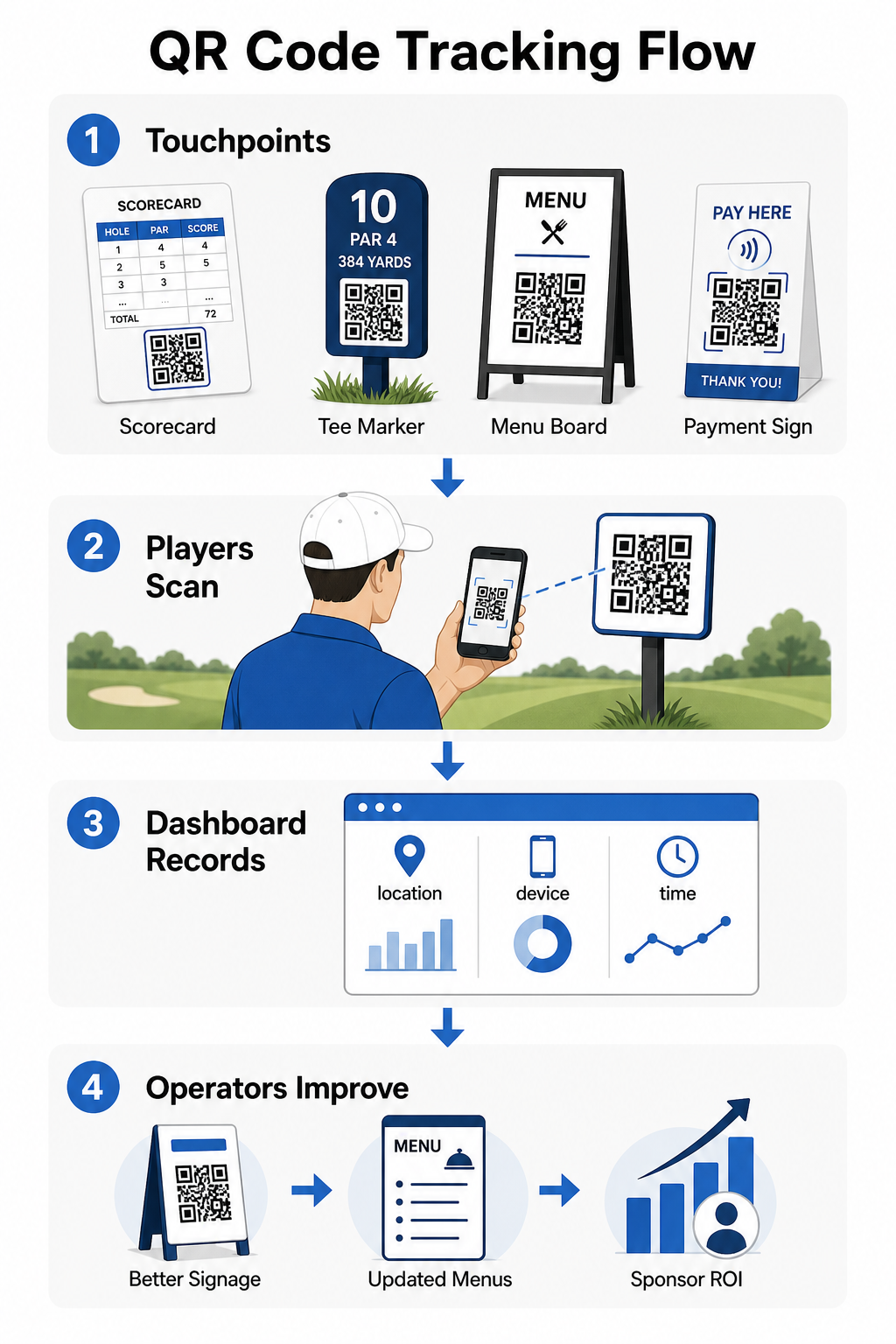
Você pode usar esses dados para refinar o posicionamento, melhorar a sinalização com baixo desempenho e demonstrar o ROI em ativações de patrocinadores. Saiba mais sobre como funciona o rastreamento de código QR e quais métricas monitorar em toda a sua instalação.
Veja Exatamente Onde os Jogadores Estão Engajando Rastreie escaneamentos por localização, dispositivo e hora em toda a sua instalação a partir de um único painel. Comece com as soluções de código QR da Pageloot e acesse análises em tempo real sobre cada código que você implantar.
Noções Básicas de Design e Posicionamento para Ambientes de Golfe
Antes de imprimir códigos QR para uso externo ou de alto tráfego, algumas considerações técnicas importam significativamente para o desempenho no mundo real.
Contraste é o fator mais crítico. Use uma cor de módulo escura em um fundo claro e procure um rácio de contraste de pelo menos 4:1 entre o padrão escuro e seu fundo. Isso garante leitura confiável em condições de iluminação externa variáveis, desde manhãs nubladas até o sol forte da tarde.
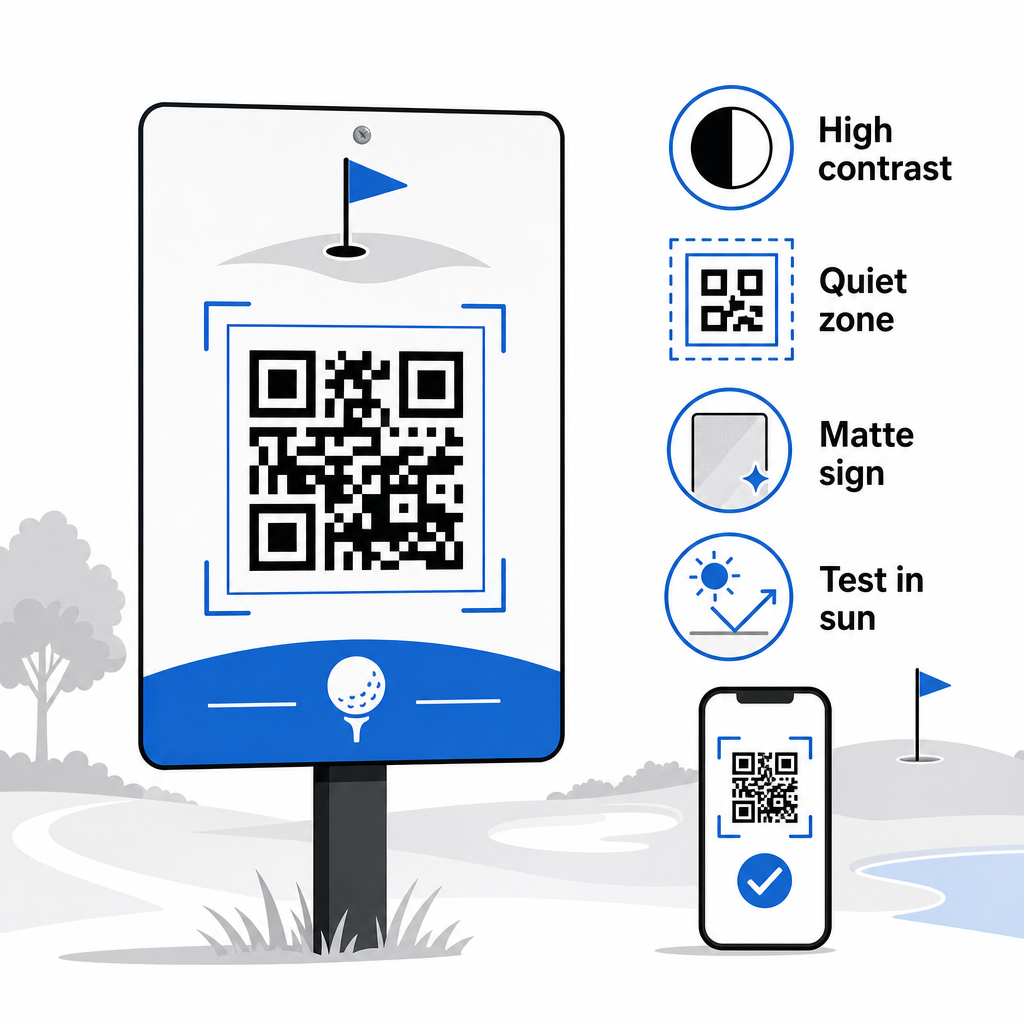
Tamanho deve corresponder à distância de leitura esperada. Para marcadores de tee ou códigos montados em carrinho lidos à distância de um braço, 2 × 2 cm é a linha de base mínima – mas maior é sempre melhor para uso externo. Uma regra prática: para cada 10 cm de distância de leitura esperada, aumente a largura do código em 1 cm.
Zona de silêncio refere-se à margem clara de espaço em branco que circunda o código QR. Amontoar o código com texto ou gráficos diretamente adjacentes causará falhas de leitura, então preserve essa borda em todos os lados.
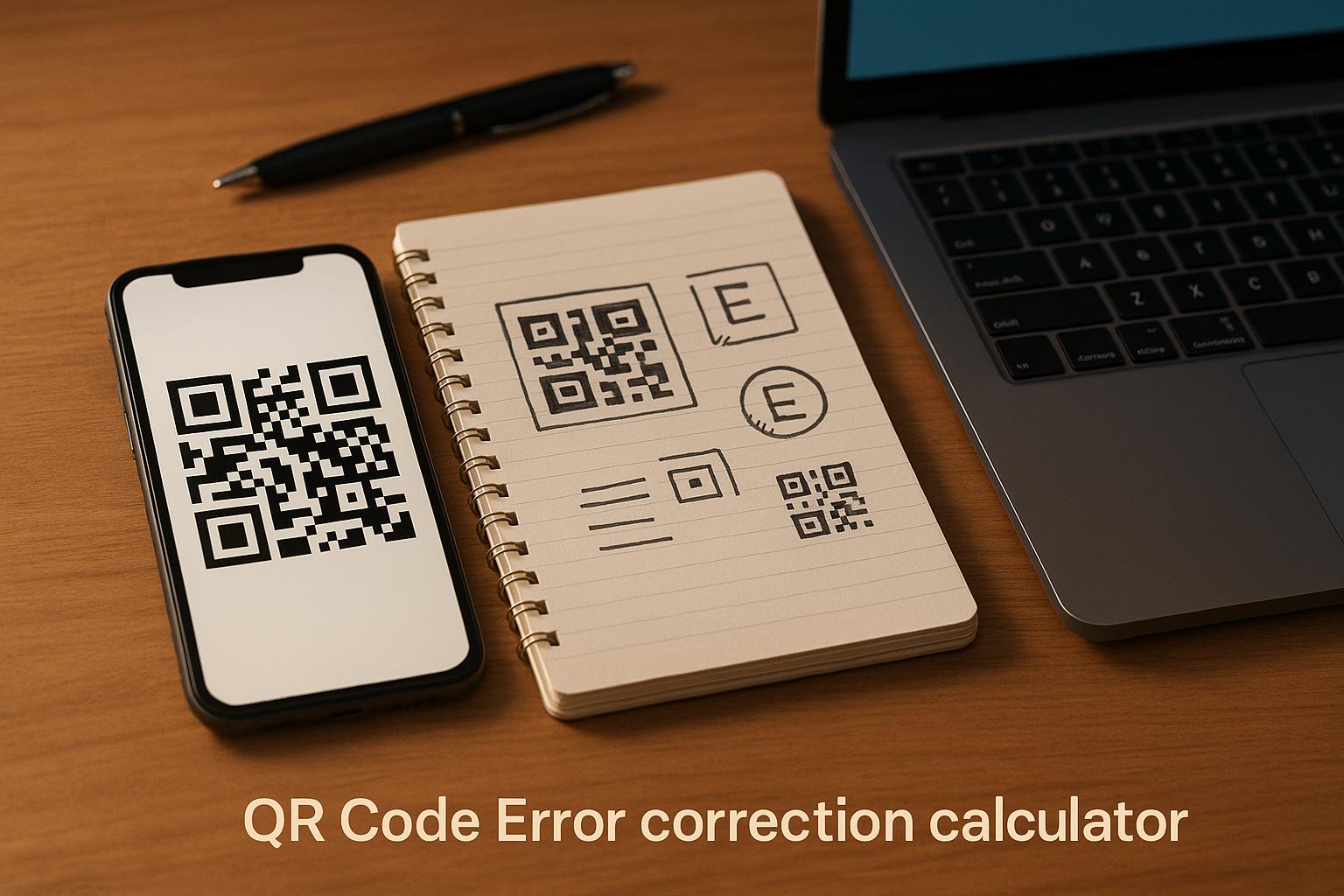
Logotipos podem melhorar o apelo visual e reforçar a identidade da marca do seu clube dentro do próprio código QR, mas mantenha qualquer logotipo em não mais de 30% da área do código e use alta correção de erros (nível Q ou H) para manter a confiabilidade. Detalhes completos estão disponíveis em Diretrizes de legibilidade de código QR da Pageloot.
Testes deve sempre acontecer antes de imprimir em escala. Digitalize cada código em vários dispositivos e no ambiente real – luz solar externa brilhante, configurações internas com pouca luz e condições de brilho – para confirmar que ele funciona como esperado. Saiba mais sobre como usar códigos QR de forma eficaz antes da sua primeira implantação.
Códigos QR oferecem aos operadores de golfe uma maneira prática e atualizável de conectar cada ponto de contato físico no campo com conteúdo digital útil. As instalações mais eficazes os usam consistentemente em scorecards, sinalização, menus e engajamento do jogador – e acompanham o desempenho para continuar melhorando. Comece com um ou dois casos de uso de alto impacto, meça os resultados e expanda a partir daí. Visite o Pageloot gerador de código QR para criar seu primeiro código, ou explore soluções de código QR específicas da indústria para encontrar o formato certo para sua instalação.
Perguntas frequentes
Sim. As Regras de Golfe da USGA estabelecem que um cartão de pontuação pode ser em qualquer formato de papel ou eletrônico aprovado pelo Comitê, desde que permita que as pontuações sejam inseridas por buraco, certificado pelo jogador e marcador, e corretamente identificado para cada buraco. Os Comitês podem até exigir cartões de pontuação eletrônicos em vez de cartões de papel. Sempre confirme a aprovação com o seu comitê do torneio antes do uso.
Se você usa um código QR dinâmico, você atualiza o URL de destino em seu painel e os códigos impressos existentes redirecionam automaticamente para o novo conteúdo – sem necessidade de reimpressão de marcadores de tee, adesivos de carrinho ou sinalização. Códigos QR estáticos codificam o URL permanentemente, então qualquer mudança de link exige a produção de novos materiais impressos.
Use cores de alto contraste – módulos escuros em um fundo claro com uma taxa de contraste de pelo menos 4:1. Dimensionar códigos para a distância de digitalização esperada usando a regra 10:1: 1 cm de largura do código por 10 cm de distância. Escolha materiais planos, com acabamento fosco para evitar reflexos, e teste cada código na iluminação externa real antes da implantação. As diretrizes completas de legibilidade de códigos QR cobrem detalhes adicionais sobre tamanho, contraste e zonas de silêncio.