Neesat pārliecināts, kā izmantot QR kodus, izņemot saiti uz jūsu mājaslapu? Lielākā daļa uzņēmumu tik tikko saskrāpē virsmu tam, ko šie kodi var darīt, un palaistās iespējas bieži vien nozīmē mazāk konversiju, vājākas kampaņas un nespēju izmērīt, kas darbojas. Šis ceļvedis iepazīstinās jūs ar praktiskām QR kodu mārketinga idejām, ko varat pielietot savos kanālos jau tagad.
Sasaistiet klientus ar jebkuru lapu jūsu vietnē
Visbiežākais lietojums – un joprojām viens no efektīvākajiem – ir QR koda sasaistīšana ar konkrētu tīmekļa lapu. Tam nav jābūt jūsu mājaslapai. Īpaša reklāmas, sezonas piedāvājuma vai produkta palaišanas mērķlapa nodrošina daudz labākas konversijas nekā apmeklētāju nosūtīšana uz vispārīgu URL.
Galvenais ir pārliecināties, ka galamērķis ir optimizēts mobilajām ierīcēm. Lielākā daļa cilvēku skenēs no sava tālruņa, tāpēc lēna vai slikti formatēta lapa iznīcinās jūsu rezultātus, pirms tie sāksies. Jūs varat izmantot Saites QR koda ģenerators lai izveidotu kodus jebkuram URL un atjauninātu galamērķi bez atkārtotas drukāšanas, ja izvēlaties dinamisku kodu.
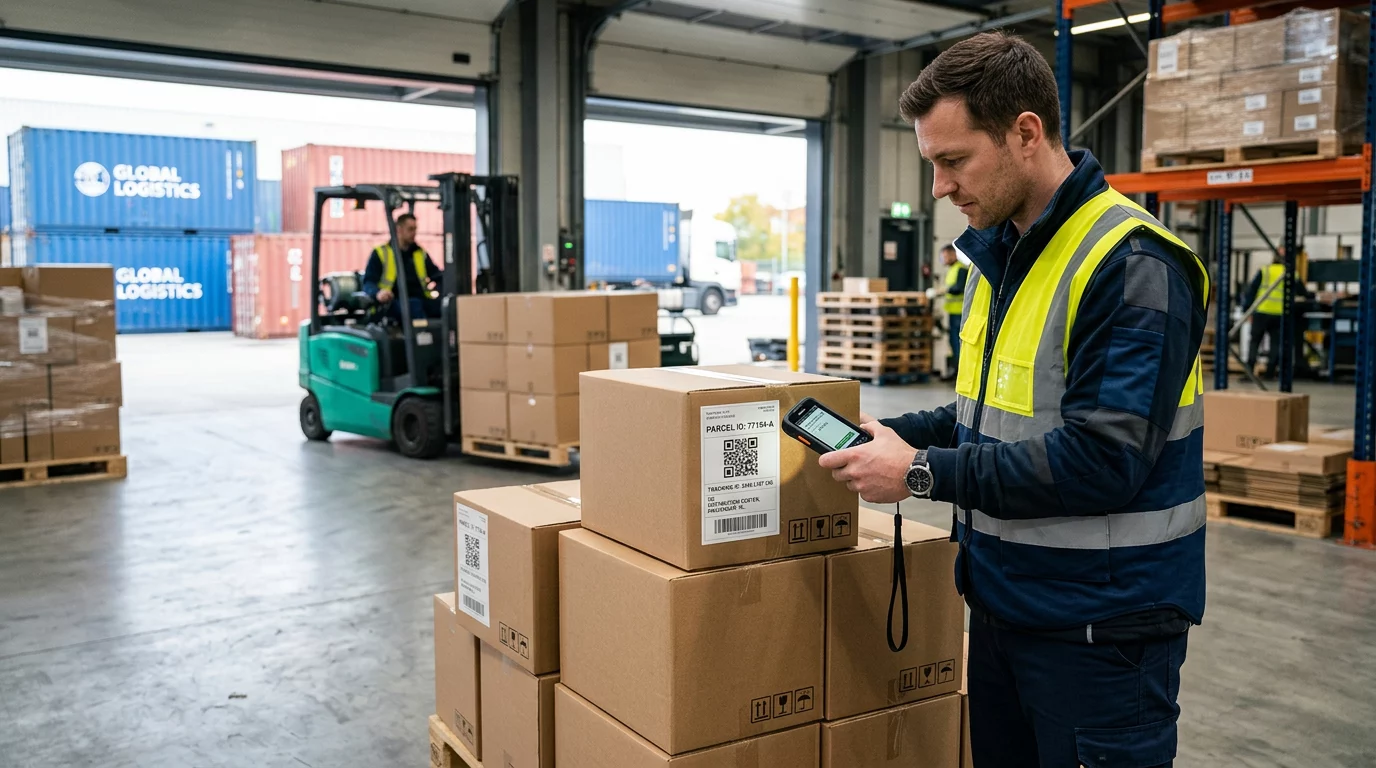
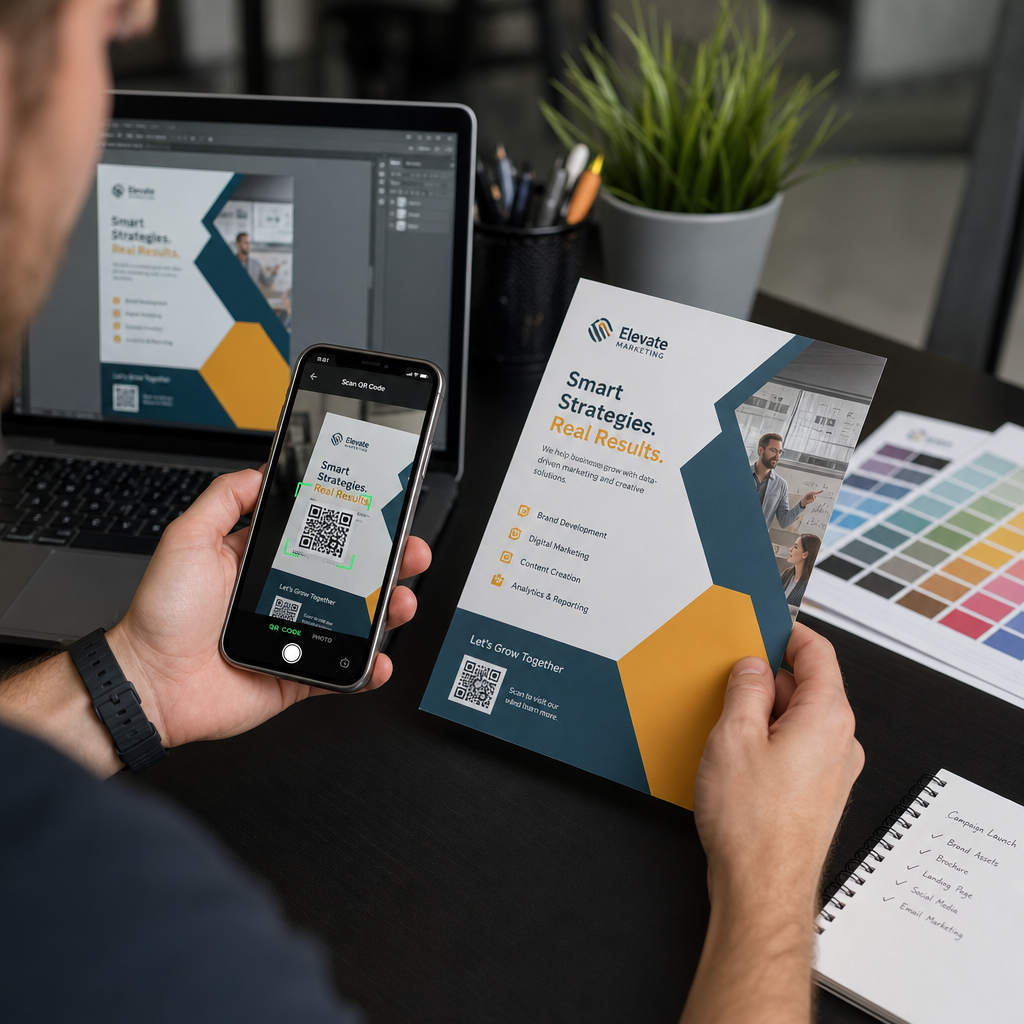
Novirziet bezsaistes datplūsmu uz savām digitālajām kampaņām Novietojiet QR kodus uz skrejlapām, iepakojuma vai veikala izkārtnēm un sasaistiet tos tieši ar savu kampaņu mērķlapām. Izmantojiet QR kodu ģenerators lai sāktu darbu dažu sekunžu laikā – nav nepieciešamas dizaina prasmes.
Piedāvājiet kuponus un atlaižu kodus
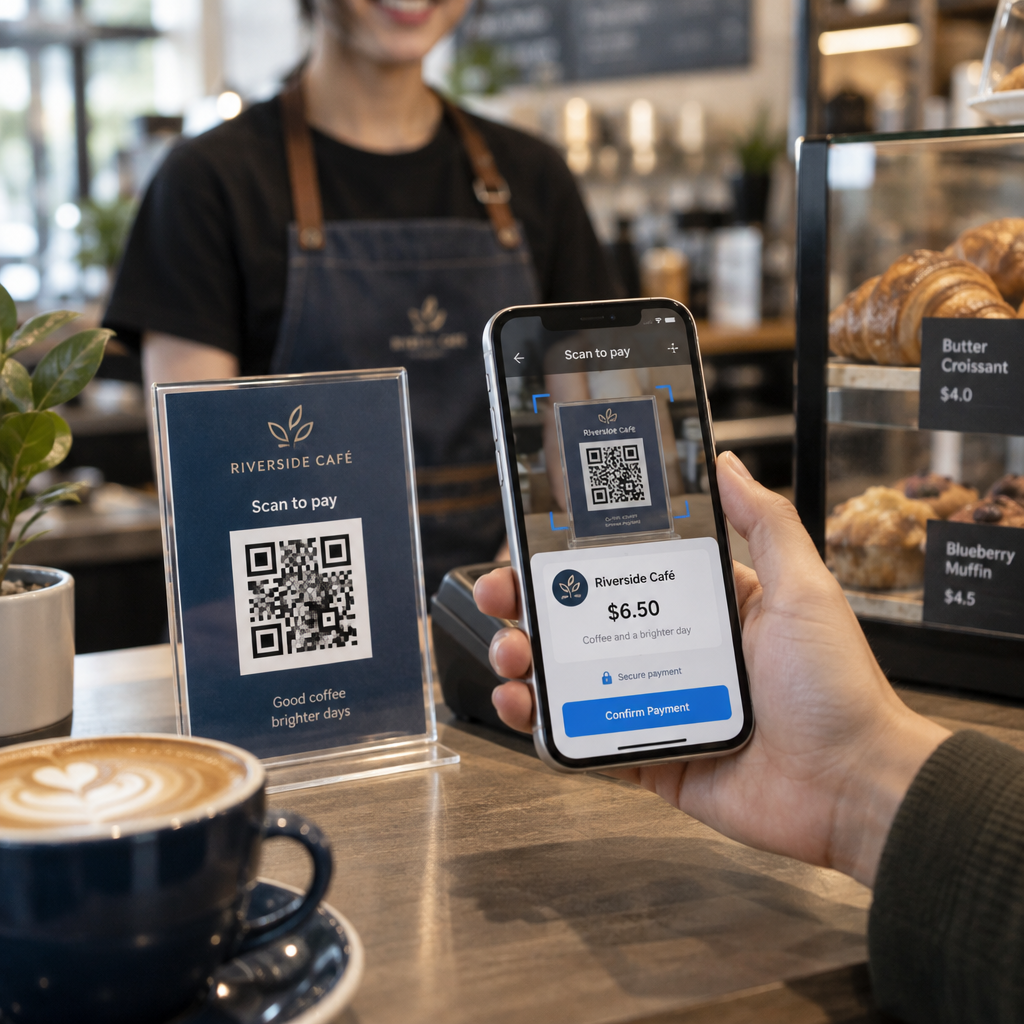
Viena no visaugstāk veiktspējīgākajām QR kodu mārketinga idejām ir koda izmantošana, lai piegādātu kuponu vai ekskluzīvu atlaidi. Iepakojums, čeki, tiešais pasts un veikala izkārtnes ir dabiskas izvietošanas vietas. Kad klients skenē un nekavējoties saņem vērtību – piemēram, 15% atlaidi nākamajam pirkumam – jūs samazināt berzi pirkšanas procesā un sniedzat cilvēkiem konkrētu iemeslu skenēt.
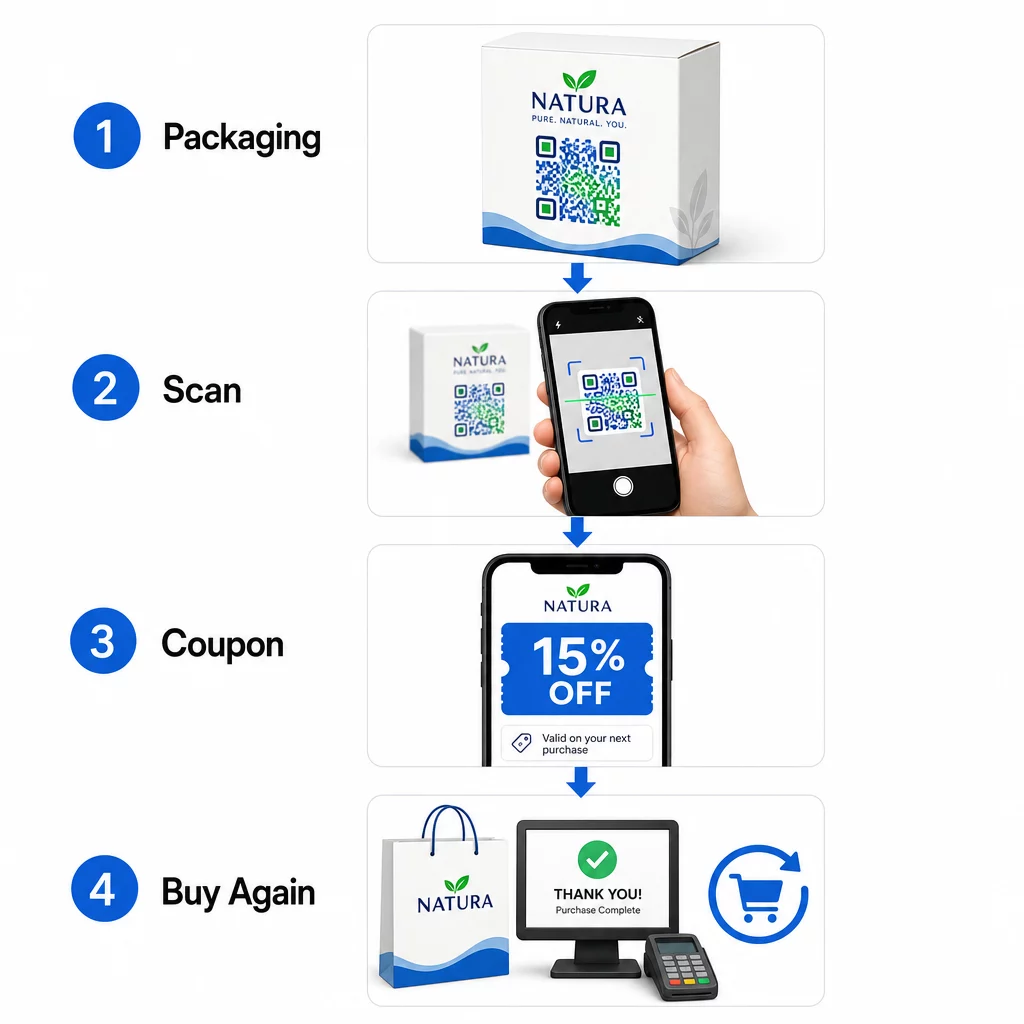
Iepakotu pārtikas un dzērienu zīmoli ASV jau plaši izmanto šo pieeju, drukājot QR kodus uz etiķetēm, kas atbloķē digitālos kuponus un veicina atkārtotu pirkšanu. Kupona QR koda ģenerators ļauj jums izveidot mērķlapu ar vairākiem piedāvājumiem, pievienot noteikumus un nosacījumus un kopīgot kodu drukātajos un digitālajos kanālos.
Nekavējoties kopīgojiet kontaktinformāciju ar QR vizītkarti
Lielākā daļa papīra vizītkaršu nonāk atvilktnē – vai miskastē – pirms kontakts tiek saglabāts. QR kods uz jūsu vizītkartes to maina. Kad kāds to skenē, jūsu vārds, tālruņa numurs, e-pasts, vietne un cita informācija tiek automātiski pievienota viņu tālruņa adrešu grāmatai bez nepieciešamības manuāli ievadīt datus.
Tas ir īpaši vērtīgi izstādēs, konferencēs un tīklošanās pasākumos, kur cilvēki ātri apmainās ar kartēm. Digitālā vizītkarte: vizītkartes QR koda ģenerators ļauj jums iekļaut visus jūsu kontaktinformācijas laukus un pielāgot dizainu, lai tas atbilstu jūsu zīmolam.
Vākt klientu atsauksmes
Panākt, lai klienti atstātu Google atsauksmi, ir viens no grūtākajiem uzdevumiem vietējā mārketingā. QR kods novērš gandrīz visu berzi. Novietojiet kodus uz čekiem, galda kartēm, iepakojuma vai pie kases ar uzvedni, piemēram, “Patika jūsu pieredze? Skenējiet, lai atstātu mums atsauksmi.”
Kad klienti skenē, viņi nonāk tieši jūsu Google atsauksmju lapā – bez meklēšanas, bez navigācijas. The Google atsauksmju QR koda ģenerators padara šīs iestatīšanas procesu vienkāršu, un vairāk atsauksmju tieši atbalsta jūsu vietējo meklēšanas reitingu.
Veikt aptaujas un apkopot potenciālo klientu datus
QR kodi, kas saistīti ar veidlapām, ir praktisks veids, kā vākt pirmās puses klientu datus – informāciju, kas jums pieder un ko varat tieši izmantot savā mārketingā. Saistiet kodu ar īsu aptauju, loterijas pieteikumu vai e-pasta reģistrācijas veidlapu un novietojiet to jebkurā vietā, kur jūsu auditorija dabiski apstājas: produktu iepakojums, uzgaidāmās telpas, pasākumu stendi vai drukātas ēdienkartes.
Dzērienu zīmols, kas rīkoja loteriju, izmantojot QR kodus uz iepakojuma priekšpuses, vienā kampaņā ģenerēja vairāk nekā 579 000 galveno lapu skatījumu un vairāk nekā 28 000 e-pasta abonementu. The Google Form QR koda ģenerators ir vienkāršs veids, kā izveidot skenējamu saiti uz jebkuru Google veidlapu, ko jau esat izveidojis.
Nodrošināt Wi-Fi piekļuvi, neizpaužot paroli
Ja jūsu uzņēmumam ir uzgaidāmā telpa, vestibils, kafejnīca vai tirdzniecības zāle, Wi-Fi QR kods ir neliels žests, ko klienti patiesi novērtē. Kods satur jūsu tīkla akreditācijas datus, un, kad kāds to skenē, viņa tālrunis automātiski savienojas – nav nepieciešama paroles ievade, un jūsu faktiskā parole paliek privāta.
Tas labi darbojas restorānos, viesnīcās, sporta zālēs, medicīnas iestādēs un jebkurā vietā, kur viesi pavada laiku. To ir viegli iestatīt un tas rada tūlītēju pozitīvu pieredzi.
Palīdziet klientiem jūs atrast
Ja jūsu atrašanās vieta ir nomaļāka vai jūsu adrese ir grūti atrodama, ģeogrāfiskās atrašanās vietas QR kods pasargā klientus no nepareiza pagrieziena. Kods satur jūsu platuma un garuma koordinātes, un, to skenējot, tas atver jūsu precīzu atrašanās vietu lietotāja noklusējuma karšu lietotnē.
Tas ir praktisks papildinājums vizītkartēm, pasākumu ielūgumiem, tiešajam pastam un vietējai reklāmai – jebkurā vietā, kur kādam varētu būt nepieciešams pirmo reizi braukt pie jums.
Automātiski pievienot notikumus kalendāriem
Reklamējat produkta laišanu tirgū, atvērto durvju dienu vai sezonas izpārdošanu? QR kods var mudināt klientus saglabāt notikumu tieši savā tālruņa kalendārā ar vienu pieskārienu. Iekļaujiet notikuma nosaukumu, datumu, laiku un atrašanās vietu kodā, un, kad kāds to skenē, viņam tiek lūgts apstiprināt saglabāšanu.
Tas ir daudz efektīvāk nekā vienkārši izdrukāt datumu uz skrejlapas un cerēt, ka cilvēki to atcerēsies.
Ierosināt tālruņa zvanu vai īsziņu
Ja mērķis ir tieša atbilde – panākt, lai kāds zvanītu uz jūsu pārdošanas līniju vai nosūtītu īsziņu, lai saņemtu atzvanu – QR kods var iepriekš aizpildīt tālruņa numuru un automātiski to sastādīt, vai atvērt iepriekš sagatavotu īsziņu, kas gaida apstiprinājumu. Abas iespējas novērš nepieciešamību manuāli ievadīt ciparus, kas būtiski palielina iespējamību, ka kāds patiešām veiks darbību.
Tie ir noderīgi drukātās reklāmās, veikalu izkārtnēs un tiešajā pastā, kur aicinājums uz darbību ir laika ziņā ierobežots.
Novietojiet QR kodus uz produktu iepakojuma
Mazumtirdzniecības iepakojums ir viens no vismazāk izmantotajiem QR kodu izvietojumiem fiziskajā mārketingā. Kods produkta sānos vai aizmugurē var novirzīt uz pamācību video, detalizētu informāciju par sastāvdaļām vai izcelsmi, garantijas reģistrāciju vai papildu produktu ieteikumiem. Patēriņa preču zīmoli to izmanto, lai kopīgotu saturu, kas nekad neietilptu uz etiķetes – detalizētus uztura datus, recepšu idejas vai produkta stāstu.
Daži zīmoli iet tālāk: vīna etiķetes QR kods, kas atbloķē paplašinātās realitātes pieredzi, vai enerģijas dzēriena bundža, kas apbalvo spēlētājus ar spēles priekšmetiem, kad tā tiek skenēta. Būtība ir tāda, ka iepakojums jau ir klientu rokās – padariet to interaktīvu.
Lai iegūtu plašāku priekšstatu par to, kā QR kodi iekļaujas fiziskajos mārketinga materiālos, QR kodu izvietošanas ceļvedis mārketingā aptver izmēru, pozicionēšanu un dizaina labāko praksi detalizēti.
Zīmolojiet savus QR kodus labākiem skenēšanas rādītājiem
Vienkāršs melnbalts QR kods neko neliecina par zīmolu, kas aiz tā stāv, kas var samazināt uzticību un skenēšanas rādītājus. Pievienojot savu logotipu, zīmola krāsas un īsu aicinājuma uz darbību rāmi – piemēram, “Skenējiet, lai saņemtu 10% atlaidi” vai “Skatīt ēdienkarti” – kods kļūst atpazīstamāks un dod cilvēkiem iemeslu rīkoties.
Pielāgoti QR kodi izceļas starp konkurējošiem vizuālajiem elementiem uz iepakojuma, izkārtnēm un drukātajiem materiāliem. QR koda ģenerators ar logotipu padara vienkāršu konsekventas zīmolvedības piemērošanu visiem jūsu kodiem.
Padariet katru kodu atpazīstamu Pievienojiet savu logotipu, zīmola krāsas un aicinājuma uz darbību rāmi saviem QR kodiem ar QR koda ģenerators ar logotipu lai palielinātu uzticību un skenēšanas rādītājus visos jūsu drukātajos un digitālajos materiālos.
Sekojiet veiktspējai un atjauniniet kodus bez atkārtotas drukāšanas
Statiskie QR kodi ir fiksēti – pēc izdrukāšanas jūs nevarat mainīt, uz kurieni tie norāda, vai redzēt, kā tie darbojas. Dinamiskie QR kodi atrisina abas problēmas. Jūs varat atjaunināt mērķa URL jebkurā laikā, nepieskaroties izdrukātajam kodam, un jūs iegūstat piekļuvi skenēšanas analīzei: kopējais skenējumu skaits, unikālie lietotāji, ierīču veidi, ģeogrāfiskie dati un laika bāzēti modeļi.
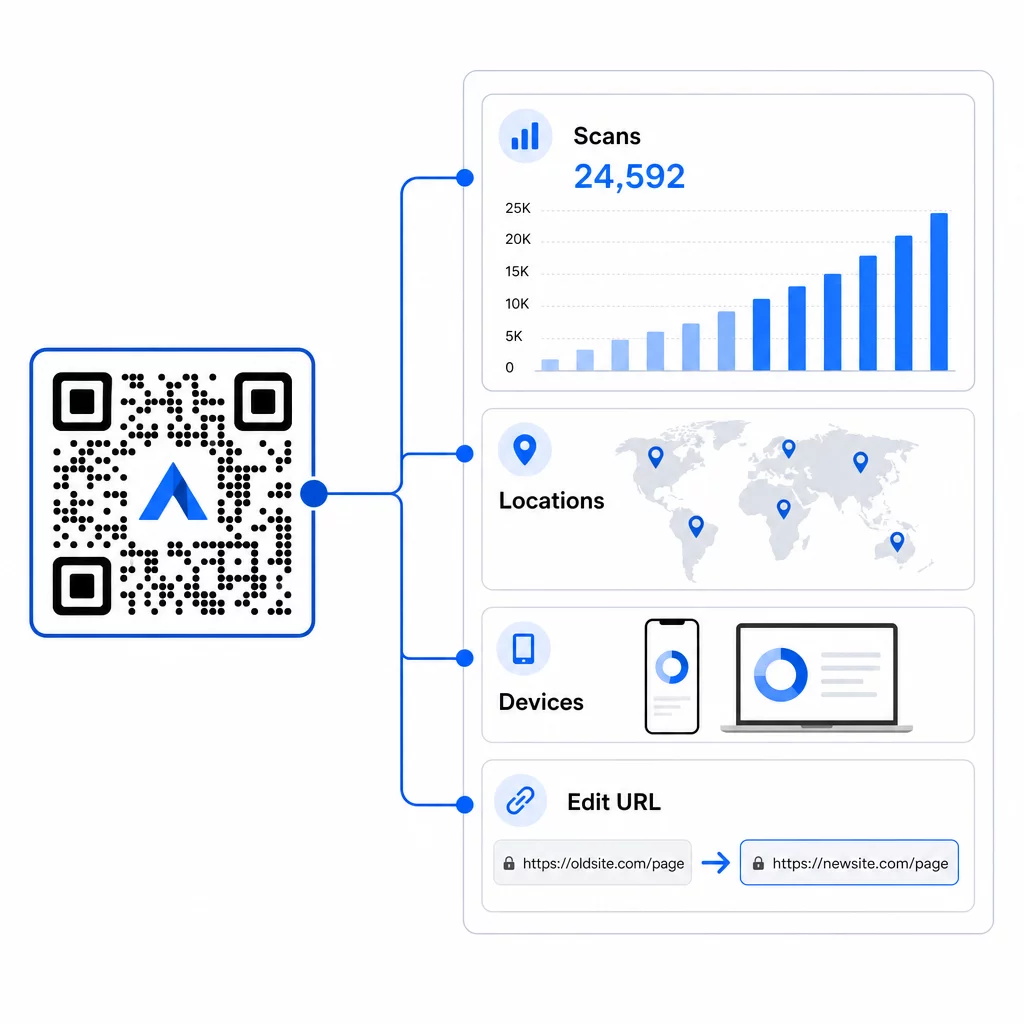
Tas ir vissvarīgākais notiekošajās kampaņās. Ja sezonas akcija beidzas, jūs varat novirzīt to pašu izdrukāto kodu uz jaunu piedāvājumu. Ja viena izvietošana darbojas labāk nekā cita, jūsu analītika precīzi parādīs, kur un kad cilvēki skenē. Lai iegūtu pilnīgu pārskatu par to, ko fiksē izsekošana, skatiet ceļvedi par QR kodu izsekošana.
Reālas kampaņas demonstrē ietekmi: liela viesnīcu grupa ieviesa QR kodus, lai aizstātu drukātās ēdienkartes un numuru materiālus, ietaupot aptuveni $150 000 drukāšanas izmaksās, vienlaikus uzlabojot viesu pieredzi. Šāda elastība rodas, jau no paša sākuma izmantojot dinamiskos kodus.
Izsekojiet katru skenēšanu reāllaikā Izmantojiet Dinamisks QR kodu ģenerators lai izveidotu izsekojamus, rediģējamus kodus un uzraudzītu veiktspēju visās jūsu izvietošanas vietās no viena informācijas paneļa.
Izvietošanas un dizaina padomi, kas patiešām ir svarīgi
Labākā mārketinga ideja nedarbosies, ja kods ir pārāk mazs, slikti novietots vai grūti skenējams. Daži praktiski noteikumi, kas jāievēro:
- Izmērs skenēšanas attālumam – aptuvena vadlīnija ir 1 cm koda platums uz katriem 10 cm paredzamā skatīšanās attāluma; mērķējiet uz vismaz 2 × 2 cm kā minimumu
- Novietojiet acu līmenī – aptuveni 3,5 līdz 5,5 pēdas no zemes lielākajai daļai stāvošu izvietojumu
- Izmantojiet augstu kontrastu – tumšs kods uz gaiša fona; apgrieztas krāsas bieži izraisa skenēšanas kļūmes
- Saglabājiet klusu zonu – atstājiet brīvu vietu ap kodu bez teksta, rakstiem vai logotipiem, kas ieplūst šajā apmalē
- Pievienojiet skaidru aicinājumu uz darbību – pats QR kods cilvēkiem neko nepasaka; vienmēr iekļaujiet īsu uzvedni, kas paskaidro, ko viņi iegūs
- Pārbaudīt pirms drukāšanas – skenējiet kodu vairākās ierīcēs, dažādos apgaismojuma apstākļos un paredzētajā fiziskajā izmērā
Lai iegūtu pilnīgu izvietošanas stratēģiju analīzi pēc formāta un nozares, QR koda izvietošanas ceļvedis aptver visu, sākot no vizītkartēm līdz reklāmas stendiem.
Biežāk uzdotie jautājumi
Dinamiskie QR kodi vislabāk darbojas mārketingā, jo tos var atjaunināt pēc drukāšanas un tie ietver skenēšanas analīzi. Izmantojiet URL kodus galvenajām lapām un akcijām, kuponu kodus atlaidēm, vCard kodus tīklošanai un veidlapu kodus potenciālo klientu piesaistei. Pareizais veids ir atkarīgs no jūsu kampaņas mērķa – ceļvedis par pareizā QR koda izvēli jūsu kampaņai var palīdzēt jums izlemt.
Ar dinamiskajiem QR kodiem jūs iegūstat piekļuvi reāllaika analīzei, kas parāda kopējo skenējumu skaitu, unikālos lietotājus, ierīču veidus, ģeogrāfisko atrašanās vietu un laika modeļus. Jūs varat arī pievienot UTM parametrus saviem galamērķa URL, lai izsekotu ar QR kodiem ģenerēto datplūsmu pakalpojumā Google Analytics līdzās citiem jūsu kanāliem. Uzziniet vairāk par QR kodu izsekošanu.
Ne obligāti, bet, izmantojot atsevišķus kodus katrai izvietošanas vietai – vienu iepakojumam, vienu skrejlapai, vienu plakātam – ļauj saliegāt veiktspēju dažādos kanālos un identificēt, kuri saskares punkti nodrošina vislielāko iesaisti. Dinamiskie kodi atvieglo šo pārvaldību, jo jūs varat atjaunināt galamērķus centralizēti bez katra materiāla atkārtotas drukāšanas.