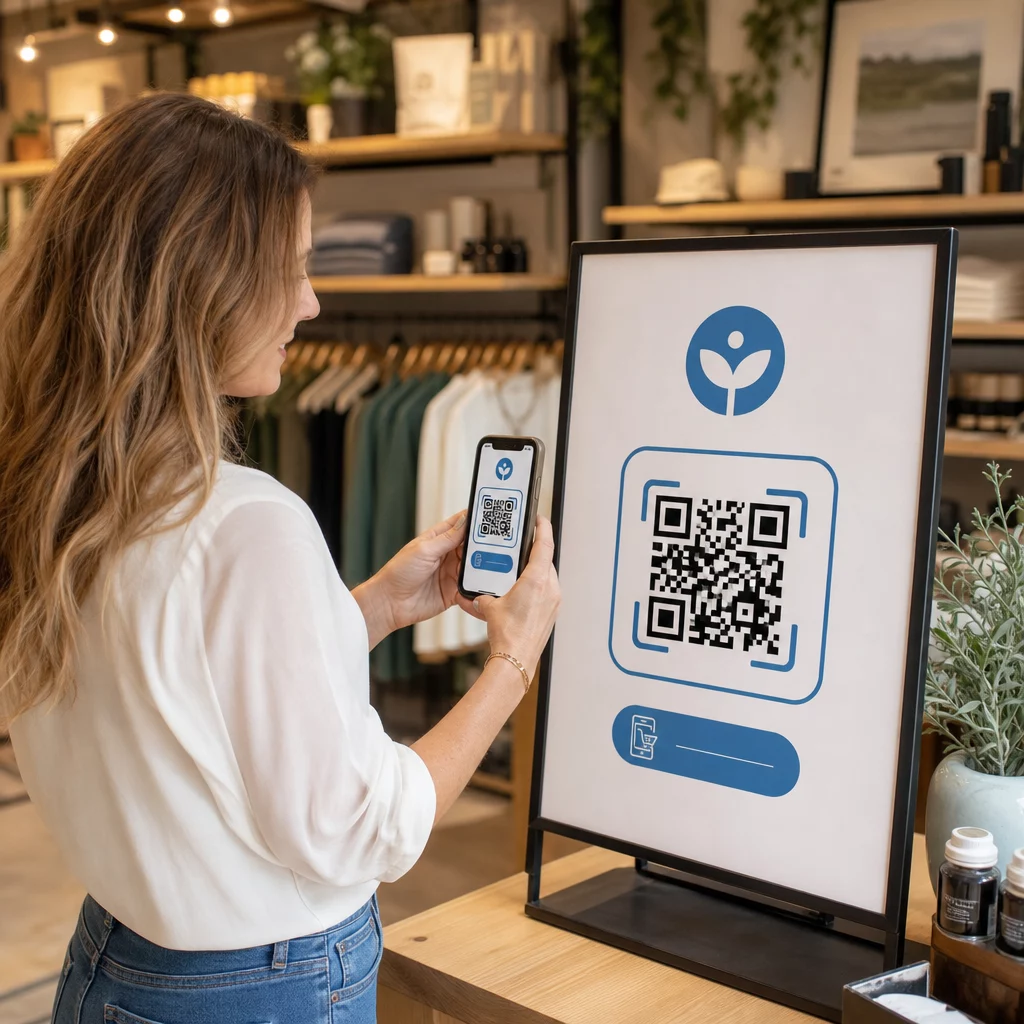
Weet u niet zeker hoe u QR-codes moet gebruiken, behalve om naar uw homepage te linken? De meeste bedrijven benutten nauwelijks het potentieel van deze codes, en de gemiste kansen betekenen vaak minder conversies, zwakkere campagnes en geen manier om te meten wat werkt. Deze gids leidt u door praktische QR-code marketingideeën die u nu kunt toepassen op al uw kanalen.
Link klanten naar elke pagina op uw website
Het meest voorkomende gebruik – en nog steeds een van de meest effectieve – is het linken van een QR-code naar een specifieke webpagina. Dat hoeft niet uw homepage te zijn. Een speciale landingspagina voor een promotie, een seizoensaanbieding of een productlancering converteert veel beter dan bezoekers naar een generieke URL te sturen.
De sleutel is ervoor te zorgen dat de bestemming mobiel-geoptimaliseerd is. De meeste mensen zullen scannen vanaf hun telefoon, dus een trage of slecht opgemaakte pagina zal uw resultaten tenietdoen voordat ze beginnen. U kunt de Link QR-codegenerator gebruiken om codes te maken voor elke URL en de bestemming bij te werken zonder opnieuw te printen als u een dynamische code kiest.
Leid offline verkeer naar uw digitale campagnes Plaats QR-codes op flyers, verpakkingen of in-store signage en link ze direct naar uw campagne landingspagina's. Gebruik de QR-codegenerator om binnen enkele seconden aan de slag te gaan – geen ontwerpvaardigheden vereist.
Bied coupons en kortingscodes aan
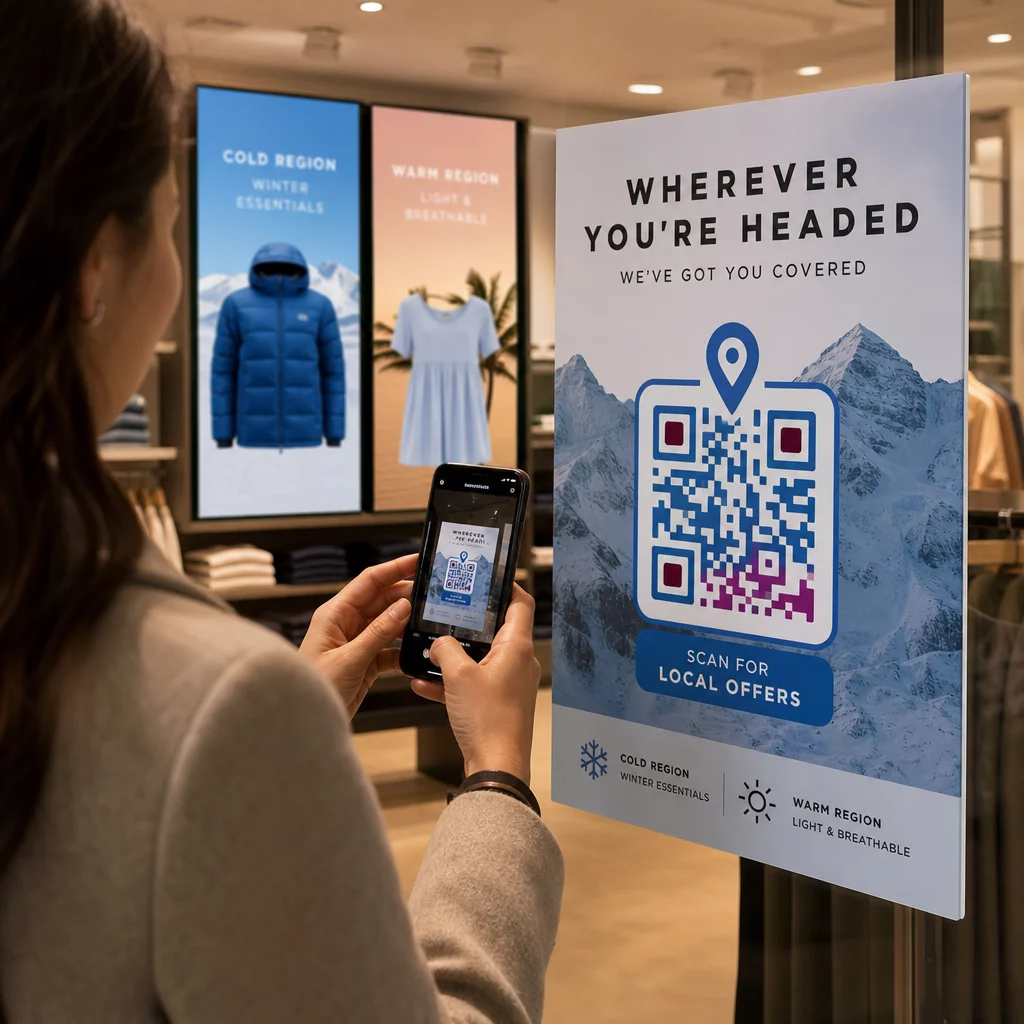
Een van de best presterende QR-code marketingideeën is het gebruik van een code om een coupon of exclusieve korting te leveren. Verpakkingen, bonnen, direct mail en in-store signage zijn allemaal natuurlijke plaatsen. Wanneer een klant scant en onmiddellijk waarde ontvangt – zeg, 15% korting op hun volgende aankoop – vermindert u de frictie in het koopproces en geeft u mensen een concrete reden om te scannen.
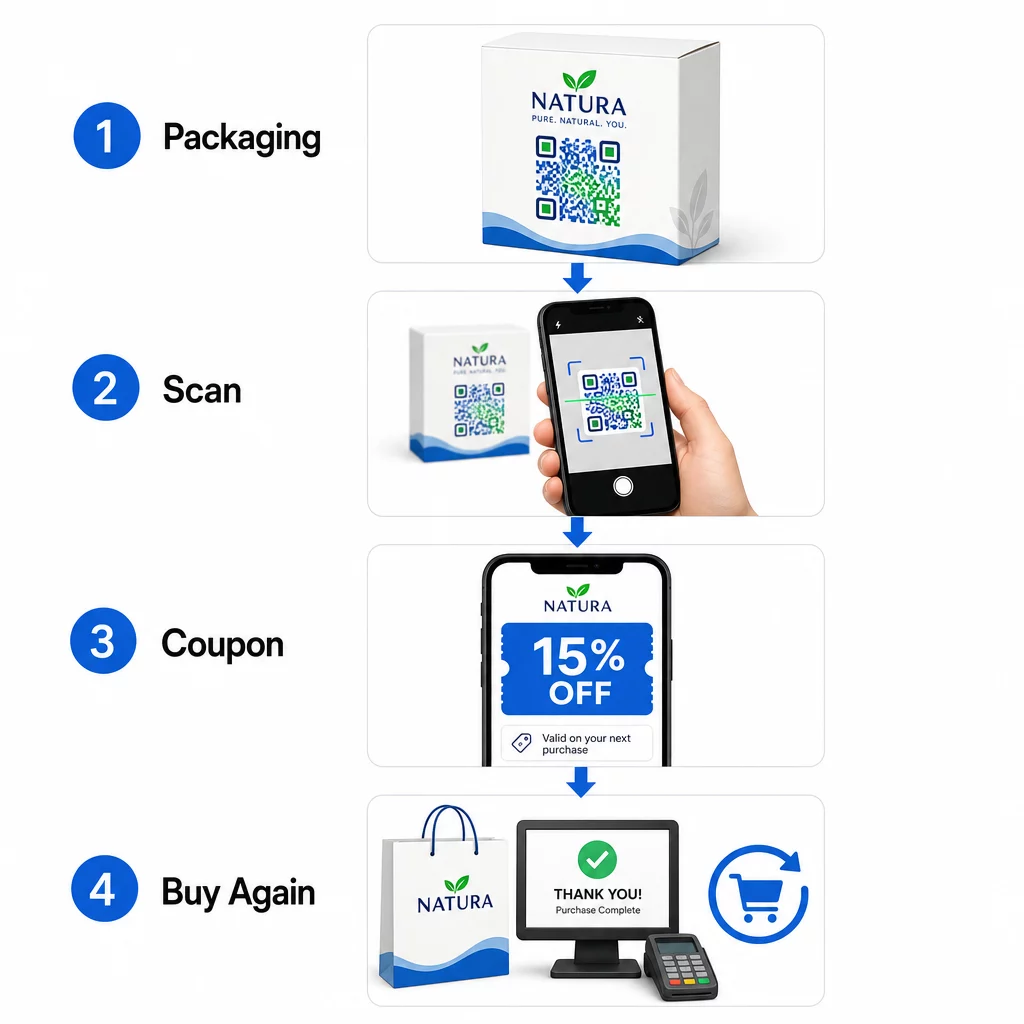
Verpakte voedsel- en drankmerken in de VS gebruiken deze aanpak al uitgebreid, door QR-codes op etiketten te printen die digitale coupons ontgrendelen en herhaalaankopen stimuleren. Een QR code maken voor coupons stelt u in staat een landingspagina in te stellen met meerdere aanbiedingen, algemene voorwaarden toe te voegen en de code te delen via print- en digitale kanalen.
Deel contactgegevens direct met een QR-visitekaartje
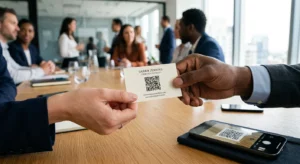
De meeste papieren visitekaartjes belanden in een lade – of de prullenbak – voordat het contact ooit is opgeslagen. Een QR-code op uw visitekaartje verandert dat. Wanneer iemand deze scant, worden uw naam, telefoonnummer, e-mailadres, website en andere details automatisch toegevoegd aan het adresboek van hun telefoon, zonder handmatige invoer.
Dit is vooral waardevol op beurzen, conferenties en netwerkevenementen waar mensen snel kaarten uitwisselen. Een QR-code voor visitekaartjes maken laat je al je contactvelden opnemen en het ontwerp aanpassen aan je merk.
Verzamel Klantrecensies
Klanten zover krijgen dat ze een Google-recensie achterlaten, is een van de moeilijkste taken in lokale marketing. Een QR-code neemt bijna alle frictie weg. Plaats codes op bonnen, tafelkaarten, verpakkingen of bij je kassa met een prompt zoals “Genoten van je ervaring? Scan om ons een recensie achter te laten.”
Wanneer klanten scannen, komen ze direct op je Google-recensiepagina terecht – geen zoeken, geen navigatie. De Google review QR code maken maakt het eenvoudig om dit in te stellen, en meer recensies ondersteunen direct je lokale zoekrangschikking.
Voer Enquêtes Uit en Verzamel Leadgegevens
QR-codes die linken naar formulieren zijn een praktische manier om first-party klantgegevens te verzamelen – informatie die je bezit en direct kunt gebruiken in je marketing. Koppel een code aan een korte enquête, een deelname aan een prijsvraag of een e-mailaanmeldingsformulier en plaats deze overal waar je publiek van nature pauzeert: productverpakkingen, wachtruimtes, evenementenstands of gedrukte menu's.
Een drankenmerk dat een prijsvraag organiseerde via QR-codes op de voorkant van de verpakking, genereerde meer dan 579.000 weergaven van landingspagina's en meer dan 28.000 e-mailabonnementen in één campagne. De Google Forms QR code maken is een eenvoudige manier om een scanbare link te maken naar elk Google Formulier dat je al hebt gebouwd.
Bied Wi-Fi Toegang Zonder het Wachtwoord te Delen
Als je bedrijf een wachtkamer, lobby, café of winkelruimte heeft, is een Wi-Fi QR-code een kleine aanraking die klanten oprecht waarderen. De code bevat je netwerkgegevens, en wanneer iemand deze scant, maakt hun telefoon automatisch verbinding – geen wachtwoordinvoer nodig, en je daadwerkelijke wachtwoord blijft privé.
Dit werkt goed in restaurants, hotels, sportscholen, medische praktijken en elke ruimte waar gasten tijd doorbrengen. Het is eenvoudig in te stellen en creëert een onmiddellijk positieve ervaring.
Help Klanten Je te Vinden
Als je locatie buiten de gebaande paden ligt of je adres moeilijk te navigeren is, bespaart een geolocatie QR-code klanten de frustratie van een verkeerde afslag. De code bevat je breedte- en lengtegraadcoördinaten, en wanneer gescand, opent het je exacte locatie in de standaard kaarten-app van de gebruiker.
Dit is een praktische aanvulling op visitekaartjes, uitnodigingen voor evenementen, direct mail en lokale advertenties – overal waar iemand voor het eerst naar je toe moet rijden.
Voeg Evenementen Automatisch Toe aan Agenda's
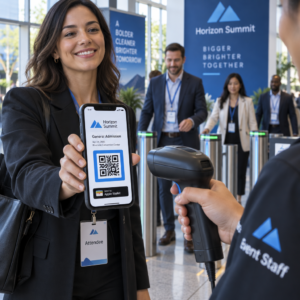
Een productlancering, open huis of seizoensuitverkoop promoten? Een QR-code kan klanten ertoe aanzetten om het evenement met één tik direct in hun telefoonagenda op te slaan. Neem de naam van het evenement, de datum, tijd en locatie op in de code, en wanneer iemand deze scant, wordt gevraagd om de opslag te bevestigen.
Dit is veel effectiever dan simpelweg de datum op een flyer te printen en te hopen dat mensen het onthouden.
Een telefoongesprek of sms-bericht activeren
Als een directe respons het doel is – iemand uw verkooplijn laten bellen of een sms laten sturen voor een terugbelverzoek – kan een QR-code het telefoonnummer vooraf invullen en automatisch bellen, of een vooraf geschreven sms-bericht openen dat wacht op bevestiging. Beide opties nemen de moeite van het handmatig typen van cijfers weg, wat de kans dat iemand daadwerkelijk actie onderneemt aanzienlijk vergroot.
Deze zijn nuttig op gedrukte advertenties, winkelborden en direct mail waarbij de call-to-action tijdgevoelig is.
Plaats QR-codes op productverpakkingen
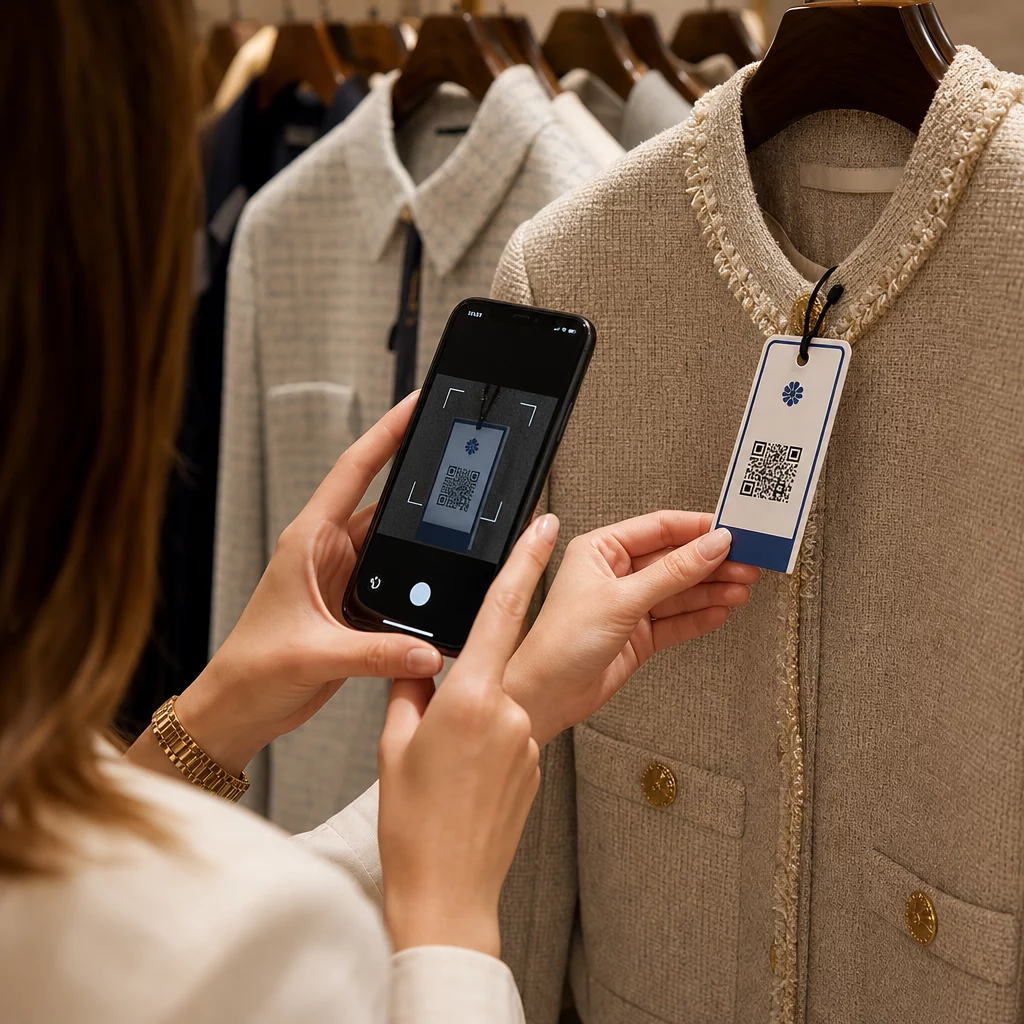
Retailverpakkingen zijn een van de meest onderbenutte QR-plaatsingen in fysieke marketing. Een code aan de zijkant of achterkant van een product kan linken naar instructievideo's, gedetailleerde ingrediënt- of herkomstinformatie, garantieregistratie of aanvullende productaanbevelingen. Merken van consumentenproducten gebruiken dit om inhoud te delen die nooit op een etiket zou passen – gedetailleerde voedingsgegevens, receptideeën of het verhaal achter het product.
Sommige merken gaan verder: een QR-code op een wijnlabel die een augmented reality-ervaring ontgrendelt, of een energiedrankblikje dat gamers beloont met in-game items wanneer het gescand wordt. Het punt is dat verpakkingen al in handen van klanten zijn – maak het interactief.
Voor een breder beeld van hoe QR-codes passen in fysieke marketingmaterialen, de gids voor de plaatsing van QR-codes in marketing behandelt de beste praktijken voor grootte, positionering en ontwerp in detail.
Geef uw QR-codes een merkidentiteit voor betere scanpercentages
Een eenvoudige zwart-wit QR-code zegt niets over het merk erachter, wat het vertrouwen en de scanpercentages kan verminderen. Het toevoegen van uw logo, merkkleuren en een kort call-to-action kader – zoals “Scan voor 10% korting” of “Bekijk het menu” – maakt de code herkenbaarder en geeft mensen een reden om actie te ondernemen.
Aangepaste QR-codes vallen op tussen concurrerende visuele elementen op verpakkingen, bewegwijzering en gedrukte materialen. De QR code met logo maken maakt het eenvoudig om consistente branding toe te passen op al uw codes.
Maak elke code herkenbaar Voeg uw logo, merkkleuren en een call-to-action kader toe aan uw QR-codes met de QR code met logo maken om het vertrouwen en de scanpercentages voor al uw gedrukte en digitale materialen te vergroten.
Prestaties bijhouden en codes bijwerken zonder opnieuw te printen
Statische QR-codes zijn vast – eenmaal geprint, kunt u niet meer wijzigen waar ze naartoe verwijzen of zien hoe ze presteren. Dynamische QR-codes lossen beide problemen op. U kunt de bestemmings-URL op elk moment bijwerken zonder de geprinte code aan te raken, en u krijgt toegang tot scananalyses: totaal aantal scans, unieke gebruikers, apparaattypen, geografische gegevens en tijdgebonden patronen.
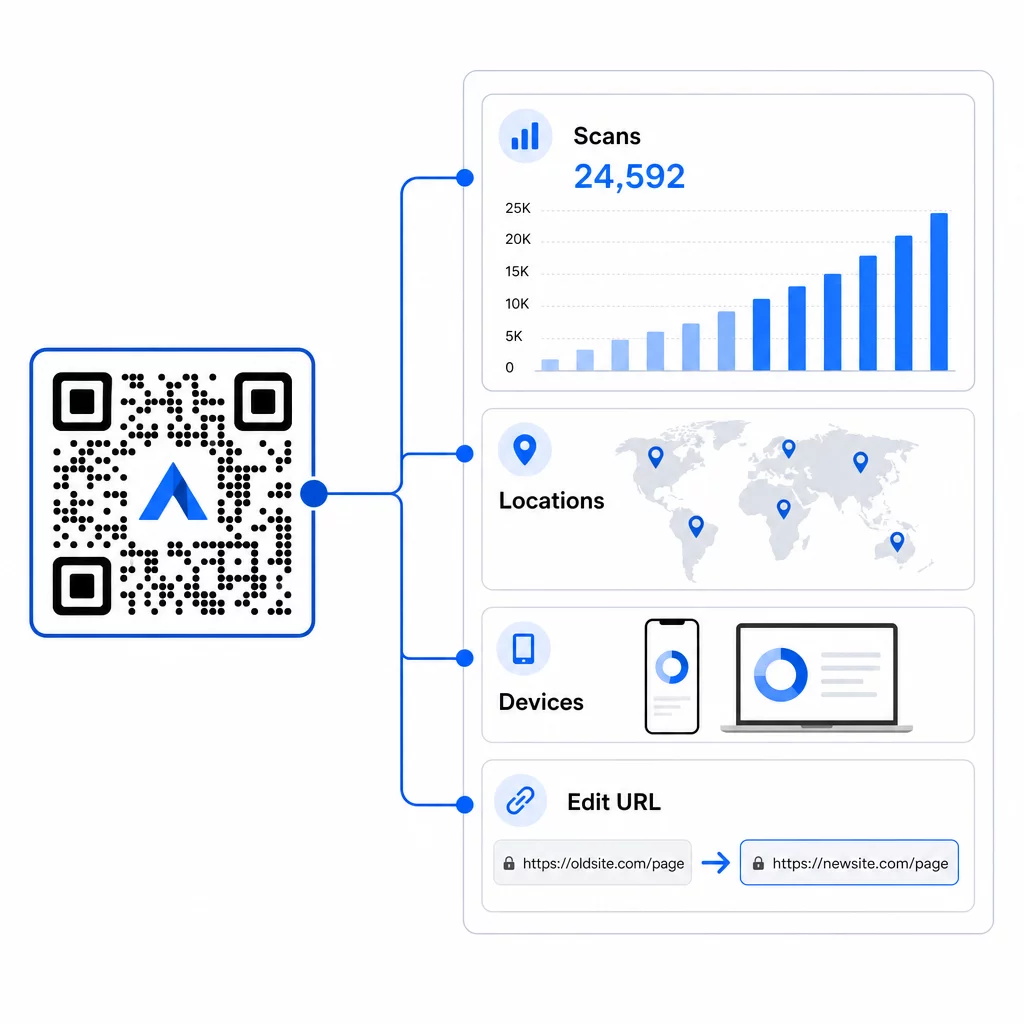
Dit is het belangrijkst bij lopende campagnes. Als een seizoenspromotie eindigt, kunt u dezelfde geprinte code omleiden naar een nieuwe aanbieding. Als de ene plaatsing beter presteert dan de andere, laten uw analyses u precies zien waar en wanneer mensen scannen. Voor een volledig overzicht van wat tracking vastlegt, zie de gids voor het bijhouden van QR-codes.
Echte campagnes tonen de impact aan: een grote hotelgroep heeft QR-codes ingezet ter vervanging van geprinte menu's en materialen op de kamer, waarmee ongeveer €150.000 aan printkosten werd bespaard terwijl de gastervaring werd verbeterd. Dergelijke flexibiliteit komt voort uit het vanaf het begin gebruiken van dynamische codes.
Volg Elke Scan in Realtime Gebruik de Dynamische QR code generator om traceerbare, bewerkbare codes te creëren en prestaties te monitoren voor al uw plaatsingen vanuit één dashboard.
Plaatsings- en ontwerptips die er echt toe doen
Het beste marketingidee zal niet presteren als de code te klein, slecht geplaatst of moeilijk te scannen is. Enkele praktische regels om te volgen:
- Formaat voor de scanafstand – een ruwe richtlijn is 1 cm codebreedte voor elke 10 cm verwachte kijkafstand; streef naar minimaal 2 × 2 cm
- Plaats op ooghoogte – ongeveer 1,05 tot 1,65 meter van de grond voor de meeste staande plaatsingen
- Gebruik hoog contrast – een donkere code op een lichte achtergrond; omgekeerde kleuren veroorzaken vaak scanfouten
- Houd een rustige zone aan – laat vrije ruimte rond de code zonder tekst, patronen of logo's die in die rand overlopen
- Voeg een duidelijke call-to-action toe – een QR-code op zichzelf vertelt mensen niets; voeg altijd een korte aanwijzing toe die uitlegt wat ze zullen krijgen
- Testen voor het afdrukken – scan de code op meerdere apparaten, onder verschillende lichtomstandigheden en op de beoogde fysieke grootte
Voor een complete uitsplitsing van plaatsingsstrategieën per formaat en branche, de Plaatsingsgids voor QR-codes behandelt alles van visitekaartjes tot billboards.
Veelgestelde vragen
Dynamische QR-codes werken het beste voor marketing omdat ze na het afdrukken kunnen worden bijgewerkt en scananalyses bevatten. Gebruik URL-codes voor landingspagina's en promoties, couponcodes voor kortingen, vCard-codes voor netwerken en formuliercodes voor het vastleggen van leads. Het juiste type hangt af van uw campagnedoel – de gids voor het kiezen van de juiste QR-code voor uw campagne kan u helpen beslissen.
Met dynamische QR-codes krijg je toegang tot realtime analyses die het totaal aantal scans, unieke gebruikers, apparaattypen, geografische locatie en tijdgebonden patronen laten zien. Je kunt ook UTM-parameters toevoegen aan je bestemmings-URL's om QR-gestuurd verkeer in Google Analytics te volgen naast je andere kanalen. Meer informatie over het volgen van QR-codes.
Niet noodzakelijk, maar het gebruik van afzonderlijke codes per plaatsing – één voor verpakking, één voor een flyer, één voor een poster – laat je prestaties vergelijken tussen kanalen en identificeren welke contactpunten de meeste betrokkenheid genereren. Dynamische codes maken dit eenvoudig te beheren aangezien je bestemmingen centraal kunt bijwerken zonder elk materiaal opnieuw af te drukken.