ホーム > 産業 > How QR Codes Are Used for Non-Profits
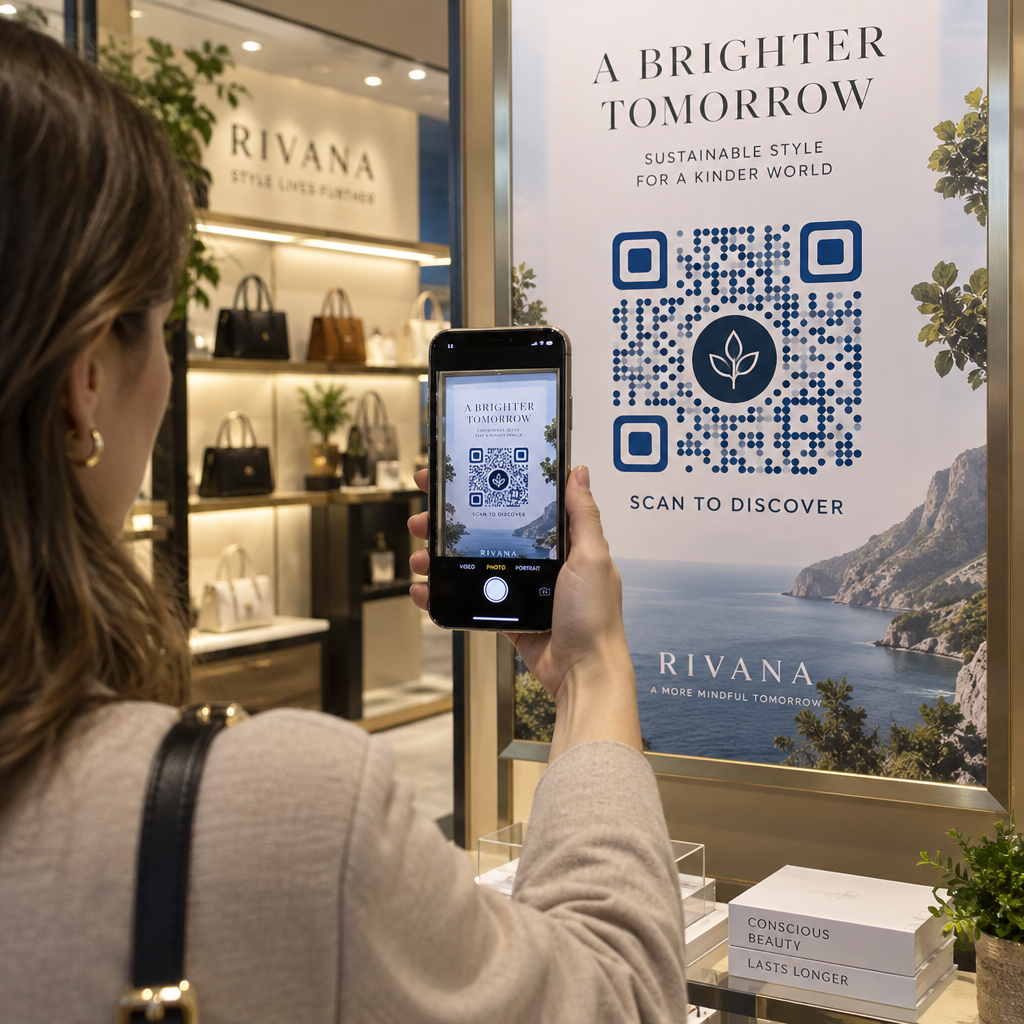
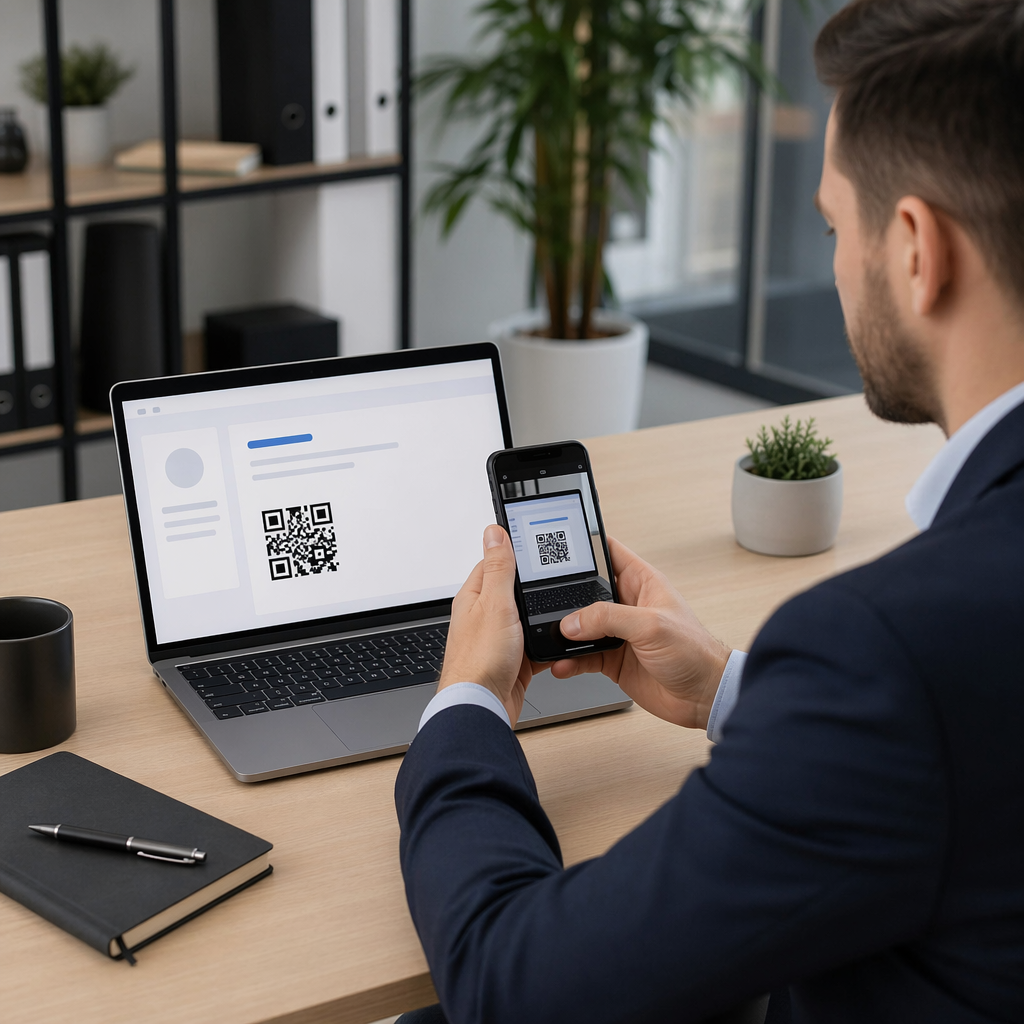
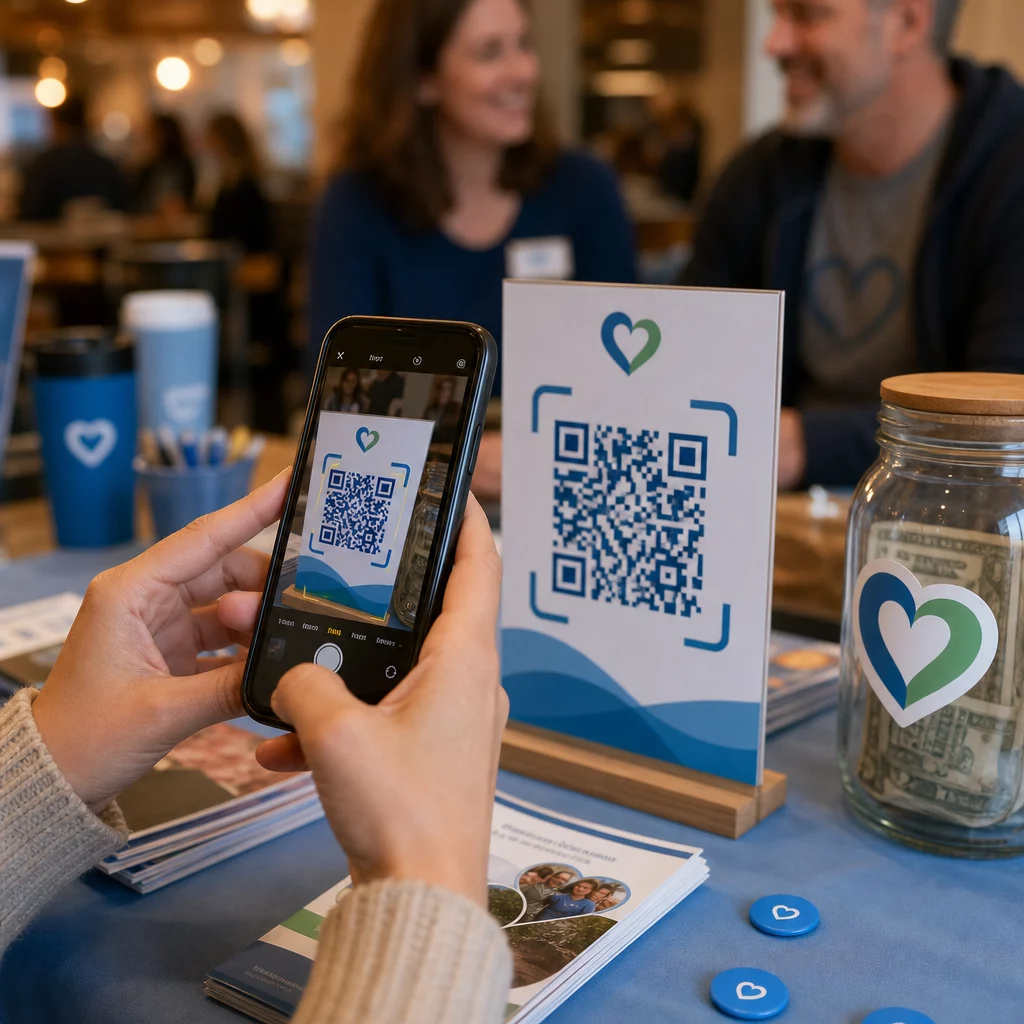
Supporter scanning donation QR

How QR Codes Are Used for Non-Profits

Learn how non-profits use QR codes to bridge the gap between supporters and action by simplifying donations, event registrations, and volunteer sign-ups.
Updated on 6月 10, 2026
目次

Are you struggling to turn supporter interest into actual donations and event sign-ups? Non-profit organizations often face the gap between engaged audiences and completed actions – especially when print materials can only do so much. This guide covers the most practical ways QR codes can bridge that gap, from donation pages to silent auction bids.

QR codes are no longer just a commercial tool used by retailers and consumer brands. Non-profits have found them genuinely useful for reducing friction in the giving process, promoting events, and building supporter communities. With mobile giving on the rise – nearly 30% of all online donations in 2020 were made from a mobile device – making it easy for supporters to act on their phones has become a real fundraising priority.

Here are the most effective ways your organization can put QR codes to work.

Linking Directly to Your Donation Page

Print materials like brochures, flyers, and direct mail have limited space and even more limited patience from readers. A QR code lets you bridge the gap between a compelling message and a completed donation without requiring supporters to type a URL or open a laptop.

Place a QR code on any printed material – event programs, donation envelopes, table tents, or appeal letters – and link it directly to your donation page. When a supporter scans it, they land immediately on a mobile-optimized giving form. This removes the friction that causes drop-off between interest and action.

For campaigns where the destination might change – such as a seasonal appeal or a matching gift drive – use a ダイナミックQRコード rather than a static one. Dynamic codes let you update the linked URL at any time without reprinting your materials. You can learn more about the difference on the static vs. dynamic QR codes comparison page.

A few placement tips worth following:

  • Include a short call to action next to the code, such as “Scan to donate now”
  • Print the destination URL as text beneath the code so supporters who cannot scan still have a path to give
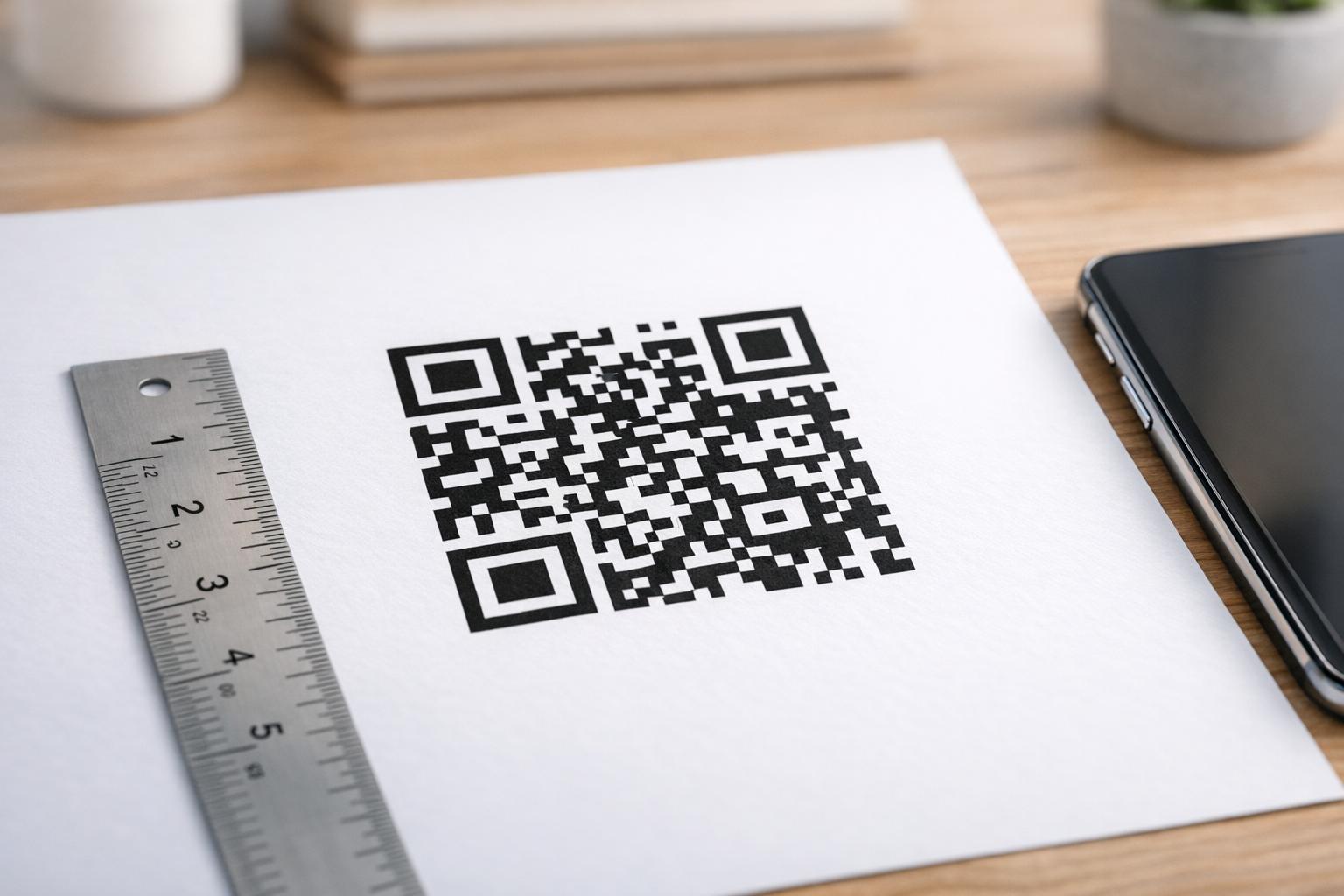
  • Maintain a minimum code size of 0.8 × 0.8 inches on standard print materials for reliable scanning

Ready to Create Your Donation QR Code? を使用しています。 Pageloot non-profit QR code tools to generate a branded, trackable donation QR code and link it directly to your giving page or payment portal.

For a deeper walkthrough of the process, the guide to QR codes for charity fundraisers covers design, contrast requirements, and mobile optimization in detail.

Accepting Donations via Payment QR Codes

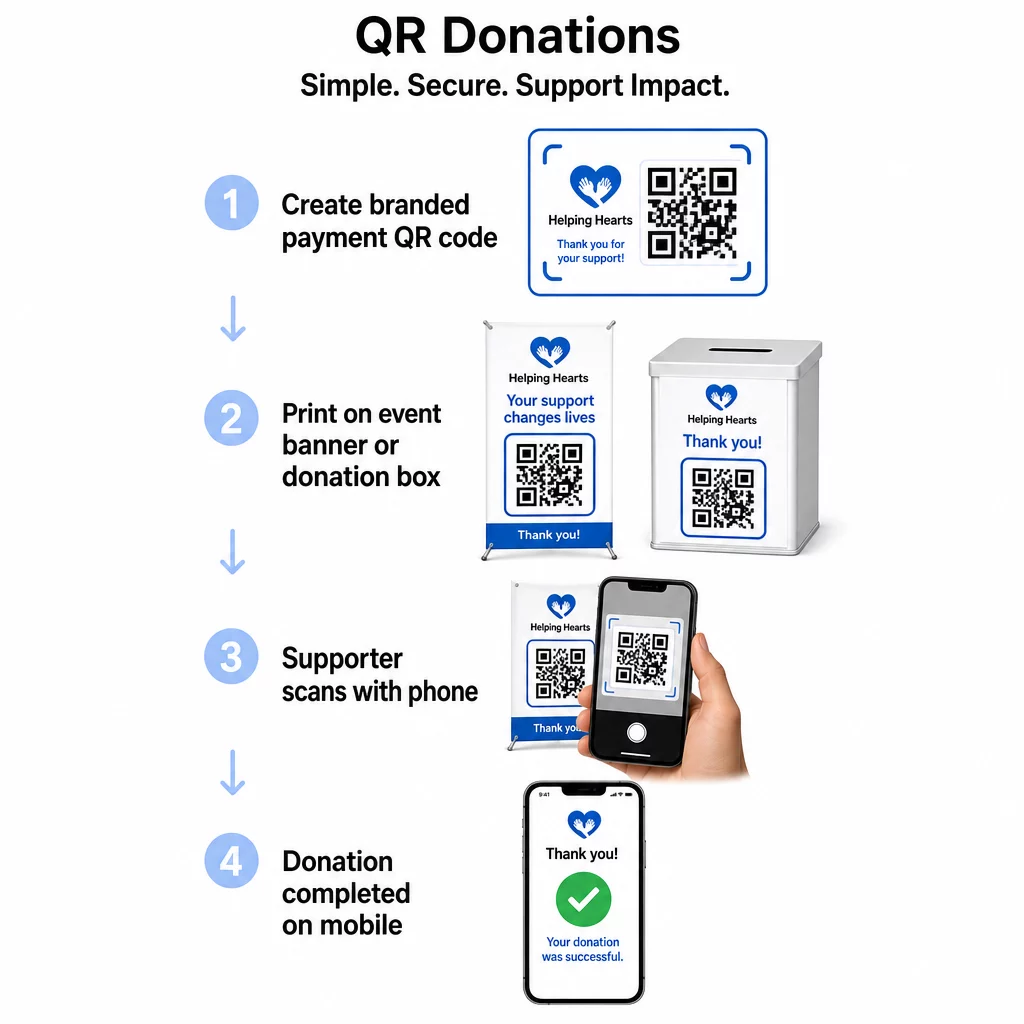
Rather than directing supporters to a generic donation page, you can generate a QR code that links to a specific payment portal – such as a PayPal.me link or another giving platform. Supporters scan, the payment page opens, and the transaction is completed from their phone in seconds.

QR donation steps

This approach works especially well for in-person settings: charity galas, street fundraising, church collections, or pop-up donation stations. Placing a branded code on a donation box or a banner at your event entrance allows spontaneous contributions from attendees who may not have brought cash or a checkbook.

PayPal QRコードジェネレーター makes it straightforward to produce a scannable code tied to your payment link, which you can then customize with your organization’s branding.

Driving Event Registrations and RSVPs

Non-profits run events constantly – galas, volunteer days, awareness walks, community dinners. Getting supporters to actually register, rather than just expressing interest, is a persistent challenge. QR codes on printed promotional materials can take someone from “I’d like to attend” to “I’m registered” in under a minute.

Link a QR code on your event flyer directly to a registration form or event landing page. You can also encode a calendar invitation so that scanning the code automatically adds the event to the supporter’s phone calendar – a simple but effective way to reduce no-shows.

イベントQRコードジェネレーター supports both approaches: linking to a registration page or generating a calendar-ready invitation. For more complex events requiring secure ticketing and check-in management, the guide on creating secure QR code event tickets is worth reviewing.

For conferences or chapter-based organizations, placing QR codes on table tents, name badges, and banners gives attendees instant access to live schedules, donation portals, or volunteer sign-up forms without distributing paper handouts.

Replacing Paper Bid Sheets at Silent Auctions

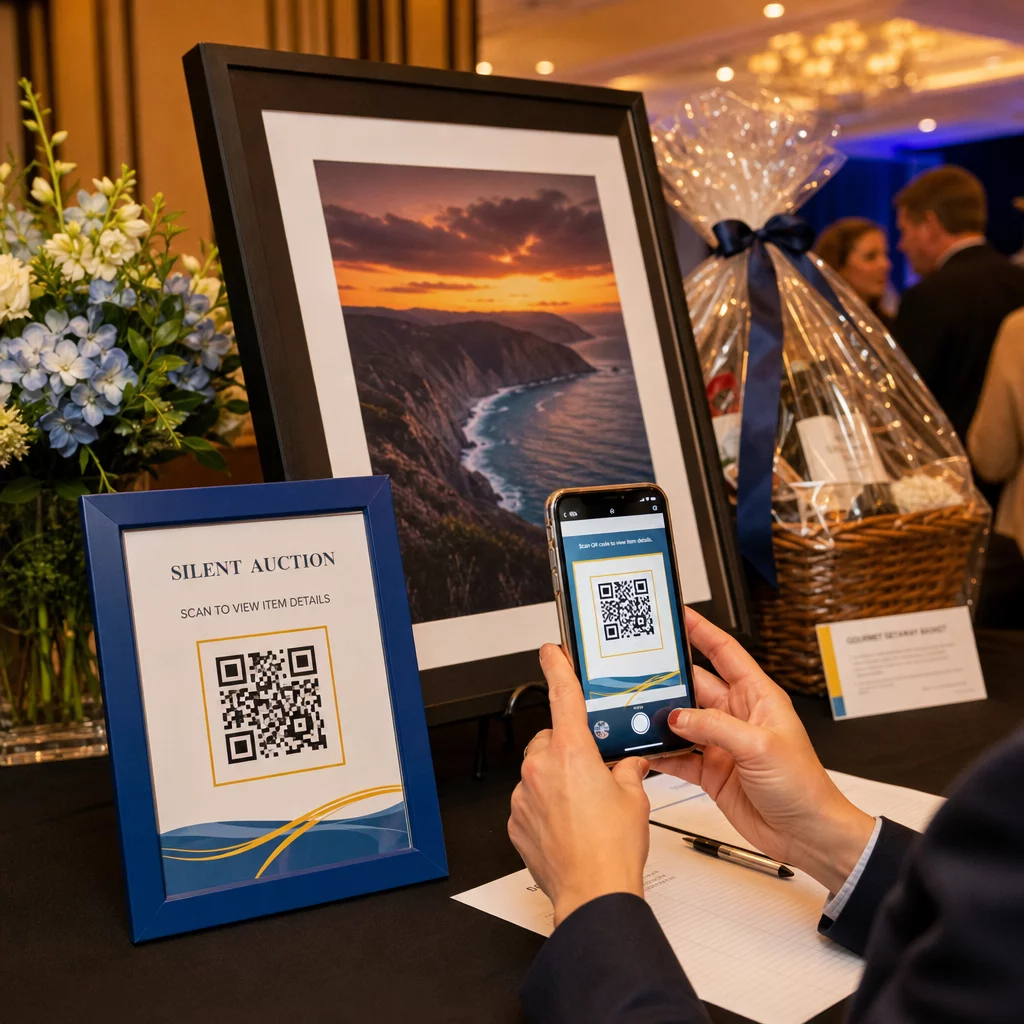
Silent auction bid sheets create unnecessary paperwork, introduce errors, and make it difficult to track bids in real time. Non-profits are increasingly replacing them with QR codes placed next to each auction item. Attendees scan the code, view item details, and place their bids directly from their phones.

Silent auction QR

This approach reduces administrative work, eliminates illegible handwriting problems, and allows organizers to monitor bidding activity in real time. It also keeps attendees more engaged with the auction throughout the event rather than clustering around paper sheets near the deadline.

ダイナミックQRコード is the right choice here, since it allows you to update the linked content – for example, switching from item details to a “bidding closed” page – without replacing the physical code next to each item.

Collecting Volunteer Sign-Ups and Survey Responses

Non-profits depend on volunteers, and the simpler you make it to sign up, the more responses you will get. A QR code linked to a Google Form or sign-up page can be printed on any promotional material – flyers at a community event, posters in a library, banners at a rally – and allow people to register immediately on their phones.

The same approach works for post-event surveys, membership applications, and feedback forms. The GoogleフォームQRコードジェネレーター lets you generate a scannable code from any Google Form link in seconds.

For organizations that want to track which materials and placements are driving the most sign-ups, pairing form QR codes with tracking gives you a clearer picture of what is actually working. The QR code tracking guide explains how to monitor scan volume, location, and device type across your campaigns.

Growing Your Social Media Following

Paid social media advertising can be expensive, and the followers it generates are not always genuinely interested in your cause. A QR code on your physical materials offers a lower-cost alternative that targets people who have already shown interest – because they picked up your flyer or attended your event.

Link a QR code to a landing page that includes links to all your social profiles, so supporters can choose their preferred platform. Alternatively, link directly to a specific campaign page or post that you want to amplify. Either way, the conversion is immediate and the audience is warmer than what most paid campaigns deliver.

For guidance on making the most of where you place these codes, the QRコード配置ガイド covers positioning, sizing, and context for different types of print materials.

Tracking Campaign Performance

One of the most underused advantages of QR codes for non-profits is analytics. With dynamic QR codes, you can track how many people scanned a given code, when they scanned it, what device they used, and where they were located. This tells you which printed materials are actually driving engagement and which are being ignored.

For a multi-location organization running a direct mail appeal, for example, you could use different QR codes for different regions and compare scan rates to understand where your messaging is most effective. The data can inform where you invest in future print runs and which campaigns warrant more budget.

Track Every Scan Across Your CampaignsダイナミックQRコードジェネレーター gives you a full analytics dashboard showing scan volume, timing, geography, and device type – so you can measure the real-world impact of every piece of printed material.

Best Practices Before You Print

Before finalizing any QR code for print, a few technical checks will save you from producing materials that frustrate supporters:

  • Test on multiple devices – scan the code on both iOS and Android in varying lighting conditions before committing to a print run
  • Use high contrast – dark modules on a light background; avoid inverting the colors
  • Size appropriately – at least 0.8 × 0.8 inches for standard flyers; larger for posters and banners viewed from a distance
  • Optimize the landing page for mobile – most scans happen on smartphones, so the page the code links to must load quickly and be easy to navigate on a small screen
  • Include a text alternative – print the URL or a short description beneath the code so the destination is accessible to anyone who cannot or chooses not to scan

For detailed sizing recommendations across different print materials, the QR code sizing guide provides specific measurements for paper, cardboard, and fabric applications.

QR codes work best for non-profits when they eliminate steps rather than add them. Every code you deploy should take a supporter from interest to action – donating, registering, signing up, or connecting – with as few taps as possible. Start with your highest-priority touchpoint, whether that is a donation page or an event registration form, and use the Pageloot QRコードジェネレーター to create a branded, trackable code you can deploy across all your printed materials.

よくある質問

What type of QR code should a non-profit use for fundraising materials?

Dynamic QR codes are the better choice for fundraising. They allow you to update the destination URL after printing – useful if your donation page changes or you run seasonal campaigns – and they include analytics so you can track how many people scanned, when, and from where. Static QR codes are free but cannot be edited or tracked.

Where should a non-profit place QR codes for the best results?

High-performing placements include direct mail appeal letters, event signage and table tents, donation boxes, volunteer recruitment flyers, and conference badges. In each case, place the code at eye level, include a clear call to action like “Scan to donate” or “Scan to register,” and make sure the linked page is optimized for mobile devices.

How large should a QR code be on a printed flyer or poster?

For standard flyers and printed materials, a minimum size of 0.8 × 0.8 inches (2 × 2 cm) is recommended for reliable scanning at arm’s length. For posters and banners viewed from a greater distance, scale the code up proportionally – a general rule is that the code should be at least one-tenth the width of the expected scanning distance.

著者について

Siim KostabiはPagelootのコンテンツリードです。Pagelootの革新的なQRコード生成サービスについて執筆しています。5年以上にわたるQRコードに関する深い専門知識を持つSiimは、この分野の専門家です。QRテクノロジーを活用してデジタルインタラクションを簡素化・拡張する上で、大きな進歩を遂げています。.

カテゴリー
について詳しくはこちら
✅ QRコードの#1ソリューション

オンラインでQRコードを作成する必要がある場合は QRコードを作る ここで無料で
ページルートは #1のGo-Toソリューション でQRコードを作成してスキャンすることができます。

QF-10

ブログジェネ

売上、レビュー、フォロワーを増やすために 20,000 を超えるブランドから信頼されています。

クライアントのロゴ
トップブランドから信頼される
5 のうち 4.8 と評価しました

4.86 / 5つ星評価

ユーゴ・ローラン
ユーゴ・ローラン
レストランオーナー
最も簡単で信頼性の高いQRコードジェネレータです。PDFファイルを即座にアップロードできます。レストランのメニューがデジタル化されました。
ルーカス・ジャンセン
ルーカス・ジャンセン
不動産開発業者
これは優れたツールで、QRコードでちょうど欲しいところに連れて行ってくれます。私たちは位置情報のQRコードしか使っていませんが、とても便利な機能がたくさんあります。
エマ・モレッティ
エマ・モレッティ
小売製品
使いやすいし、早い。素晴らしい機能で、完璧な画像を作成してくれるので、社員は私のvCardをダウンロードすることができます。
ユーゴ・ローラン
ユーゴ・ローラン
レストランオーナー
最も簡単で信頼性の高いQRコードジェネレータです。PDFファイルを即座にアップロードできます。レストランのメニューがデジタル化されました。
ルーカス・ジャンセン
ルーカス・ジャンセン
不動産開発業者
これは優れたツールで、QRコードでちょうど欲しいところに連れて行ってくれます。私たちは位置情報のQRコードしか使っていませんが、とても便利な機能がたくさんあります。
エマ・モレッティ
エマ・モレッティ
小売製品
使いやすいし、早い。素晴らしい機能で、完璧な画像を作成してくれるので、社員は私のvCardをダウンロードすることができます。
QRコードをもっと見る
顧客がQRコードをスキャン
QRコード ケーススタディ
あらゆるものをデジタル体験に変えよう 3分以内に。

14日間の無料トライアル。

クレジットカードは必要ありません。

初回購入で30%オフ

次のコードを使用してください:

MP3ファイルを共有

PDF QRコードを作成するにはサインアップしてください

必要なものをすべてアップロードして表示する。

  • オーディオファイル
  • ポッドキャスト
  • 音楽

サインアップで14日間無料トライアル。.
トライアル終了後、QRコードは期限切れになります。.

オーディオmp3 QRコードを作成するにはサインアップしてください

フレームでより多くのスキャンを獲得

QRコードにフレームを追加するにはサインアップしてください

コールトゥアクションフレームは、お客様が簡単にQRコードと対話できるようにします。ぜひお試しください。

サインアップで14日間無料トライアル。.
トライアル終了後、QRコードは期限切れになります。.

QRコードにフレームを追加するにはサインアップしてください

シェイプでスタイルを追加

より多くの図形を作成するにはサインアップしてください

QRコードは四角いものである必要はありません。あなたのブランドのイメージに合わせて変えてみてください。

サインアップで14日間無料トライアル。.
トライアル終了後、QRコードは期限切れになります。.

より多くの図形を作成するにはサインアップしてください

QRコードにロゴを追加

QRコードにロゴを追加するにはサインアップしてください

QRコードにロゴやブランドを入れることで、目立たせることができます。

サインアップで14日間無料トライアル。.
トライアル終了後、QRコードは期限切れになります。.

QRコードにロゴを追加するにはサインアップしてください

スマートなApp Storeリダイレクト

アプリストアのQRコードを作成するにはサインアップしてください

スマートなApp StoreのQRコードに、あなたのアプリのリンクを追加します。ユーザーは、デバイスに応じてリダイレクトされます。

サインアップで14日間無料トライアル。.
トライアル終了後、QRコードは期限切れになります。.

アプリストアのQRコードを作成するにはサインアップしてください

QRコードに画像をアップロード

画像QRコードを作成するにはサインアップしてください

画像を簡単に共有できます。どんな画像も、数秒でダイナミックに変化します。

サインアップで14日間無料トライアル。.
トライアル終了後、QRコードは期限切れになります。.

画像QRコードを作成するにはサインアップしてください

PDFファイルを共有

PDF QRコードを作成するにはサインアップしてください

必要なものをすべてアップロードして表示する。

  • メニュー&プライスリスト
  • 指示
  • 任意の書類

サインアップで14日間無料トライアル。.
トライアル終了後、QRコードは期限切れになります。.

PDF QRコードを作成するにはサインアップしてください

印刷せずに後で編集

再度印刷せずにQRコードを編集するにはサインアップしてください

ダイナミックQRコードは、新たにQRコードを印刷することなく、QRコードの内容を変更することができます。

サインアップで14日間無料トライアル。.
トライアル終了後、QRコードは期限切れになります。.

再度印刷せずにQRコードを編集するにはサインアップしてください

いつ?どこで?QRコードのスキャンを追跡

QRコードを追跡するにはサインアップしてください

どのQRコードが最も多くスキャンされ、何が最も顧客を喜ばせているのかを知ることができます。

サインアップで14日間無料トライアル。.
トライアル終了後、QRコードは期限切れになります。.

QRコードを追跡するにはサインアップしてください

印刷可能なファイルが利用可能

PDFやSVGのようなベクターQRコードを作成するにはサインアップしてください

.eps、.pdf、.svg

QRコードをHD解像度でダウンロードしたいですか?すぐに印刷できるベクターまたはピクセル形式を入手しましょう。

サインアップで14日間無料トライアル。.
トライアル終了後、QRコードは期限切れになります。.

PDFやSVGのようなベクターQRコードを作成するにはサインアップしてください

しばらくお待ちください。あなたのQRコードは ロード... ロード...

あなただけのものに

サインアップしてQRコードを後で保存してください

異なる色、ロゴ、コールトゥアクションフレームで素晴らしいQRコードを作成することで、より多くのスキャンを得ることができます。

サインアップで14日間無料トライアル。.
トライアル終了後、QRコードは期限切れになります。.

サインアップしてQRコードを後で保存してください