Are you struggling to turn supporter interest into actual donations and event sign-ups? Non-profit organizations often face the gap between engaged audiences and completed actions – especially when print materials can only do so much. This guide covers the most practical ways QR codes can bridge that gap, from donation pages to silent auction bids.
QR codes are no longer just a commercial tool used by retailers and consumer brands. Non-profits have found them genuinely useful for reducing friction in the giving process, promoting events, and building supporter communities. With mobile giving on the rise – nearly 30% of all online donations in 2020 were made from a mobile device – making it easy for supporters to act on their phones has become a real fundraising priority.
Here are the most effective ways your organization can put QR codes to work.
Linking Directly to Your Donation Page
Print materials like brochures, flyers, and direct mail have limited space and even more limited patience from readers. A QR code lets you bridge the gap between a compelling message and a completed donation without requiring supporters to type a URL or open a laptop.
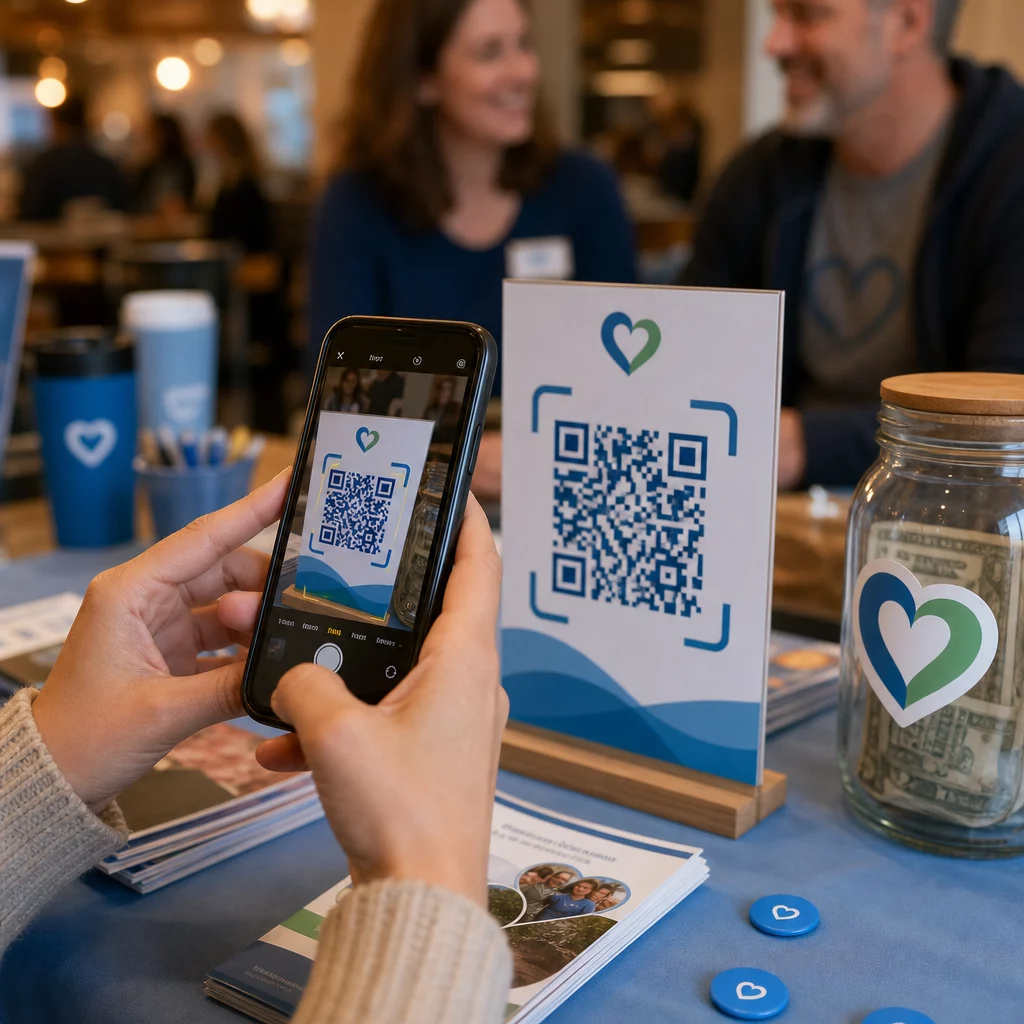
Place a QR code on any printed material – event programs, donation envelopes, table tents, or appeal letters – and link it directly to your donation page. When a supporter scans it, they land immediately on a mobile-optimized giving form. This removes the friction that causes drop-off between interest and action.
For campaigns where the destination might change – such as a seasonal appeal or a matching gift drive – use a código QR dinámico rather than a static one. Dynamic codes let you update the linked URL at any time without reprinting your materials. You can learn more about the difference on the static vs. dynamic QR codes comparison page.
A few placement tips worth following:
- Include a short call to action next to the code, such as “Scan to donate now”
- Print the destination URL as text beneath the code so supporters who cannot scan still have a path to give
- Maintain a minimum code size of 0.8 × 0.8 inches on standard print materials for reliable scanning
Ready to Create Your Donation QR Code? Use el Pageloot non-profit QR code tools to generate a branded, trackable donation QR code and link it directly to your giving page or payment portal.
For a deeper walkthrough of the process, the guide to QR codes for charity fundraisers covers design, contrast requirements, and mobile optimization in detail.
Accepting Donations via Payment QR Codes
Rather than directing supporters to a generic donation page, you can generate a QR code that links to a specific payment portal – such as a PayPal.me link or another giving platform. Supporters scan, the payment page opens, and the transaction is completed from their phone in seconds.
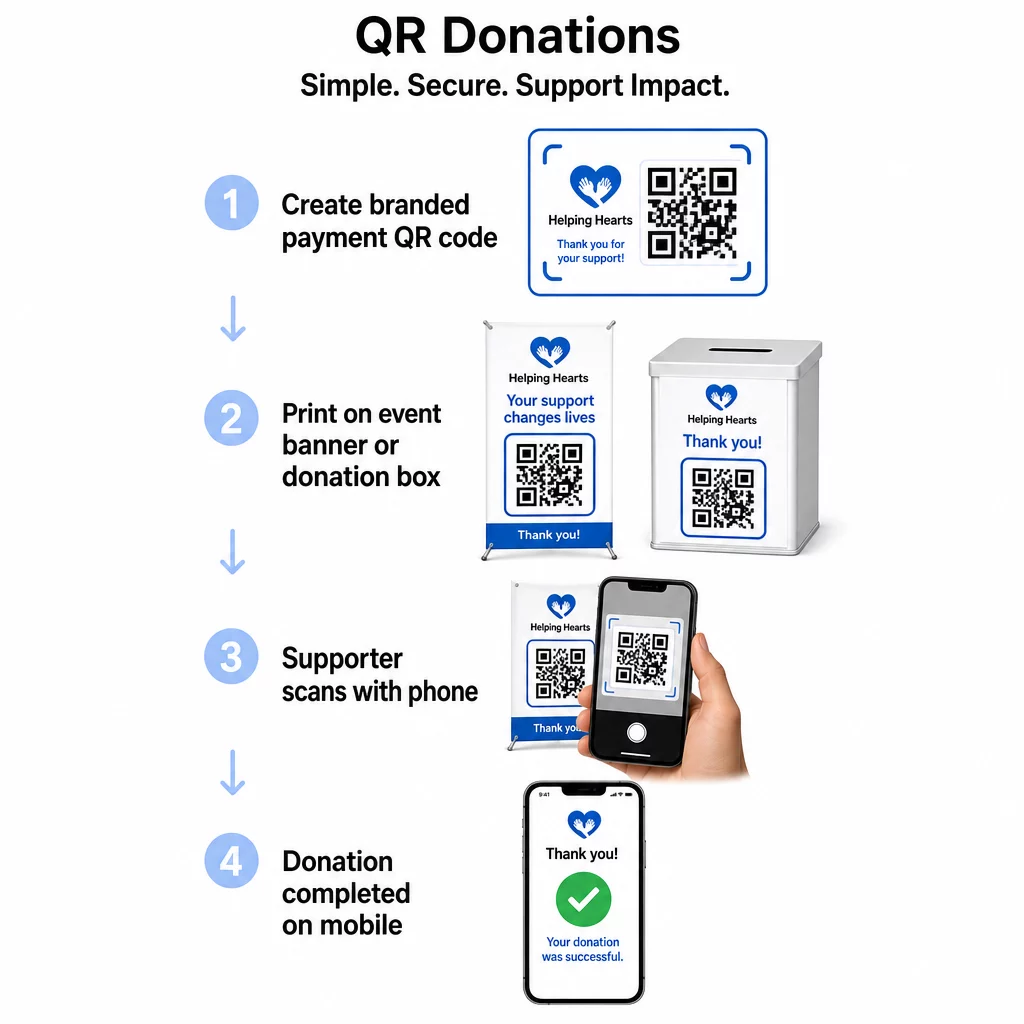
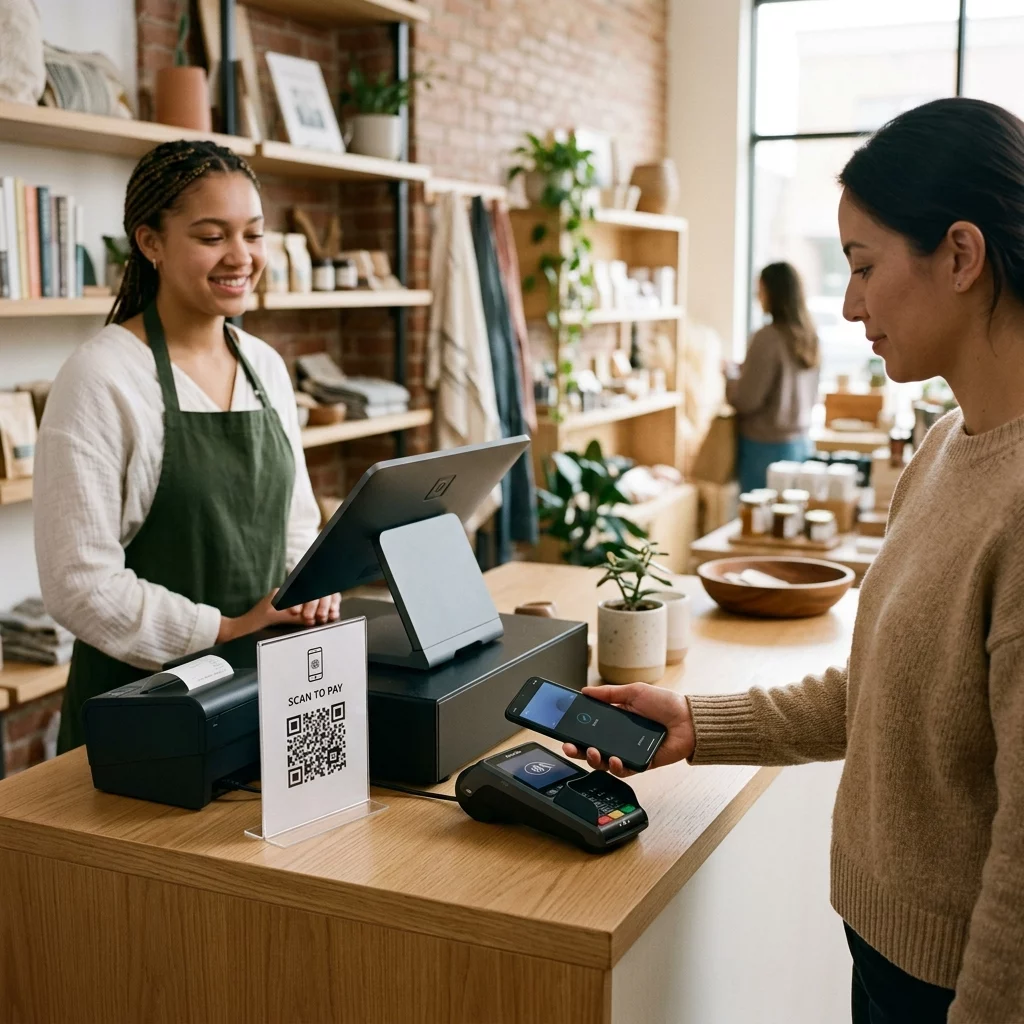
This approach works especially well for in-person settings: charity galas, street fundraising, church collections, or pop-up donation stations. Placing a branded code on a donation box or a banner at your event entrance allows spontaneous contributions from attendees who may not have brought cash or a checkbook.
El Generador de códigos QR de PayPal makes it straightforward to produce a scannable code tied to your payment link, which you can then customize with your organization’s branding.
Driving Event Registrations and RSVPs
Non-profits run events constantly – galas, volunteer days, awareness walks, community dinners. Getting supporters to actually register, rather than just expressing interest, is a persistent challenge. QR codes on printed promotional materials can take someone from “I’d like to attend” to “I’m registered” in under a minute.
Link a QR code on your event flyer directly to a registration form or event landing page. You can also encode a calendar invitation so that scanning the code automatically adds the event to the supporter’s phone calendar – a simple but effective way to reduce no-shows.
El generador de códigos QR para eventos supports both approaches: linking to a registration page or generating a calendar-ready invitation. For more complex events requiring secure ticketing and check-in management, the guide on creating secure QR code event tickets is worth reviewing.
For conferences or chapter-based organizations, placing QR codes on table tents, name badges, and banners gives attendees instant access to live schedules, donation portals, or volunteer sign-up forms without distributing paper handouts.
Replacing Paper Bid Sheets at Silent Auctions
Silent auction bid sheets create unnecessary paperwork, introduce errors, and make it difficult to track bids in real time. Non-profits are increasingly replacing them with QR codes placed next to each auction item. Attendees scan the code, view item details, and place their bids directly from their phones.
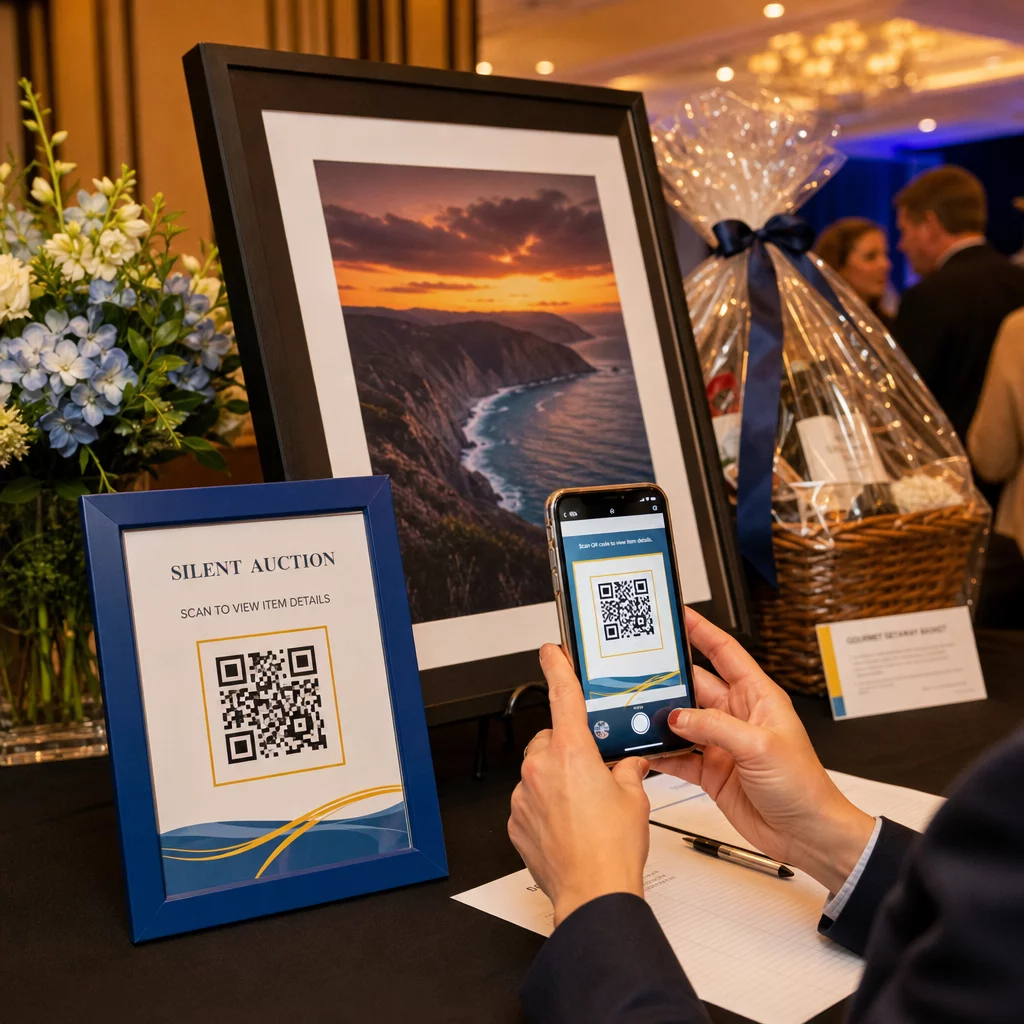
This approach reduces administrative work, eliminates illegible handwriting problems, and allows organizers to monitor bidding activity in real time. It also keeps attendees more engaged with the auction throughout the event rather than clustering around paper sheets near the deadline.
UNA código QR dinámico is the right choice here, since it allows you to update the linked content – for example, switching from item details to a “bidding closed” page – without replacing the physical code next to each item.
Collecting Volunteer Sign-Ups and Survey Responses
Non-profits depend on volunteers, and the simpler you make it to sign up, the more responses you will get. A QR code linked to a Google Form or sign-up page can be printed on any promotional material – flyers at a community event, posters in a library, banners at a rally – and allow people to register immediately on their phones.
The same approach works for post-event surveys, membership applications, and feedback forms. The Generador de códigos QR de formularios de Google lets you generate a scannable code from any Google Form link in seconds.
For organizations that want to track which materials and placements are driving the most sign-ups, pairing form QR codes with tracking gives you a clearer picture of what is actually working. The QR code tracking guide explains how to monitor scan volume, location, and device type across your campaigns.
Growing Your Social Media Following
Paid social media advertising can be expensive, and the followers it generates are not always genuinely interested in your cause. A QR code on your physical materials offers a lower-cost alternative that targets people who have already shown interest – because they picked up your flyer or attended your event.
Link a QR code to a landing page that includes links to all your social profiles, so supporters can choose their preferred platform. Alternatively, link directly to a specific campaign page or post that you want to amplify. Either way, the conversion is immediate and the audience is warmer than what most paid campaigns deliver.
For guidance on making the most of where you place these codes, the Guía de ubicación de códigos QR covers positioning, sizing, and context for different types of print materials.
Tracking Campaign Performance
One of the most underused advantages of QR codes for non-profits is analytics. With dynamic QR codes, you can track how many people scanned a given code, when they scanned it, what device they used, and where they were located. This tells you which printed materials are actually driving engagement and which are being ignored.
For a multi-location organization running a direct mail appeal, for example, you could use different QR codes for different regions and compare scan rates to understand where your messaging is most effective. The data can inform where you invest in future print runs and which campaigns warrant more budget.
Track Every Scan Across Your Campaigns El generador de códigos QR dinámicos gives you a full analytics dashboard showing scan volume, timing, geography, and device type – so you can measure the real-world impact of every piece of printed material.
Best Practices Before You Print
Before finalizing any QR code for print, a few technical checks will save you from producing materials that frustrate supporters:
- Test on multiple devices – scan the code on both iOS and Android in varying lighting conditions before committing to a print run
- Use high contrast – dark modules on a light background; avoid inverting the colors
- Size appropriately – at least 0.8 × 0.8 inches for standard flyers; larger for posters and banners viewed from a distance
- Optimize the landing page for mobile – most scans happen on smartphones, so the page the code links to must load quickly and be easy to navigate on a small screen
- Include a text alternative – print the URL or a short description beneath the code so the destination is accessible to anyone who cannot or chooses not to scan
For detailed sizing recommendations across different print materials, the QR code sizing guide provides specific measurements for paper, cardboard, and fabric applications.
QR codes work best for non-profits when they eliminate steps rather than add them. Every code you deploy should take a supporter from interest to action – donating, registering, signing up, or connecting – with as few taps as possible. Start with your highest-priority touchpoint, whether that is a donation page or an event registration form, and use the generador de códigos QR de Pageloot to create a branded, trackable code you can deploy across all your printed materials.
Preguntas Frecuentes
Dynamic QR codes are the better choice for fundraising. They allow you to update the destination URL after printing – useful if your donation page changes or you run seasonal campaigns – and they include analytics so you can track how many people scanned, when, and from where. Static QR codes are free but cannot be edited or tracked.
High-performing placements include direct mail appeal letters, event signage and table tents, donation boxes, volunteer recruitment flyers, and conference badges. In each case, place the code at eye level, include a clear call to action like “Scan to donate” or “Scan to register,” and make sure the linked page is optimized for mobile devices.
For standard flyers and printed materials, a minimum size of 0.8 × 0.8 inches (2 × 2 cm) is recommended for reliable scanning at arm’s length. For posters and banners viewed from a greater distance, scale the code up proportionally – a general rule is that the code should be at least one-tenth the width of the expected scanning distance.