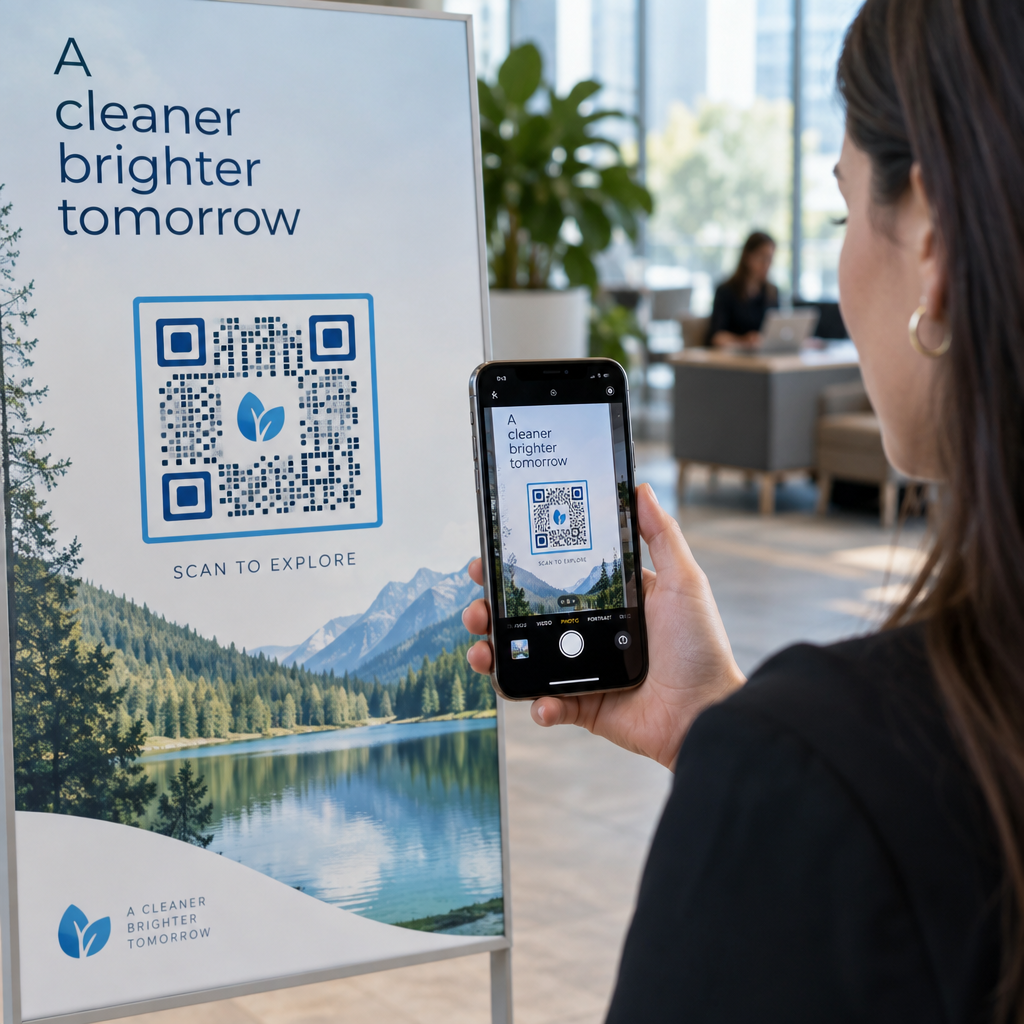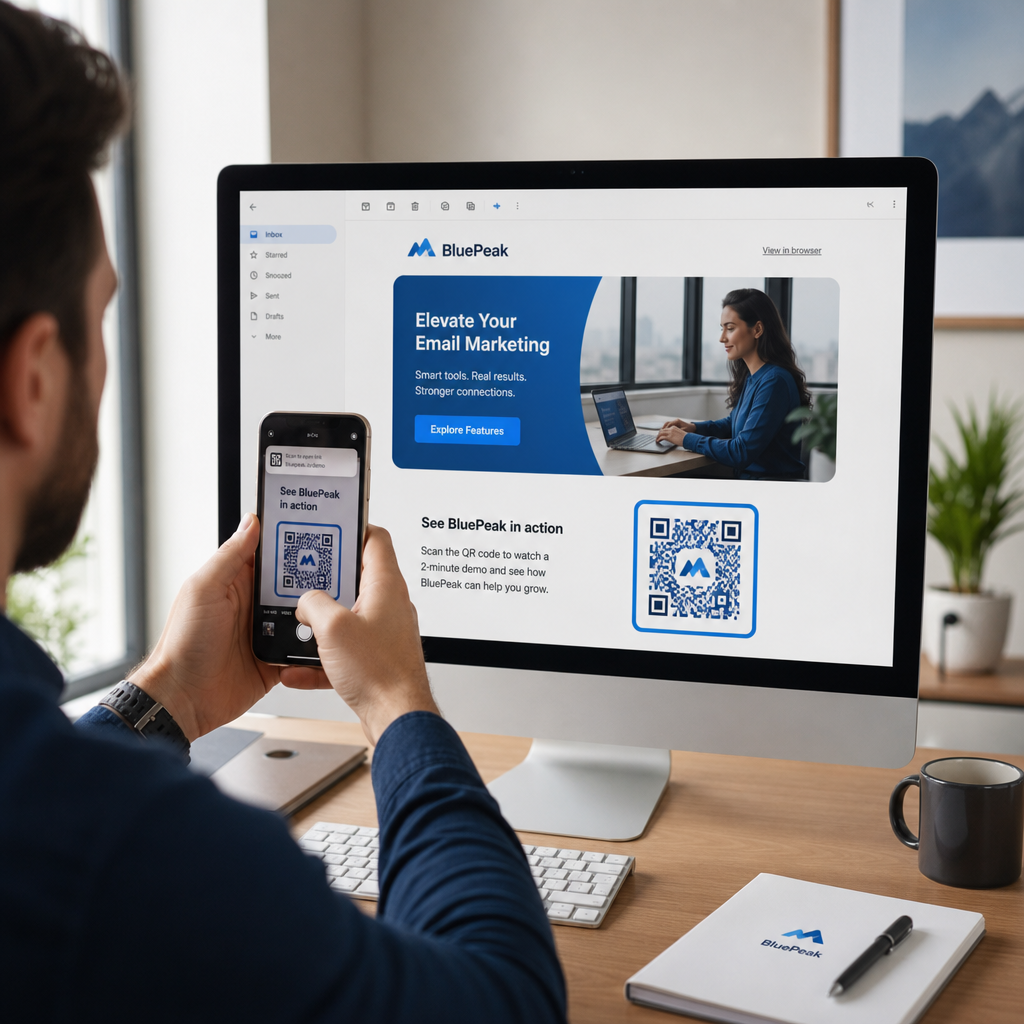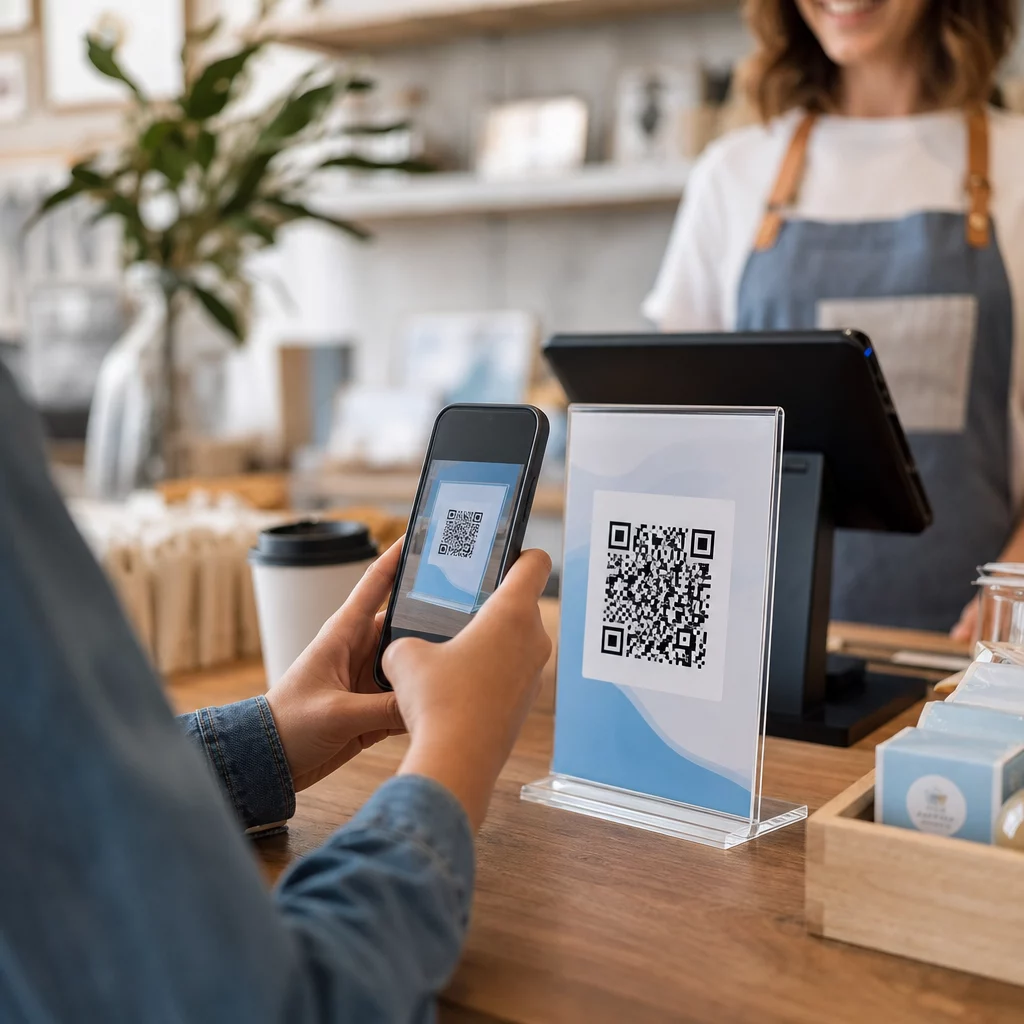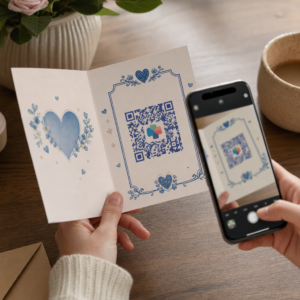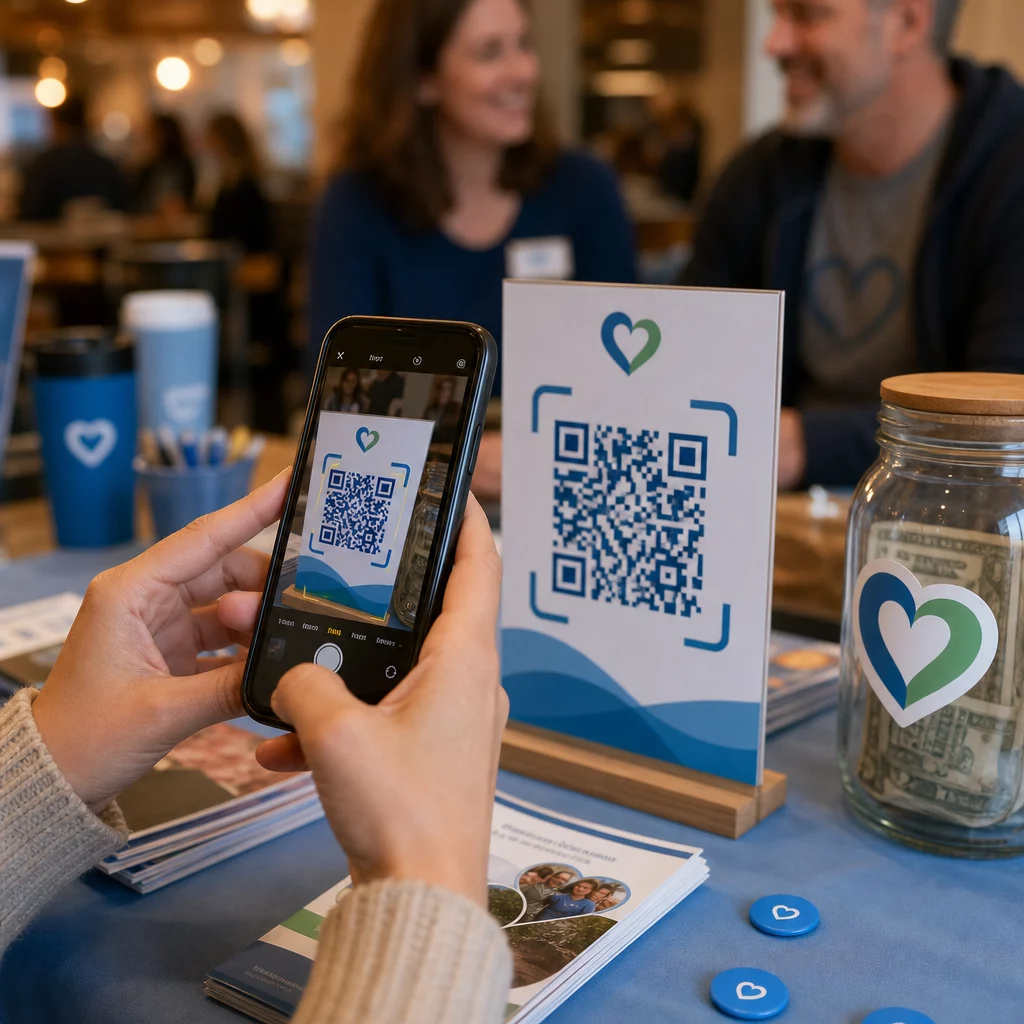
Kamppailetko muuttaaksesi kannattajien kiinnostuksen todellisiksi lahjoituksiksi ja tapahtumailmoittautumisiksi? Voittoa tavoittelemattomat järjestöt kohtaavat usein kuilun sitoutuneiden yleisöjen ja suoritettujen toimien välillä – etenkin kun painetut materiaalit voivat tehdä vain rajallisesti. Tämä opas kattaa käytännöllisimmät tavat, joilla QR-koodit voivat kuroa umpeen tämän kuilun, lahjoitussivuista hiljaisen huutokaupan tarjouksiin.
QR-koodit eivät ole enää vain kaupallinen työkalu, jota vähittäiskauppiaat ja kuluttajabrändit käyttävät. Voittoa tavoittelemattomat järjestöt ovat havainneet ne aidosti hyödyllisiksi lahjoitusprosessin kitkan vähentämisessä, tapahtumien edistämisessä ja kannattajayhteisöjen rakentamisessa. Mobiililahjoitusten lisääntyessä – lähes 30 % kaikista verkkolahjoituksista vuonna 2020 tehtiin mobiililaitteella – kannattajien on helppo toimia puhelimillaan, mikä on tullut todelliseksi varainhankinnan prioriteetiksi.
Tässä ovat tehokkaimmat tavat, joilla organisaatiosi voi hyödyntää QR-koodeja.
Linkittäminen suoraan lahjoitussivullesi
Painetuilla materiaaleilla, kuten esitteillä, lentolehtisillä ja suoramainoksilla, on rajallisesti tilaa ja vielä rajallisemmin lukijoiden kärsivällisyyttä. QR-koodin avulla voit kuroa umpeen kuilun vakuuttavan viestin ja suoritetun lahjoituksen välillä ilman, että kannattajien tarvitsee kirjoittaa URL-osoitetta tai avata kannettavaa tietokonetta.
Aseta QR-koodi mihin tahansa painettuun materiaaliin – tapahtumaohjelmiin, lahjoituskuoriin, pöytäkolmioihin tai vetoomuskirjeisiin – ja linkitä se suoraan lahjoitussivullesi. Kun kannattaja skannaa sen, hän päätyy välittömästi mobiilioptimoidulle lahjoituslomakkeelle. Tämä poistaa kitkan, joka aiheuttaa keskeytyksiä kiinnostuksen ja toiminnan välillä.
Kampanjoissa, joissa kohde saattaa muuttua – kuten kausiluonteinen vetoomus tai vastinlahjakeräys – käytä dynaaminen QR-koodi staattisen sijaan. Dynaamisten koodien avulla voit päivittää linkitetyn URL-osoitteen milloin tahansa ilman materiaalien uudelleenpainatusta. Voit oppia lisää erosta staattisten ja dynaamisten QR-koodien vertailusivulta.
Muutama sijoitteluvinkki, joita kannattaa noudattaa:
- Sisällytä koodin viereen lyhyt toimintakehotus, kuten “Skannaa lahjoittaaksesi nyt”
- Tulosta kohde-URL tekstinä koodin alle, jotta kannattajilla, jotka eivät voi skannata, on silti mahdollisuus lahjoittaa
- Säilytä vähintään 0,8 × 0,8 tuuman koodikoko vakiopainomateriaaleissa luotettavan skannauksen varmistamiseksi
Oletko valmis luomaan lahjoitus-QR-koodisi? Käytä Pagelootin voittoa tavoittelemattomien järjestöjen QR-koodityökalut luodaksesi brändätyn, seurattavan lahjoitus-QR-koodin ja linkittääksesi sen suoraan lahjoitussivullesi tai maksupalveluusi.
Syvällisemmän läpikäynnin prosessista tarjoaa opas hyväntekeväisyyskeräysten QR-koodeihin käsittelee yksityiskohtaisesti suunnittelua, kontrastivaatimuksia ja mobiilioptimointia.
Lahjoitusten vastaanottaminen maksu-QR-koodien avulla
Sen sijaan, että ohjaisit tukijat yleiselle lahjoitussivulle, voit luoda QR-koodin, joka linkittää tiettyyn maksupalveluun – kuten PayPal.me-linkkiin tai muuhun lahjoitusalustaan. Tukijat skannaavat, maksusivu avautuu, ja tapahtuma suoritetaan heidän puhelimestaan sekunneissa.
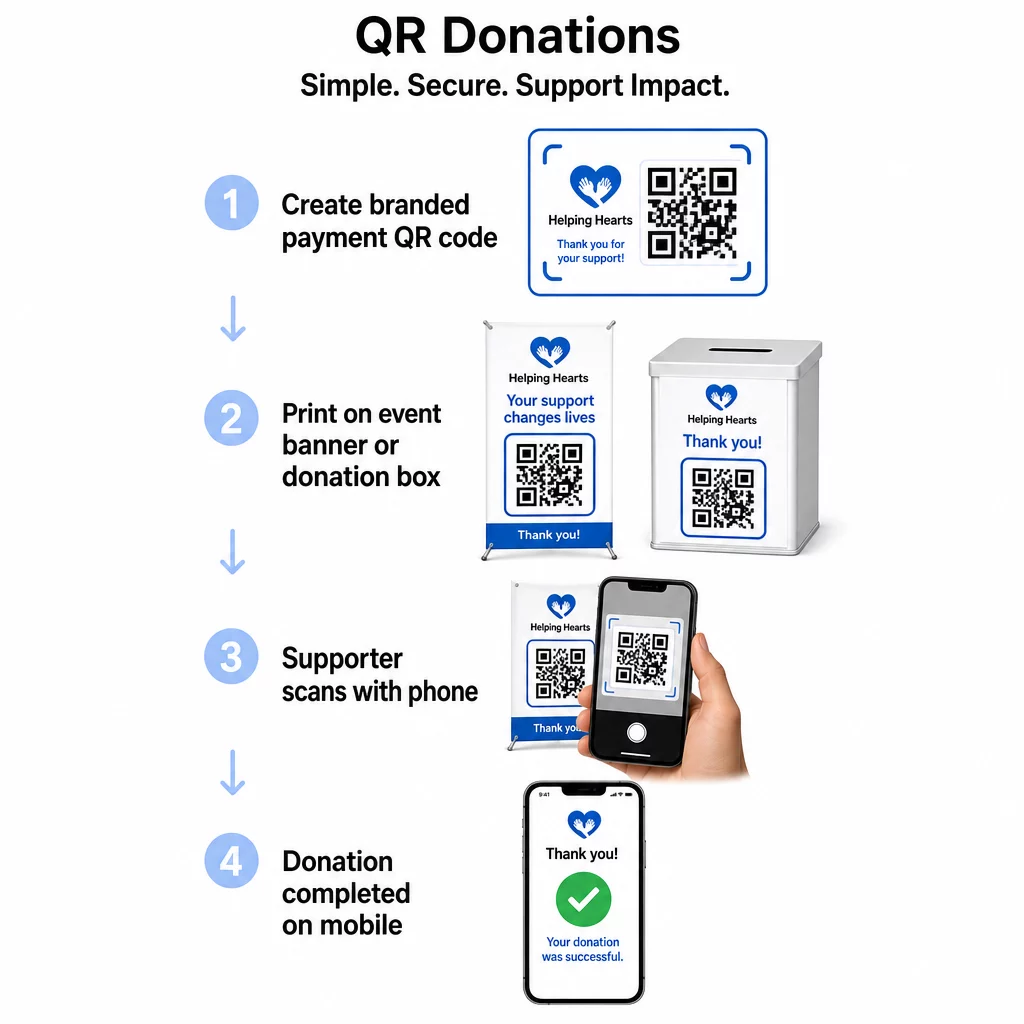
Tämä lähestymistapa toimii erityisen hyvin henkilökohtaisissa tilanteissa: hyväntekeväisyysgaaloissa, katukeräyksissä, kirkon kolehdeissa tai pop-up-lahjoituspisteissä. Brändätyn koodin sijoittaminen lahjoituslaatikkoon tai banneriin tapahtuman sisäänkäynnillä mahdollistaa spontaanit lahjoitukset osallistujilta, jotka eivät ehkä ole tuoneet käteistä tai shekkivihkoa.
Se PayPal QR-koodi generaattori tekee skannattavan koodin tuottamisesta maksulinkkiisi liitettynä suoraviivaista, jonka voit sitten mukauttaa organisaatiosi brändäyksellä.
Tapahtumailmoittautumisten ja vastausten edistäminen
Voittoa tavoittelemattomat järjestöt järjestävät jatkuvasti tapahtumia – gaaloja, vapaaehtoistyöpäiviä, tiedotuskävelyitä, yhteisöillallisia. Tukijoiden saaminen todella rekisteröitymään, sen sijaan että he vain ilmaisisivat kiinnostuksensa, on jatkuva haaste. QR-koodit painetuissa mainosmateriaaleissa voivat muuttaa jonkun “haluaisin osallistua” -tilan “olen rekisteröitynyt” -tilaksi alle minuutissa.
Linkitä QR-koodi tapahtumajulisteessasi suoraan ilmoittautumislomakkeeseen tai tapahtuman aloitussivulle. Voit myös koodata kalenterikutsun niin, että koodin skannaaminen lisää tapahtuman automaattisesti tukijan puhelimen kalenteriin – yksinkertainen mutta tehokas tapa vähentää poissaoloja.
Se Tapahtuman QR-koodi generaattori tukee molempia lähestymistapoja: linkittämistä ilmoittautumissivulle tai kalenterivalmiin kutsun luomista. Monimutkaisempien tapahtumien, jotka vaativat turvallista lipunmyyntiä ja sisäänkirjautumisen hallintaa, osalta opas aiheesta turvallisten QR-kooditapahtumalippujen luominen on syytä tarkistaa.
Konferensseissa tai osastopohjaisissa organisaatioissa QR-koodien sijoittaminen pöytätelineisiin, nimikyltteihin ja bannereihin antaa osallistujille välittömän pääsyn reaaliaikaisiin aikatauluihin, lahjoitusportaaleihin tai vapaaehtoisten ilmoittautumislomakkeisiin ilman paperisten jaettavien materiaalien jakamista.
Paperisten tarjouslomakkeiden korvaaminen hiljaisissa huutokaupoissa
Hiljaisten huutokauppojen tarjouslomakkeet luovat tarpeetonta paperityötä, aiheuttavat virheitä ja vaikeuttavat tarjousten seuraamista reaaliaikaisesti. Voittoa tavoittelemattomat järjestöt korvaavat niitä yhä useammin QR-koodeilla, jotka sijoitetaan jokaisen huutokauppaesineen viereen. Osallistujat skannaavat koodin, tarkastelevat kohteen tietoja ja tekevät tarjouksensa suoraan puhelimistaan.
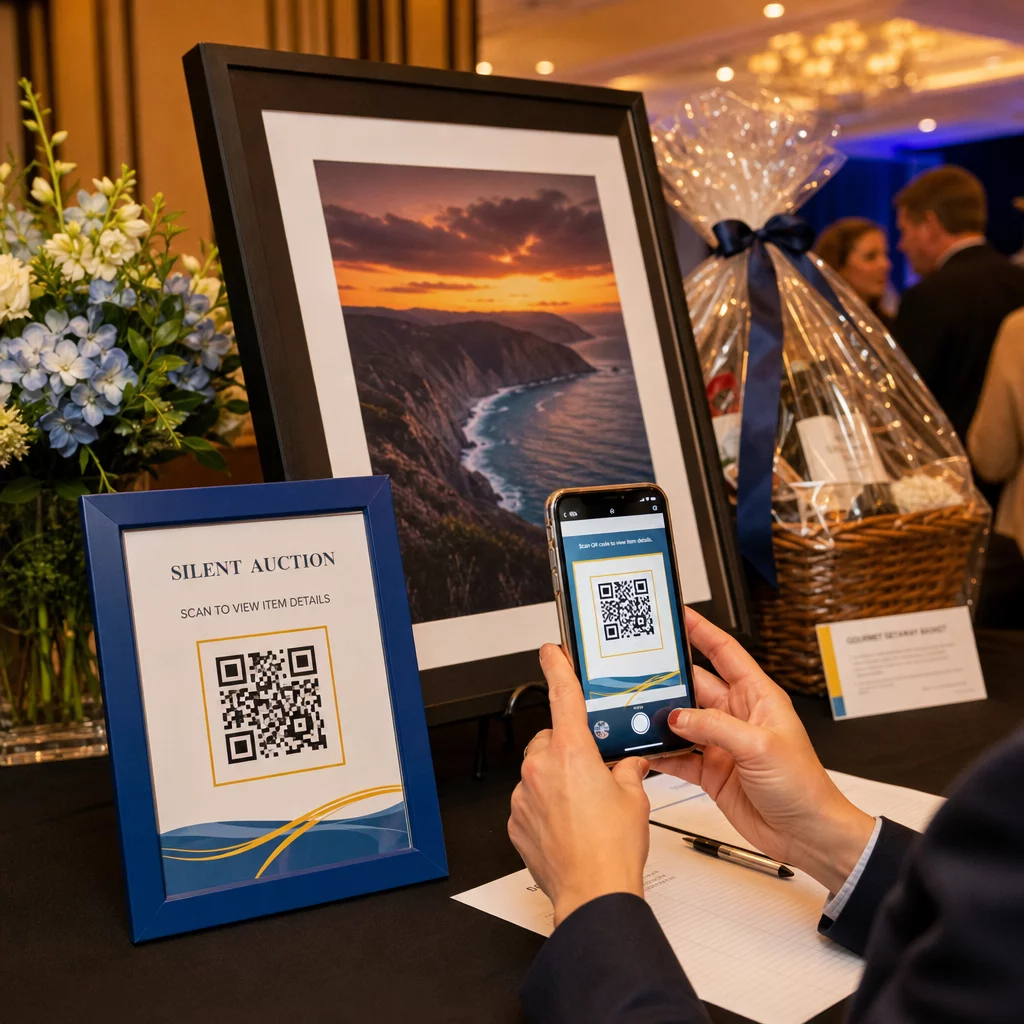
Tämä lähestymistapa vähentää hallinnollista työtä, poistaa lukukelvottoman käsialan ongelmat ja antaa järjestäjille mahdollisuuden seurata tarjouskilpailua reaaliaikaisesti. Se pitää myös osallistujat paremmin sitoutuneina huutokauppaan koko tapahtuman ajan sen sijaan, että he kerääntyisivät paperiarkkien ympärille lähellä määräaikaa.
A dynaaminen QR-koodi on oikea valinta tässä, sillä sen avulla voit päivittää linkitetyn sisällön – esimerkiksi vaihtaa kohteen tiedoista “tarjouskilpailu päättynyt” -sivulle – ilman, että sinun tarvitsee vaihtaa fyysistä koodia jokaisen kohteen vieressä.
Vapaaehtoisten ilmoittautumisten ja kyselyvastausten kerääminen
Järjestöt ovat riippuvaisia vapaaehtoisista, ja mitä yksinkertaisemmaksi teet ilmoittautumisen, sitä enemmän vastauksia saat. Google Forms -lomakkeeseen tai ilmoittautumissivulle linkitetty QR-koodi voidaan tulostaa mihin tahansa mainosmateriaaliin – esitteisiin yhteisötapahtumassa, julisteisiin kirjastossa, banderolleihin mielenosoituksessa – ja antaa ihmisten rekisteröityä välittömästi puhelimillaan.
Sama lähestymistapa toimii tapahtuman jälkeisissä kyselyissä, jäsenhakemuksissa ja palautelomakkeissa. Google Forms QR-koodi generaattori antaa sinun luoda skannattavan koodin mistä tahansa Google Forms -linkistä sekunneissa.
Organisaatioille, jotka haluavat seurata, mitkä materiaalit ja sijoittelut tuottavat eniten ilmoittautumisia, lomake-QR-koodien yhdistäminen seurantaan antaa selkeämmän kuvan siitä, mikä todella toimii. QR-koodin seurantaoppaasta selittää, miten skannausmäärää, sijaintia ja laitetyyppiä seurataan kampanjoissasi.
Sosiaalisen median seuraajakunnan kasvattaminen
Maksettu sosiaalisen median mainonta voi olla kallista, eivätkä sen tuottamat seuraajat aina ole aidosti kiinnostuneita asiastasi. Fyysisissä materiaaleissasi oleva QR-koodi tarjoaa edullisemman vaihtoehdon, joka kohdistuu ihmisiin, jotka ovat jo osoittaneet kiinnostusta – koska he ovat ottaneet esitteesi tai osallistuneet tapahtumaasi.
Linkitä QR-koodi laskeutumissivulle, joka sisältää linkit kaikkiin sosiaalisiin profiileihisi, jotta tukijat voivat valita haluamansa alustan. Vaihtoehtoisesti voit linkittää suoraan tiettyyn kampanjasivuun tai julkaisuun, jota haluat vahvistaa. Kummassakin tapauksessa konversio on välitön ja yleisö on vastaanottavaisempi kuin useimmat maksetut kampanjat tuottavat.
Ohjeita näiden koodien sijoittelun optimointiin tarjoaa QR-koodin sijoitteluopas käsittelee sijoittelua, kokoa ja kontekstia erityyppisille painomateriaaleille.
Kampanjan suorituskyvyn seuranta
Yksi alikäytetyimmistä QR-koodien eduista järjestöille on analytiikka. Dynaamisten QR-koodien avulla voit seurata, kuinka monta ihmistä skannasi tietyn koodin, milloin he skannasivat sen, mitä laitetta he käyttivät ja missä he sijaitsivat. Tämä kertoo, mitkä painetut materiaalit todella lisäävät sitoutumista ja mitkä jätetään huomiotta.
Esimerkiksi monipaikkainen organisaatio, joka toteuttaa suoramarkkinointikampanjaa, voisi käyttää eri QR-koodeja eri alueille ja verrata skannausmääriä ymmärtääkseen, missä viestintä on tehokkainta. Tiedot voivat auttaa päättämään, mihin tulevissa painatuksissa kannattaa investoida ja mitkä kampanjat ansaitsevat enemmän budjettia.
Seuraa jokaista skannausta kampanjoissasi Se Dynaaminen QR-koodi generaattori antaa sinulle täyden analytiikan hallintapaneelin, joka näyttää skannausmäärän, ajoituksen, maantieteellisen sijainnin ja laitetyypin – jotta voit mitata jokaisen painetun materiaalin todellista vaikutusta.
Parhaat käytännöt ennen tulostusta
Ennen minkään QR-koodin viimeistelyä tulostusta varten muutama tekninen tarkistus säästää sinua tuottamasta materiaaleja, jotka turhauttavat tukijoita:
- Testaa useilla laitteilla – skannaa koodi sekä iOS- että Android-laitteilla vaihtelevissa valaistusolosuhteissa ennen kuin sitoudut painokseen
- Käytä suurta kontrastia – tummat moduulit vaalealla taustalla; vältä värien kääntämistä
- Mitoita asianmukaisesti – vähintään 0,8 × 0,8 tuumaa tavallisille lentolehtisille; suurempi julisteille ja banderolleille, joita katsotaan etäältä
- Optimoi laskeutumissivu mobiililaitteille – useimmat skannaukset tapahtuvat älypuhelimilla, joten sivun, johon koodi linkittää, on latauduttava nopeasti ja oltava helppo navigoida pienellä näytöllä
- Sisällytä tekstivaihtoehto – tulosta URL-osoite tai lyhyt kuvaus koodin alle, jotta kohde on saavutettavissa kaikille, jotka eivät voi tai eivät halua skannata
Yksityiskohtaisia kokosuosituksia varten eri painomateriaaleille, QR-koodin mitoitusopas tarjoaa tarkat mitat paperi-, pahvi- ja kangassovelluksiin.
QR-koodit toimivat parhaiten voittoa tavoittelemattomille järjestöille, kun ne poistavat vaiheita sen sijaan, että lisäisivät niitä. Jokaisen käyttöönotetun koodin tulisi viedä tukija kiinnostuksesta toimintaan – lahjoittamaan, rekisteröitymään, ilmoittautumaan tai yhdistymään – mahdollisimman harvoilla napautuksilla. Aloita korkeimman prioriteetin kosketuspisteestäsi, olipa se sitten lahjoitussivu tai tapahtuman rekisteröintilomake, ja käytä Pageloot QR-koodigeneraattori luoda brändätty, jäljitettävä koodi, jonka voit ottaa käyttöön kaikissa painetuissa materiaaleissasi.
Usein kysytyt kysymykset
Dynaamiset QR-koodit ovat parempi valinta varainhankintaan. Ne mahdollistavat kohde-URL-osoitteen päivittämisen tulostuksen jälkeen – hyödyllistä, jos lahjoitussivusi muuttuu tai järjestät kausiluonteisia kampanjoita – ja ne sisältävät analytiikkaa, jotta voit seurata, kuinka moni ihminen skannasi, milloin ja mistä. Staattiset QR-koodit ovat ilmaisia, mutta niitä ei voi muokata tai seurata.
Tehokkaita sijoituspaikkoja ovat suorapostituskirjeet, tapahtumakyltit ja pöytäteltat, lahjoituslaatikot, vapaaehtoisten rekrytointiesitteet ja konferenssimerkit. Kussakin tapauksessa sijoita koodi silmien tasolle, sisällytä selkeä toimintakehote, kuten “Skannaa lahjoittaaksesi” tai “Skannaa rekisteröityäksesi,” ja varmista, että linkitetty sivu on optimoitu mobiililaitteille.
Tavallisten esitteiden ja painettujen materiaalien osalta suositellaan vähimmäiskokoa 0,8 × 0,8 tuumaa (2 × 2 cm) luotettavaan skannaukseen käsivarren etäisyydeltä. Suuremmalta etäisyydeltä katsottavien julisteiden ja banderollien osalta skaalaa koodia suhteellisesti ylöspäin – yleinen sääntö on, että koodin tulisi olla vähintään yksi kymmenesosa odotetun skannausetäisyyden leveydestä.