ホーム > ブログ > How to Improve QR Code Conversion Rates
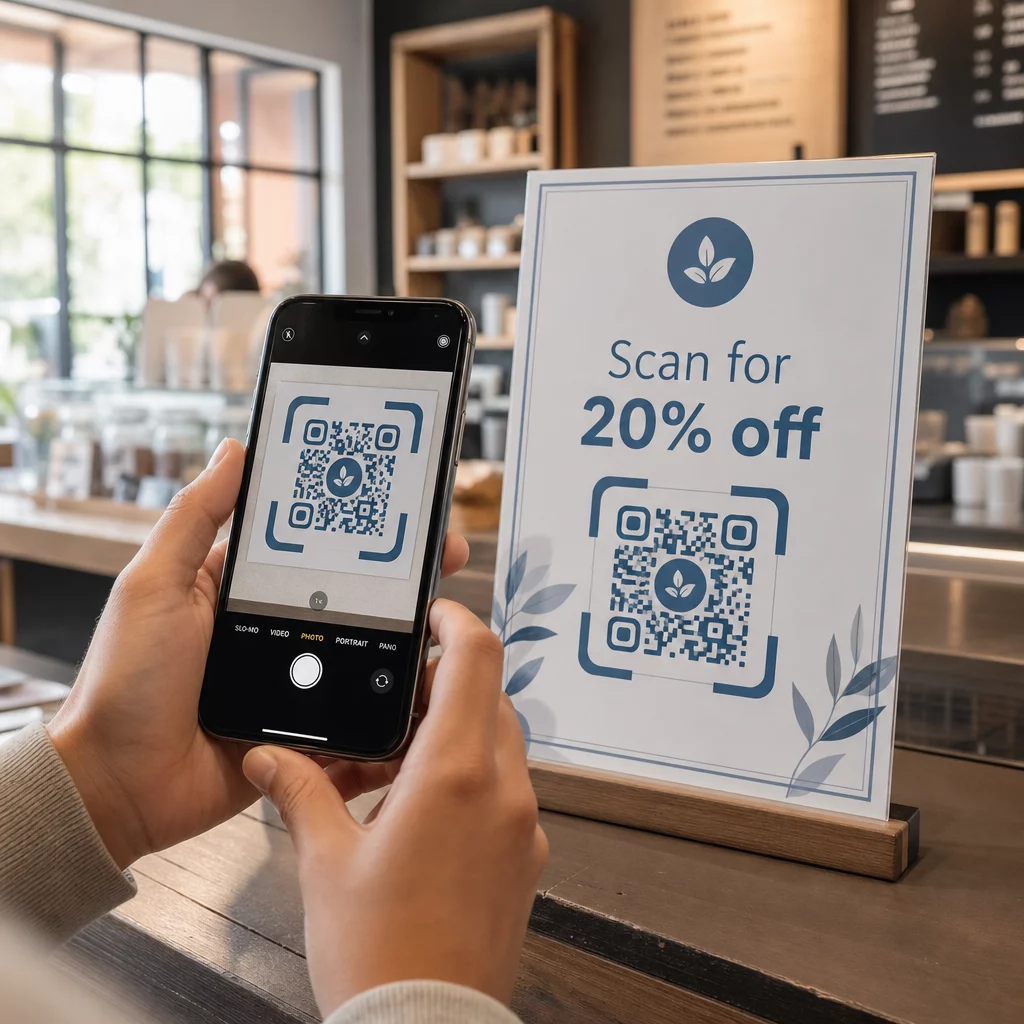
QRコードポスターのスキャン

How to Improve QR Code Conversion Rates

Improve your QR code conversion rates by optimizing calls-to-action, design scannability, and landing page speeds. Learn strategic placement and tracking tips.
Updated on 6月 10, 2026
目次

Are your QR codes getting scanned but failing to drive real results? Low conversion rates are often caused by fixable problems: weak calls-to-action, poor design, slow landing pages, or codes placed where no one sees them. This guide walks through the key levers you can pull to turn more scans into meaningful actions.

What Affects QR Code Conversion Rates

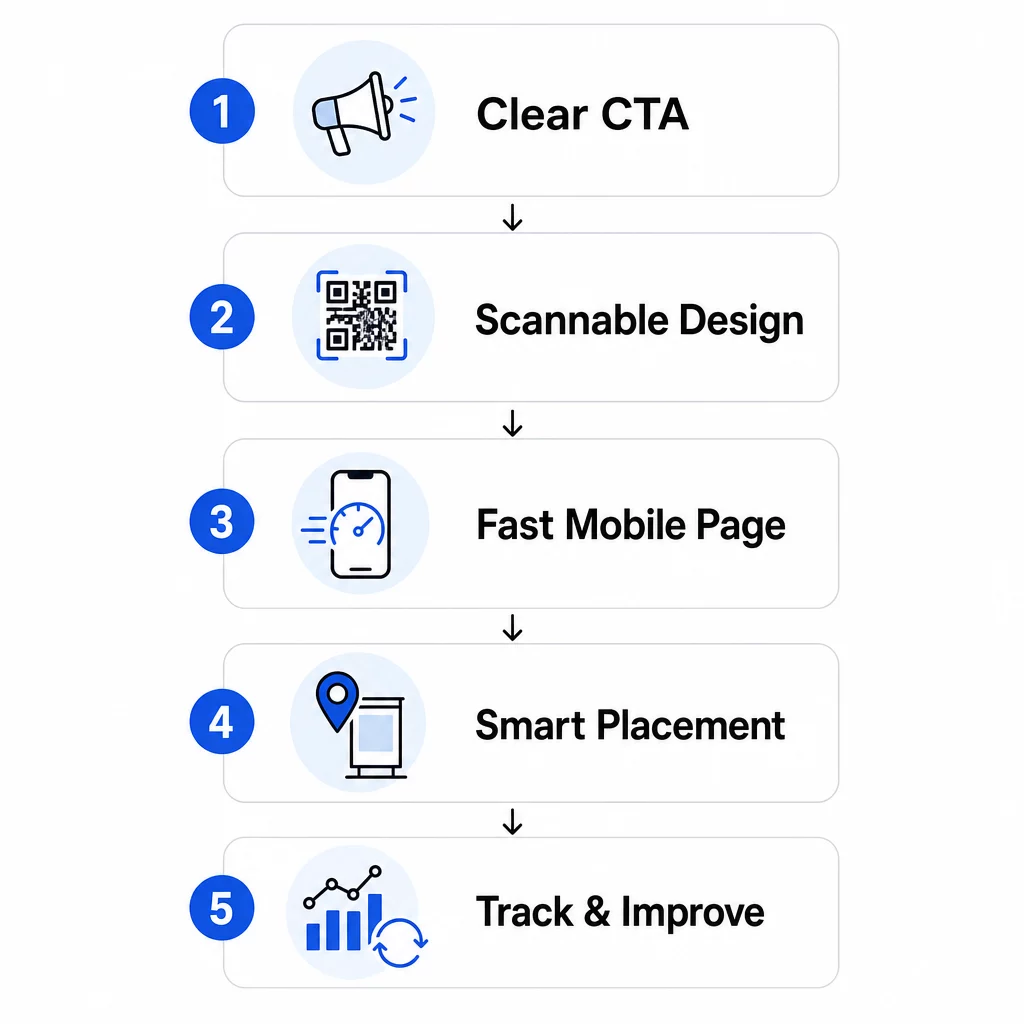
A QR code conversion doesn’t happen at the moment of the scan – it happens after. The scan is just the entry point. What drives a conversion is the combination of five factors working together:

QR conversion factors
  • Call-to-action clarity: Does the person scanning know what they’ll get?
  • Code scannability: Does the design allow cameras to read it reliably?
  • Landing page experience: Does the mobile page load fast and guide users to act?
  • Placement logic: Is the code positioned where the right people will see it at the right moment?
  • Tracking and iteration: Are you measuring what works and improving over time?

Each of these deserves its own attention. Miss one, and the others suffer.

Writing Calls-to-Action That Drive Scans

A QR code without a clear call-to-action leaves people guessing. When someone spots your code, they need to immediately understand what they’ll gain by scanning it. Vague messages like “Scan for more info” fall flat because they don’t answer the question every user has: What’s in it for me?

The impact of benefit-driven language is measurable. In one retail test, a QR code with the message “15% discount! Find out how by scanning” attracted 250 scans in a week. A less specific “Scan and win a prize!” generated only 90. The difference wasn’t the offer – it was the clarity.

Use Specific, Action-Oriented Language

Start with strong action verbs: “Get,” “Unlock,” “Download,” or “Scan.” Pair them with a direct benefit. Instead of a generic “Scan me,” try:

  • “Scan for 20% off your next order”
  • “Unlock your free guide”
  • “Scan to see today’s menu”

Avoid burying the CTA in fine print or separating it from the code. Place it directly above, below, or within the QR frame so users see the value before they scan.

Add Urgency and Context

Time-sensitive phrases increase action. “Scan in the next 24 hours for 20% off” or “Scan now to enter the giveaway” create a sense of immediacy that generic CTAs can’t replicate. Also tailor your message to the environment – a code on a restaurant table has different expectations than one on an event poster.

Visual cues help too. Arrows, smartphone icons, or frame text like “Open your camera to scan” reduces hesitation, especially for users less familiar with QR codes. Keep the surrounding area clean with ample white space so nothing competes with the code visually.

See How QR Code Campaigns Perform in Practice 探索する real-world QR code campaign examples to see how leading brands use CTAs, design, and placement together to drive measurable results.

Designing QR Codes That Scan Reliably

A visually appealing QR code that fails to scan is worse than no code at all – it wastes a potential conversion and frustrates the user. Reliable scanning depends on a few non-negotiable design principles.

Contrast Is the Foundation of Scannability

Smartphone cameras detect QR patterns by distinguishing dark modules from a light background. Low-contrast combinations – like red on black or pale gray on white – confuse scanners. Use a dark foreground on a light background and aim for a minimum contrast ratio of 4:1, with 4.5:1 as the preferred target for reliable scanning across devices and lighting conditions.

Classic black on white is always safe. If you’re experimenting with brand colors, test them across different devices and lighting before committing to print. The QR code usability best practices guide outlines the technical standards from ISO/IEC 18004 that define compliant QR code design.

Size and Quiet Zone Requirements

For most printed materials, a QR code should be at least 2 × 2 cm (0.8 × 0.8 inches). Smaller codes are difficult for smartphone cameras to focus on, particularly on lower-resolution devices. For larger displays, follow the 10:1 rule: for every 10 feet of viewing distance, the code should be at least 1 foot wide.

Equally important is the quiet zone – the blank space that surrounds the code. This border, at least four times the width of one module, helps scanners distinguish the code from nearby text or graphics. Never let design elements crowd the edges of the code. For more detail on sizing, contrast, and placement, see the QRコードの可読性に関するベストプラクティス.

Use vector formats (SVG, EPS) for any print application so the code remains sharp at any size.

Add Branding Without Breaking Functionality

You can incorporate logos, custom colors, and frames without sacrificing scannability – if you follow the rules. Place your logo in the center of the code, where QR error correction is strongest. QR codes can recover up to 30% of damaged or obscured data, so a centered logo is generally safe. Never cover the three finder patterns (the large squares in the corners), as these are required for the code’s orientation.

If you use custom colors, test the final code on both iOS and Android devices under different lighting conditions before printing. Dense, cluttered QR patterns – often caused by long URLs – are harder to scan at smaller sizes. Using a ダイナミックQRコード or URL shortener creates a cleaner, easier-to-scan pattern.

The JLo Beauty “Beauty Train” campaign from December 2020 is a strong example of this balance: custom-branded QR codes on a New York City shuttle generated 1,500 scans and 3,000 website visits by combining a visually distinct design with reliable scannability.

Building Mobile Landing Pages That Convert

A QR code scan is only as valuable as what happens next. Since nearly all scans happen on mobile devices, your landing page must be built specifically for small screens and touch navigation. A poorly optimized page will undo everything your QR code worked to achieve.

One case study illustrates this clearly: a company promoting a car gadget via poster QR codes found that 80% of users abandoned the landing page within five seconds. The cause was auto-playing high-resolution video that slowed load times. After switching to a lightweight video preview and simplifying the layout, the purchase conversion rate increased from 1% to 3% – a 200% improvement from a single change.

Page Speed Is a Conversion Variable

Every second of delay costs you conversions. On mobile, a 1-second delay in page load can reduce conversions by up to 20%. Google recommends that Largest Contentful Paint – the time it takes for the main content to appear – stays under 2.5 seconds for a good user experience.

To hit that target:

  • Compress images and avoid auto-playing high-resolution video
  • Use clickable video previews instead of autoplay
  • Minimize HTTP requests and use a CDN for faster delivery
  • Test on actual mobile networks, not just Wi-Fi

Dynamic QR codes generate shorter, cleaner redirect URLs, which also contribute to faster load initiation. For a full breakdown of mobile page optimization, see the guide on モバイルQRコードランディングページのベストプラクティス.

Remove Every Unnecessary Step

Once the page loads, eliminate friction. Each extra click or form field increases the likelihood of abandonment. If you’re collecting leads, ask only for what you need – name and email – and enable autofill to speed up data entry.

Deep linking is one of the most effective tactics here. Instead of sending users to a homepage, link directly to the specific content the scan promises. If your QR code advertises a discount, the link should go directly to the promo page, not the main site. Max Fashion in the Middle East applied this principle using dynamic QR codes linked to specific in-app screens, achieving double-digit growth in app sessions and conversions.

Create Landing-Page-Ready QR Codes を使用しています。 リンクQRコードジェネレーター to connect your codes directly to specific URLs, product pages, or promotions – no unnecessary redirects.

Placing QR Codes Where People Will Actually Scan

Even a perfectly designed QR code will underperform if it’s placed where people can’t see it, can’t access it, or aren’t in the right mindset to scan. Placement is as strategic as design.

The right placement combines three things: visibility (people can see it clearly), accessibility (their phone is nearby and usable), and context (the moment and mindset match what the code offers).

High-Visibility, High-Intent Locations

The following placements consistently perform well:

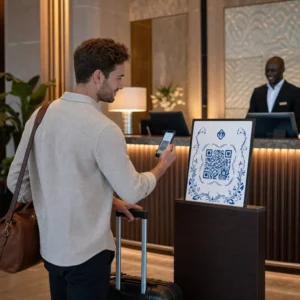
  • Storefront windows: Ideal for after-hours promotions, bookings, or special offers that attract foot traffic when the store is closed
  • Checkout counters: Customers are already engaged and waiting – an effective moment for loyalty sign-ups or digital receipts
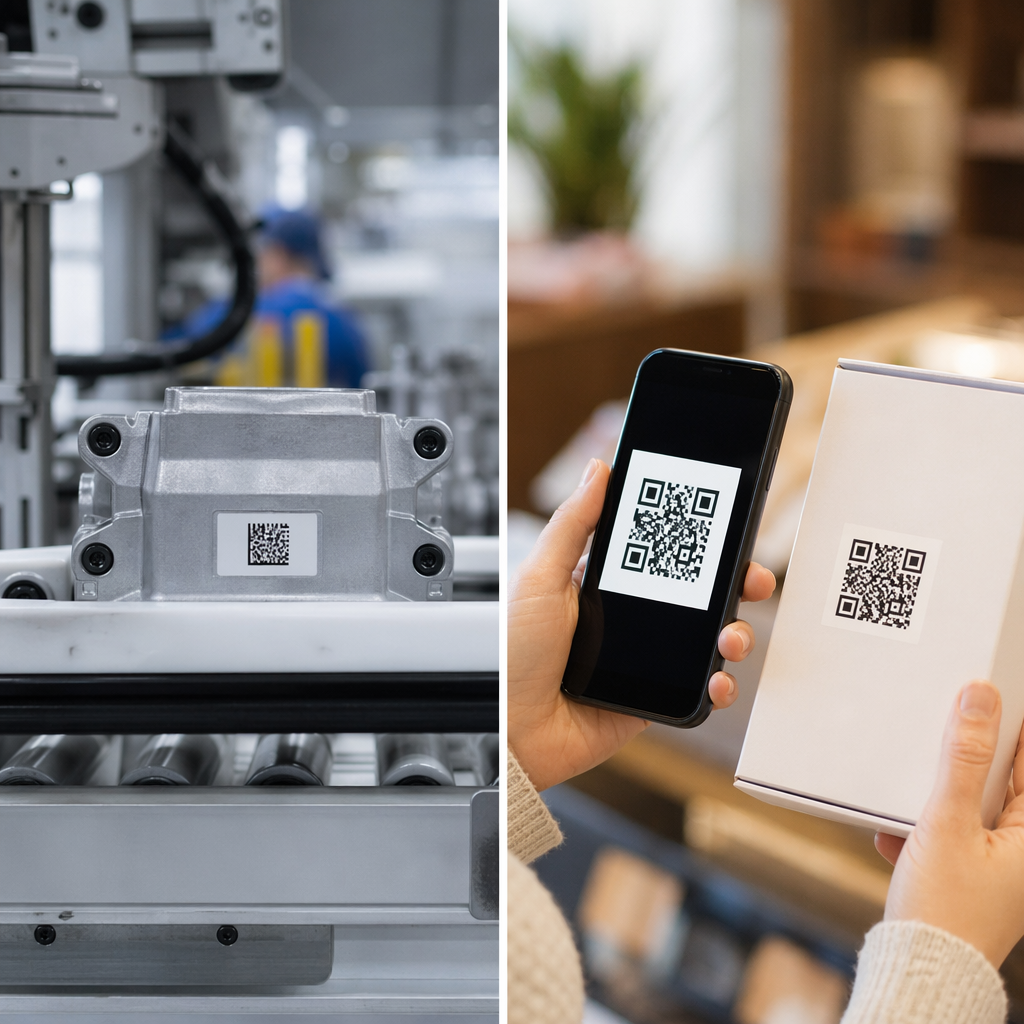
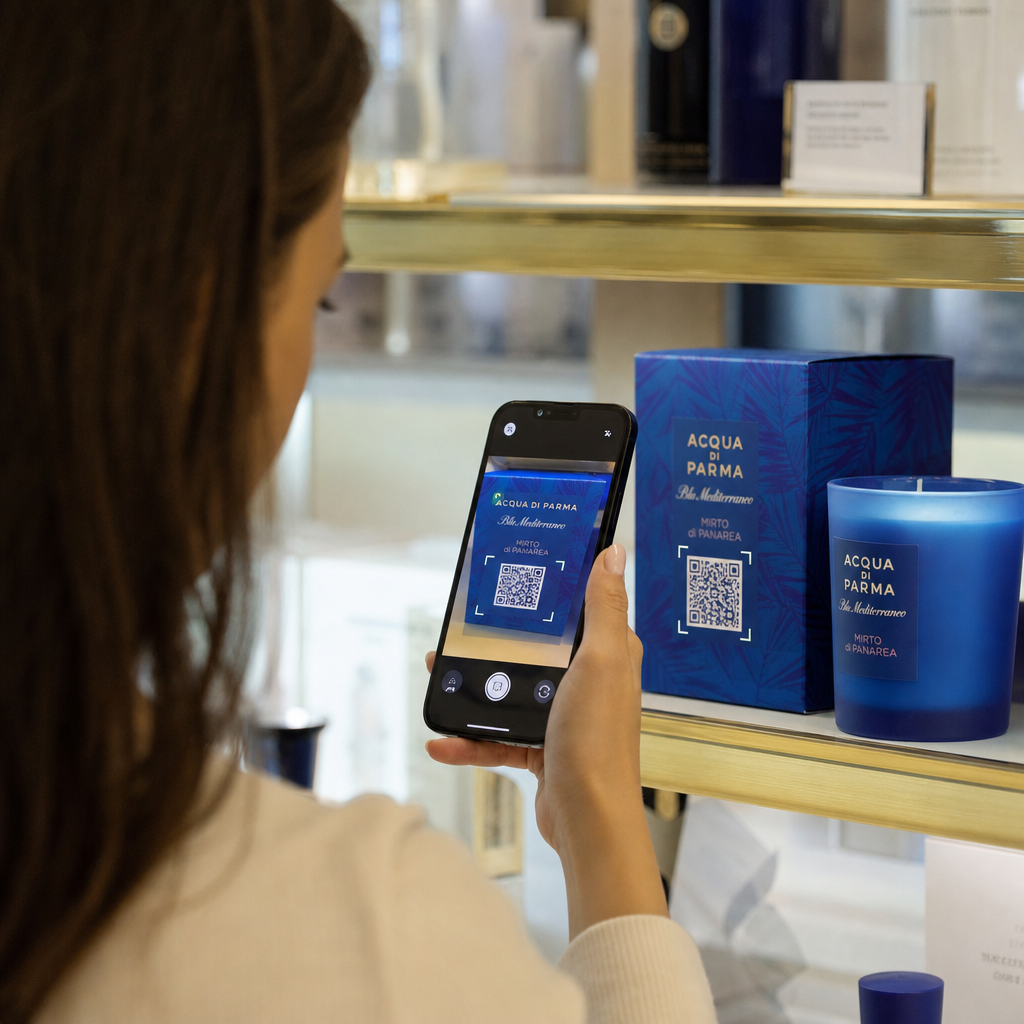
  • 製品パッケージ: People who’ve already purchased have high intent; link to manuals, warranty registration, or reorder options
  • Restaurant tables: Diners have downtime and their phones out – use it for digital menus or contactless payment
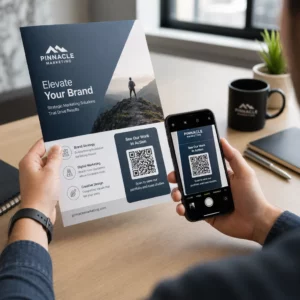
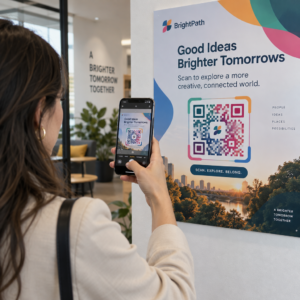
  • Posters and flyers: Place at eye level (3.5–5.5 feet) for standing audiences; counter height works better in retail where shoppers look down

Avoid problematic surfaces: curved packaging, glossy glass that creates glare, or folded areas where the code may distort. Always test your code in its intended location and lighting before launch. For placement guidance across print, digital, and environmental formats, see the マーケティングにおけるQRコード配置の究極ガイド.

Match Placement to Audience Behavior

Timing and mindset matter as much as location. QR codes on utility bills are scanned most often between 6:00 PM and 10:00 PM on weekdays, when people are home reviewing their mail. Transit hubs reach commuters who are waiting and already on their phones.

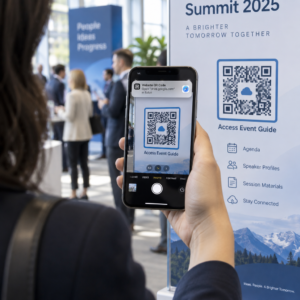
Align the code’s purpose with the context. A code on product packaging might lead to an instructional video; a code at an event entrance might link to the agenda. When your placement matches what users expect to find, scan rates and post-scan engagement both improve.

プレースメント Typical Use Key Performance Factor
Storefront windows After-hours promotions High foot-traffic visibility
Checkout counters Loyalty sign-ups, digital receipts High conversion at point of transaction
製品パッケージ Manuals, warranty, reorder High intent from existing buyers
Restaurant tables Digital menus, payments High engagement during dwell time
Posters/flyers Coupons, RSVPs, lead gen Reach depends on CTA clarity
Billboards/OOH Brand awareness, app downloads High exposure; requires large code

Testing and Tracking with Dynamic QR Codes

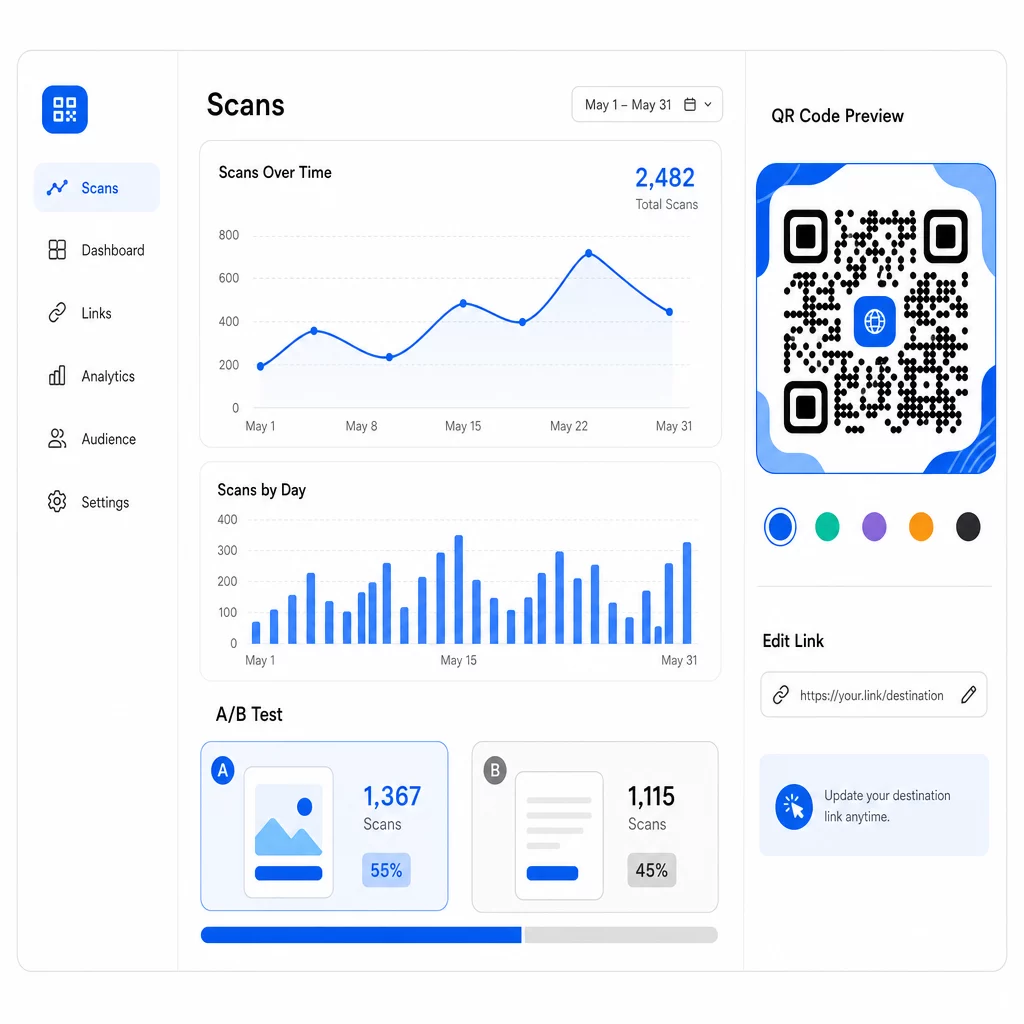
Once your codes are live, the question shifts from setup to optimization. Dynamic QR codes make this process straightforward: you can test different approaches, track how each performs, and update your campaigns without reprinting a single piece of material.

動的QR分析

Unlike static QR codes, dynamic codes point to a short redirect URL that you control. Change the destination anytime – no new code needed.

A/B Test Designs and Messages

With dynamic codes, you can run structured tests to find what actually connects with your audience. Test one variable at a time to keep results interpretable:

  • CTAs: Does “Get 20% Off” outperform “Scan for More Info”?
  • Design elements: Does a branded code with your logo scan more than a plain black-and-white version?
  • プレースメント: Does the same code perform differently at checkout versus at the entrance?

The retailer CTA test mentioned earlier – where “15% discount! Find out how by scanning” received 250 scans versus 90 for “Scan and win a prize!” – illustrates how a single message change can produce a nearly threefold difference. For a structured approach to running these experiments, the guide on how A/B testing improves QR code conversions covers setup, variables, and analysis in detail.

Use Scan Data to Refine Campaigns

Dynamic QR codes generate analytics that tell you more than just how many people scanned. You can track:

  • Total scans and unique scans
  • Scan location (country, city, region)
  • Time and date of scans
  • Device type and operating system

If your data shows that most scans happen between 6:00 PM and 10:00 PM on weekdays, you can time follow-up promotions for that window. If one region significantly outperforms others, you can allocate more resources and tailor messaging for that area. Pageloot’s analytics dashboard provides real-time visibility into all of these metrics.

Adding UTM parameters to your destination URLs extends this tracking into Google Analytics, giving you a complete picture of the post-scan journey – from first scan through to purchase, form submission, or app download. The UTM parameters for QR codes guide explains how to set this up consistently across campaigns.

Max Fashion used this approach with Branch-powered dynamic QR codes across storefronts and promotional materials, linking offline scans to digital deep links and tracking the full customer journey from scan to purchase – resulting in double-digit growth in app sessions and conversions.

キャンペーンをリアルタイムで監視 顧客がいつ、どこであなたの資料をスキャンしているかを正確に知りたいですか? ダイナミックQRコードジェネレーター を使用して追跡可能なコードを作成し、今すぐ完全なパフォーマンスダッシュボードにアクセスしましょう。.

Keeping QR Code Content Fresh

Printed materials stay in circulation long after they’re distributed. A flyer from three months ago might still be generating scans today – but if the linked content is outdated or broken, those scans become negative experiences.

Dynamic QR codes solve this directly. You can update the destination URL at any time without touching the physical code. If a seasonal promotion changes from “20% off” to “buy one, get one free,” update the landing page in seconds. If you discover a broken link, fix it immediately without reprinting.

This flexibility also allows you to tailor content over time based on what your scan data tells you. A marketing team might update codes to highlight time-sensitive offers; a retailer might switch from product demos to a seasonal gift guide. The code stays the same – the experience keeps improving.

To encourage repeat engagement, always deliver immediate, clear value. “Scan for 20% off your next order” consistently outperforms generic alternatives because it tells users exactly what they get. Track the ratio of total scans to unique scans: if users return to the same code repeatedly, that’s a strong signal your content is delivering ongoing value.

すべてをまとめる

Improving QR code conversion rates isn’t about one big fix – it’s about getting multiple elements working together. Strong CTAs bring people to the point of scanning. Reliable design ensures they can. A fast, focused mobile page ensures they follow through. Smart placement puts the code in front of the right people at the right moment. And dynamic codes with tracking let you measure what’s working and improve everything else continuously.

Pageloot QRコードジェネレーター そして 動的QRコードツール give you the infrastructure to apply all of these strategies in one place – branded codes, real-time analytics, and the ability to update campaigns instantly. Explore the full Pageloot feature set to see how each capability fits into your campaign workflow.

よくある質問

How do I write a QR code call-to-action that actually works?

Use direct, action-oriented language that states a specific benefit before the user scans. Phrases like “Scan for 20% off” or “Unlock your free guide” consistently outperform vague alternatives like “Learn more” or “Scan me.” Place the CTA directly adjacent to the code – above, below, or within the frame – so users see the value before committing to scan. Adding urgency (“Scan today only”) or context-specific language (“Scan to see tonight’s menu”) further improves results.

What’s the minimum size for a QR code to scan reliably?

For most printed materials, a QR code should be at least 2 × 2 cm (0.8 × 0.8 inches). At smaller sizes, lower-resolution smartphone cameras may struggle to focus and decode the pattern. For larger formats viewed from a distance, use the 10:1 rule: the code should be at least 1 inch wide for every 10 inches of expected scanning distance. Always maintain a quiet zone – clear white space around the edges – of at least four module widths to help scanners isolate the code from surrounding elements.

Why should I use dynamic QR codes instead of static ones?

Dynamic QR codes let you update the destination URL after printing, so you can fix broken links, swap out promotions, or redirect to new content without reprinting materials. They also generate detailed analytics – scan counts, locations, device types, and timestamps – that let you understand how your codes are performing and where to improve. For A/B testing different CTAs or placements, dynamic codes are essential because you can change the destination for one variant without creating a new physical code.

著者について

Siim KostabiはPagelootのコンテンツリードです。Pagelootの革新的なQRコード生成サービスについて執筆しています。5年以上にわたるQRコードに関する深い専門知識を持つSiimは、この分野の専門家です。QRテクノロジーを活用してデジタルインタラクションを簡素化・拡張する上で、大きな進歩を遂げています。.

カテゴリー
について詳しくはこちら
LinkedIn QRネットワーキング
どのように LinkedIn QRコードを探す
パッケージ商品のQRコード
のQRコード パッケージ製品
✅ QRコードの#1ソリューション

オンラインでQRコードを作成する必要がある場合は QRコードを作る ここで無料で
ページルートは #1のGo-Toソリューション でQRコードを作成してスキャンすることができます。

売上、レビュー、フォロワーを増やすために 20,000 を超えるブランドから信頼されています。

クライアントのロゴ
トップブランドから信頼される
5 のうち 4.8 と評価しました

4.86 / 5つ星評価

ユーゴ・ローラン
ユーゴ・ローラン
レストランオーナー
最も簡単で信頼性の高いQRコードジェネレータです。PDFファイルを即座にアップロードできます。レストランのメニューがデジタル化されました。
ルーカス・ジャンセン
ルーカス・ジャンセン
不動産開発業者
これは優れたツールで、QRコードでちょうど欲しいところに連れて行ってくれます。私たちは位置情報のQRコードしか使っていませんが、とても便利な機能がたくさんあります。
エマ・モレッティ
エマ・モレッティ
小売製品
使いやすいし、早い。素晴らしい機能で、完璧な画像を作成してくれるので、社員は私のvCardをダウンロードすることができます。
ユーゴ・ローラン
ユーゴ・ローラン
レストランオーナー
最も簡単で信頼性の高いQRコードジェネレータです。PDFファイルを即座にアップロードできます。レストランのメニューがデジタル化されました。
ルーカス・ジャンセン
ルーカス・ジャンセン
不動産開発業者
これは優れたツールで、QRコードでちょうど欲しいところに連れて行ってくれます。私たちは位置情報のQRコードしか使っていませんが、とても便利な機能がたくさんあります。
エマ・モレッティ
エマ・モレッティ
小売製品
使いやすいし、早い。素晴らしい機能で、完璧な画像を作成してくれるので、社員は私のvCardをダウンロードすることができます。
QRコードをもっと見る
あらゆるものをデジタル体験に変えよう 3分以内に。

14日間の無料トライアル。

クレジットカードは必要ありません。

初回購入で30%オフ

次のコードを使用してください:

MP3ファイルを共有

PDF QRコードを作成するにはサインアップしてください

必要なものをすべてアップロードして表示する。

  • オーディオファイル
  • ポッドキャスト
  • 音楽

サインアップで14日間無料トライアル。.
トライアル終了後、QRコードは期限切れになります。.

オーディオmp3 QRコードを作成するにはサインアップしてください

フレームでより多くのスキャンを獲得

QRコードにフレームを追加するにはサインアップしてください

コールトゥアクションフレームは、お客様が簡単にQRコードと対話できるようにします。ぜひお試しください。

サインアップで14日間無料トライアル。.
トライアル終了後、QRコードは期限切れになります。.

QRコードにフレームを追加するにはサインアップしてください

シェイプでスタイルを追加

より多くの図形を作成するにはサインアップしてください

QRコードは四角いものである必要はありません。あなたのブランドのイメージに合わせて変えてみてください。

サインアップで14日間無料トライアル。.
トライアル終了後、QRコードは期限切れになります。.

より多くの図形を作成するにはサインアップしてください

QRコードにロゴを追加

QRコードにロゴを追加するにはサインアップしてください

QRコードにロゴやブランドを入れることで、目立たせることができます。

サインアップで14日間無料トライアル。.
トライアル終了後、QRコードは期限切れになります。.

QRコードにロゴを追加するにはサインアップしてください

スマートなApp Storeリダイレクト

アプリストアのQRコードを作成するにはサインアップしてください

スマートなApp StoreのQRコードに、あなたのアプリのリンクを追加します。ユーザーは、デバイスに応じてリダイレクトされます。

サインアップで14日間無料トライアル。.
トライアル終了後、QRコードは期限切れになります。.

アプリストアのQRコードを作成するにはサインアップしてください

QRコードに画像をアップロード

画像QRコードを作成するにはサインアップしてください

画像を簡単に共有できます。どんな画像も、数秒でダイナミックに変化します。

サインアップで14日間無料トライアル。.
トライアル終了後、QRコードは期限切れになります。.

画像QRコードを作成するにはサインアップしてください

PDFファイルを共有

PDF QRコードを作成するにはサインアップしてください

必要なものをすべてアップロードして表示する。

  • メニュー&プライスリスト
  • 指示
  • 任意の書類

サインアップで14日間無料トライアル。.
トライアル終了後、QRコードは期限切れになります。.

PDF QRコードを作成するにはサインアップしてください

印刷せずに後で編集

再度印刷せずにQRコードを編集するにはサインアップしてください

ダイナミックQRコードは、新たにQRコードを印刷することなく、QRコードの内容を変更することができます。

サインアップで14日間無料トライアル。.
トライアル終了後、QRコードは期限切れになります。.

再度印刷せずにQRコードを編集するにはサインアップしてください

いつ?どこで?QRコードのスキャンを追跡

QRコードを追跡するにはサインアップしてください

どのQRコードが最も多くスキャンされ、何が最も顧客を喜ばせているのかを知ることができます。

サインアップで14日間無料トライアル。.
トライアル終了後、QRコードは期限切れになります。.

QRコードを追跡するにはサインアップしてください

印刷可能なファイルが利用可能

PDFやSVGのようなベクターQRコードを作成するにはサインアップしてください

.eps、.pdf、.svg

QRコードをHD解像度でダウンロードしたいですか?すぐに印刷できるベクターまたはピクセル形式を入手しましょう。

サインアップで14日間無料トライアル。.
トライアル終了後、QRコードは期限切れになります。.

PDFやSVGのようなベクターQRコードを作成するにはサインアップしてください

しばらくお待ちください。あなたのQRコードは ロード... ロード...

あなただけのものに

サインアップしてQRコードを後で保存してください

異なる色、ロゴ、コールトゥアクションフレームで素晴らしいQRコードを作成することで、より多くのスキャンを得ることができます。

サインアップで14日間無料トライアル。.
トライアル終了後、QRコードは期限切れになります。.

サインアップしてQRコードを後で保存してください