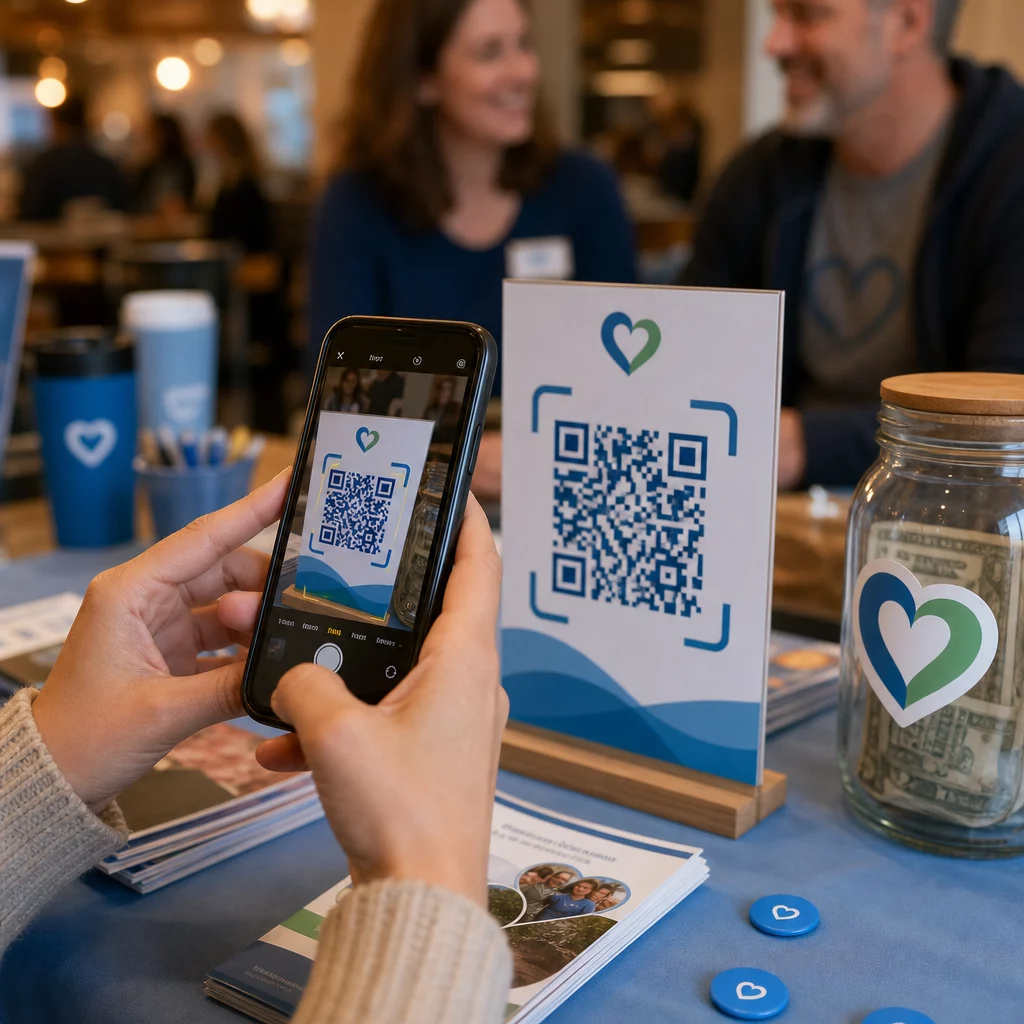
Küzd azzal, hogy a támogatók érdeklődését tényleges adományokká és eseményregisztrációkká alakítsa? A non-profit szervezetek gyakran szembesülnek az elkötelezett közönség és a befejezett cselekvések közötti szakadékkal – különösen, ha a nyomtatott anyagok csak korlátozottan hatékonyak. Ez az útmutató bemutatja a legpraktikusabb módokat, ahogyan a QR-kódok áthidalhatják ezt a szakadékot, az adományozási oldalaktól a néma aukciós licitekig.
A QR-kódok már nem csupán kereskedelmi eszközök, amelyeket kiskereskedők és fogyasztói márkák használnak. A non-profit szervezetek valóban hasznosnak találták őket az adományozási folyamat súrlódásának csökkentésére, események népszerűsítésére és támogatói közösségek építésére. A mobil adományozás térnyerésével – 2020-ban az összes online adomány közel 30%-a mobil eszközről történt – a támogatók számára a telefonjukon keresztüli cselekvés megkönnyítése valódi adománygyűjtési prioritássá vált.
Íme a leghatékonyabb módok, ahogyan szervezete hasznosíthatja a QR-kódokat.
Közvetlen link az adományozási oldalára
Az olyan nyomtatott anyagok, mint a brosúrák, szórólapok és direkt marketing levelek, korlátozott hellyel és még korlátozottabb olvasói türelemmel rendelkeznek. A QR-kód lehetővé teszi, hogy áthidalja a meggyőző üzenet és a befejezett adomány közötti szakadékot anélkül, hogy a támogatóknak URL-t kellene beírniuk vagy laptopot kellene nyitniuk.
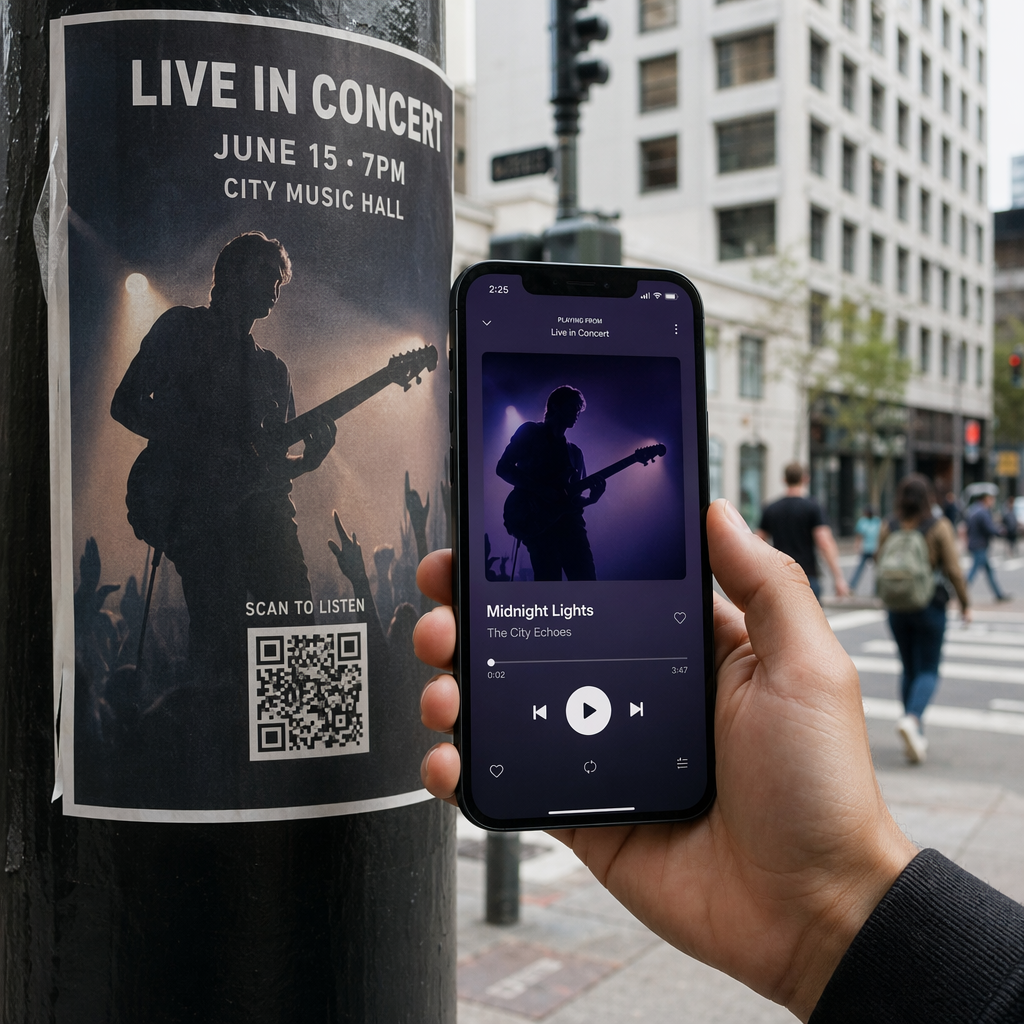
Helyezzen el egy QR-kódot bármilyen nyomtatott anyagra – eseményprogramokra, adománygyűjtő borítékokra, asztali sátrakra vagy felhívó levelekre – és linkelje közvetlenül az adományozási oldalára. Amikor egy támogató beolvassa, azonnal egy mobilra optimalizált adományozási űrlapra kerül. Ez megszünteti azt a súrlódást, amely az érdeklődés és a cselekvés közötti lemorzsolódást okozza.
Azoknál a kampányoknál, ahol a célállomás változhat – például egy szezonális felhívás vagy egy matching gift akció – használjon egy dinamikus QR-kód a statikus helyett. A dinamikus kódok lehetővé teszik a linkelt URL bármikori frissítését anélkül, hogy újra kellene nyomtatnia az anyagait. A különbségről többet megtudhat a statikus vs. dinamikus QR-kódok összehasonlító oldalán.
Néhány elhelyezési tipp, amit érdemes követni:
- Helyezzen el egy rövid cselekvésre ösztönző felhívást a kód mellé, például “Szkenneljen az azonnali adományozáshoz”
- Nyomtassa ki a cél URL-t szövegként a kód alá, hogy azok a támogatók, akik nem tudnak szkennelni, továbbra is hozzáférjenek az adományozáshoz
- Tartson legalább 0,8 × 0,8 hüvelykes kódméretet a standard nyomtatott anyagokon a megbízható szkennelés érdekében
Készen áll az adományozási QR-kód létrehozására? Használja a Pageloot non-profit QR-kód eszközök hogy márkás, nyomon követhető adományozási QR-kódot generáljon, és közvetlenül az adományozási oldalára vagy fizetési portáljára linkelje.
A folyamat részletesebb áttekintéséhez a útmutató a QR-kódokhoz jótékonysági adománygyűjtők számára részletesen tárgyalja a tervezést, a kontrasztkövetelményeket és a mobiloptimalizálást.
Adományok elfogadása fizetési QR-kódokon keresztül
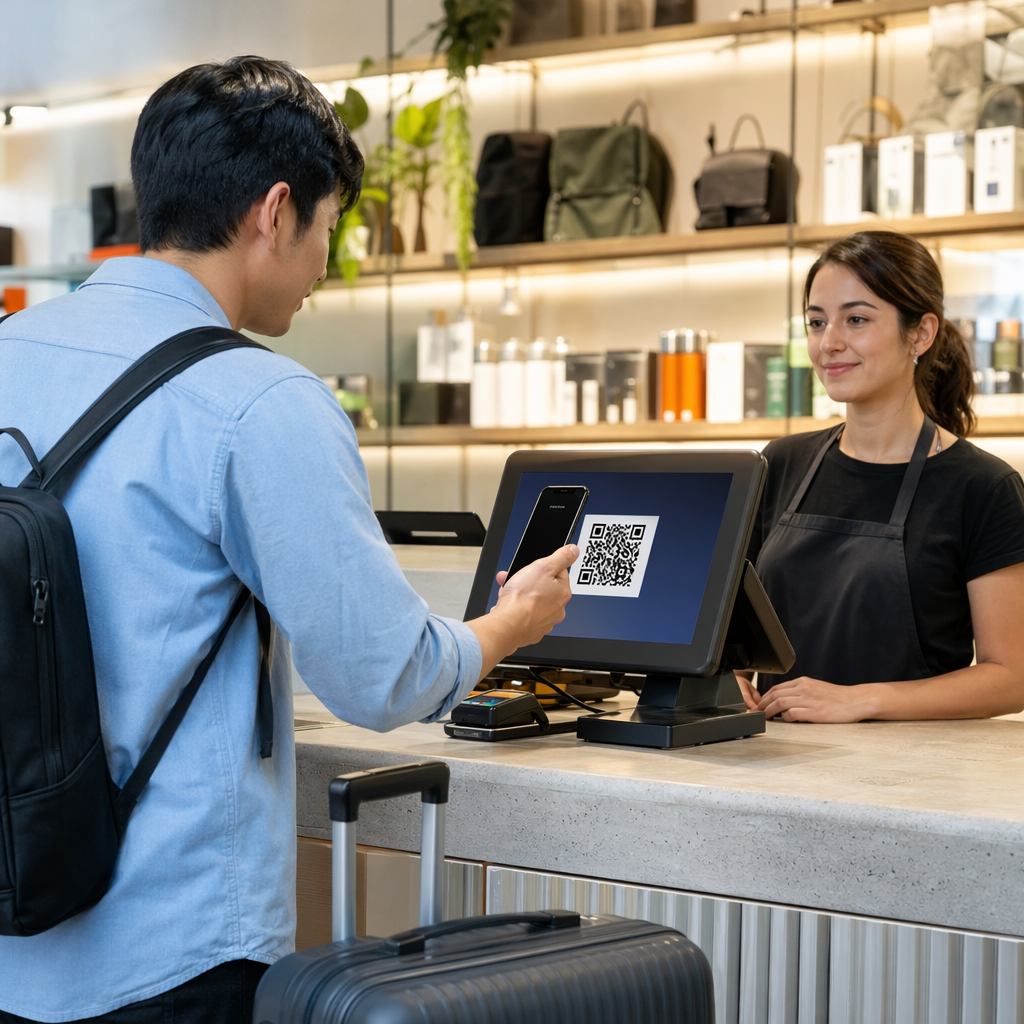
Ahelyett, hogy a támogatókat egy általános adományozási oldalra irányítaná, generálhat egy QR-kódot, amely egy adott fizetési portálra mutat – például egy PayPal.me linkre vagy más adományozási platformra. A támogatók beolvassák, megnyílik a fizetési oldal, és a tranzakció másodpercek alatt befejeződik a telefonjukról.
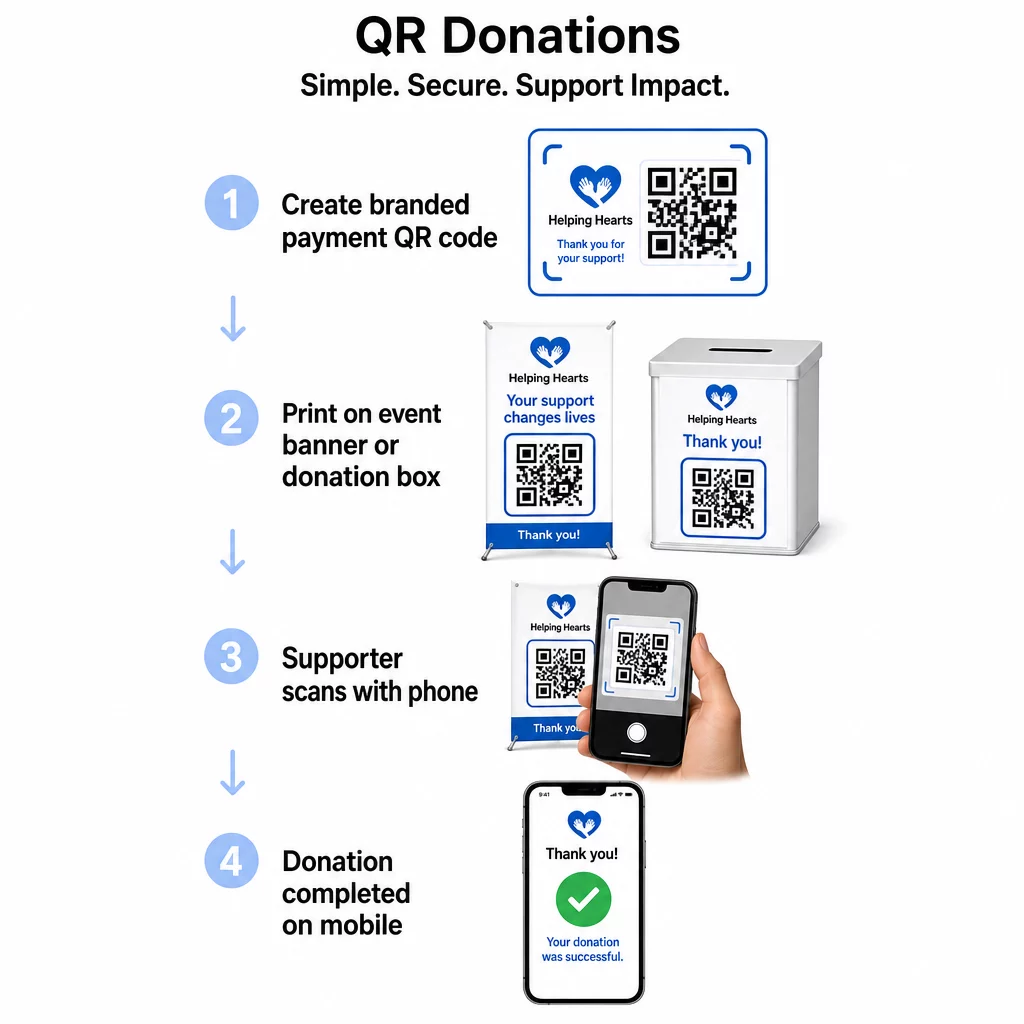
Ez a megközelítés különösen jól működik személyes eseményeken: jótékonysági gálákon, utcai adománygyűjtésen, templomi gyűjtéseken vagy ideiglenes adománygyűjtő pontokon. Egy márkás kód elhelyezése egy adománygyűjtő dobozon vagy egy rendezvény bejáratánál lévő transzparensen lehetővé teszi az azonnali hozzájárulásokat azoktól a résztvevőktől, akik esetleg nem hoztak készpénzt vagy csekket.
A PayPal pénzfogadás QR kóddal egyszerűvé teszi egy beolvasható kód létrehozását, amely a fizetési linkjéhez kapcsolódik, és amelyet aztán testre szabhat szervezete arculatával.
Eseményregisztrációk és RSVP-k ösztönzése
A non-profit szervezetek folyamatosan rendeznek eseményeket – gálákat, önkéntes napokat, figyelemfelkeltő sétákat, közösségi vacsorákat. A támogatók tényleges regisztrációjának elérése, a puszta érdeklődés kifejezése helyett, állandó kihívás. A nyomtatott promóciós anyagokon elhelyezett QR-kódok kevesebb mint egy perc alatt eljuttathatnak valakit az “Szeretnék részt venni” állapotból az “Regisztráltam” állapotba.
Linkeljen egy QR-kódot az esemény szórólapján közvetlenül egy regisztrációs űrlapra vagy esemény céloldalra. Naptár meghívót is kódolhat, így a kód beolvasása automatikusan hozzáadja az eseményt a támogató telefonjának naptárához – ez egy egyszerű, de hatékony módja a távolmaradások csökkentésének.
A Esemény QR kód generátor támogatja mindkét megközelítést: regisztrációs oldalra mutató linket vagy naptárba illeszthető meghívó generálását. Összetettebb eseményekhez, amelyek biztonságos jegykezelést és bejelentkezés-menedzsmentet igényelnek, az útmutató a biztonságos QR-kódos rendezvényjegyek létrehozásáról érdemes áttekinteni.
Konferenciák vagy tagsági alapú szervezetek esetében a QR-kódok elhelyezése asztali kártyákon, névtáblákon és transzparenseken azonnali hozzáférést biztosít a résztvevőknek az élő menetrendekhez, adományozási portálokhoz vagy önkéntes jelentkezési űrlapokhoz anélkül, hogy papír alapú szórólapokat kellene osztogatni.
Papír alapú licitlapok cseréje néma árveréseken
A néma árverések licitlapjai felesleges papírmunkát generálnak, hibákat vezetnek be, és megnehezítik a licitek valós idejű nyomon követését. A non-profit szervezetek egyre gyakrabban cserélik le ezeket QR-kódokra, amelyeket minden árverési tétel mellé helyeznek. A résztvevők beolvassák a kódot, megtekintik a tétel részleteit, és közvetlenül a telefonjukról teszik meg ajánlataikat.
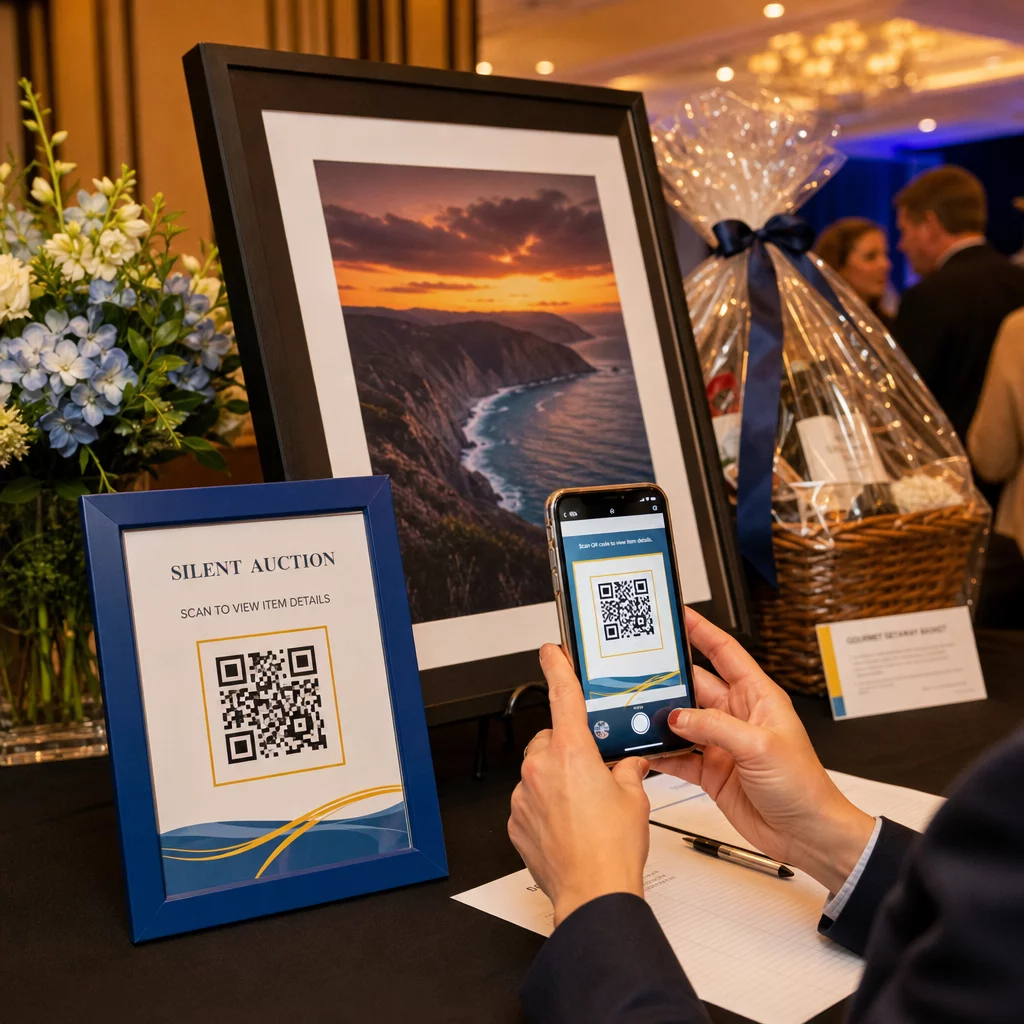
Ez a megközelítés csökkenti az adminisztratív munkát, kiküszöböli az olvashatatlan kézírás problémáit, és lehetővé teszi a szervezők számára, hogy valós időben kövessék a licitálási tevékenységet. Emellett az esemény során jobban lekötve tartja a résztvevőket az aukcióval, ahelyett, hogy a határidő közeledtével papírlapok köré csoportosulnának.
A dinamikus QR-kód a megfelelő választás itt, mivel lehetővé teszi a hivatkozott tartalom frissítését – például az elem részleteiről egy “licitálás lezárva” oldalra váltást – anélkül, hogy minden egyes elem mellett kicserélné a fizikai kódot.
Önkéntes jelentkezések és felmérések válaszainak gyűjtése
A non-profit szervezetek az önkéntesektől függenek, és minél egyszerűbbé teszi a jelentkezést, annál több választ kap. Egy Google Űrlapra vagy jelentkezési oldalra mutató QR-kód bármilyen promóciós anyagra nyomtatható – szórólapokra egy közösségi eseményen, plakátokra egy könyvtárban, bannerekre egy gyűlésen – és lehetővé teszi az emberek számára, hogy azonnal regisztráljanak telefonjukon.
Ugyanez a megközelítés működik az esemény utáni felmérések, tagsági jelentkezések és visszajelzési űrlapok esetében is. A Google Forms kérdőív QR kód generátor segítségével másodpercek alatt generálhat szkennelhető kódot bármely Google Űrlap linkből.
Azoknak a szervezeteknek, amelyek nyomon akarják követni, hogy mely anyagok és elhelyezések generálják a legtöbb jelentkezést, az űrlap QR-kódok nyomon követéssel való párosítása tisztább képet ad arról, hogy mi működik valójában. A QR-kód követési útmutatóban elmagyarázza, hogyan lehet nyomon követni a szkennelési mennyiséget, helyet és eszköz típusát a kampányok során.
Közösségi média követőinek növelése
A fizetett közösségi média hirdetések drágák lehetnek, és az általuk generált követők nem mindig érdeklődnek őszintén az ügye iránt. A fizikai anyagain elhelyezett QR-kód olcsóbb alternatívát kínál, amely azokat az embereket célozza meg, akik már érdeklődést mutattak – mert felvették a szórólapját vagy részt vettek az eseményén.
Kapcsoljon egy QR-kódot egy olyan céloldalhoz, amely tartalmazza az összes közösségi profiljára mutató linket, így a támogatók kiválaszthatják a preferált platformjukat. Alternatív megoldásként közvetlenül egy adott kampányoldalra vagy bejegyzésre hivatkozhat, amelyet erősíteni szeretne. Akárhogy is, az átalakulás azonnali, és a közönség melegebb, mint amit a legtöbb fizetett kampány nyújt.
Útmutatásért, hogy hogyan hozhatja ki a legtöbbet ezen kódok elhelyezéséből, a QR-kód elhelyezési útmutató tárgyalja a pozicionálást, méretezést és kontextust a különböző típusú nyomtatott anyagokhoz.
Kampányteljesítmény nyomon követése
A QR-kódok egyik legkevésbé kihasznált előnye a non-profit szervezetek számára az analitika. A dinamikus QR-kódokkal nyomon követheti, hányan szkenneltek be egy adott kódot, mikor szkennelték be, milyen eszközt használtak, és hol tartózkodtak. Ez megmutatja, mely nyomtatott anyagok generálnak valójában elkötelezettséget, és melyeket hagyják figyelmen kívül.
Például egy több helyszínen működő szervezet, amely közvetlen postai felhívást futtat, különböző QR-kódokat használhatna különböző régiókhoz, és összehasonlíthatná a szkennelési arányokat, hogy megértse, hol a leghatékonyabb az üzenete. Az adatok tájékoztathatják arról, hová fektessen be a jövőbeni nyomtatásokba, és mely kampányok igényelnek több költségvetést.
Kövesse nyomon minden szkennelést a kampányai során A Dinamikus QR-kód generátor teljes analitikai műszerfalat biztosít, amely mutatja a szkennelések számát, időzítését, földrajzi eloszlását és eszköz típusát – így mérheti minden nyomtatott anyag valós hatását.
Bevált gyakorlatok nyomtatás előtt
Mielőtt véglegesítene bármilyen QR-kódot nyomtatásra, néhány technikai ellenőrzés megóvja Önt attól, hogy olyan anyagokat készítsen, amelyek frusztrálják a támogatókat:
- Tesztelje több eszközön – szkennelje be a kódot iOS és Android rendszeren is, különböző fényviszonyok között, mielőtt elkötelezné magát egy nyomtatási sorozat mellett
- Használjon magas kontrasztot – sötét modulok világos háttéren; kerülje a színek invertálását
- Méretezze megfelelően – legalább 0,8 × 0,8 hüvelyk standard szórólapokhoz; nagyobb poszterekhez és távolról nézett bannerekhez
- Optimalizálja a céloldalt mobilra – a legtöbb szkennelés okostelefonon történik, ezért a kód által hivatkozott oldalnak gyorsan be kell töltenie, és könnyen navigálhatónak kell lennie kis képernyőn
- Tegyen bele szöveges alternatívát – nyomtassa ki az URL-t vagy egy rövid leírást a kód alá, hogy a céloldal elérhető legyen mindenki számára, aki nem tudja vagy nem akarja beolvasni
A különböző nyomtatott anyagok részletes méretezési ajánlásaiért a QR-kód méretezési útmutató specifikus méreteket biztosít papír, karton és szövet alkalmazásokhoz.
A QR-kódok akkor működnek a legjobban a non-profit szervezetek számára, ha lépéseket szüntetnek meg, ahelyett, hogy hozzáadnának. Minden telepített kódnak a támogatót az érdeklődéstől a cselekvésig kell eljuttatnia – adományozás, regisztráció, feliratkozás vagy kapcsolódás – a lehető legkevesebb érintéssel. Kezdje a legmagasabb prioritású érintkezési ponttal, legyen az egy adományozási oldal vagy egy eseményregisztrációs űrlap, és használja a Pageloot QR-kód generátor egy márkázott, nyomon követhető kód létrehozásához, amelyet minden nyomtatott anyagán elhelyezhet.
Gyakori kérdések
Dinamikus QR-kódok a jobb választás adománygyűjtéshez. Lehetővé teszik a cél URL frissítését nyomtatás után – hasznos, ha az adományozási oldalad változik, vagy szezonális kampányokat futtatsz – és tartalmaznak analitikát, így nyomon követheted, hányan szkenneltek, mikor és honnan. Statikus QR-kódok ingyenesek, de nem szerkeszthetők és nem követhetők nyomon.
A jól teljesítő elhelyezések közé tartoznak a közvetlen postai felhívó levelek, rendezvénytáblák és asztali kártyák, adománygyűjtő dobozok, önkéntes toborzó szórólapok és konferencia jelvények. Minden esetben helyezze el a kódot szemmagasságban, tartalmazzon egyértelmű cselekvésre ösztönzést, például “Szkenneljen az adományozáshoz” vagy “Szkenneljen a regisztrációhoz”, és győződjön meg róla, hogy a hivatkozott oldal mobil eszközökre van optimalizálva.
Standard szórólapok és nyomtatott anyagok esetén minimum 0,8 × 0,8 hüvelyk (2 × 2 cm) méret ajánlott a megbízható szkenneléshez karnyújtásnyira. Nagyobb távolságból megtekintett plakátok és bannerek esetén arányosan növelje a kód méretét – általános szabály, hogy a kódnak legalább az elvárt szkennelési távolság egytizedének szélességével kell rendelkeznie.