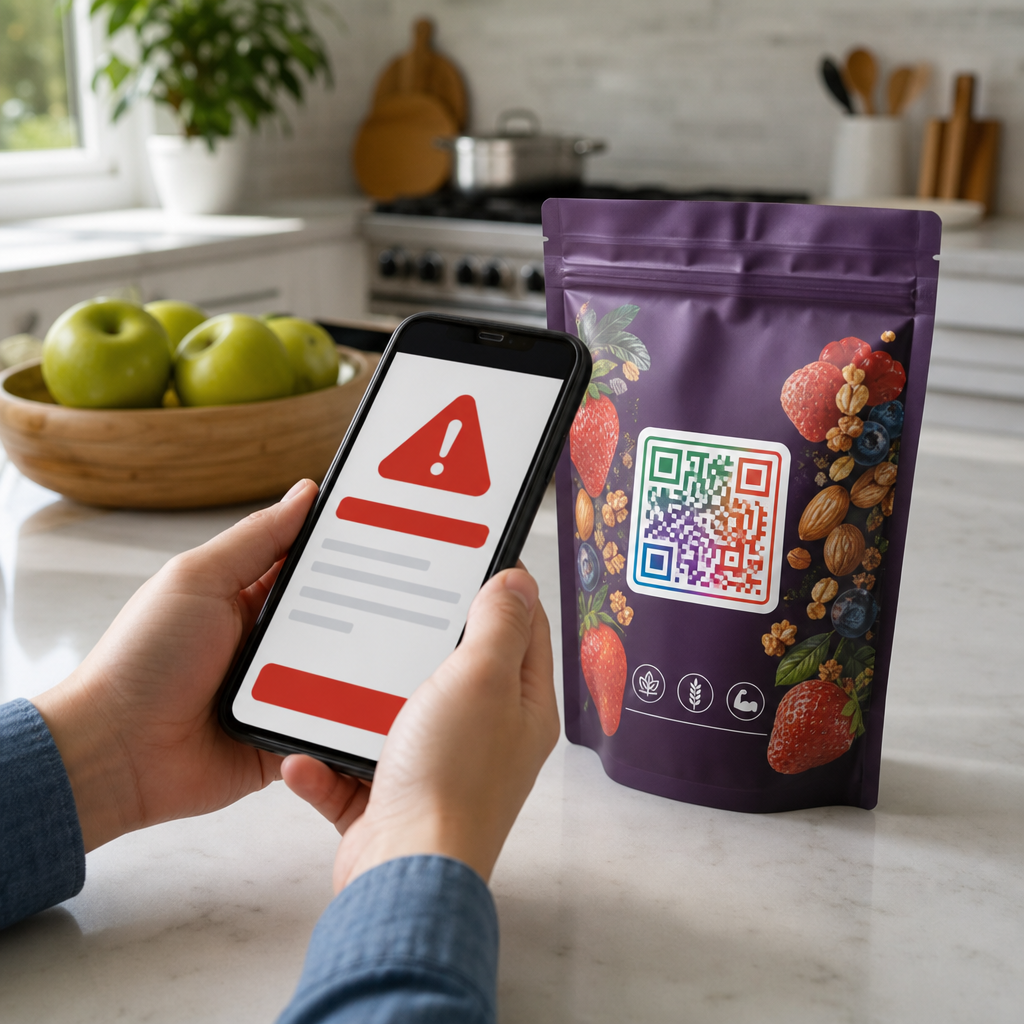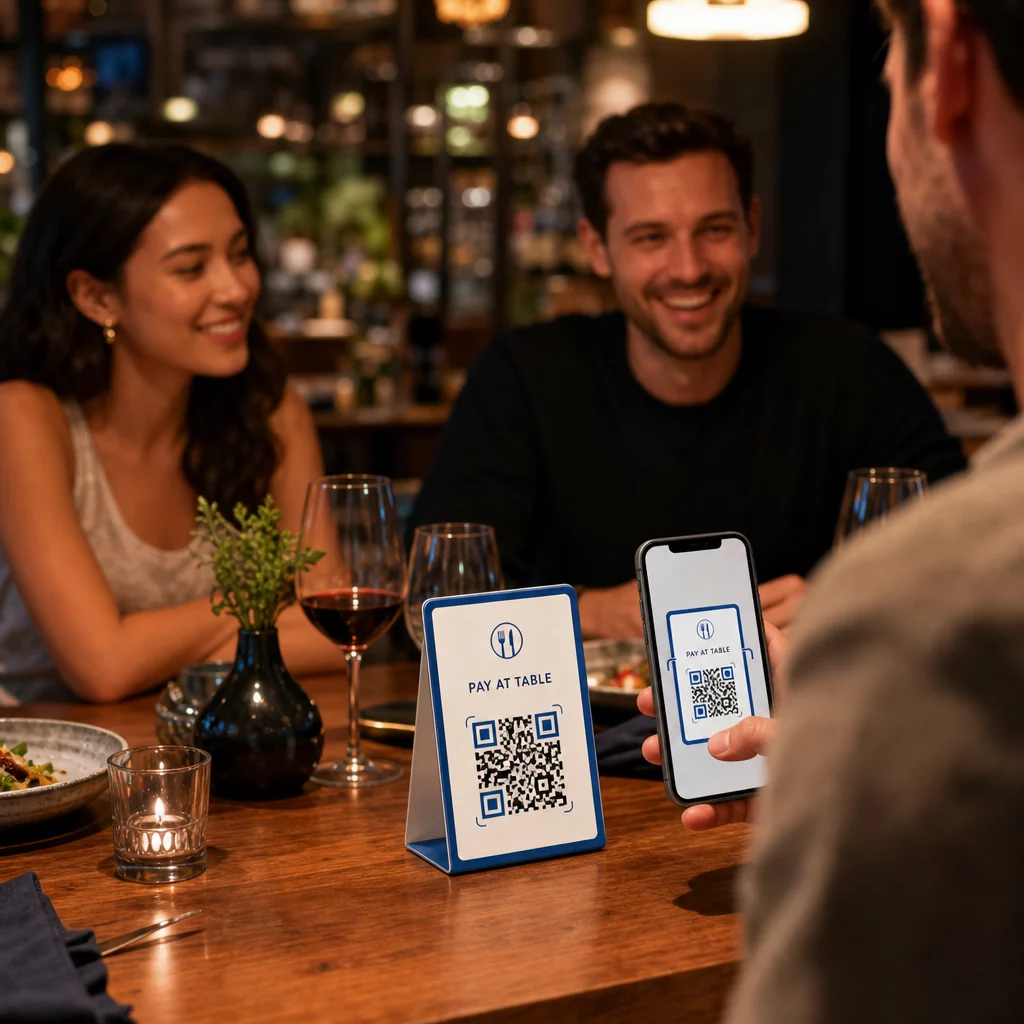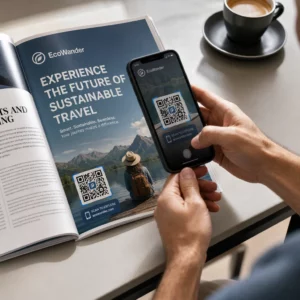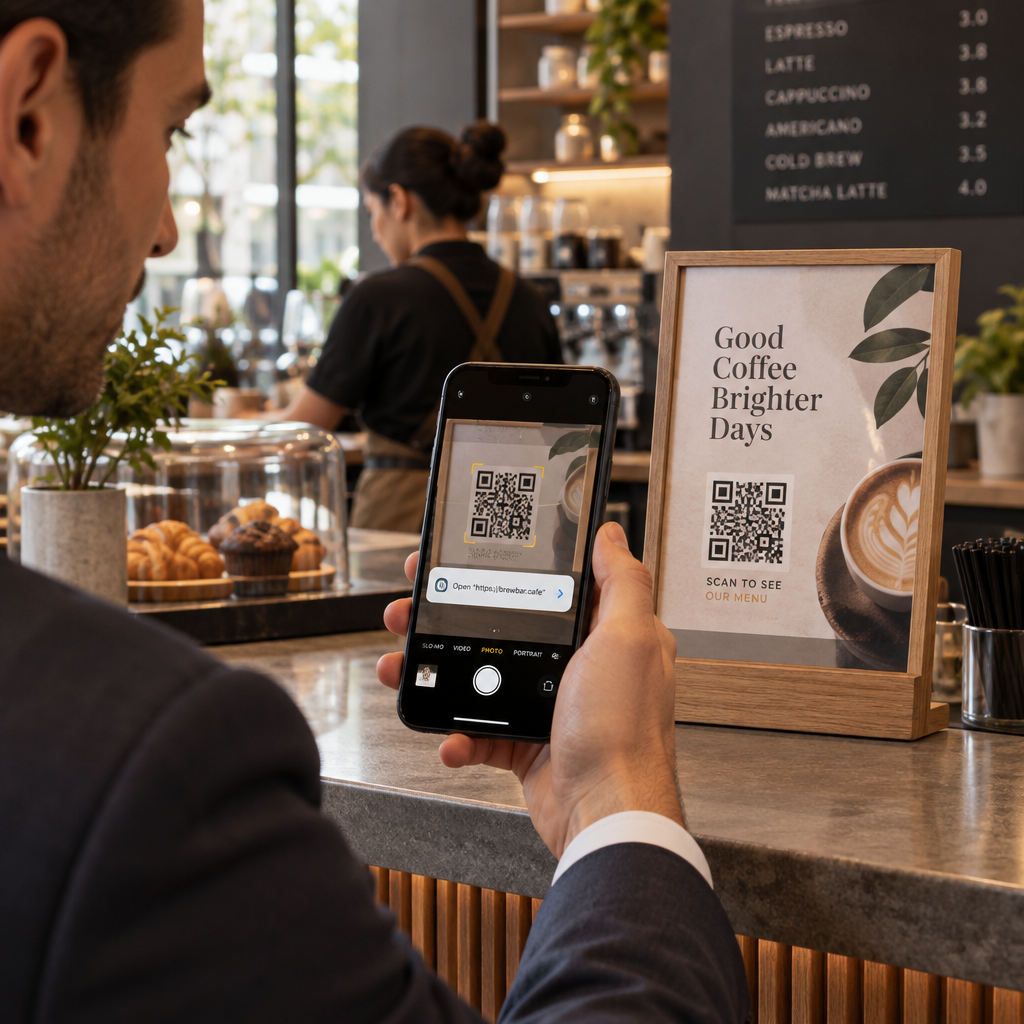
Are you certain the QR codes displayed across your business materials are completely secure? A single fraudulent redirect can expose customer data, drain financial accounts, and devastate your brand reputation. This guide breaks down the core privacy threats of QR scanning and provides practical safeguards to keep your interactions protected.
Understanding the Mechanics of QR Code Phishing
QR code phishing, commonly termed “quishing,” has emerged as a primary exploit because optical barcodes are not human-readable. Unlike standard hyperlinks where you can visually inspect domain spellings before clicking, a QR code conceals its destination until your mobile device processes the data matrix. This structural opacity enables threat actors to evade standard email filters and secure email gateways that fail to parse embedded images.
Criminals exploit this blind spot by placing malicious codes inside PDF attachments, fake invoice emails, or physical mailings. When an unsuspecting employee or consumer scans the image, the code executes a browser redirect that circumvents desktop endpoint defenses. The stakes for businesses are substantial; industry investigations into 二维码钓鱼商业风险 show that credential theft campaigns increasingly rely on these optical vectors to infiltrate enterprise networks.
Primary QR Code Security and Privacy Threats
Safeguarding your systems requires identifying the specific avenues attackers use to exploit optical links. These vulnerabilities span both digital manipulation and physical tampering:
- Malicious redirects and hidden destinations: Attackers frequently route users through URL shorteners or dynamic redirection chains. While a scanner preview might momentarily display a benign root domain, the final destination lands on an unverified site designed to deploy tracking cookies or steal session tokens.
- Credential harvesting via lookalike portals: Scammers create precise duplicates of internal company login portals, cloud services, or banking platforms. Unsuspecting users enter corporate credentials to view an alleged document, handing complete account access directly to unauthorized third parties.
- Automatic malware downloads: Pointing a device camera at an infected code can initiate immediate downloads of harmful payloads, including mobile trojans and infostealers. These files often camouflage as mandatory system updates or PDF viewers.
- Unauthorized data collection and tracking: Scanning a dynamic link routes user traffic through a redirection server that can log sensitive technical details. Reviewing the data collected by dynamic QR codes reveals that unmanaged redirect endpoints can gather IP addresses, approximate locations, browser profiles, and unique device fingerprints without clear disclosure.
- Physical sticker overlays: Fraudsters print adhesive barcodes on durable vinyl and paste them over legitimate codes on restaurant tables, transit kiosks, and public parking meters. Victims believe they are paying a municipality or merchant, but their payment details travel directly to a scammer.
Verify Destination Links Before You Browse Inspect any suspicious code safely without exposing your device to automatic browser redirects. Use our web-based 免费的二维码扫描器 to preview the complete destination URL and verify its authenticity before proceeding.
Practical Steps to Spot and Avoid Malicious Codes
Developing consistent verification habits neutralizes the vast majority of optical attacks before any data exchange occurs. You can evaluate the physical and digital legitimacy of any code through focused inspection routines.
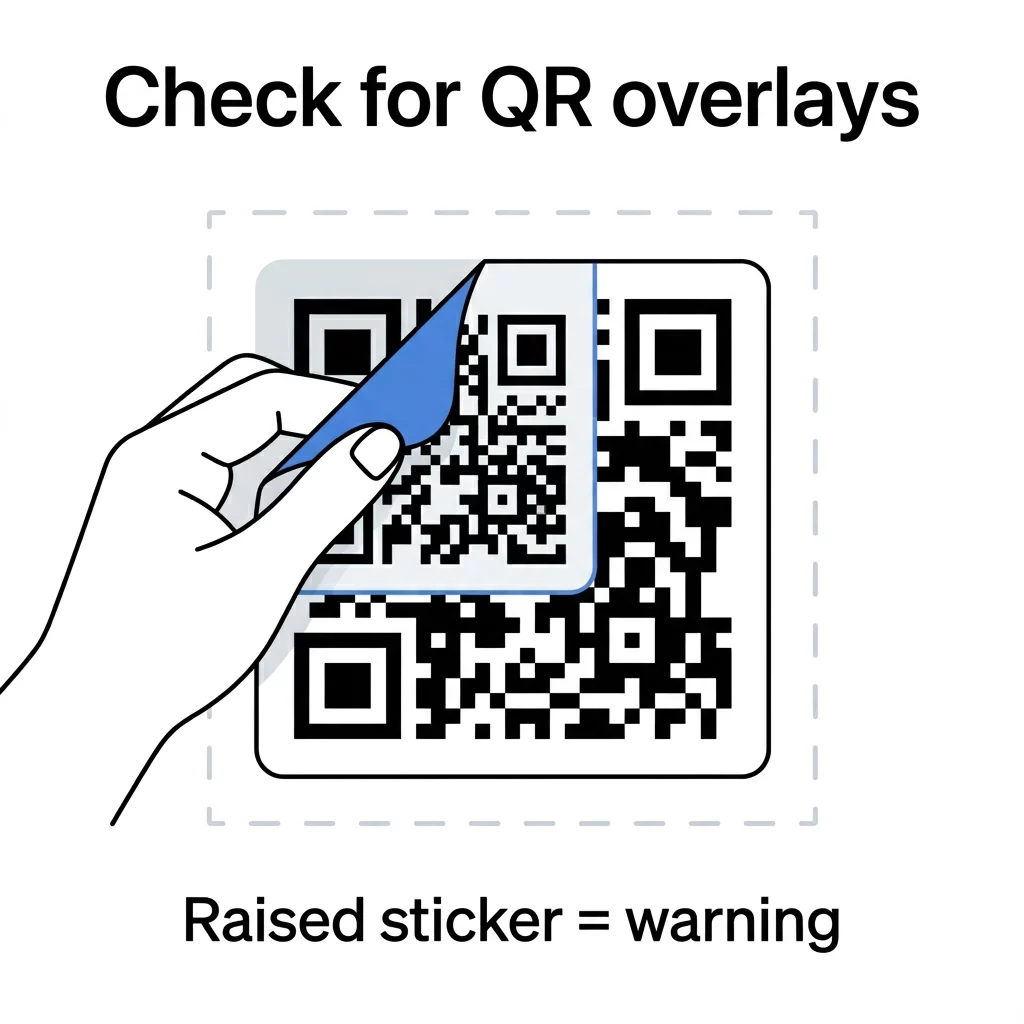
Begin with a tactile inspection of any physical signage. Run a finger across the surface of the placard or payment meter; if you detect raised edges, distinct paper seams, or off-center alignment, you are likely looking at a malicious sticker overlay. Legitimate organizations print directly onto their signage or use tamper-resistant industrial materials.
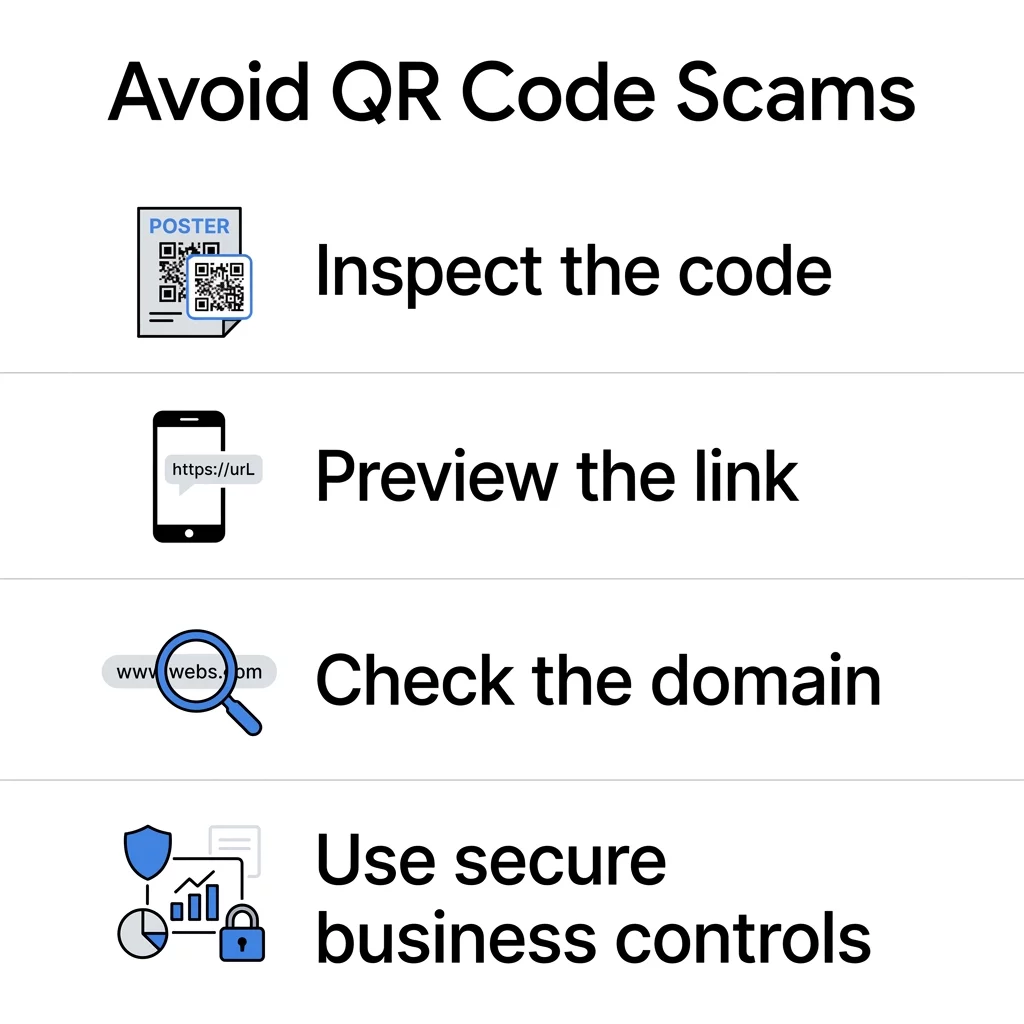
Digital verification requires equal discipline. Following established 二维码安全最佳实践 helps maintain defensive hygiene across your entire workflow:
- Scrutinize the full URL preview: Use your native smartphone camera or a dedicated verification scanner to inspect the destination link before tapping it. Look for character swaps, suspicious subdomains, or unfamiliar top-level domains.
- Reject unsolicited scan requests: Treat QR codes embedded in unsolicited text messages, emails, or unexpected packages with extreme skepticism. Legitimate courier services and financial institutions do not require QR scans as the sole path to resolve account holds.
- Never enter payment details from public signs: If you encounter a QR code on a parking meter or public transit kiosk, avoid entering financial information directly. Navigate manually to the verified official agency website or download the municipality’s official payment application directly from your phone’s native app store.
- Restrict device application permissions: Configure mobile browsers and cameras to prompt for permission before launching external applications, downloading files, or sharing device geolocation.
Safeguarding Commercial QR Code Deployments
Deploying customer-facing codes requires technical safeguards that protect user trust while maintaining operational flexibility. Adhering to 安全二维码生成最佳实践 prevents unauthorized tampering and protects your brand assets.
- Choose dynamic over static architectures: Static codes embed permanent URLs directly into the pixel arrangement, making them impossible to modify if an endpoint suffers a breach. Using a centralized 动态 QR code 生成器 allows administrators to alter destination URLs, pause redirects, or terminate compromised links instantly without replacing physical signage.
- Enforce multi-factor authentication on management portals: Protect your QR management dashboard using least-privilege role assignments, strong passwords, and multi-factor authentication (MFA). Restricting administrative privileges prevents unauthorized adversaries from modifying your production redirect links.
- Implement custom branded redirect domains: Replace generic URL shorteners with your own verified brand subdomains. When customers see a recognizable domain preview matching your exact company name, their confidence increases and the risk of successful spoofing diminishes.
- Monitor scan analytics for anomalous activity: Review centralized dashboards regularly to monitor scan spikes, unexpected operating system profiles, or sudden traffic surges from distant geographical regions. Unusual data patterns often serve as an early alert that an unauthorized party has manipulated your materials.
- Conduct routine physical audits: Establish physical inspection routines for all on-premise displays. Retail and hospitality teams should check menus, counter cards, and storefront windows daily to ensure no unauthorized decals have been placed over company assets.
Aligning QR Marketing with Privacy Regulations
Collecting user metrics to measure marketing performance introduces legal obligations under global frameworks like the European Union’s GDPR and the California Consumer Privacy Act (CCPA). Under these statutes, scanning device data – such as IP addresses, advertising identifiers, and derived location coordinates – constitutes personal information.
了解 二维码隐私法律法规 is essential for avoiding regulatory penalties and preserving user trust. Organizations operating under CCPA guidelines must provide clear notice at or before collection, detailing the specific categories of data processed, the commercial purpose, and relevant retention schedules.
Marketers must also focus on designing QR codes with minimal data collection. Limit tracking parameters to essential aggregated metrics, such as broad device operating systems or regional time stamps, rather than gathering granular GPS coordinates. Displaying a concise, upfront notice informing users of data collection before any personal input is requested guarantees compliance and reassures your audience.
QR Code Security and Privacy Evaluation Framework
Before publishing new campaigns or scanning codes in unfamiliar environments, evaluate your deployment against this operational risk matrix:
| Security Factor | Low Risk Indicator | High Risk Indicator | Required Safeguard |
|---|---|---|---|
| Physical Medium | Direct print on permanent substrate | Adhesive sticker pasted over existing signage | Perform tactile inspections and audit surfaces daily |
| Domain Structure | Fully branded, HTTPS-certified primary domain | Generic shortened URL or misspelled lookalike | Inspect URL previews and configure custom brand domains |
| Destination Type | Informational landing page or catalog | Direct credential prompt or automatic file download | Require MFA and block direct downloads upon initial scan |
| Link Architecture | Dynamic code managed via protected dashboard | Hardcoded static URL with no management controls | Deploy dynamic codes to allow immediate link revocation |
| Data Minimization | Non-identifying scan metrics and aggregate analytics | Aggressive GPS tracking and undisclosed data capture | Provide clear privacy notices and disable precise geolocation |
Protecting Your Organization and Users Moving Forward
QR codes remain one of the most effective bridges connecting physical environments to digital assets, but their convenience should never come at the expense of privacy or cybersecurity. Maintaining safety requires an active balance of user vigilance, physical inspections, and enterprise-grade generation tools. Implement strict link verification practices, audit your physical marketing touchpoints routinely, and rely on secure, manageable redirection platforms to protect every scan your customers make.
常见问题
Disconnect your device from mobile data and Wi-Fi immediately to disrupt active data transmissions or malware communications. Change the passwords for any accounts accessed during that session using an alternate, secure device, enable multi-factor authentication, and monitor your bank statements for unauthorized charges.
No, QR codes are simply visual representations of textual data and hyperlinks. Security risks arise exclusively from malicious destination websites, unmonitored redirect servers, or physical overlays placed on public signage by bad actors.
Check whether the code is printed on a raised sticker placed over an existing sign, menu, or parking meter. Look for mismatched colors, peeling edges, blurry resolution, or alignment differences between the code and surrounding branding.