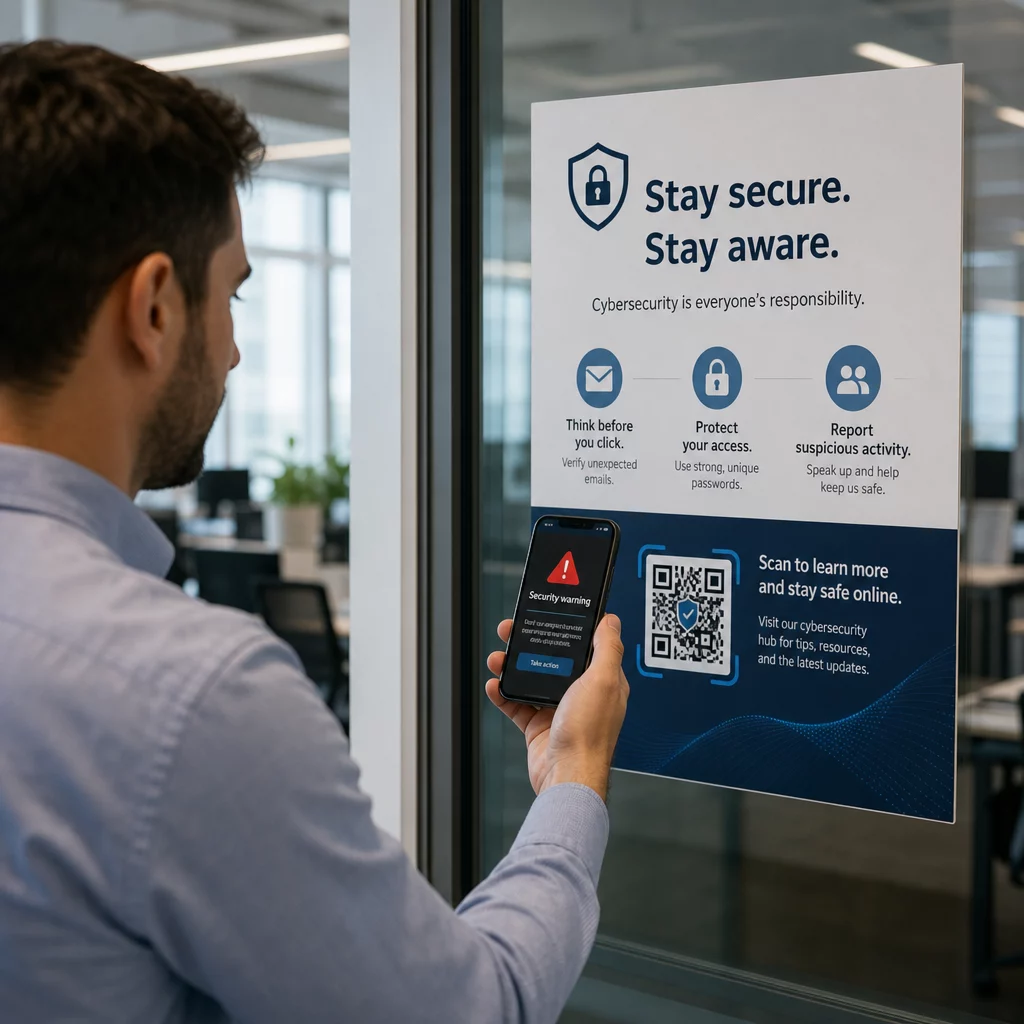
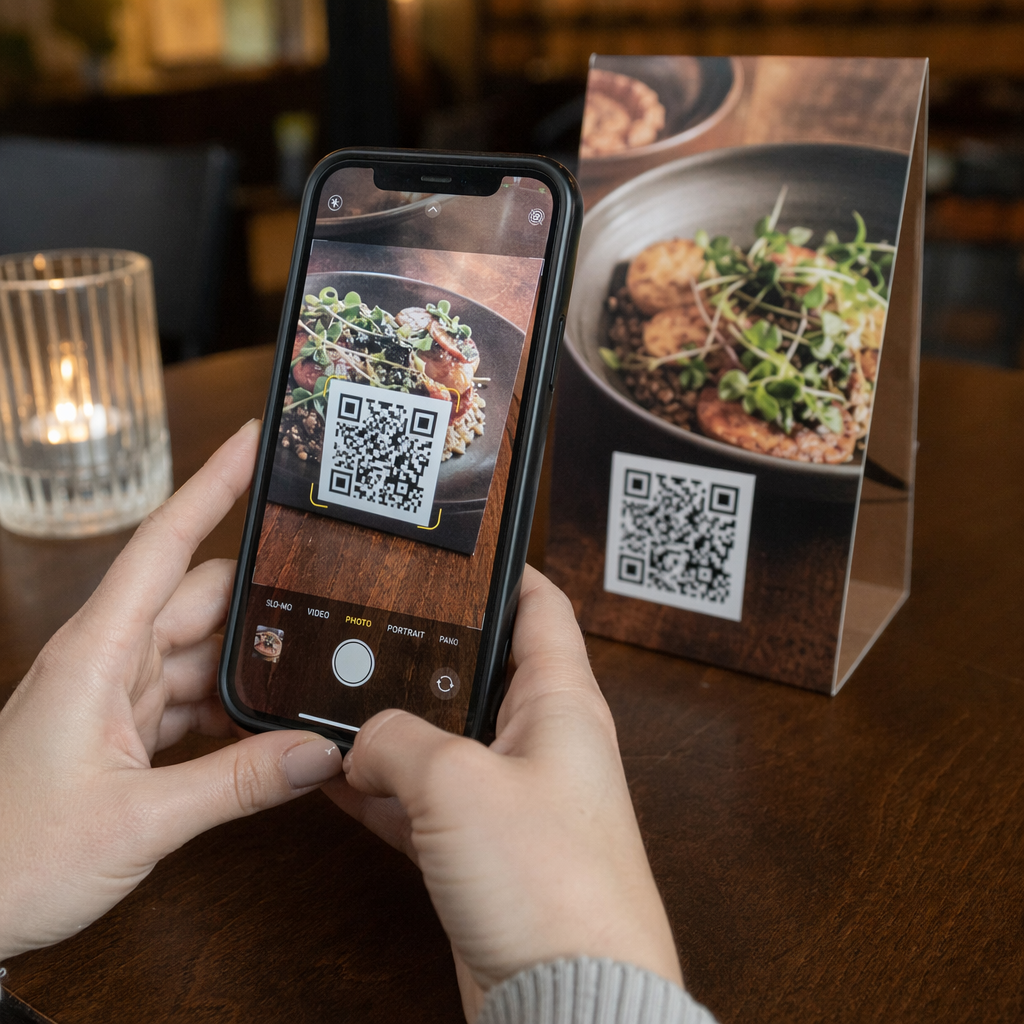
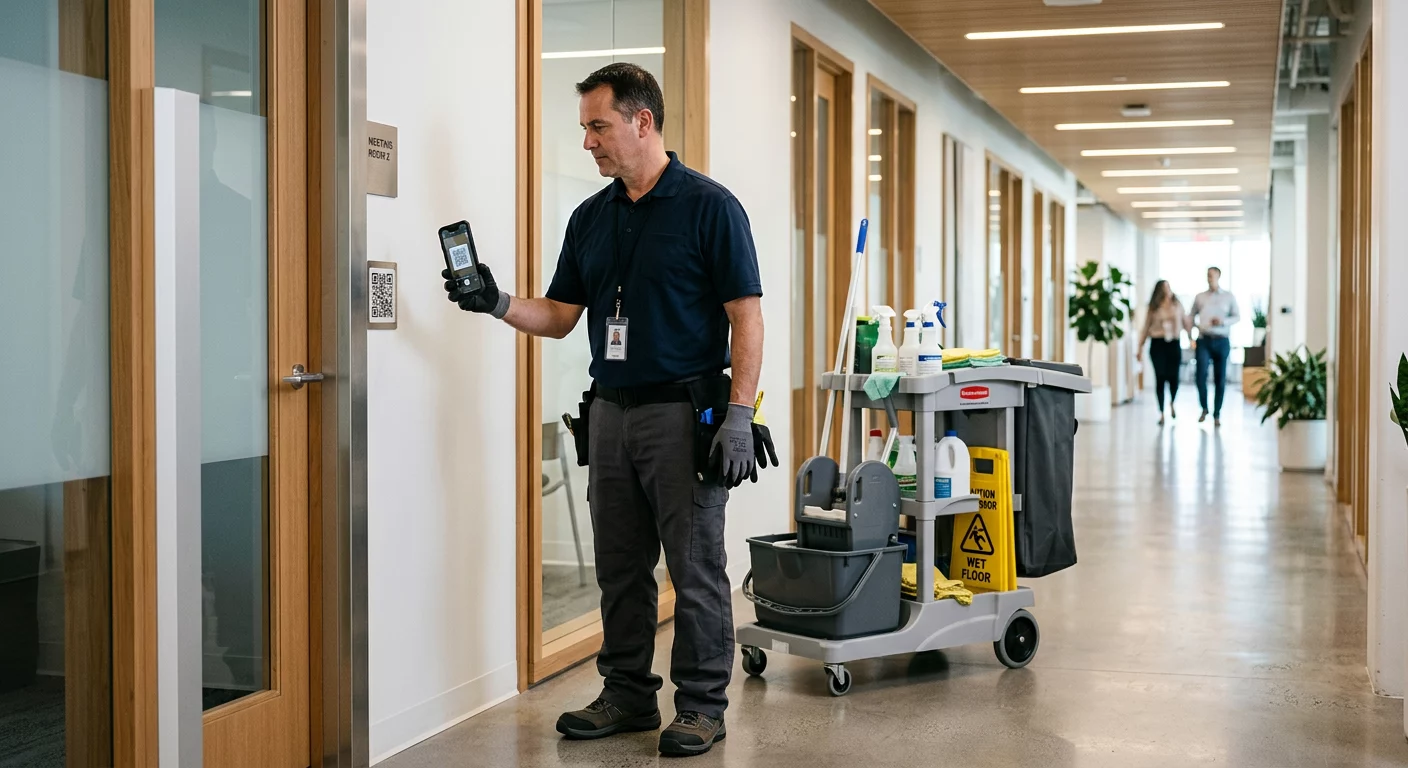
Ваши QR-коды игнорируются? Большинство компаний размещают коды на печатных материалах без четкой стратегии, и в результате получают низкое количество сканирований и отсутствие измеримой отдачи. Это руководство проведет вас через практические шаги – от планирования до отслеживания – которые превратят обычный QR-код в настоящий маркетинговый актив.
Начните с четкой цели и аудитории
Размещение QR-кода без цели – самая распространенная ошибка маркетологов. Прежде чем что-либо генерировать, определите, чего вы хотите достичь с помощью кода. Вы направляете трафик на страницу продукта? Расширяете свой список рассылки? Собираете отзывы в Google? Продвигаете загрузки приложений?
В то же время подумайте о своей аудитории. Спросите себя:
- Знают ли ваши клиенты, как сканировать QR-коды, или им нужны краткие инструкции поблизости?
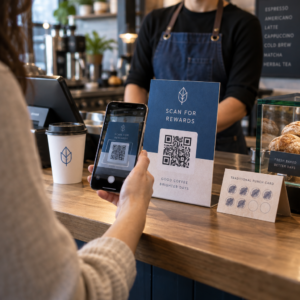
- Где они столкнутся с кодом – на столике в ресторане, на выставочном стенде, на упаковке продукта?
- Что побудит их сканировать именно в этот момент?
Стимулы имеют большое значение. QR-коды, ведущие к скидке, бесплатному ресурсу, эксклюзивному контенту или конкурсу, дают людям конкретную причину действовать. Без этой ценности даже хорошо размещенный код будет проигнорирован. Для структурированной отправной точки, Чек-лист по QR-маркетингу для малого бизнеса подробно рассматривает постановку целей и выбор кода.
Выберите правильный тип QR-кода для вашей кампании
Не все QR-коды работают одинаково. Статические QR-коды кодируют информацию непосредственно в шаблон. После печати их нельзя изменить, и они не предоставляют данных отслеживания. Они хорошо подходят для постоянного контента, такого как учетные данные Wi-Fi или фиксированные контактные данные.
Динамические QR-коды используют короткий URL-адрес перенаправления, что означает, что вы можете обновить пункт назначения в любое время без перепечатки физического кода. Они также собирают подробную аналитику – количество сканирований, временные метки, типы устройств и географические данные. Для любой маркетинговой кампании, где вам нужна гибкость или измерение, динамические коды – правильный выбор.
Чтобы полностью понять компромиссы, сравнение статических и динамических QR-кодов объясняет, когда каждый тип имеет смысл и какие функции поддерживает каждый из них.
Создавайте и управляйте динамическими QR-кодами в одном месте Обновляйте адреса без перепечатки, отслеживайте эффективность сканирования и управляйте каждым кодом с единой панели управления с помощью Динамический QR код: генератор.
Дизайн для сканируемости
QR-код, который не сканируется, подрывает доверие так же, как и неработающая ссылка – посетители уходят и не возвращаются. Дизайнерские решения напрямую влияют на то, будет ли ваш код надежно работать на разных устройствах и при различных условиях освещения.
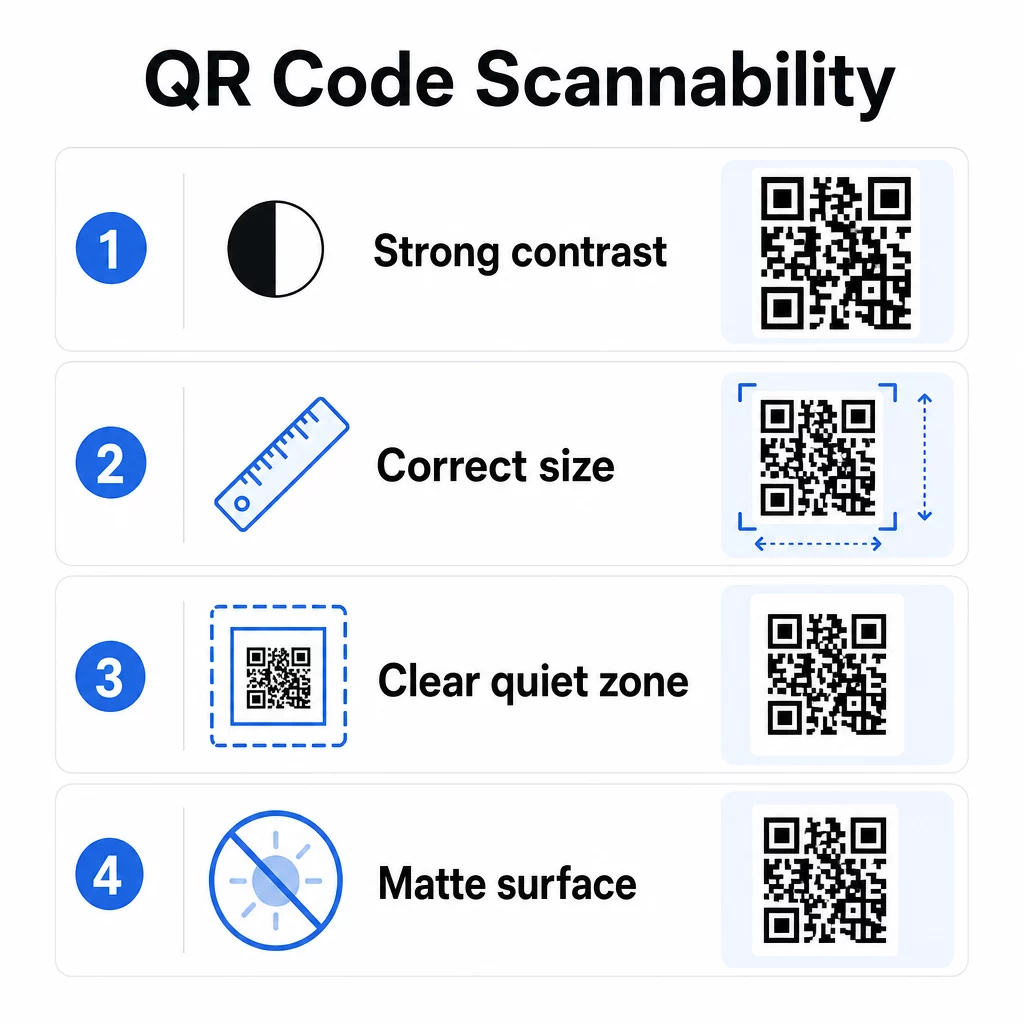
Контраст является единственным наиболее важным фактором. Сканеры работают, различая темные модули на светлом фоне. Для стандартной читаемости требуется минимальный коэффициент контрастности 4:1, а для размещения на улице или в условиях низкой освещенности рекомендуется более высокая контрастность. Избегайте инвертированных цветов, низкоконтрастных сочетаний, таких как светло-серый на белом, и глянцевых поверхностей, создающих блики.
Размер определяет, может ли код быть прочитан на расстоянии сканирования, где люди фактически с ним столкнутся. Практическое руководство — это соотношение 10:1: ширина кода в сантиметрах должна составлять примерно одну десятую от ожидаемого расстояния сканирования в сантиметрах. Для материалов ближнего действия, таких как визитные карточки, абсолютный минимум составляет 2 × 2 см (0,8 × 0,8 дюйма). Для большинства печатных брошюр 3 × 3 см (1,2 × 1,2 дюйма) является более безопасной базовой линией.
Другие факторы дизайна, которые следует учитывать:
- Поддерживайте четкую тихую зону – белую рамку вокруг кода – чтобы сканеры могли изолировать шаблон от окружающих элементов дизайна
- Используйте матовые поверхности вместо глянцевых для уменьшения отражения
- Генерируйте коды в высоком разрешении, чтобы предотвратить пикселизацию при печати
- Избегайте размещения кодов на изогнутых поверхностях, таких как бутылки, где искажение мешает сканированию
Для более глубокого изучения рекомендаций по цвету и контрастности, руководство по улучшению читаемости QR-кодов подробно описывает технические требования.
Брендируйте свои QR-коды
Простой черно-белый QR-код функционален, но он не укрепляет вашу идентичность и не выделяется на переполненной странице. Индивидуальные коды – с фирменными цветами, логотипом в центре и стилизованной рамкой – привлекают больше внимания и сообщают о профессионализме.
При добавлении логотипа, держите его простым и такого размера, чтобы он не загораживал область сканирования кода. Если вы включаете логотип, повысьте уровень коррекции ошибок до Q или H, чтобы компенсировать закрытые модули. Всегда тестируйте брендированный код на нескольких устройствах, прежде чем окончательно утвердить его для печати.
Добавление рамки с призывом к действию – текст вроде “Сканируйте для меню” или “Получите скидку” – сокращает разрыв между любопытством и действием, точно сообщая людям, что они получат. Рамки постоянно улучшают показатели сканирования, поскольку они устраняют двусмысленность.
Изучите варианты для QR-кодов с логотипами и узнайте, как Рамка для QR кода их можно использовать для повышения вовлеченности в различных контекстах.
Размещайте коды там, где сканирование практично
Видимость и контекст так же важны, как и дизайн. QR-код, размещенный там, где у людей нет времени, нет связи или нет четкой причины для сканирования, будет работать хуже, независимо от того, насколько хорошо он разработан.
Эффективное размещение следует нескольким последовательным принципам:
- Располагайте коды на уровне глаз – обычно на высоте от 3,5 до 5,5 футов от земли для плакатов и вывесок
- Избегайте загроможденных мест, где код конкурирует с окружающими визуальными элементами за внимание
- Учитывайте, будет ли у вашей аудитории интернет-соединение в этом месте (метро с плохим сигналом – плохая среда для кода, который загружает веб-страницу)
- Размещайте коды там, где у людей есть момент, чтобы остановиться – настольные подставки, упаковка продуктов, зоны ожидания и стойки регистрации мероприятий – все это хорошо работает
- Тестируйте различные варианты размещения одного и того же содержимого кода, чтобы найти то, что генерирует наибольшее количество сканирований
Для размещений, специфичных для печати, руководство по размещению QR-кодов в маркетинге охватывает лучшие практики по типу материала, от визиток и листовок до баннеров и цифровых экранов. Руководство по использованию QR-кодов в печатных СМИ конкретно рассматривает вопросы размера и размещения в контексте физической рекламы.
Отправляйте сканеры на мобильно-оптимизированное место назначения
QR-коды сканируются почти исключительно на смартфонах. Отправка пользователя на страницу, не оптимизированную для мобильных устройств, немедленно подрывает впечатление и увеличивает показатели отказов.
Хорошая мобильная целевая страница для QR-кампании:
- Загружается быстро, даже при сотовом соединении с ограниченной пропускной способностью
- Отображает контент, который читается без масштабирования или увеличения
- Сосредоточен на одном, четком действии, а не на загроможденном макете
- Ссылается непосредственно на соответствующий контент – конкретное меню, продукт, предложение или форму – а не на общую домашнюю страницу
Если вы используете динамические QR-коды, вы можете обновить целевой URL без перепечатки, что означает, что вы можете исправить плохо работающую целевую страницу или заменить ее сезонной акцией без выпуска новых кодов.
Привяжите свой QR-код к любому URL-адресу Направляйте сканеры на любую веб-страницу, целевую страницу или место назначения кампании с помощью Генератор QR-кодов для ссылок.
Отслеживайте производительность и оптимизируйте
Один из самых сильных аргументов в пользу использования QR-кодов в маркетинге — это данные, которые они генерируют. Отслеживание сканирований QR-кодов дает вам представление о том, когда, где и как часто используются ваши коды – информация, которую не могут предоставить статические рекламные каналы.
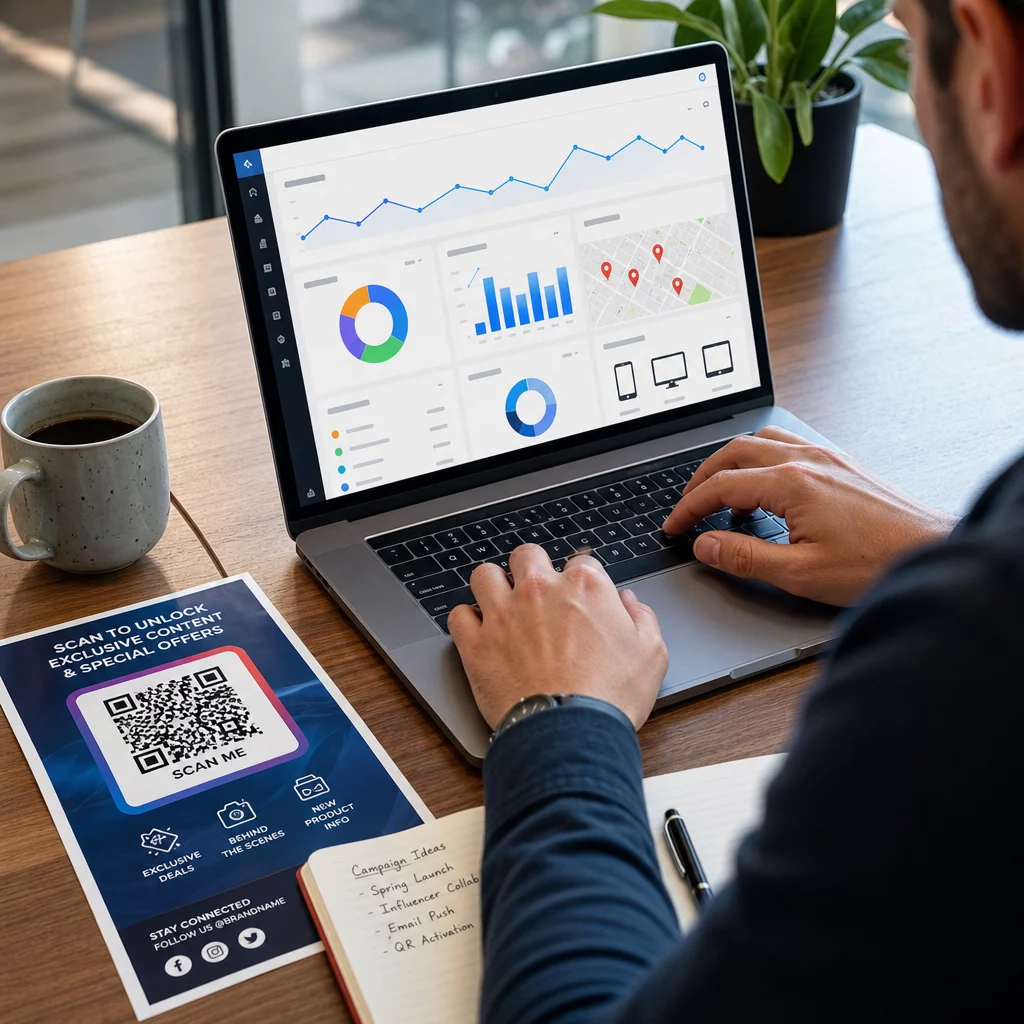
Динамические QR-коды собирают метрики, включая:
- Общее количество сканирований и уникальные сканирования
- Временные метки сканирования (шаблоны дня и времени)
- Географическое местоположение по городу или региону
- Тип устройства и операционная система
Добавление UTM-параметры к вашим целевым URL-адресам связывает данные сканирования QR-кода с вашей учетной записью Google Analytics, позволяя вам измерять поведение после сканирования, такое как посещенные страницы, время на сайте и конверсии. Для практического руководства по настройке, статья о UTM-параметрах для QR-кодов рассматривает соглашения об именовании и отчетность GA4.
Вы также можете проводить структурированные A/B-тесты, создавая варианты с различными призывами к действию (CTA), дизайнами или размещениями и сравнивая показатели сканирования и конверсии. Руководство по как A/B-тестирование улучшает конверсии QR-кодов объясняет, как настроить и анализировать эти тесты систематически.
Видеть каждое сканирование в реальном времени Получите доступ к подробной аналитике, включая местоположения сканирования, типы устройств и временные паттерны, с помощью инструментов отслеживания QR-кодов Pageloot.
Тестируйте перед распространением
Тестирование не подлежит обсуждению. Код, который не сканируется после того, как было напечатано 10 000 листовок, является дорогостоящей ошибкой, которую можно было бы обнаружить за пять минут.
До запуска любой кампании:
- Отсканируйте код на нескольких устройствах (как iOS, так и Android, включая старые модели)
- Протестируйте в условиях освещения, где код будет фактически отображаться
- Убедитесь, что целевая страница загружается правильно и полностью функциональна на мобильных устройствах
- Если вы используете параметры UTM, убедитесь, что они корректно отображаются в вашей учетной записи аналитики
Динамические QR-коды упрощают исправление проблем после запуска, поскольку вы можете обновить целевую страницу без перепечатки. Однако тестирование физической сканируемости кода все равно необходимо провести до распространения.
Применяйте QR-коды в вашей отрасли
QR-коды активно используются в большинстве отраслей, ориентированных на клиентов. Рестораны используют их для бесконтактных меню и заказов. Розничные продавцы связывают упаковку с информацией о продукте, видеоуроками и отзывами клиентов. Специалисты по недвижимости связывают вывески с виртуальными турами и актуальными объявлениями. Организаторы мероприятий используют их для регистрации, проверки и расписания сессий.
В Центр отраслевых решений Pageloot охватывает варианты использования, специфичные для вашего сектора, а также библиотека функций описывает спектр доступных типов QR-кодов – от доставки PDF и обмена vCard до сбора отзывов Google и перенаправлений в магазины приложений.
Несколько конкретных инструментов, о которых стоит знать:
- QR код на пдф файл – делитесь меню, каталогами, руководствами и документами без проблем с хостингом
- Создать QR код для визитки – предоставьте контактам мгновенный доступ к вашим данным на сетевых мероприятиях
- QR код для отзывов Google – уменьшите трение в процессе обзора и соберите больше отзывов клиентов
Часто задаваемые вопросы
Статический QR-код кодирует информацию непосредственно в шаблон и не может быть изменен после создания. Он не предоставляет данных отслеживания. Динамический QR-код использует короткий URL-адрес перенаправления, что означает, что вы можете обновить пункт назначения в любое время без перепечатки кода, и он собирает аналитические данные, такие как количество сканирований, местоположения и типы устройств. Для большинства маркетинговых кампаний динамические коды являются лучшим выбором, поскольку они позволяют проводить постоянную оптимизацию и измерение.
Используйте динамические QR-коды в сочетании с UTM-параметрами для отслеживания эффективности кампании. Динамические коды собирают данные сканирования – включая, сколько раз код был отсканирован, где, на каких устройствах и в какое время. UTM-параметры связывают эти данные с Google Analytics, чтобы вы могли измерять, что происходит после сканирования, включая конверсии и время на странице. Сравнение этих метрик по различным размещениям и временным периодам помогает вам определить, что работает, и где нужно внести коррективы.
Всегда направляйте сканеры на мобильно-оптимизированную страницу, которая непосредственно соответствует контексту, где появляется код. Избегайте отправлять людей на общую домашнюю страницу. Если код находится на столике в ресторане, ссылайтесь на меню. Если он находится на упаковке продукта, ссылайтесь на руководство по настройке или страницу отзывов. Целевая страница должна загружаться быстро, корректно отображаться на экране телефона и быть сосредоточена на одном четком действии. Глубокая ссылка на наиболее релевантную страницу уменьшает трение и улучшает коэффициенты конверсии.